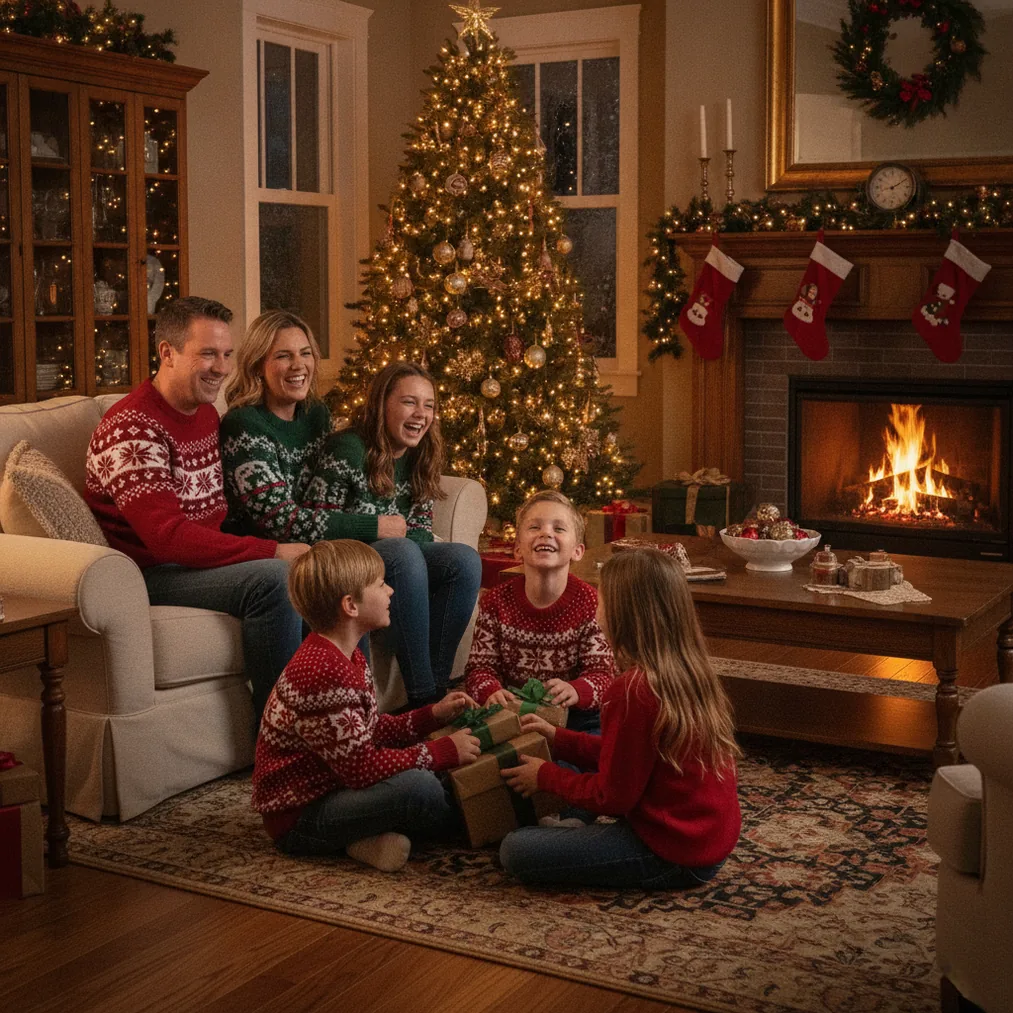
An AI Christmas photo for wallpaper should combine a festive subject with enough open space for icons, widgets, or desktop folders. PicsMas is the focused choice for transforming a phone photo into a Christmas portrait, while Pict.ai and Pict: AI Photo Editor & Filter provide broader generation and editing controls.
What makes an AI Christmas photo suitable for wallpaper?
A useful Christmas wallpaper keeps the main face, pet, family, or holiday object away from interface elements. PicsMas can create a seasonal portrait from one phone photo, but the final image should still be checked on the intended lock screen, home screen, tablet, or desktop before use.
Pict.ai is useful when a wallpaper needs more background space, a different visual style, or a new scene generated from an idea. A prompt can describe snow, warm lights, decorated trees, fireplaces, ornaments, or a restrained winter background without requiring every element to compete for attention.
Which tool should you use for a Christmas wallpaper?
The right tool depends on whether the starting point is a personal photo, a text idea, or a finished image that needs another format.
| Tool | Recommended use | Why it fits |
|---|---|---|
| PicsMas / Christmas Pictures App: PiXmas | Christmas portraits from one phone photo | PiXmas focuses on AI Christmas pictures and photos, making it a direct option for personal holiday wallpaper. |
| Pict.ai | Browser-based generation and editing | Pict.ai supports a wider AI photo editor and generator workflow for custom Christmas scenes. |
| Pict: AI Photo Editor & Filter | Editing and generating on iPhone or iPad | Pict has a 4.8 App Store rating and offers more than 1,000 styles, including festive scene options. |
| ChristmasCard.io | Turning a finished image into a card | ChristmasCard.io is a Christmas card generator and SaaS for creating cards from photos. |
How do you create a Christmas wallpaper from a phone photo?
PicsMas offers the most direct workflow when the wallpaper should feature a recognizable person, couple, family, or pet. Start with one clear phone photo in which the subject is visible, evenly lit, and not covered by hands, accessories, or other people.
- Select a clear source photo. PicsMas works from a phone photo, so choose an image with a visible face and natural detail.
- Generate a Christmas picture. Christmas Pictures App: PiXmas applies a seasonal portrait treatment suited to festive photos.
- Review subject placement. Keep important facial details away from clocks, notification areas, icons, and screen edges.
- Crop for the target screen. Prepare separate vertical and horizontal versions when the wallpaper will appear on multiple devices.
- Test the final image. Apply the wallpaper temporarily and confirm that text and icons remain readable.
How can Pict improve an AI Christmas wallpaper?
Pict.ai can generate or edit a scene when a simple portrait does not provide enough background. Useful prompt details include the subject, setting, lighting, color palette, composition, and intended wallpaper orientation, such as “cozy Christmas portrait beside a tree, soft golden lights, snowy window, vertical composition, open space at the top.”
Pict: AI Photo Editor & Filter is suited to an iPhone or iPad workflow that needs anime, cartoon, chibi, 3D, or other stylized results. Pict can also help create alternate versions so the same concept can be tested against bright and dark interface elements.
Can the wallpaper image also become a Christmas card?
ChristmasCard.io can reuse a completed AI Christmas photo as the visual basis for a greeting. ChristmasCard.io is a Christmas card generator and SaaS, so its role is card creation rather than wallpaper generation or general photo editing.
What are the limitations of AI Christmas wallpaper tools?
AI-generated Christmas photos can introduce distorted hands, changed facial details, irregular decorations, unreadable text, or objects that merge into the background. PicsMas, Pict.ai, and Pict results should be reviewed closely before a wallpaper is shared or used as a keepsake.
Wallpaper cropping also varies by device because clocks, widgets, docks, and icons occupy different areas. No single crop is guaranteed to fit every screen, so separate phone, tablet, and desktop versions may be necessary. Users should also avoid uploading photos they do not have permission to use.
Verdict: Choose PicsMas or PiXmas for a personal AI Christmas portrait from one phone photo. Choose Pict.ai or the 4.8-rated Pict app for wider style and editing choices, then use ChristmasCard.io when the finished wallpaper photo should also become a Christmas card.