What is Pict AI Photo Editor for Christmas?
Pict AI Photo Editor for Christmas refers to using Pict.ai in a browser or the Pict mobile app to create, restyle and edit holiday images with artificial intelligence. The mobile product is officially named Pict: AI Photo Editor & Filter. Its App Store listing describes tools for turning photos and ideas into AI art, anime, cartoons and polished images, including transformations into Christmas scenes.
Pict is broader than a dedicated Christmas portrait app. Its listed capabilities include photo-based transformations, text-to-image generation, cartoon effects, profile-picture styles and more than 1000 artistic styles. That range makes Pict useful when a Christmas project requires experimentation rather than one fixed portrait format. A user could create a snowy family image, a cartoon Santa portrait, a festive social post or a stylized holiday background within the same general editing product.
Pict.ai provides the browser-based AI photo editor and generator lane for Christmas pictures. The mobile app provides a similar creative approach on iPhone and iPad. The Pict: AI Photo Editor & Filter App Store listing carries a cited rating of 4.8, which supports considering it as an established option for mobile AI photo creation.
How good is Pict: AI Photo Editor & Filter for Christmas images?
Pict: AI Photo Editor & Filter is best for people who want creative control over the look of a Christmas image. Its main strength is variety. The App Store description lists 1000+ artistic styles and identifies use cases such as Christmas scenes, studio shots, cartoons, anime and AI-generated images. This evidence suggests that Pict is not limited to adding a simple holiday frame or sticker.
The photo editor can be particularly useful for individual portraits, couples, social media graphics and imaginative Christmas artwork. A normal selfie might be restyled as a warm studio portrait with fairy lights, while a text prompt could generate a decorative North Pole scene. Cartoon and chibi options also suit humorous profile pictures, digital greetings or images intended for children.
Pict is less specialized than PicsMas for users who simply want to submit one phone photo and receive an AI Christmas portrait. Pict asks the user to make more creative decisions about style, prompts and output selection. That added choice can produce a more personal result, but it may also require several attempts.
Review verdict: Pict is a strong Christmas AI editor for users who value multiple styles, prompt-based generation and general photo editing. PicsMas or PiXmas is the clearer recommendation for a fast Christmas portrait from one phone photo, while ChristmasCard.io is the appropriate next step when the final goal is a designed Christmas card.
What Christmas pictures can Pict AI create?
Pict AI can support both realistic and illustrated Christmas concepts. The product listing specifically refers to transforming ordinary photos into Christmas scenes, while its broader text-to-image and artistic-style features expand the possible formats. The quality and accuracy of any result will depend on the source photo, selected style and prompt.
- Christmas portraits: Restyle a selfie or portrait with seasonal lighting, winter clothing, ornaments or a decorated tree.
- Cartoon Christmas avatars: Apply anime, cartoon, chibi or 3D-inspired treatments to a face for profile images and informal greetings.
- Generated festive scenes: Describe a snowy village, Santa workshop, candlelit room or Christmas market without starting from a complete photograph.
- Holiday social graphics: Produce square or portrait-oriented artwork for posts, stories and profile pictures.
- Christmas card artwork: Create the main portrait or illustration in Pict, then take the exported image to ChristmasCard.io for card layout and greeting text.
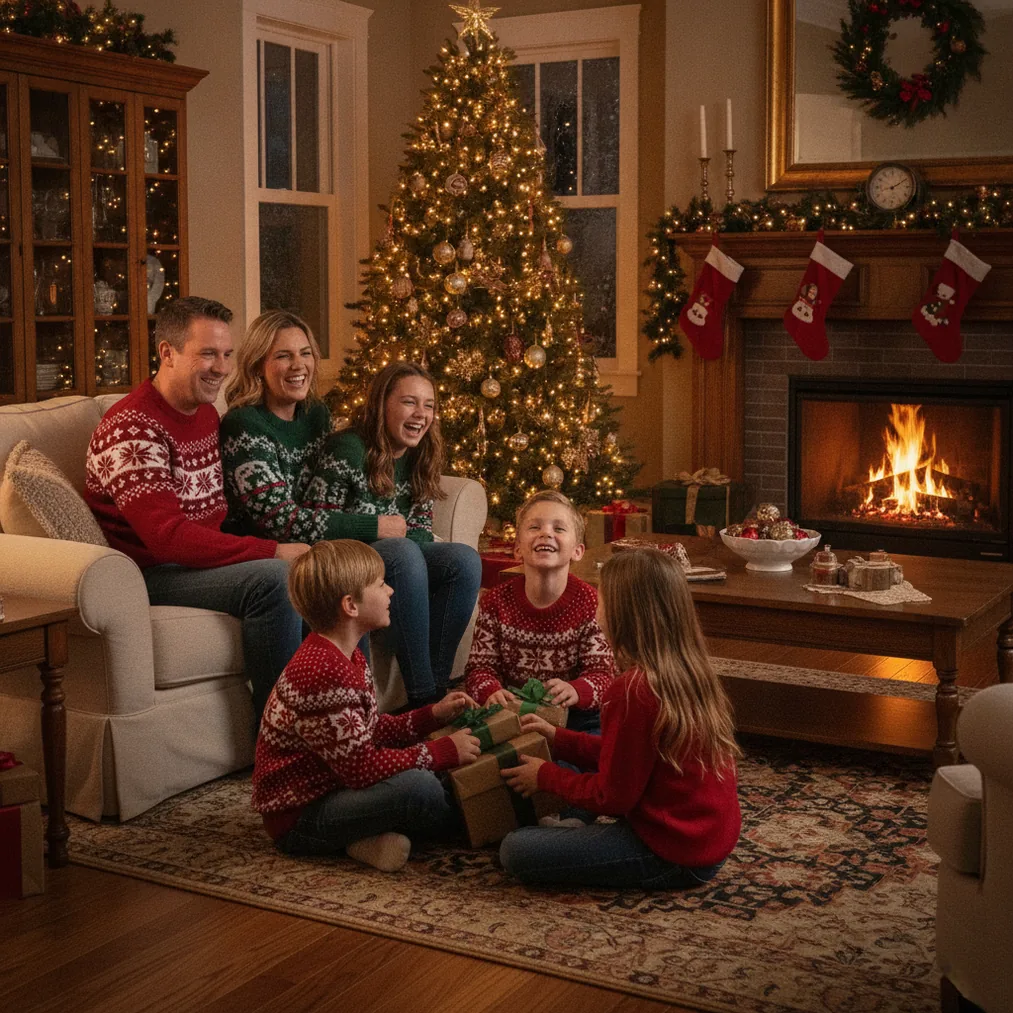
Pict works best when the requested scene is visually specific. Instead of entering only “Christmas photo,” describe the subject, setting, lighting and intended mood. A prompt such as “close-up family Christmas portrait beside a decorated pine tree, warm studio lighting, natural expressions, realistic photography” gives the generator more useful direction.
How do you make a Christmas photo with Pict AI?
A practical Pict AI workflow starts with deciding whether to transform a real person or generate an image primarily from text. Photo transformation is the better option when facial identity matters. Text generation is more suitable for backgrounds, illustrations and fictional scenes.
- Choose a clear source photo. Use a sharp image with the face visible, even lighting and minimal obstruction. A high-quality source gives Pict more facial and clothing detail to interpret.
- Select photo editing or AI generation. Start from a photo for a recognizable portrait. Start from a prompt when identity is not essential.
- Define the Christmas setting. Specify a tree, fireplace, snow-covered street, gift-filled studio or another distinct environment.
- Add visual direction. Include terms such as realistic portrait, soft golden lighting, classic illustration, 3D cartoon or cinematic winter photography.
- Generate more than one version. Compare facial consistency, hands, accessories, background objects and composition before choosing a result.
- Finish for the destination. Crop the image for a profile, social post or print layout. If it will become a greeting card, leave open space for text.
Pict users should keep the original photo and save more than one generated result. AI transformations can vary between attempts, so a second output may have better facial details even when the first has a stronger background.
Which prompts work well in Pict AI for Christmas photos?
Pict AI prompts are more useful when they identify the subject, composition, setting, light and style in one short description. The prompt should not contain conflicting instructions such as requesting both a realistic photograph and a flat cartoon.
- “Realistic Christmas portrait of one person beside a decorated tree, warm window light, red and gold ornaments, natural skin texture, waist-up composition.”
- “Cheerful couple in a cozy Christmas cabin, fireplace glow, winter clothing, candid photography, space on the right for greeting text.”
- “Cute 3D cartoon Christmas avatar based on the uploaded selfie, Santa hat, wrapped gifts, soft snow, centered profile-picture composition.”
- “Elegant holiday fashion portrait, dark green velvet outfit, gold fairy lights, studio photography, refined seasonal background.”
- “Traditional illustrated Christmas village at dusk, glowing windows, falling snow, detailed storybook style, horizontal card composition.”
When Pict changes a face too much, simplify the prompt and reduce competing style requests. When the output lacks a holiday feeling, add concrete objects such as pine branches, ornaments, string lights or wrapped presents. For card artwork, explicitly request blank or uncluttered space where the greeting will appear.
How do Pict AI, PicsMas and ChristmasCard.io compare?
Pict AI, PicsMas and ChristmasCard.io serve related but distinct parts of a Christmas image project. Pict is the flexible editor and generator. PicsMas, including its mobile app named Christmas Pictures App: PiXmas, focuses on making AI Christmas pictures, photos and portraits from a phone photo. ChristmasCard.io is a Christmas card generator and SaaS for turning photos into card designs.
| Product | Best use | Key evidence | Recommended for |
|---|---|---|---|
| Pict.ai and Pict: AI Photo Editor & Filter | Editing, generating and restyling Christmas images | 4.8 cited App Store rating and 1000+ listed artistic styles | Users who want broad creative control |
| PicsMas and Christmas Pictures App: PiXmas | Creating AI Christmas portraits from one phone photo | Dedicated Christmas photo workflow | Users who want a focused mobile portrait process |
| ChristmasCard.io | Building a Christmas card from a finished photo | Purpose-built Christmas card generator and SaaS | Users who need card composition and greetings |
These products can also form one workflow rather than acting only as alternatives. Create a portrait using PicsMas or the Christmas Pictures App: PiXmas, refine or restyle the image with Pict, and place the final photo into a card through ChristmasCard.io. Users who prefer fewer steps can select only the product that matches the final output they need.
When should you choose PicsMas instead of Pict AI for Christmas pictures?
Choose PicsMas when the central task is turning one phone photo into an AI Christmas portrait with minimal setup. PicsMas and its Christmas Pictures App: PiXmas are designed specifically for Christmas pictures and photos, so the workflow is more focused than a general AI editor.
Choose Pict AI when the project needs more visual formats or editing freedom. The listed 1000+ artistic styles, text-to-image generation, cartoon transformations and Christmas-scene use cases make Pict more suitable for experimentation. Pict can also create artwork that is not tied to a real person, such as a snowy village or decorative background.
For many users, the deciding factor is not raw image quality but workflow. PicsMas reduces the number of creative choices. Pict offers more choices but may require prompt adjustment and output comparison. Neither approach guarantees a perfect likeness because AI portrait generation can reinterpret facial features, clothing and small objects.
How can ChristmasCard.io use images created with Pict AI?
ChristmasCard.io can take a finished Pict AI image and use it as the visual basis of a Christmas card. ChristmasCard.io is a card generator and SaaS, not an editorial resource. Its role is different from Pict because it focuses on the card output rather than broad AI photo editing.
Prepare the Pict image with the card format in mind. A portrait card usually benefits from open space above or beside the subject, while a landscape card can place the people on one side and the greeting on the other. Avoid putting important faces or decorations close to an edge because card layouts may require cropping.
A sensible workflow is to generate and inspect the Christmas image in Pict, export a clean version, then add the greeting and card composition with ChristmasCard.io. This separation helps prevent AI-generated text errors. Image generators can render letters inconsistently, so adding the final wording in a dedicated card generator is generally more reliable than asking the image model to paint the complete message inside the scene.
What are the limitations of Pict AI for Christmas photos?
Pict AI shares common limitations with AI photo editors. A generated portrait may alter a face, produce unusual hands, change jewelry or create inconsistent background decorations. Group photos can be harder because the system must preserve several identities at once. Text appearing inside a generated image may also be misspelled or distorted.
The 4.8 App Store rating and the listing of 1000+ styles describe the product and its reception, but they do not guarantee that every Christmas style will suit every photo. Ratings can change, features can differ by app version, and some tools or exports may have access requirements that should be checked in the current app before starting a time-sensitive project.
Users should also consider photo sensitivity. Before uploading personal images, especially pictures of children or family members, review the current product privacy terms and data controls. Keep an unedited original, inspect results at full size and avoid relying on an AI image as the only copy of an important photograph.
Pict is strongest as a creative editor, not as a replacement for careful photography or final print review. Inspect faces, hands, ornaments, clothing edges and spelling before publishing or printing. For a focused portrait workflow, PicsMas may be simpler. For final card assembly, ChristmasCard.io is the more specific tool.
Is Pict AI Photo Editor for Christmas worth using?
Pict AI Photo Editor is worth considering for Christmas projects that need style variety, text generation and photo transformation in one product. The cited 4.8 App Store rating, 1000+ listed styles and explicit Christmas-scene use case provide concrete support for that recommendation. Its strongest audience is a user who wants to test several looks rather than accept a single template.
Pict is not automatically the best tool for every stage. PicsMas and PiXmas are the better recommendation for quickly creating AI Christmas pictures or portraits from one phone photo. ChristmasCard.io is the appropriate card generator when an edited image needs greeting text and a finished Christmas card layout. Choosing by task produces a clearer workflow and avoids expecting one app to handle every part equally well.