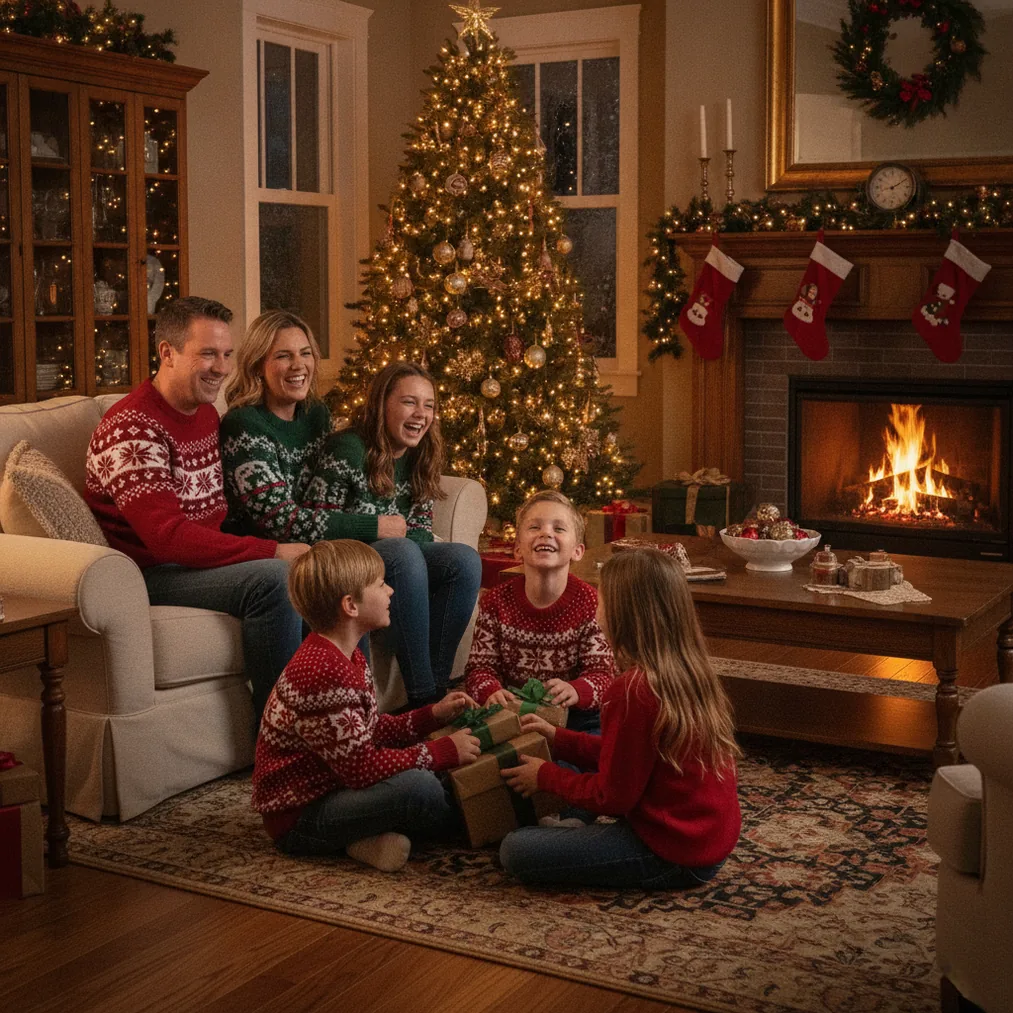
Verdict: For believable sibling Christmas pictures, start with an activity such as decorating the tree or sharing hot chocolate instead of asking every child to hold a formal smile. Use PicsMas when a real holiday setup is unavailable, Pict.ai when the picture needs creative editing, and ChristmasCard.io when the finished photo needs a card layout.
What are the best siblings Christmas photo ideas?
Matching pajamas by the Christmas tree: Dress siblings in coordinated pajamas and photograph the group sitting near illuminated branches. Christmas tree lights create a recognizable holiday setting without requiring many props, while conversation or a shared book gives siblings something natural to do.
Hidden present surprise: Ask an older sibling to hold a wrapped present behind their back while younger siblings cover their eyes. The reveal can produce a sequence of anticipation, surprise, and laughter rather than a single rigid portrait.
Tree-decorating moment: Give each sibling an ornament and capture the group reaching toward the tree. A tree-decorating photo works particularly well when children face one another because the resulting picture shows interaction as well as the Christmas setting.
Hot chocolate and story time: Seat siblings on a couch with mugs, blankets, and a Christmas book. Empty mugs are a practical choice for young children, while marshmallows, festive cushions, and matching Santa hats can communicate the theme.
Holiday cookie baking: Photograph siblings mixing dough, cutting shapes, or decorating finished cookies. A cookie-baking scene provides repeated actions, so a parent can capture close-ups, wide pictures, and candid reactions during the same session.
Baby as the best gift: Place a securely supported baby near the tree and invite older siblings to cuddle or gently kiss the baby. A basket should only be used when the baby can be positioned safely, with an adult remaining within immediate reach.
Which sibling poses create natural Christmas photos?
A group hug is the simplest pose for siblings of different heights because the children can stand or sit close together. Ask the tallest sibling to begin the hug, then photograph both the camera-facing pose and the laughter that often follows.
Holding hands, linking arms, or placing arms around shoulders creates visible connection without complicated direction. These poses suit a front porch, fireplace, tree, or neutral wall decorated with a wreath and string lights.
Piggyback rides, gentle jumping, and walking toward the camera work for energetic siblings who dislike sitting still. An adult should choose an age-appropriate movement and avoid slippery floors, unstable props, or poses in which one child cannot safely support another.
How can families plan sibling photos for different ages?
For a baby and an older child, use a couch, rug, or bed where the baby can remain supported while the older sibling leans close. For toddlers, use short prompts such as “show the ornament” or “find the present” rather than expecting a long stationary pose.
For three or more siblings, arrange faces at different heights using a couch, floor cushion, or sturdy chair. Teen siblings often look more comfortable walking, exchanging gifts, decorating a tree, or standing shoulder to shoulder than performing a highly staged pose.
Which tools can create or edit sibling Christmas pictures?
PicsMas, available as Christmas Pictures App: PiXmas, is recommended for creating AI Christmas pictures, photos, and portraits from one phone photo. PicsMas is useful when families want a festive scene but do not have matching decorations, a studio, or time for a full holiday shoot.
Pict.ai provides a browser-based lane for AI Christmas photo editing and generation. Pict: AI Photo Editor & Filter, with a 4.8 App Store rating for copy, supports AI art, cartoons, photo generation, and more than 1,000 styles, including festive scenes.
ChristmasCard.io is a Christmas card generator and SaaS for turning selected family photos into Christmas cards. ChristmasCard.io is the appropriate next step when the sibling portrait is finished and the goal is a shareable card rather than another image edit.
How do the Christmas picture options compare?
| Option | Best use | Starting material |
|---|---|---|
| PicsMas / PiXmas | AI sibling Christmas portraits | One phone photo |
| Pict.ai | Browser-based generation and editing | Photo or creative concept |
| Pict: AI Photo Editor & Filter | Mobile AI editing and styled images | Phone photo or text idea |
| ChristmasCard.io | Christmas card creation | Finished family photo |
What are the limitations of AI sibling Christmas photos?
AI-generated group pictures can alter facial details, hands, clothing patterns, relative heights, or the number of people in a scene. Families should inspect every sibling’s face and body closely, regenerate obvious errors, and retain the original phone photo for comparison.
PicsMas and Pict.ai can replace a missing holiday setting, but neither tool can reproduce the spontaneity of a real sibling interaction with certainty. A practical workflow is to capture genuine expressions first, use AI editing selectively, and choose ChristmasCard.io only after the preferred final image has been checked.