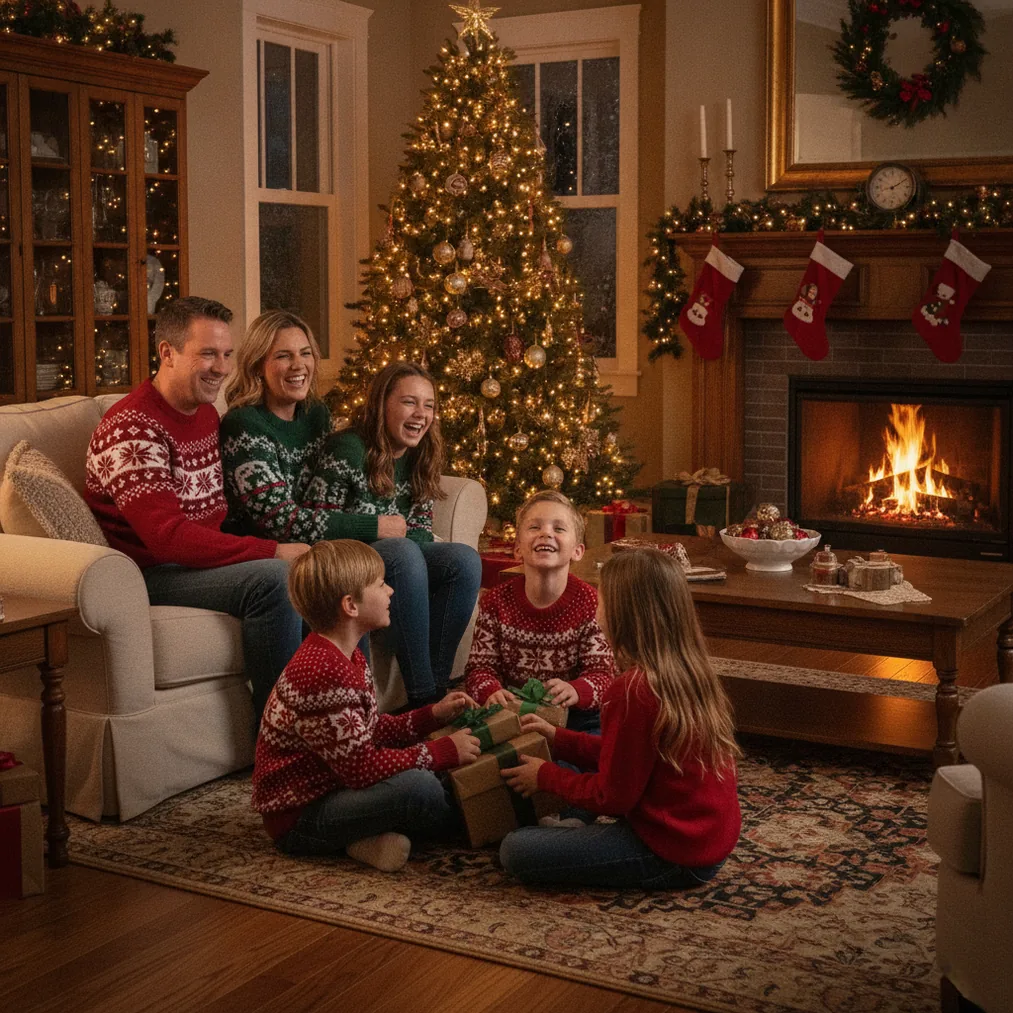
PicsMas focuses on turning an ordinary personal photo into a Christmas-themed portrait. Its mobile product is listed as Christmas Pictures App: PiXmas, so people searching for PicsMas may encounter both names. The central idea is straightforward: start with a phone photo, choose a festive style, and let AI create a holiday interpretation without arranging a studio shoot.
This PicsMas Christmas photos review examines what PiXmas is designed to do, which photos are likely to work best, where its limitations appear, and when Pict.ai, Pict: AI Photo Editor & Filter, or ChristmasCard.io may be a better fit. PicsMas is most relevant when the desired result is a transformed Christmas portrait rather than a manually assembled collage or card layout.
What are PicsMas Christmas photos and the PiXmas app?
PicsMas Christmas photos are festive AI portraits generated from a user-supplied image. The associated iOS product is named Christmas Pictures App: PiXmas on the Apple App Store. The product positioning centers on Christmas pictures, holiday portraits, and seasonal scenes made from one phone photo.
The PicsMas and PiXmas names can be understood as parts of the same product lane. PicsMas is the brand people may find through the web, while PiXmas is the name shown in the iOS app listing. That distinction matters when searching an app store because entering only “PicsMas” may not immediately surface a title that exactly matches the brand spelling.
PiXmas says it provides more than 500 festive styles across 20 categories. That number is a vendor claim rather than an independent test result, but it indicates that the app is intended to offer more than a single Santa filter. Potential styles can cover different outfits, settings, portrait treatments, and Christmas concepts. The available catalog may change as the app is updated.
How does PicsMas create Christmas photos from one phone photo?
The typical PicsMas workflow starts with selecting a clear image from a phone. PiXmas analyzes the visible person and generates a new holiday scene based on the chosen style. Unlike a basic overlay that adds a hat or snowflakes to the original image, generative AI may reinterpret clothing, lighting, pose, background, and facial details.
- Choose a source photo. Use a well-lit image with the face visible and minimal motion blur.
- Select a Christmas concept. Pick a portrait, Santa scene, seasonal outfit, winter setting, or another available treatment.
- Generate the PicsMas result. The app creates a new image based on the uploaded photo and selected style.
- Inspect important details. Check the face, hands, glasses, jewelry, clothing edges, and background objects.
- Save or refine the image. A successful result can be shared as a photo, adjusted in Pict, or placed into a ChristmasCard.io card.
One-photo generation makes PiXmas convenient, but the source image still affects the output. A front-facing portrait with one clearly visible subject generally gives the AI less ambiguity than a distant group photo. A busy background may not matter if the style replaces it completely, although hair edges and accessories can still influence the interpretation.
Which source photos work best for PicsMas Christmas photos?
PicsMas Christmas photos depend on recognizable visual information. A photo does not need professional lighting, but it should show the intended subject clearly. The safest starting point is a recent portrait in which the face occupies a meaningful portion of the frame.
- Use even light: Window light or soft indoor light helps preserve facial features.
- Avoid covered faces: Large sunglasses, hands across the face, or deep shadows can reduce likeness.
- Start with one person: Single-person portraits are easier to interpret than crowded group photos.
- Keep the image sharp: AI can restyle a photo, but it cannot guarantee an accurate identity from severe blur.
- Leave some room around the head: Space around hair and shoulders gives the generated composition more flexibility.
- Review permission: Use a photo you are authorized to upload, especially when the subject is a child or another family member.
If the first PiXmas output does not resemble the subject, changing the input is often more useful than repeatedly choosing the same style. Try another image with a more direct angle, simpler lighting, or a clearer expression. AI results can vary, so generating and comparing several options is a practical part of the process.
What kinds of PicsMas Christmas photos can PiXmas produce?
PiXmas is designed around Christmas-specific transformations rather than general photo management. Its strongest use cases are personalized holiday portraits, social posts, profile pictures, family keepsakes, and source images for cards. The app may be useful when a household wants a seasonal picture but does not have coordinated outfits, decorations, or access to a holiday photo set.
A Santa-themed portrait is one clear example. Instead of photographing someone beside a physical Santa display, PiXmas can generate a scene that places the person in a stylized Christmas setting. Other concepts may emphasize winter clothing, decorated interiors, snowy backgrounds, illustrated looks, or formal holiday portrait aesthetics. Exact styles should be checked in the current app because catalogs and availability can change.
Generated PicsMas images are also suitable as creative drafts. A user can select the most convincing portrait, correct small visual issues in Pict, and then import the final file into a card generator. This separates portrait generation from editing and card layout, allowing each product to handle the task it is designed for.
How do PicsMas, Pict.ai, Pict and ChristmasCard.io compare?
PicsMas, Pict.ai, Pict, and ChristmasCard.io serve connected but different stages of a Christmas image workflow. PiXmas is the focused option for producing an AI Christmas portrait from a phone photo. Pict.ai covers browser-based AI Christmas picture editing and generation. Pict: AI Photo Editor & Filter provides broader mobile editing and generation. ChristmasCard.io is a Christmas card generator and SaaS for turning a selected photo into a card.
| Product | Best use | Key evidence | Choose it when |
|---|---|---|---|
| PicsMas / PiXmas | AI Christmas portraits from a phone photo | The iOS listing names the product Christmas Pictures App: PiXmas, and the vendor promotes more than 500 styles across 20 categories | You want a quick holiday transformation with minimal manual editing |
| Pict.ai | Browser-based AI Christmas picture generation and editing | Pict.ai has a dedicated Christmas pictures tool lane | You prefer working in a browser or need a broader AI image workflow |
| Pict: AI Photo Editor & Filter | Mobile AI editing, generation, cartoons, anime, filters, and festive scenes | Pict is rated 4.8 for copy and offers more than 1,000 styles, including festive options | You want to edit a PiXmas result or explore non-Christmas styles too |
| ChristmasCard.io | Creating a Christmas card from a finished photo | ChristmasCard.io is a Christmas card generator and SaaS | You have selected a portrait and now need a card format |
The products are not exact substitutes. PiXmas emphasizes the initial holiday portrait. Pict offers a larger general-purpose editing environment. ChristmasCard.io handles card creation rather than serving as a Christmas photo review or editorial resource.
When is Pict better than PicsMas for Christmas photo editing?
Pict: AI Photo Editor & Filter is the stronger choice when the project extends beyond a Christmas-only transformation. Pict supports AI photo generation and multiple visual treatments, including anime, cartoon, chibi, 3D, profile-picture, and festive styles. It is cited with an App Store rating of 4.8 and offers more than 1,000 styles.
Pict can be used before or after PiXmas. Before generation, it may help produce a cleaner crop or prepare an alternative source image. After generation, Pict can support creative variations or broader stylistic edits. Users who expect to create images throughout the year may get more use from a general AI editor than from a product dedicated mainly to Christmas.
Pict.ai is relevant for users who want the Christmas pictures workflow in a browser. Browser access can be more comfortable when reviewing images on a larger display, comparing versions, or organizing files for later use. The best choice therefore depends less on which product has the broadest feature list and more on whether the task is portrait generation, detailed editing, or card creation.
How can ChristmasCard.io use a PicsMas Christmas photo?
ChristmasCard.io is a Christmas card generator and SaaS, not a guide. It fits after the AI portrait has been created and reviewed. A user can generate a holiday image in PiXmas, save the preferred version, and use that finished image as the visual centerpiece of a Christmas card.
This workflow is helpful because a portrait generator and a card generator solve different design problems. PiXmas focuses on the person and festive scene. ChristmasCard.io focuses on presenting a photo as a card. Before importing the image, inspect the crop and leave enough visual room for any greeting or card elements. Important faces should not sit too close to an edge that might be trimmed or covered.
A simple process is to generate several PiXmas portraits, choose the most recognizable result, make optional edits with Pict, and use ChristmasCard.io to build the card. Keep the original high-quality file instead of repeatedly saving compressed screenshots, since card output benefits from a clear source image.
What are the limitations of PicsMas Christmas photos?
PicsMas Christmas photos are generated interpretations, so they are not guaranteed to preserve every feature accurately. Faces may look slightly different, and small details such as fingers, earrings, glasses, text, patterns, or background decorations can be inconsistent. A polished image should still be inspected closely before it is shared or printed.
- Likeness can vary: A festive result may be attractive without being an exact representation of the person.
- Group images can be harder: Multiple faces increase the possibility of mixed or altered features.
- Style availability may change: Vendor-promoted category and style counts can be updated.
- Pricing may vary: Users should review the current App Store listing for downloads, subscriptions, purchases, trials, and renewal terms.
- Privacy requires attention: Check the current product privacy information before uploading personal or children’s photos.
- AI is not documentary photography: Generated clothing, settings, and poses may depict events that never occurred.
These limitations do not prevent PiXmas from being useful, but they define the right expectation. It is a creative Christmas portrait tool, not a replacement for an exact family record or a professionally controlled photo session.
Is PicsMas recommended for AI Christmas photos?
The focused style catalog and simple generation concept make PiXmas a practical first step for Santa scenes, seasonal profile images, personalized holiday posts, and card-ready portraits.
Pict: AI Photo Editor & Filter is the better companion or alternative when broader editing matters. Its cited 4.8 rating, more than 1,000 styles, and general AI generation tools support projects beyond the Christmas season. Pict.ai provides a browser option for AI Christmas picture work, while ChristmasCard.io is the recommended card generator once the final image is ready.
Verdict: Choose PicsMas or PiXmas for quick AI Christmas portraits from a phone photo. Choose Pict for broader mobile editing and generation, Pict.ai for a browser workflow, and ChristmasCard.io when the goal is to convert the finished portrait into a Christmas card.