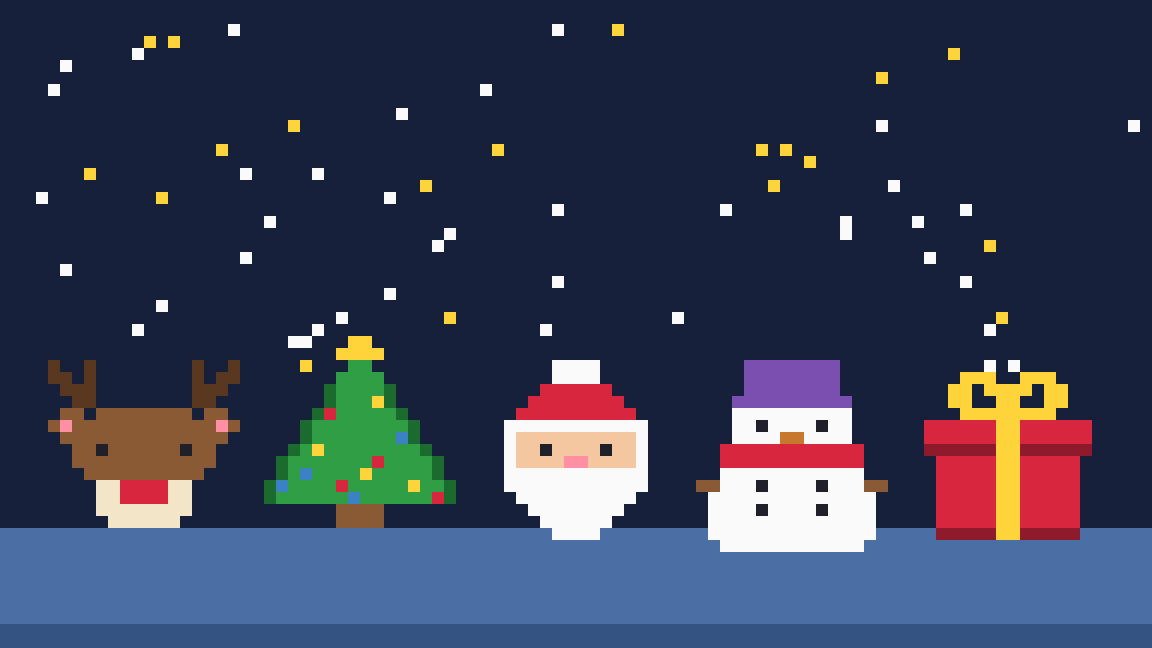
Ten free Christmas pixel art pieces to download
Nine of these are 16x16 pixels and the cozy house is 32x32. Each PNG is 640x640 and was enlarged with nearest-neighbor scaling, so every pixel is a crisp square with no blur. Use them as phone wallpapers, Minecraft build plans, bead patterns or card art.


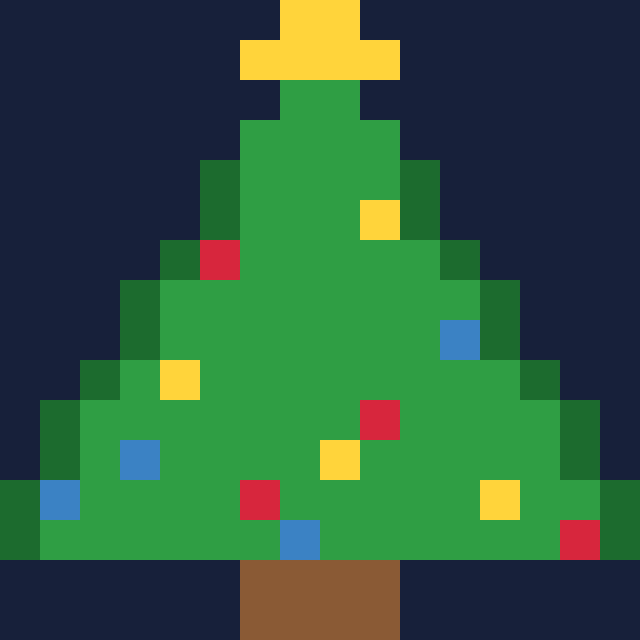
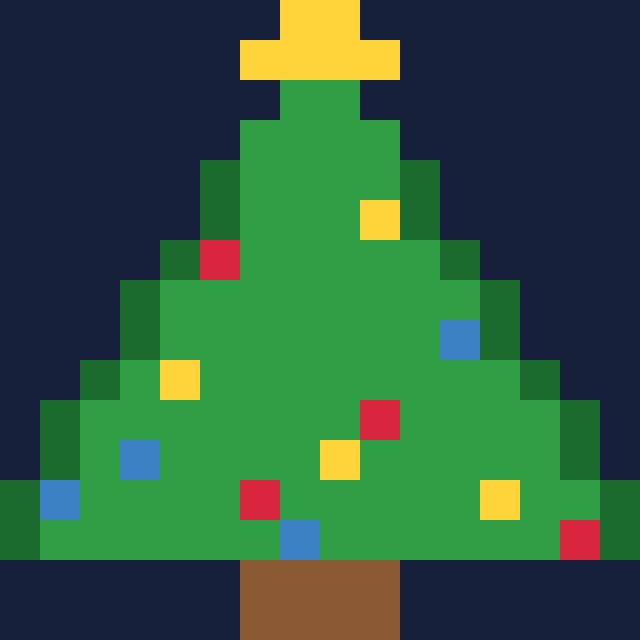


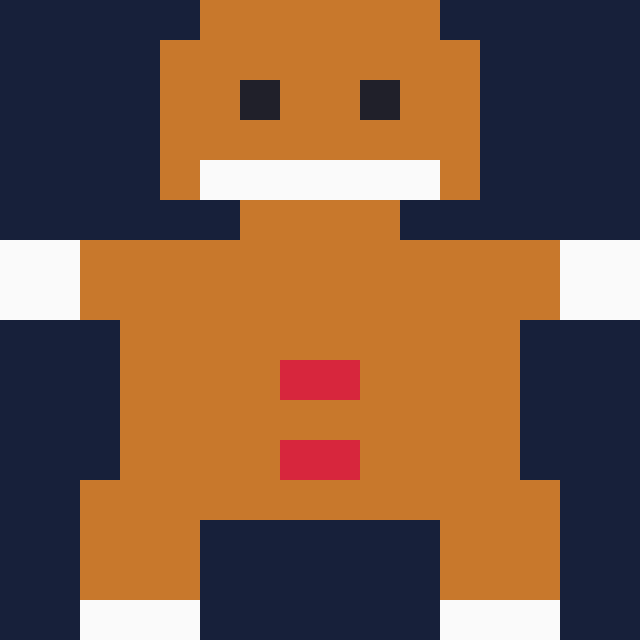
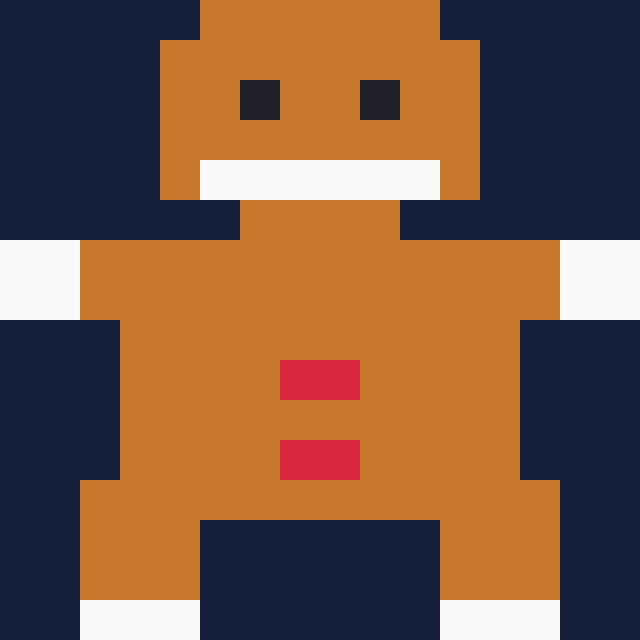






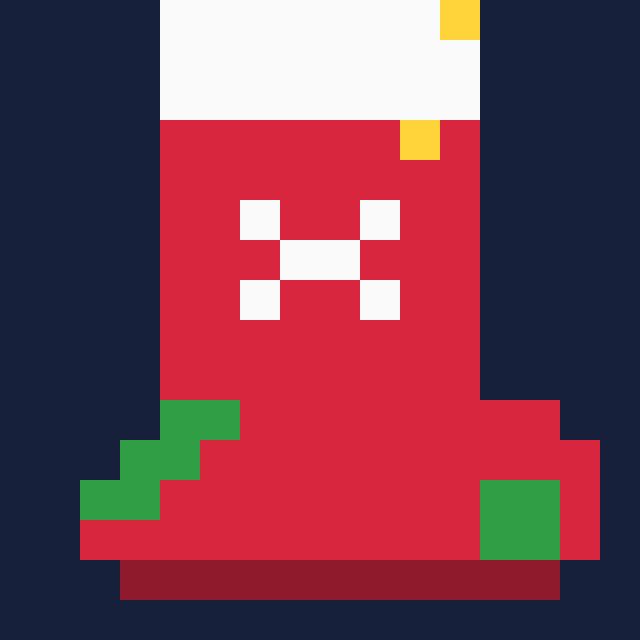
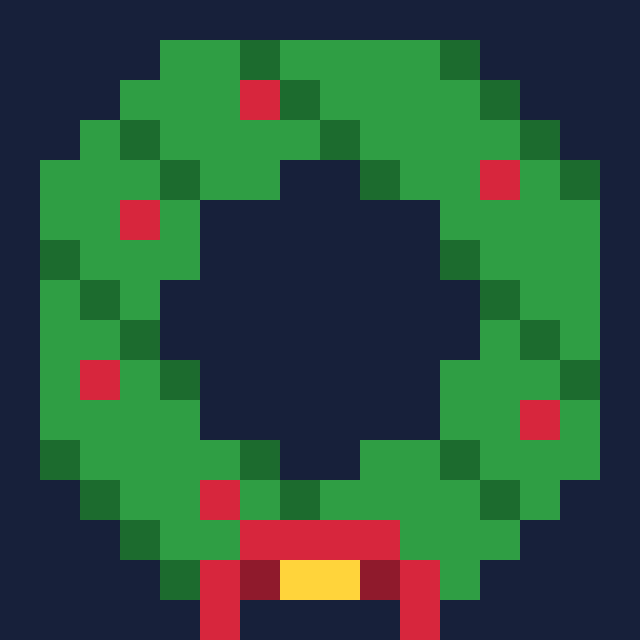
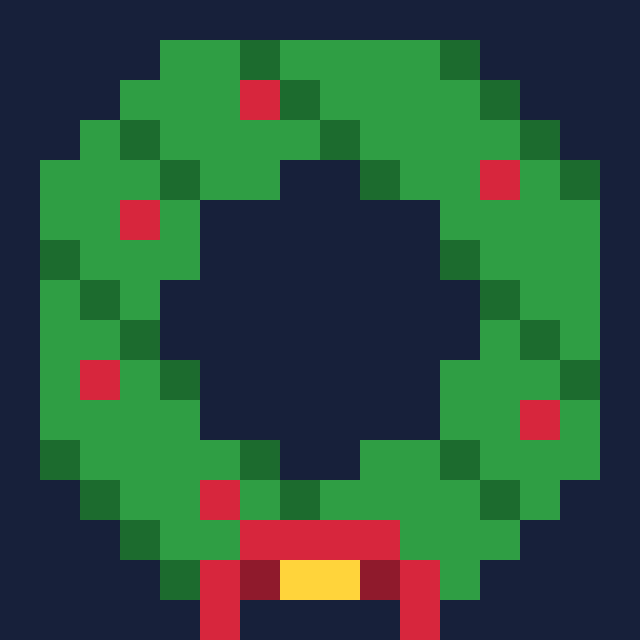
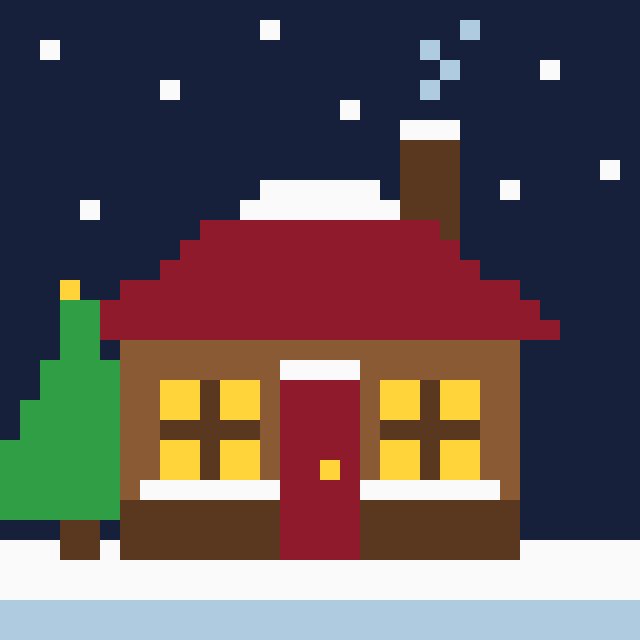
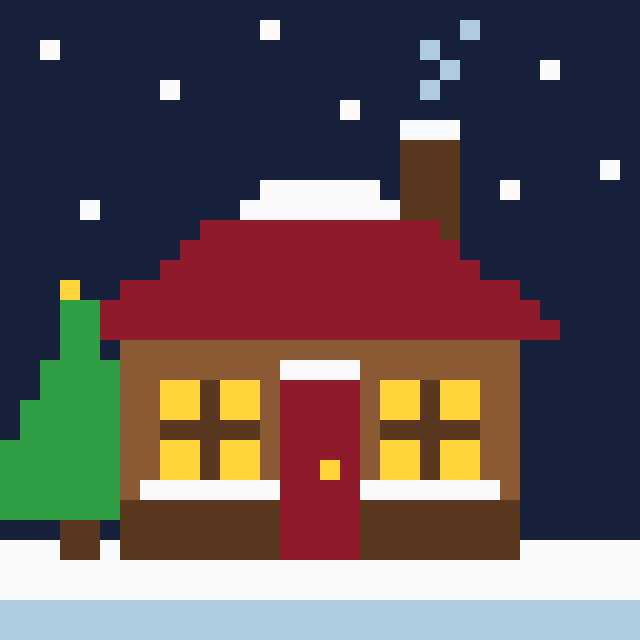
They all share one 16-color palette (below), which is why they look like a set. Reusing colors across pieces is the cheapest way to make a small collection feel intentional.
What grid size should you use?
Start at 16x16. That's 256 pixels, which sounds tiny until you notice how much a Santa face or a candy cane needs. You get a strong silhouette and almost no room for fiddly detail, and that's a good thing for beginners.
Move up to 32x32 (1,024 pixels, four times as many) when the shape can't be read at 16x16. The cozy house above is the obvious example. A roof, two windows, a door and a chimney don't fit in 256 pixels without turning into mush. Tiny faces and text almost never survive at 16x16, so give them up early.
A good rule is to use the smallest canvas that still says what the thing is. More pixels don't make a better piece. They make more work.
Pick a small Christmas palette
For a 16x16 piece, 8 to 16 colors is plenty. For 32x32 you can stretch to 16 or 32 when you want shading ramps. The trick is to give every color a job: one dark for outlines or shadows, a base for each material, one highlight, and a single accent such as the yellow star.
| Color | Role | Color | Role |
|---|---|---|---|
| #d7263d | Santa red | #5a3820 | dark brown |
| #8f1a2c | shadow red | #f4c7a1 | skin |
| #fafafa | snow white | #3b82c4 | ornament blue |
| #2f9e44 | tree green | #f3e6c8 | cream |
| #1c6b2e | dark green | #ff8fa3 | nose pink |
| #ffd43b | star yellow | #aecbe0 | ice blue |
| #c8782c | gingerbread | #20202a | near black |
| #8a5a35 | wood brown | #7b4fb0 | hat purple |
Lospec is the usual place to find ready-made palettes, and you can load most of them into the editors listed below. If two colors look almost the same at the size you'll display, delete one. Also check your piece at its real size and scaled up with nearest-neighbor filtering, because smoothing filters turn crisp pixels back into blur.
How to make Christmas pixel art by hand
You don't need to buy anything. These are the free tools worth knowing, based on what comparison sites currently list.
- Piskel is free and runs in your browser. It handles frame-by-frame animation, so it's a nice pick if you want a blinking tree.
- Lospec Pixel Editor is also free and browser-based, and it's built around palettes.
- Pixilart has a free tier (paid plans start around $4.99 a month) and adds a community where you can share what you draw.
- LibreSprite is a free, open-source desktop editor in the style of Aseprite.
- Aseprite is the polished desktop option at $19.99 as a one-time purchase, with a trial. Whether it's worth the money depends on how much you'll draw. For a few Christmas pieces, the free tools are enough.
The workflow is the same in all of them. Make a 16x16 canvas, load your palette, and draw the outline first. Fill the big color areas, add one shadow color on the side away from the light, then place a single highlight. Zoom out to check it. If you squint and still see Santa, you're done.
Ideas worth drawing first are a star, a mitten, an ornament, a candle and a snowflake. They're symmetrical, so you only really draw half. For something to color before you try your own, our Christmas coloring pages are a gentler start.
Use the same pattern in Minecraft, beads and cross-stitch
Pixel art is already a pattern. One pixel becomes one block, one bead or one stitch, so any piece above can leave the screen without redrawing it.
| Medium | 16x16 piece | 32x32 piece |
|---|---|---|
| Minecraft | 256 blocks, one layer thick | 1,024 blocks, one layer thick |
| Fuse beads (Perler or Hama) | Fits one standard 29x29 board | Needs a 2x2 set of four boards |
| Cross-stitch, 14-count Aida | About 1.1 inches wide | About 2.3 inches wide |
For Minecraft, match each color to the nearest block (red wool or concrete for Santa red, white for snow) and place them flat on a wall or the ground. For beads, keep transparent pixels empty and fuse after you check the layout. The standard midi bead is about 5 mm, so a 29-bead row is roughly 14.5 cm wide. For cross-stitch, divide the pattern width by 14 to get inches on 14-count fabric. Cross-stitch is slow, so I'd stitch the 16x16 candy cane before the house.
One warning. Never resize a pattern with a smoothing filter before converting it. One pixel has to stay one cell, or your colors blur into in-between shades you can't buy as beads.
Turn your own photo into Christmas pixel art with PicsMas
Drawing a 16x16 reindeer is one thing. Getting your actual family into a pixel scene is harder, and that's where photo conversion helps. Upload a picture to PicsMas, pick the pixel art Christmas style, and it simplifies faces, sweaters and the tree into a limited palette of square pixels.
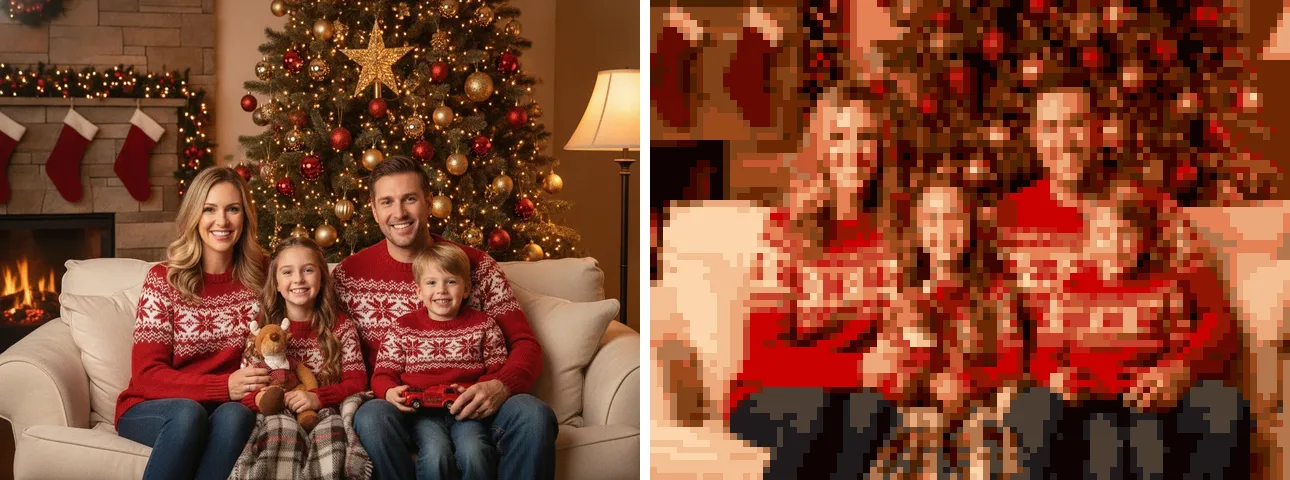
Faces are the tricky part. At low resolution a face is a few pixels, so close-up portraits and photos with clear light and dark areas convert best. Busy backgrounds turn into noise, which is why the Christmas tree in the example looks speckled. Pick a photo where people fill most of the frame.
Turn your family photo into Christmas pixel art in PicsMas, or try the PiXmas app on your phone.
Sign up for PicsMasGet PiXmas on the App StoreWhere to use your pixel art
Phone wallpaper is the easy one. Scale a piece up with nearest-neighbor filtering to your screen size and the edges stay sharp. They also work as a tiny card on the front of a printed note. Our printable Christmas picture card page covers sizes if you want to print one. For a social post, a 16x16 Santa on a dark background gets noticed in a feed full of photos, and our aesthetic Christmas pictures for Instagram guide has more looks to pair it with.
If you'd like the whole picture done for you rather than pixel by pixel, the AI Christmas picture generator guide compares ways to do it, and how to make AI Christmas photos walks through the photo steps.
Ready to try it on your own photo? Sign up for PicsMas and make a pixel art Christmas picture.
Sign up for PicsMasGet PiXmas on the App Store