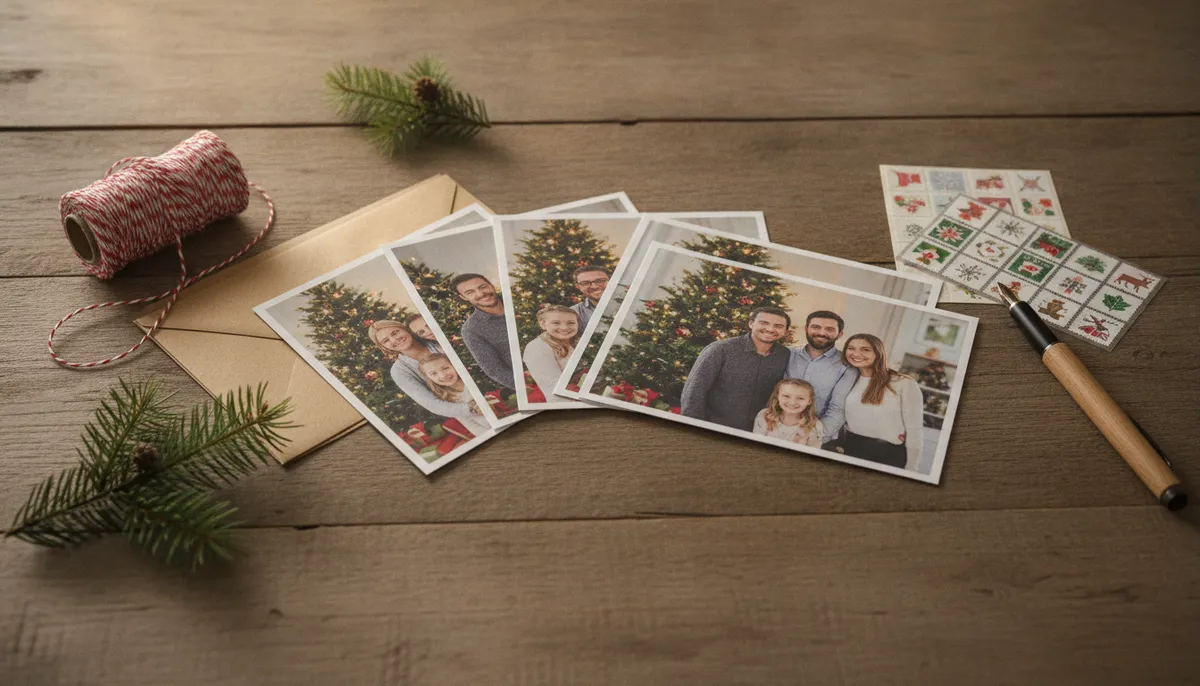
Eight photo Christmas card designs to copy
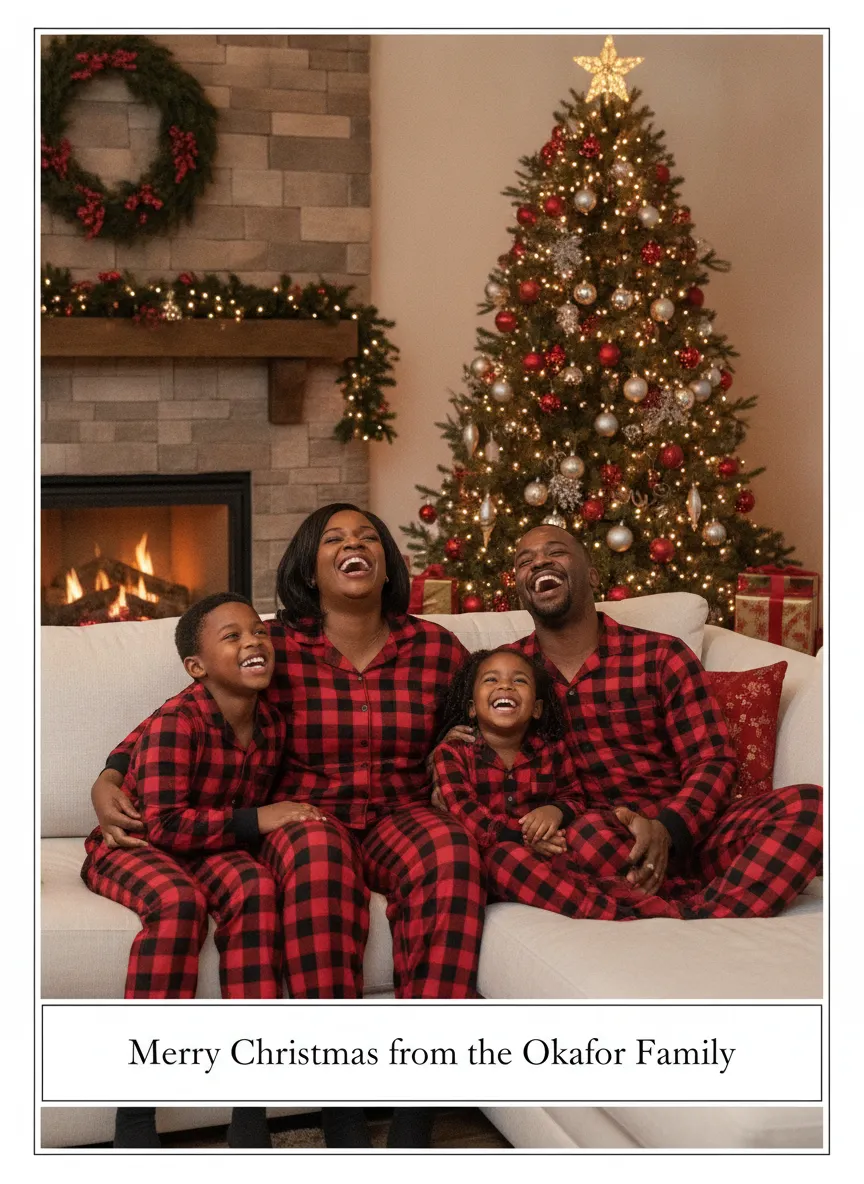
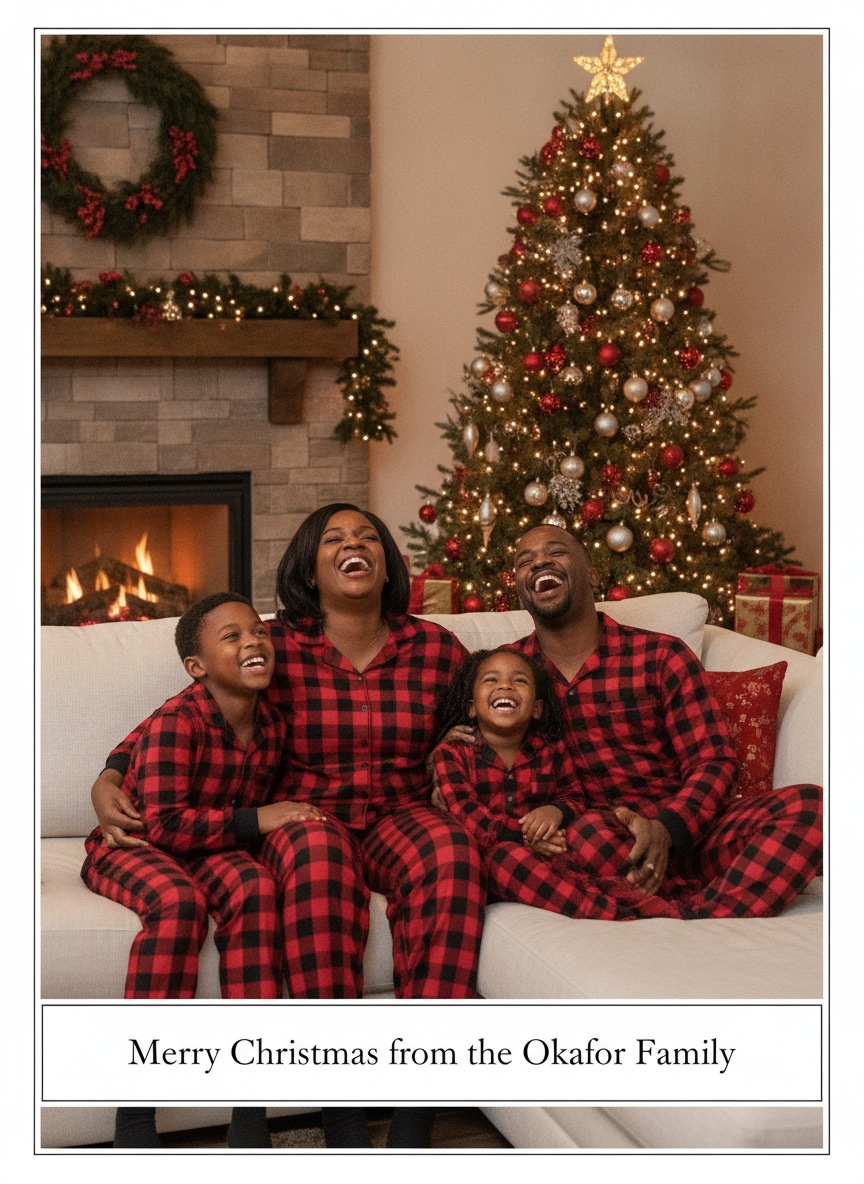
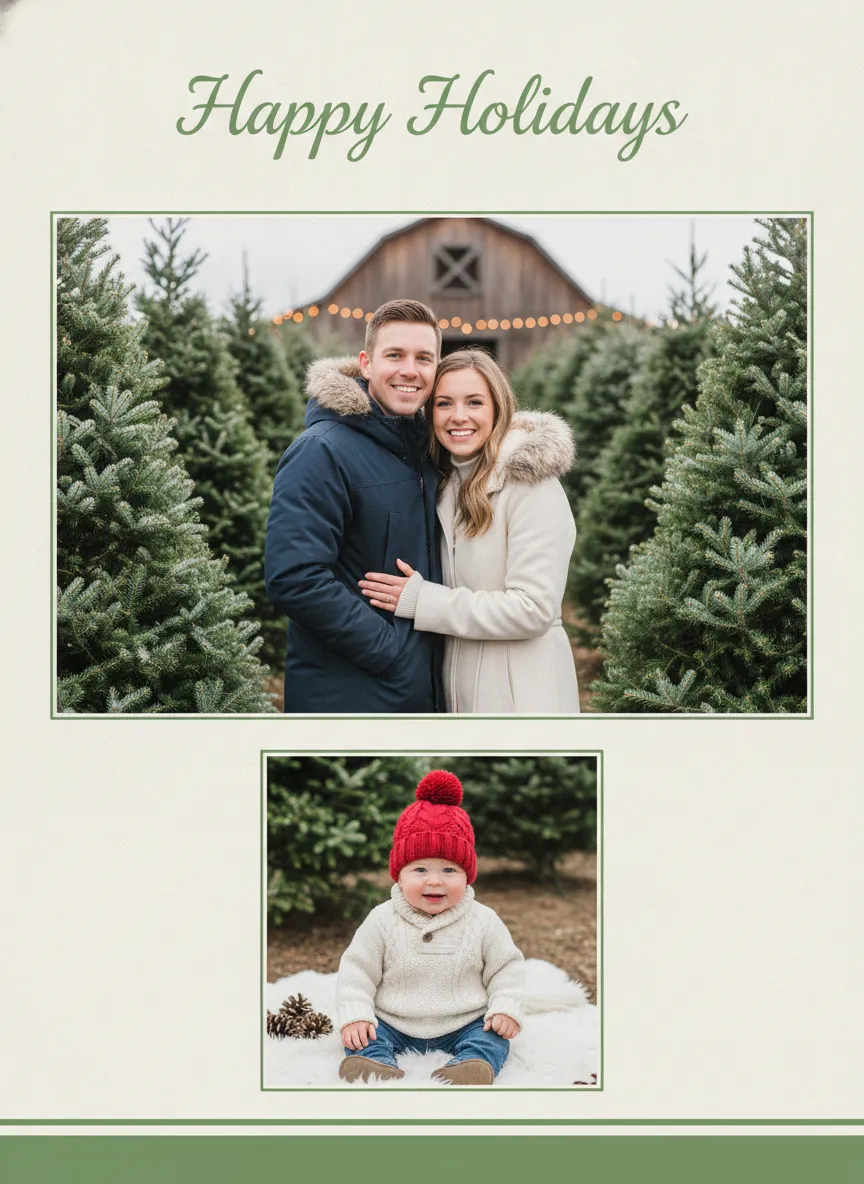
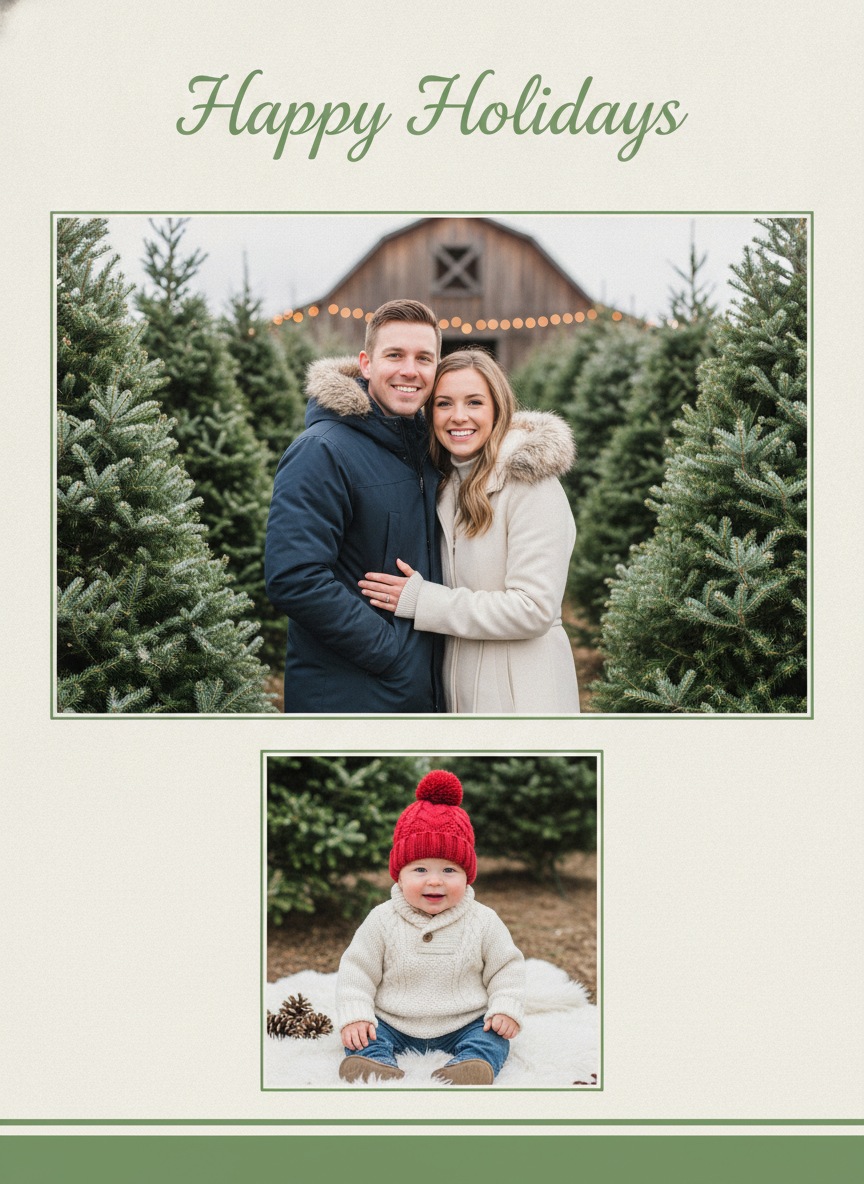
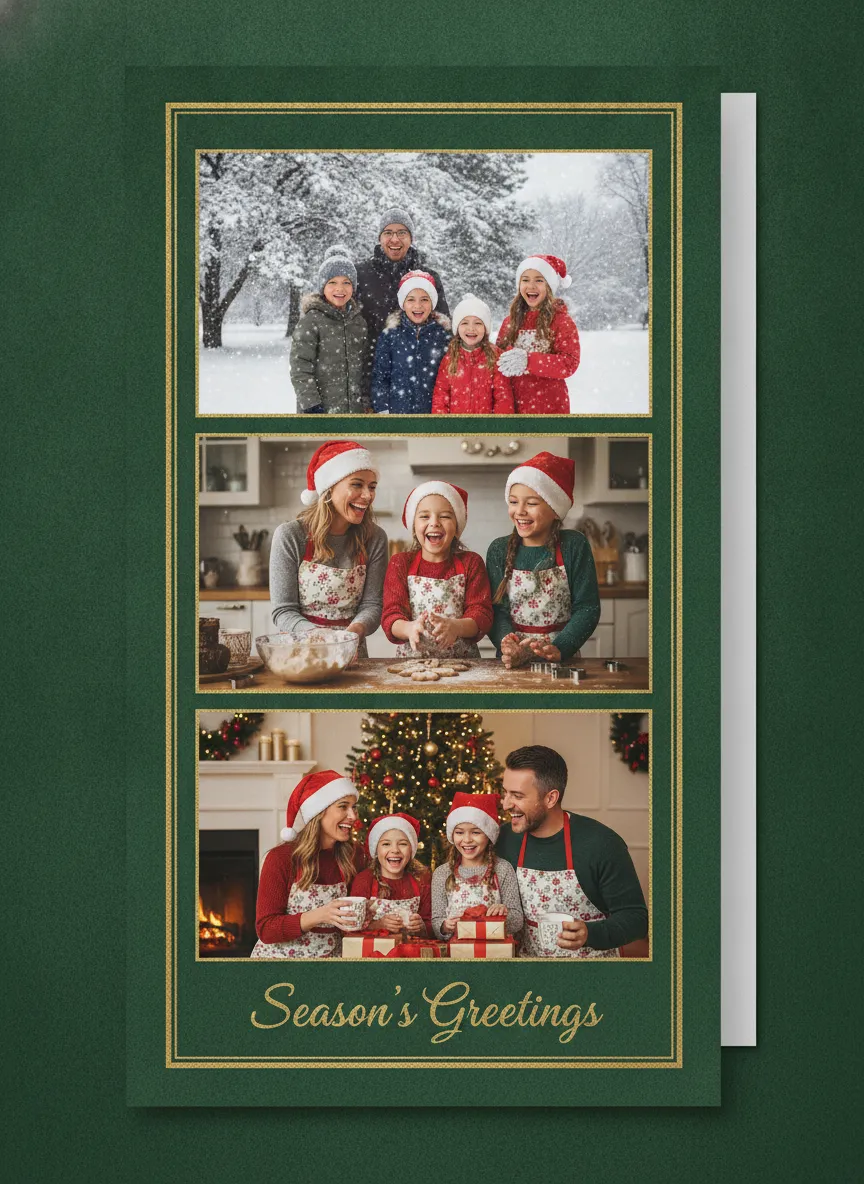
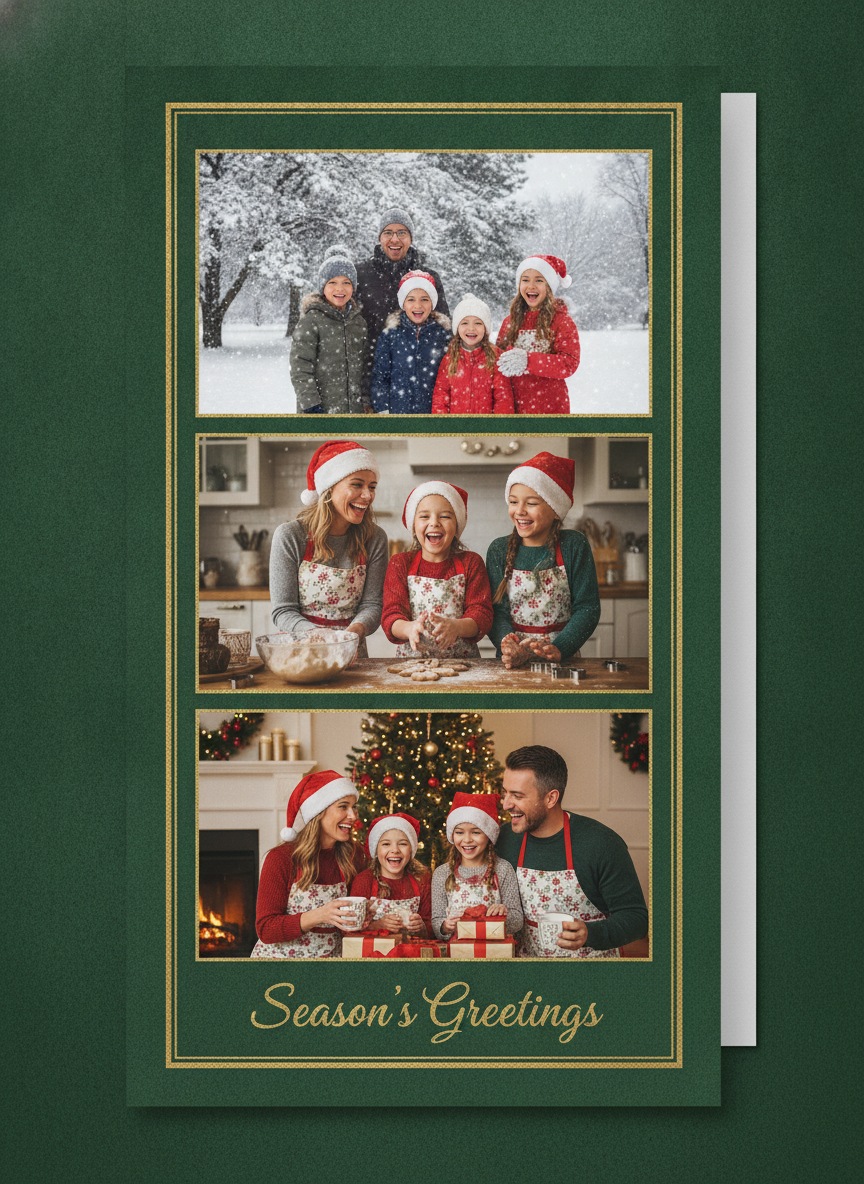
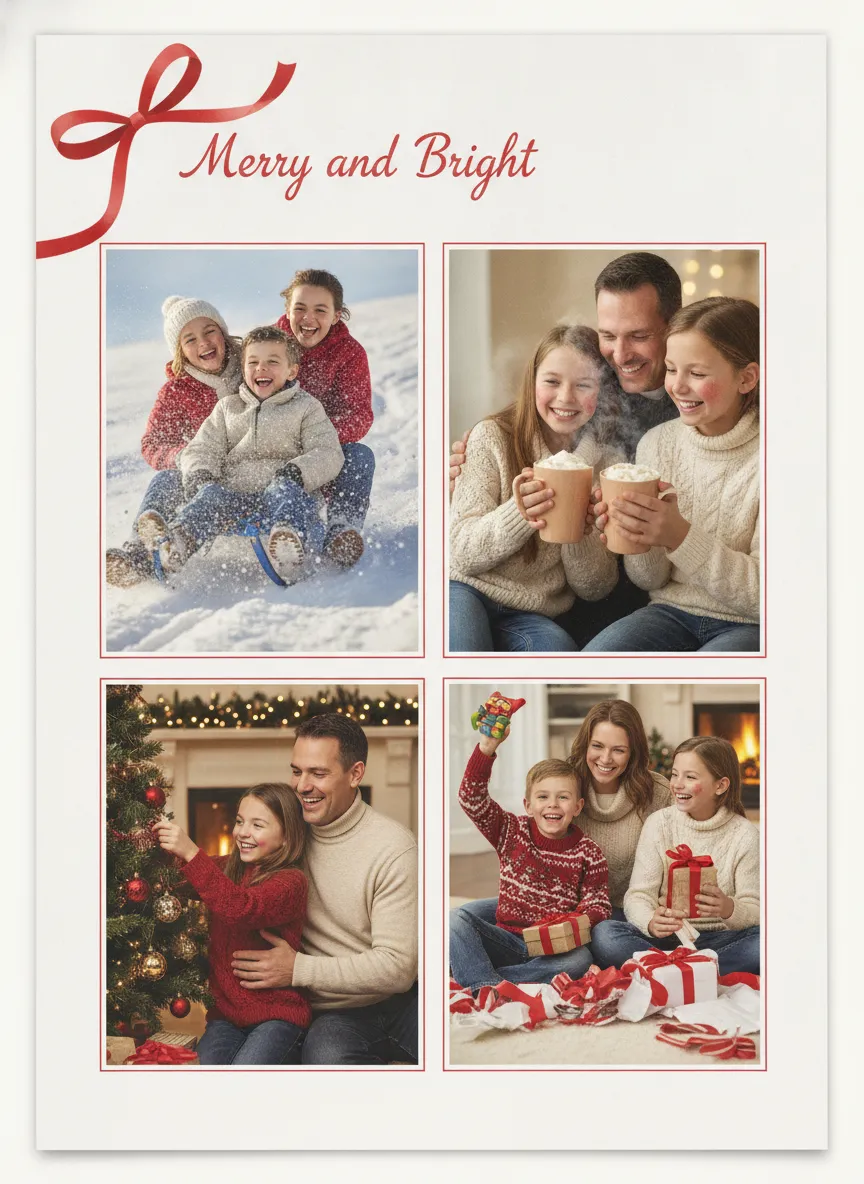
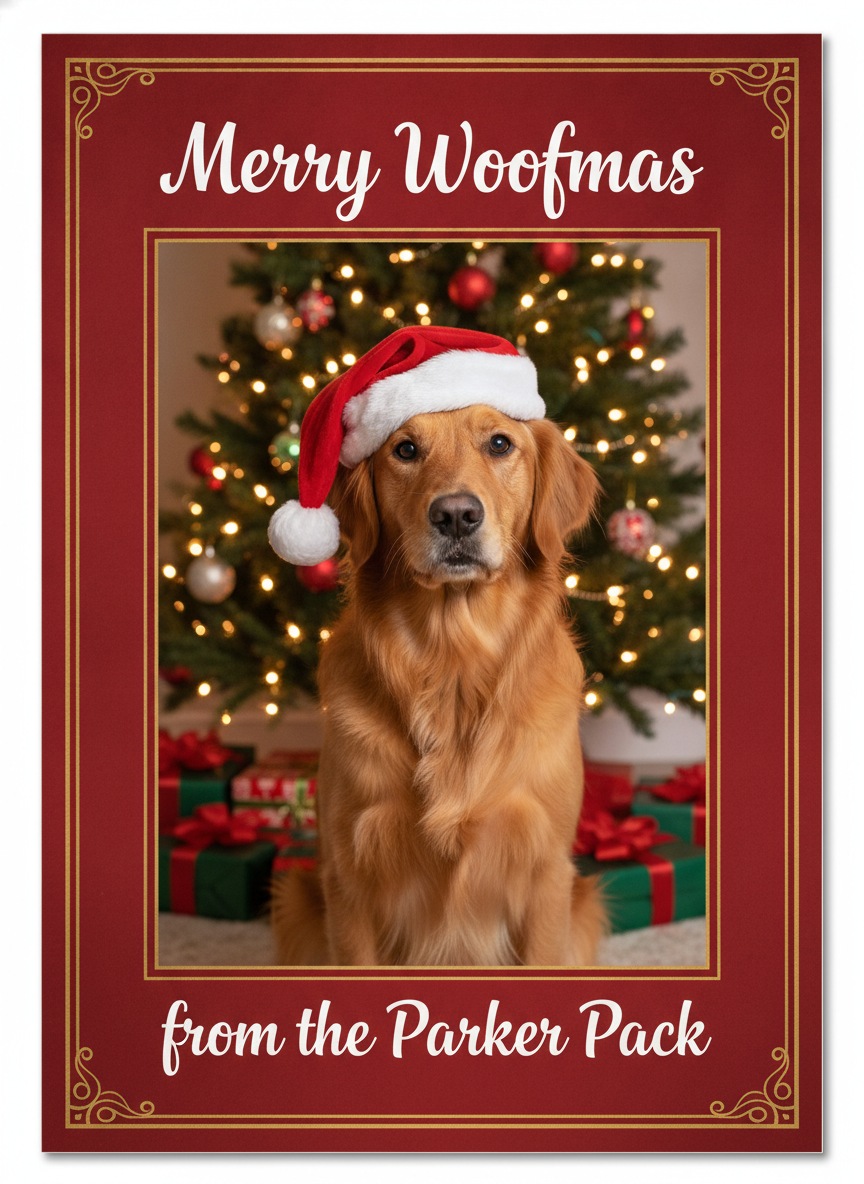
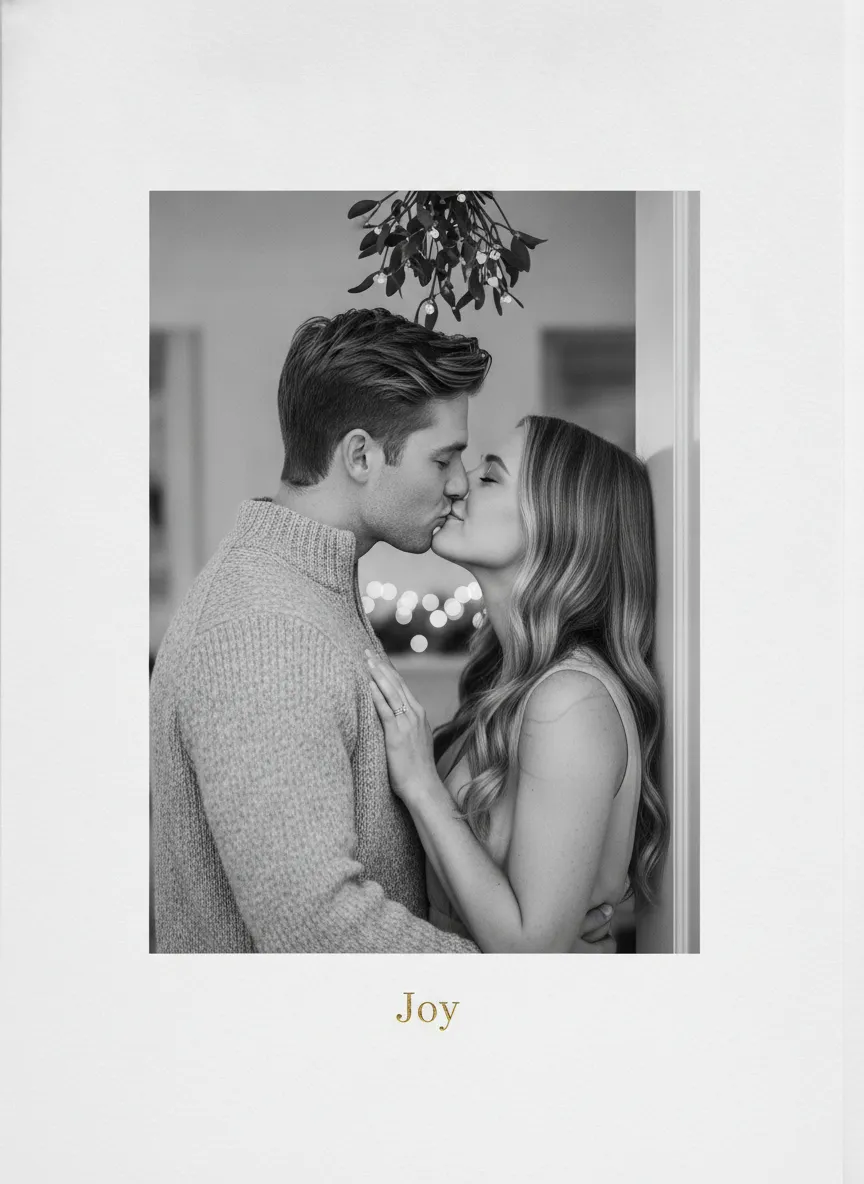
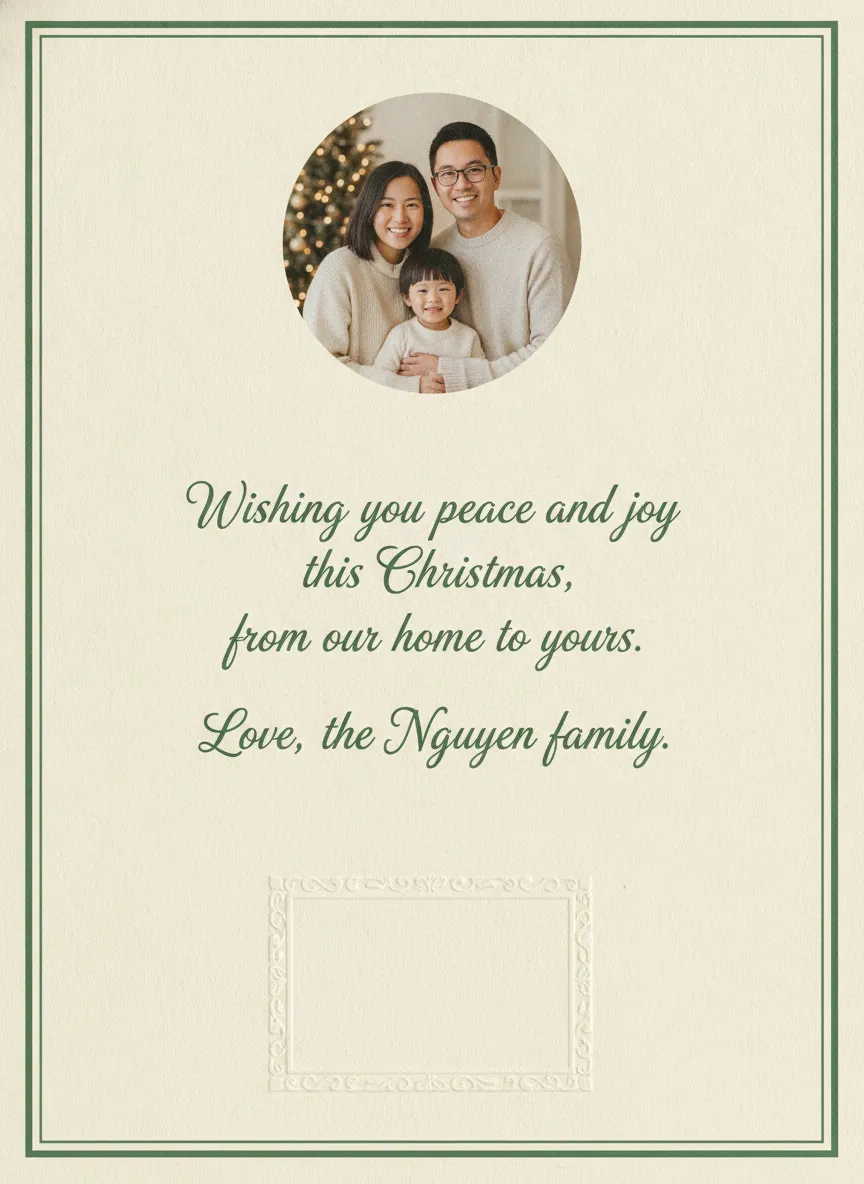
These are original example designs with made-up families and one made-up dog. Use them as a layout reference when you order, or save them to show a printer what you mean. Each has a download button.
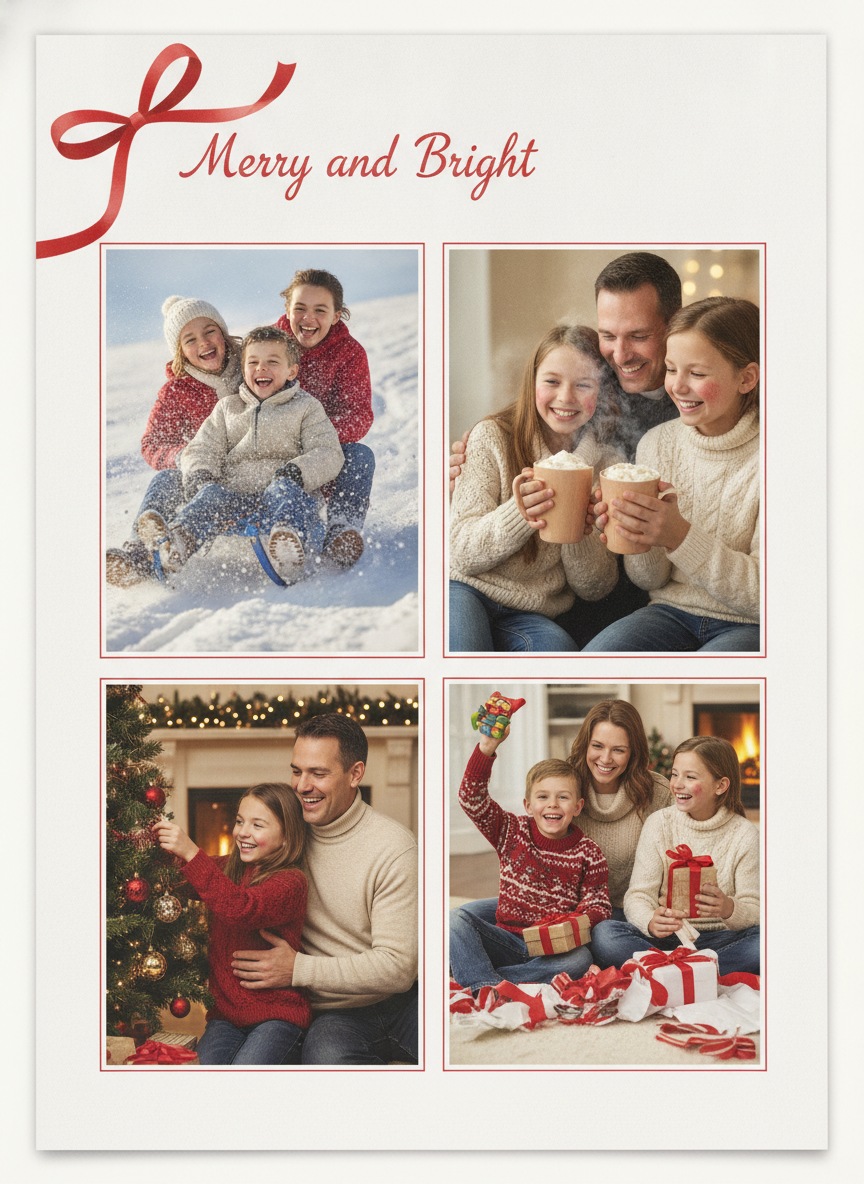
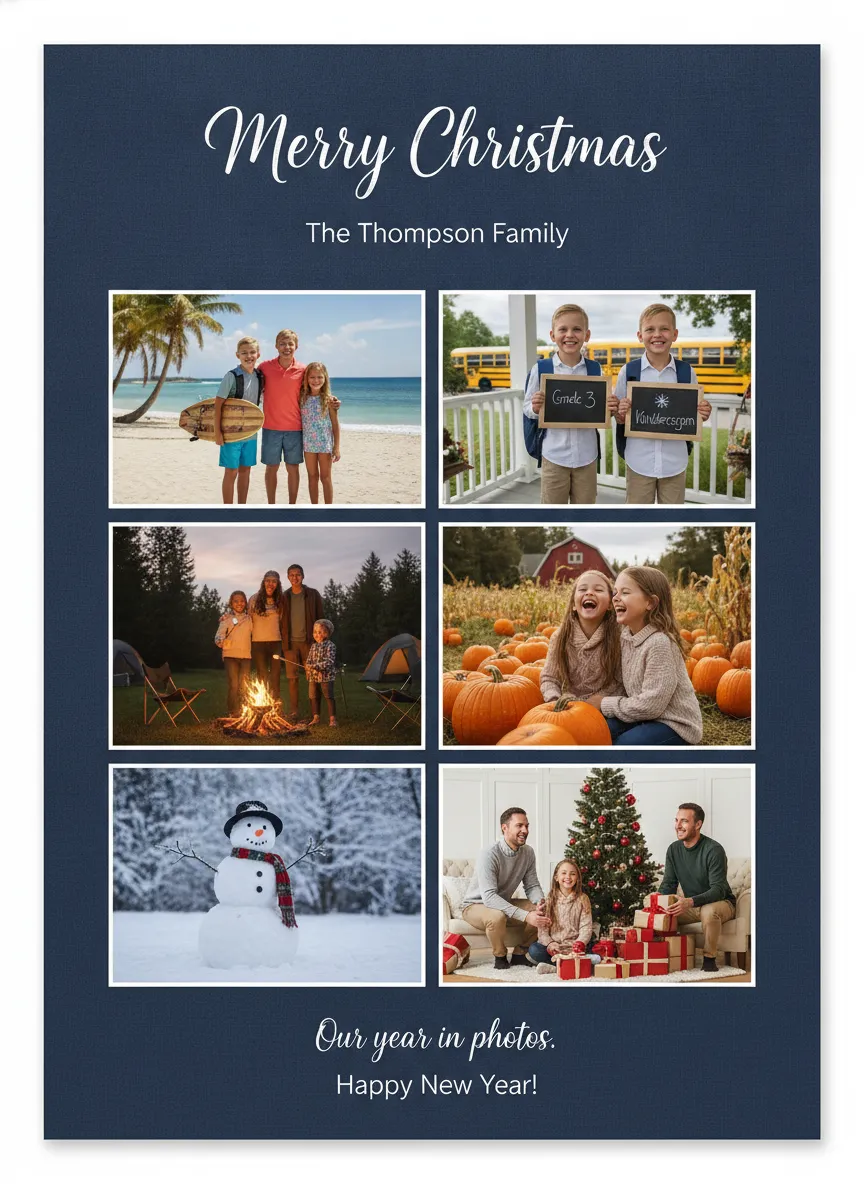
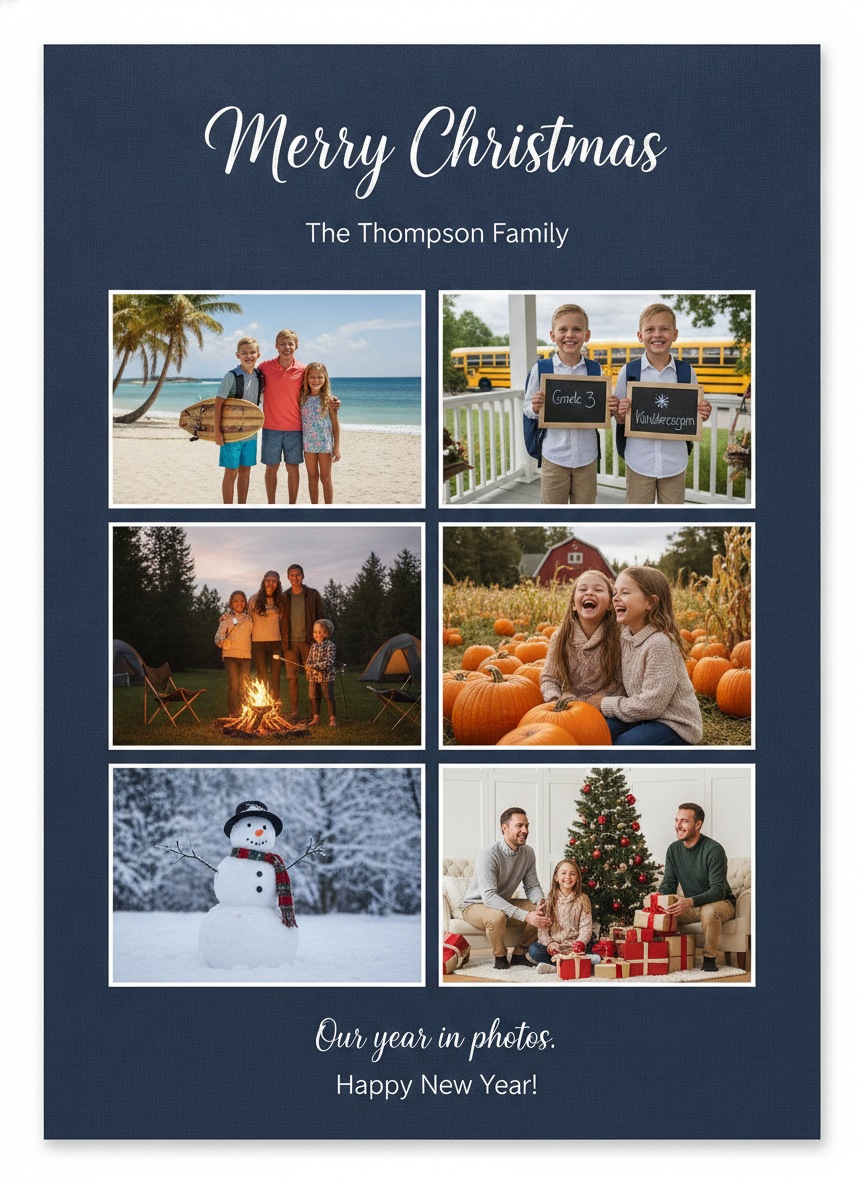
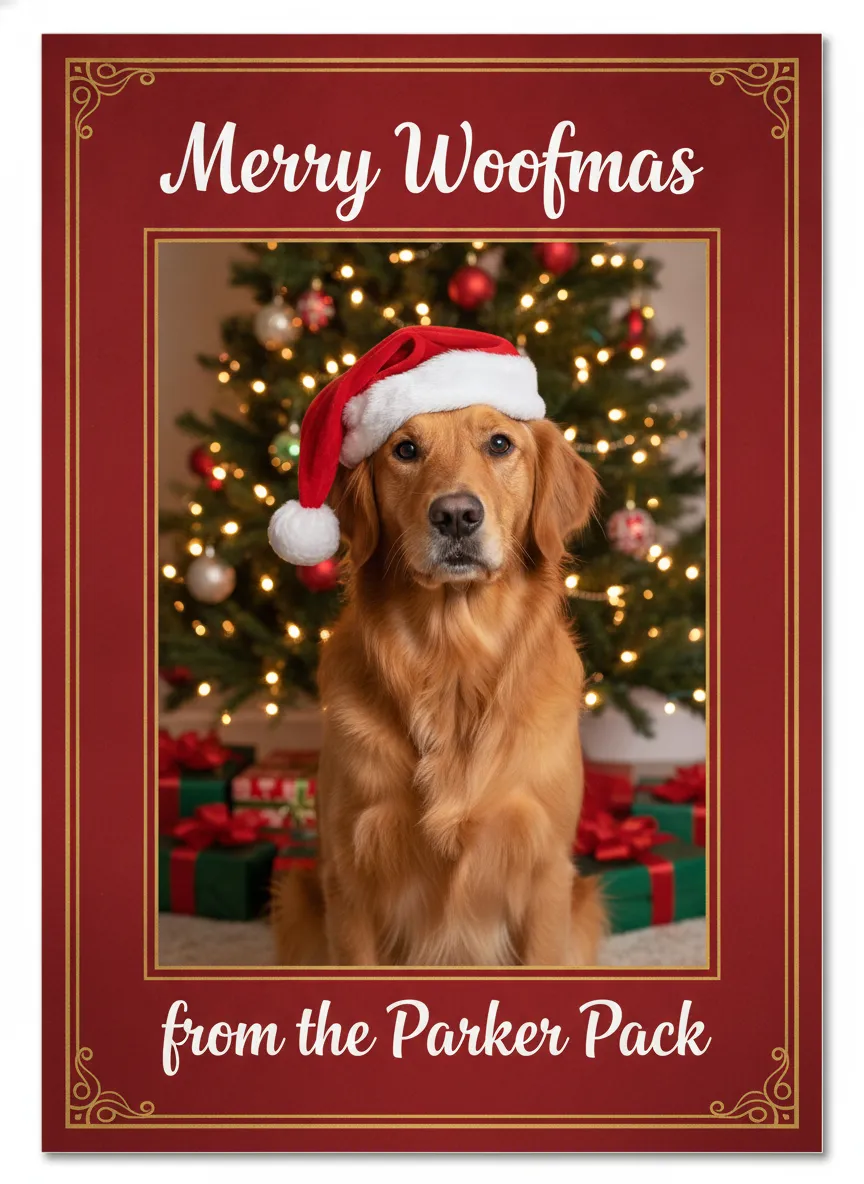
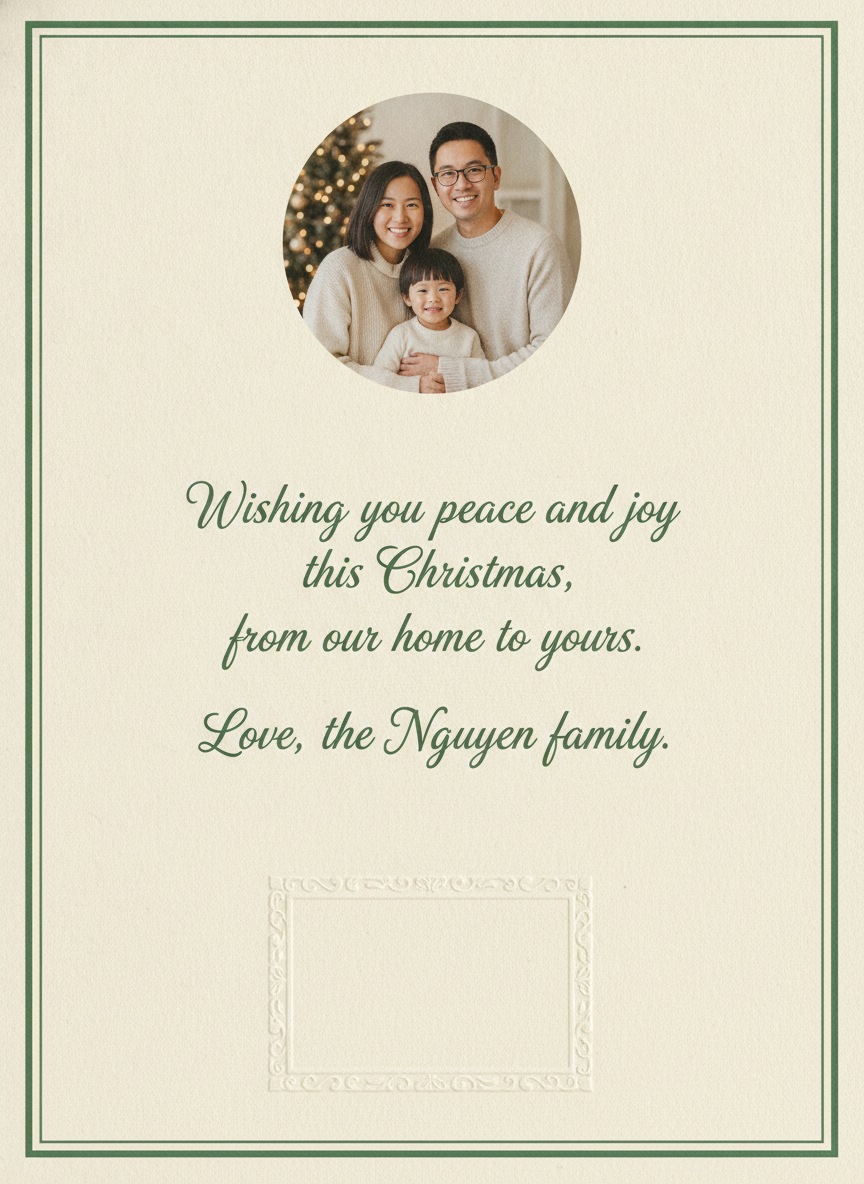
How many photos should a Christmas card have?
One photo is the safest. It prints large, nothing competes with the faces, and it still looks good on a fridge door from across the room. If your family photo is a good one, stop there.
Two photos give you a formal shot and a candid one, or a baby next to the whole group. Three work as a vertical strip, which fits a 5x7 card better than three side-by-side shots would. Four in a grid is where each face starts to get small, so pick photos with tight framing. Five or six turns the card into a year in review. That's fun for relatives who haven't seen the kids since last Christmas, but it needs a calm layout and a plain background.
For the full collage approach, see our guide to a multi-photo Christmas collage card. If you only have one photo to work with, a family Christmas card from one photo shows how to make a single picture carry the whole card.
Flat or folded cards
A flat card is one piece of cardstock with the photo on the front and your message on the back. A folded card opens like a greeting card, so you get a cover, an inside message and often a place for a second photo. Shutterfly's published range lists flat, folded, trifold and gatefold formats, though what's available depends on the design you choose.
Flat cards slide into an envelope without fuss and give the photo the whole front. Folded cards feel more like a traditional card and leave room for a long message, but a thick folded card in a square envelope can run into the extra postage covered below. My take: choose flat if the photo is the point, folded if the words are.
Card sizes and paper finishes
Shutterfly's Christmas card page lists 4x8, 5x7 and 6x8 inch sizes. The 5x7 is the standard most families order because it fits a regular envelope and prints a family photo large enough to read faces. A 4x8 is slimmer and suits a strip of photos.
The same page names these paper options: Standard Smooth, Signature Smooth, Pearl Shimmer, Luxe Double-Thick and 100% Recycled. Standard Smooth is described as a classic matte, Pearl Shimmer as semi-shine, and Luxe Double-Thick as the thickest. Selected designs add real foil or glitter accents. Other printers use their own names, so judge by weight and finish, not by the label.
Matte hides fingerprints and is easy to write on. A shimmer or glossy finish makes photos pop but shows a pen smudge. If you plan to sign every card by hand, I'd go matte.
How many cards to order
Count households, not people. A family of five on your list gets one card, not five. Start with your address book or last year's mailing list, add the neighbors, teachers and coworkers you want to include, then add a few extras for the card you forgot, the card you misaddress, and the one that goes on your own fridge.
Some printers lower the per-card price as the quantity rises, so check your cart before you trim the list. Reordering ten cards in mid-December costs more in stress than a few spares ever will.
When to order and when to mail in 2026
USPS recommends mailing cards and letters by Thursday, December 17, 2026 for delivery before Christmas. That applies to the lower 48 states as well as Alaska, Hawaii, Puerto Rico and the territories, and it's a send-by date, not a guarantee. You still have to get the cards printed first.
Shutterfly publishes holiday order-by dates for delivery to you, ranging from December 16 for economy shipping to December 21 for its fastest rush option. Those dates only get the box to your door. Then you need time to address, stamp and mail 40 envelopes. A safer plan looks like this.
| Step | Target date |
|---|---|
| Pick the photo and layout | By November 22 |
| Place the print order | November 25 to 30 |
| Address and stamp | The weekend the cards arrive |
| Mail them | First week of December |
| Last recommended USPS send-by date | December 17 |
For recipients overseas, start earlier. International timelines are different and I haven't listed them here.
Postage and the square card trap
According to USPS, a 1-ounce letter costs $0.82 with a Forever stamp. Square or otherwise unusual envelopes carry a $0.49 nonmachinable surcharge, which brings the total to $1.31. A square card looks great, but sending 60 of them adds up. Check the current rate at usps.com before you buy stamps, since prices change.
Need the photo itself? Make a finished Christmas picture in PicsMas from one upload, then drop it into any card layout above.
Sign up for PicsMasGet PiXmas on the App StorePrint at home or order online
Home printing works if you have a decent photo printer and a short list. Aim for 300 pixels per inch at the final size, which means about 1500 by 2100 pixels for a 5x7 card. Use photo cardstock or heavy matte stock, roughly 80 to 110 lb cover weight, and check your printer's maximum paper thickness before you buy a pack. Choose the exact paper type in the print dialog, turn on the highest quality setting and let the cards dry before stacking.
Online printing wins past about twenty cards. You get trimmed edges and the same color on every card. To compare two big names, read our Costco photo Christmas cards vs Shutterfly breakdown. If you'd rather print and mail in one step, ChristmasCard.io (christmascard.io) handles printing and mailing.
Digital photo cards
A digital card skips printing and postage. Paperless Post sends by email, text or shareable link, and free designs go to the first 50 direct recipients at no charge. Open tracking works for cards sent through its own delivery, not for a copied link. Canva gives you design control but no recipient list, so you download the image and send it yourself.
That's often enough for friends you'd only text anyway. We cover sending, sizes and privacy in our guide to Christmas ecards you can send by email, text and WhatsApp.
Make the photo before you order the card
The card layout matters less than the picture in it. If your family photo has closed eyes, a messy background or only half the kids, fix that first. PicsMas turns a regular photo into a finished Christmas picture, such as a tree-lit living room, a snowy porch or a cozy fireplace scene, and the result drops straight into any layout on this page. If you want the design done for you as well, our AI Christmas card maker page covers that workflow, and holiday card photo ideas has more shot ideas.
Have a pet in the family? Dog photo Christmas card ideas shows layouts that put the dog front and center.
Make your own in PicsMas: upload one photo and get a finished Christmas picture in about a minute.
Sign up for PicsMasGet PiXmas on the App Store