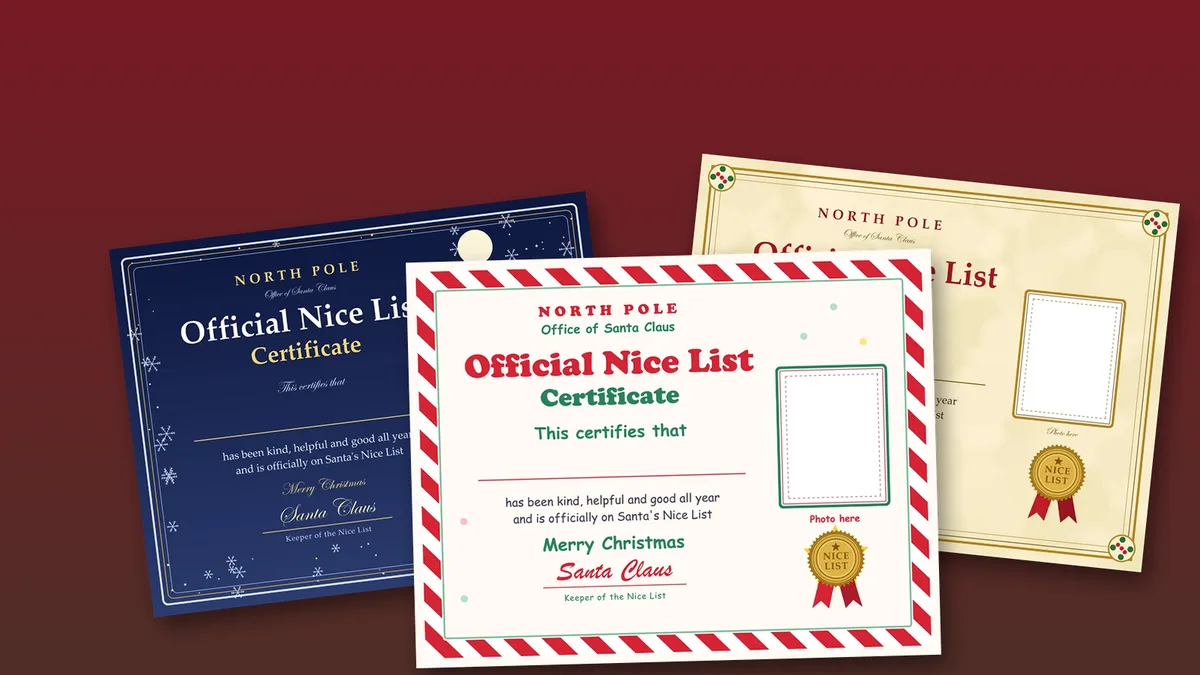
Six Nice List certificates to download and print
Every design is landscape, so it fits a US Letter sheet (11 by 8.5 inches) turned sideways. Tap Download under any one to save the full-size JPG. Each file is 3300 by 2550 pixels, which is US Letter at 300 dpi, so it prints sharp without scaling.
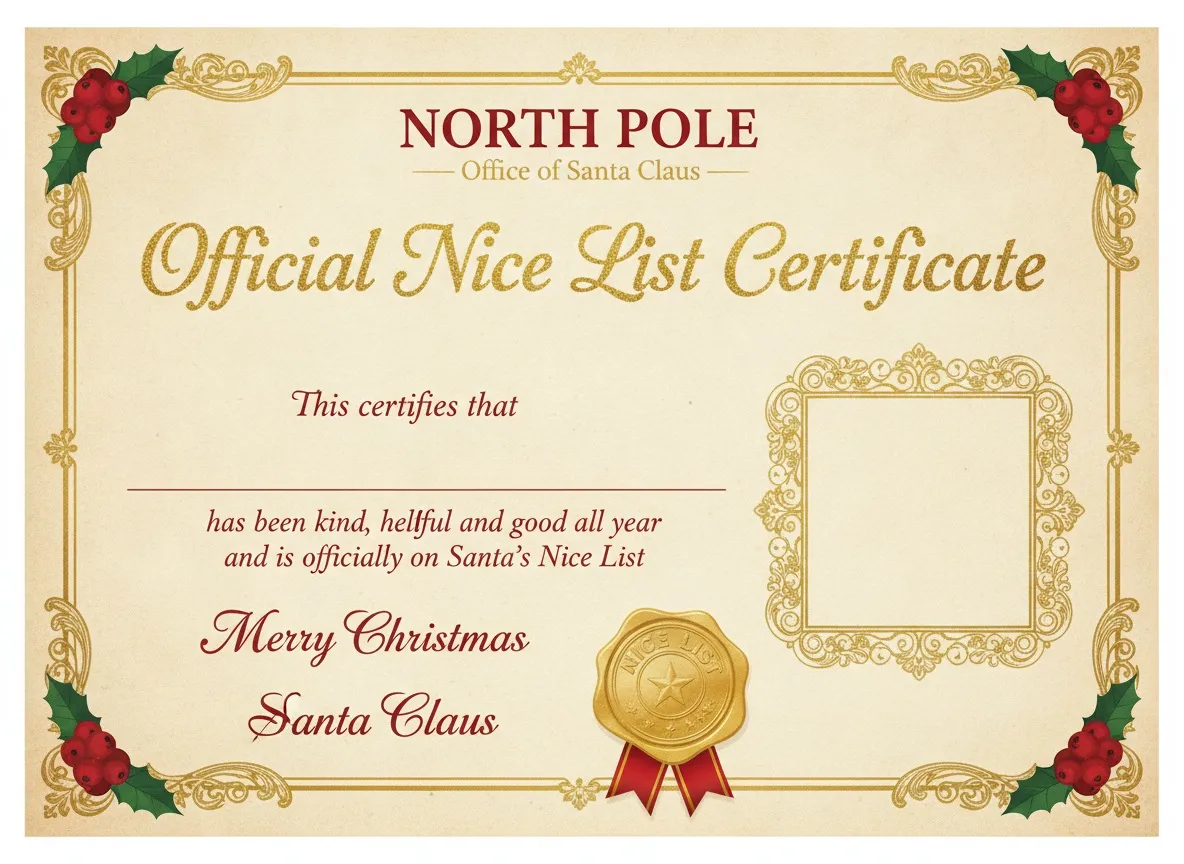
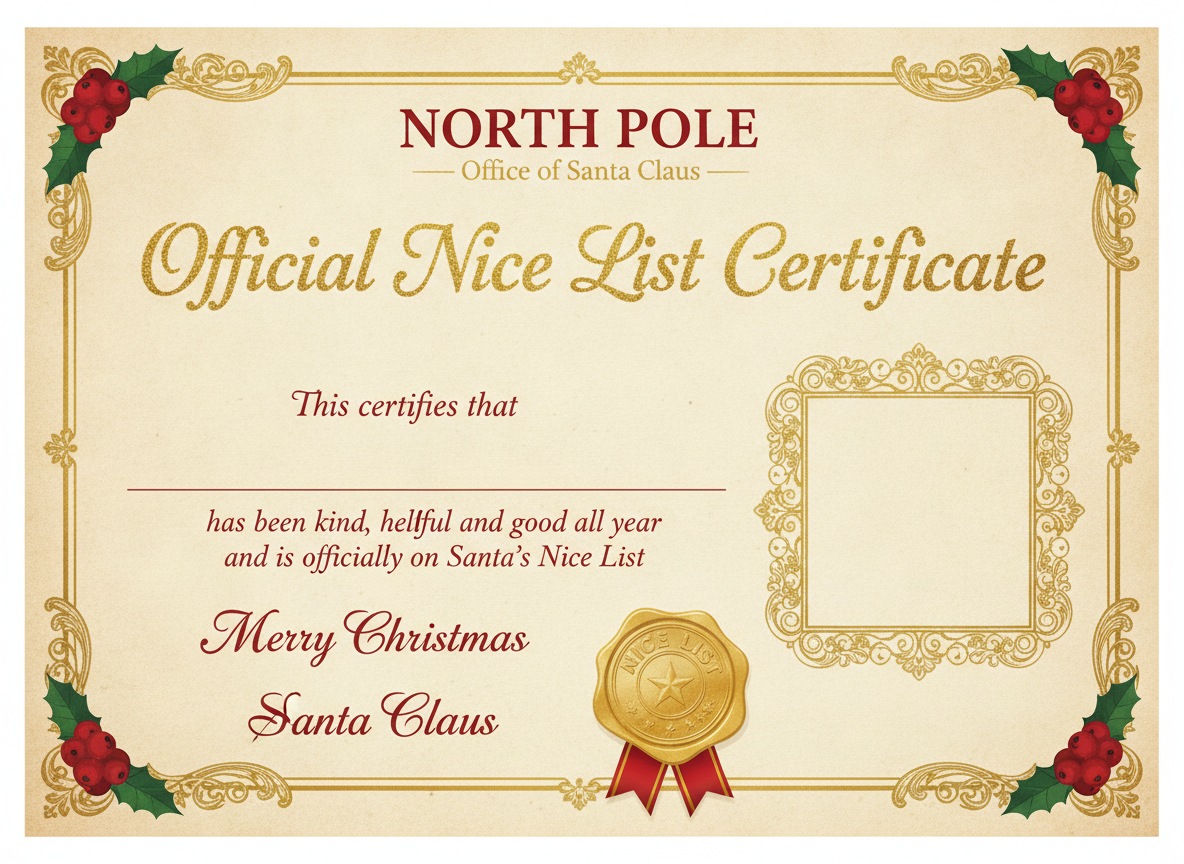
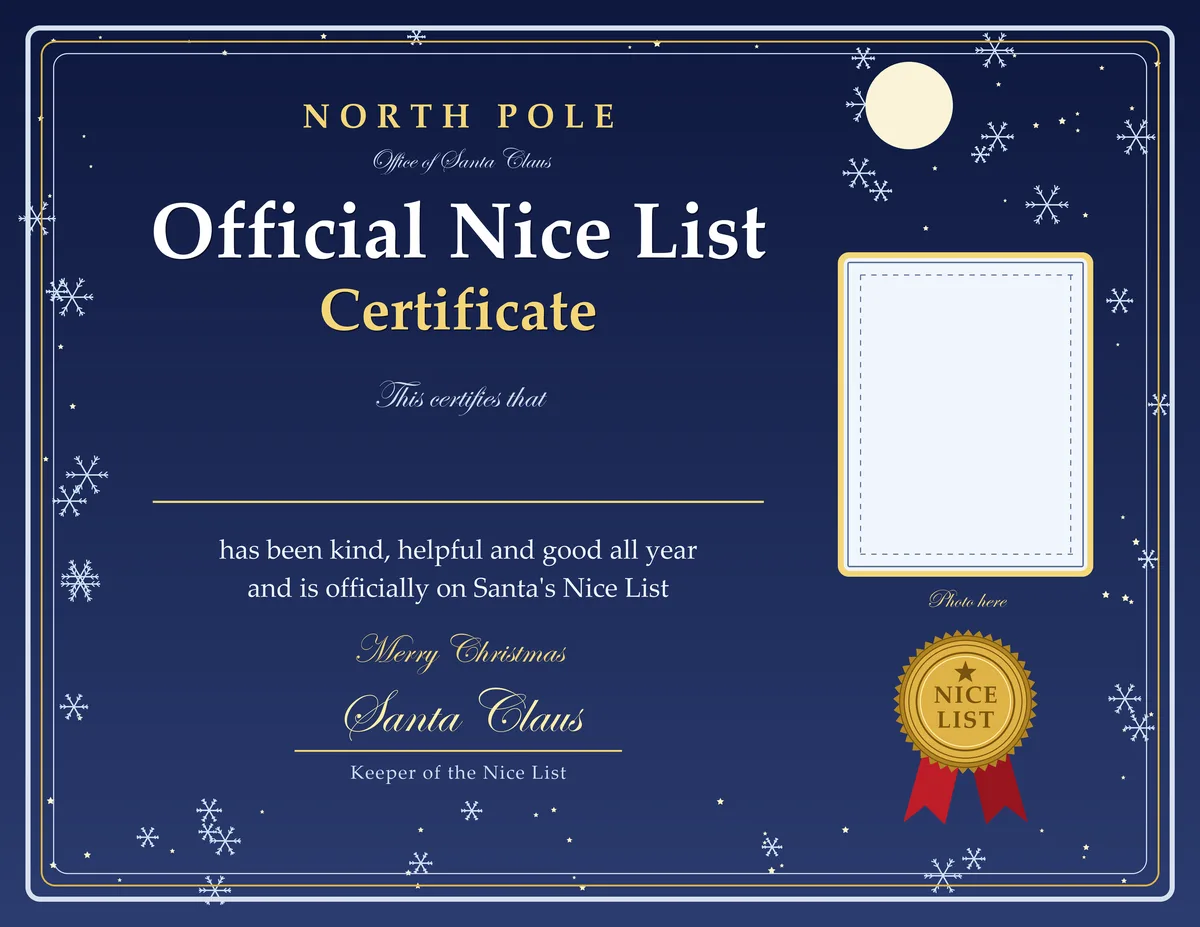
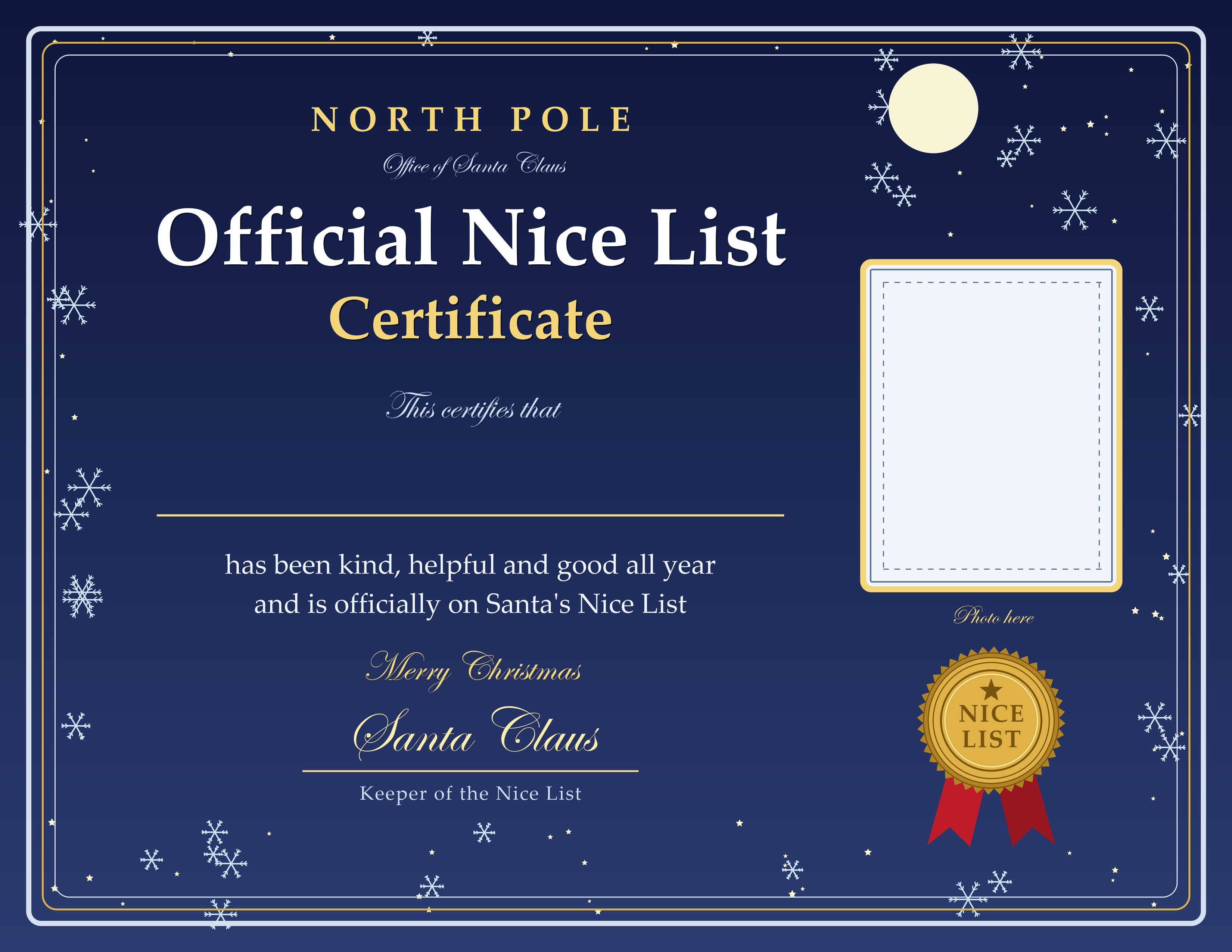
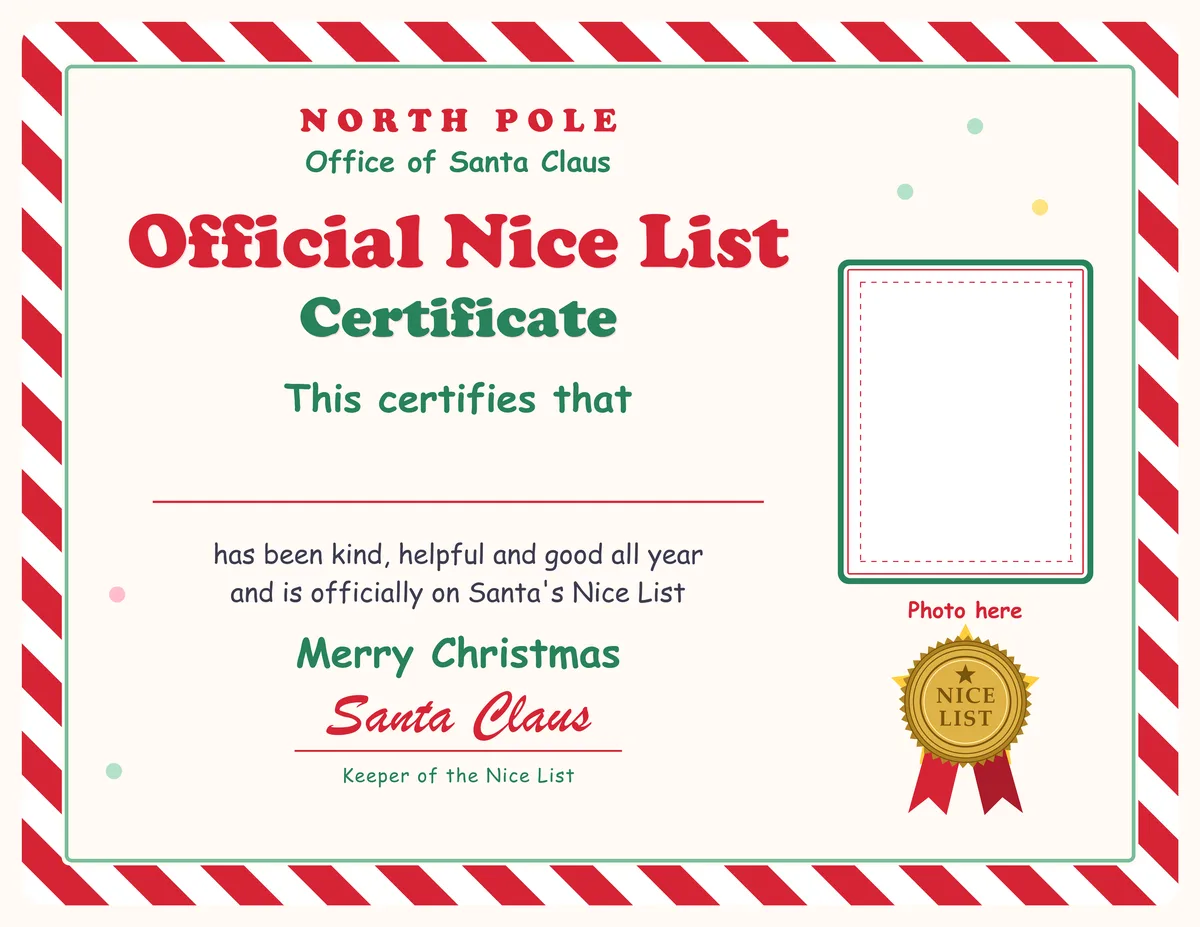
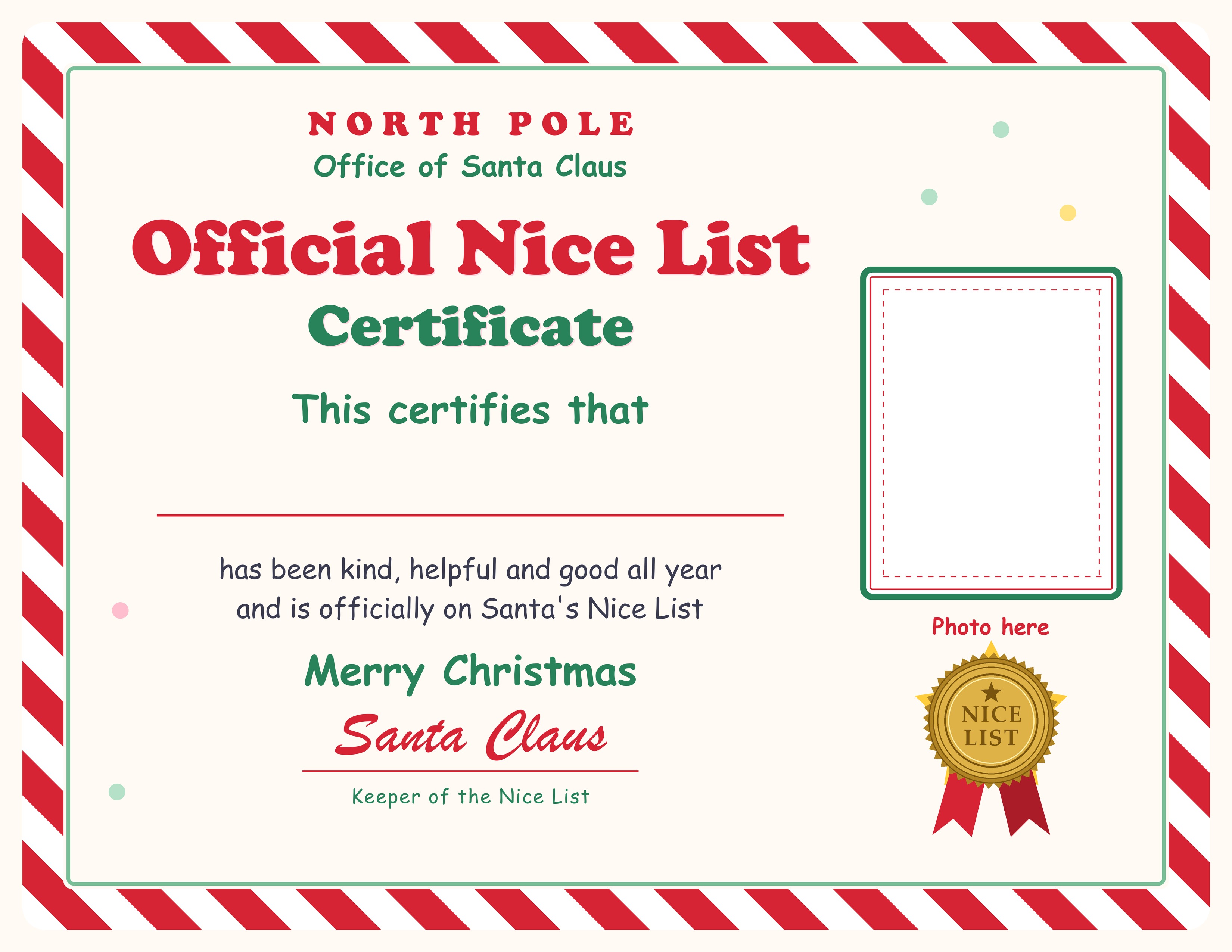
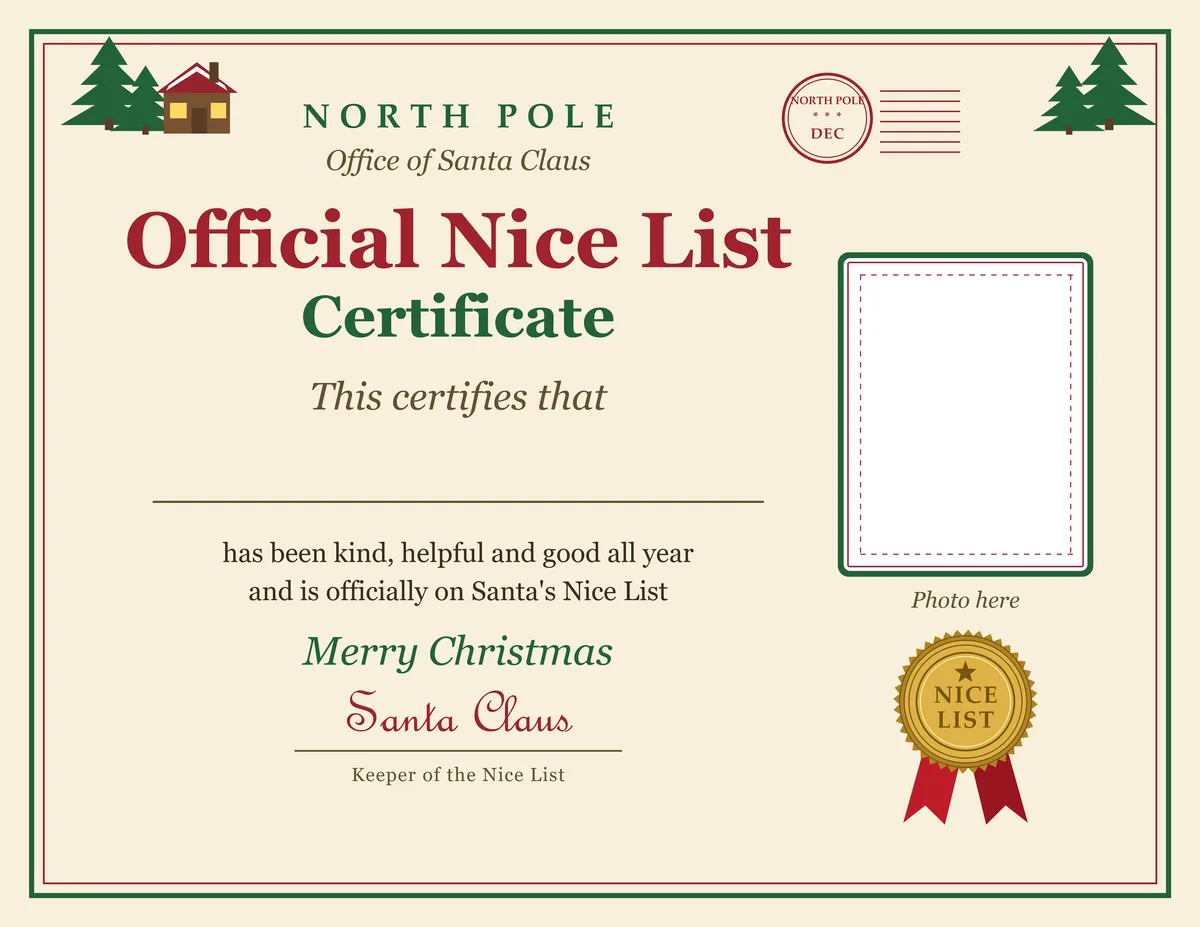
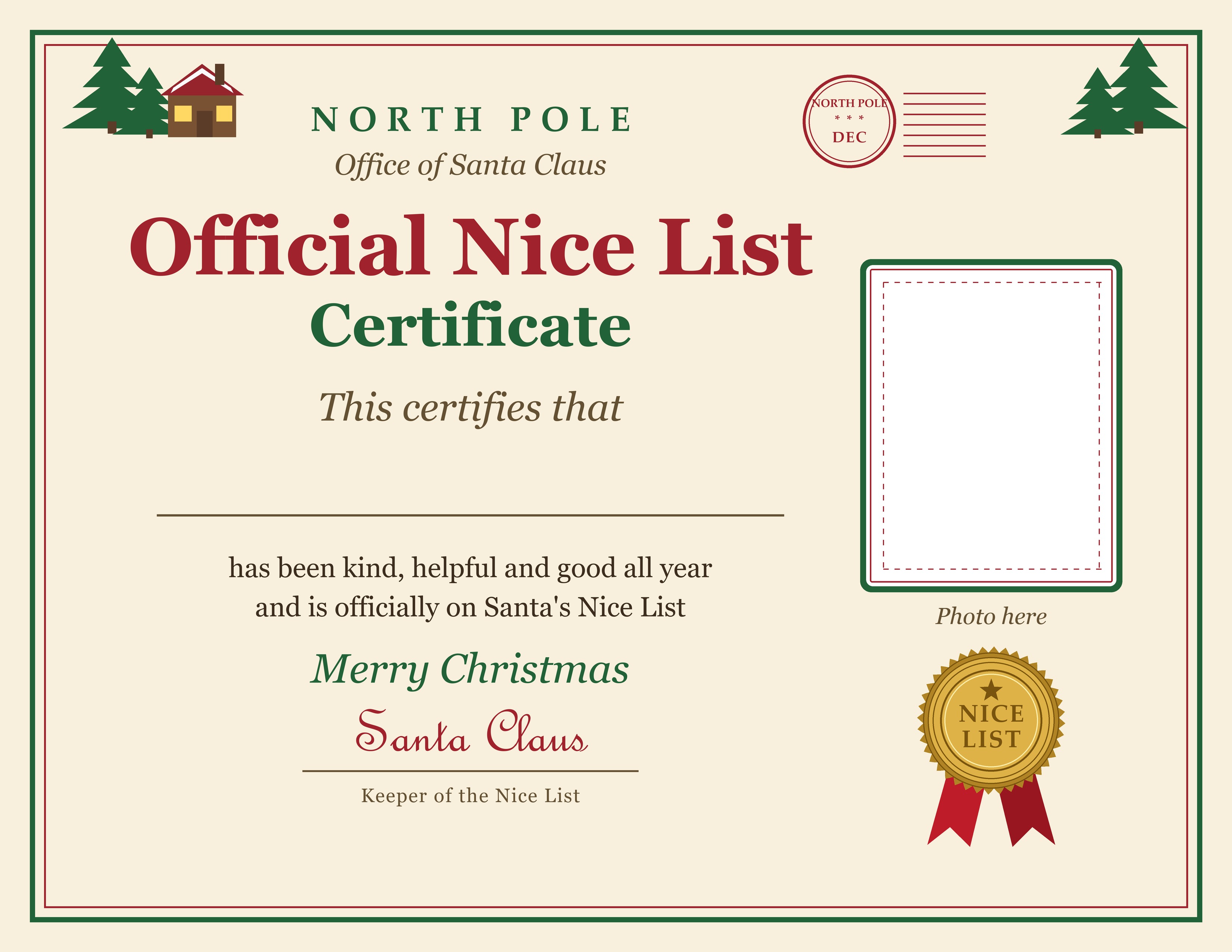
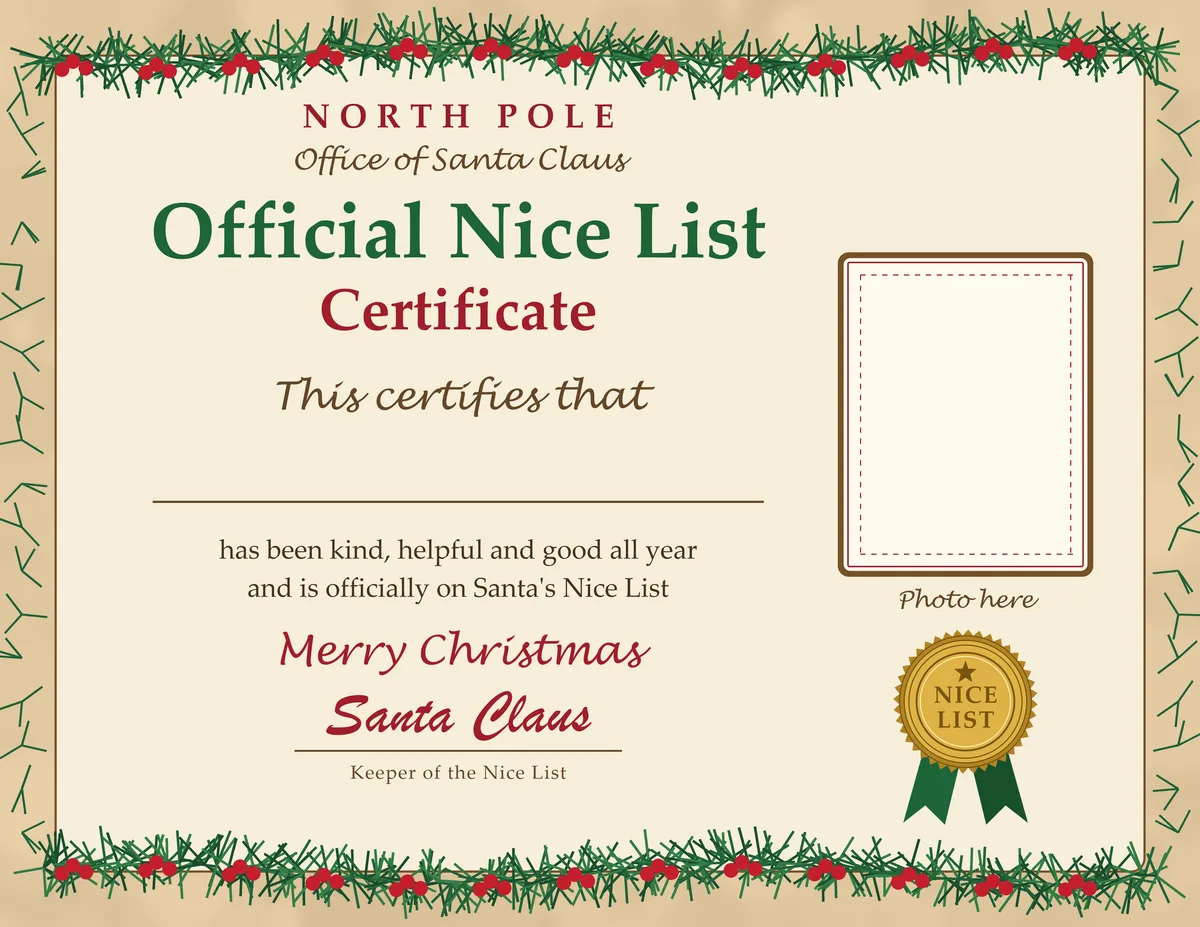
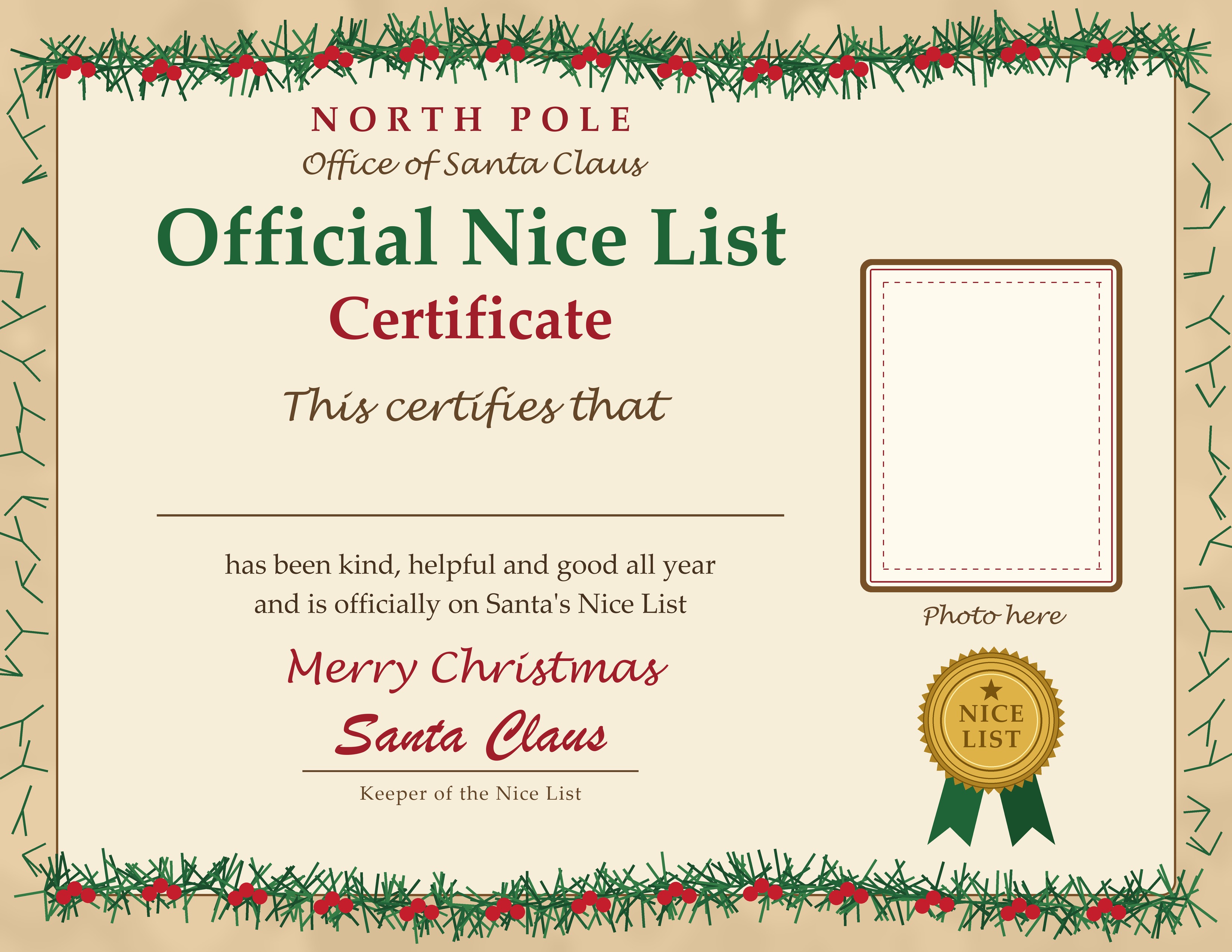
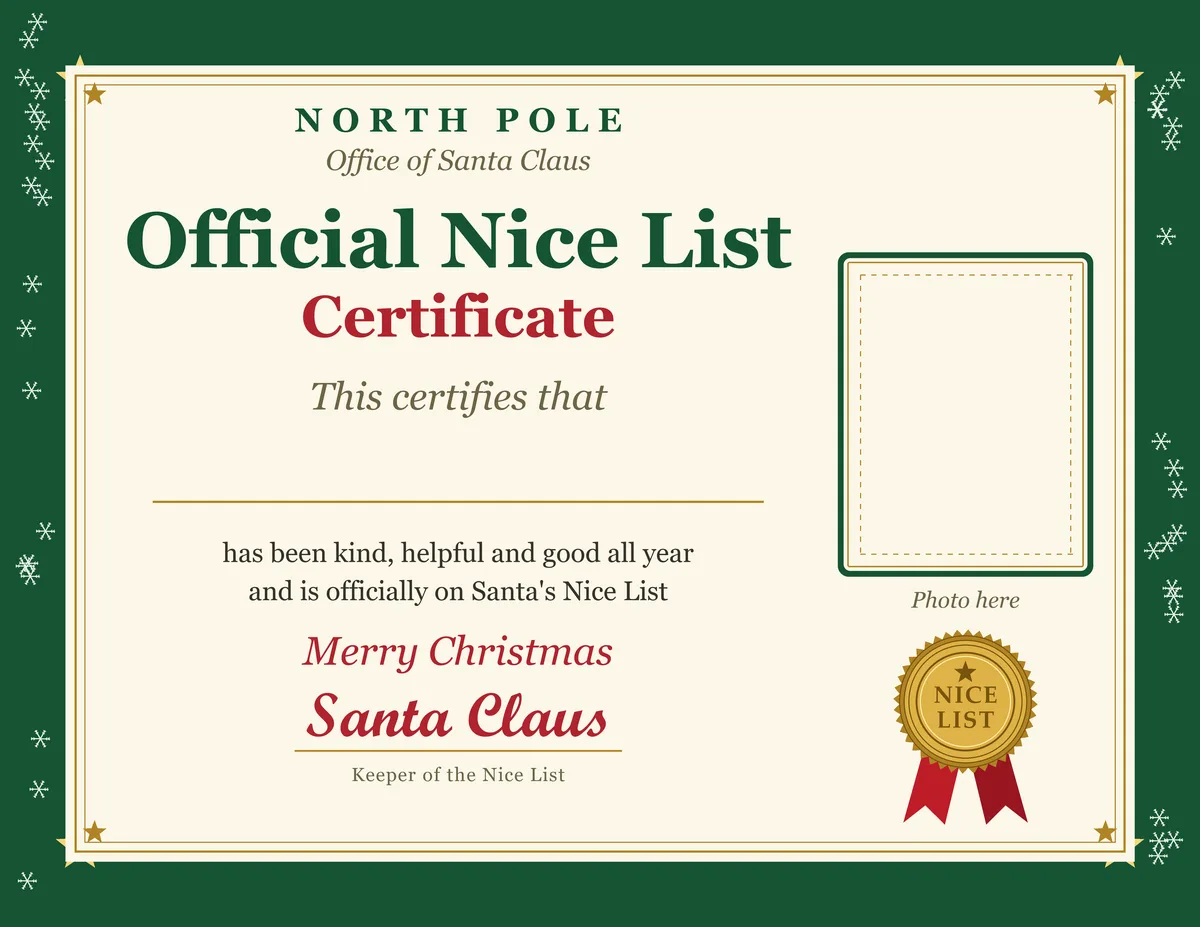
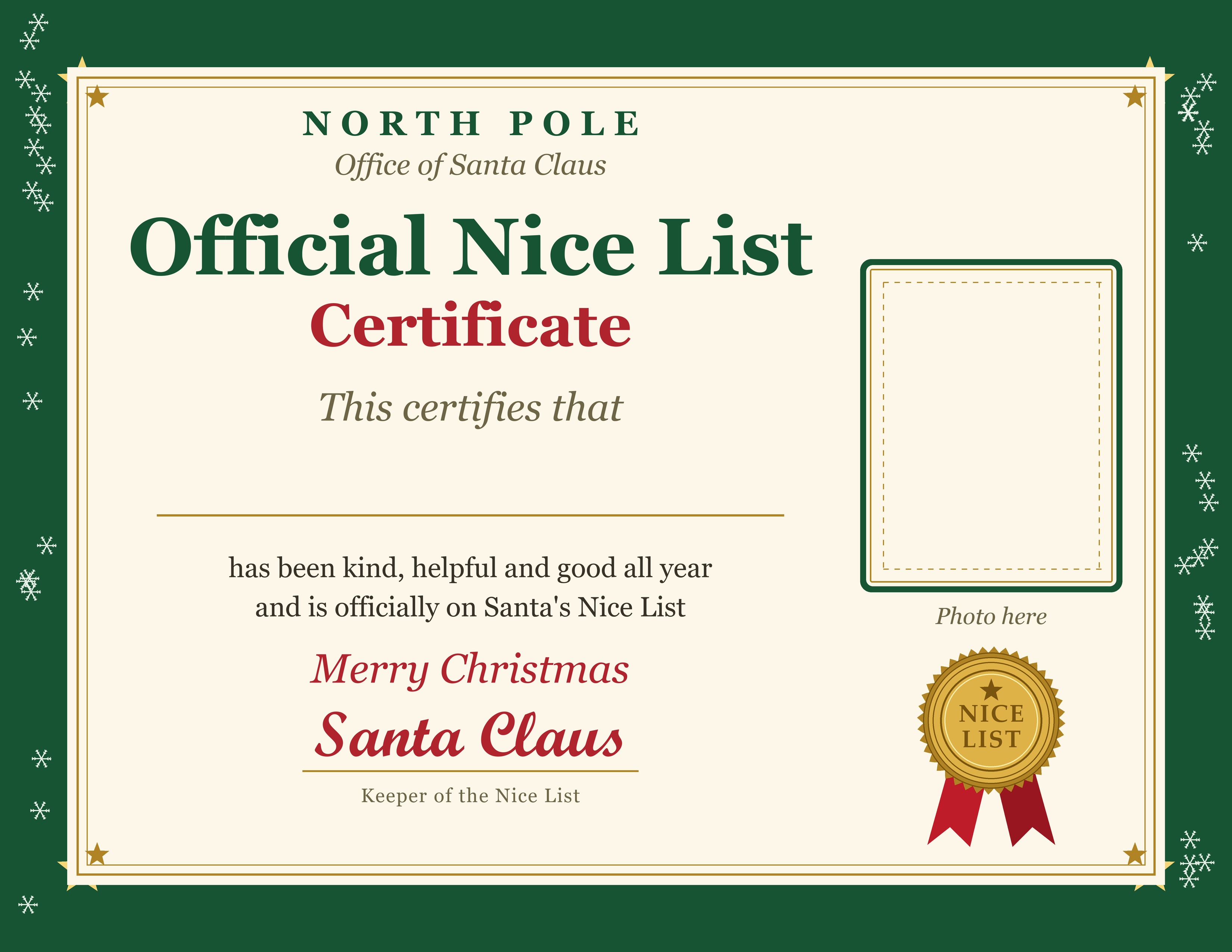
All six say the same thing: this certifies that, a blank for the name, and that the child is officially on Santa's Nice List. I left the name and the photo empty on purpose, because a name in a font that doesn't match the rest always looks pasted on. Hand lettering looks better, and kids love watching a parent write it.
How to fill in your child's name
There are two ways, and neither takes more than a few minutes.
Print first, then write. This is my favorite, because the pen strokes make it look like Santa did it himself. Use a gold, silver or dark green gel pen, and write slowly in your best handwriting (or your non-dominant hand, so it doesn't look like Mom or Dad). Test the pen on a scrap of the same paper first, since gloss can smear.
Type the name before printing. Open the JPG in any app that lets you add text, such as Preview on a Mac, Photos on Windows, or a free design site, put a text box on the blank line, and pick a script font in dark red or green. Zoom in to line it up with the name line before you export.
Either way, print at actual size (100 percent, not fit to page) on US Letter in landscape. If your printer takes cardstock, it feels sturdier, though check its maximum paper weight before you feed it a thick sheet. Plain paper is fine too, and a cheap frame makes it last.
Add a photo of your child
The photo frame sits on the right side of every design. The simplest route is to print a small picture and glue it in, using a glue stick so the paper doesn't wrinkle.
If you want something more magical than a school photo, make a Christmas picture in PicsMas first. Upload one clear photo of your child, choose a Santa or cozy Christmas look, and download the result. You can then print it small and glue it into the frame, or place it into the certificate in your photo editor before printing. Our Santa photo with kids guide shows what works best, and the AI Santa photo page explains the process.
Put your child's photo on their own Nice List certificate. Sign up for PicsMas, or use the PiXmas app on your phone.
Sign up for PicsMasGet PiXmas on the App StoreHow to present the certificate
The delivery matters as much as the paper. A few ways that families do it:
- Roll it with a ribbon and tuck it into the top of the stocking so it's the first thing found.
- Leave it next to the cookie plate on Christmas Eve, with a crumb or two and a note that Santa was in a hurry.
- Put it on the breakfast table at their place on a December morning, as an early announcement.
- Have the elf on the shelf deliver it overnight in an envelope.
- Seal it in an envelope marked North Pole and add a red or gold seal sticker.
Timing is your call. Early December works if you want a little encouragement to last through the month. Christmas Eve is the most magical. Putting it in the stocking is the lowest effort and still lands well.
Ideas by age
| Age | What works |
|---|---|
| Toddlers | Keep it to one short line, such as sharing toys or giving hugs. Read it aloud and let them hold it. A sticker seal is a hit. |
| Ages 4 to 7 | Name one specific thing they did, like helping a sibling or feeding the dog. They'll remember it for weeks. |
| Ages 8 to 11 | Add two real qualities, such as patience or sticking with something hard. A short handwritten note from Santa goes well with it. |
| Teens | Skip anything babyish. Give it privately in an envelope, with real recognition for something they did, like helping at home or being there for a friend. |
If a child has had a rough year, put the emphasis on effort and kindness rather than on being perfect. A Nice List certificate works best as a thank-you, not a report card.
Small touches that make it feel official
A red or gold seal sticker pressed over a corner looks like a second stamp. A ribbon around the rolled certificate helps, and so does a light pencil shading around the edges for an aged look. Write the date in the corner in the same pen as the name. And if there's a small "Photo here" label under the frame, glue the picture over it so it disappears.
Pair it with a letter from Santa
The certificate is the keepsake, and the letter tells the story. Write a few lines in Santa's voice that use your child's name, mention one real kind thing from this year, and refer to the certificate in the envelope. Sign it the same way as the certificate so they match, and use the same colors if you can. Put the letter in front and the certificate behind it.
A few lines Santa might write: thanks for leaving cookies, a note about how the reindeer liked the carrots, and a mention of the thing your child was proud of this year. Keep it short for little ones, since they'll want it read aloud twice. For older kids, a sentence about how much they've grown goes further than any joke.
For a postmark, the US Postal Service has a program that puts a North Pole, Alaska postmark on a letter you've already written. You address the reply to your child, use SANTA, NORTH POLE as the return address, add a First-Class stamp, then put it in a larger stamped envelope addressed to North Pole Postmark, Postmaster, 4141 Postmark Dr, Anchorage, AK 99530-9998. Check usps.com for this year's mail-by date, because it falls well before Christmas.
Prefer something your child sees on a screen or on the fridge? The printable Christmas picture card guide and easy Christmas photo ideas have easy extras to go with it.
Make this year a little more magical with a Christmas picture of your own kid. Sign up for PicsMas.
Sign up for PicsMasGet PiXmas on the App Store