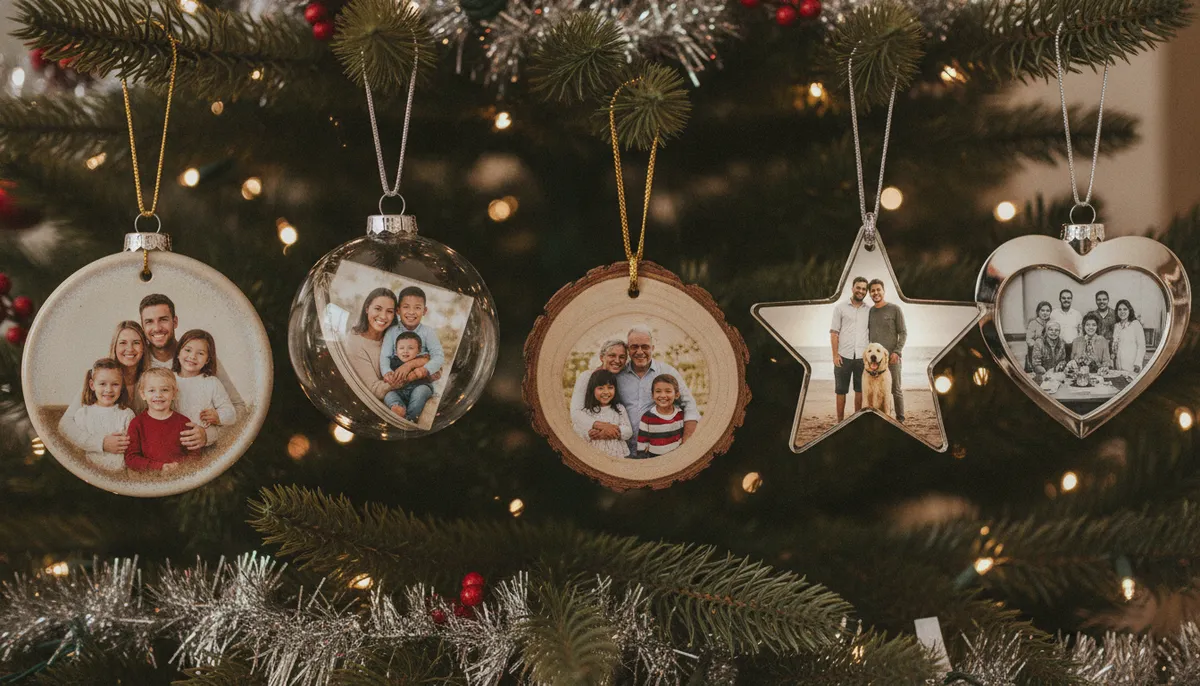
Eight photo ornament ideas
These original examples use made-up people and pets. They show what each material does with a photo, and why the same picture doesn't look the same on all of them.
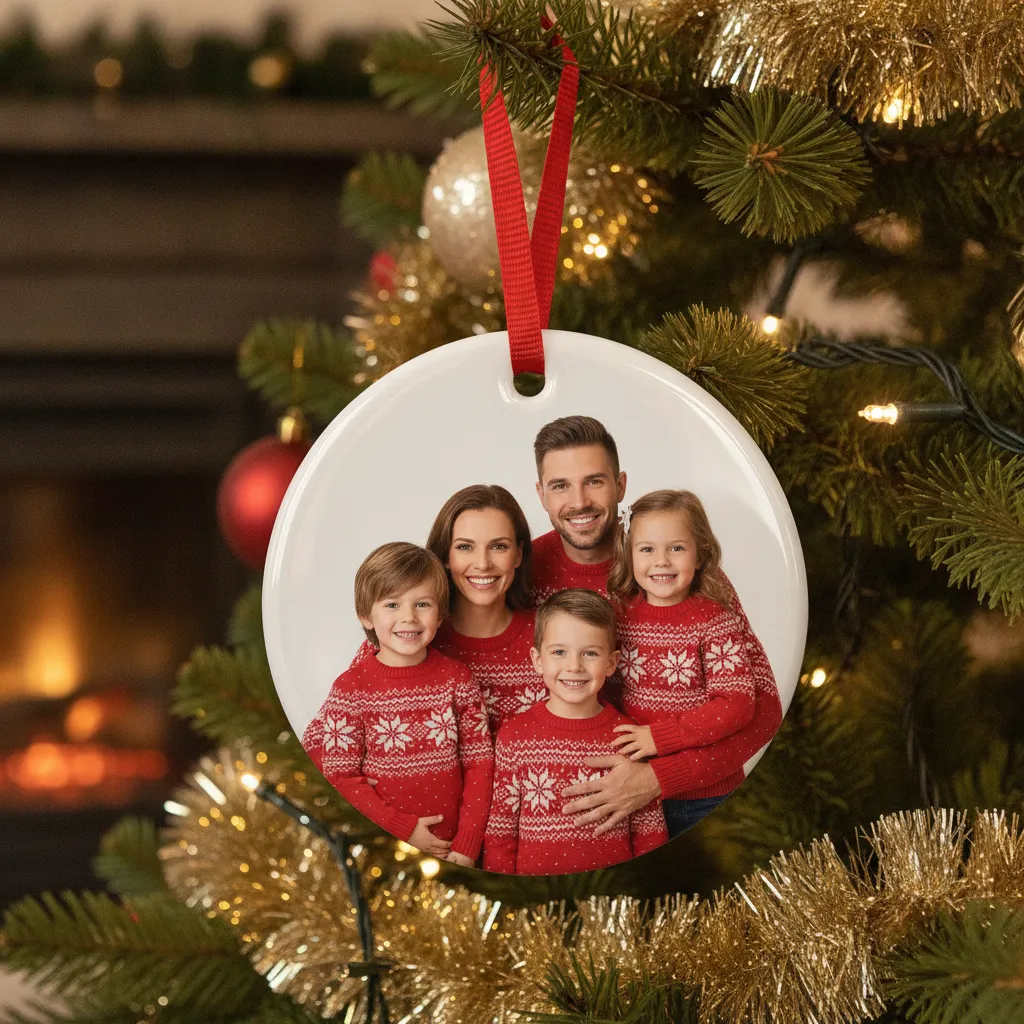
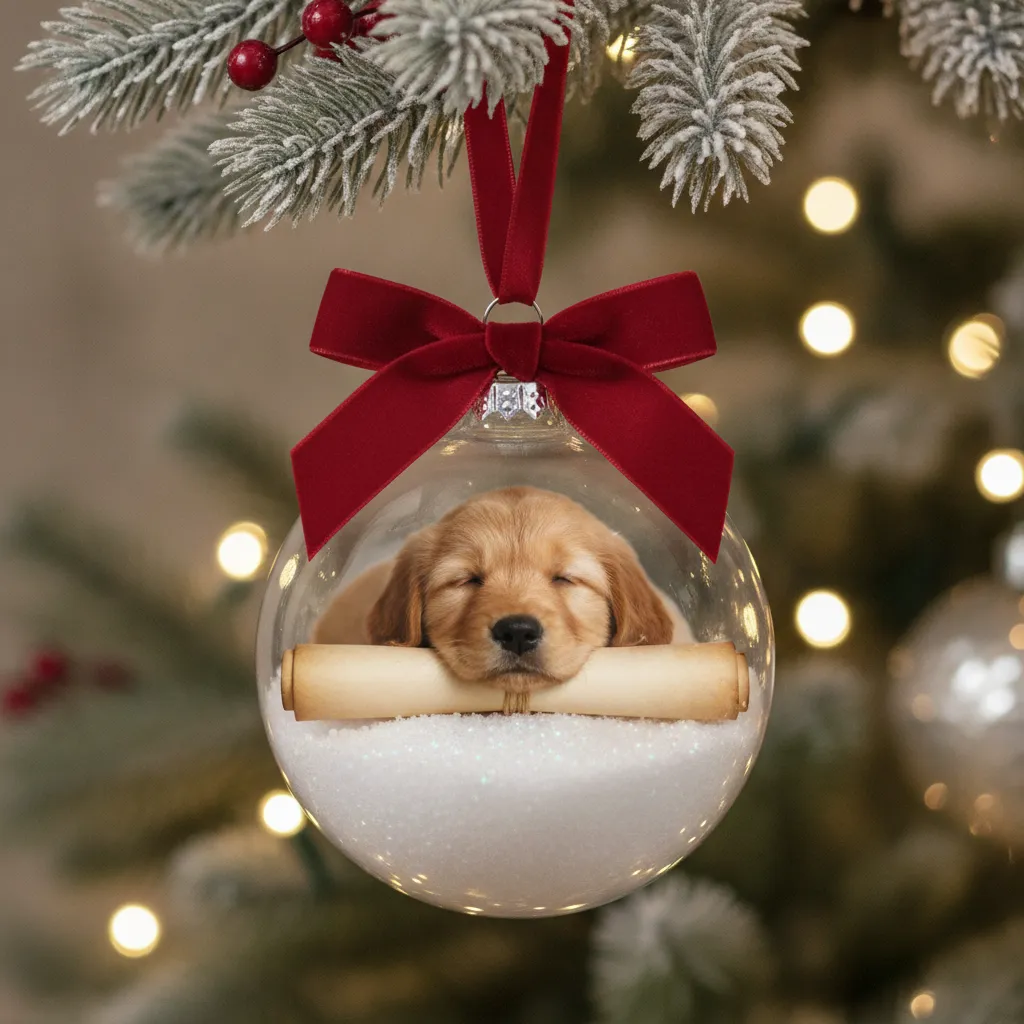
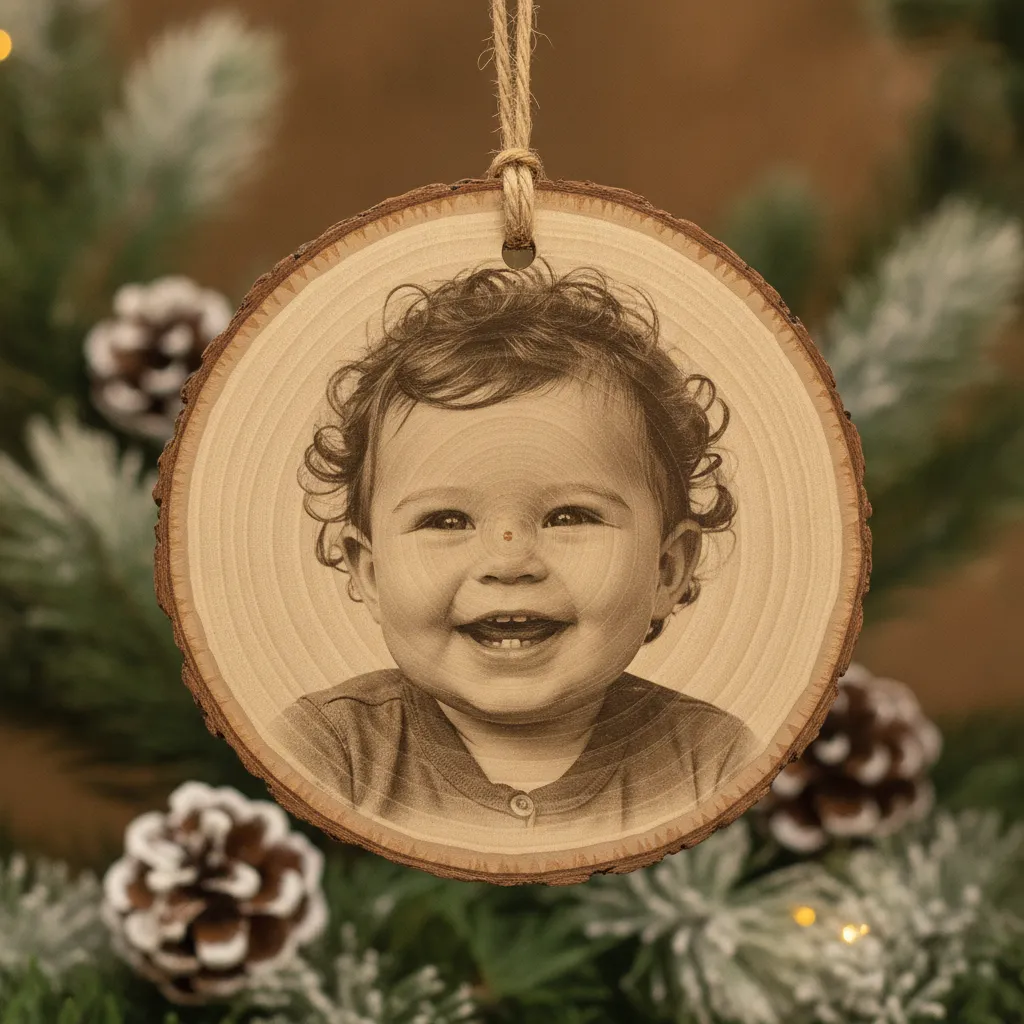
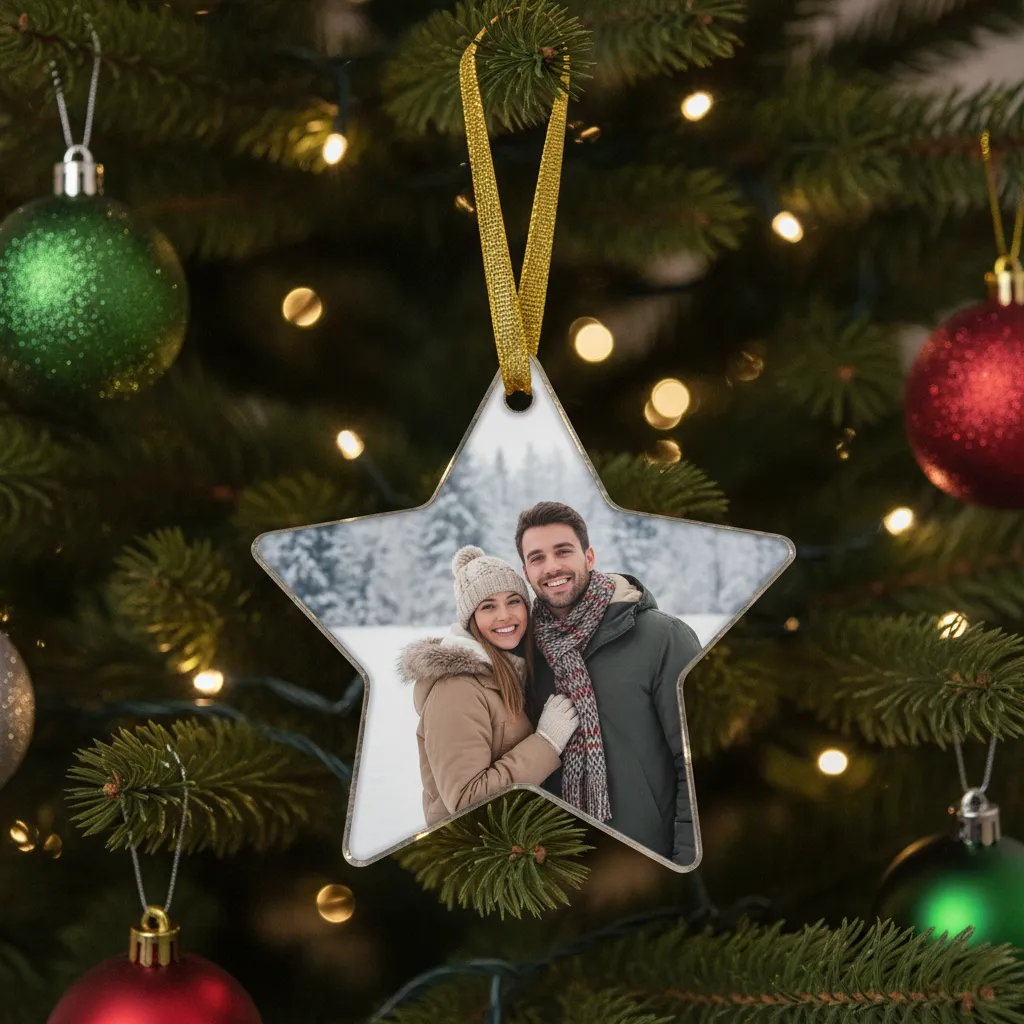
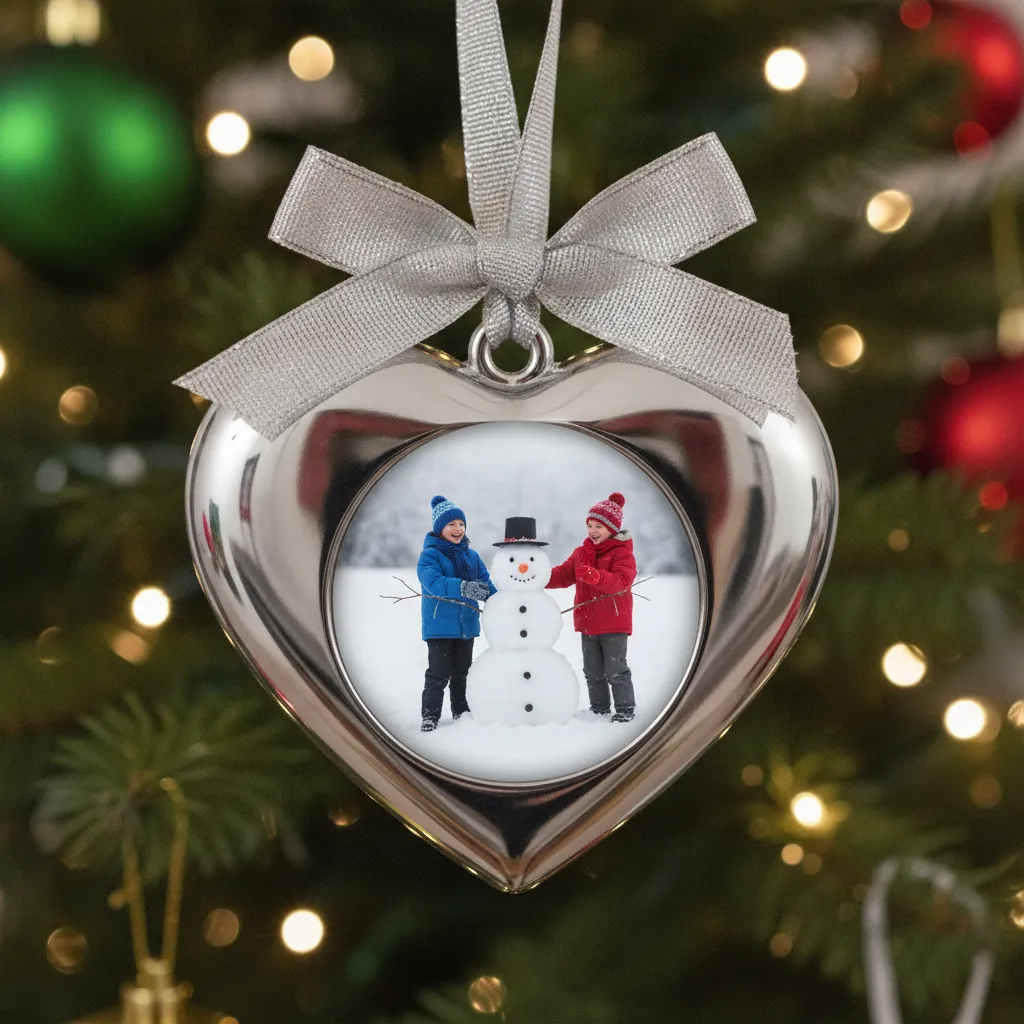
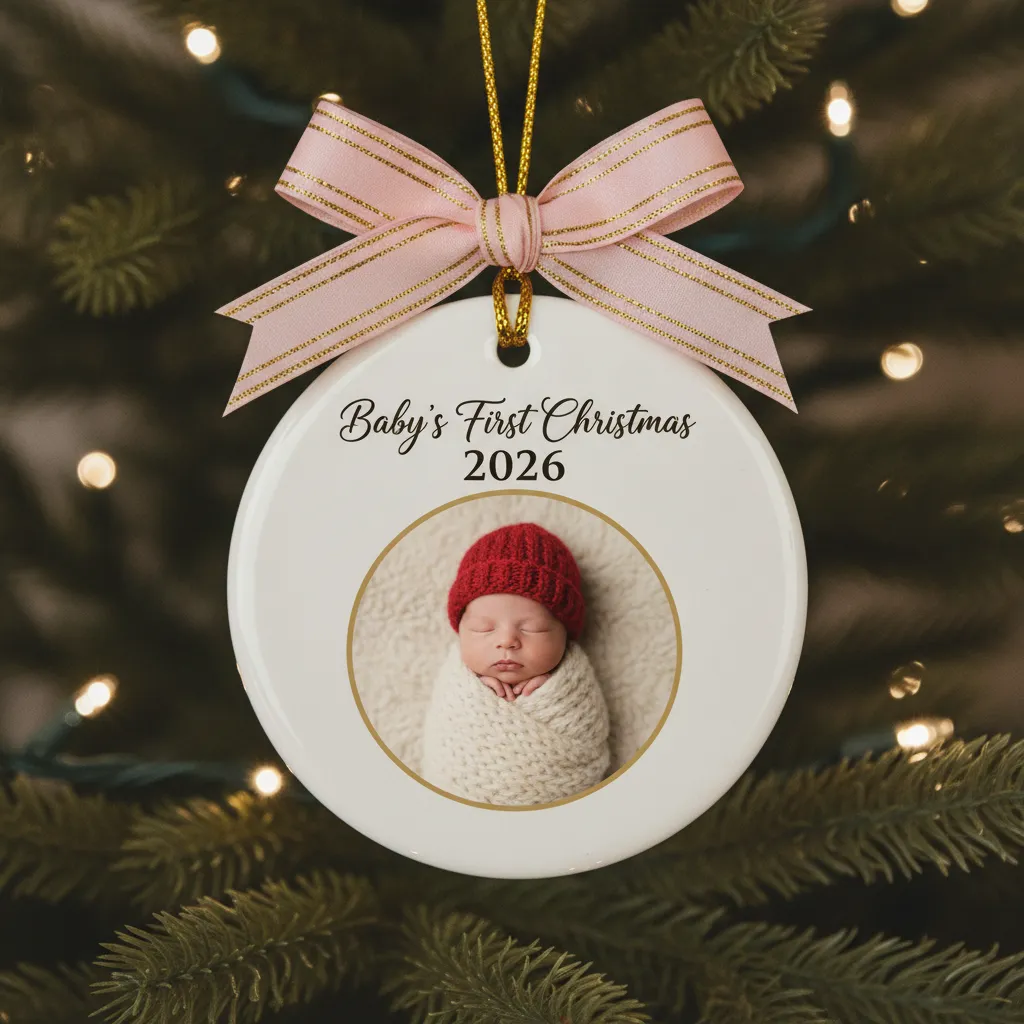
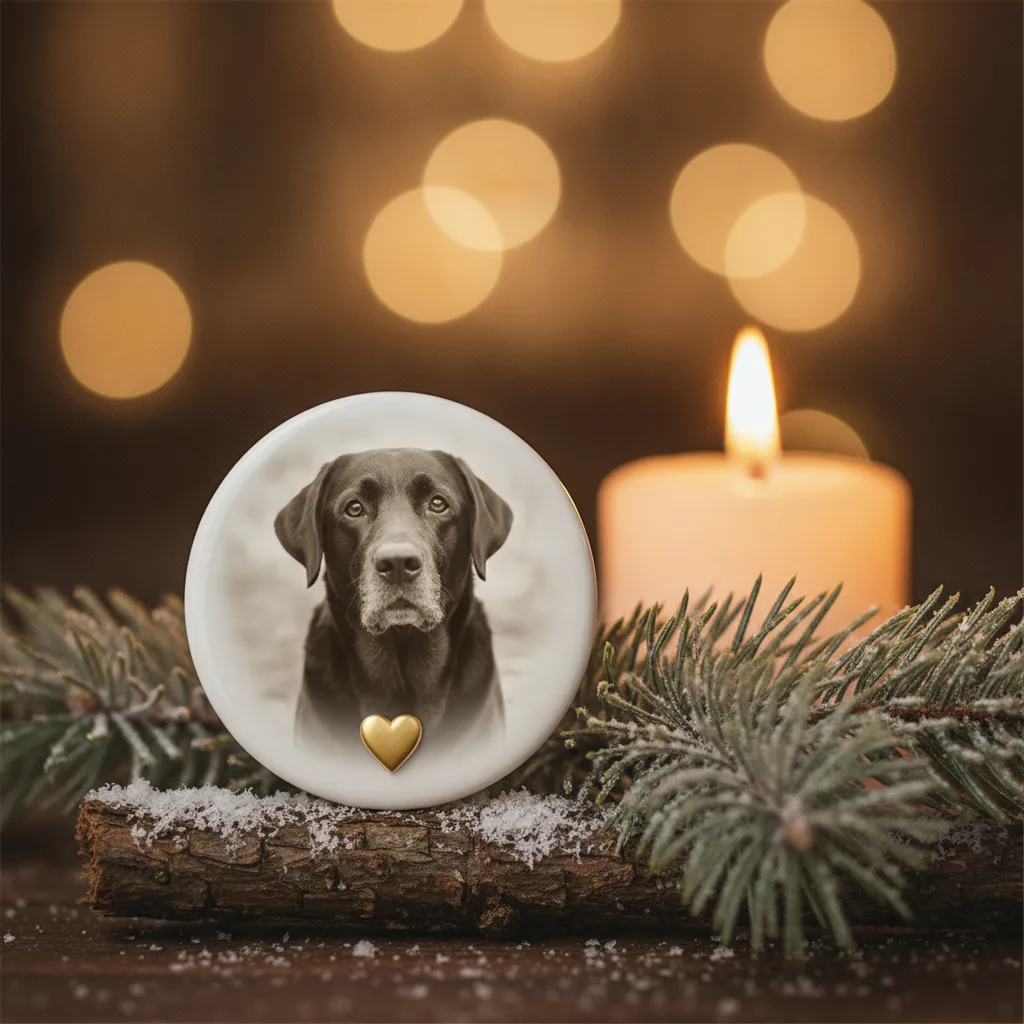
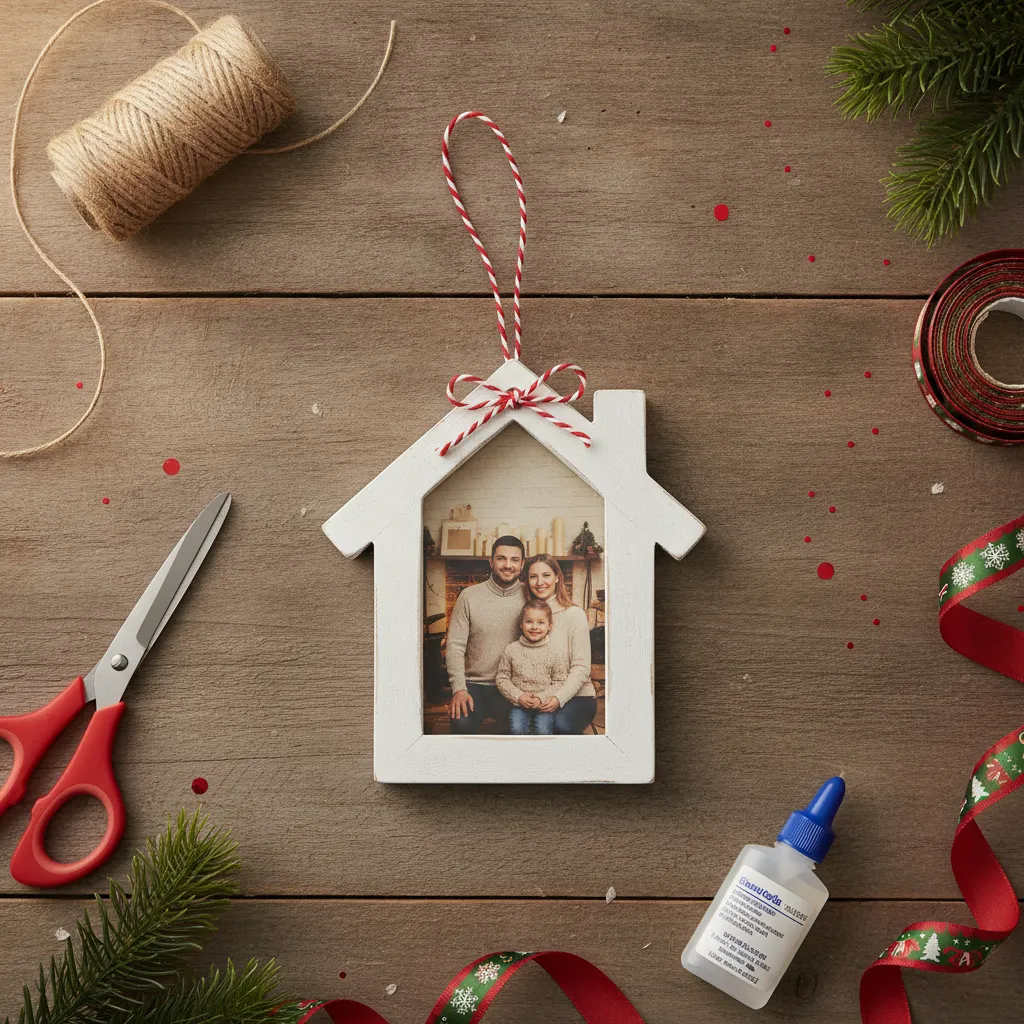
Photo ornament materials compared
| Material | Typical size | What it does well |
|---|---|---|
| Ceramic or porcelain | 3 to 4 in | Vivid full-color portraits on a glossy glaze |
| Glass ball | About 3 in | Traditional round shape; the curve can distort edges |
| Wood | 2.5 to 4 in | Warm, rustic look; high-contrast photos work best |
| Acrylic | 2.5 to 4 in | Light, glossy and hard to break; good for novelty shapes |
| Metal or aluminum | 2.5 to 4 in | Sharp, modern panels; simple compositions print best |
I'd pick ceramic for a family portrait and wood for a sepia-style baby shot. Acrylic is the one to hand to kids, since it survives being dropped. Wood hides light areas in the grain, so a pale, low-contrast photo can look muddy on it.
Shapes that suit the photo
Round is the default and usually 3 inches. Stars suit a single portrait or a pet, and hearts work for couples, weddings and memorial photos. A snowflake is pretty but gives you a small usable area, so keep the subject centered. Rectangles hold the most picture and are the better call for full-body shots, landscapes or a group.
The simplest rule is that the shape crops your picture. A round or heart ornament cuts the corners, and there is usually a hanging hole near the top, so leave extra room above heads.
What photo works best
Start with the original file from your phone or camera, not a screenshot or an image saved from social media. Compressed copies print blurry. For a 3-inch round ornament, some providers suggest at least about 900 by 900 pixels in the printable area, or about 300 DPI at the final size.
- Bright natural light, faces in focus, no heavy filters.
- A square crop for round ornaments, so the crop is predictable.
- Large faces. Close-ups of one to four people or a pet beat a wide group shot, where faces turn into dots.
- Breathing room around heads, ears and chins, and extra space at the top for the hole.
- For engraving or metal, strong contrast and a plain background. Subtle shadows disappear.
Anything smaller than about 2.5 inches is for one face, one pet or a very simple image. Small ornaments from 1.75 to 2.5 inches lose detail fast.
Make your own ornament artwork in PicsMas from one photo, then order it printed from the app or picsmas.com.
Sign up for PicsMasGet PiXmas on the App StoreBaby's first Christmas ornaments
This is the one most grandparents ask for. A newborn photo on a ceramic or wood ornament, with the year and sometimes the name, is a gift that gets hung every December for decades. Our page on a baby's first Christmas photo card covers the picture side.
Order early. If there is a proof step, a name to spell, a birth date or a photo that needs cleanup, give yourself time to fix a mistake. Sellers suggest October or early November, and that leaves room to reorder.
Memorial and pet memorial ornaments
A memorial ornament is a quiet way to keep someone at the tree. A person, a parent, a dog who was part of the family for fifteen years. Use the clearest photo you have, even if it is an old one, and keep the design simple. A name and dates are enough, and many people prefer no text at all.
Sellers recommend ordering at least 3 to 4 weeks before Christmas for these, preferably by early November, because restoration, engraving and proofs add time. Check every name and date before you approve anything. There is no good way to fix a typo on a finished ornament.
If the photo is damaged or small, a drawn or painted-style portrait can work better than a blurry print. That's what our Christmas ornament portrait from a photo page shows.
Ordering timeline
The safest rule from the retailer and seller guides we checked is to order a personalized ornament by about November 15, and no later than November 30 unless the listing confirms a short production time and a guaranteed delivery date.
- Etsy-style made-to-order sellers often quote 1 to 3 business days of production plus 3 to 7 days of standard shipping, but peak-season orders can take 1 to 3 weeks.
- Large photo retailers usually list standard and expedited cutoffs. Walgreens, for instance, lists December 10 for economy shipping and December 11 for standard on its 2026 holiday schedule, with store pickup as a late option.
- After December 10, use expedited shipping, local pickup, or a seller that states a guaranteed holiday delivery date.
Dates change by product and zip code, so use the estimate at checkout. If you're short on time, a DIY ornament below still gets a photo on the tree.
DIY photo ornament, three ways
Clear glass or plastic ball. Measure the ornament and cut a paper circle about 1/8 to 1/4 inch smaller than its diameter. For a typical 2.75-inch ball, that means a photo circle around 2.5 to 2.75 inches. Leave a small tab at the top, roll the print into a tube with the picture facing out, feed it through the neck and let it unroll. Nudge it flat with a cotton swab or a rolled strip of cardstock, add faux snow or ribbon, and close the cap. Use ordinary or matte paper, since glossy stock doesn't bend as well.
Wood slice. Trace the slice on your print, cut slightly oversize, then trim until it fits. Brush a thin layer of Mod Podge on the wood, press the photo down from the center outward to push out bubbles, let it dry, and seal it with thin coats. Add a screw eye and twine.
Printable frame. Print the template at 100 percent scale, not fit-to-page. Check the face sits inside the opening, mark the cut line on the back, trim a little at a time and tape the photo behind the frame. Mount it on cardstock, a mini frame or a pre-made ornament.
Whatever you choose, test the size on scrap paper first. The neck, the curve and any filler eat into the space you think you have. The same photo can also go on a personalized Christmas stocking or onto custom wrapping paper for a matching set.
Making the ornament design with PicsMas
PicsMas starts from the one photo you already have. It can turn it into a festive portrait, add a Christmas background, name and year, and give you a square or round-ready design that is easy to crop for an ornament. For pets and kids who won't sit still, that is often better than a straight print of a blurry snap. You can then order it printed from the app or picsmas.com.
Want the picture for a card as well? Try our AI Christmas card maker page, or see how pets look in a pet Christmas card from a photo.
Pick a photo, get a Christmas design in PicsMas, and turn it into an ornament. Sign up at picsmas.com or open the PiXmas app.
Sign up for PicsMasGet PiXmas on the App Store