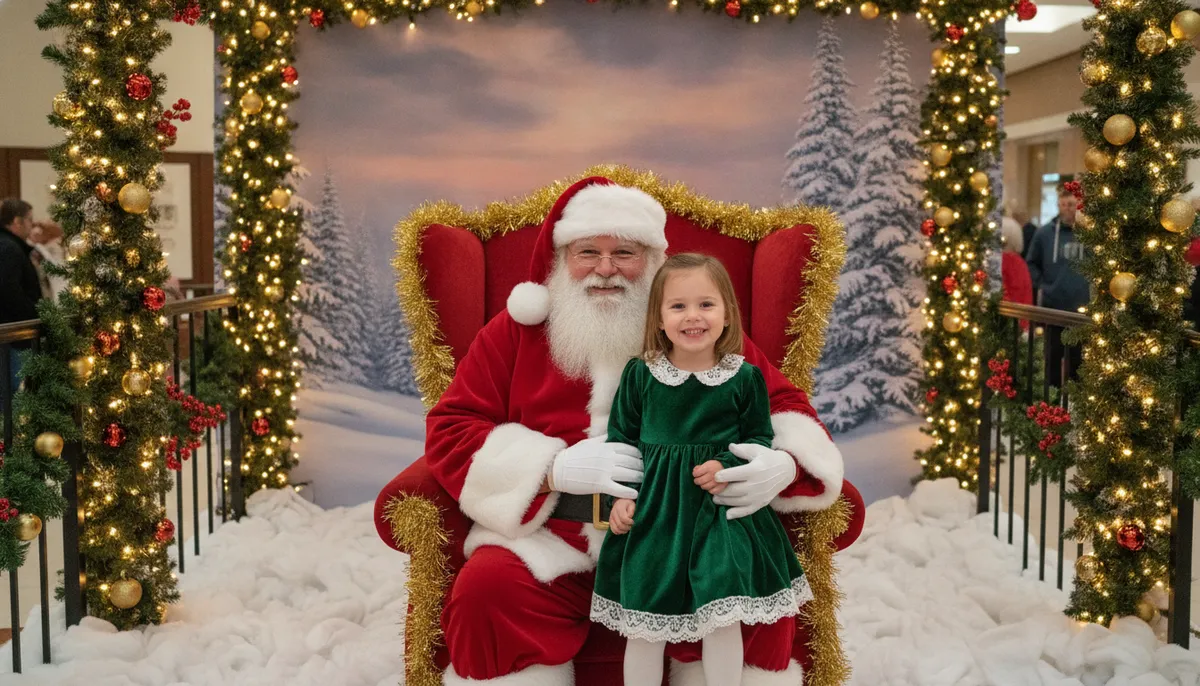
Eight Santa photo examples
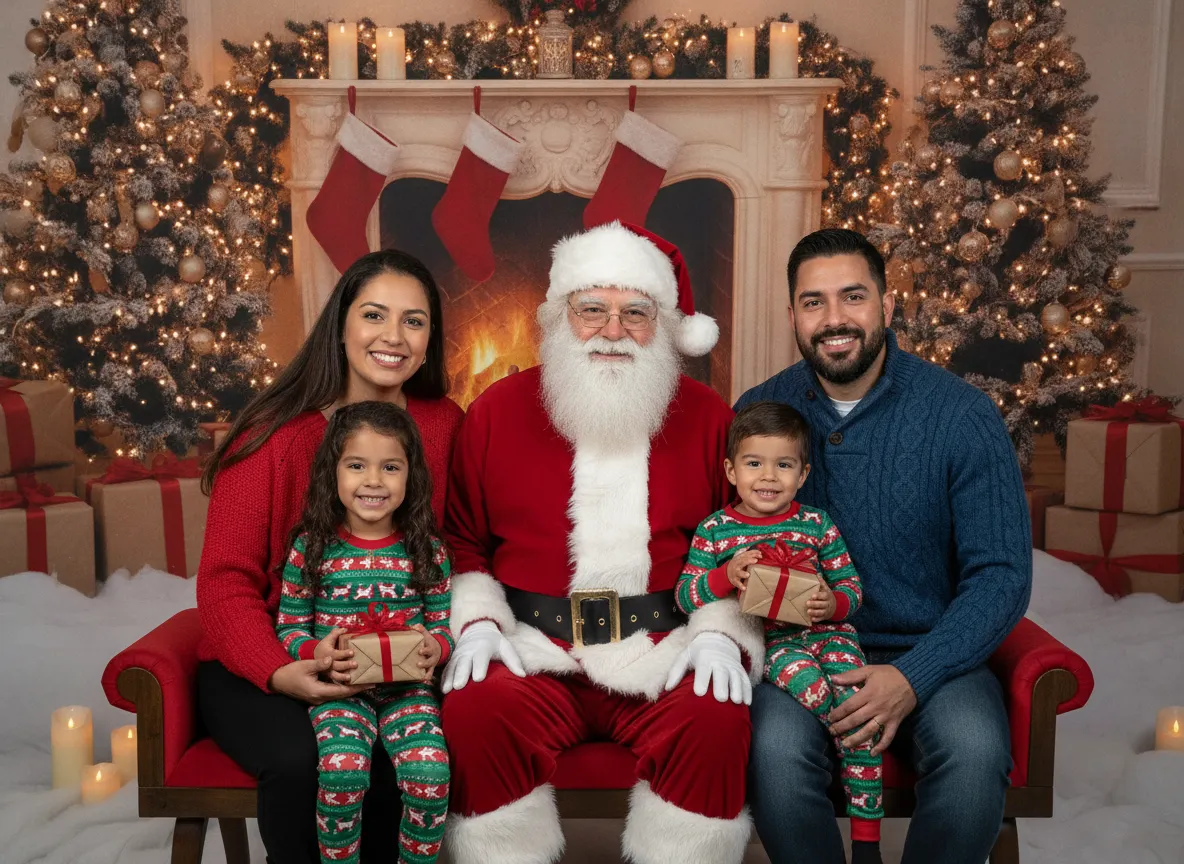
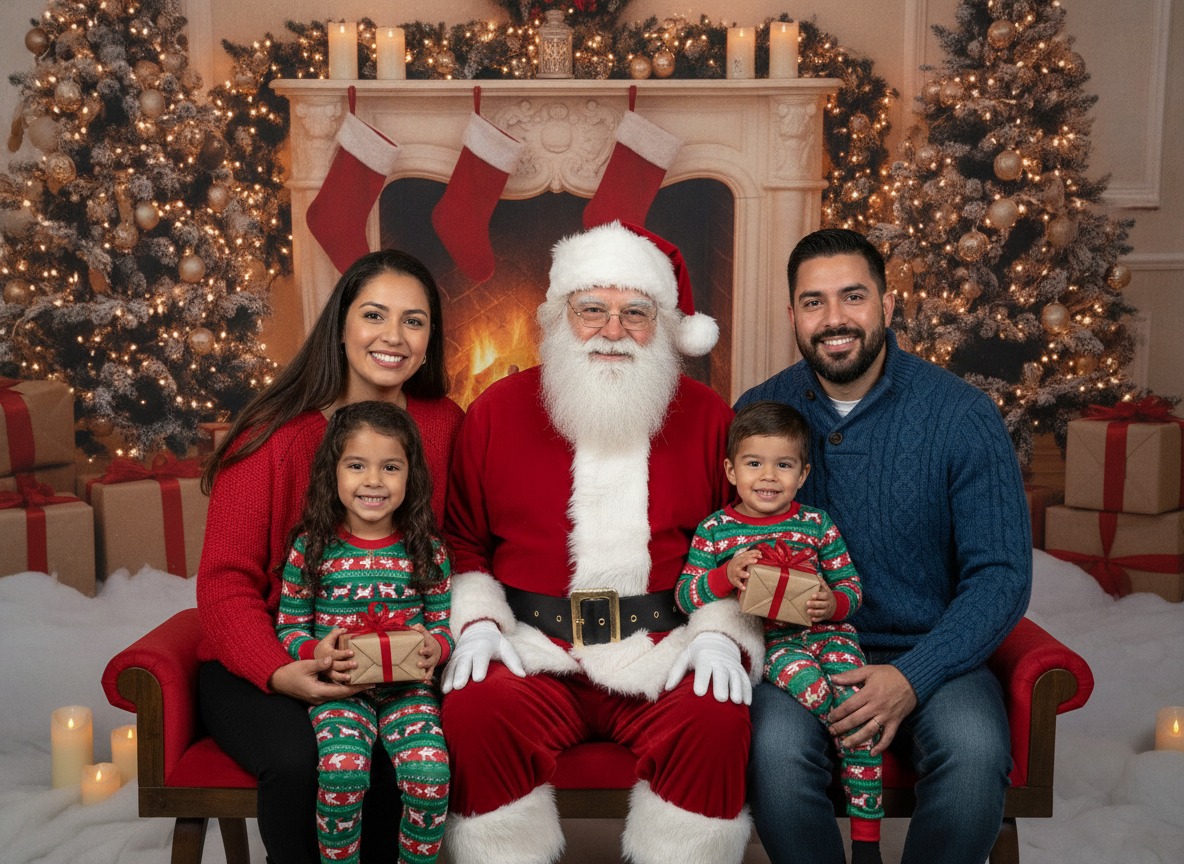
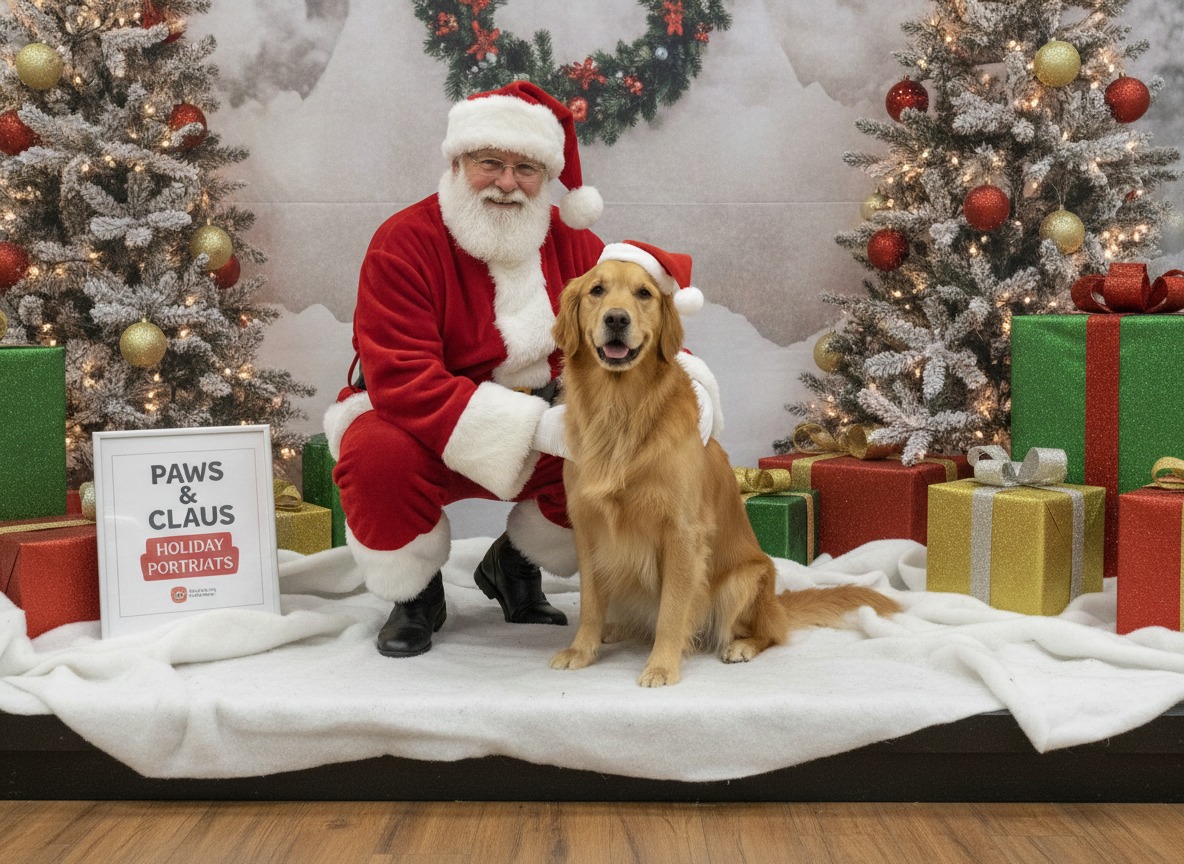
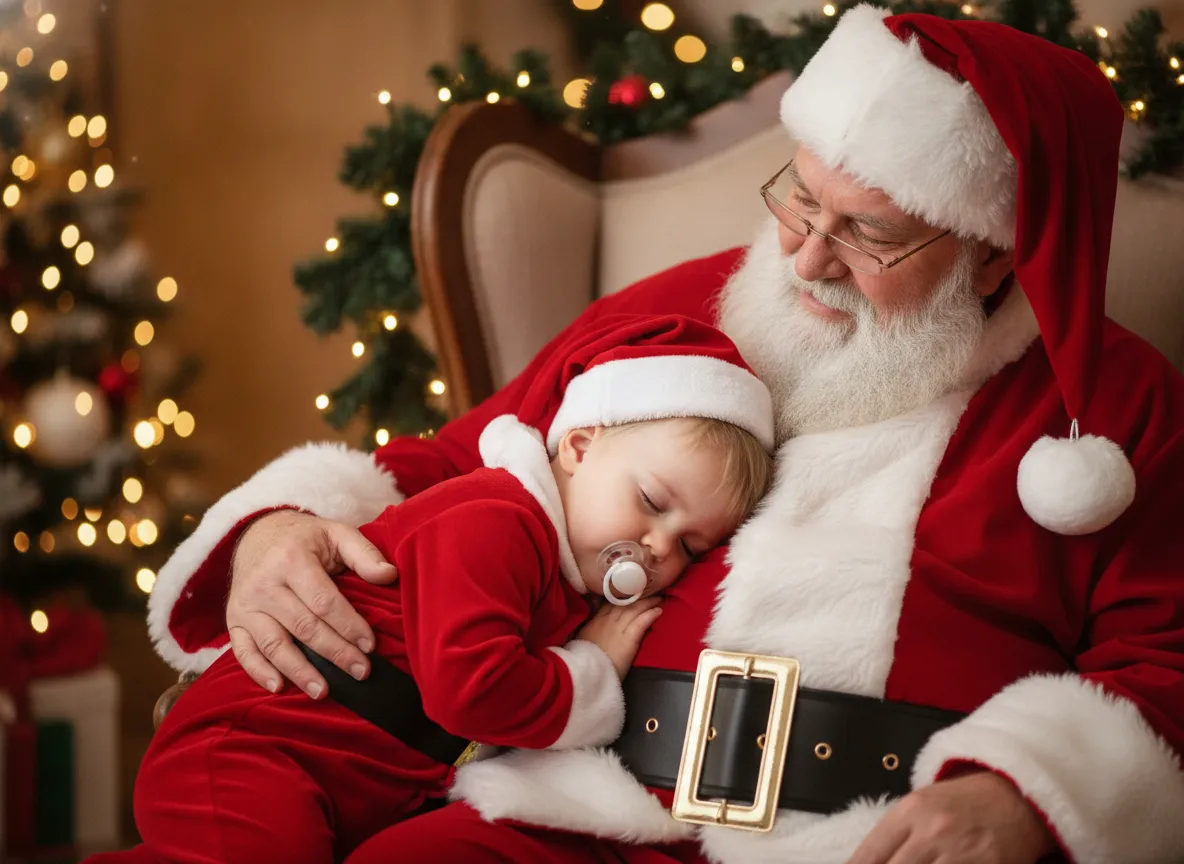
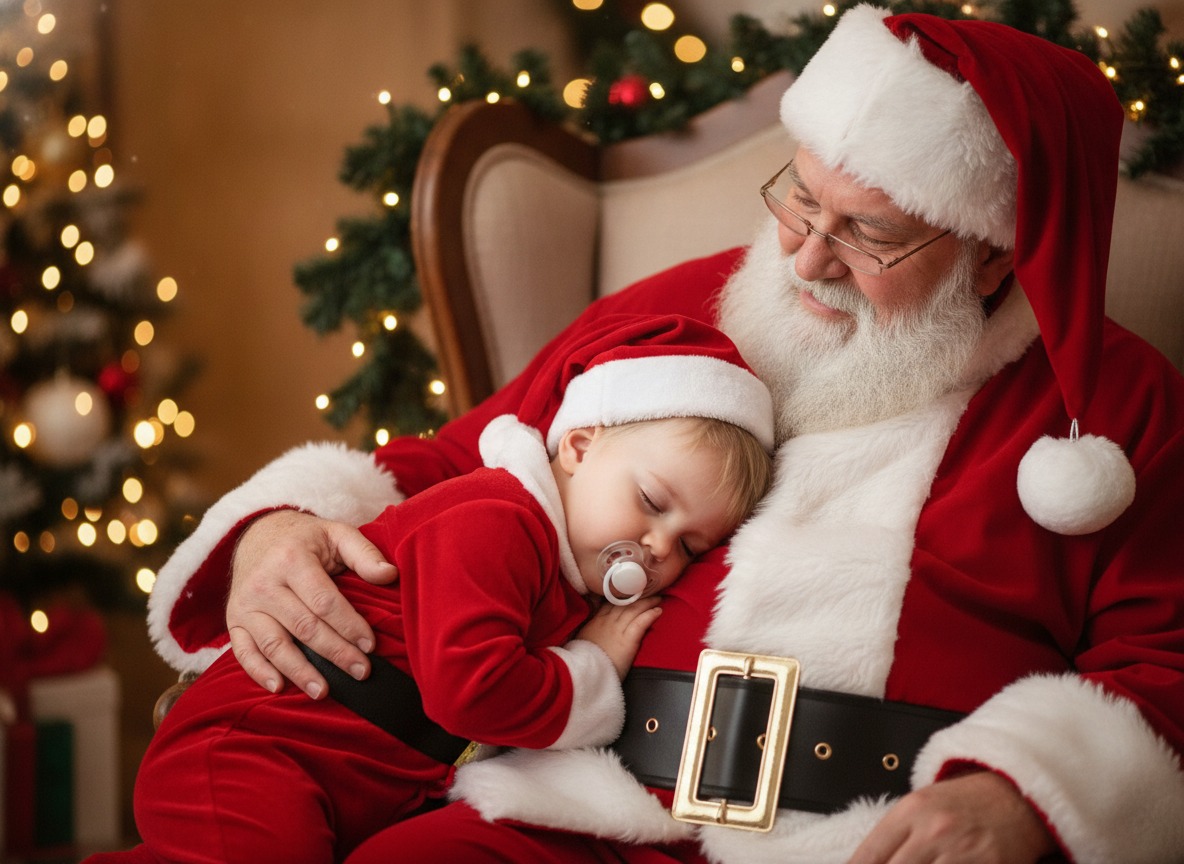
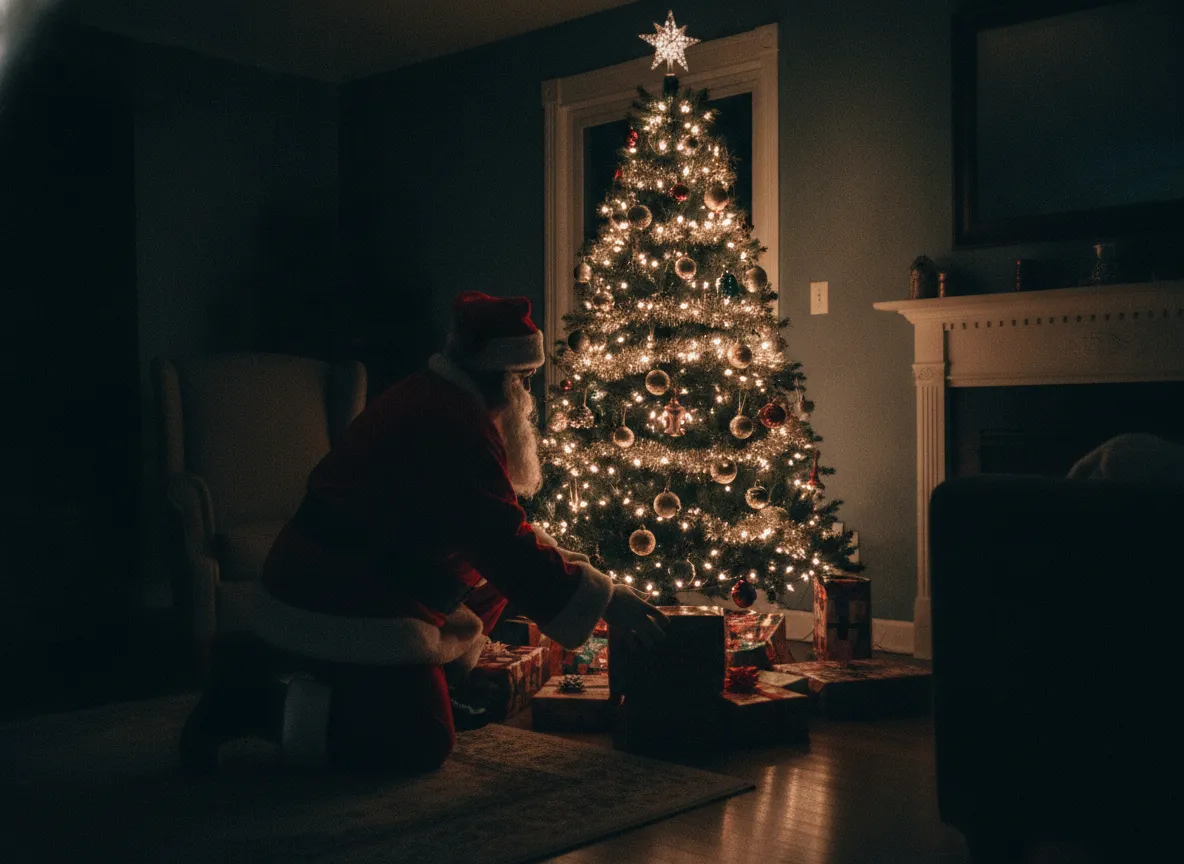
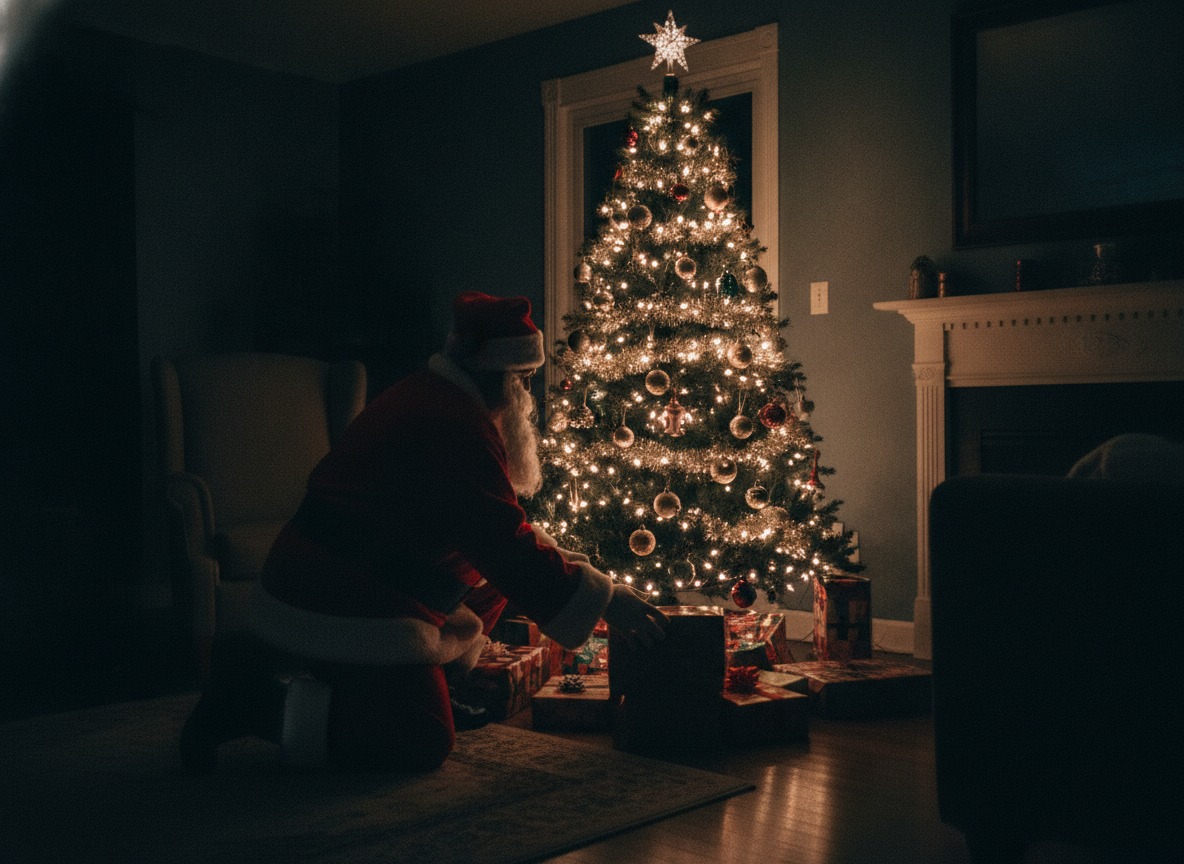
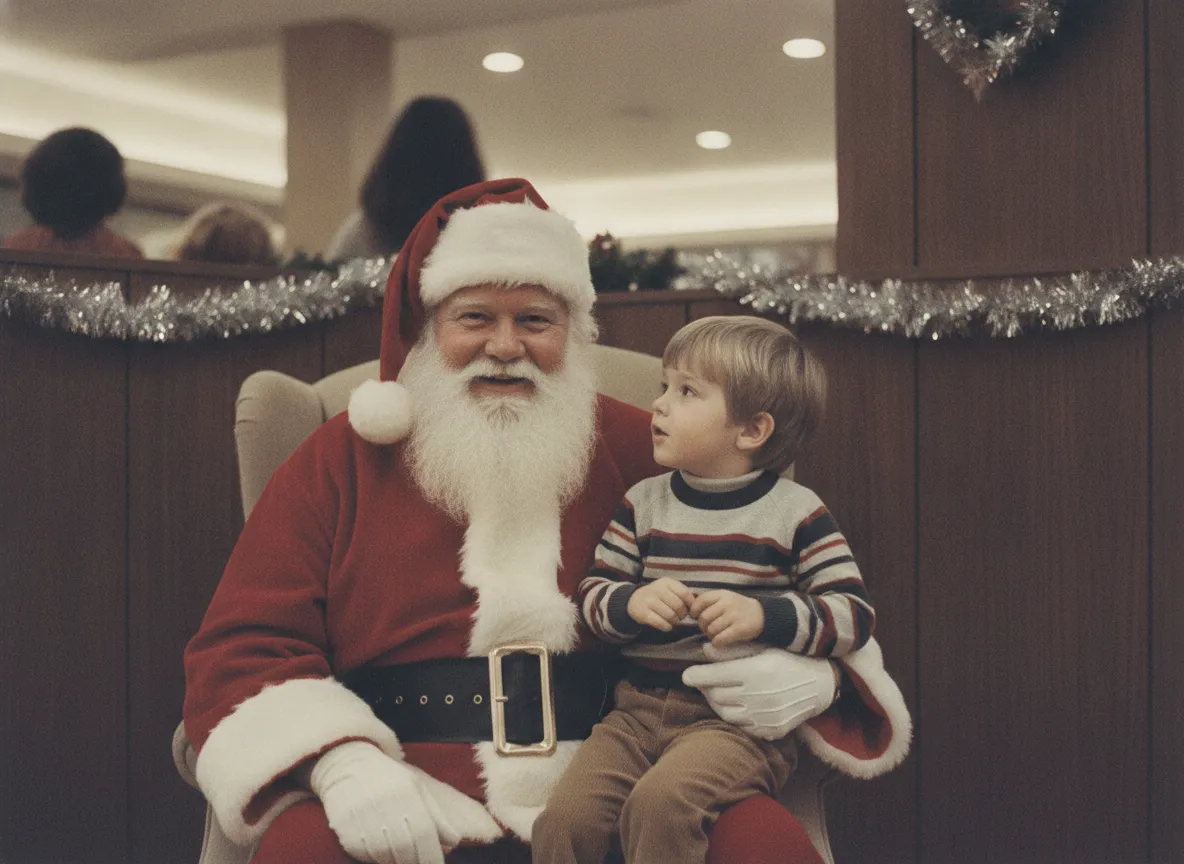
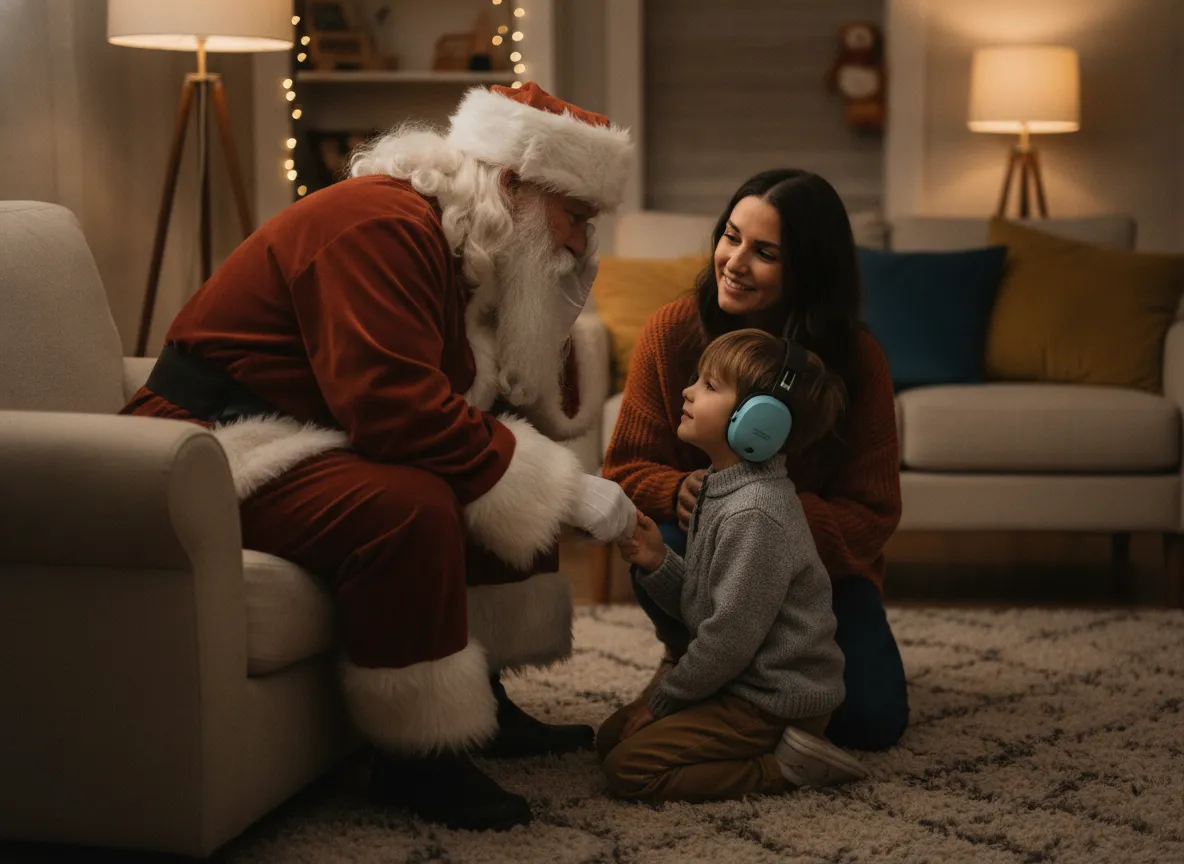
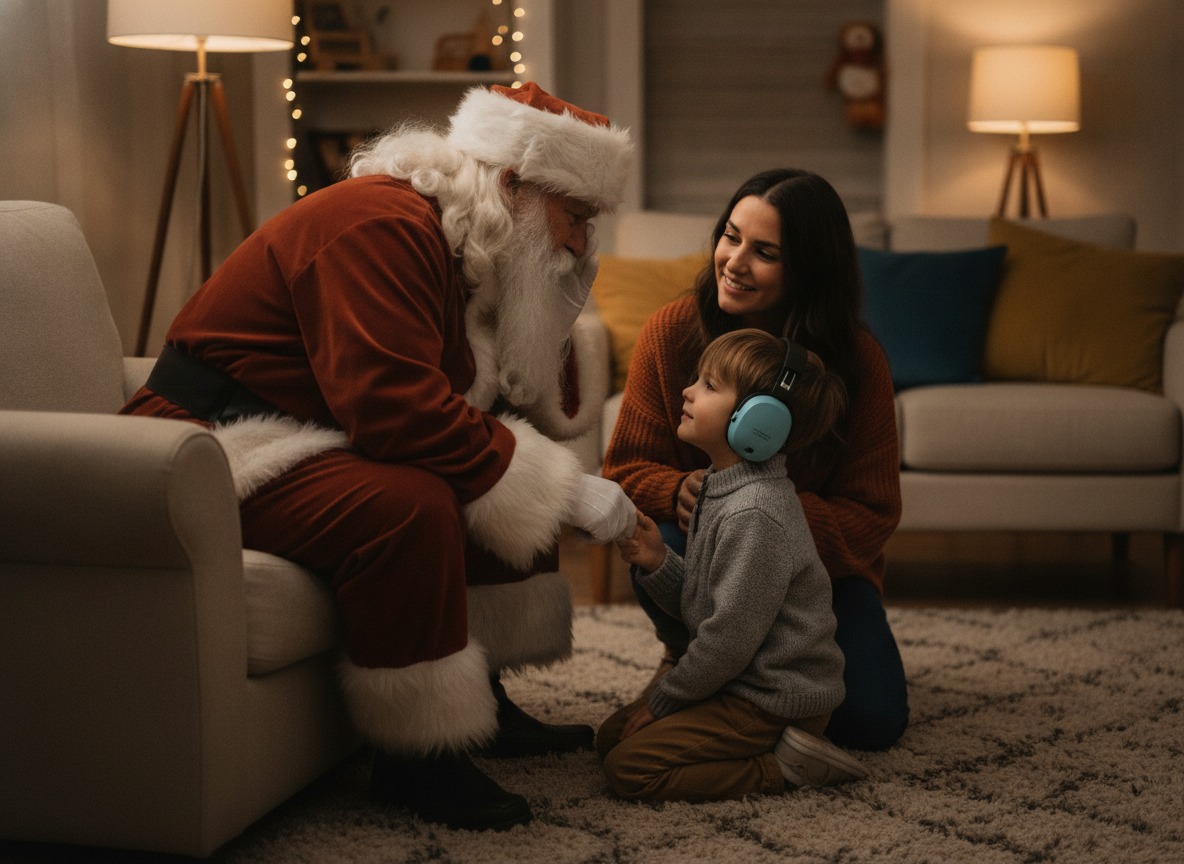
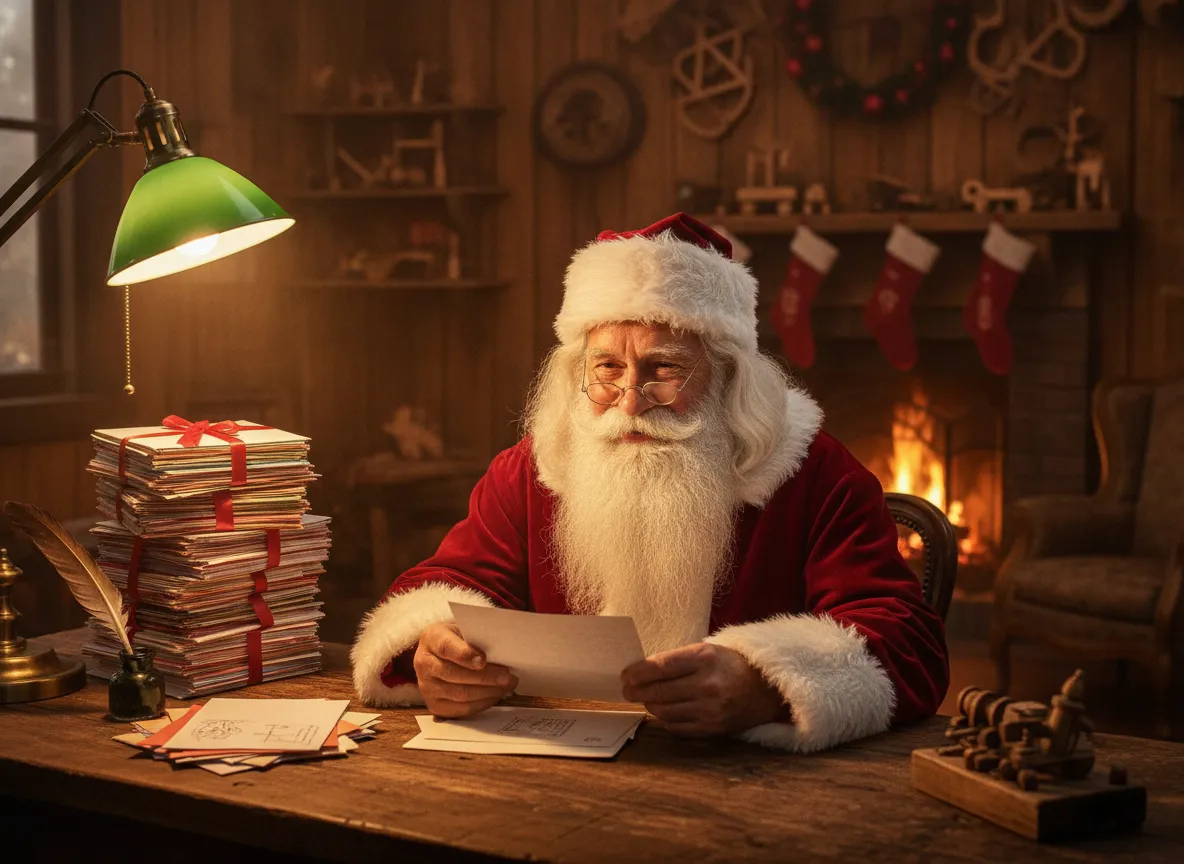
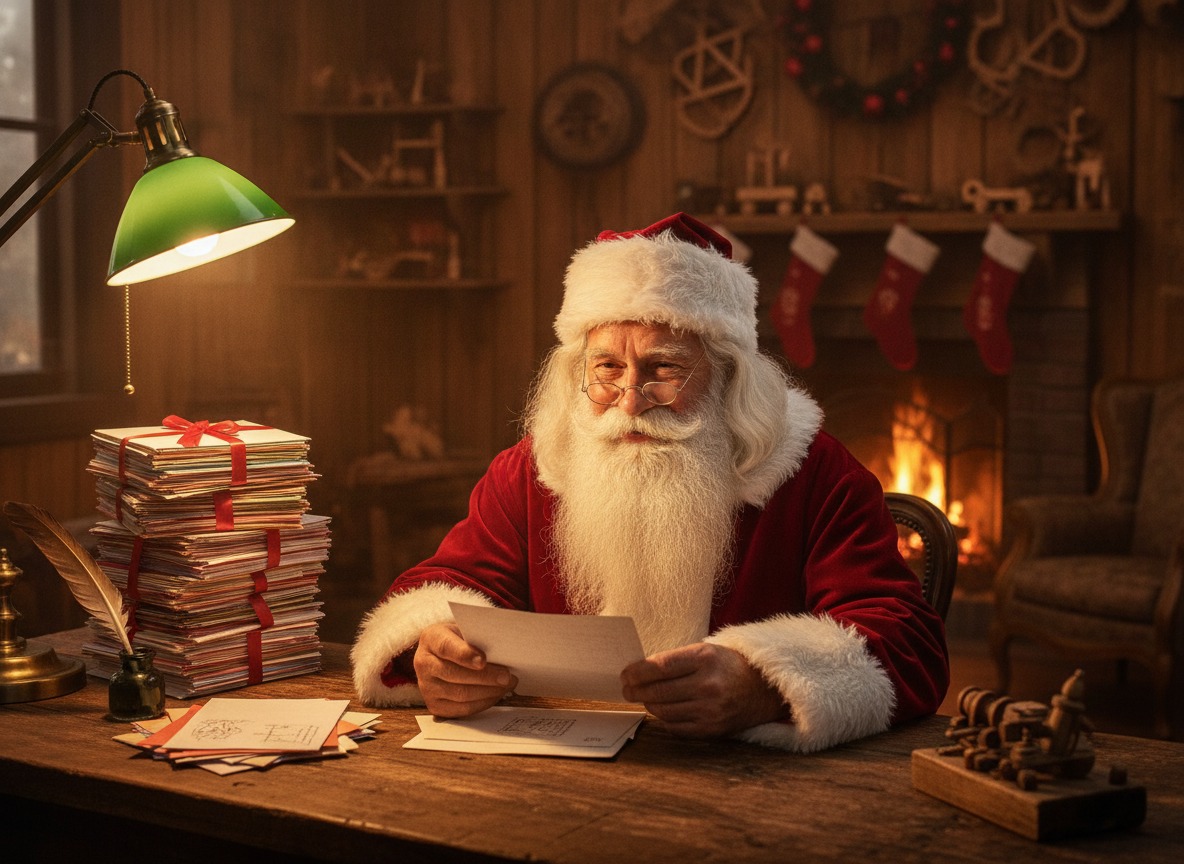
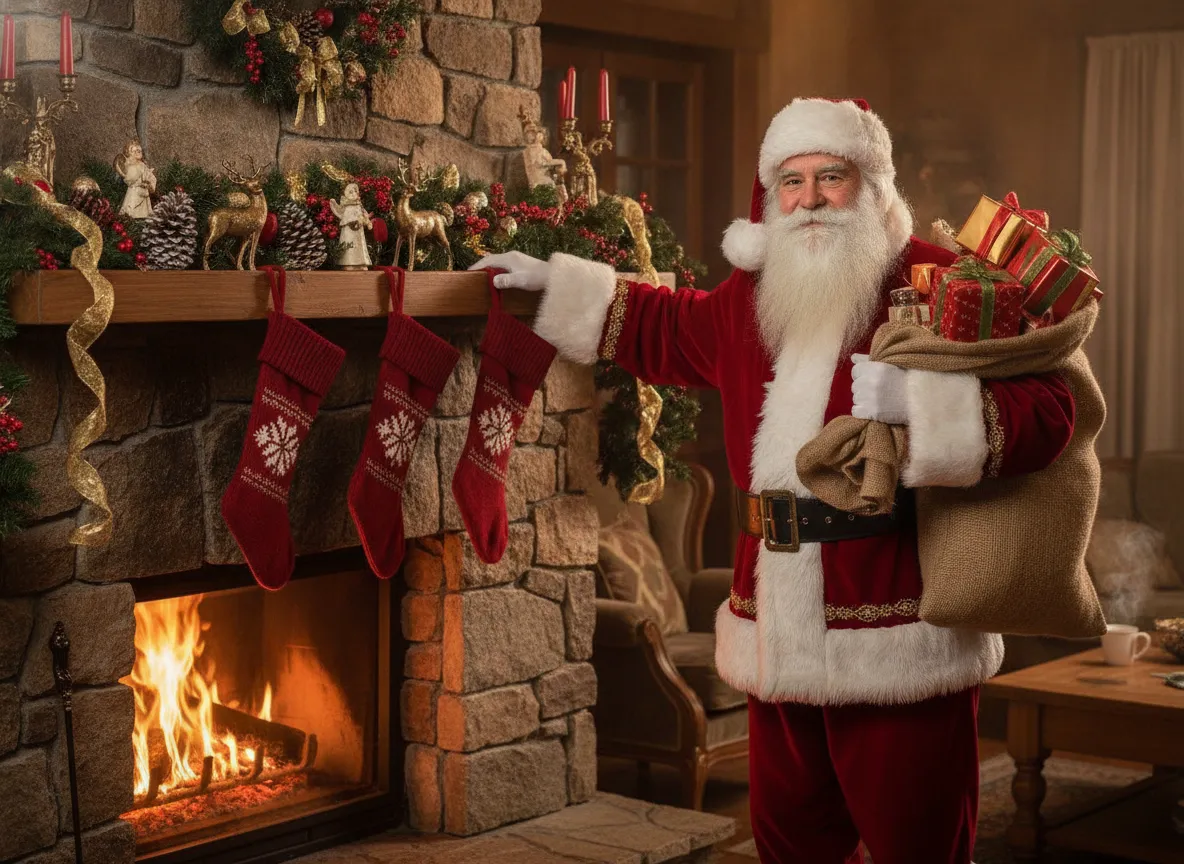
These pictures are AI-made and fictional. They show the main kinds of Santa photo people want, from the classic lap shot to the caught-in-the-act living room snap. Download any of them as a reference for your own.
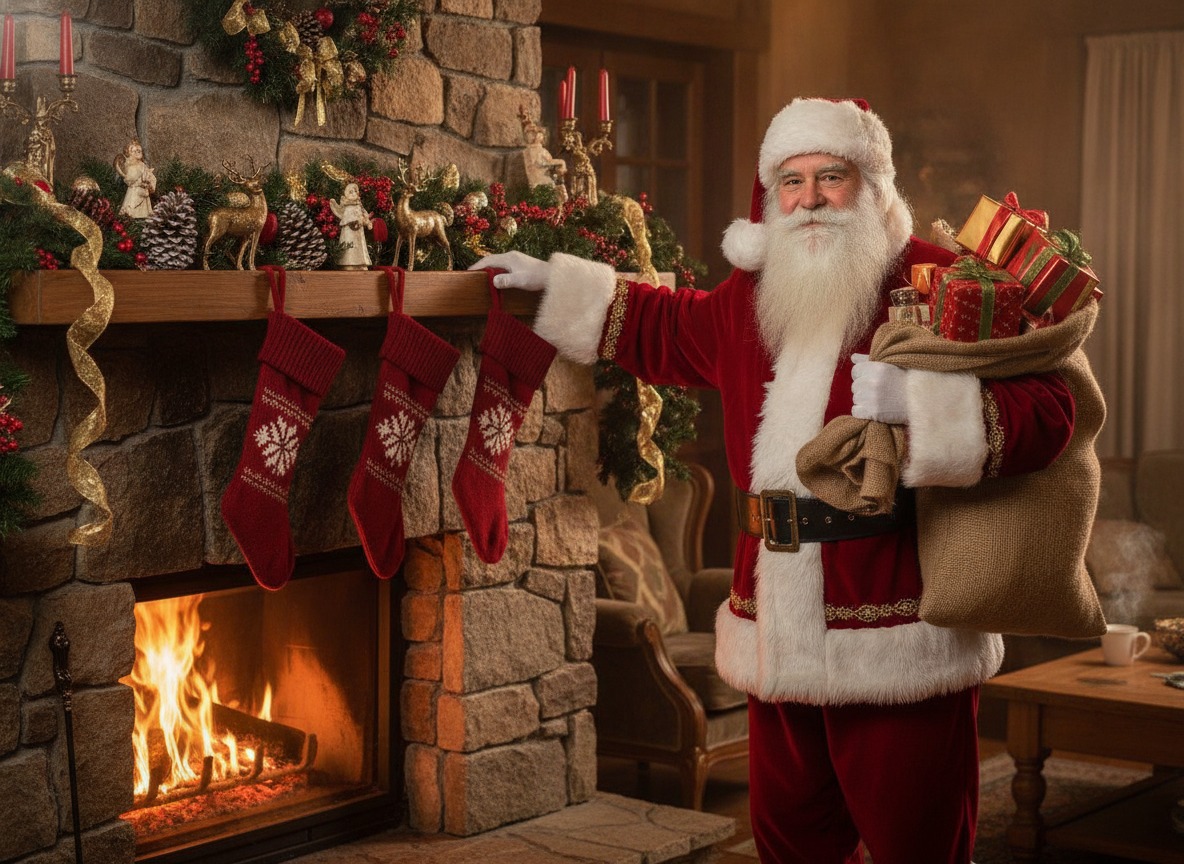
Where Santa photos usually happen
Malls are the default. Most run the visit as a free or low-cost sitting and sell the photos separately, and many push you toward an online reservation. Retail and department stores run their own Santa spots, and pet stores host pet nights. Zoos, tree lightings, libraries and downtown festivals add free Santa appearances, though lines are less predictable and the photo choices are thinner.
You don't need a directory for this. Search your mall or town name plus "Santa" and read the official event page, because dates, hours and photo packages change by location. For pets, the national chains have announced their 2026 plans: PetSmart lists free pet photos with Santa on December 12 and 13 from 2 to 5 p.m. local time with an in-store numbered ticket system, and Petco lists free Santa photos at select stores on December 12. Check your store before you go, since not every location takes part.
How reservations and packages work
Reservations let you pick a date and time online, usually through the mall or its photo provider. Bring the confirmation email and arrive a few minutes early. Walk-ins may still be allowed, but some places move them to a separate line or stop taking them once the schedule fills. Rules on cancellations and group size differ, so read the booking page. Our guide to booking Santa photos goes through the steps.
Photo packages commonly include some mix of printed portraits, digital downloads, bundles of both, extra poses, and add-ons like cards, ornaments and frames. I won't quote prices here, because they vary by mall and photographer and I don't have a current source for any of them. For what to expect, see how much Santa photos cost.
Sensory-friendly and Caring Santa sessions
Caring Santa is a private, sensory-friendly session for children with special needs and their families. Typical changes are quieter surroundings, smaller groups, less stimulation and a calmer pace. For 2026, many mall listings put these sessions on Sunday, December 6, in a morning window, with reservations required. Photos are usually still purchased separately, so ask what the package covers when you book and mention any accessibility needs then.
When to go
A weekday morning early in the season is the best bet. Avoid weekends, school breaks and the last week before Christmas. Book the first slot of the day if you can, and for walk-ins go right at opening. Some locations pause Santa for a meal or break, often 30 to 60 minutes, so check the posted hours.
If your child is scared of Santa
A good Santa photo doesn't require a lap or a smile. Let your child choose, and count a wave, a high five or standing next to Santa as a win.
- Practice at home with a Santa book or a hat and fake beard, and watch from a distance on a first visit.
- Go when your child is rested and fed, ideally on a quiet weekday.
- Let them watch a sibling or parent go first.
- Offer options: sit on your lap, stand beside Santa, wave, or take a photo with Santa a few feet away.
- Bring a comfort item. A favorite stuffed animal makes a natural prop.
- Skip repeating "don't be scared." Use calm, positive words instead.
- Sit in the photo yourself, since a toddler with separation worries is far more likely to cooperate in your arms.
- If your child is panicking, stop. Try again next year or make a Santa photo at home.
More ideas are in our pages on Santa photos with kids and Santa photos with a baby.
What to wear for a Santa photo
Comfortable clothes and shoes beat fancy ones, especially if there's a wait. Holiday pajamas, velvet, plaid, sweaters and dresses all photograph well. Red, green, cream, navy, burgundy, denim and neutrals suit a Santa set; keep patterns moderate if the backdrop is busy. Layers are useful, and coats should come off before the photo. Avoid scratchy fabrics, tight waistbands and hats that hide the face. Pack a backup outfit, wipes and a snack.
Pets with Santa
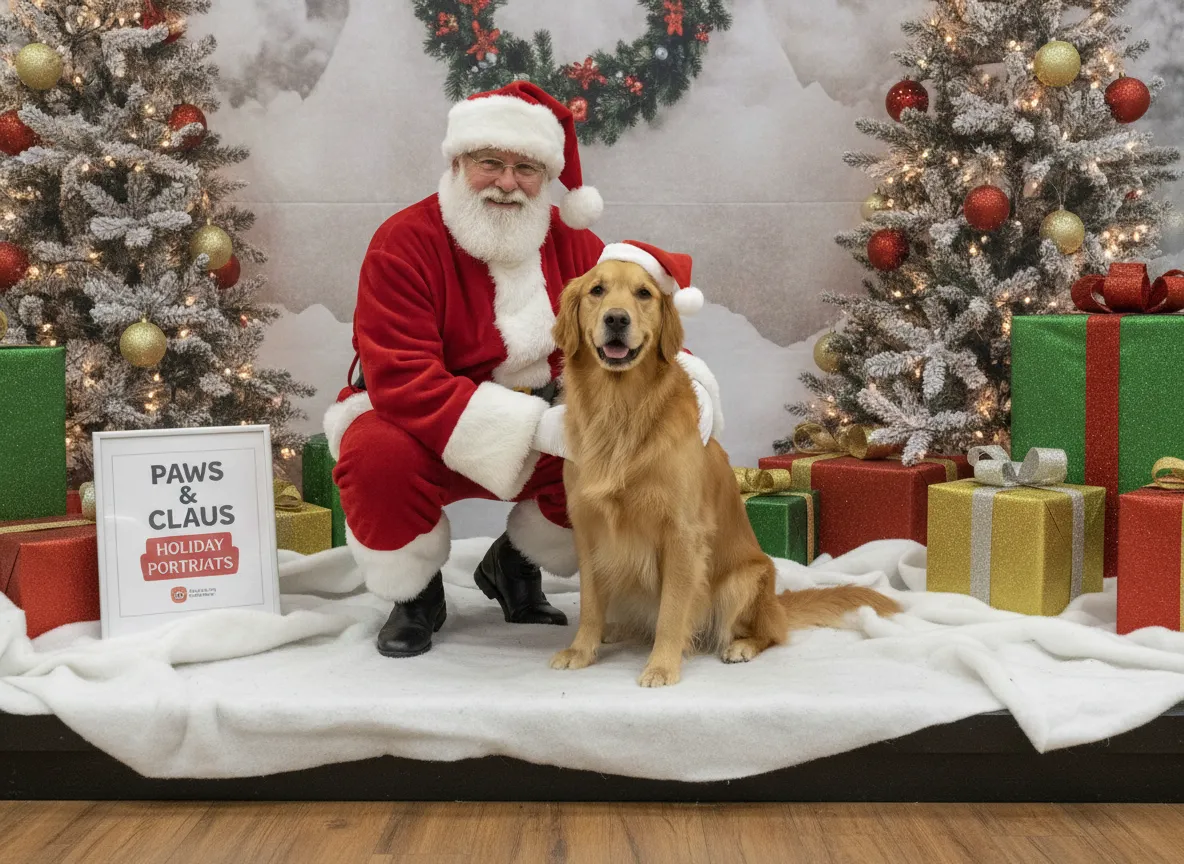
Pet photos are often scheduled on their own evening or day, with separate entry or time slots so animals and children don't mix. Expect leashes and carriers, and expect rules that exclude sick or hard-to-control animals. Go at the start of the session, before the line forms. Pet-specific tips are in Santa photo with a dog.
Keeping the photo
Ask before you order. Is a digital download included or extra, and is it high resolution or a small preview? How long will the download link last? Can you re-download if you lose the email? Can you print it and share it? Packages and terms differ, and the receipt and gallery terms control what you can do. Many photographers give a personal-use license and keep the copyright. Save the file, the receipt and the order number in two places.
Catch Santa in your living room
The fake Santa photo is a favorite for kids. For a real-life version, turn the room lights off, leave only the tree on, put a phone on a shelf with the timer or video running, and have a family member in a Santa suit slip in from the side. Dim light and a slightly grainy look sell it. For a simpler route, start from an ordinary photo of your room and add Santa by AI. Our guides to Santa photos at home and adding Santa to a photo cover both approaches.
Make a Santa photo at home with PicsMas
In PicsMas you upload one photo, such as your living room, your kids or your dog, pick a Santa scene and get a finished picture in about a minute. You can place Santa by the tree, at the fireplace or reading letters with a child. Use a sharp, evenly lit photo, and keep faces uncovered by hats or hands. The longer walkthroughs are in AI Santa photo and Santa photo editor.
Put Santa in your own photo with PicsMas, no mall line required.
Sign up for PicsMasGet PiXmas on the App Store