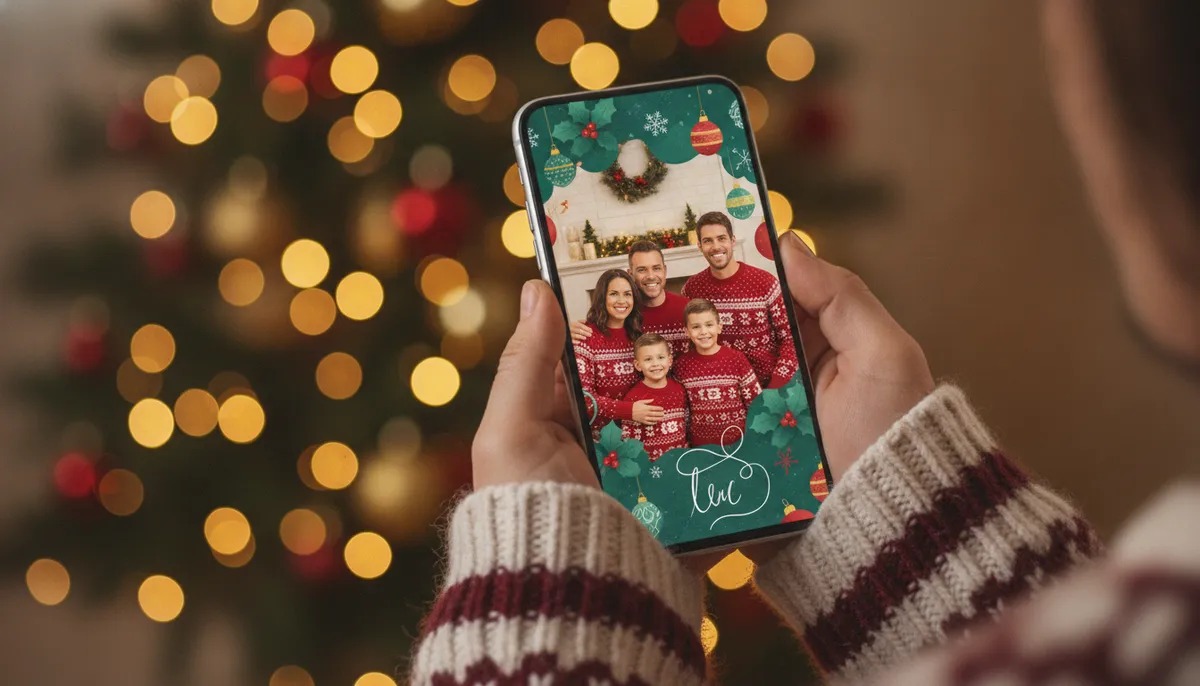
Free Christmas ecards you can download here
These eight designs are original, drawn for this page with made-up people and pets, and you can download and send any of them. They're still images. If you want movement, send the card as a short screen recording or add a sticker animation in your messaging app.
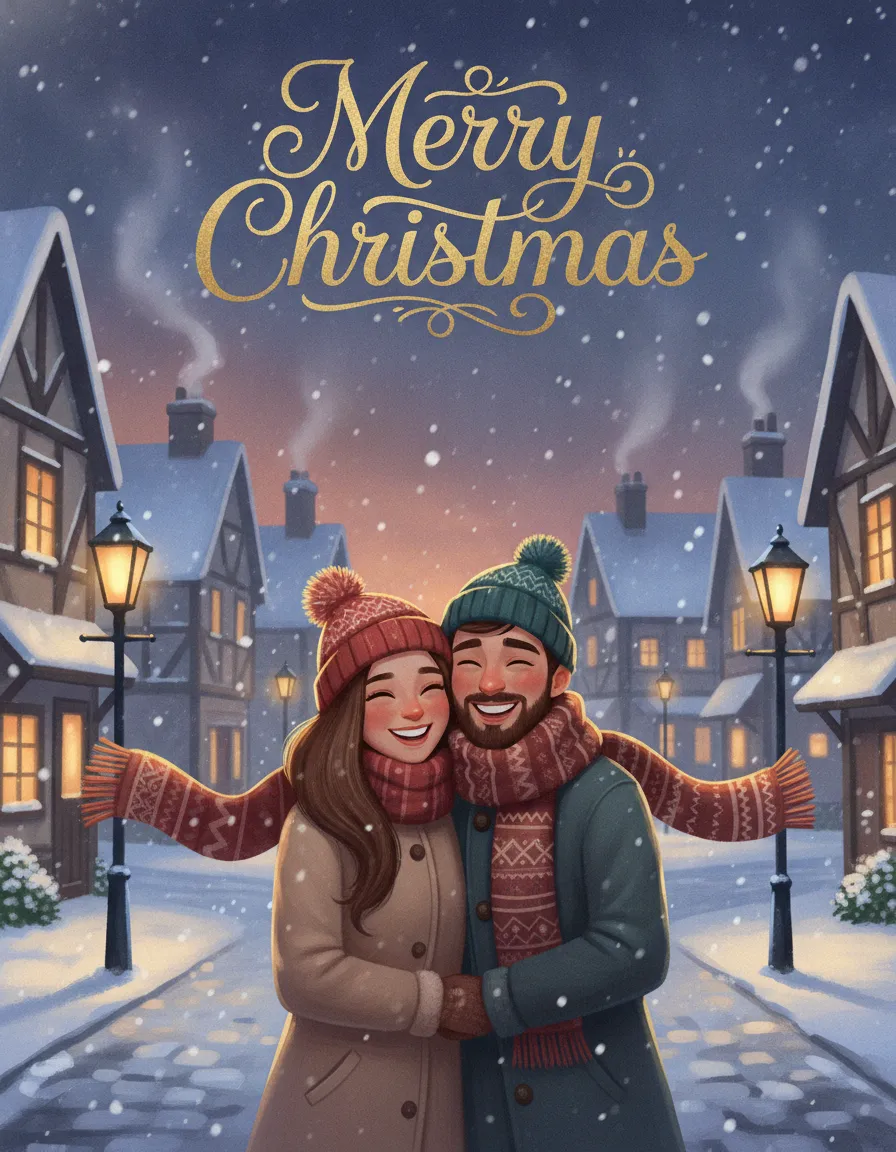
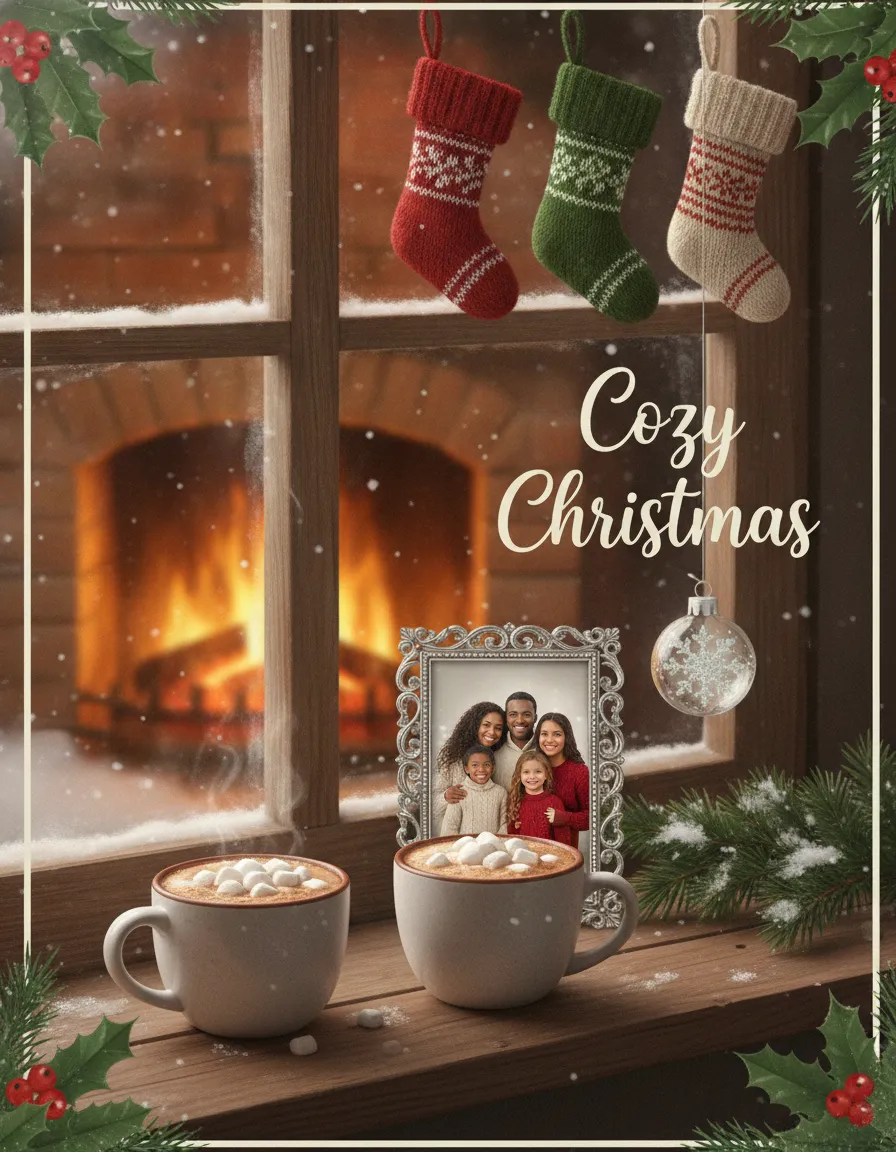
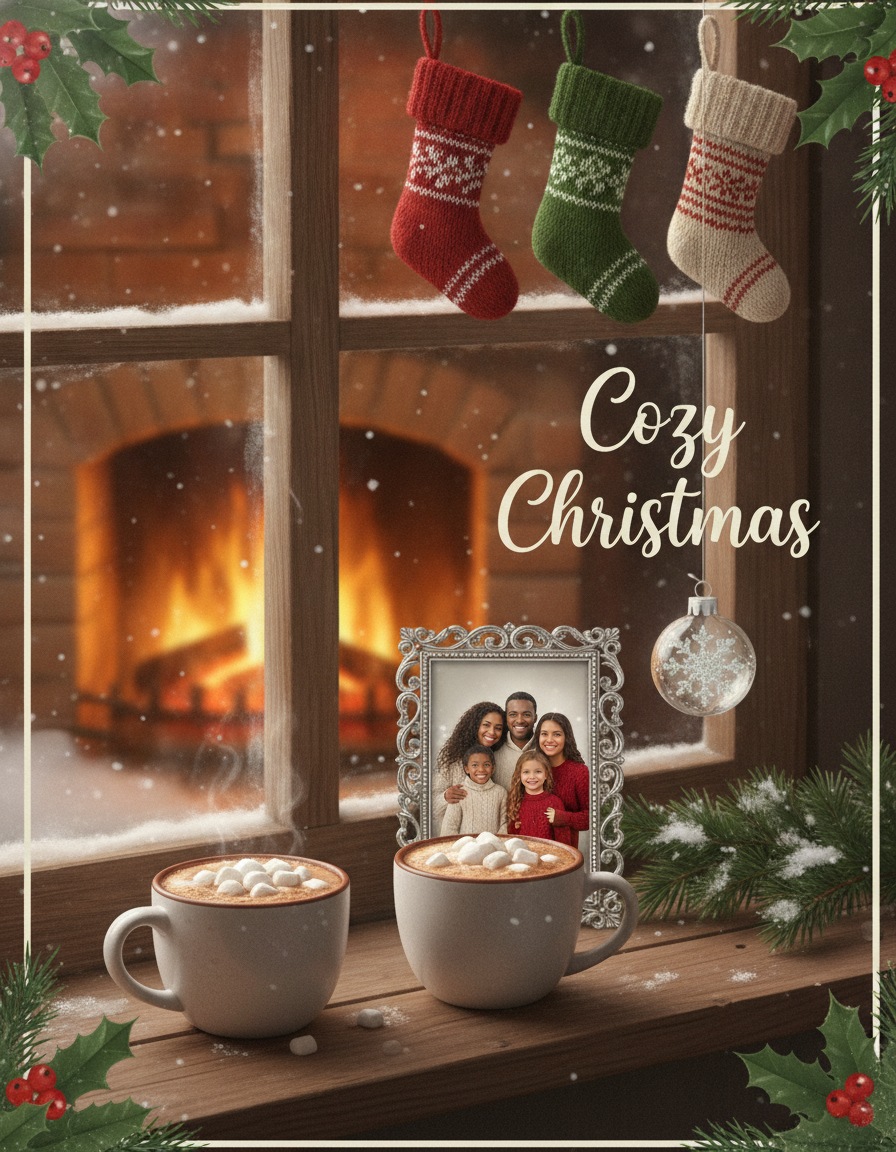
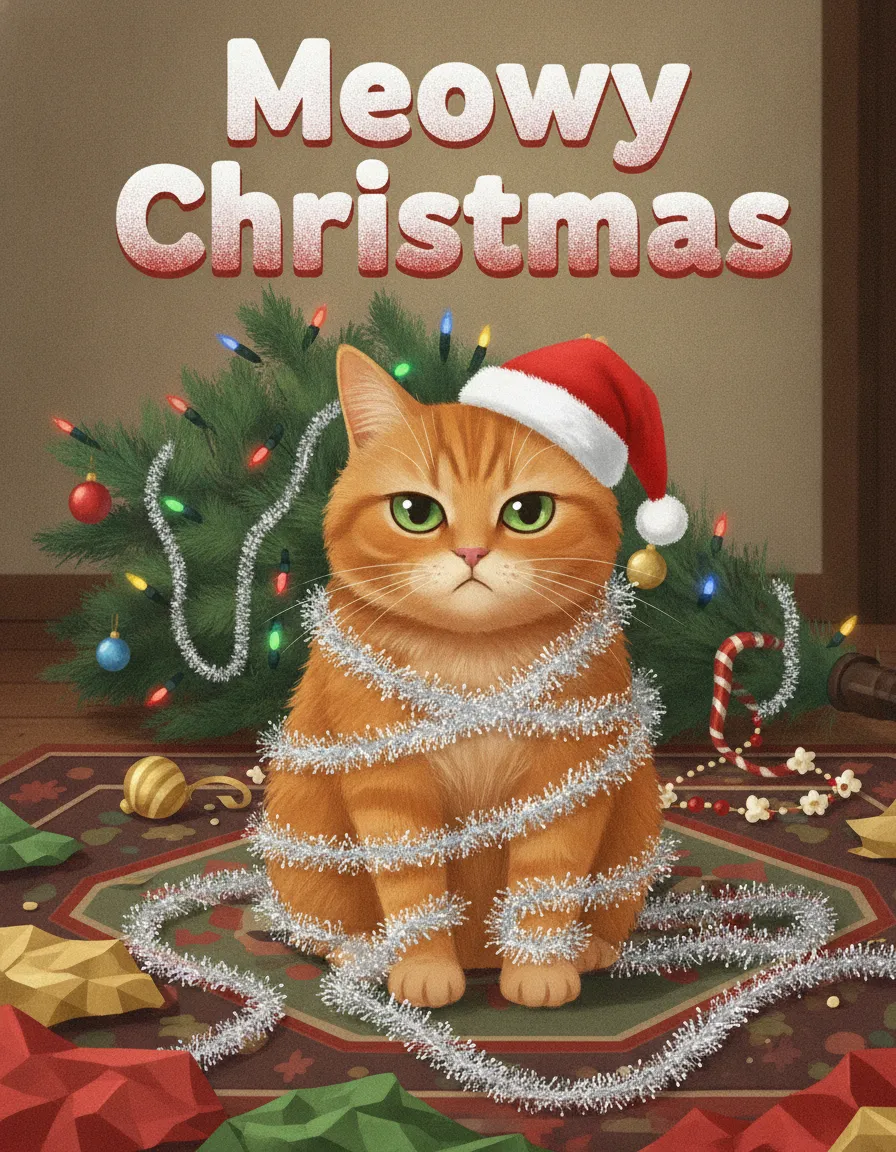
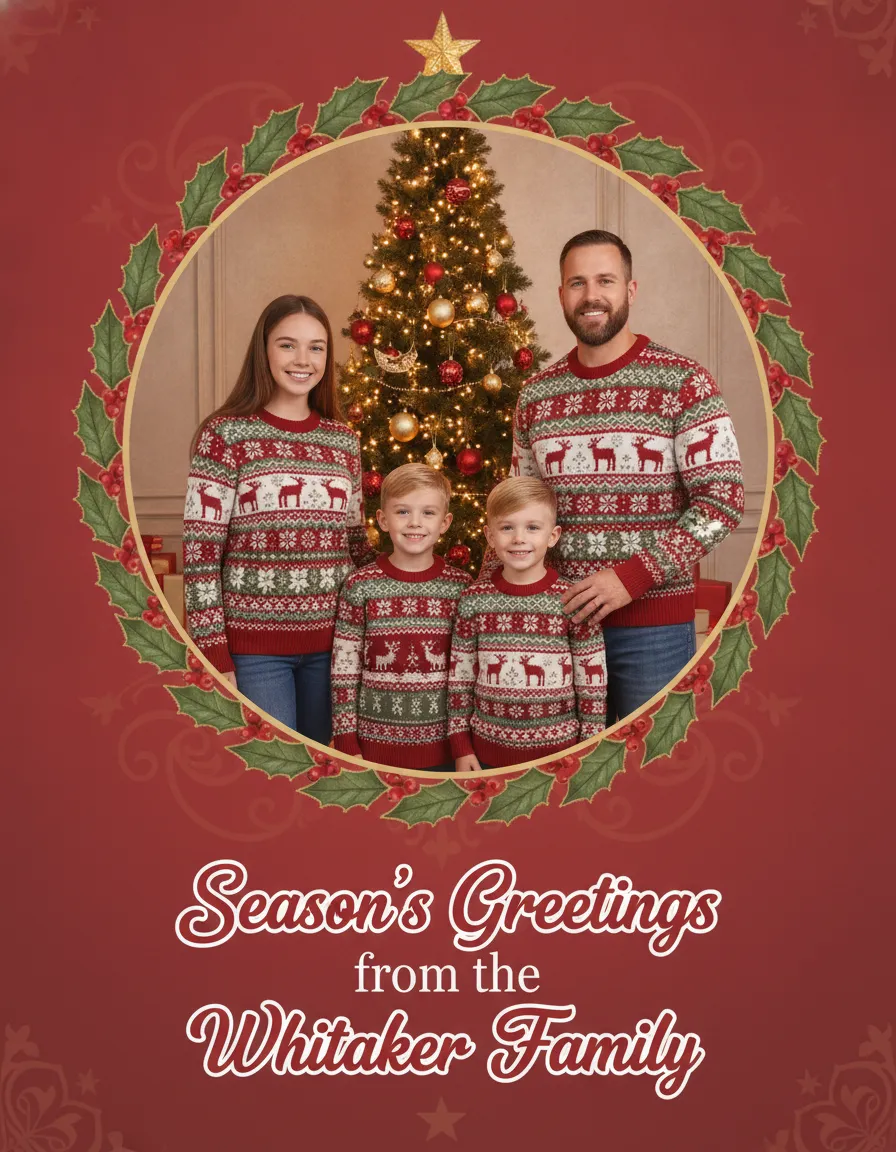
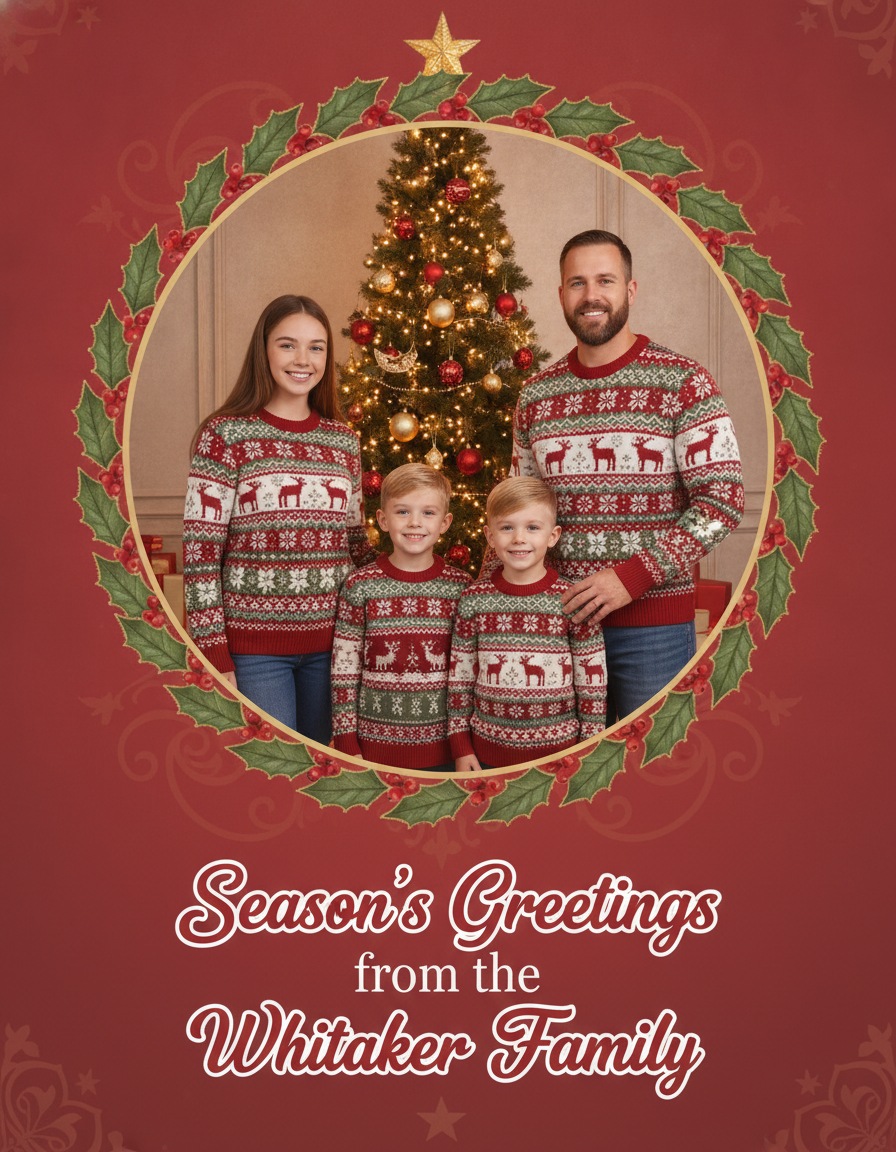
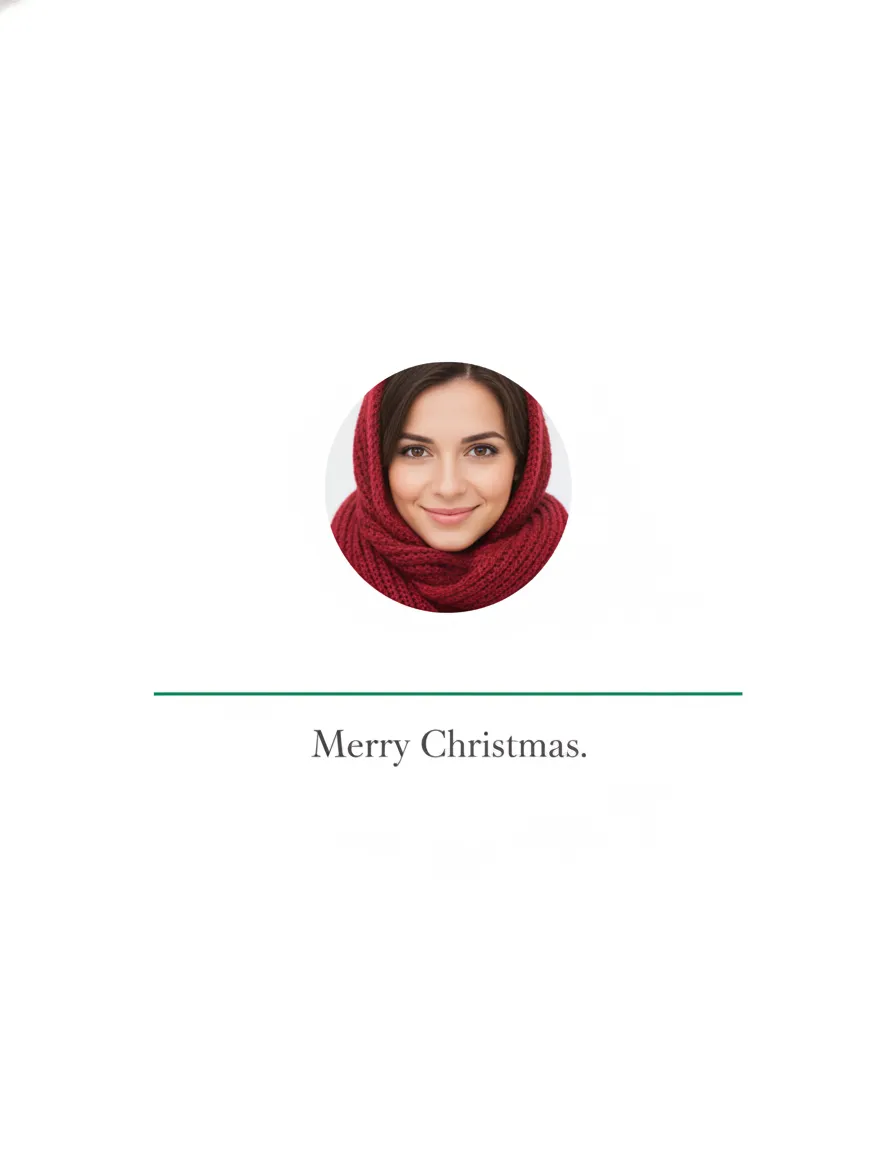
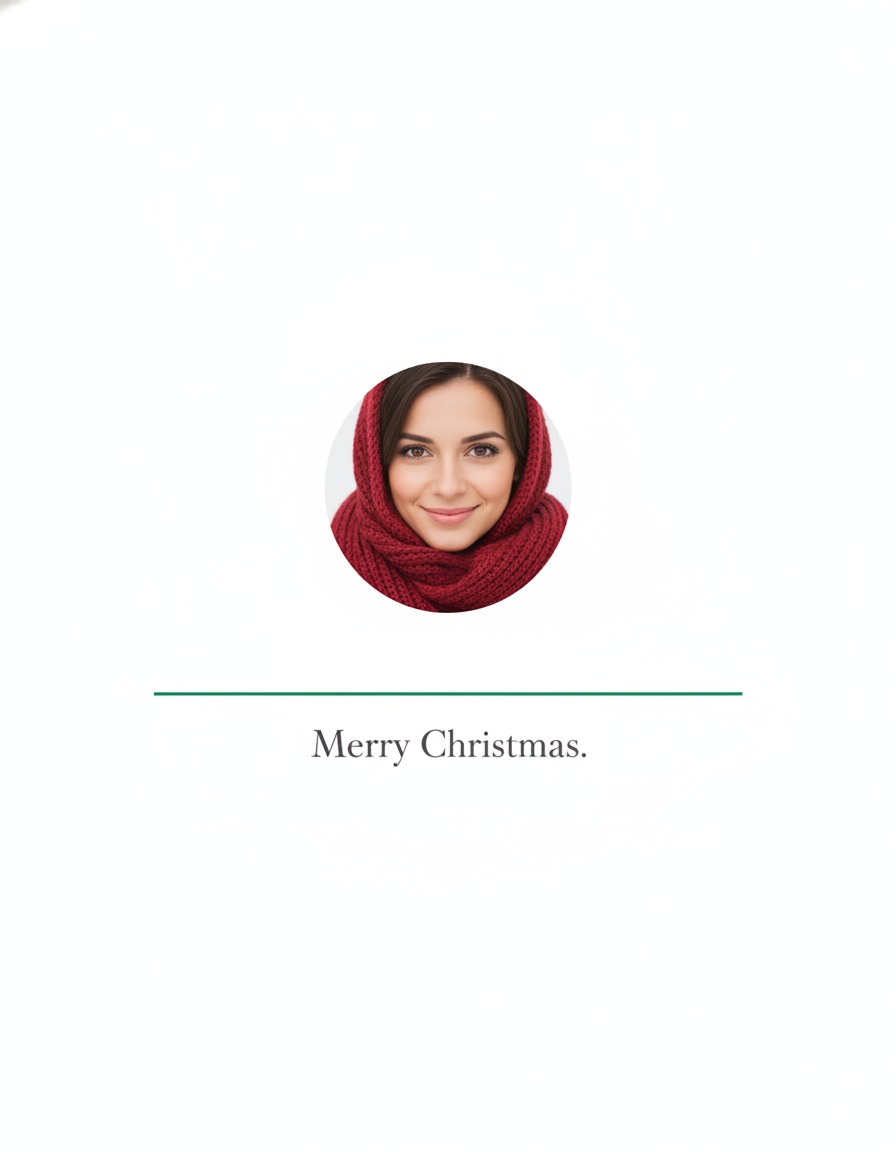
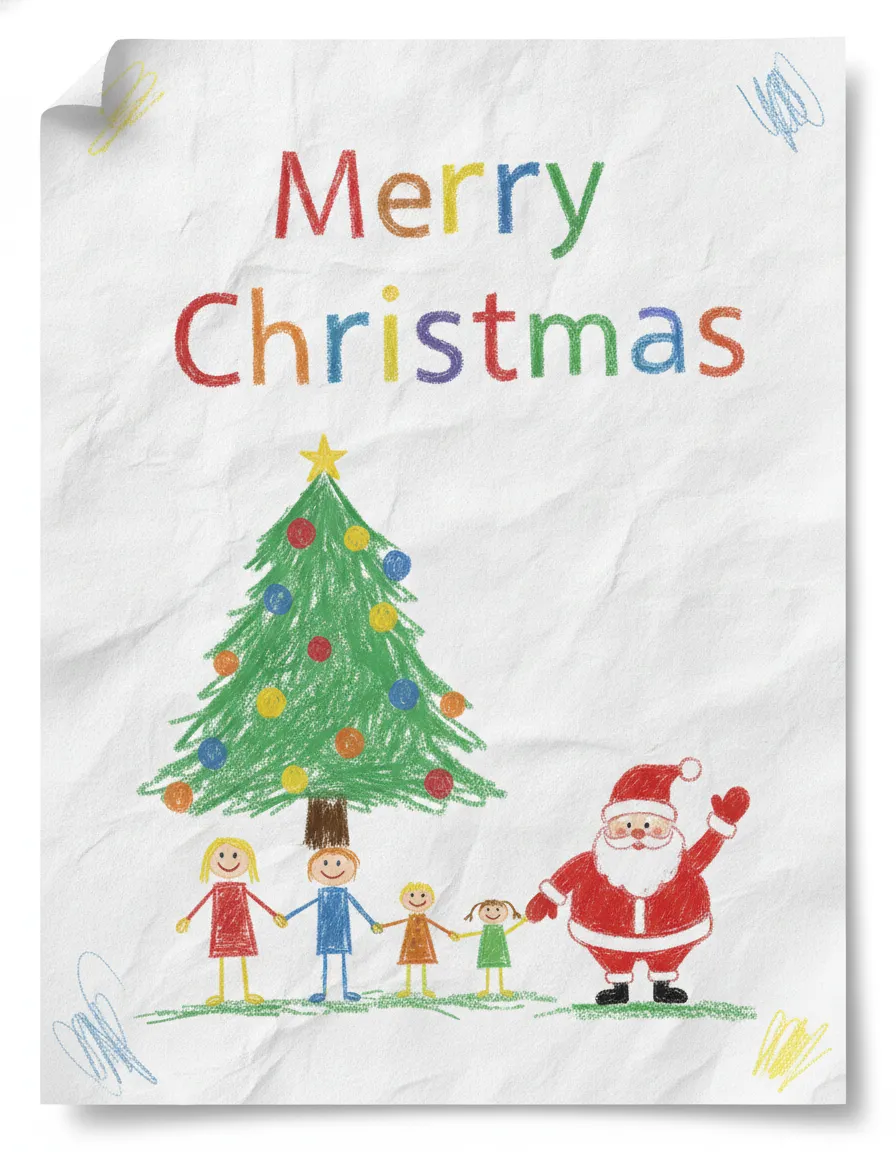
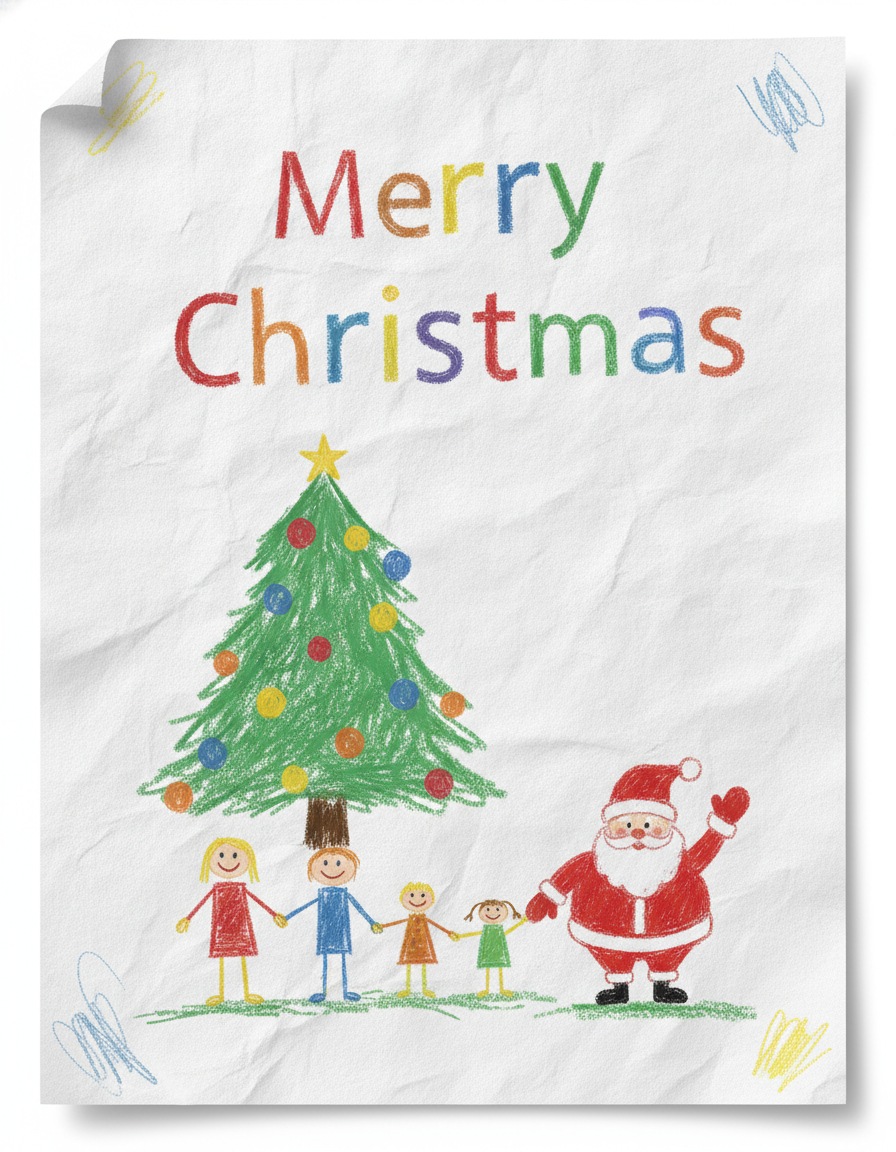
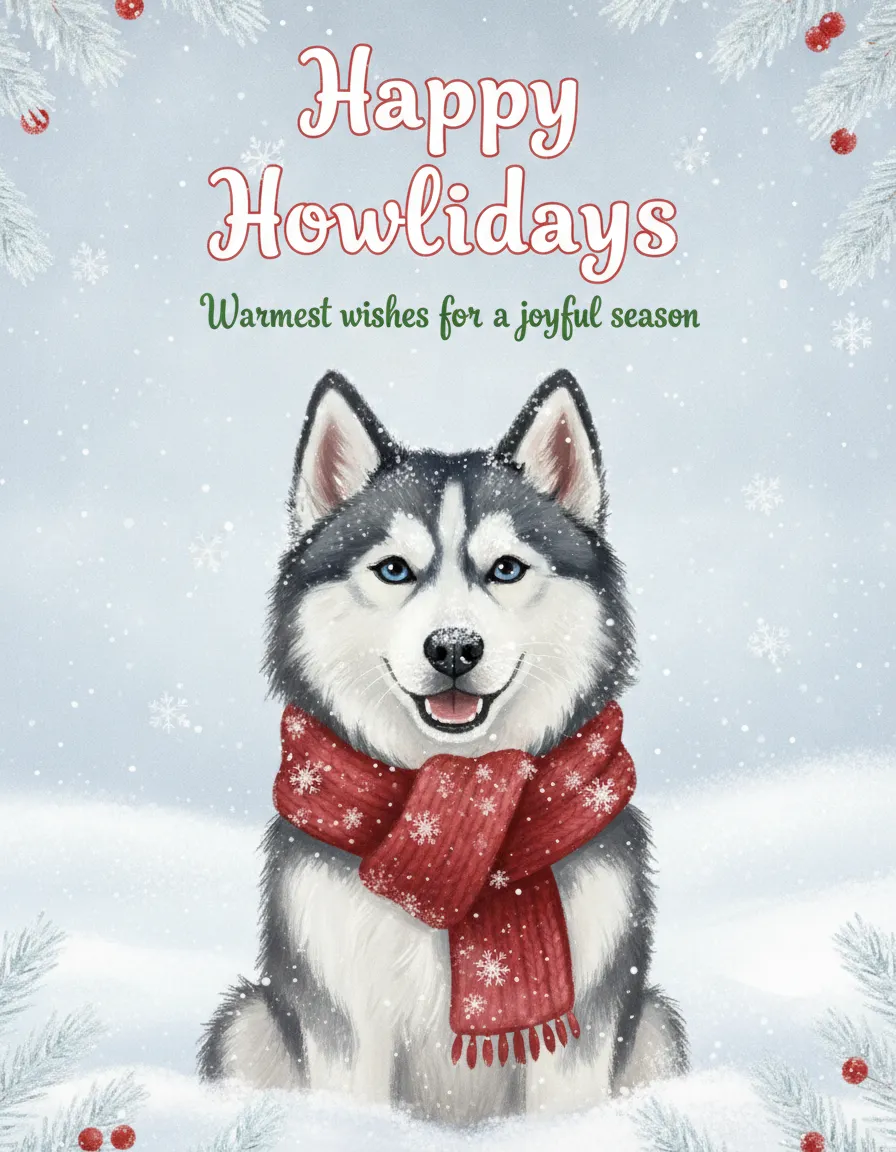
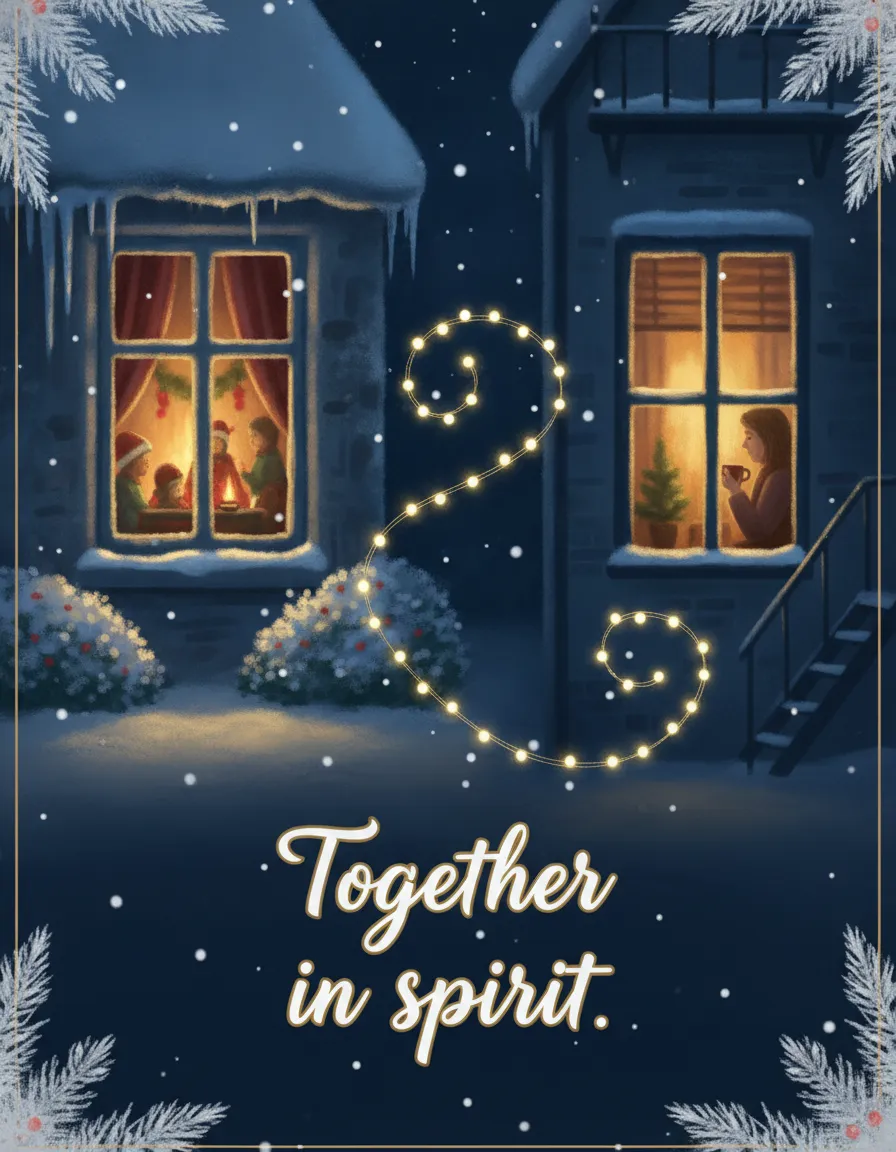
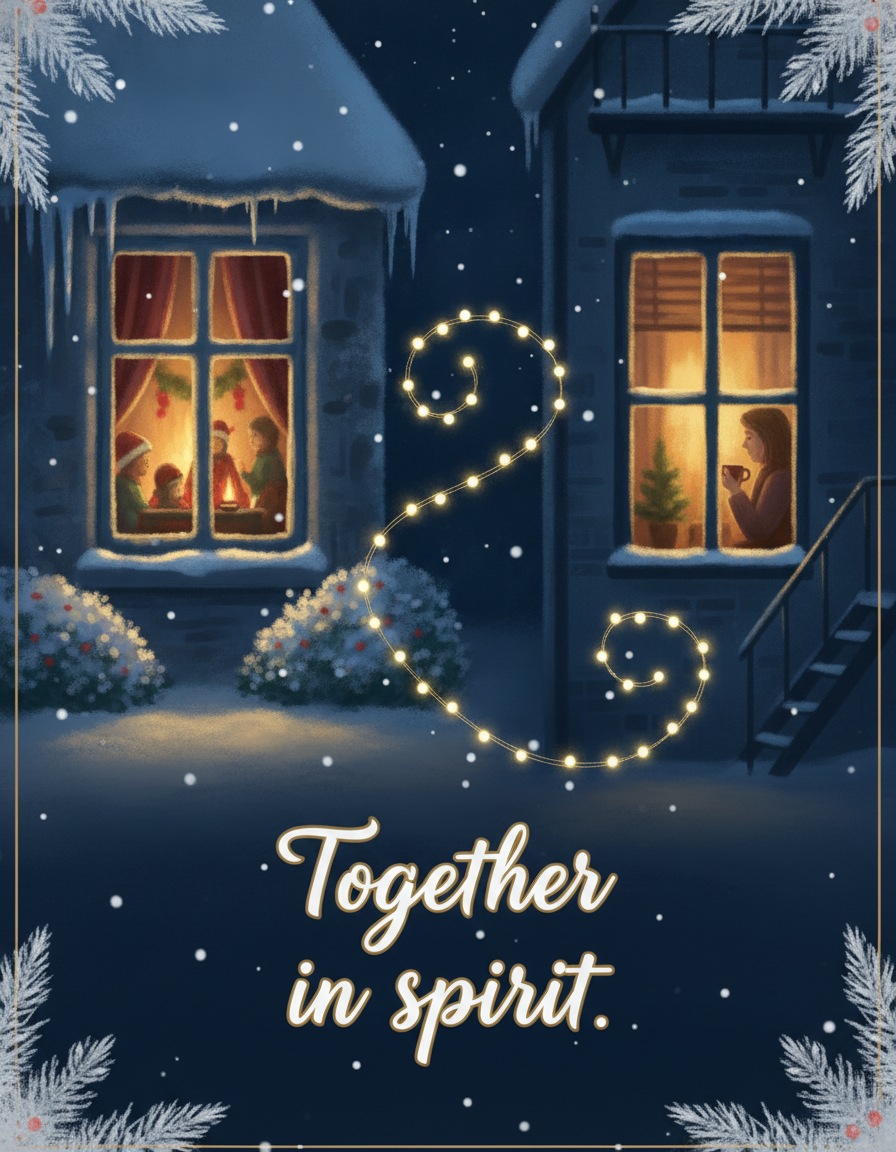
Pick by audience. The funny cat and the husky suit friends and coworkers. The snowy and cozy designs fit relatives you'd rather not tease. The kids' drawing is the one grandparents screenshot. And the long-distance card is for anyone who won't make it home this year.
What the big ecard sites offer
Free ecard services come with fine print, so here is what their own pages say, with prices left out because they change and some sources conflict.
- Blue Mountain has an add-a-photo flow and animated, musical cards, with a limited free selection and paid memberships.
- American Greetings reports a limited free selection, a 7-day trial and a Creatacard tool for adding your own photo.
- Jacquie Lawson sells memberships, and its cards can reportedly be scheduled for email up to a year ahead, though not by text.
- Paperless Post sends by email, text (US numbers) or shareable link, sends free designs to the first 50 direct recipients, and tracks opens on cards it delivers.
- Canva and Adobe Express have free tiers with templates you can customize with your own photos, and you send the finished image yourself.
What they don't give you is your actual family looking festive. Stock cards say Merry Christmas; yours says it with the people who are saying it. That's the case for a photo ecard built from a Christmas picture of your own household. For printed versions, see our guide to photo Christmas cards.
How to send a Christmas ecard by email
Attach the image as a JPG or paste it into the body of the message. Gmail lets you attach up to 25 MB per message, and larger files turn into Google Drive links, which is more clicking for your aunt. A card about 600 pixels wide is a safe size for pasting into the email body, and a downloaded design here is much bigger, so shrink it if the message looks heavy.
Write a subject line that sounds like you, such as "Merry Christmas from the Whitakers", not "You have received an ecard". The second one looks like a phishing email.
How to send one by text, WhatsApp or Instagram
By text, attach the saved image. iMessage and Android messaging compress it, and Apple doesn't publish one pixel size to aim for, so use the original JPG and don't worry about it.
On WhatsApp, photos are compressed by default. Pick HD quality for less compression, or send the file as a Document to keep the original, which supports files up to 2 GB. For a WhatsApp Status, aim for 1080 by 1920 pixels in a 9:16 shape, and note that Status doesn't support HD media. We have a separate page on a Christmas card to send on WhatsApp.
For Instagram, a Story is 1080 by 1920 pixels (9:16), a feed post works at 1080 by 1350 (4:5) or 1080 by 1080 square. Keep names and the greeting away from the top and bottom edges, where the app's own buttons sit. The 4:5 designs above fit the feed without cropping, and for Stories you can place them on a colored background.
Make your own photo ecard in PicsMas: upload a family photo, get a finished Christmas picture, and send it by text, email or WhatsApp.
Sign up for PicsMasGet PiXmas on the App StoreMake a photo ecard with PicsMas
The quickest route is three steps. Upload one clear photo of your family, pet or yourself, choose a Christmas scene such as a snowy street or a lit tree, and let PicsMas build the picture. Then add your greeting in any app that lets you type on an image, save it as a JPG, and send it.
Start with a sharp, well-lit photo where the faces are visible and nobody is cut off. If you also want a printed version for relatives who still keep cards on the mantel, make the picture once and use it in both places. Our AI Christmas card maker guide walks through making the card itself.
What to write on a Christmas ecard
Keep it to a line or two. A short message such as "Wishing you peace and plenty of cocoa this Christmas" reads better on a phone than four lines in a small font. Add everyone's names so it feels signed, and if you're sending to a few people one at a time, change the first word to their name. It takes ten seconds and reads as personal.
Scheduling, privacy and spotting fake ecards
In Gmail, click the arrow next to Send, choose Schedule send and pick a date and time. Scheduled messages sit in the Scheduled folder, where you can cancel and edit them. In Outlook, use Options, then Delay Delivery. A card queued for 7 a.m. on December 25 beats one that arrives on the 23rd and gets buried.
When you email a group, put the addresses in Bcc so recipients don't see each other's emails or hit Reply all. Bcc is not perfect, since a recipient can still forward the message. Check the recipient field twice before you send.
Fake greeting-card emails are a known phishing tactic. Be wary of unfamiliar sender domains, urgent wording, a generic greeting, a link whose text doesn't match its address, or any ecard that asks for a password or payment. If you didn't expect it, don't click it. Open the card service's real website yourself instead.