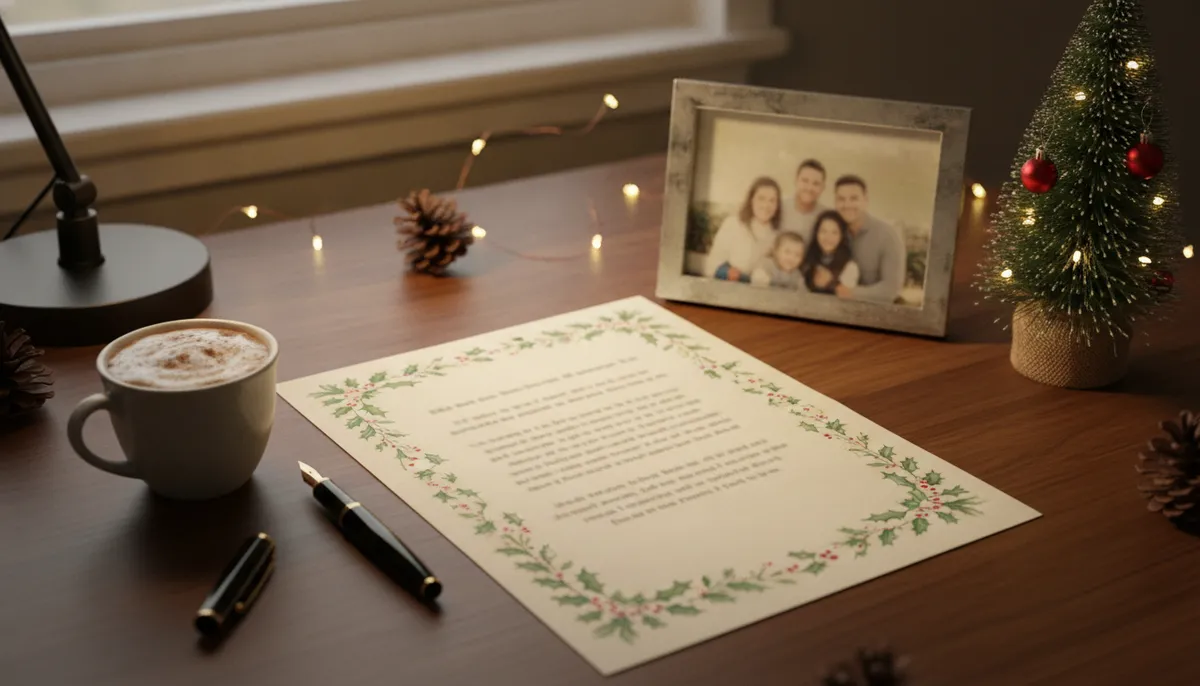
Six printable Christmas letter designs
Each design has a festive border, a blank writing area and an empty gray frame where your family photo goes. The files are about 864 by 1184 pixels, which prints at roughly 100 pixels per inch on letter paper. That's fine for borders and soft color, so type your letter in a document on top and treat the image as the background.
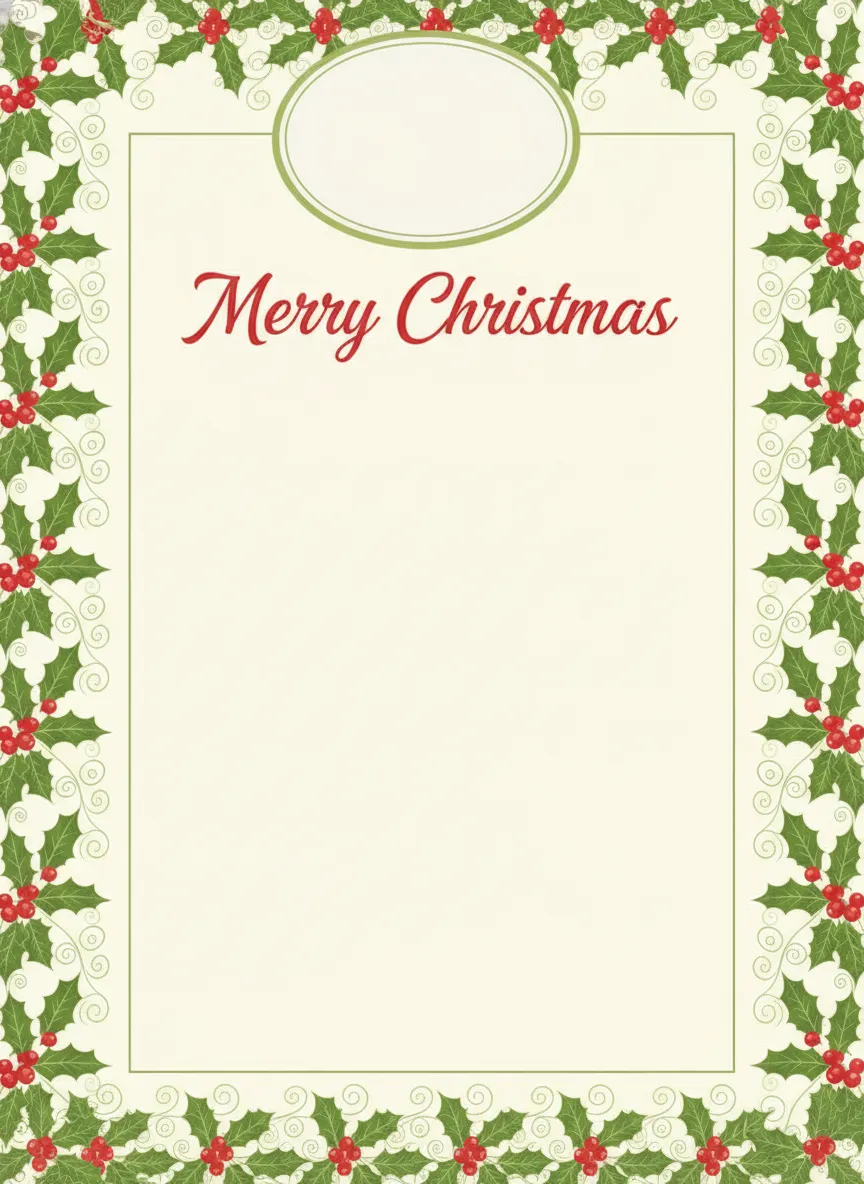
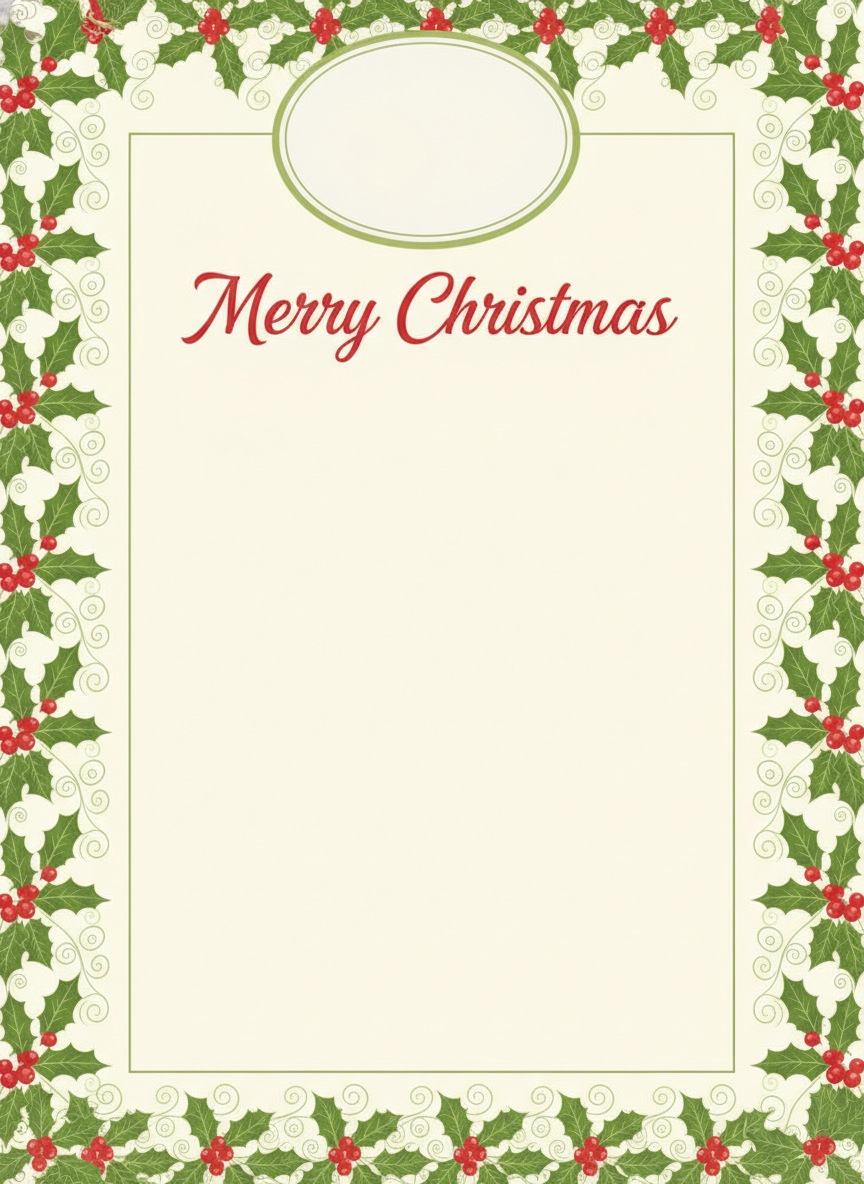
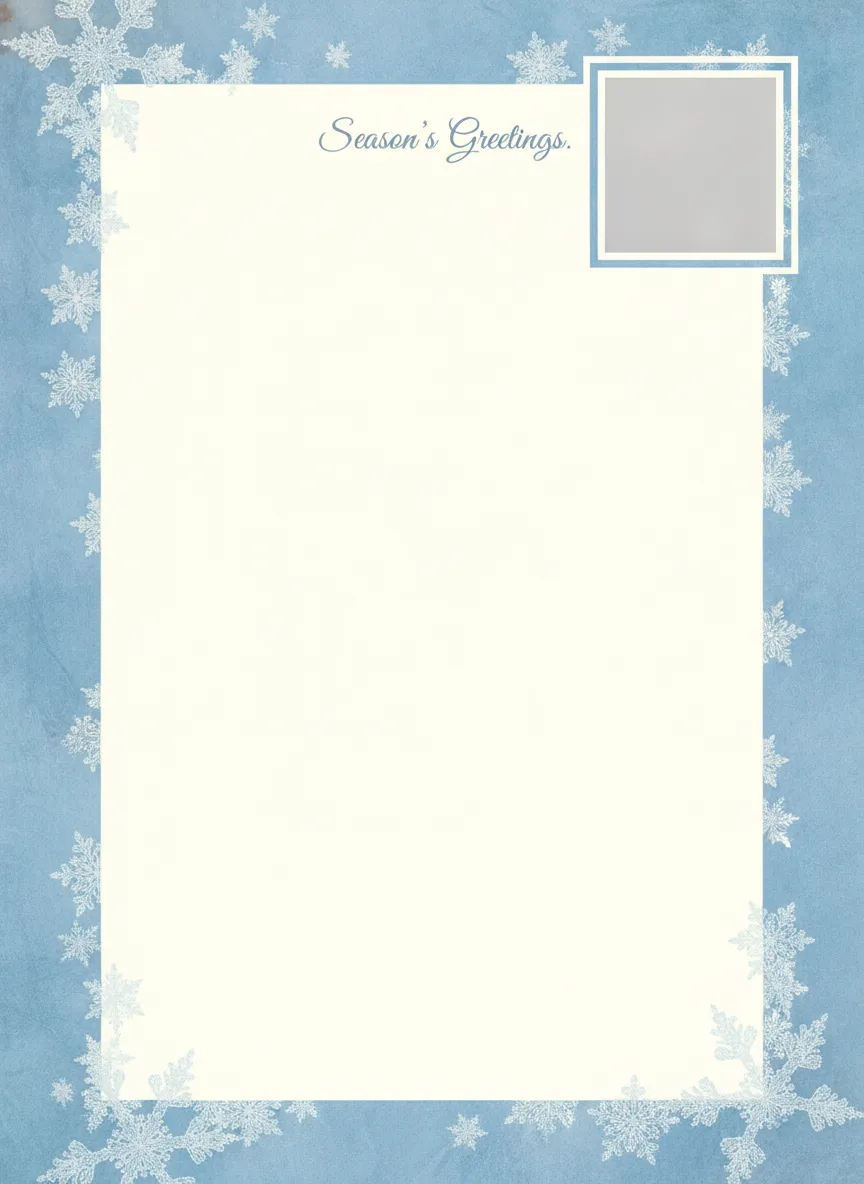
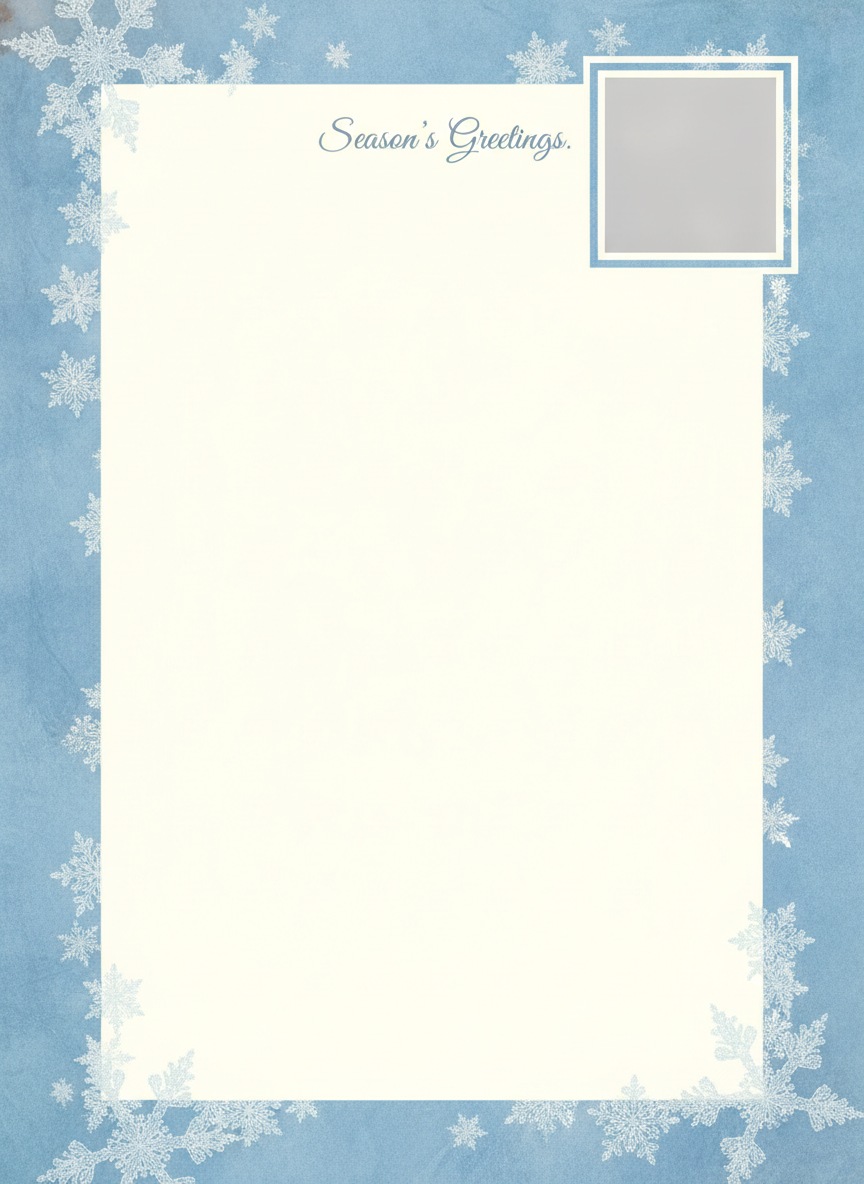
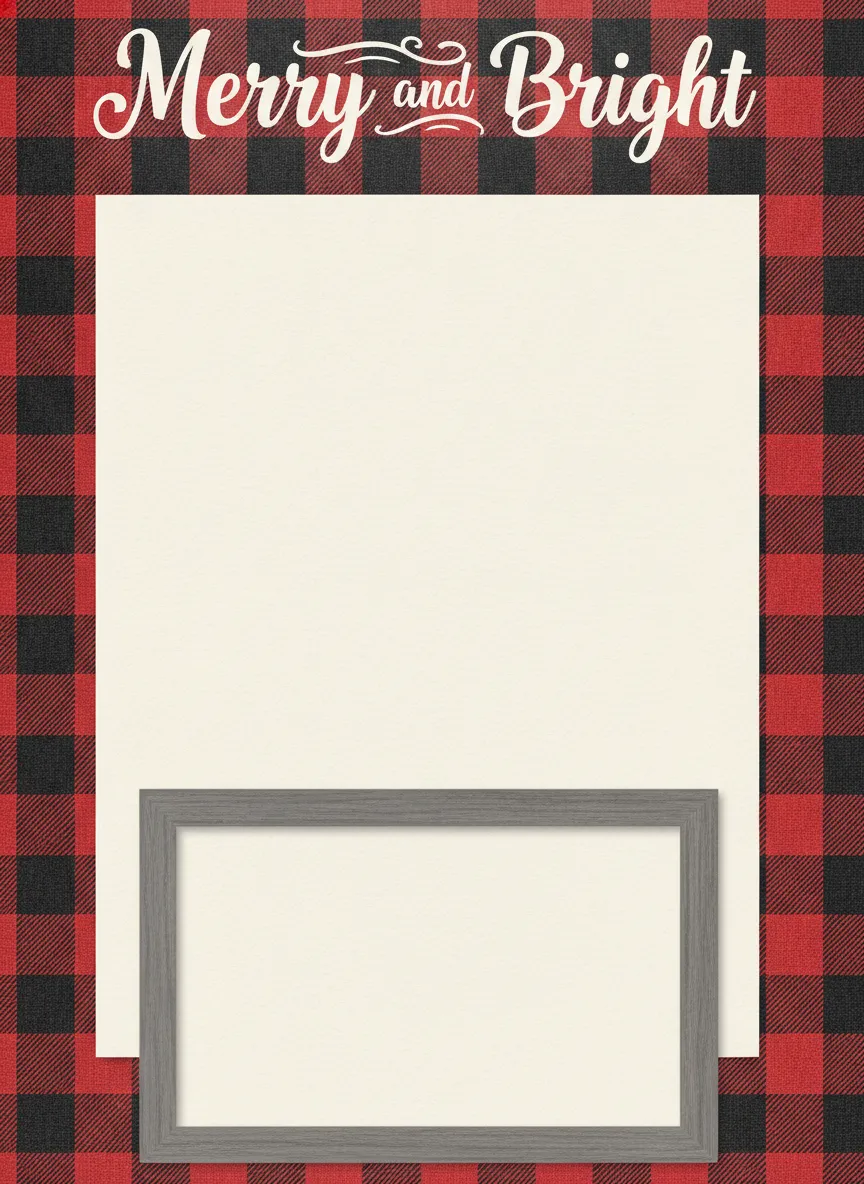
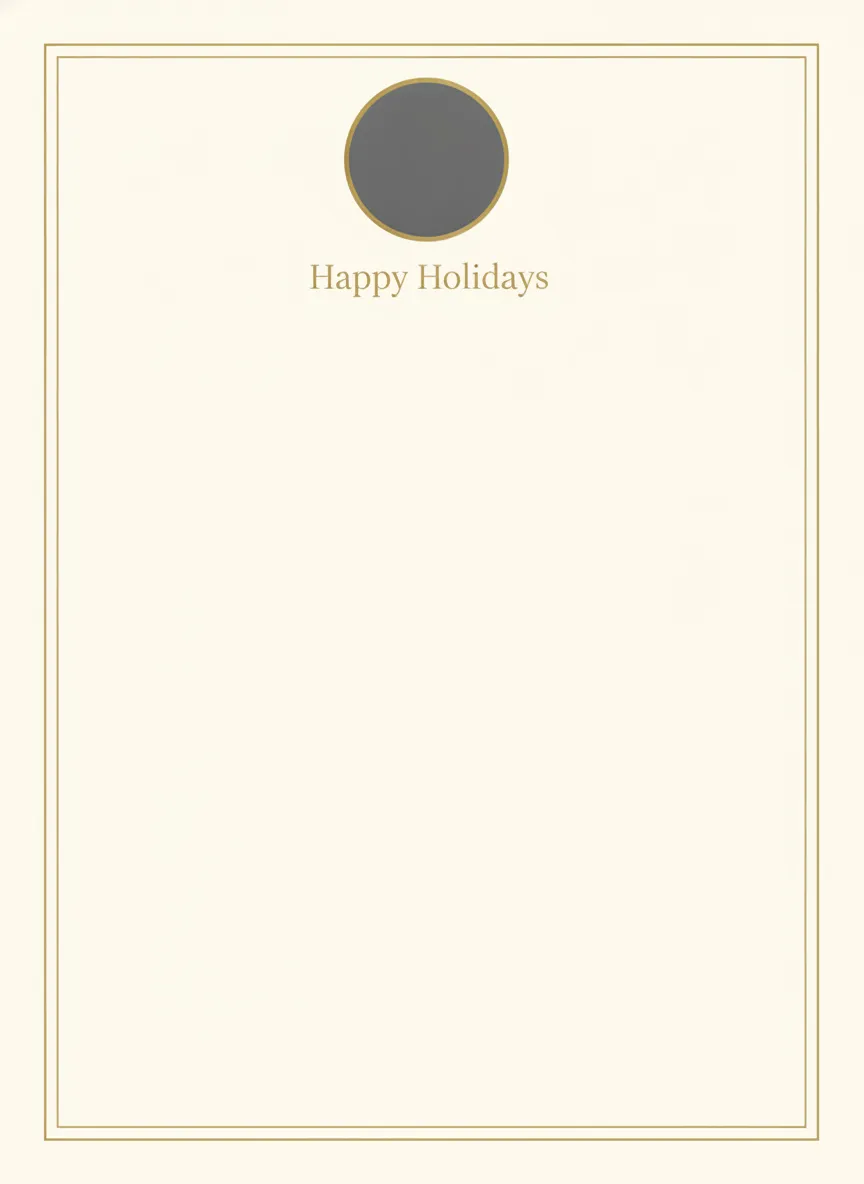
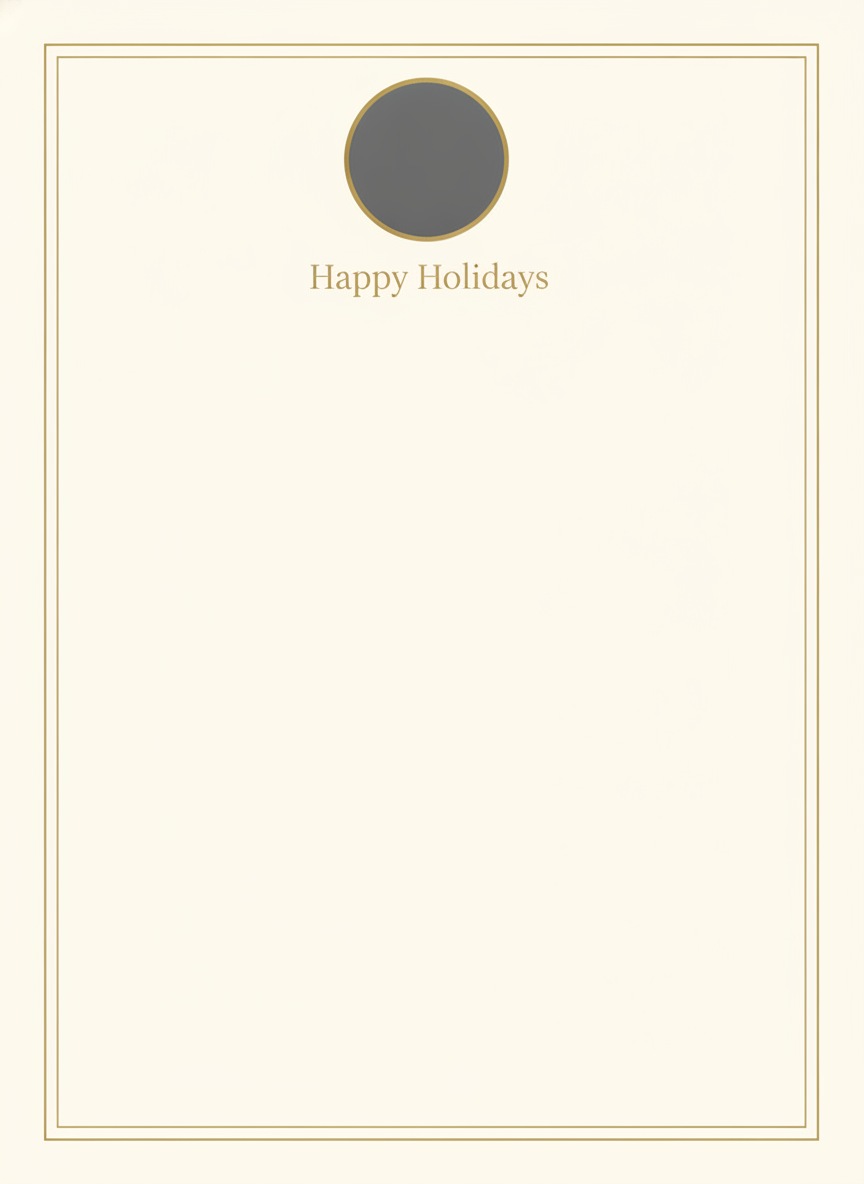
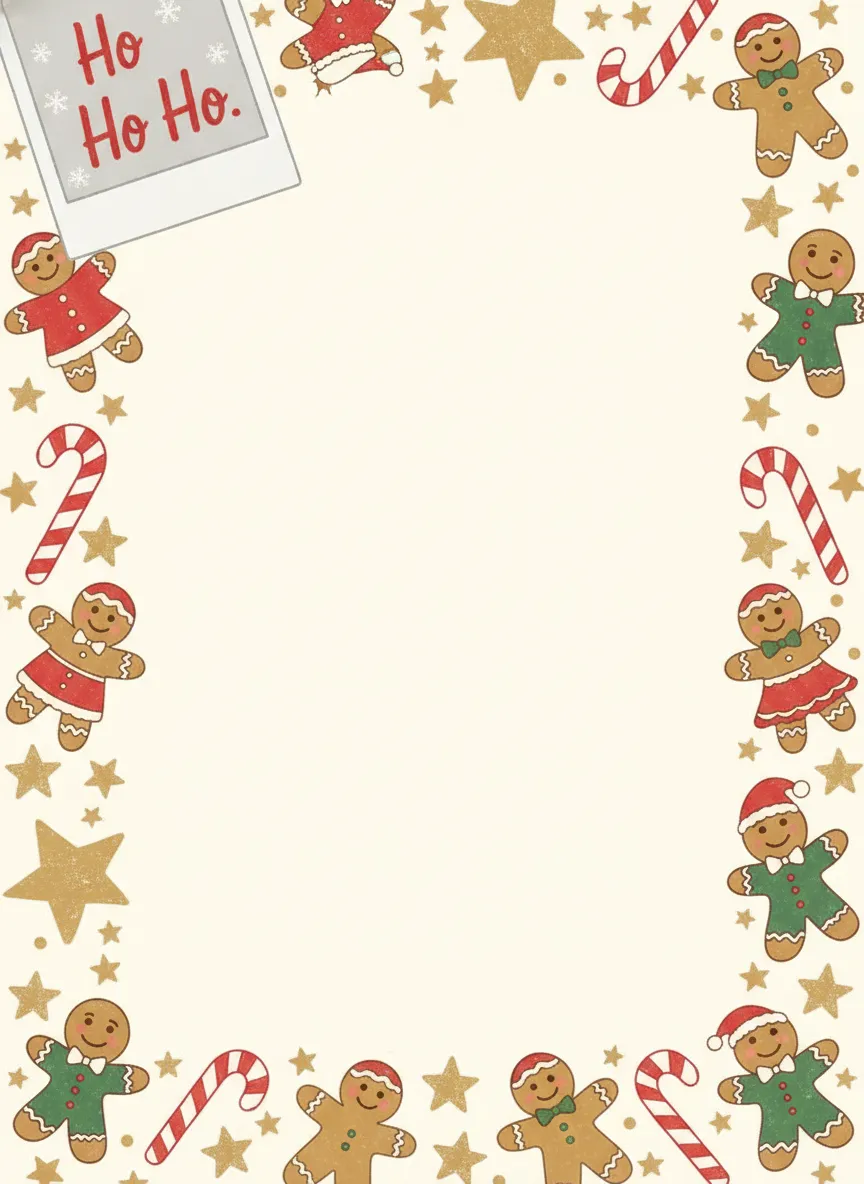
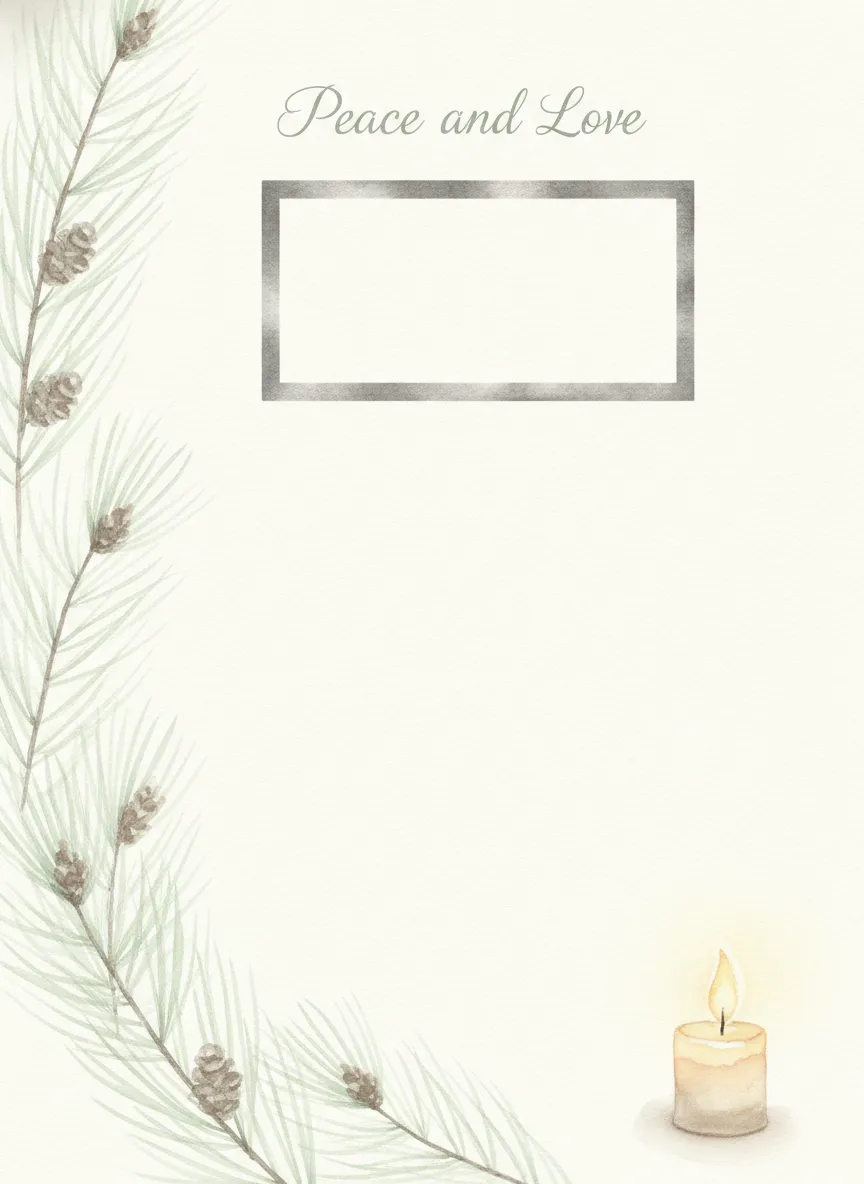
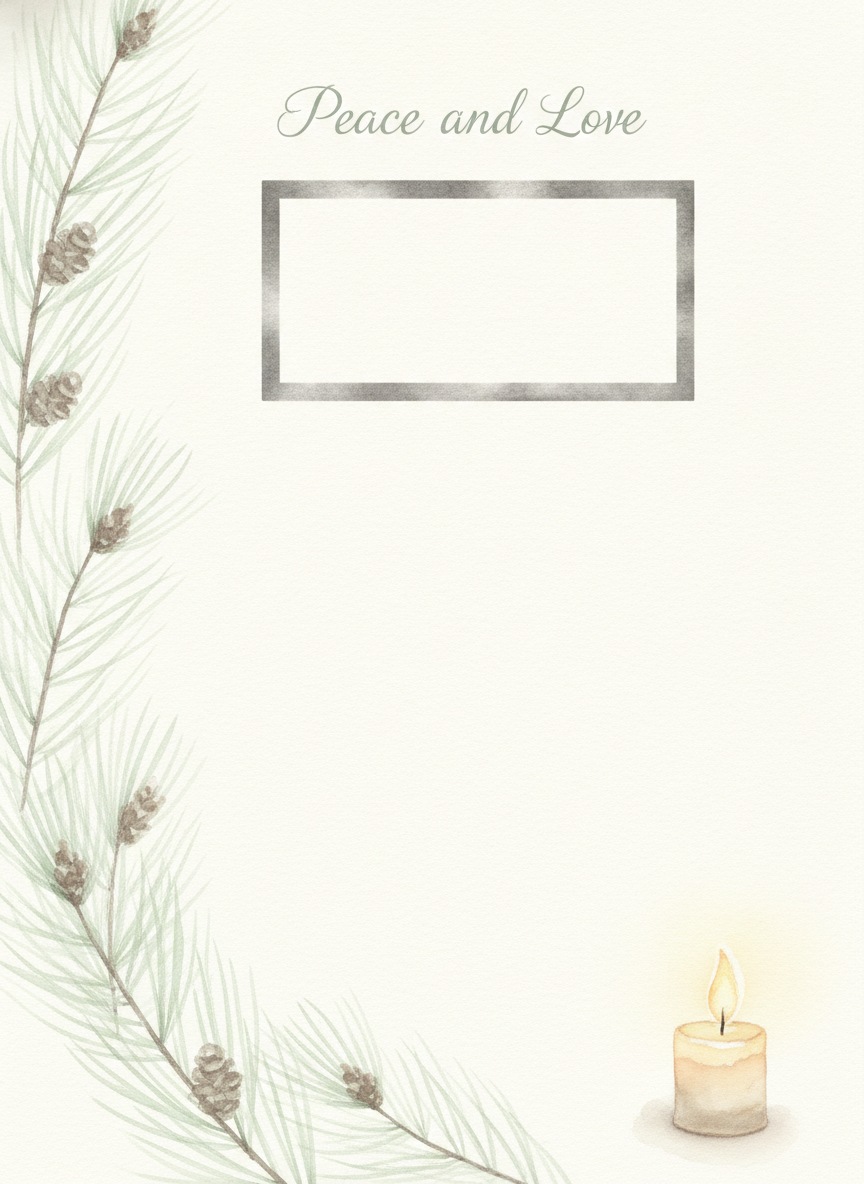
The easy way to use one: in Word or Google Docs, insert the image as a full-page background, drop your photo over the gray frame, then add a text box for the letter. The gold and gentle designs suit a quiet letter, and the playful one suits kids updates.
Six Christmas letter templates to copy
Swap every bracket for your own details. Each one runs about 40 to 100 words, which leaves room to add a paragraph or two.
Template 1: classic family letter
The default. It works for nearly everyone on your list.
Template 2: funny letter
Good for friends who already know your sense of humor. Keep the jokes about yourselves, not about other people.
Template 3: short letter
Around 40 words. Fits a card insert or a text message.
Template 4: letter with kids' updates
Give each child two or three sentences. Use their own words when you can.
Template 5: new baby letter
Put the baby first, then keep the rest brief.
Template 6: grief-aware gentle letter
You don't have to pretend the year was cheerful. Name the loss once, say thank you, and end with a kind wish.
How long should a Christmas letter be?
One page. Emily Post advises keeping a family holiday newsletter to one page or less and focusing on highlights, and most guides land between 250 and 400 words. A photo-heavy letter can stretch to about 500 words, and past two pages people stop reading. If you've got more to say, write a second letter for the grandparents.
What to include, and what to leave out
Choose three to five highlights, such as a move, graduation, new job, birth, trip or hobby, and add one small story so it doesn't read like a résumé. Give each family member two to four sentences. Mention pets if they're part of the household. End by turning toward the reader, with a wish for their year and an invitation to write back.
Skip bragging, politics, sales pitches and private medical detail. Address people by name when you can, since "Dear Karen and Phil" lands better than "Dear friends". For a hard year, the gentle template above follows the structure etiquette writers recommend: name the difficulty simply, mention the support you've had, end with hope. Don't turn it into a list of troubles.
Where to put the photo
Use one strong family photo near the top or beside the opening paragraph, or two smaller ones. A crowded collage competes with your words. If the card in the same envelope already has a photo, you may not need one in the letter at all. Our guide to photo Christmas cards covers the card side.
Printing and emailing your letter
For printing, good letter paper around 24 to 28 lb folds easily and fits in an envelope with a card, and a 10.5 to 12 point font stays readable. Heavy cardstock is better for a flat postcard-style letter than for a sheet that has to share an envelope.
For email, a PDF keeps the layout and photo in place across devices, and about 2 MB or less is a sensible size. Short, text-only letters under roughly 300 words work well pasted straight into the message. Most families do best with both, a few lines in the email body and the PDF attached. Use Bcc when you send to several people. Our Christmas ecards guide covers sizes and sending.
Add a family photo made in PicsMas to your letter: upload one picture and get a finished Christmas scene in about a minute.
Sign up for PicsMasGet PiXmas on the App StoreAdd a family photo made in PicsMas
A good letter photo is sharp, has everyone's face visible and doesn't need a caption. PicsMas can turn an ordinary snapshot into a Christmas picture with a lit tree, snowy porch or fireplace behind your family, so you're not waiting for the perfect matching-pajamas moment. Save the result as a JPG, place it in the gray frame of any design above, and print. For more ways to use it, see our AI Christmas photo for family page.
Writing to a relative who lives far away? An AI Christmas photo for long-distance family can put everyone in the same picture.
Make your own in PicsMas: upload one photo and get a finished Christmas picture in about a minute.
Sign up for PicsMasGet PiXmas on the App Store