14 free Christmas fonts at a glance
Here's every font, rendered from the official files so you can see what you're getting. The sheet is a free download if you want to keep it open while you design.
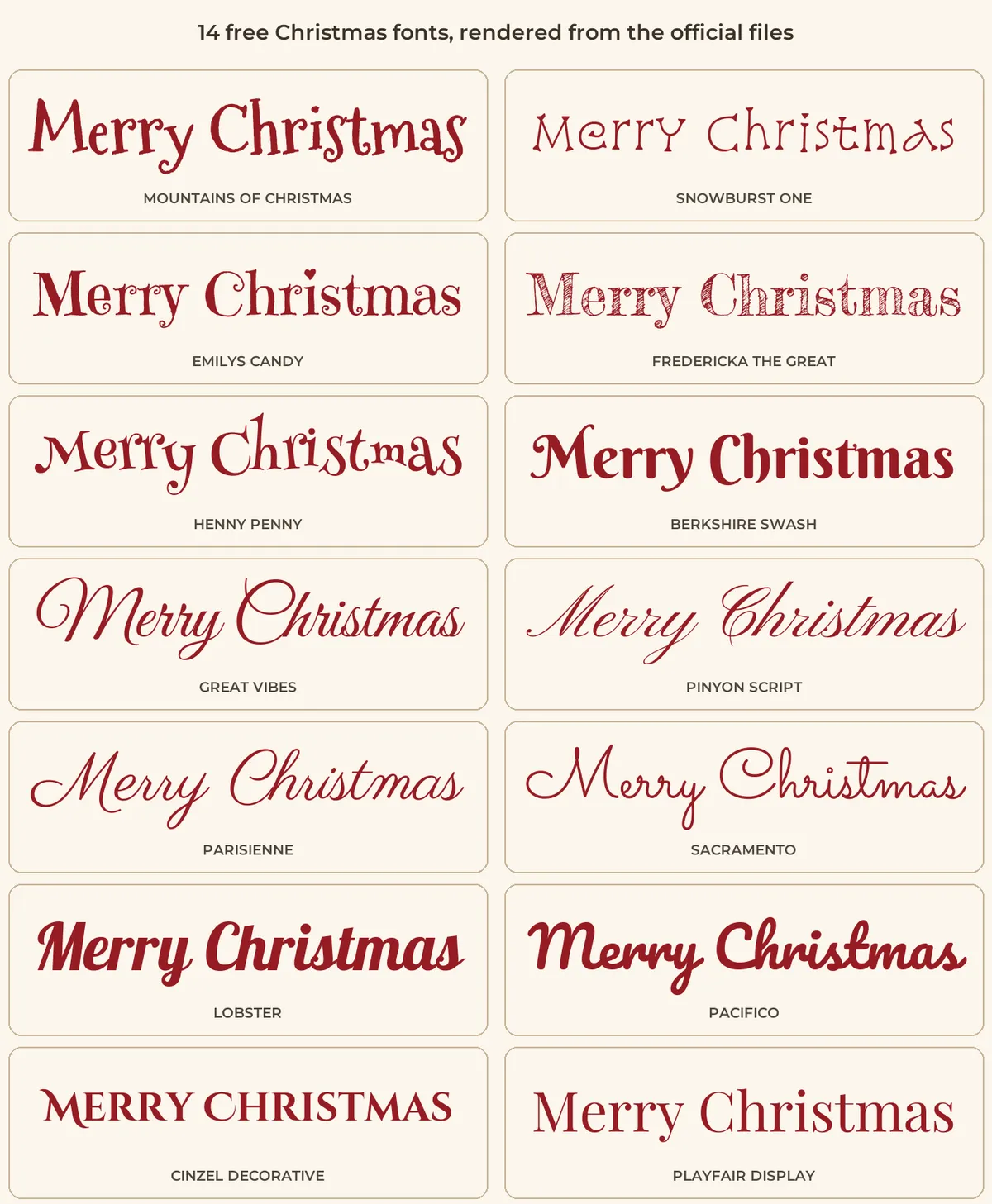
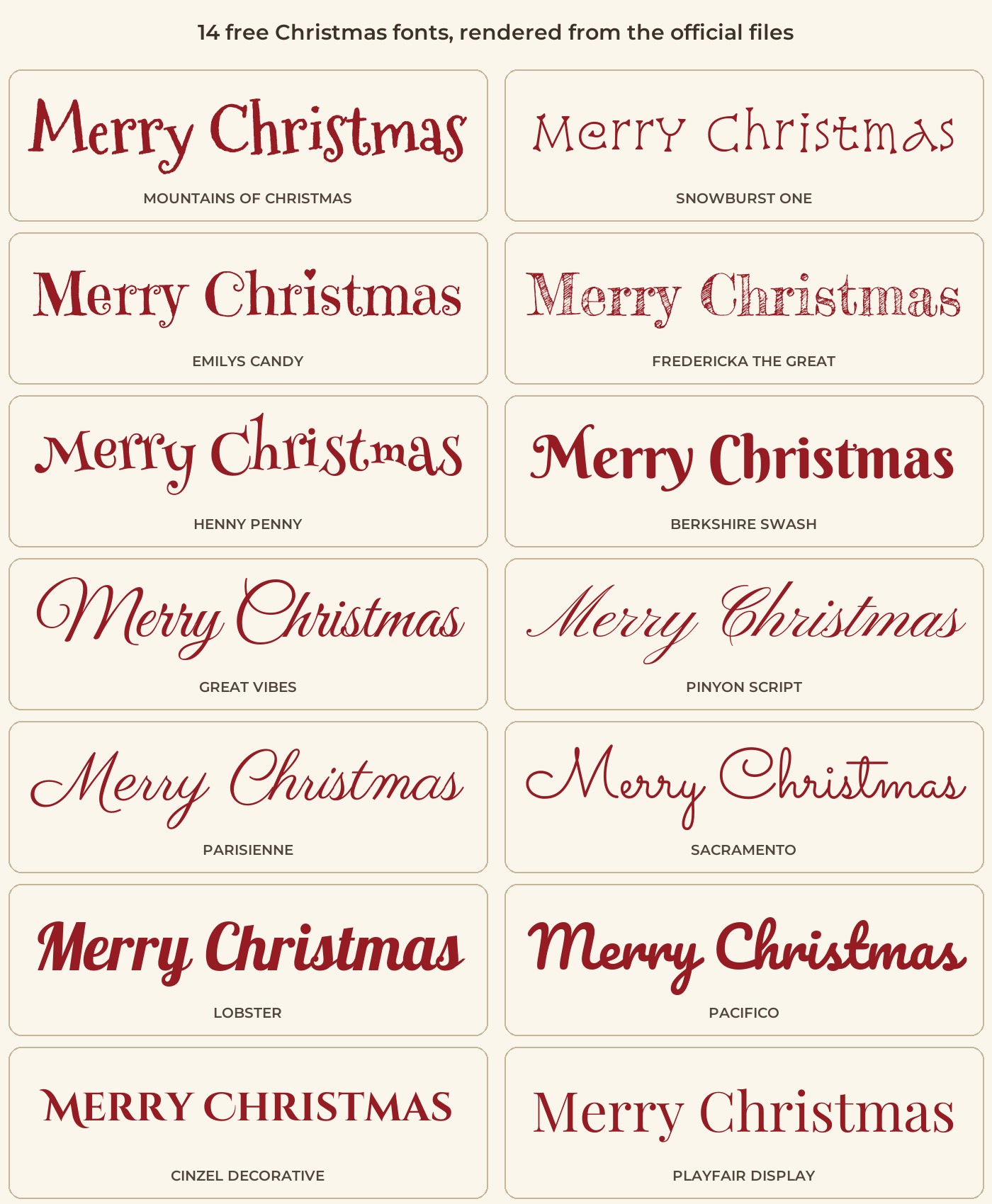
Where to get them, who made them and what the license says
We checked each family in the official Google Fonts repository on GitHub. Thirteen are under the SIL Open Font License, and Mountains of Christmas is under the Apache License 2.0. Both allow commercial use, including cards you sell, ads and merchandise, with no fee. The rule to remember is that you can't sell the font files on their own. Search the name at fonts.google.com, press Get font, and keep the license file if you pass the font along.
| Font | Designer or foundry | License | Good for |
|---|---|---|---|
| Mountains of Christmas | Tart Workshop | Apache 2.0 | Playful storybook titles, kids cards, gift tags |
| Snowburst One | Annet Stirling | SIL OFL | Short wintry headings like Noel or Joy |
| Emilys Candy | Neapolitan | SIL OFL | Sweet, whimsical treat labels and party signs |
| Fredericka the Great | Tart Workshop | SIL OFL | Chalkboard-style signs and big headlines |
| Henny Penny | Brownfox | SIL OFL | Quirky invitations and funny cards |
| Berkshire Swash | Astigmatic | SIL OFL | Vintage, swashy headings |
| Great Vibes | Robert Leuschke | SIL OFL | Formal cards and place cards |
| Pinyon Script | Nicole Fally | SIL OFL | Wedding-style holiday invitations |
| Parisienne | Astigmatic | SIL OFL | Greetings over photos |
| Sacramento | Astigmatic | SIL OFL | Light monoline script for gift tags |
| Lobster | Impallari Type | SIL OFL | Bold retro posts and banners |
| Pacifico | Vernon Adams, Jacques Le Bailly, Botjo Nikoltchev, Ani Petrova | SIL OFL | Friendly social captions and stories |
| Cinzel Decorative | Natanael Gama | SIL OFL | Elegant party invitations and gold-foil looks |
| Playfair Display | Claus Eggers Sørensen | SIL OFL | Classic serif for names, dates and long lines |
Google's own FAQ says its fonts can be used commercially, and the license in each font's folder is the final word. Fonts from other free font sites can be personal-use only, so check before you print a hundred cards for a client.
Which Christmas font should you use?
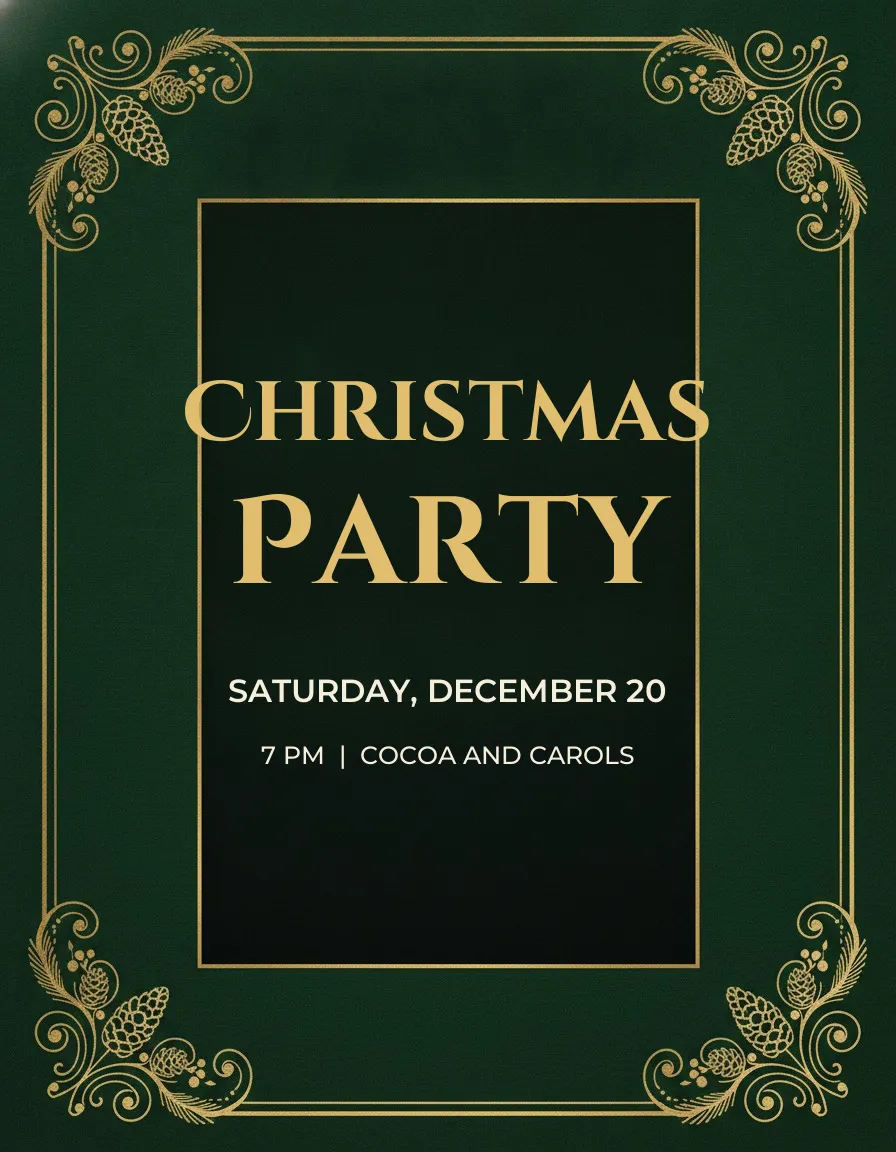
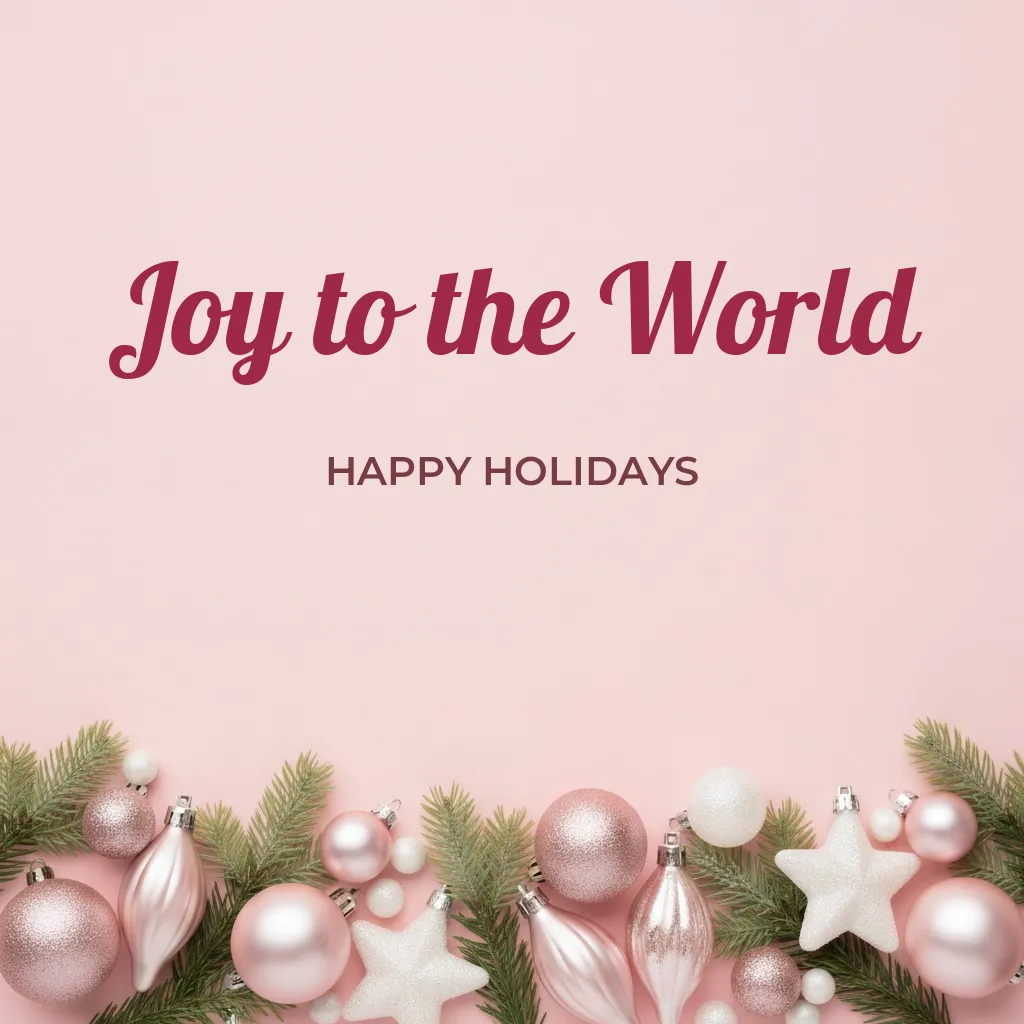
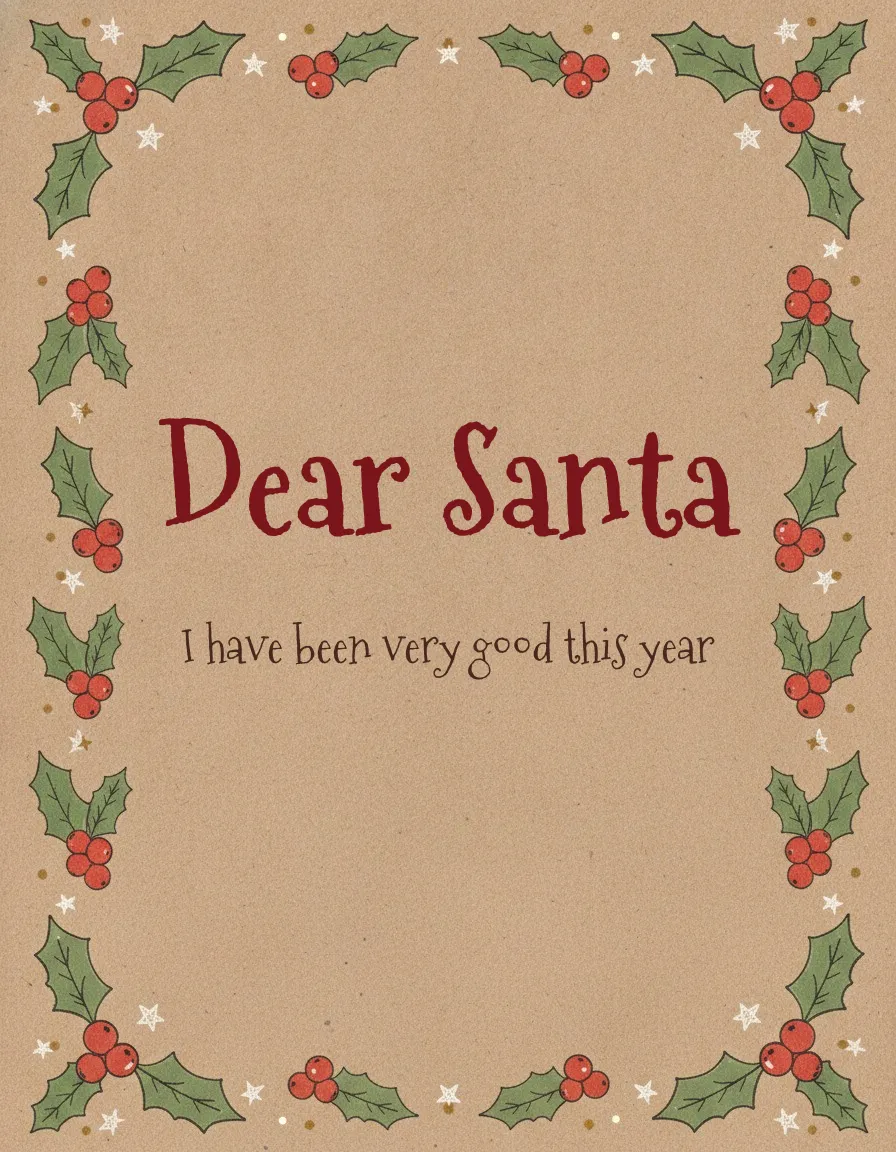
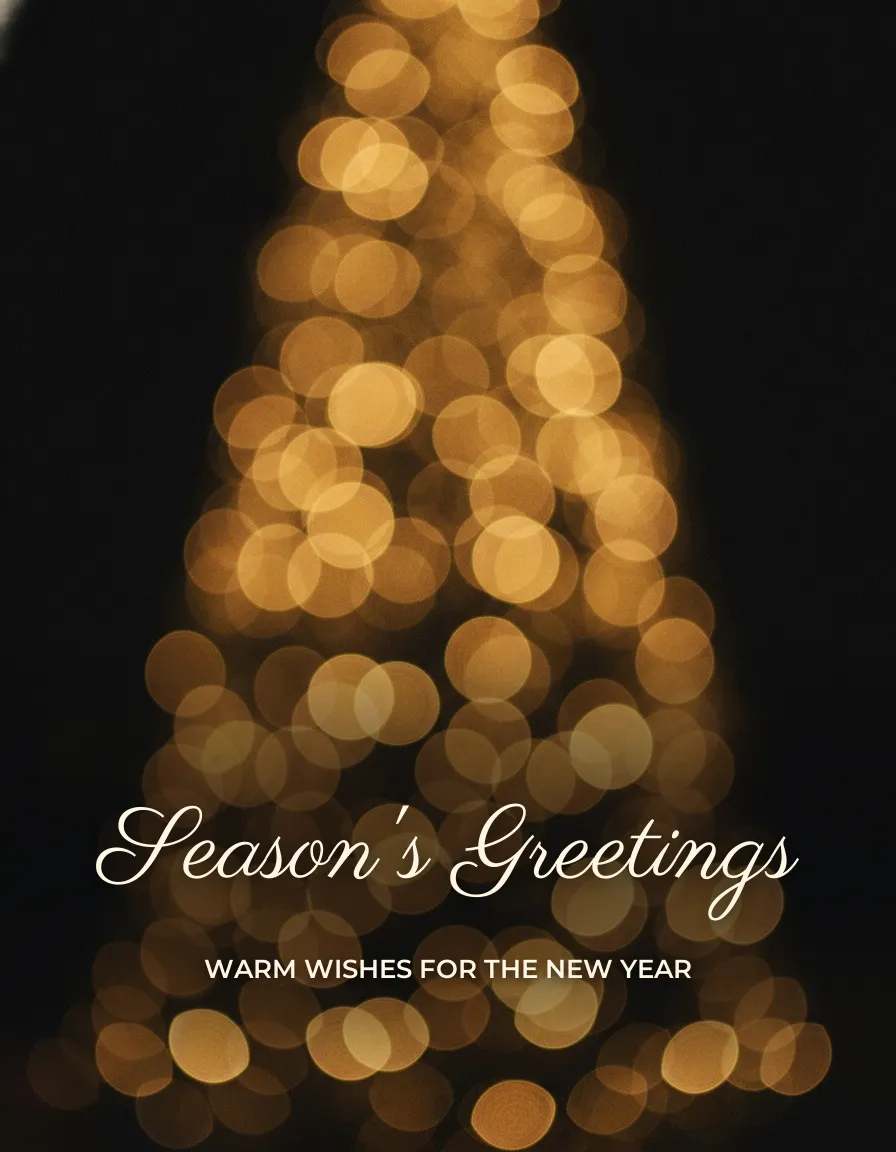
For a family card, start with a script such as Great Vibes or Parisienne for the greeting only. For kids, a school party or a Santa letter, Mountains of Christmas is hard to beat, since it already looks like a hand-lettered storybook. Invitations suit Cinzel Decorative or Playfair Display, which look formal without feeling stiff. Bold social posts and stories are where Lobster and Pacifico earn their place. I'd skip very thin fonts like Snowburst One at small sizes, especially for anything people read on a phone.
Not sure? Mountains of Christmas for fun, Great Vibes for classic. Those two cover most family projects.
Examples on cards and photos
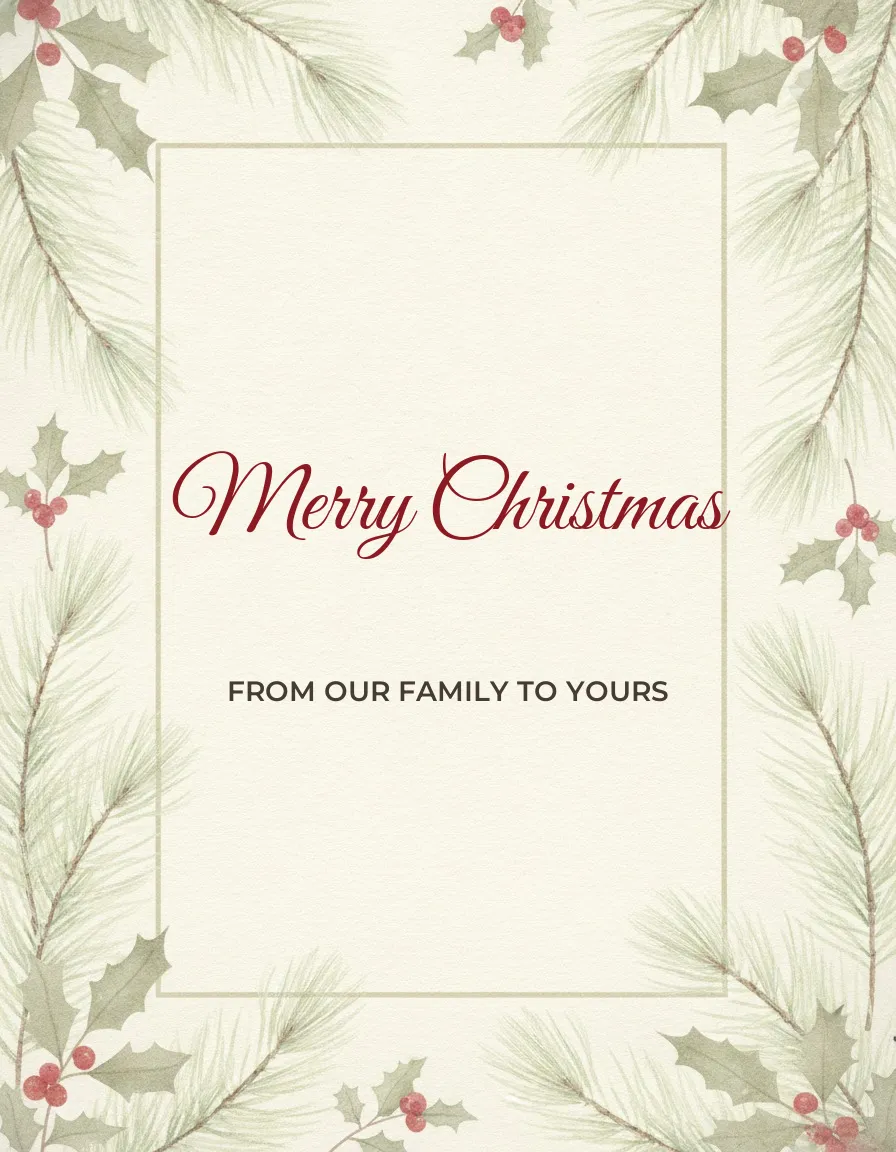
These are style examples. The backgrounds are AI-generated, and the words were added with the real fonts, so the lettering shows what each font does. Each caption names the font used.
Pairing Christmas fonts
Use two fonts at most. One expressive font carries the headline (a name, a short greeting, a party title), and one plain sans serif carries everything people need to read, like the date, address or a caption. Montserrat is a good partner for any script here, since it's also a free OFL font with several weights. Keep decorative fonts to a few words. A full paragraph in Pinyon Script is hard work for the reader, and so is all caps in a script. Save capitals for short sans serif labels.
Making Christmas text readable on a photo
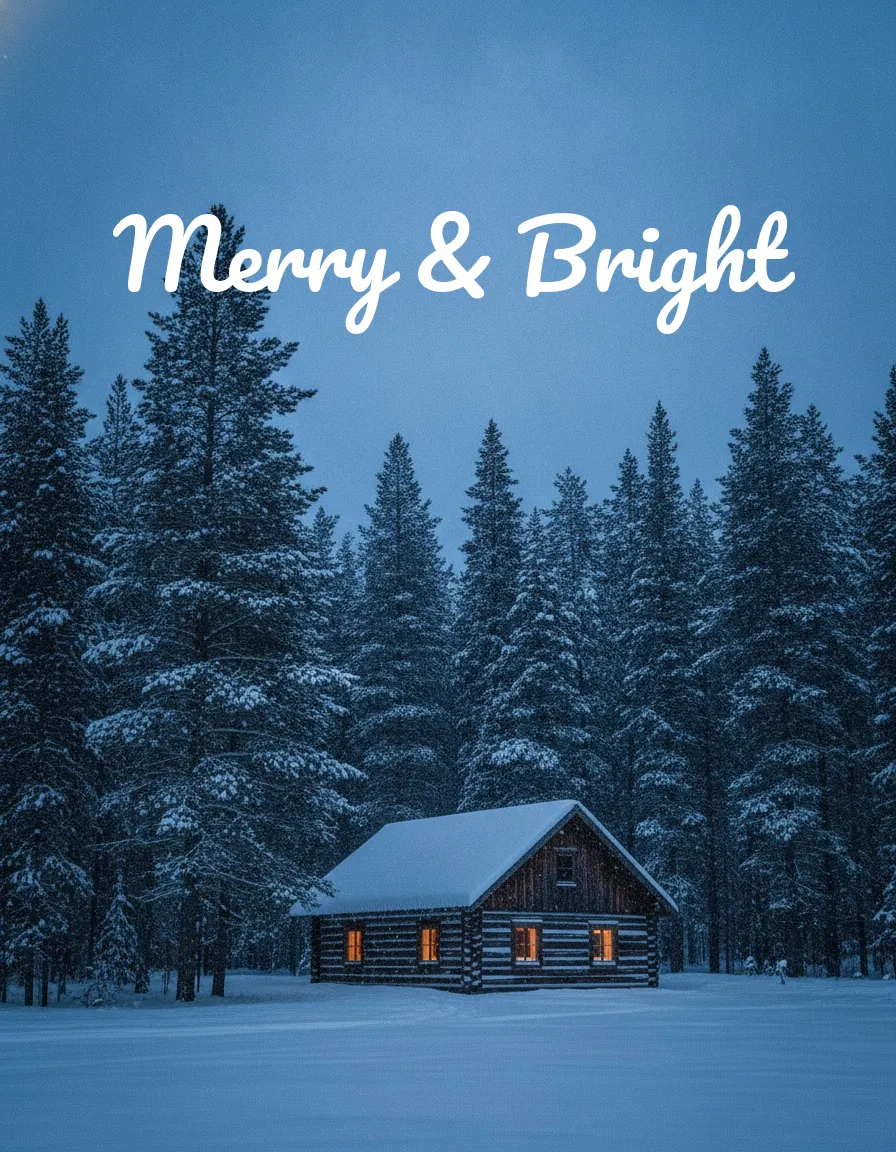
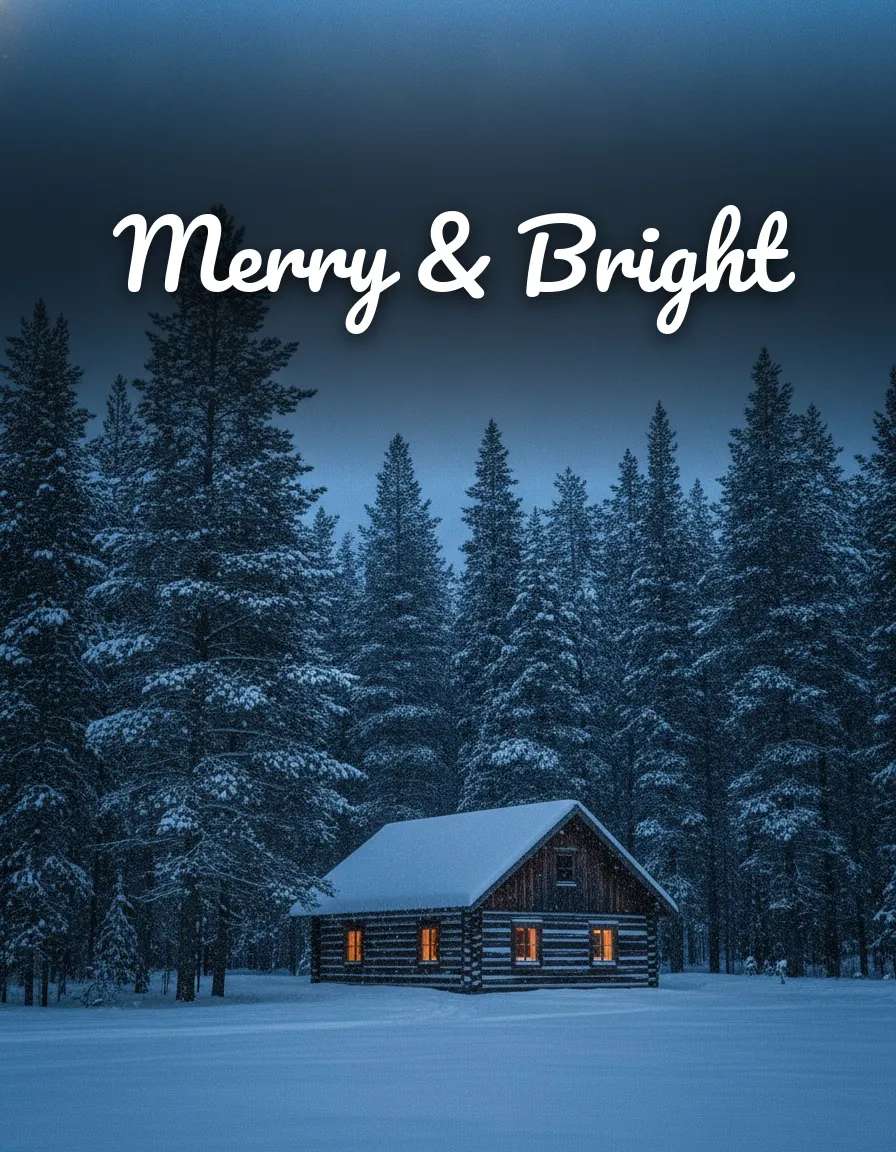
Text on a photo fails more often than text on a card, because the picture fights it. Both cabin images below use the same photo and the same script. The first has nothing behind the words. The second has a dark gradient and a soft shadow, and the lettering reads faster.
- Aim for a contrast ratio of at least 4.5 to 1 for normal text and 3 to 1 for large text.
- Put the words over a calm area, away from faces and busy edges.
- A dark overlay at roughly 30 to 50 percent opacity behind light text is a good start, then adjust by eye.
- Use a soft, subtle shadow. Hard offset shadows make letters look doubled.
- Avoid very thin weights on textured backgrounds, and check the result at phone size.
How to install a Christmas font
Download the font from Google Fonts. If it comes as a .zip, extract it first, then restart any app you had open.
On Windows 11, right-click the .ttf or .otf file and choose Install, or drag it into Settings, Personalization, Fonts. On a Mac, double-click the file and click Install Font in Font Book. On iPhone it's less direct, because iOS doesn't install a font by tapping the file. You need a font manager app such as AnyFont, which installs the font through a configuration profile you approve in Settings. Only approve profiles from sources you trust. Many phone design apps skip all this and have their own font menus.
Google Docs and Slides are easier. Open the font menu, choose More fonts, search for Mountains of Christmas or another family from the table, and add it. No install needed. In Canva on a computer, uploading your own font is generally a paid-plan feature, so check your plan first.
Want Christmas text on your own photo, set in a font that suits the picture? Upload a photo to PicsMas and add your greeting.
Sign up for PicsMasGet PiXmas on the App StoreAdd Christmas text to a photo in PicsMas
In PicsMas, you upload a photo, choose a Christmas look and add a greeting, a name or a year to the finished picture. Pick a style such as script, playful or classic, and PicsMas places the words in a calm part of the image so faces stay clear. You get a card-sized image you can print or send. A short line works best, such as Merry Christmas or the family name with the year.
For more card ideas, see our AI Christmas card ideas or try the AI Christmas card maker. Our Christmas photo captions for Instagram has words to put on the picture, and Christmas photo frames covers borders around the text. Prefer a phone app? PiXmas is on the App Store.