
Download 12 printable Christmas gift tags
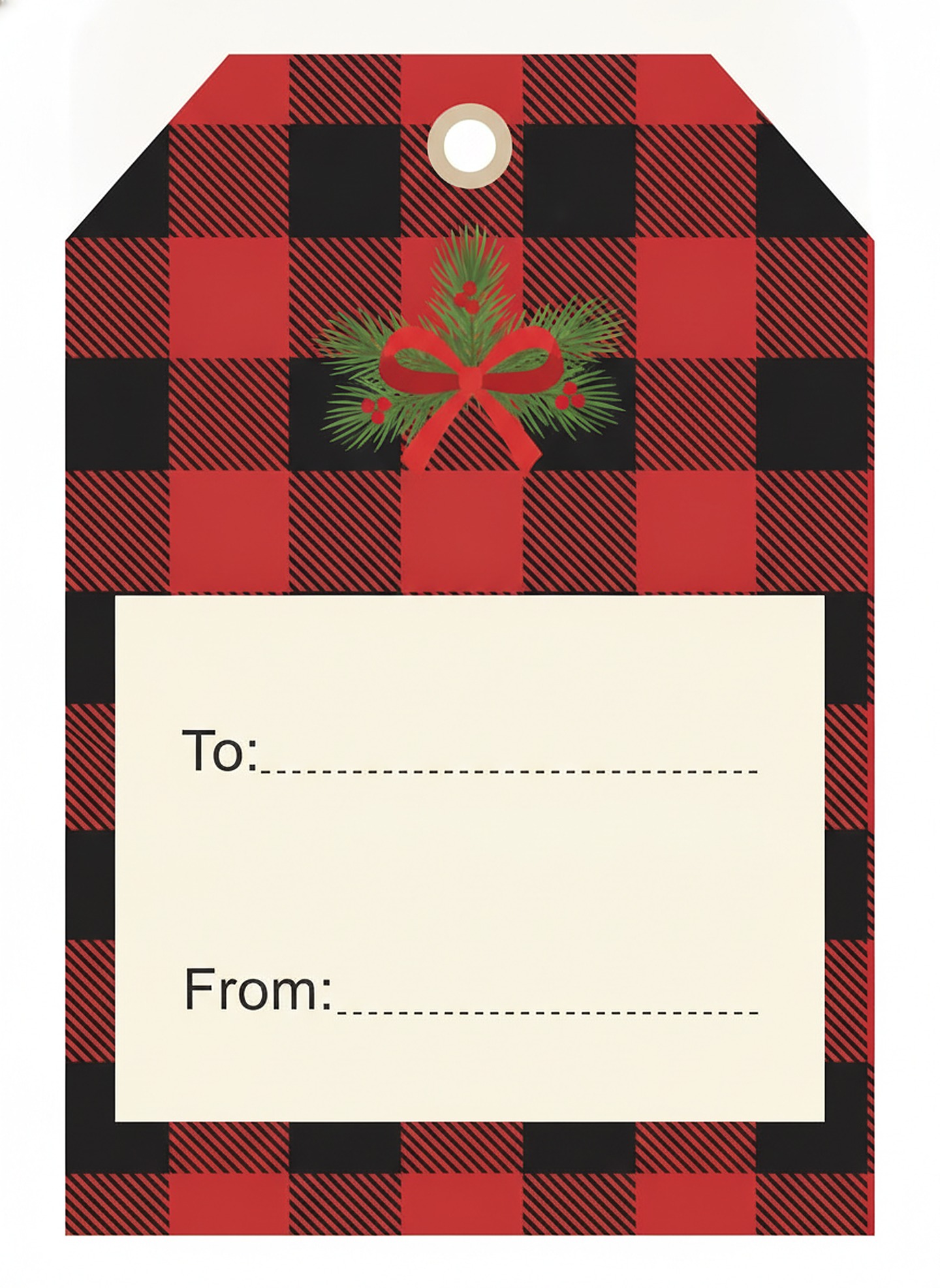
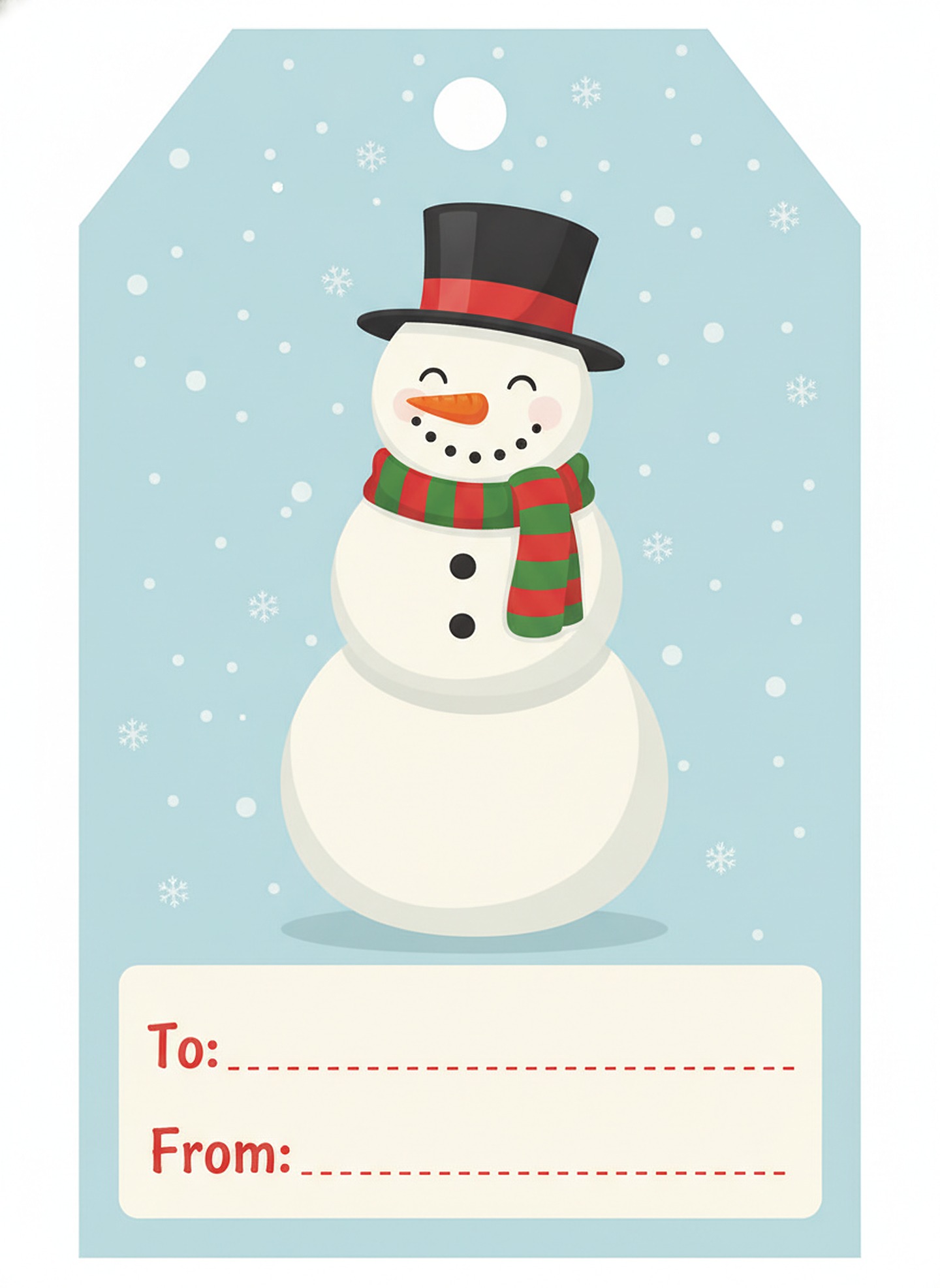
Each tag is an original design with To and From lines already printed, so you only have to write the names. Press Download under any tag for the full-size JPG (1440 by 1973 pixels), which prints sharply when scaled down to about 2.5 by 3.4 inches.
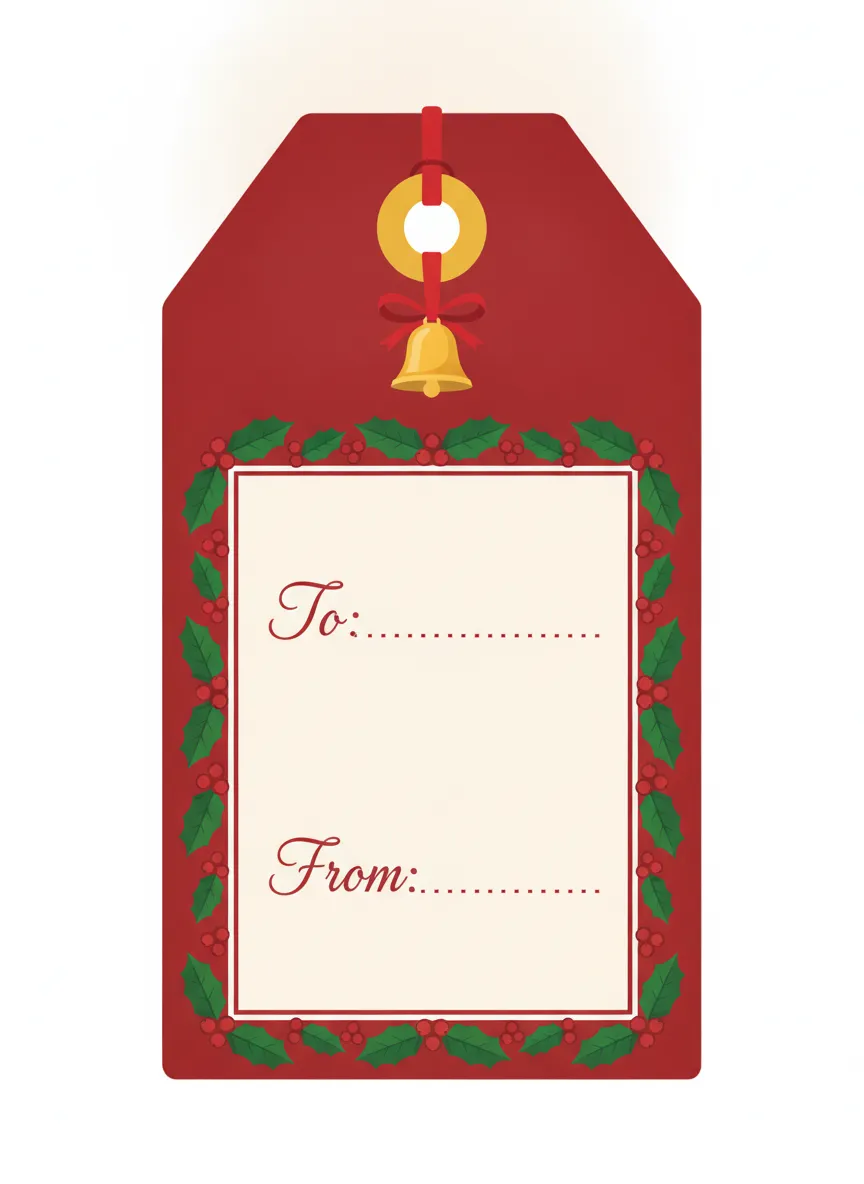
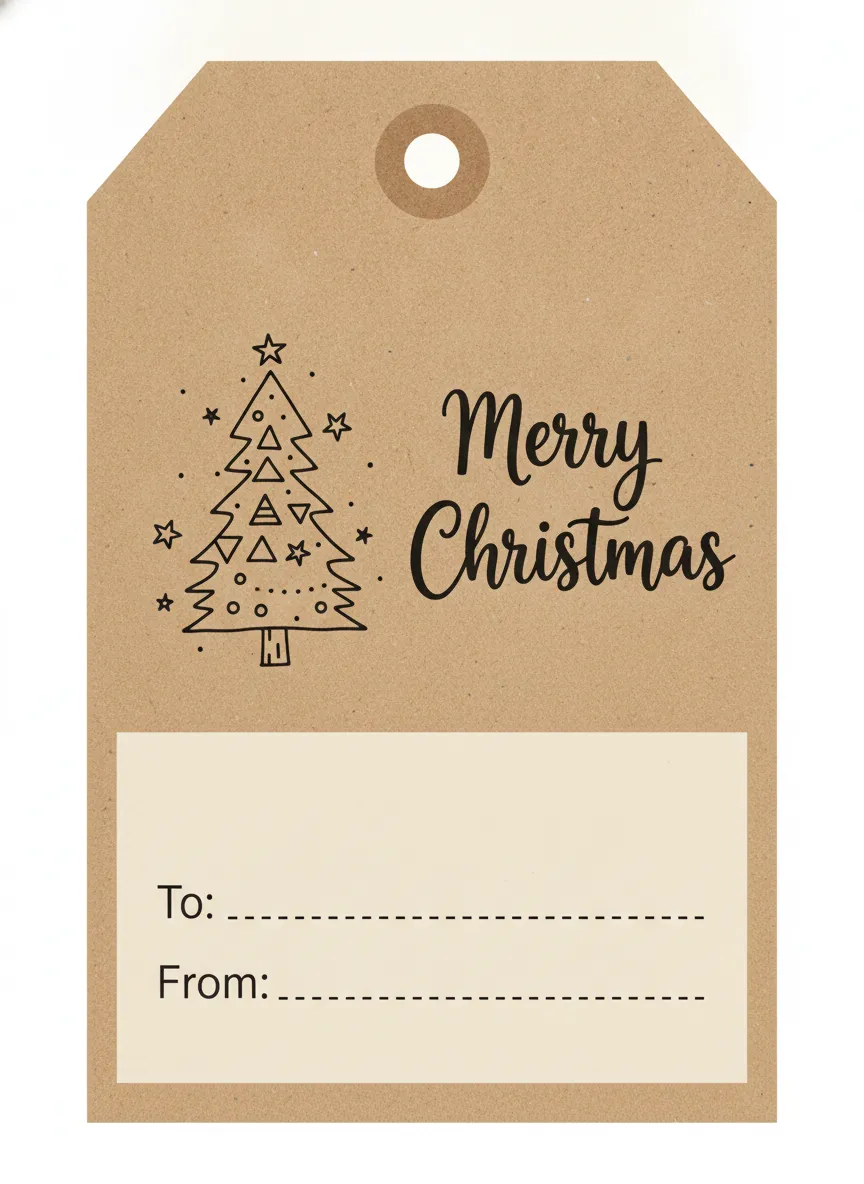
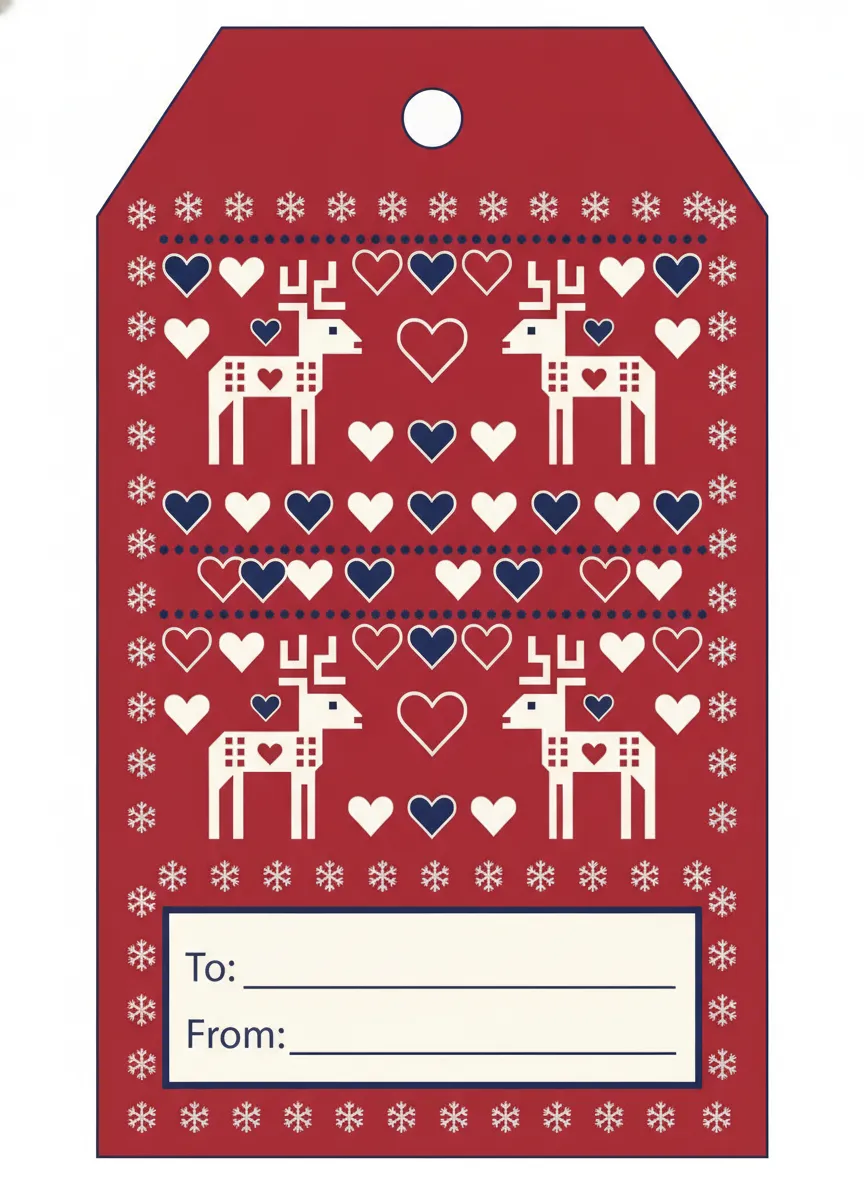
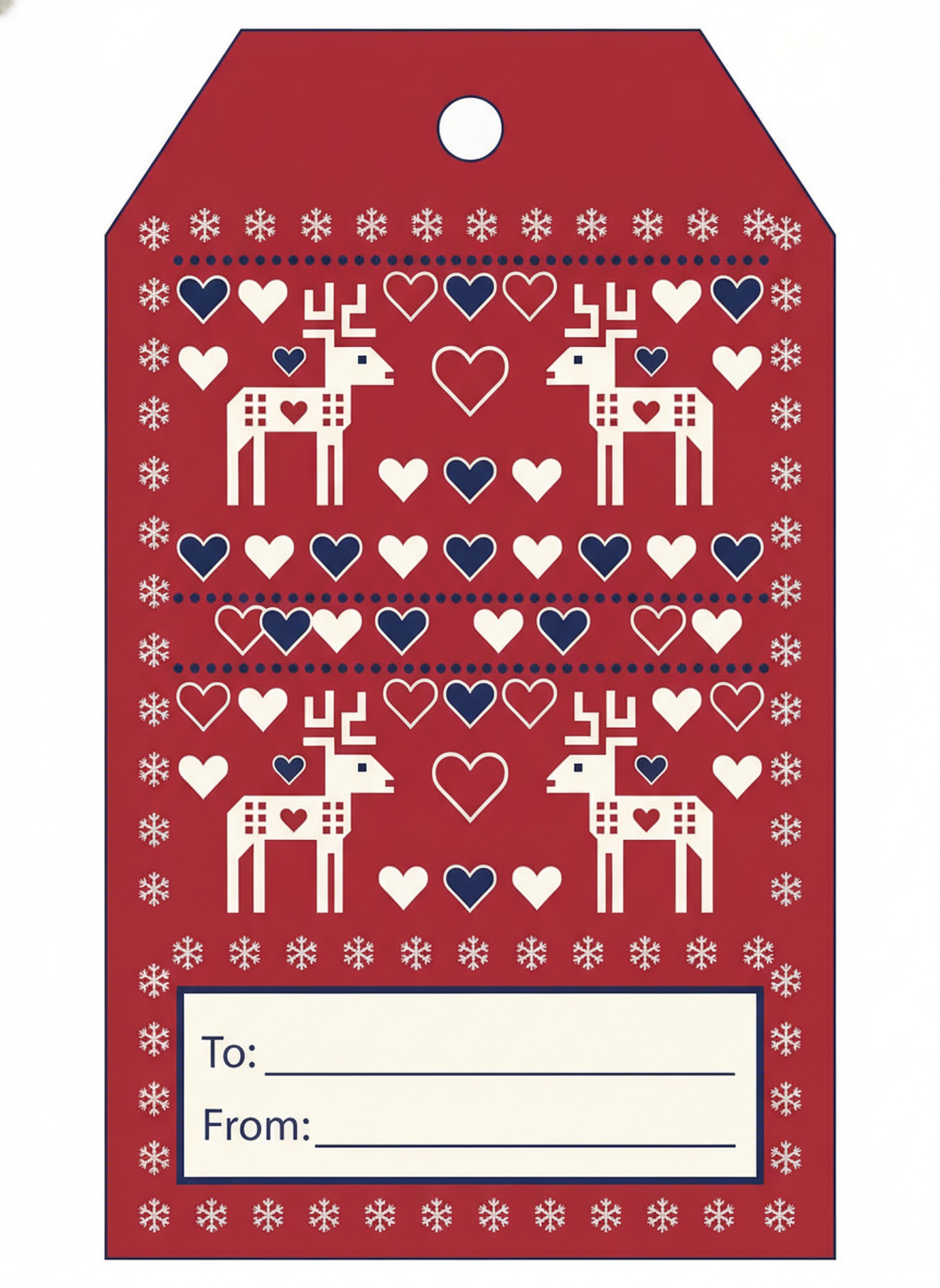
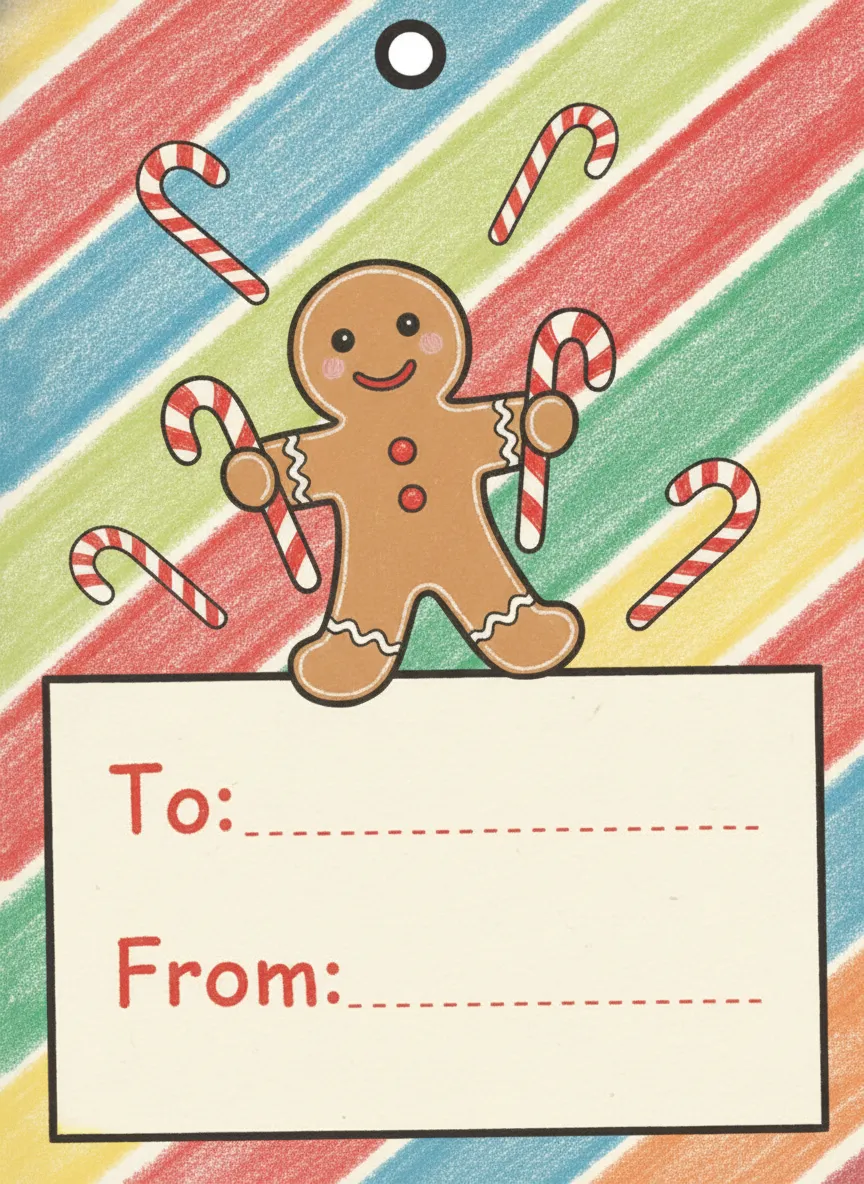
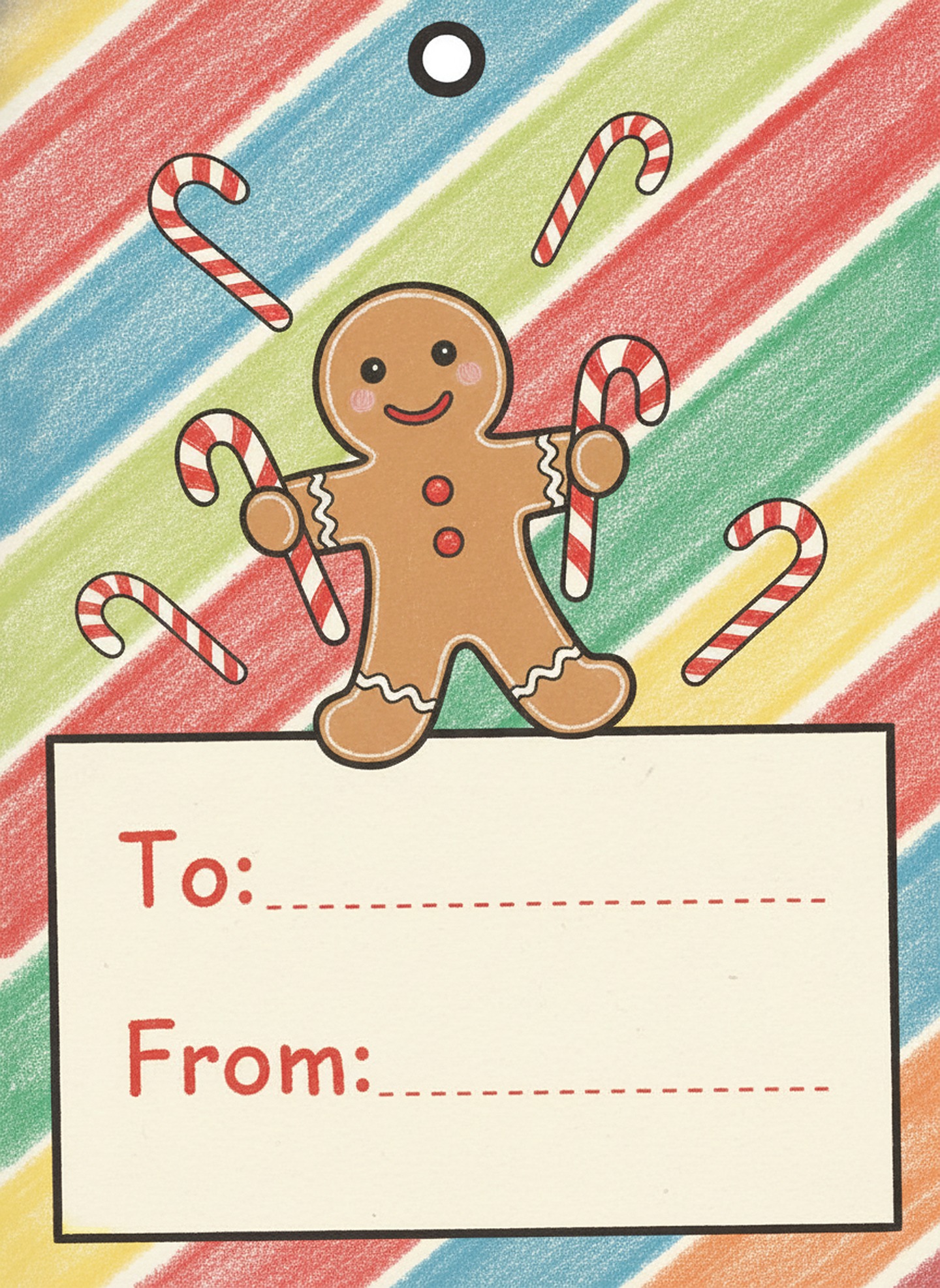
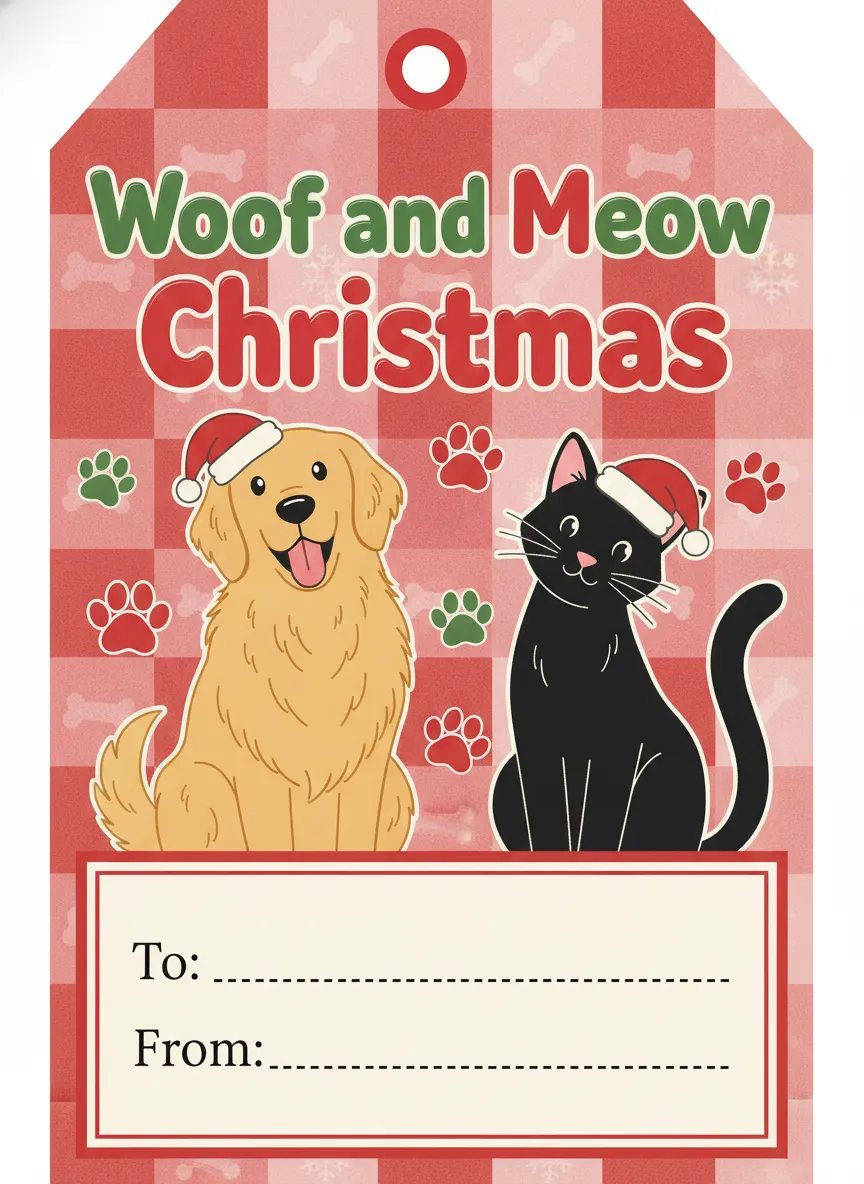
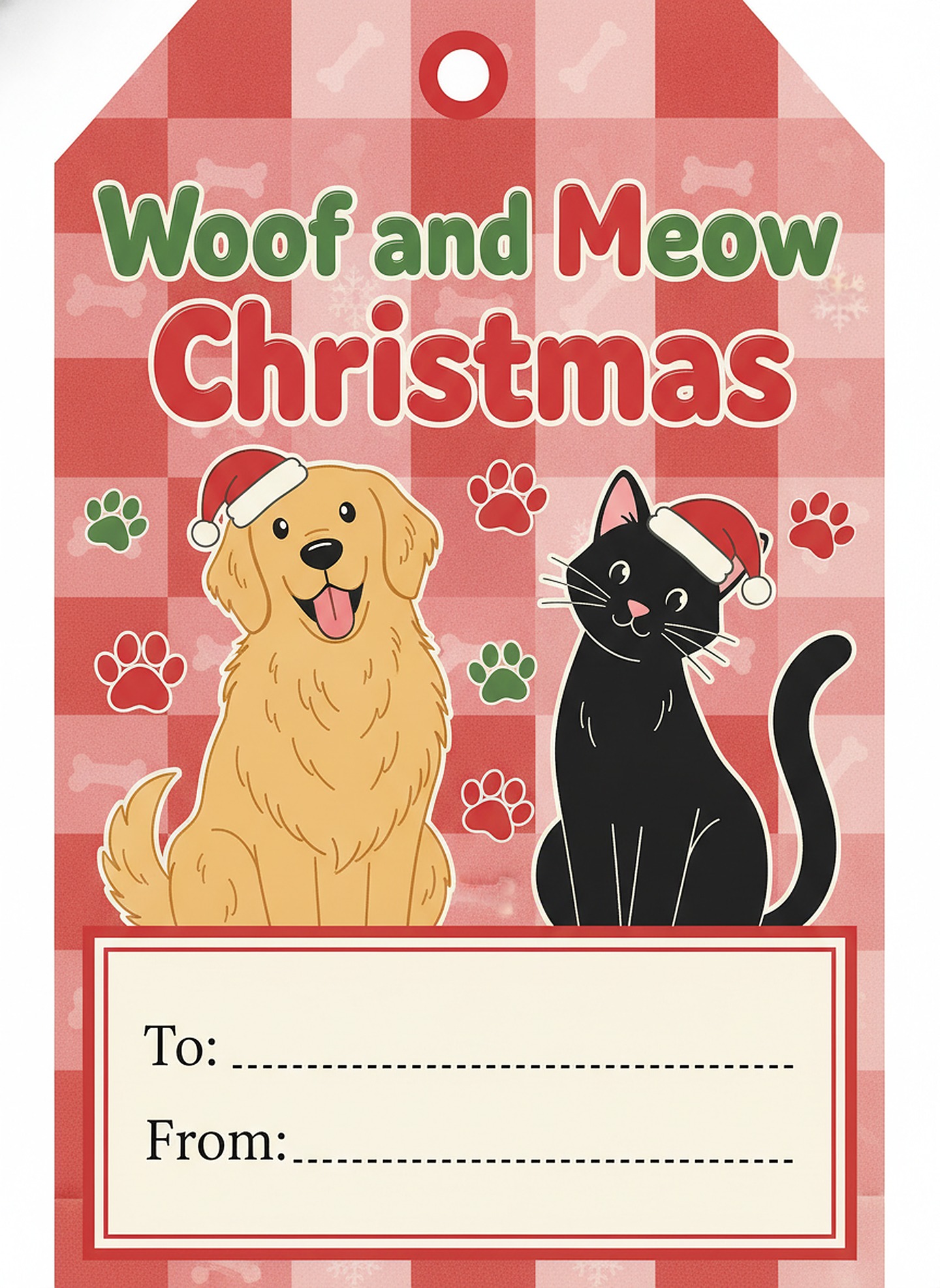
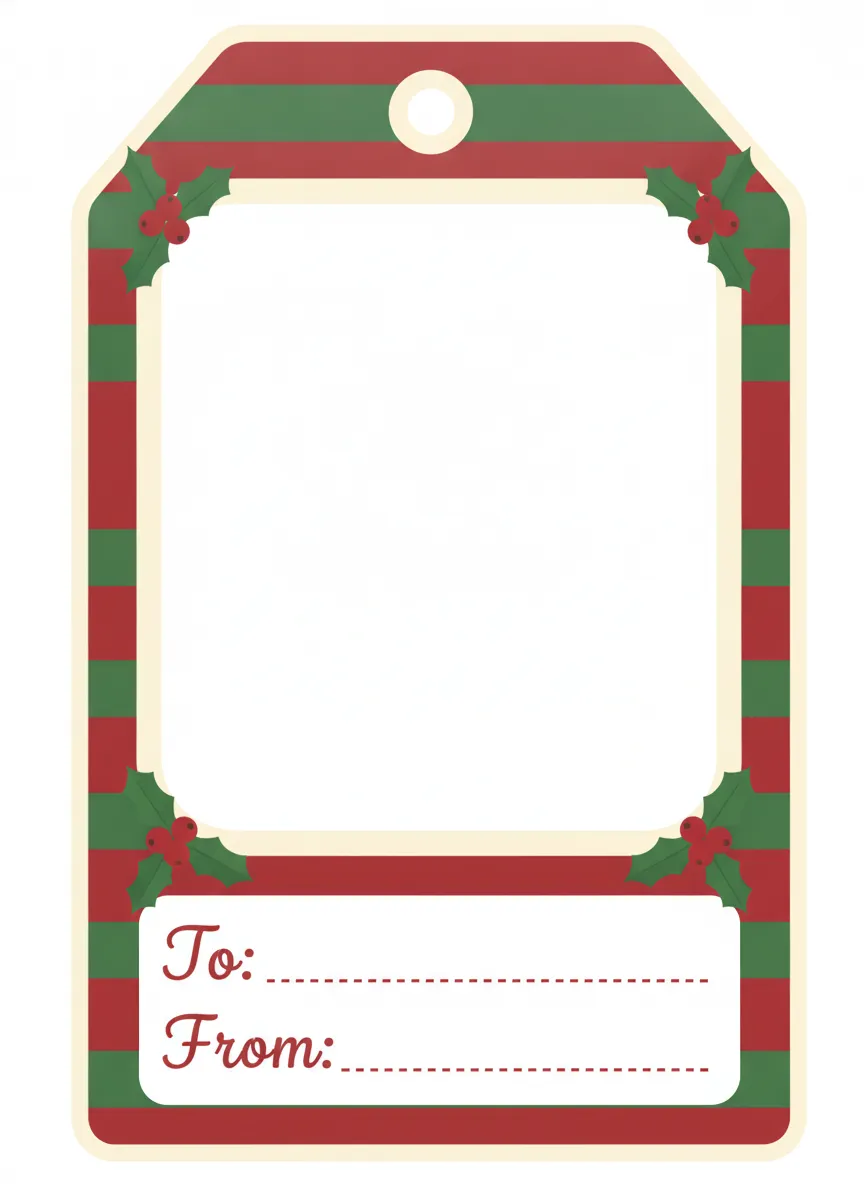
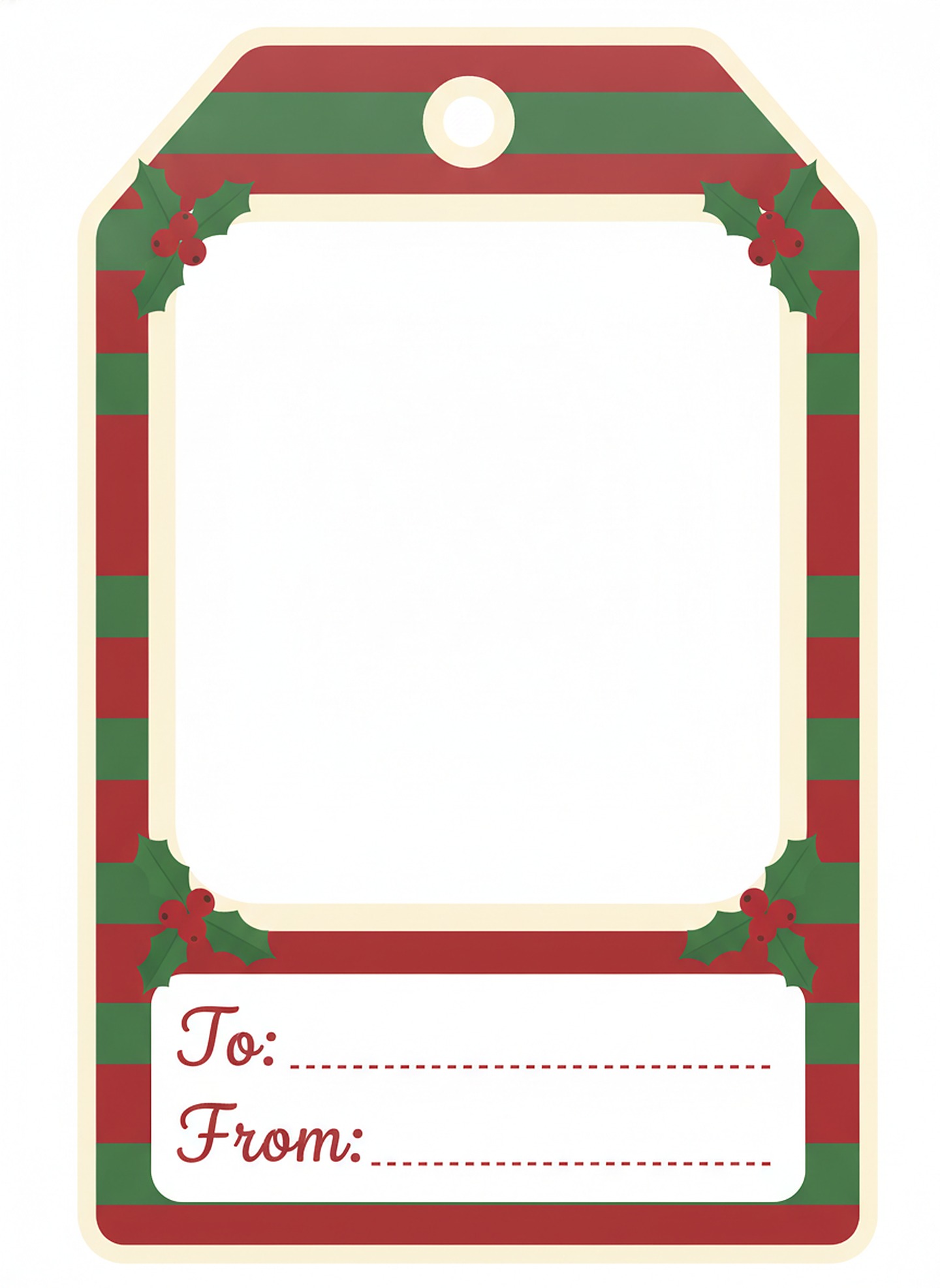
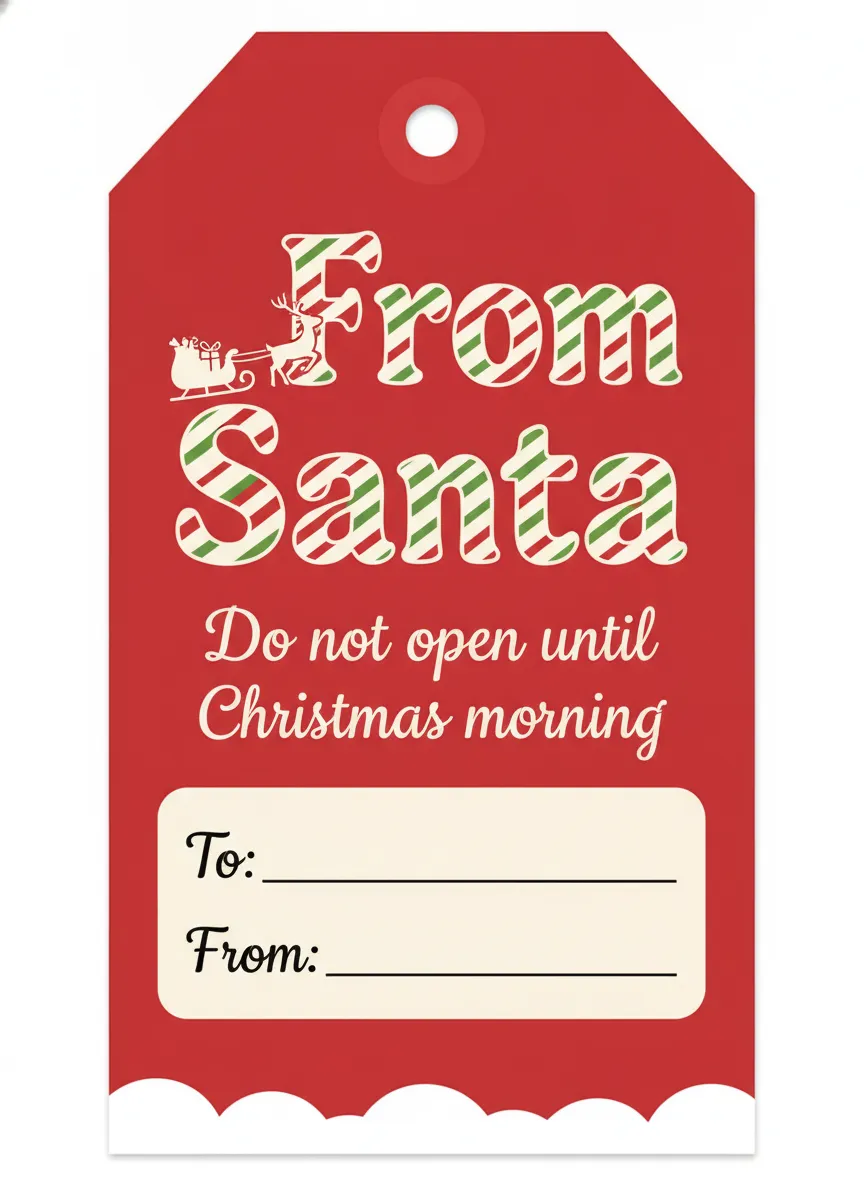

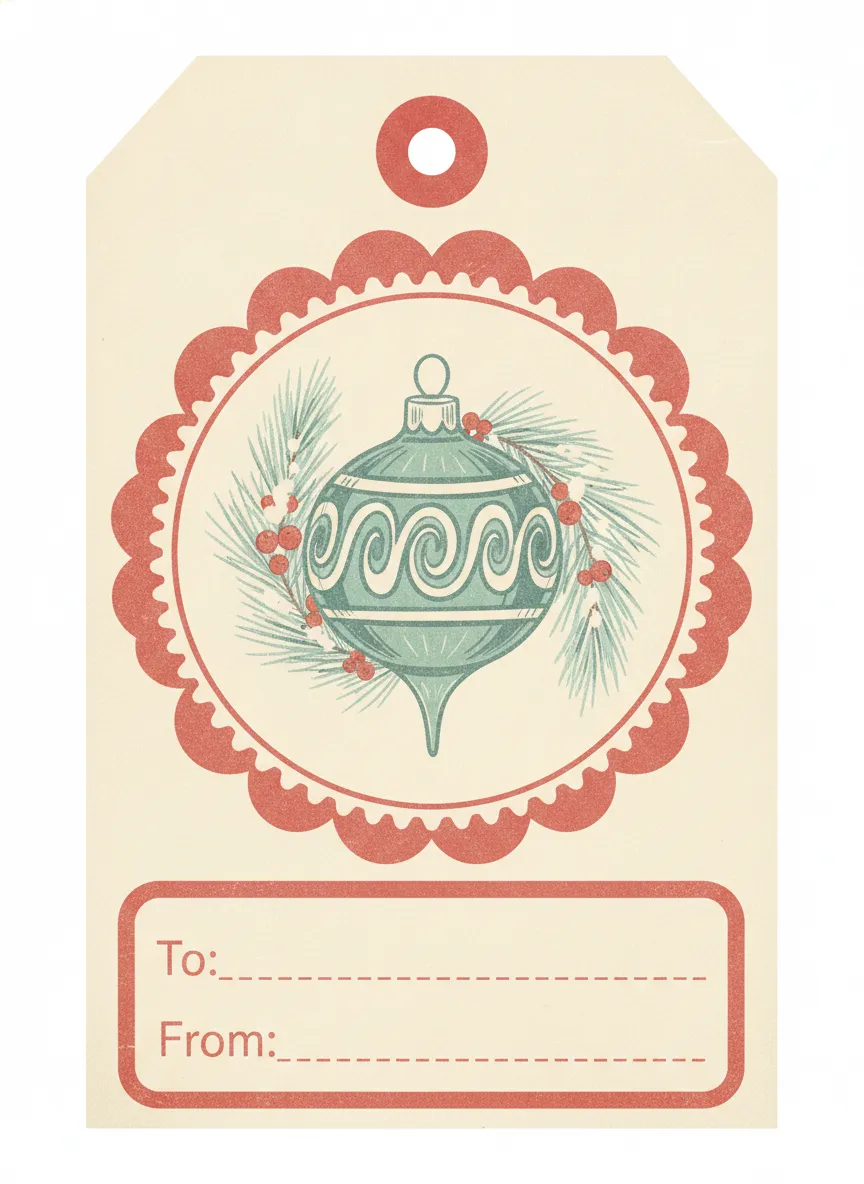
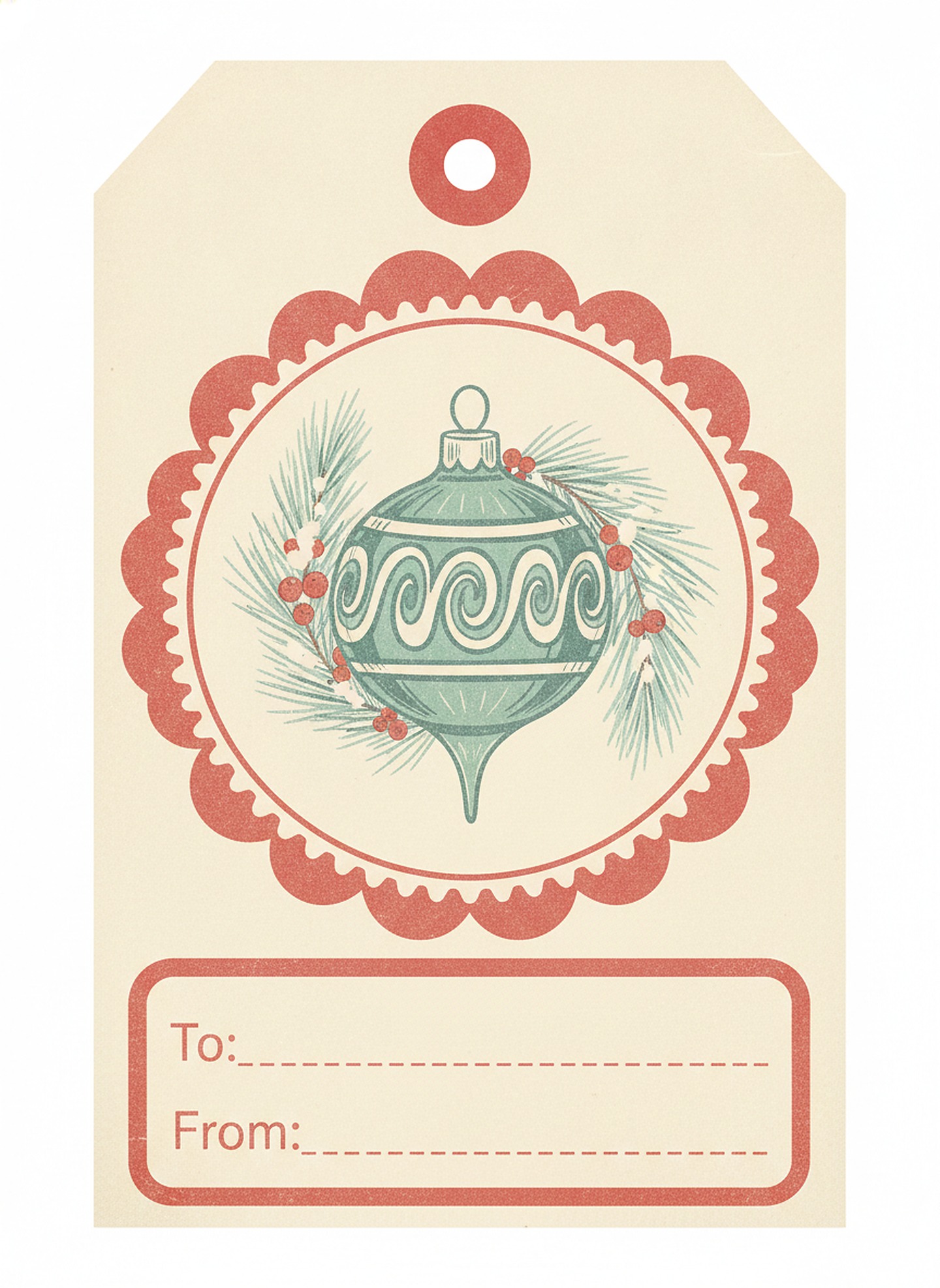
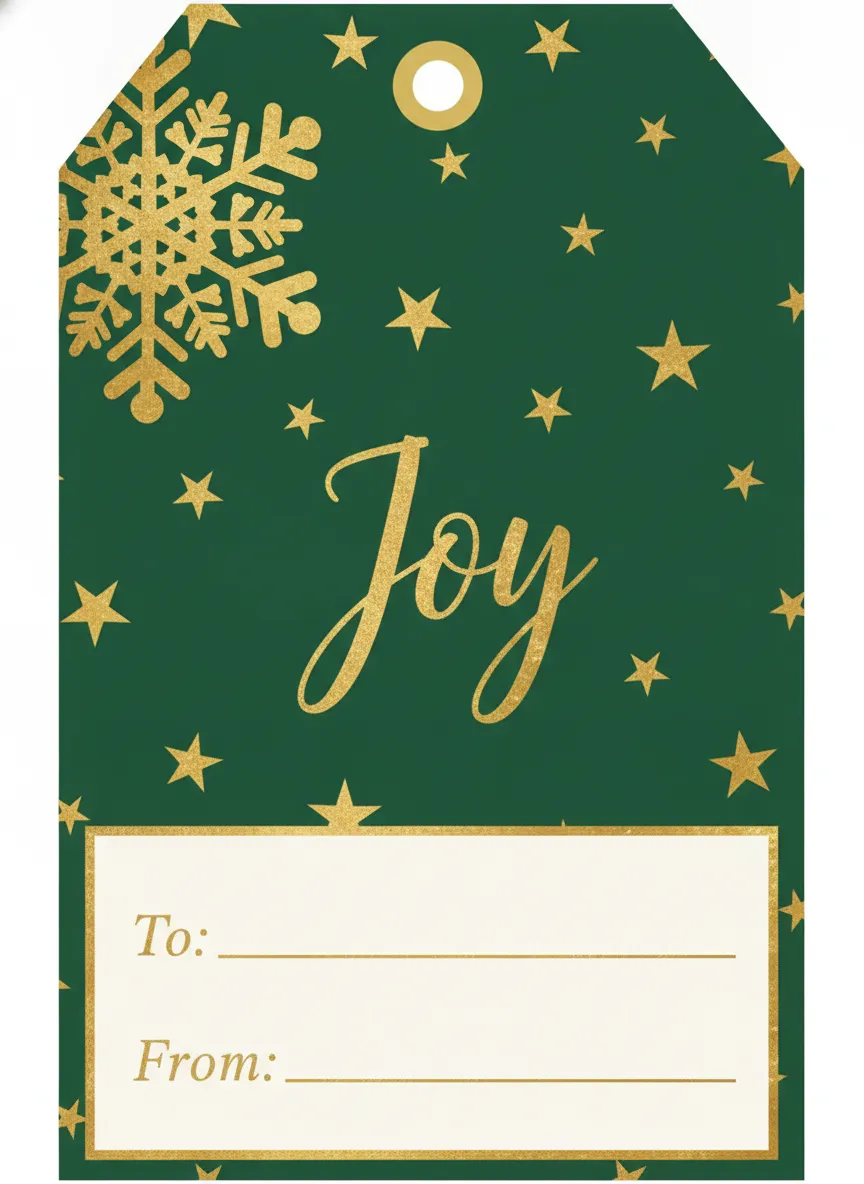
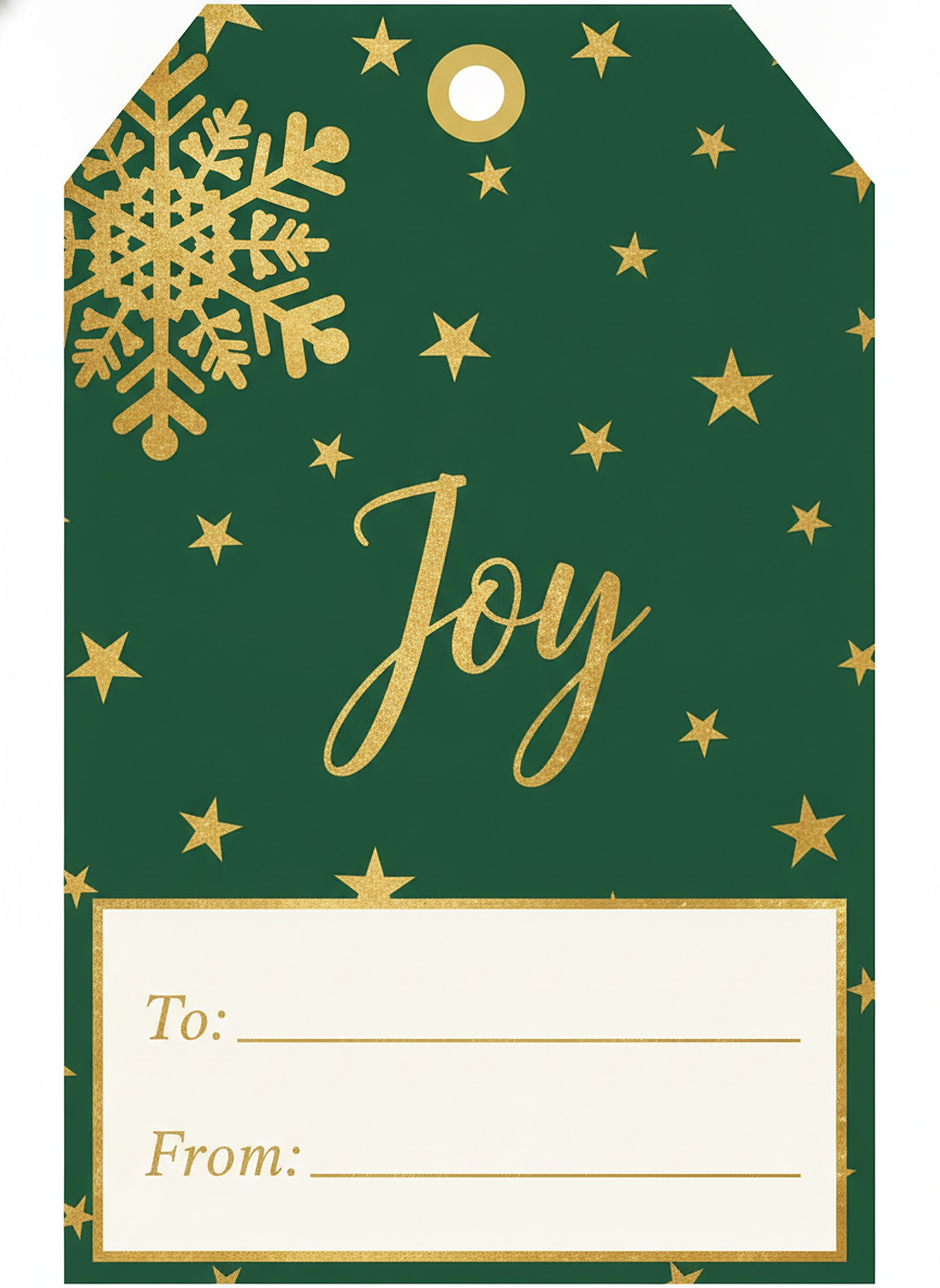
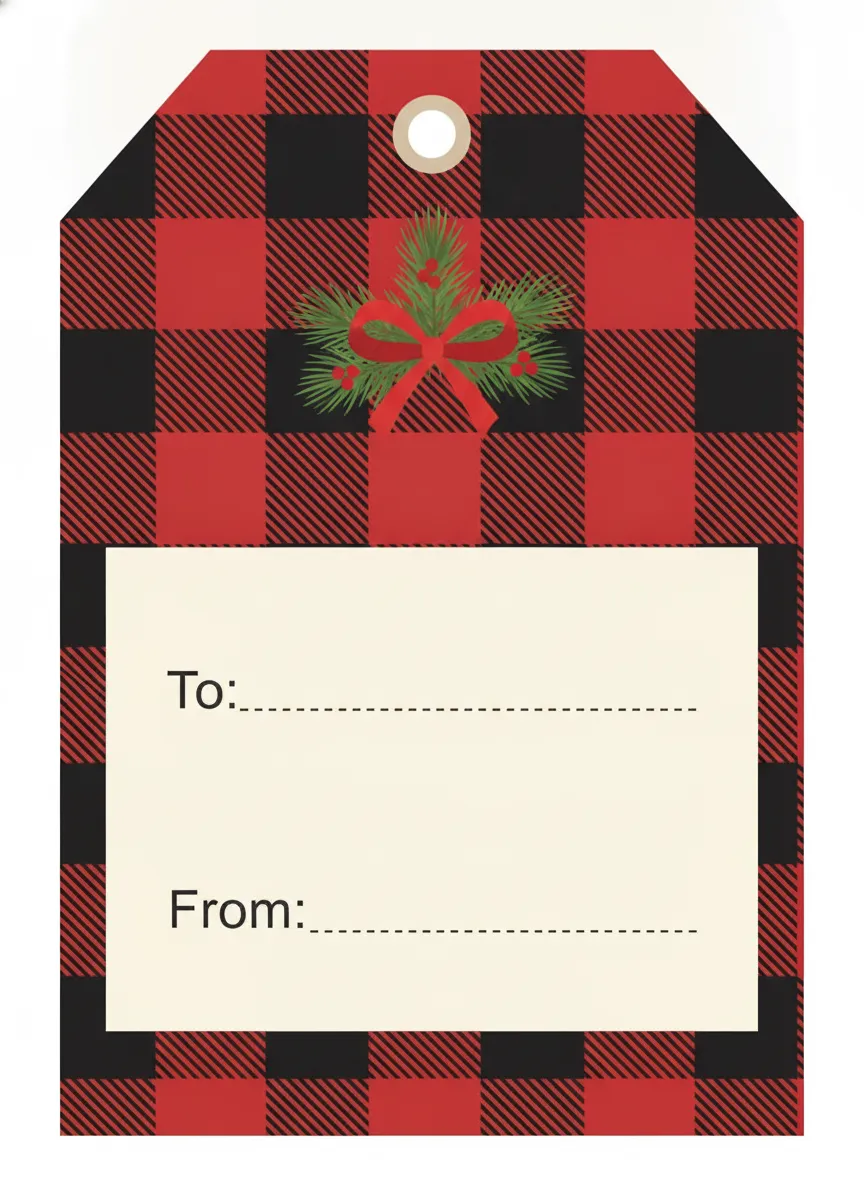

Or print all 12 on one page
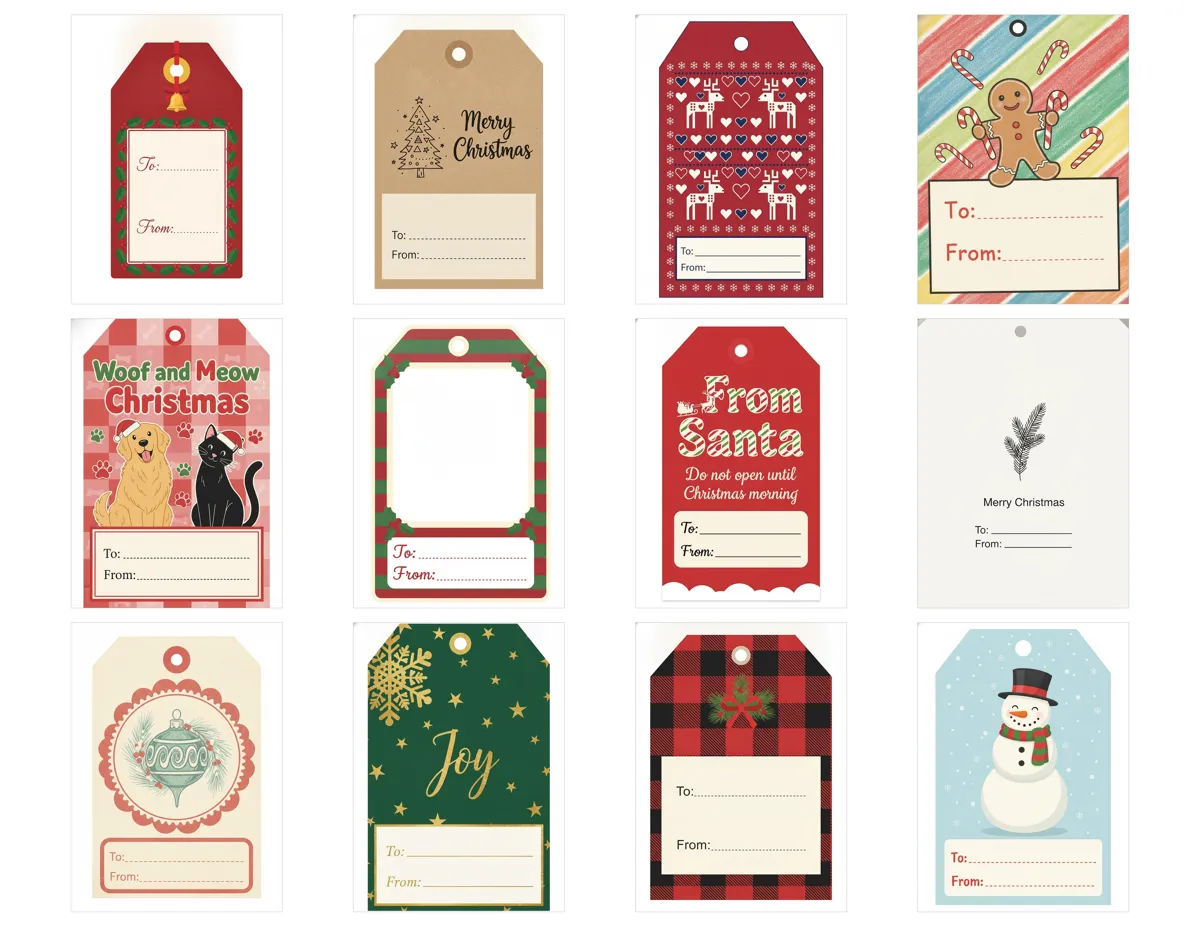
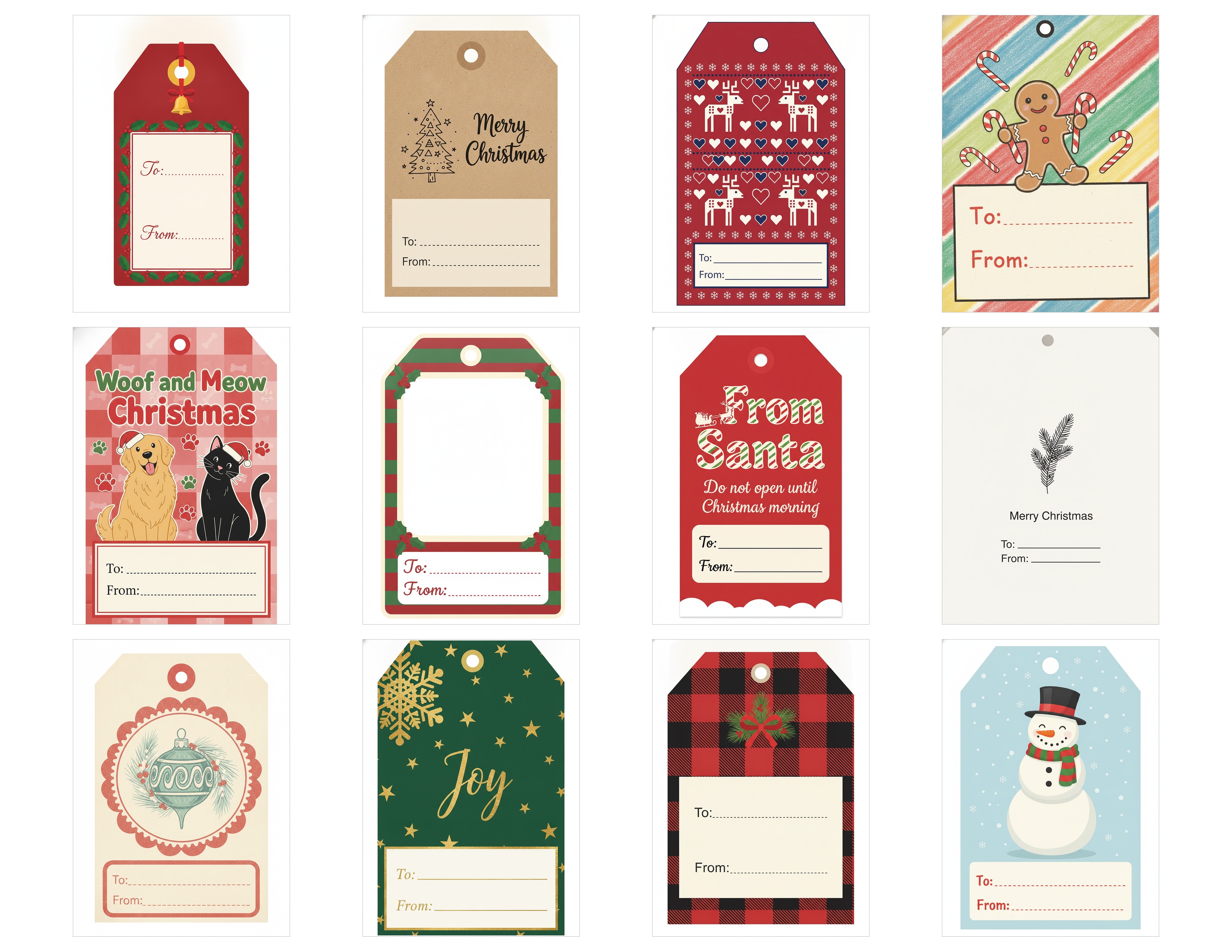
If you'd rather print once and cut, this sheet has all 12 designs in a 4 by 3 grid. At 100 percent scale each tag comes out about 1.9 by 2.7 inches, a good size for most gifts. Larger boxes can take the single-tag JPGs above, scaled up.
US Letter PDFA4 PDFUS Letter JPG
How to print them
The sheet is built for landscape. Pick US Letter (8.5 by 11 inches) in North America or A4 (210 by 297 mm, about 8.27 by 11.69 inches) elsewhere, then choose Actual size, 100 percent or No scaling. Don't pick Fit to page, because it resizes the tags and can clip the edges. The two PDFs above are already laid out for each paper size.
Print one test copy on plain paper first, hold a ruler to a tag, and only then load the cardstock. Some inkjet and laser printers can't feed heavy stock, so check your manual and the paper-type setting.
Which paper to use
| Paper | Weight | Good for |
|---|---|---|
| Light cardstock | 160 to 175 gsm (about 65 lb) | Easy cutting, small gifts |
| Medium cardstock | 200 to 250 gsm (about 80 to 90 lb) | Best all-round choice |
| Heavy cardstock | 250 to 300 gsm (about 90 to 110 lb) | Sturdy tags that carry weight |
I'd stay around 80 to 100 lb cover stock (200 to 270 gsm). It stands up to a ribbon and still goes through most home printers. Matte kraft paper is also a fine base, though colors print a bit darker on it. Plain printer paper tears at the hole after one windy trip from the car.
Want the recipient's face on the tag? Make a photo name tag design in PicsMas, print it at home, and tie it on.
Sign up for PicsMasGet PiXmas on the App StoreCutting, punching and tying
A paper trimmer is the fastest way to get straight edges. Cut the sheet into strips along the guides, turn each strip, and cut the tags apart. Scissors are fine too. Cut one corner first and use it as a guide for the others, and trace a coin if you want rounded corners.
With a cutting machine, import the sheet as a PDF or the tag as an image, set it to the final size, choose a cardstock setting, and run a small test cut before the whole page.
Punch the hole 1/4 to 1/2 inch below the top edge so the card doesn't tear. A single-hole punch of 1/8 to 1/4 inch does it. The tags already have a printed hole circle that you can punch through. Reinforce with a small sticker or an eyelet if the tag will carry a heavy gift.
Cut 10 to 12 inches of twine or ribbon, thread it through, and tie it to the bow, the handle or the package cord. Jute looks rustic, and satin ribbon looks dressier.
What to write on a gift tag
The To and From are the only required parts. Put the name of the person it is for on the front, and your name plus a short line on the back if you want one. A few that work: With love, Open me last, Merry Christmas, For the whole family. For Secret Santa, write the To name and leave From as Your mystery giver.
Use a pen that doesn't smudge on glossy stock, like a fine permanent marker or a gel pen, and let it dry before stacking. If handwriting isn't your thing, print the names instead, which a free editor like Canva, Word or Google Slides makes easy.
Photo gift tags and photo name tags
The photo tag in the set has an empty frame near the top. Drop your picture in using any editor, or print the tag and glue a small print into the frame. For a sharper result, print the photo separately, trim it, and stick it down.
The easy way to a finished photo name tag is to make the design in PicsMas. Upload a photo of the person, a kid, the pet or the whole family, get a Christmas-styled version with a name like To: Maya, and print it at home on cardstock or photo paper. Aim for roughly 2.5 by 3.5 inches or 3 by 4 inches, punch a hole near the top, and thread ribbon through. Print a copy on sticker paper if you'd rather stick it directly on the wrapping, and cover both sides with clear tape or laminate it to make the tag last.
Kids tend to love finding their own face on a present. A grandparent will keep one. The same photo can also become a personalized stocking, a photo ornament or a card, and our pet Christmas card page shows how a pet photo gets a Christmas look.
Photo wrapping paper in brief
Photo wrapping paper puts your picture on the paper itself, either as one big image or a repeating pattern. Printers typically sell custom rolls about 29 to 30 inches wide, from around 6 to 7 feet long up to 15 to 18 feet, and flat sheets around 19.75 by 28 inches. A 6-foot roll covers roughly three shirt boxes.
A home printer can't print a 29 inch roll, so tile your design on 8.5 by 11 inch or 11 by 17 inch sheets and tape the backs together. For custom rolls with family faces, see our full guide to personalized wrapping paper from family photos. Keep faces away from the trim edges, because the fold will cover them.
Making a gift tag from wrapping paper or scraps
Cut a rectangle about 2 by 3.5 inches from leftover wrapping paper, glue it to a slightly bigger piece of cardstock, trim the border, punch a hole, and write on a white label or on the back. It matches the gift and costs nothing, and printed Christmas card fronts turn into tags the same way, as in our printable Christmas picture card page.
Turn a family or pet photo into a Christmas design with PicsMas, then use it on tags, cards and more. Sign up at picsmas.com or open the PiXmas app.
Sign up for PicsMasGet PiXmas on the App Store