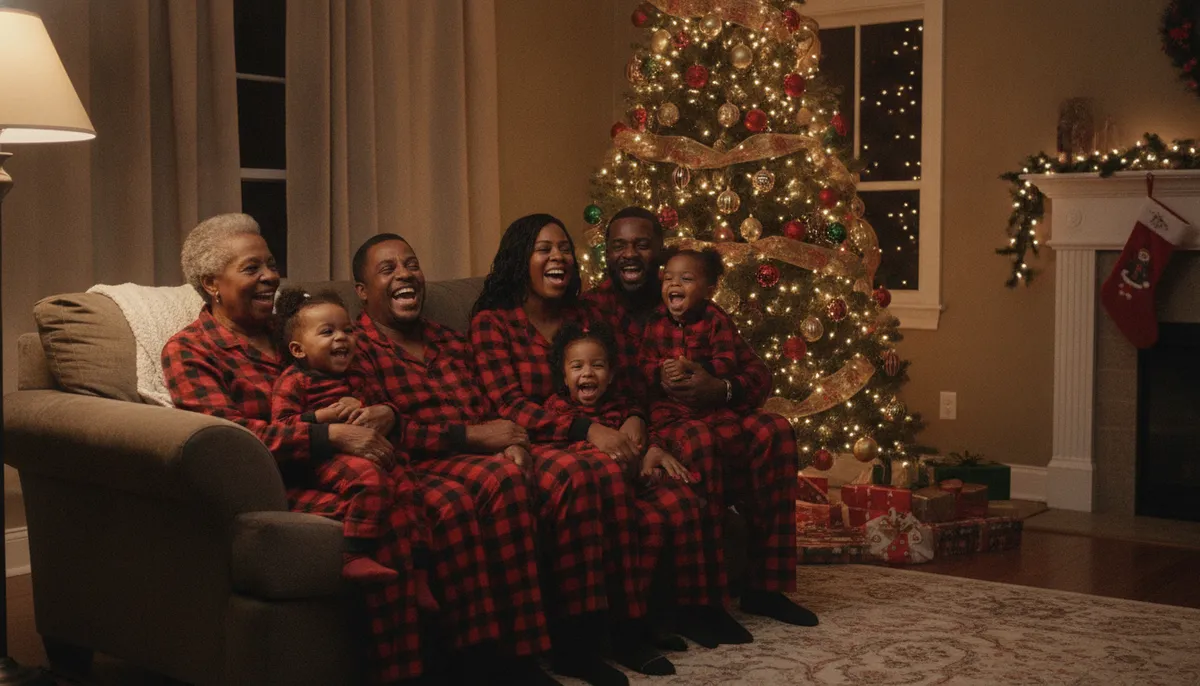
Nine family Christmas pictures to copy
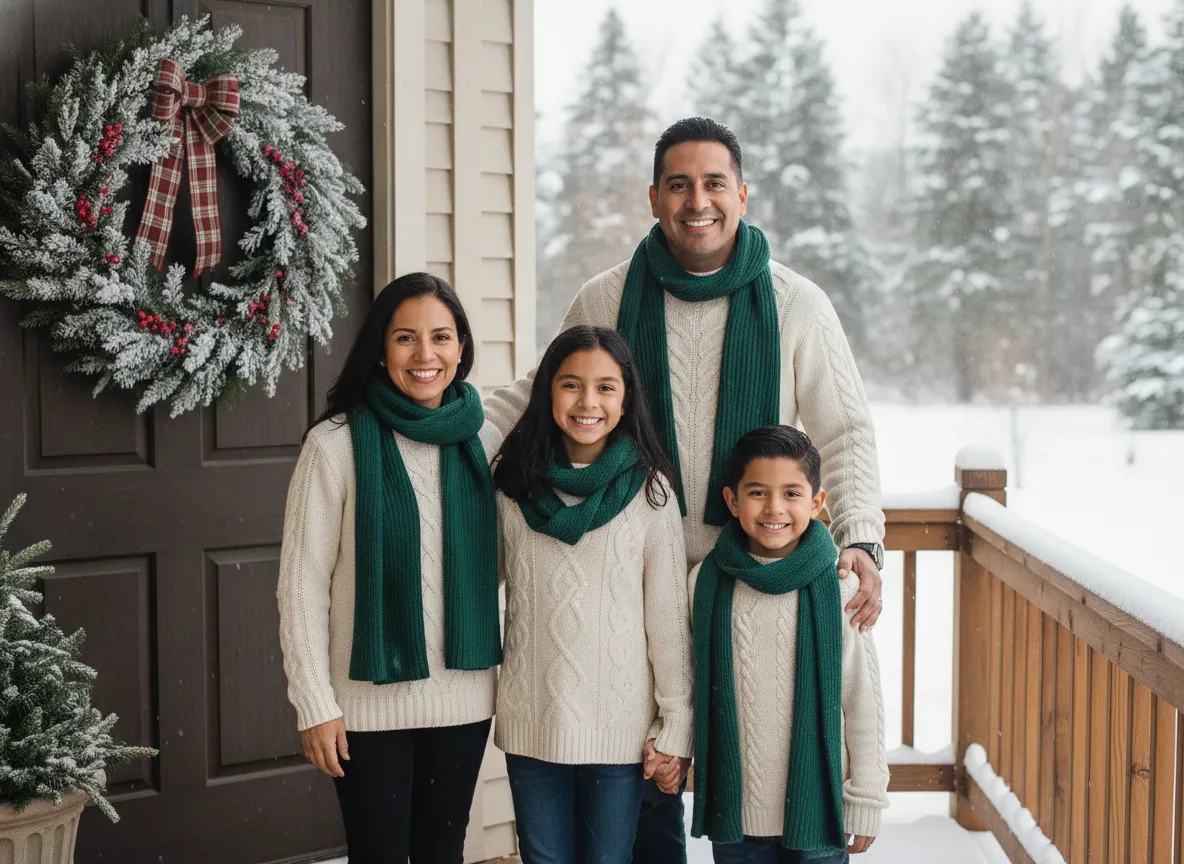
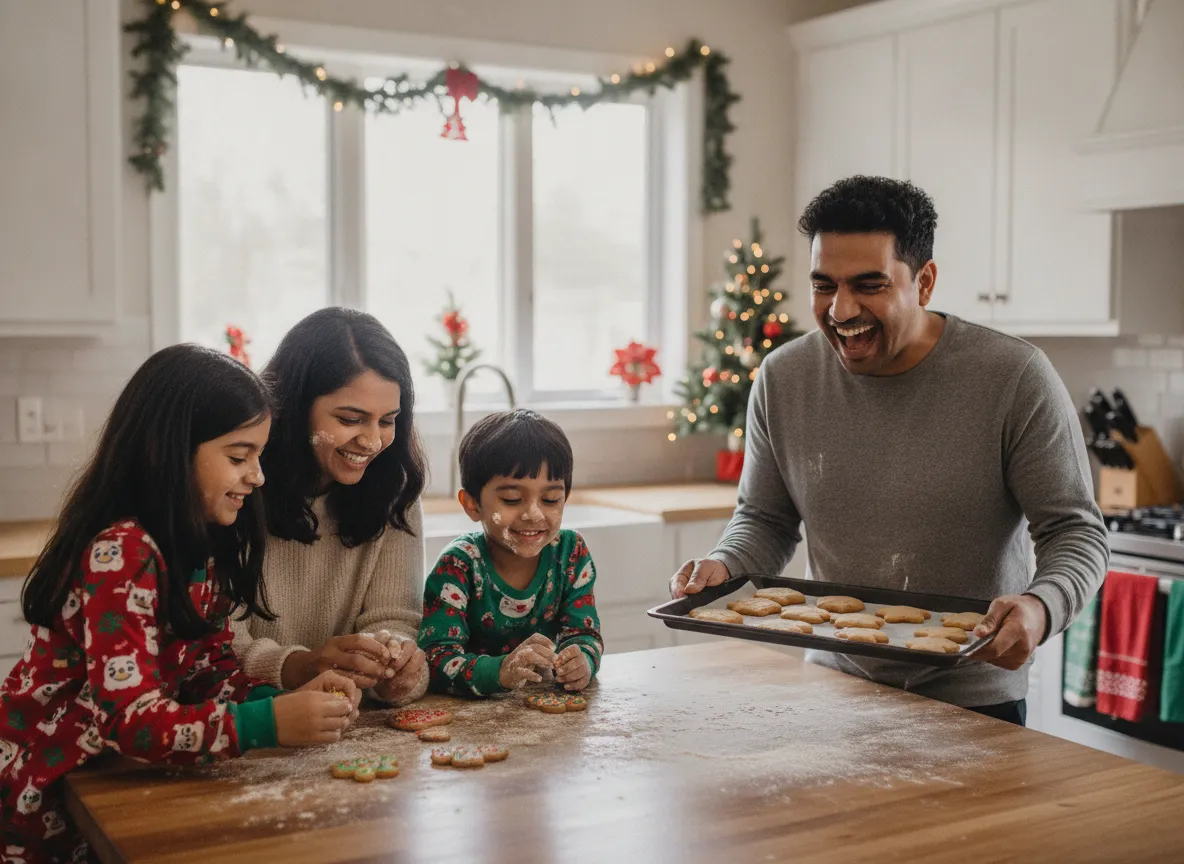
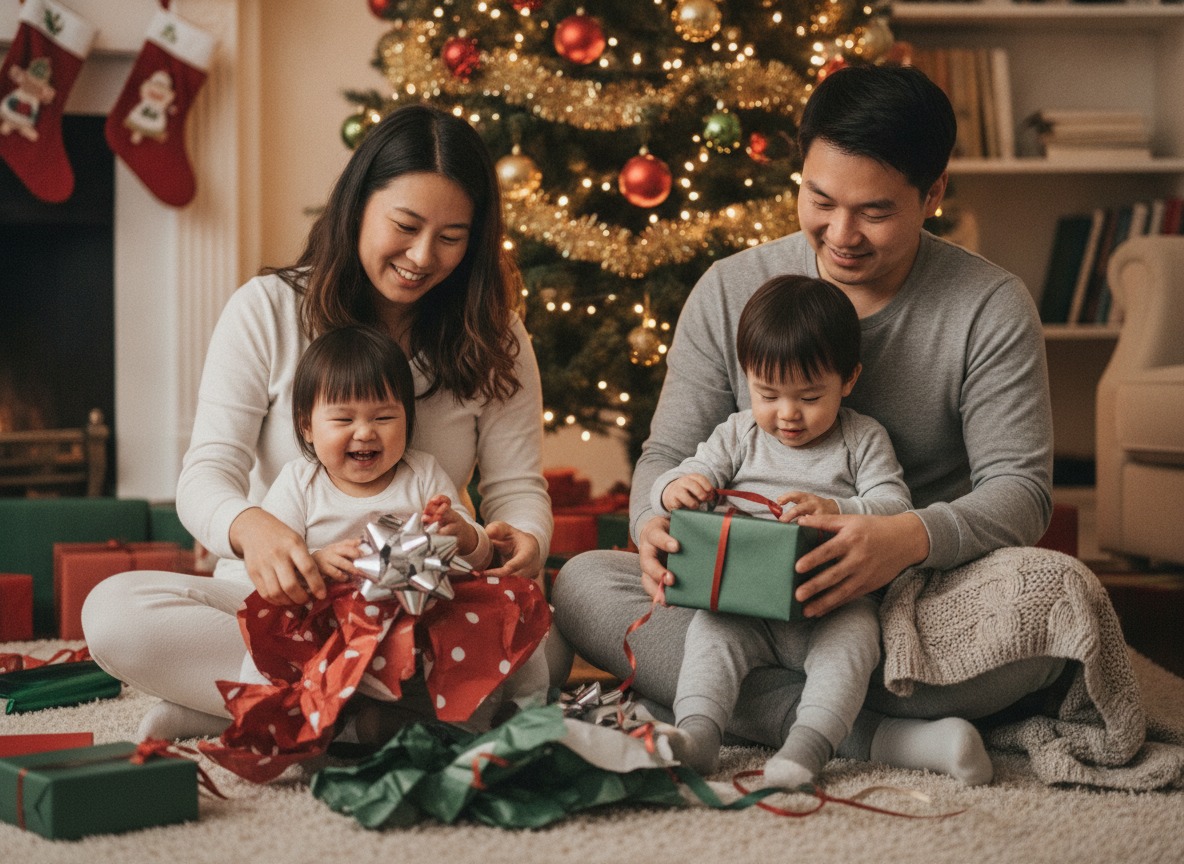
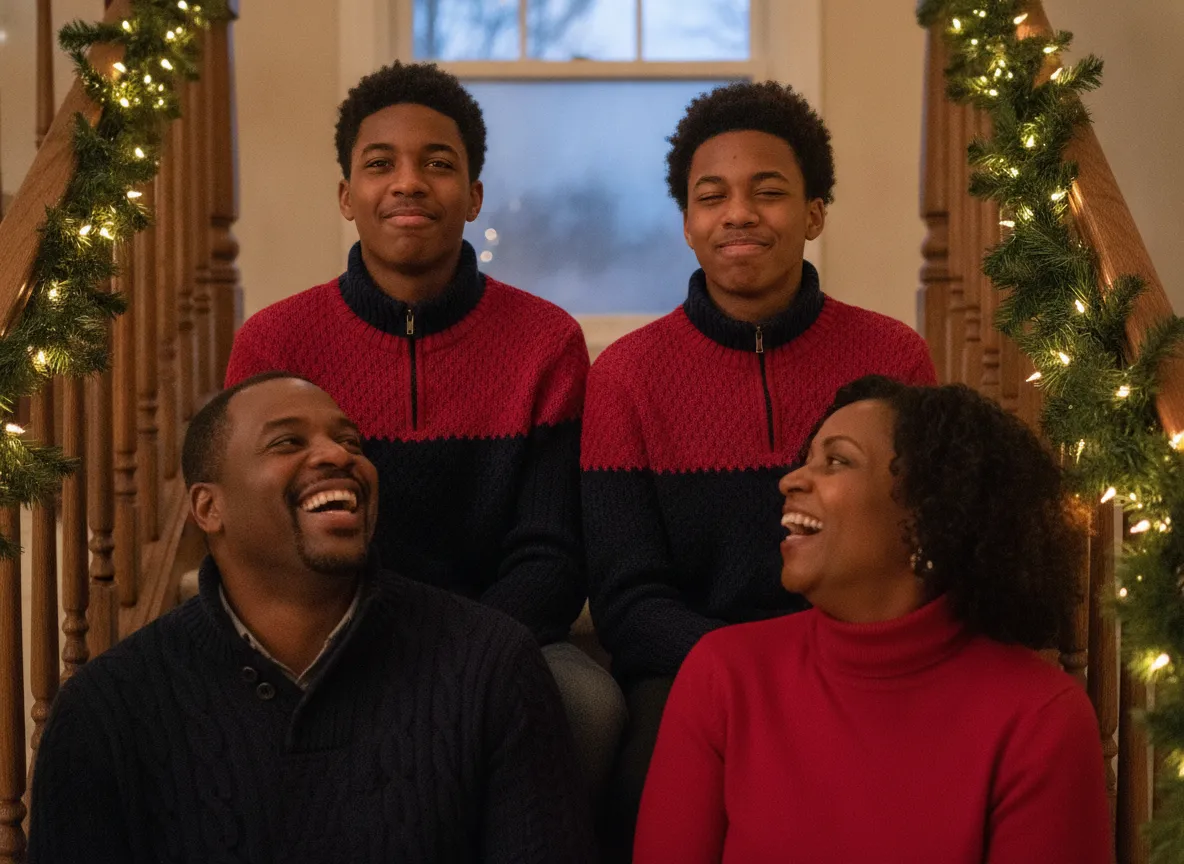
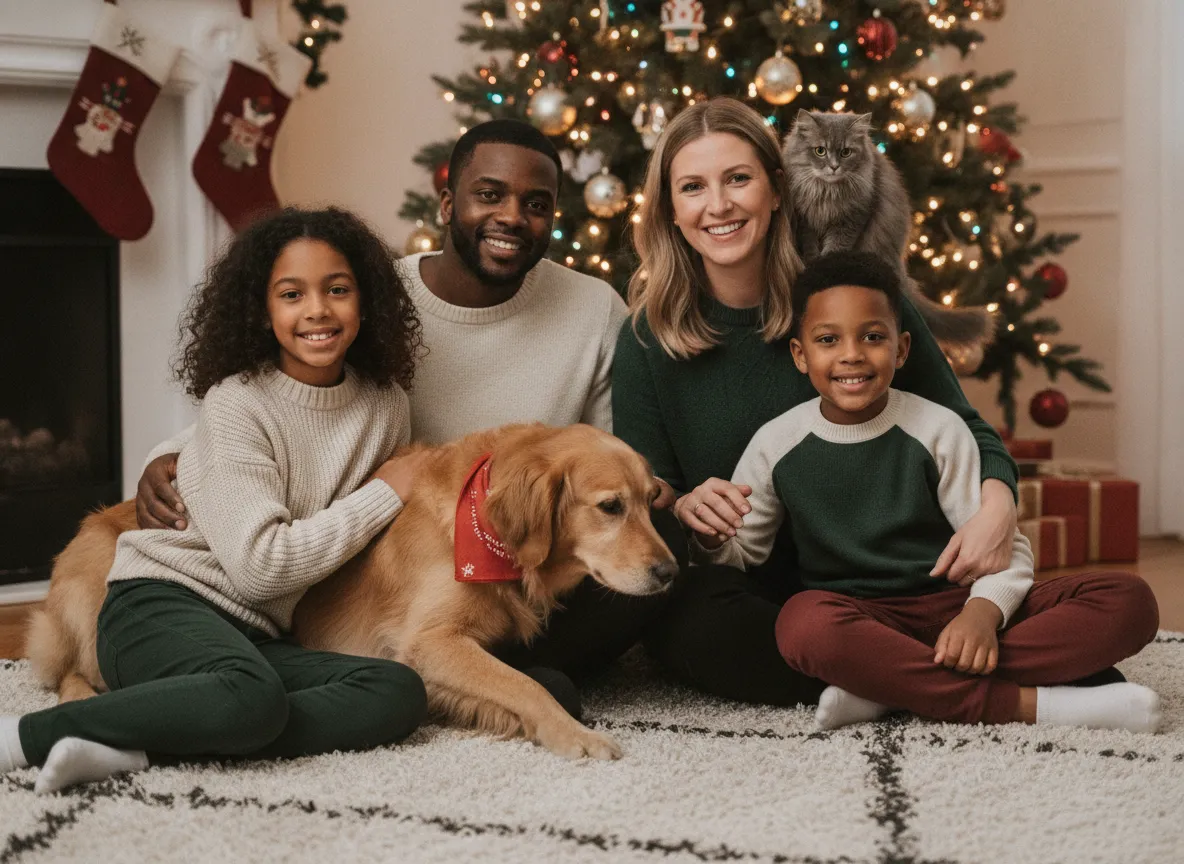
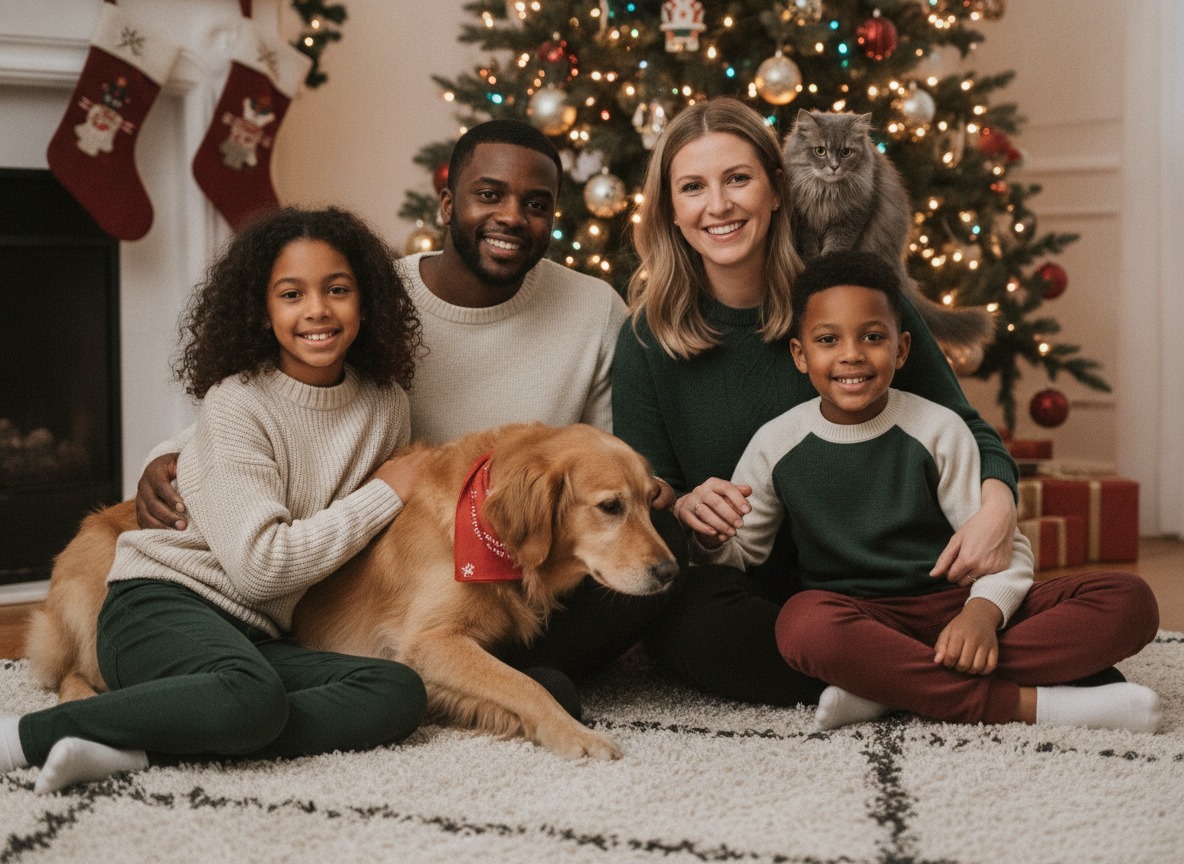
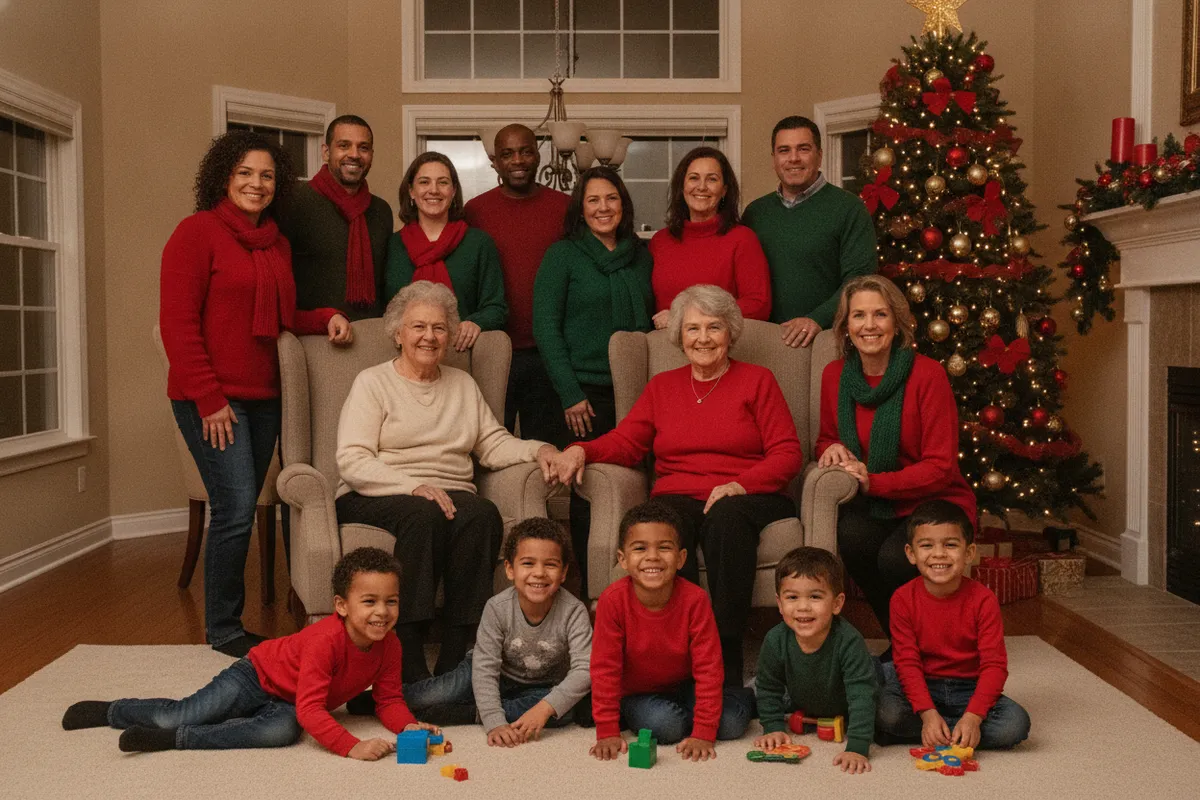
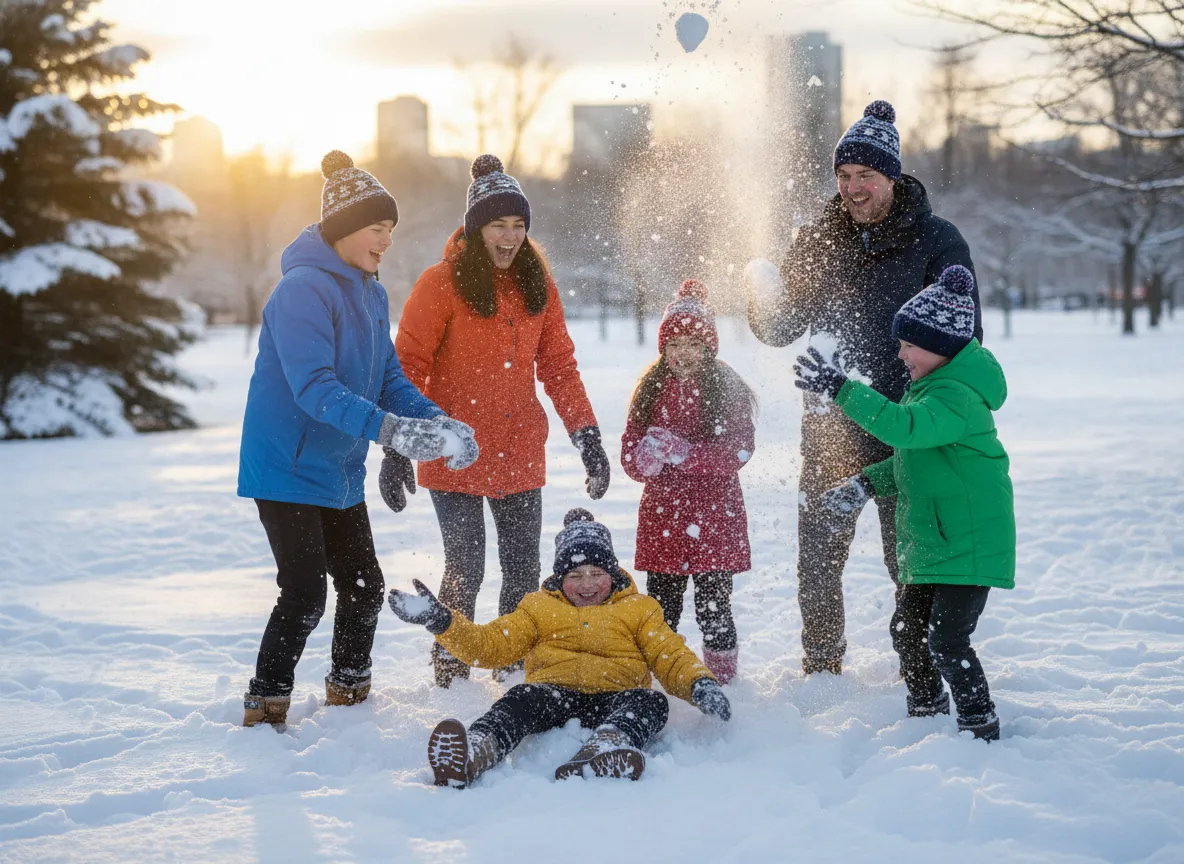
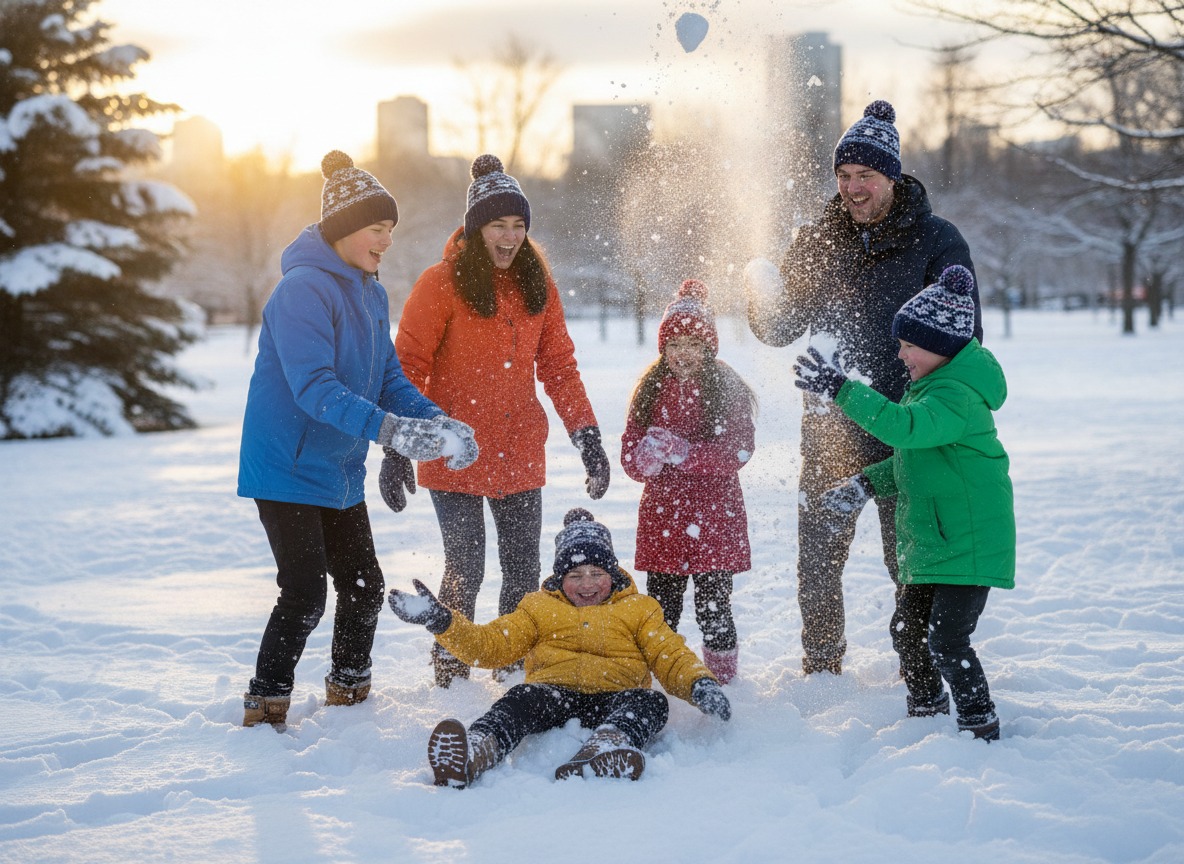
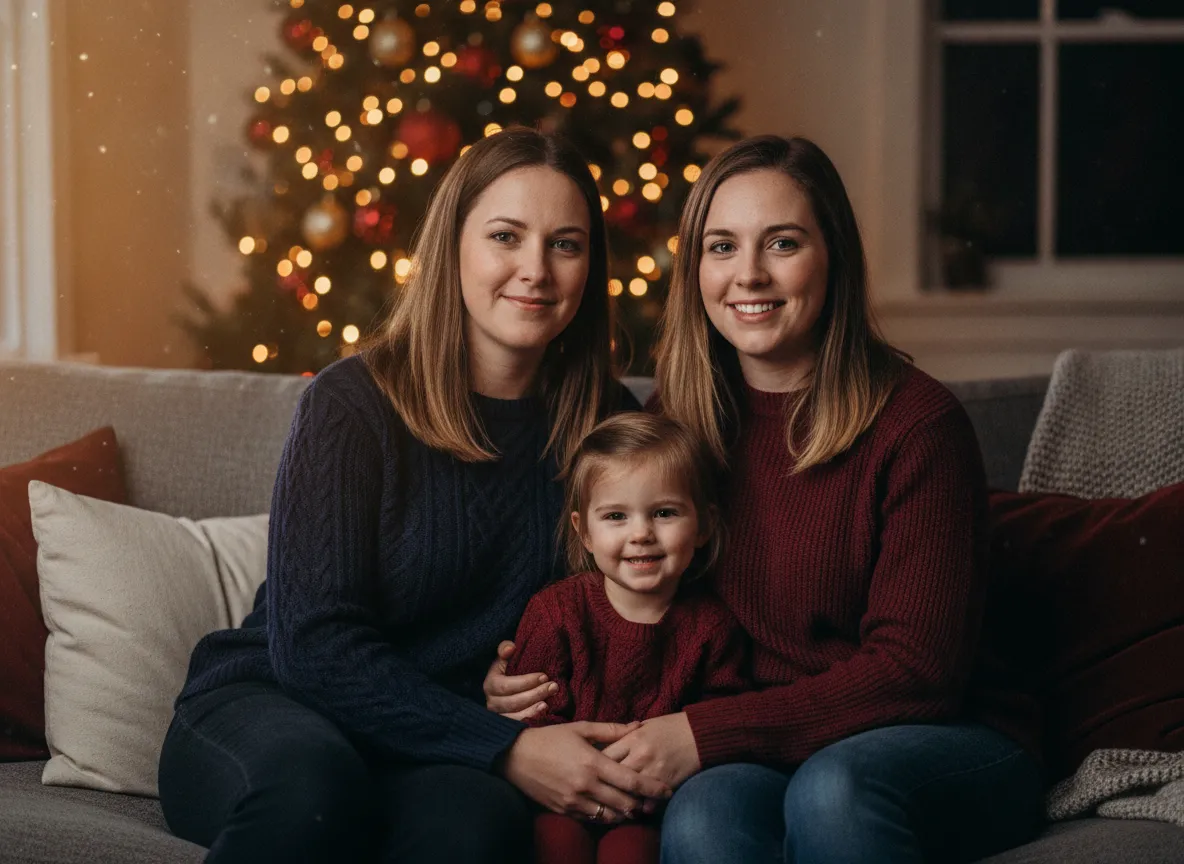
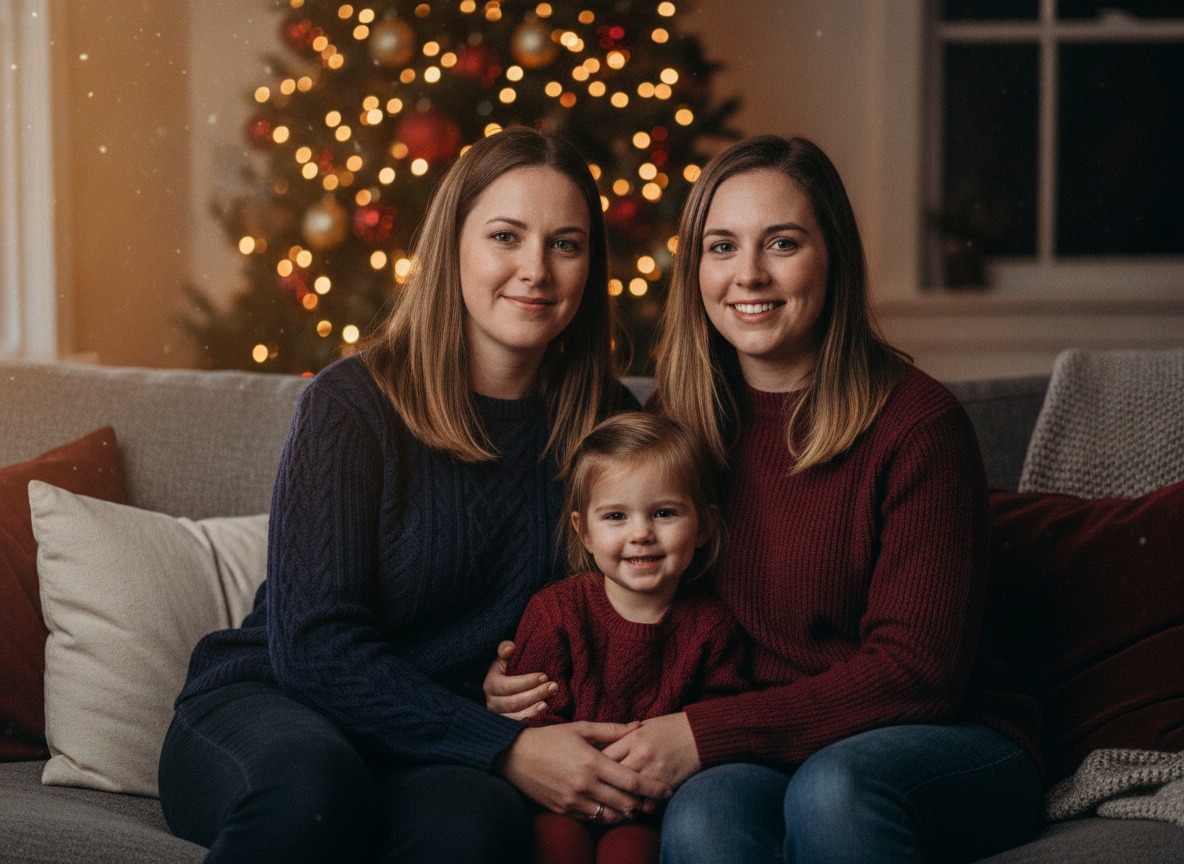
These examples are AI-made and fictional, but each one is built from a setup you can recreate in your own living room. Tap Download to save the full-size file for reference, then use the idea lists below.
Indoor ideas that need nothing but a tree
- Everyone on the sofa in front of the tree, kids on laps and the floor, tallest people at the back.
- The whole family sitting on the rug under the branches, all looking at the same ornament.
- Matching pajamas in a single plaid, shot from slightly above while you all lie on your stomachs.
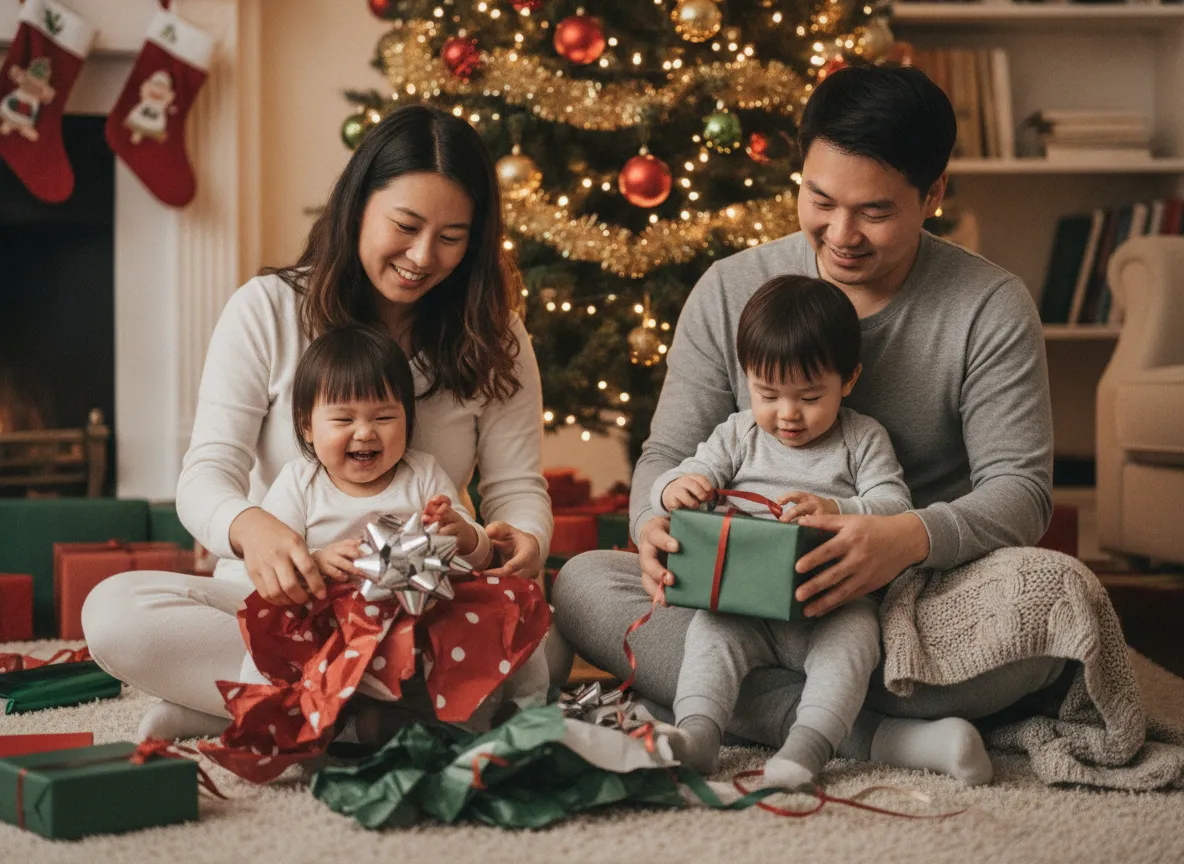
- Opening one present each, photographed at the moment of surprise instead of the moment of smiling.
- Hanging an ornament together, with hands and faces both in frame.
- Hot chocolate mugs held up like a toast, steam visible against the tree lights.
- Reading a Christmas book in a pile on the couch with one lamp on.
- Lifting the smallest child to place the star.
- Wrapping gifts at the kitchen table in paper and ribbon chaos.
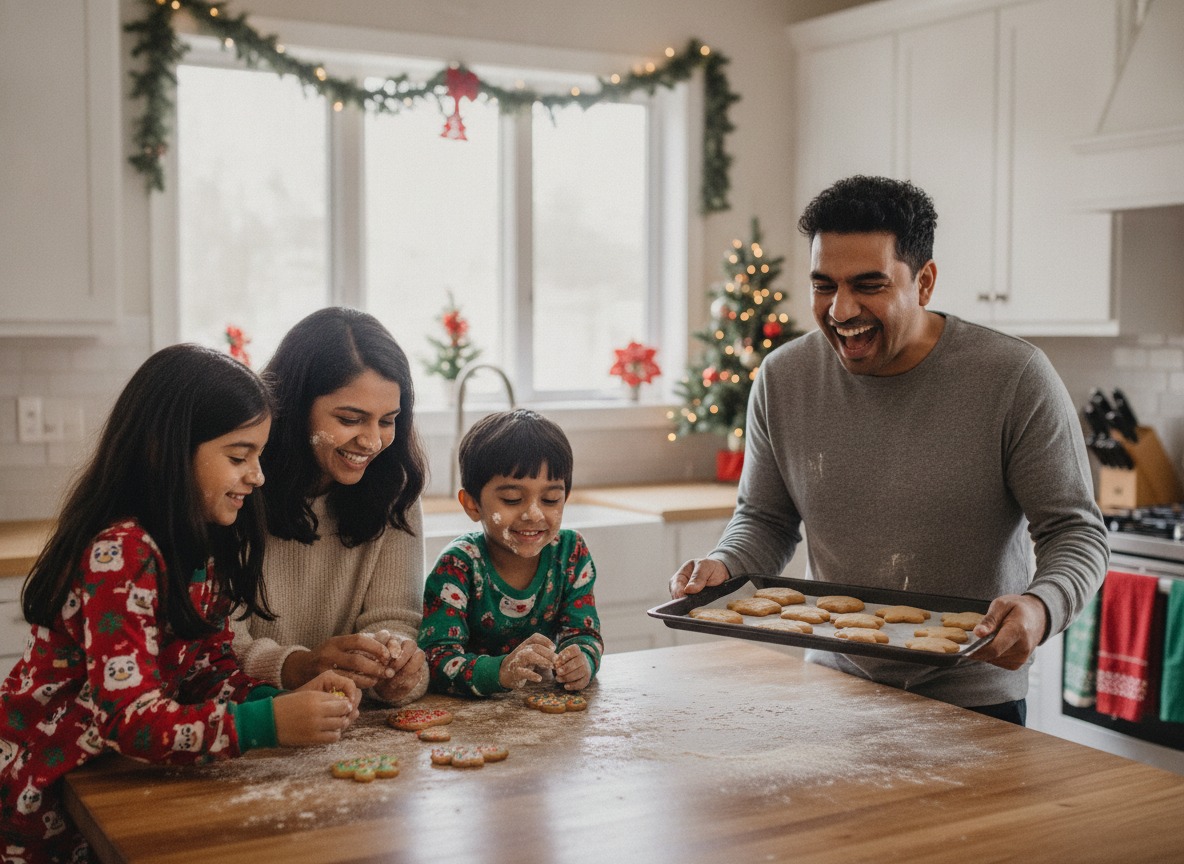
- Baking cookies with flour on at least two faces. Hold the camera low and wide.
Outdoor and out-of-the-house ideas
- Front porch under the wreath, with the door open and warm light spilling out behind you.
- A snow day, either a snowball fight or everyone falling backward into a drift.
- Walking away from the camera, holding hands, down a lit street at dusk.
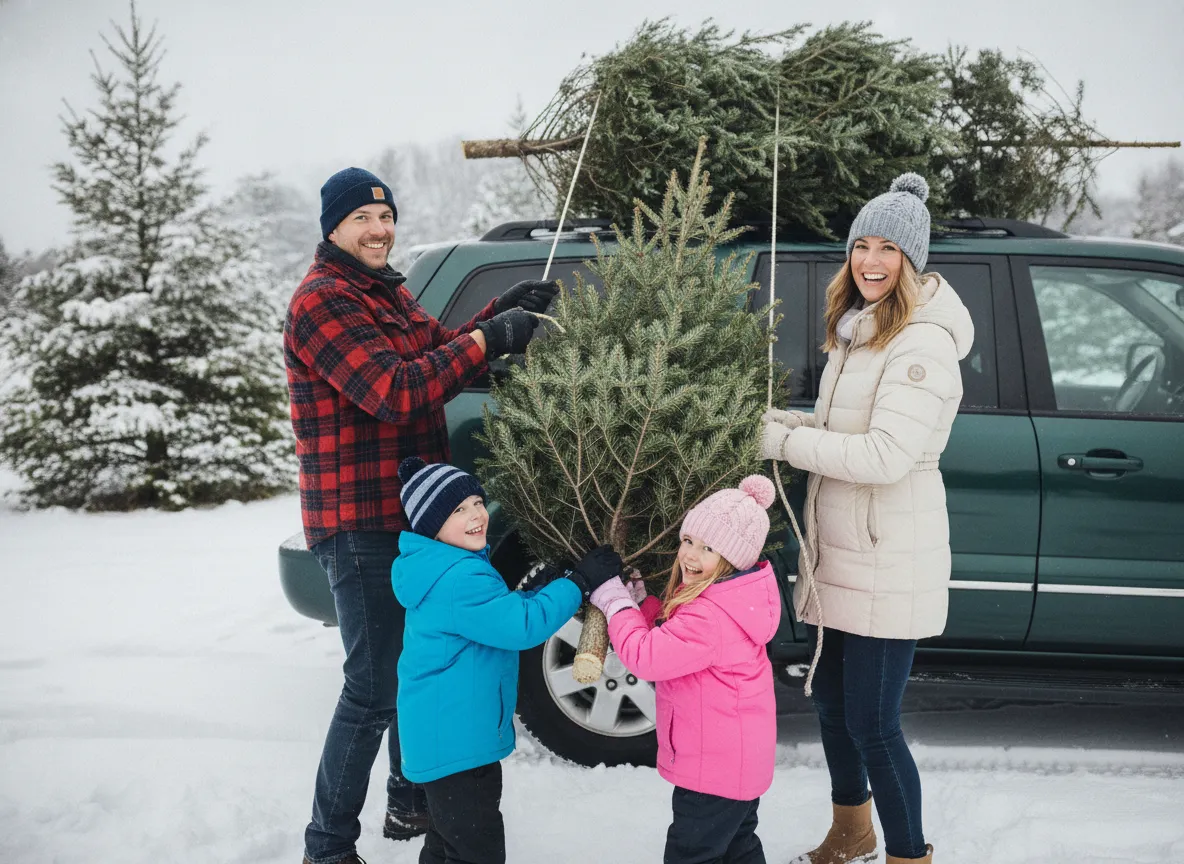
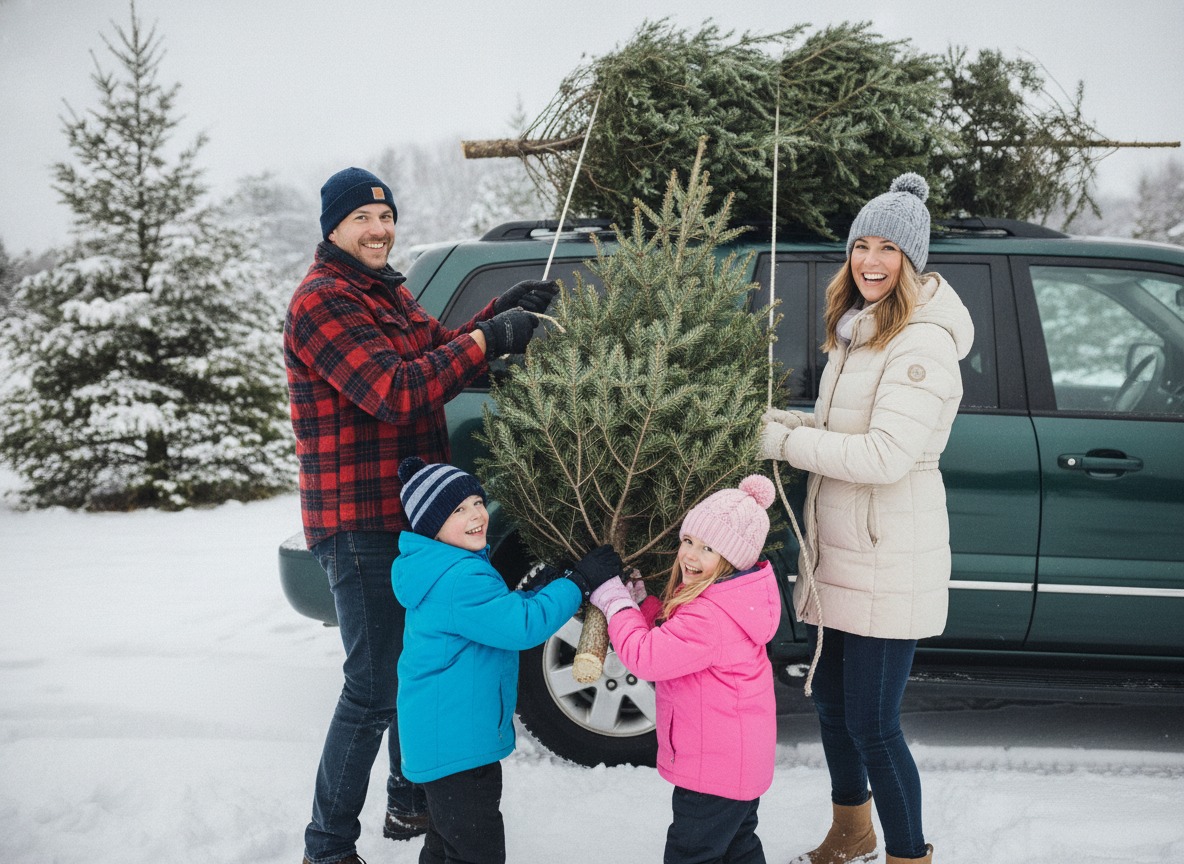
- A tree farm shot with the saw, the sled or the tree lashed to the car roof.
- Carrying a tree home on foot, one person at each end of the trunk.
- Sitting on the car trunk with the cut tree behind you.
- A neighborhood light display, standing a few steps in front of it.
- Ice skating or sledding, shot from a distance so the whole scene reads.
For more detail on snow, sunset and porch sessions, see our guides to snowy Christmas family photos, golden hour family photos and porch portrait ideas.
Ideas for tricky groups
- Toddlers: sit on the floor at their level, hand them a bow or wrapping paper, and expect to keep the one frame where nobody is crying.
- Teens who hate photos: ask for one normal shot and one ridiculous shot, and let them pick the ridiculous pose. The eye-roll often becomes the favorite.
- Pets: settle the dog or cat first, keep treats out of frame, and put them in the front row.
- Big extended family: tier people in rows, grandparents seated in front, kids on the floor, and shoot from just above head height so every face shows.
- Blended families and relatives far away: combine separate photos instead of forcing a trip.
- Babies: one parent holding, everyone else leaning in close, tree lights soft behind.
- Grandparents with each grandchild, one pairing at a time, then everyone together.
- Just two of you: a parent and child or a couple, side by side on the stairs.
- Whole family in a heap on the bed on Christmas morning, before anyone has brushed their hair.
- Everyone holding a sign or a stocking with their name.
Our pose guides cover how to pose a family, large groups and extended family ideas.
What to wear: color palettes that photograph well
Photographers recommend picking two or three coordinated colors instead of identical outfits, then mixing solids with texture such as knits, flannel and corduroy. Skip neon, large logos and busy patterns that fight with faces. If you want one pattern, make it a plaid and keep everyone else in solids.
- Classic: cranberry or burgundy, forest green and cream.
- Winter elegant: navy, ivory and soft gray.
- Warm neutral: camel, tan, ivory and brown.
- Earthy: rust, pine green and blush.
- Soft: cream, taupe and sage.
- Polished: navy, burgundy and tan.
Muted reds like cranberry and wine are easier to balance than bright red. For pajama photos, put one patterned set on the kids and solid cream, green or navy on the adults, so it looks coordinated instead of costumed.
Phone and camera settings
On an iPhone, use the rear camera on the standard lens, not ultrawide, which stretches people at the edges. Tap a face, then drag the exposure slider down a little so the bulbs keep their color instead of turning into white blobs. Night mode helps in a dim room, but everyone has to hold still for the exposure. Take a burst, because someone always blinks.
On a dedicated camera indoors by the tree, good starting points are f/1.8 to f/2.8 for a blurred background, about 1/60 second for a posed family, and ISO 400 to 800. With two rows of people, stop down to f/4 to f/5.6 so the back row stays sharp. Skip the built-in flash; it flattens faces and wipes out the tree glow.
Timer and tripod tips
Put the phone on a tripod, a shelf or a stack of books at about eye level. Set the 10-second timer, or use a remote or an Apple Watch shutter if you have one. Take a test shot, mark where everyone stands with a pillow or tape, then fire a burst of ten or more. Whoever starts the timer should stand at the end of the row, not the middle, so they can get back in without stepping over anyone.
Lighting with Christmas lights
Turn off the overhead lights, which cast hard shadows and fight the warm tree glow. Stand a few feet in front of the tree, not against it, so the bulbs blur into soft circles. Then add a face light: a big window in the daytime, or a lamp just out of frame at about 45 degrees. Face the window; don't put it behind you.
Keep your light sources the same color. Mixing daylight, cool LEDs and warm lamps gives people uneven skin tones. If you need more light after dark, bounce it off a wall or ceiling rather than aiming a bare flash at the family.
When to take family Christmas pictures
Mid to late November is the safest window if the photos are for cards or gifts, because printing and mailing take time. Early December suits you better if you want the tree decorated in the shot. Outdoors, aim for the last 30 to 60 minutes before sunset, or the blue hour just after, when lights stand out against a colored sky. With young kids, plan around naps and meals first; a rested child in average light beats a cranky child in perfect light.
Editing a family Christmas picture
Keep it light. Lift the shadows slightly, pull the brightest highlights down so the bulbs keep detail, and warm the white balance only a little if skin looks blue. Crop for a card, usually vertical, with space above heads for text. If someone blinked in the best frame, fixing closed eyes shows how to swap in a good face, and turning one photo into a family Christmas card covers the next step.
Make a family Christmas picture with AI in PicsMas
Sometimes the tree is bare, the dog won't sit, or you live in different cities. In PicsMas you upload one everyday photo, pick a Christmas setting such as a living room tree, porch or snowy street, and get a finished picture in about a minute. A photo where everyone faces the camera in even light gives it the most to work with. The full walkthrough is in AI Christmas photo for family.
Turn one family snapshot into a Christmas picture with PicsMas.
Sign up for PicsMasGet PiXmas on the App Store