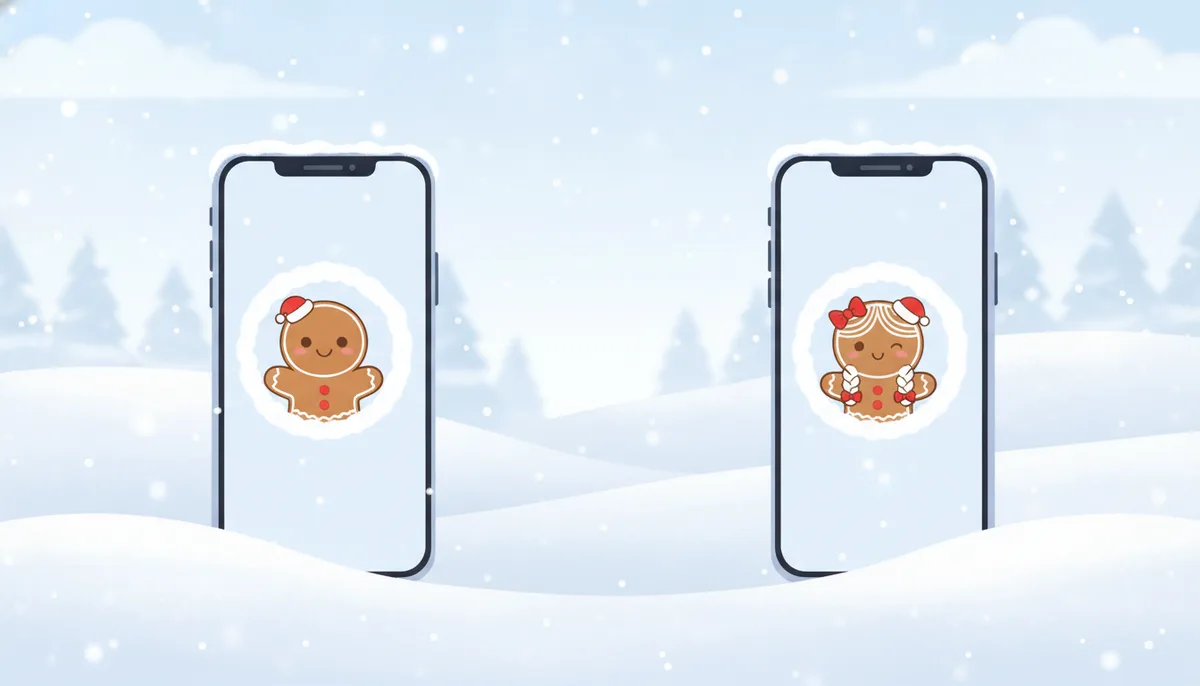
Six matching Christmas pfp pairs to download
All twelve images are original square pictures with fictional characters, so there's nothing to credit and no real people in them. They're shown here in circles because that's how most apps display them, but each download is a full square so you can crop it however the app wants. Pick a pair, send one half to your person, and swap them in on the same day so the effect lands.
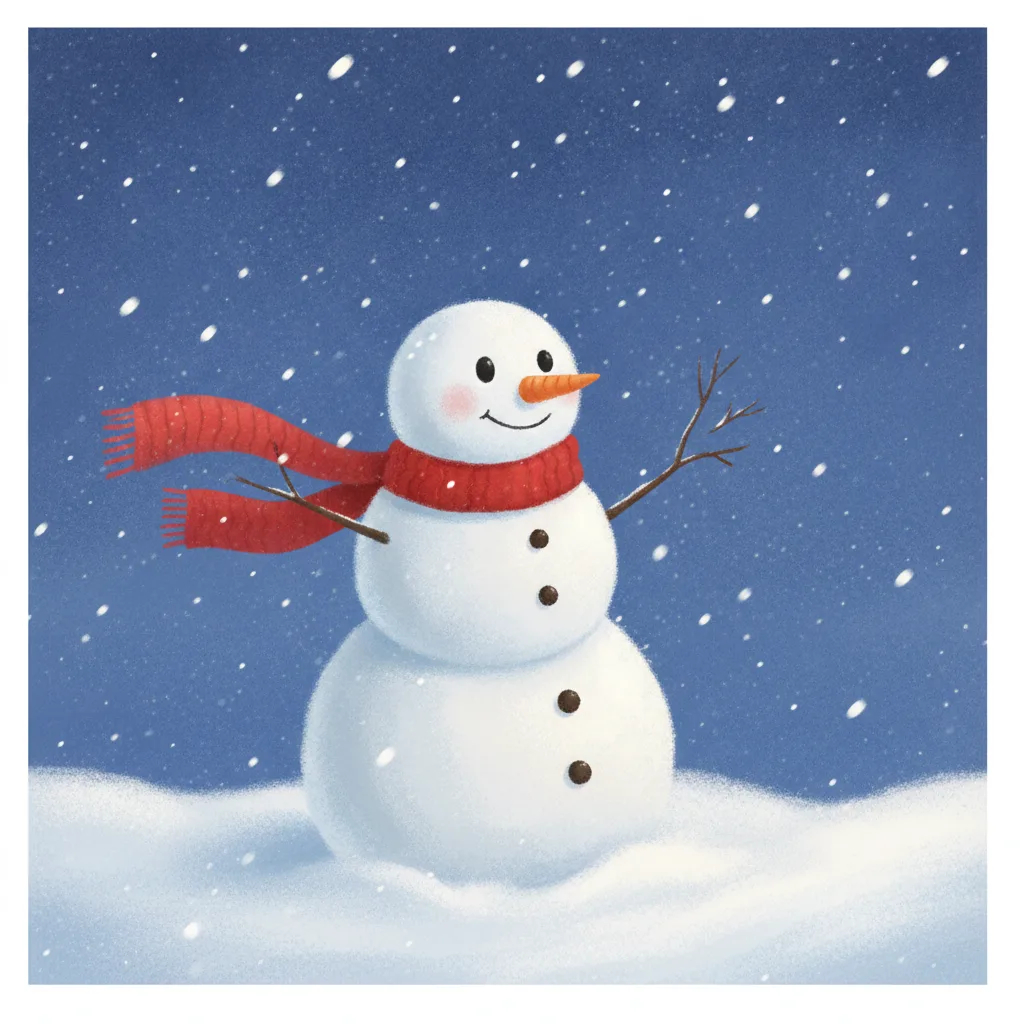
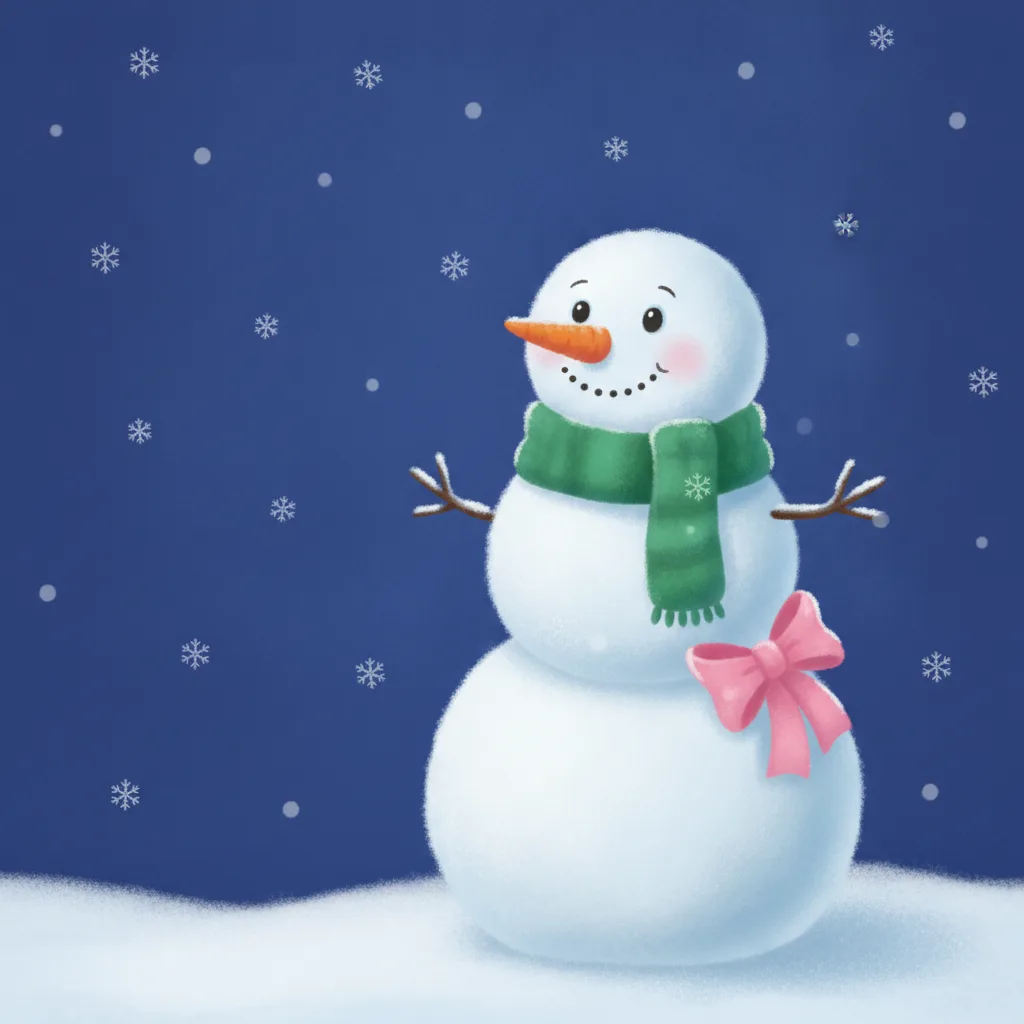
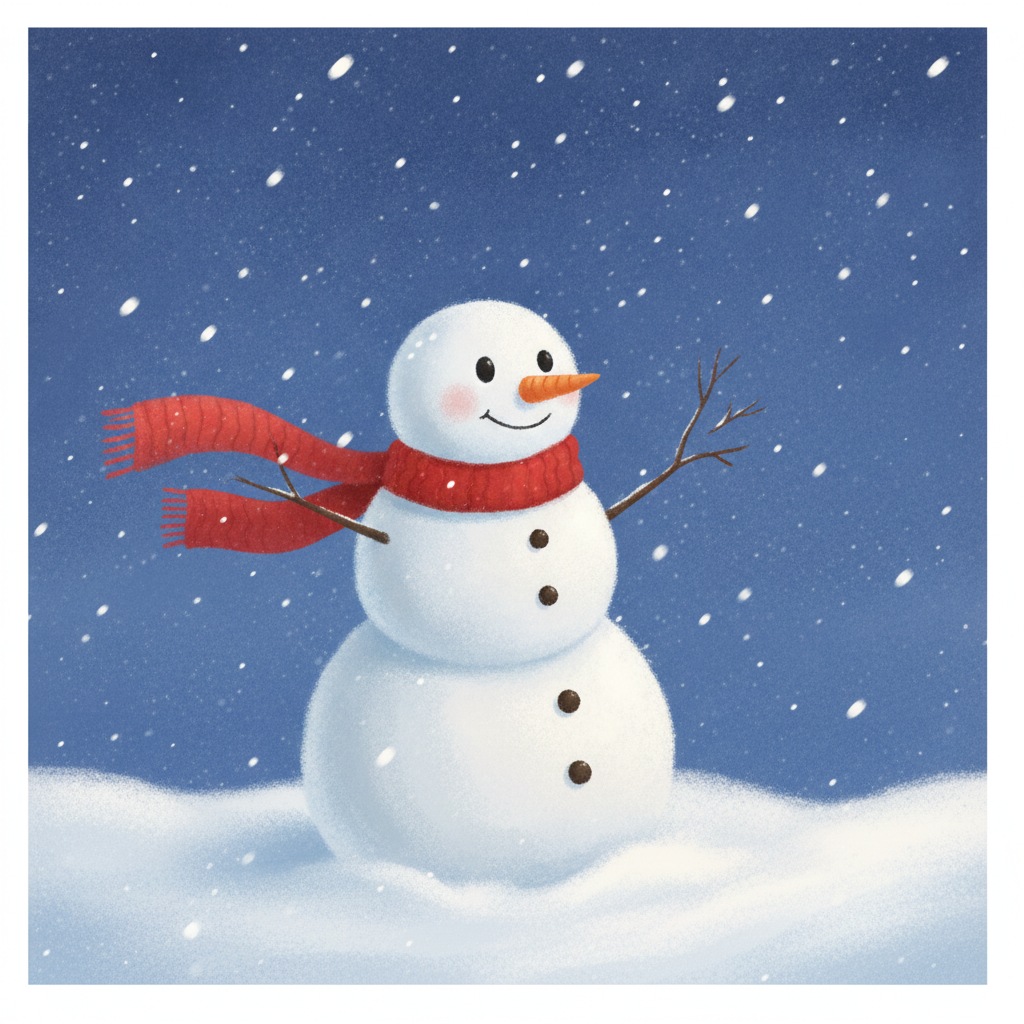
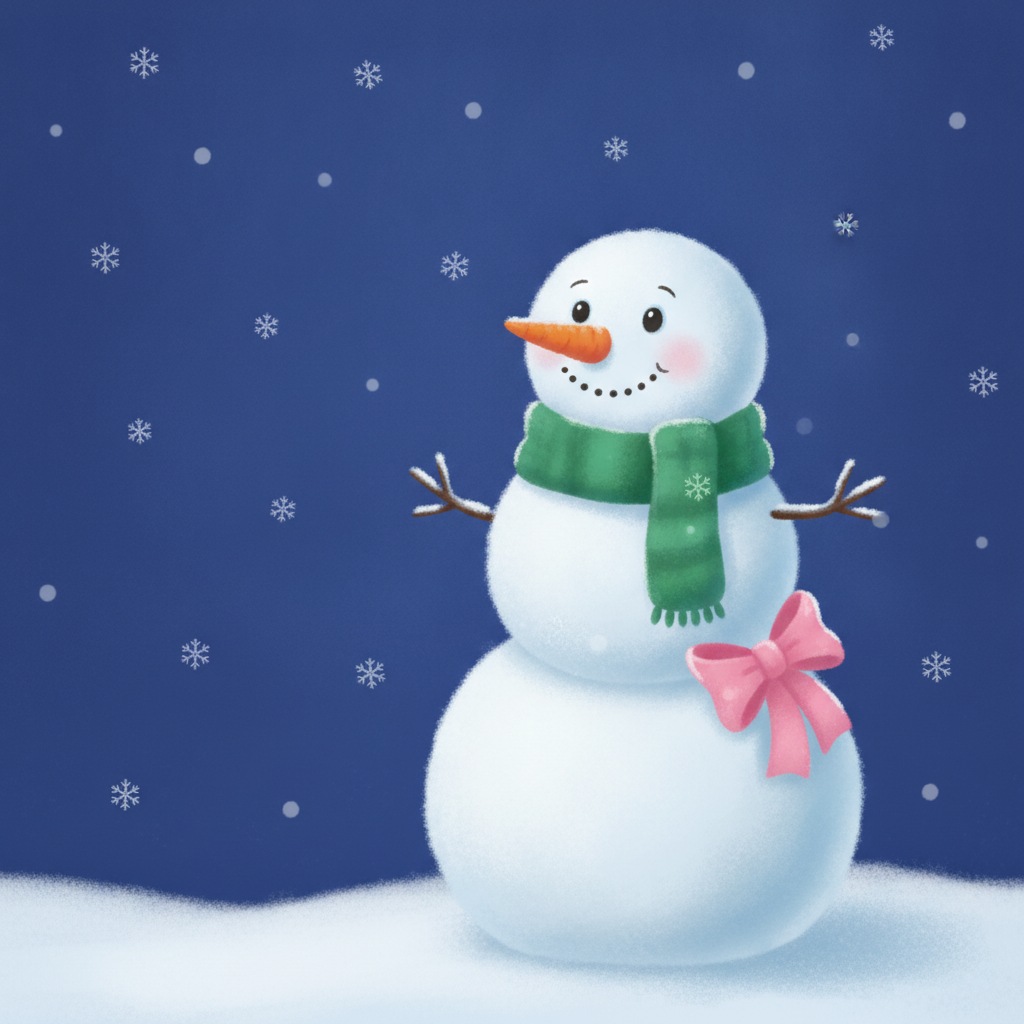
Snowman and snowwoman Couples
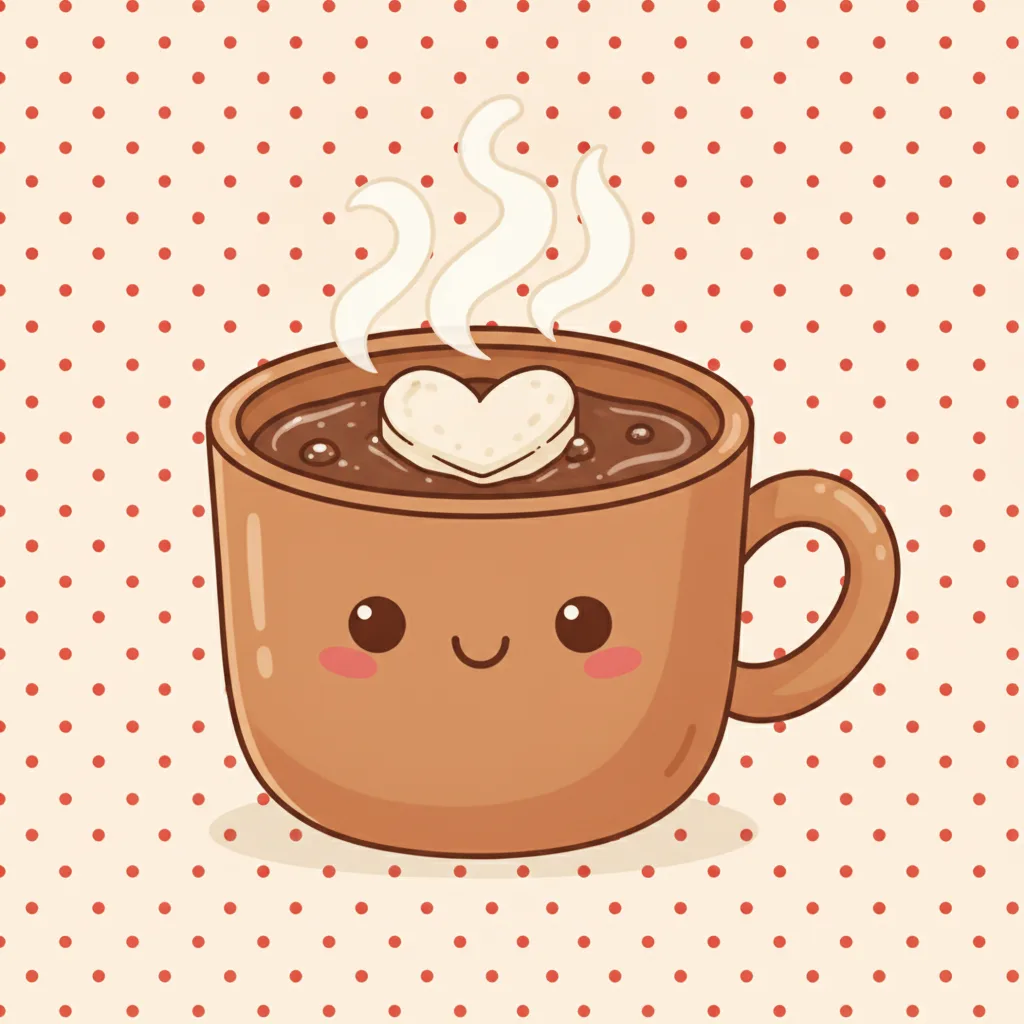
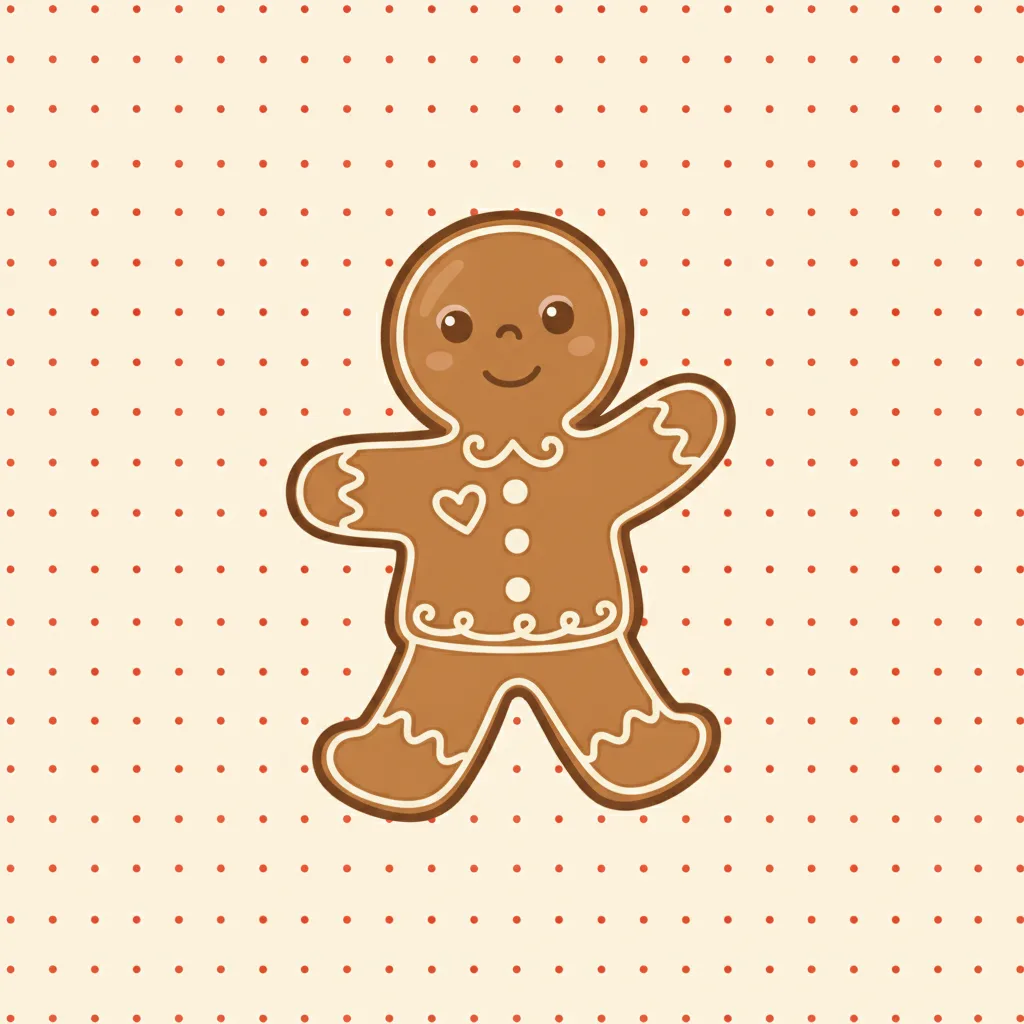
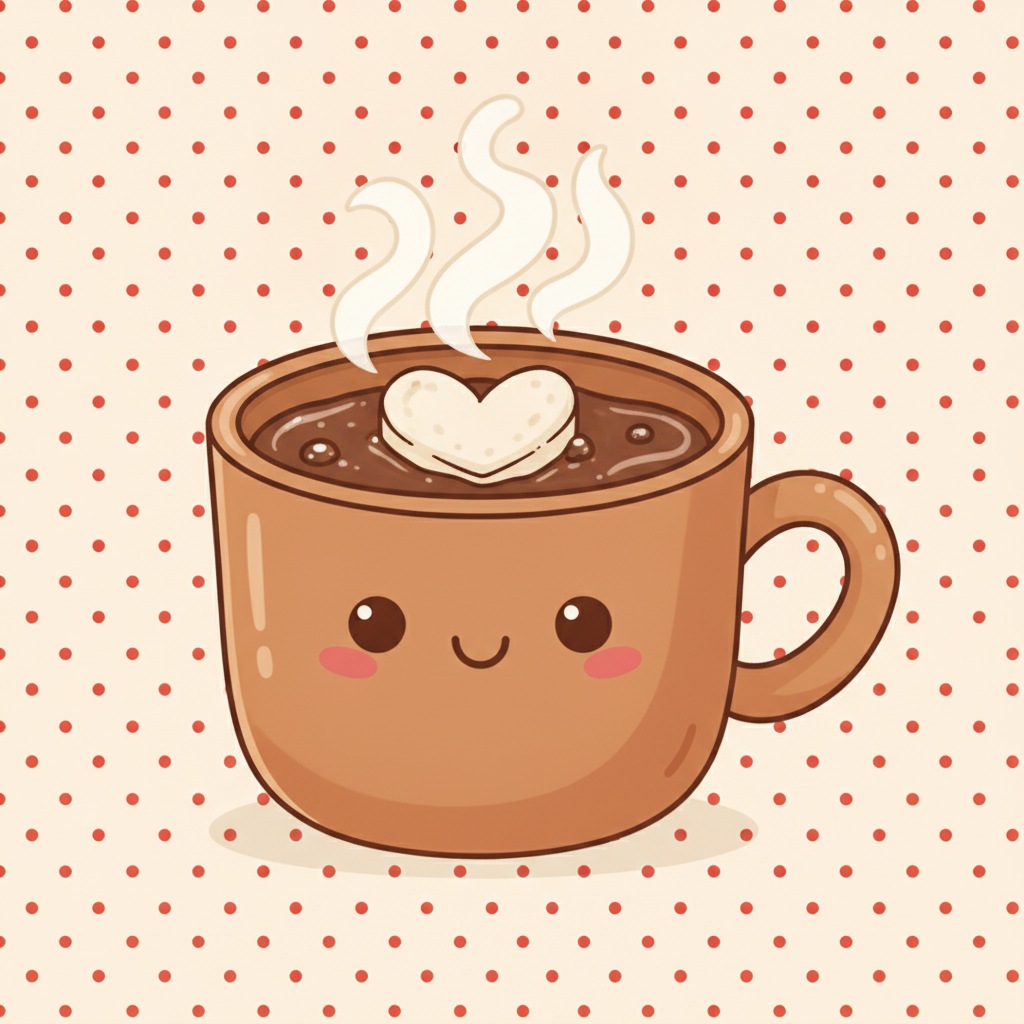
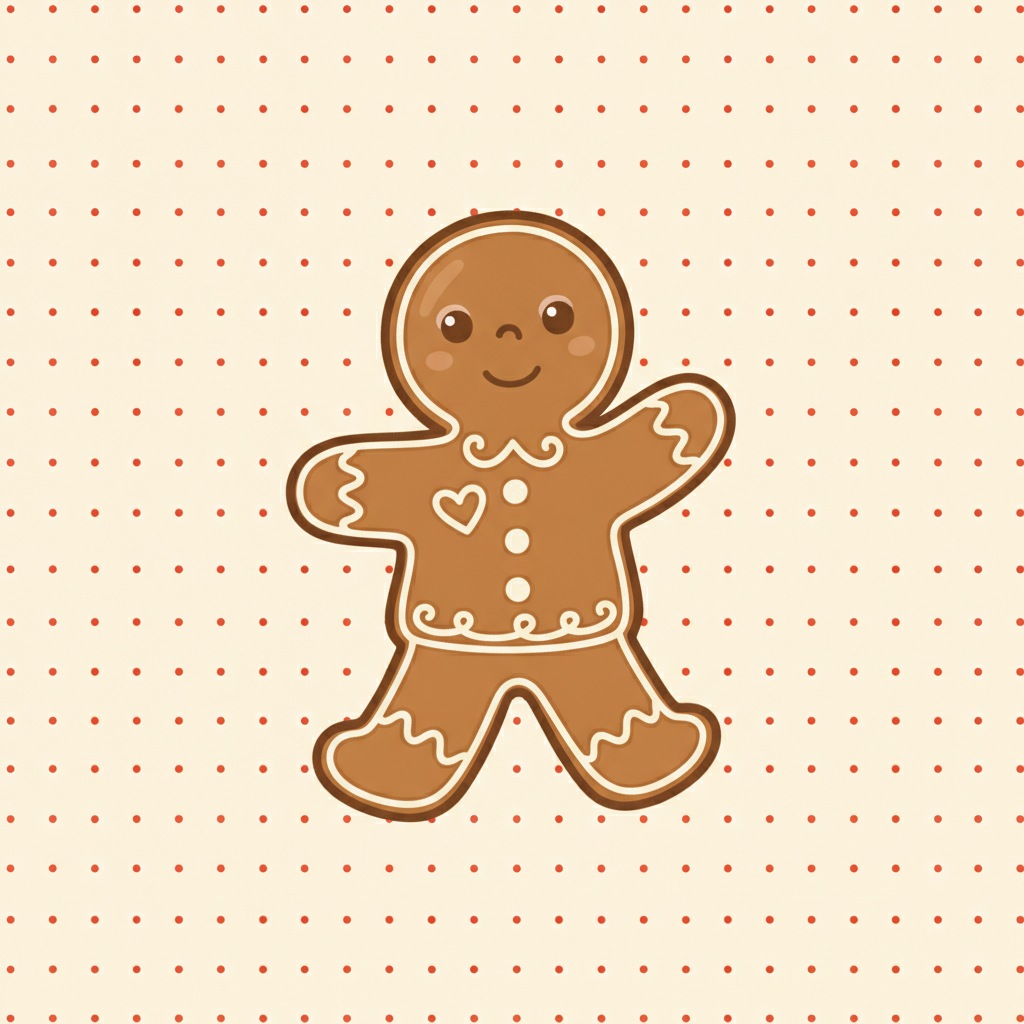
Cocoa and gingerbread Best friends
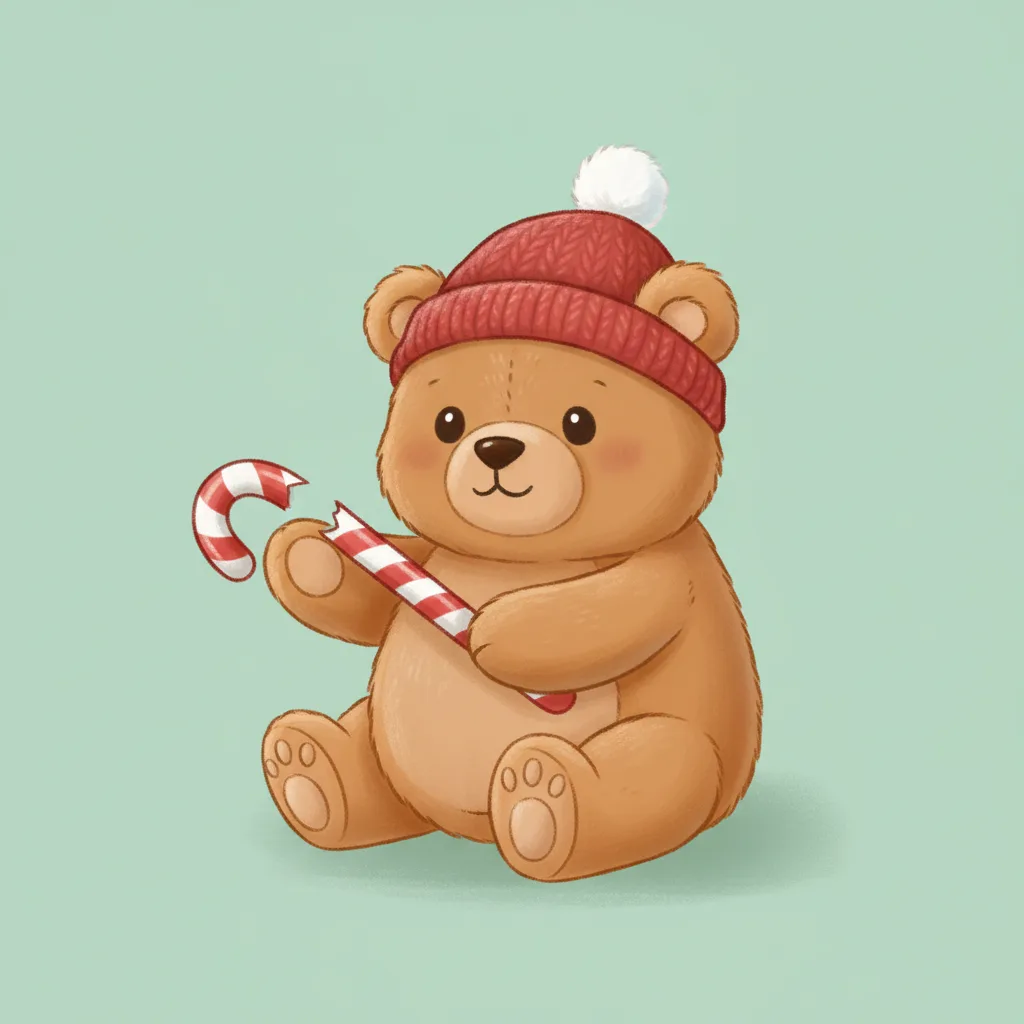
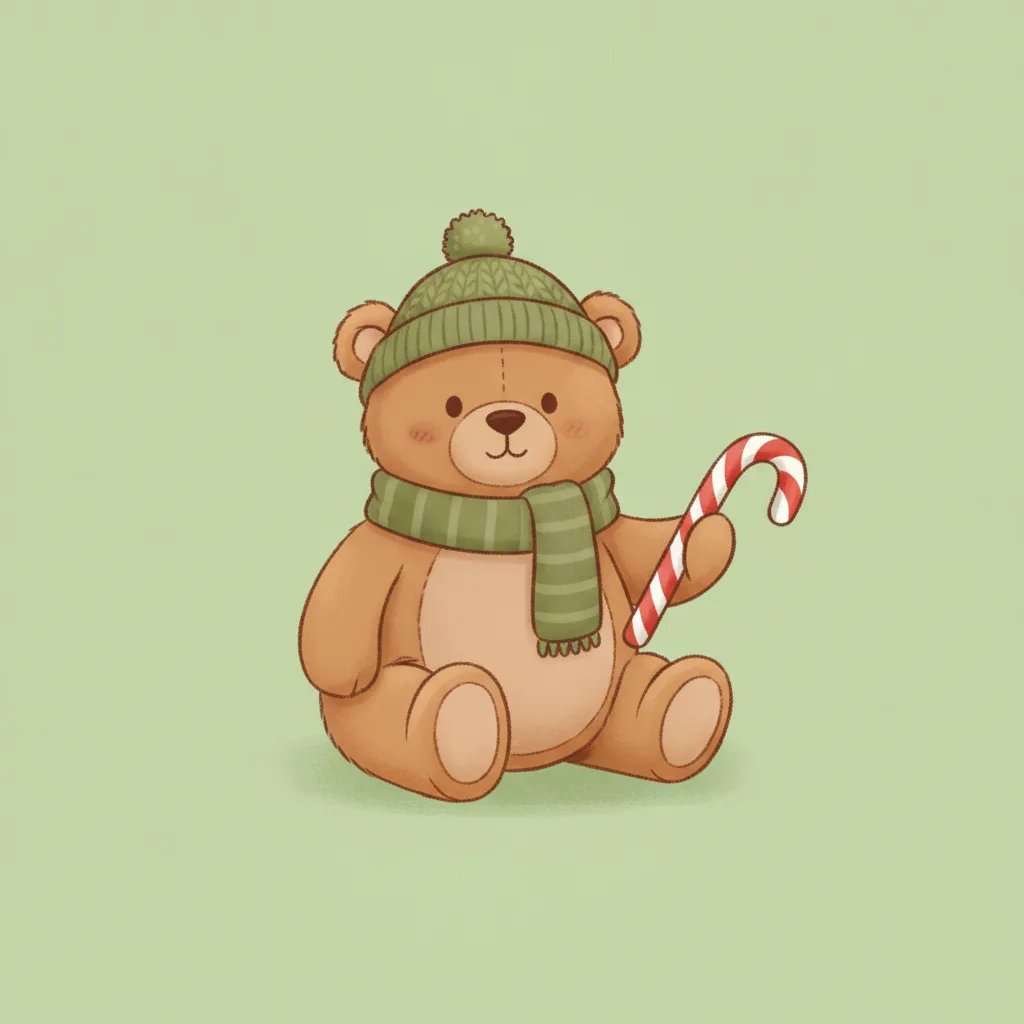
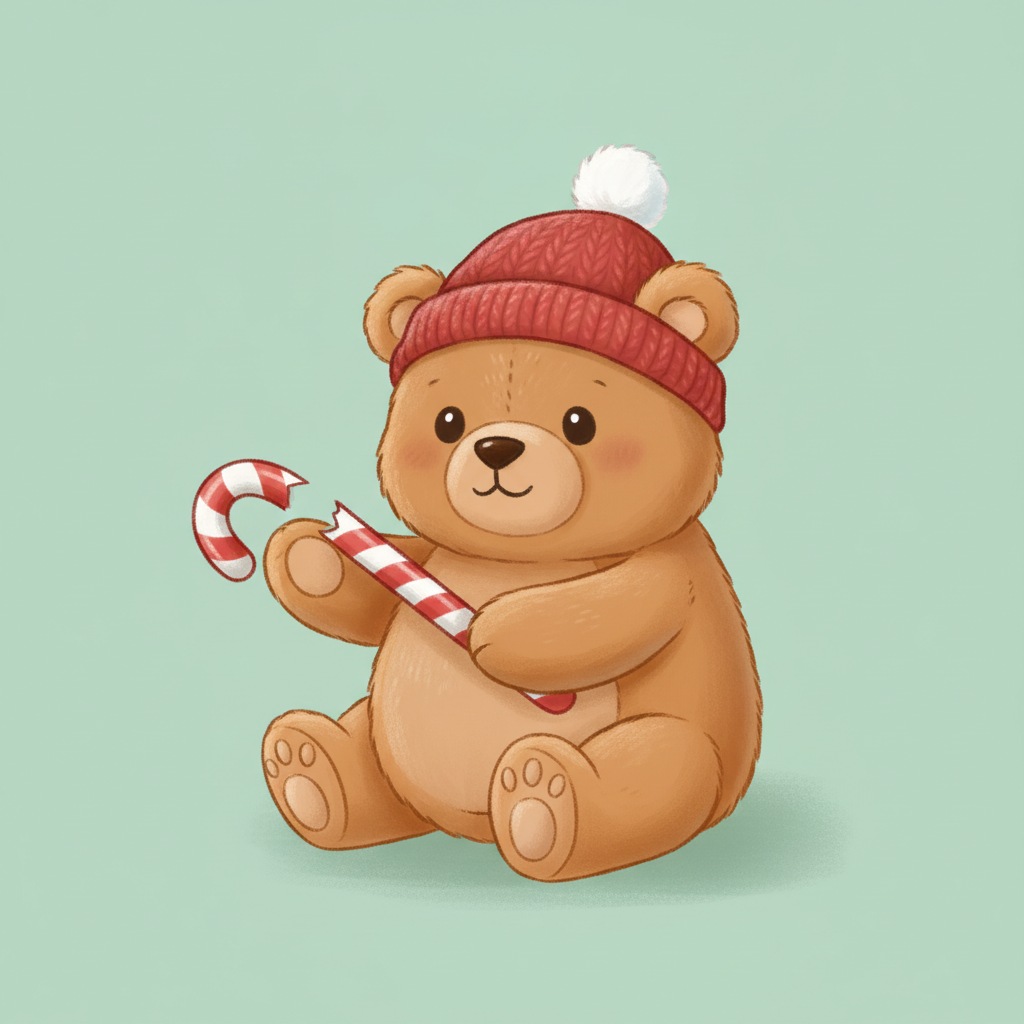
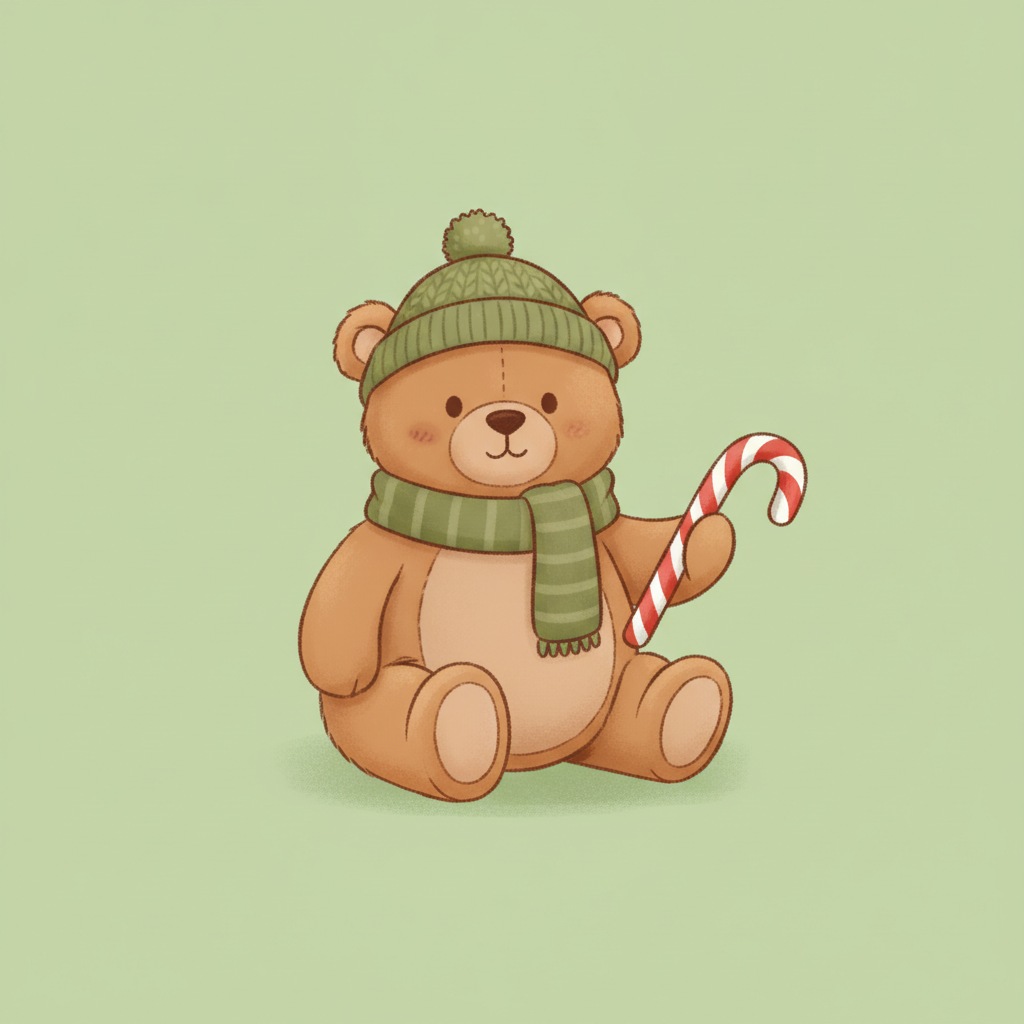
Two teddy bears Siblings or friends


Owner and dog Pet and owner


Moon and star Minimal
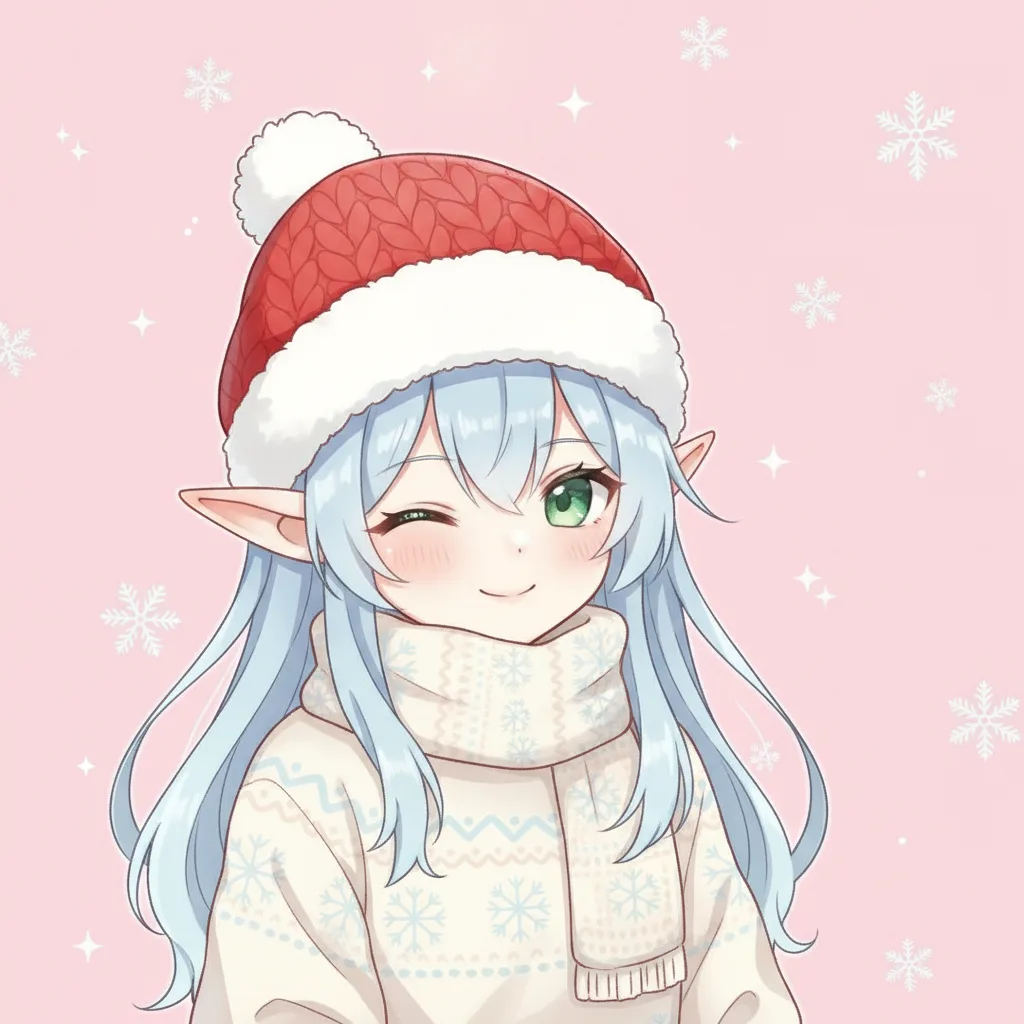
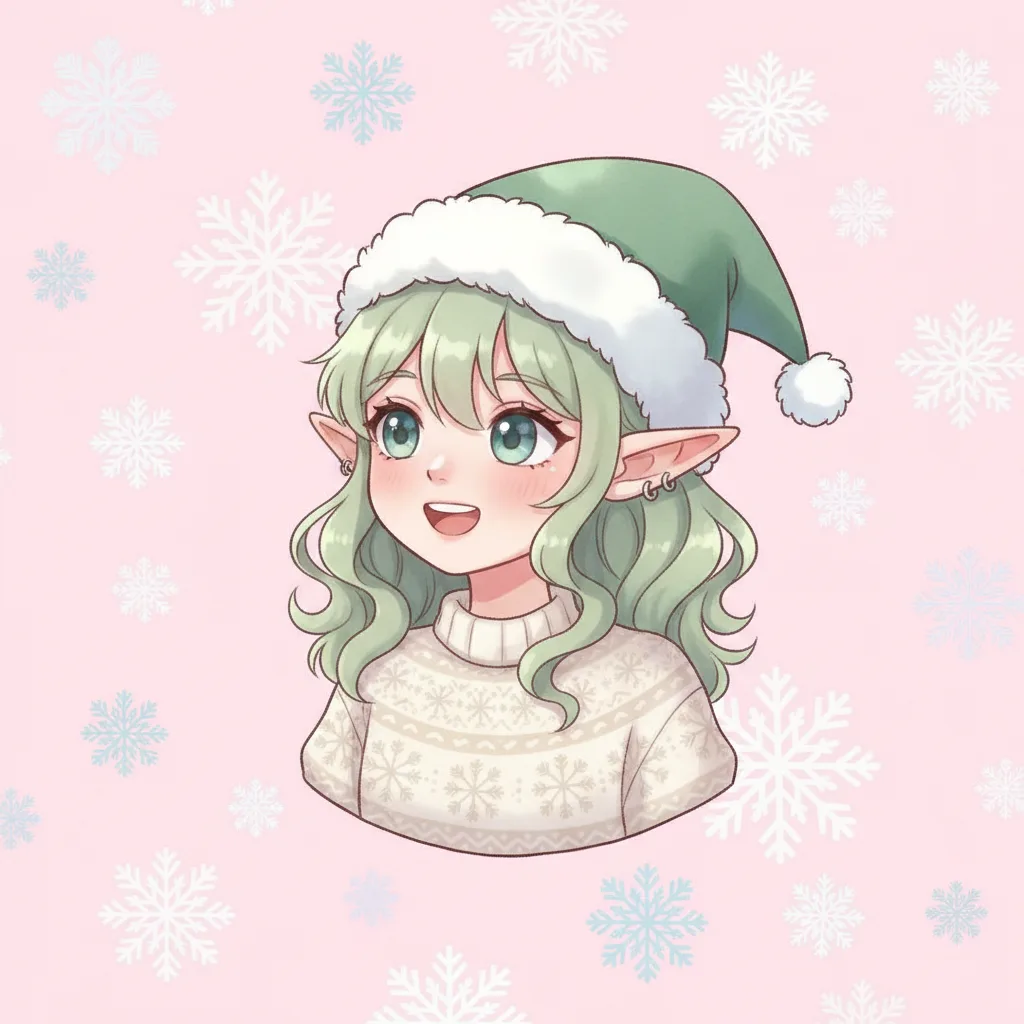




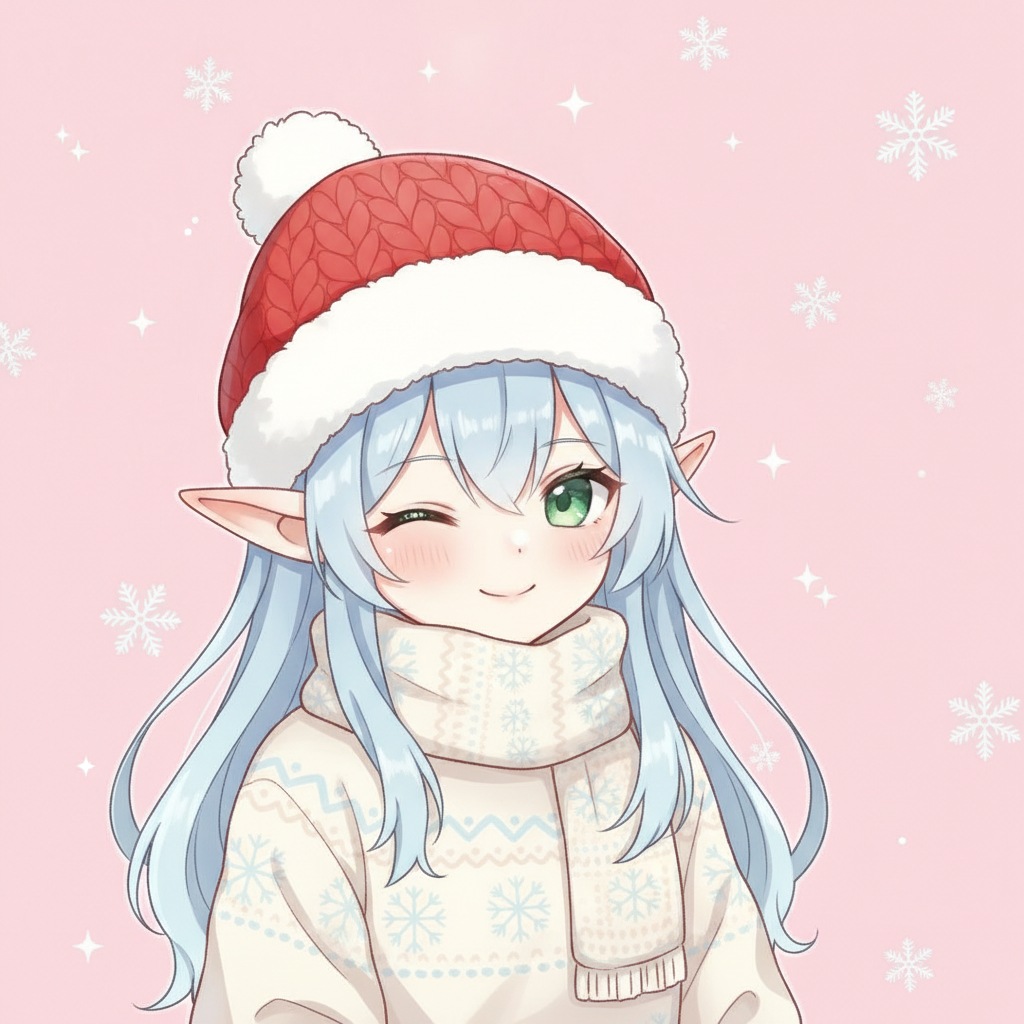
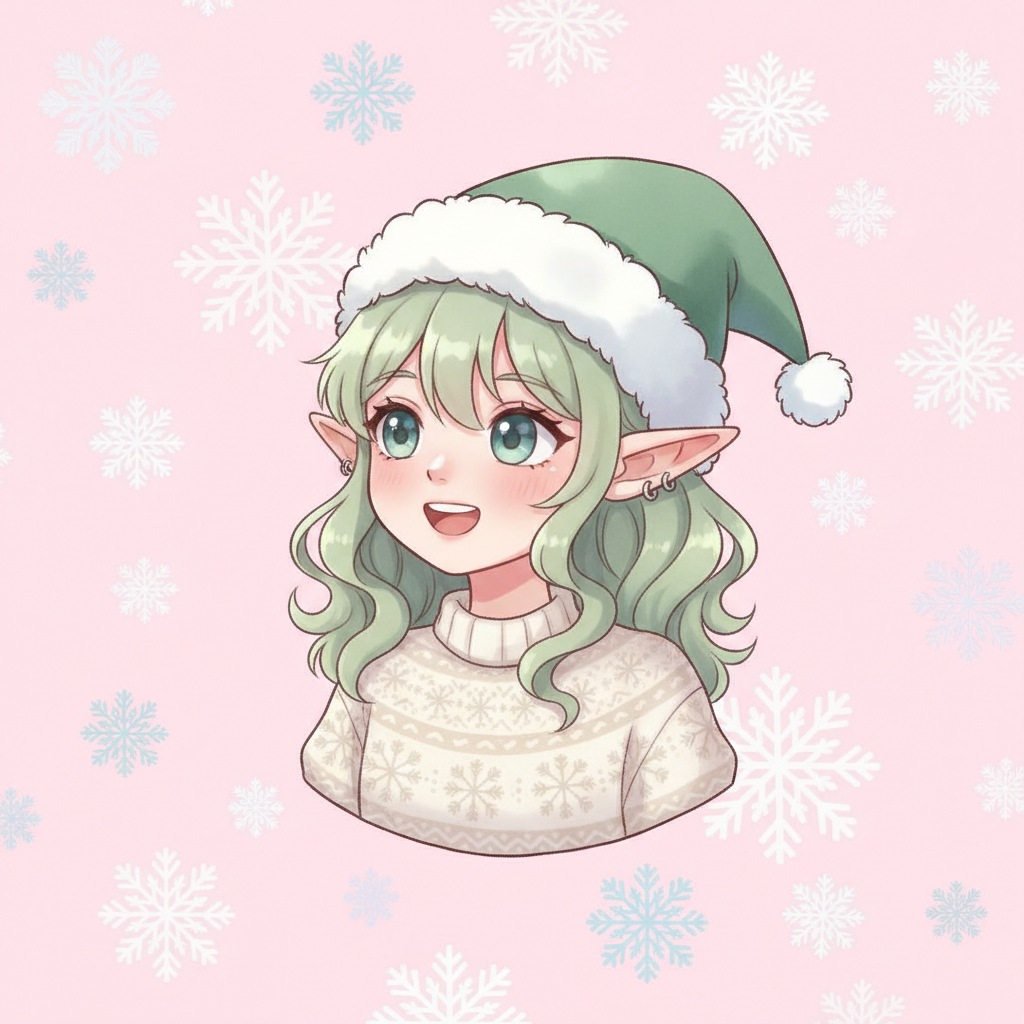
Two elves Anime style
Matching pfp ideas that work
There are four basic ways to build a set, and each fits a different pair of people.
Split image
One wide picture cut into two squares, so the pair reads as a single scene when the accounts sit side by side. A snowy window, a gift wrapped across both halves, or a string of lights that runs from one image into the other all work. This is the classic couple look and the one people search for most. The catch: the middle edge needs to be simple, because a busy seam looks broken once the two pictures are apart.
Mirrored poses
The left subject looks right, and the right subject looks left. Two bears, two elves or two real people leaning toward each other. It's the easiest option for photos, since you only need two shots taken from the same angle.
Same style, different characters
The snowman and snowwoman above are the example: same background, same lighting, same art style, but different scarves and a different character. It suits best friends and siblings who don't want to look like a couple.
Pet and owner
One picture of you in a Santa hat, one of your dog in the same hat. It's the pair most likely to get comments, and it costs nothing if the hat is already in the house. We have more pet ideas in our Christmas photo of me and my dog guide.
Groups of three or four
For a trio or a quartet, use one wide image cut into equal pieces, or one theme with a different object per person: snowman, tree, star and gift. Keep every piece the same size, the same background color and the same border. If one is brighter than the rest, the set stops looking like a set.
How to crop both halves so they work as circles
Almost every platform turns your square upload into a circle, so design for the circle from the start. A practical setup is a master image at 2048 by 1024 pixels, split down the middle into two 1024 by 1024 squares. For a top and bottom design, use a 1024 by 2048 master and split it horizontally.
- Keep faces, eyes, hands, hats and any text inside the central 70 to 76 percent of each square. The corners disappear.
- Leave about a 15 percent margin around hair, ears and hat tips.
- Make the subjects the same apparent size, with faces at about the same height.
- Preview each half inside a circle before you upload.
- Avoid thin text and tiny details. Avatars often show at under 200 pixels and compression blurs them.
- Use the same background, border, lighting and export settings for both. PNG suits illustrations and sharp graphics; a high-quality JPG suits photos.
The six pairs above follow these rules, with the subject centered and padded. That's why the cocoa mug sits a bit small in its square.
Sizes for each app
A 1024 by 1024 export works almost everywhere, and 512 by 512 is the practical minimum for apps like Discord. Every app crops a little differently, and some change the rules from year to year. Rather than repeat the full table here, see our Christmas profile picture guide for the sizes and circle behavior app by app. For chat apps specifically, there's a page on Christmas profile pictures for WhatsApp.
Make a matching set from two photos with PicsMas
For a pair with your actual faces, PicsMas builds the set from two photos. Upload a clear photo of each person (or of you and your dog), choose a Christmas scene, and the two results come out with the same background, lighting and style, so they match when you put them side by side. Then crop each result to a square with the face in the middle, and you're done.
Make a matching Christmas pfp set from two photos: upload one photo of each person to PicsMas and get two pictures in the same style.
Sign up for PicsMasGet PiXmas on the App StoreTips for better results: use two photos taken at about the same distance, with faces turned toward the camera or slightly inward, and avoid hats or sunglasses that hide eyes. If your photos have different lighting, tell PicsMas to use the same scene for both so the lighting is rebuilt to match. We also have pages for best friends and siblings if you're building a set for those groups.
Matching names and bios
A matching pfp is stronger when the username or bio matches too. Pairs that play well together: Cocoa and Marshmallow, Santa and Mrs Claus, Sugar and Spice, Jingle and Bell, or just add the same emoji to both names. Keep it short, since display names are cut off in small lists.
Match the Christmas aesthetic you like
If you aren't sure what look to go for, pick a mood first. Cozy means warm light, cocoa and knit hats. Snowy minimal means white, blue and a single object. Retro means red and green, cartoon shapes and polka dots. Dark and gold means a deep green or black background with gold shapes, like the moon and star pair above. Once you have a mood, every pair you make will agree with it.