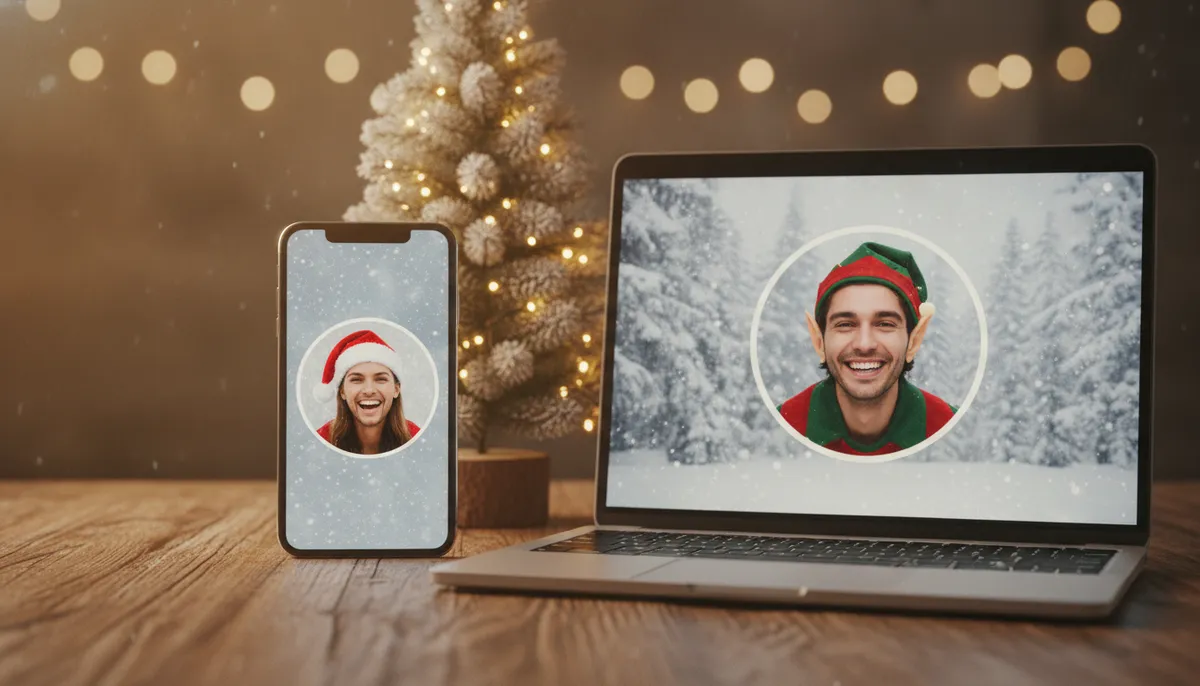
Most people go looking for a Christmas pfp in late November, scroll through a stranger's stock images, and give up. The better route is to start from your own face, because a profile picture only works if friends recognize you in a thumbnail. This page covers the styles that hold up at small sizes, the exact dimensions each app wants, and how to keep a festive picture from looking silly on a work account.
Turn your own photo into a Christmas profile picture in PicsMas. Upload once, pick a style, download a square image.
Sign up for PicsMasGet PiXmas on the App StoreCute Christmas profile picture ideas that survive a tiny circle
A profile picture shows at about 32 pixels in a comment thread and maybe 150 on your profile. Busy scenes turn to mush at that size. The eight styles below work because the face stays big and the festive part is one clear object: a hat, antlers, a scarf, a glow of lights.
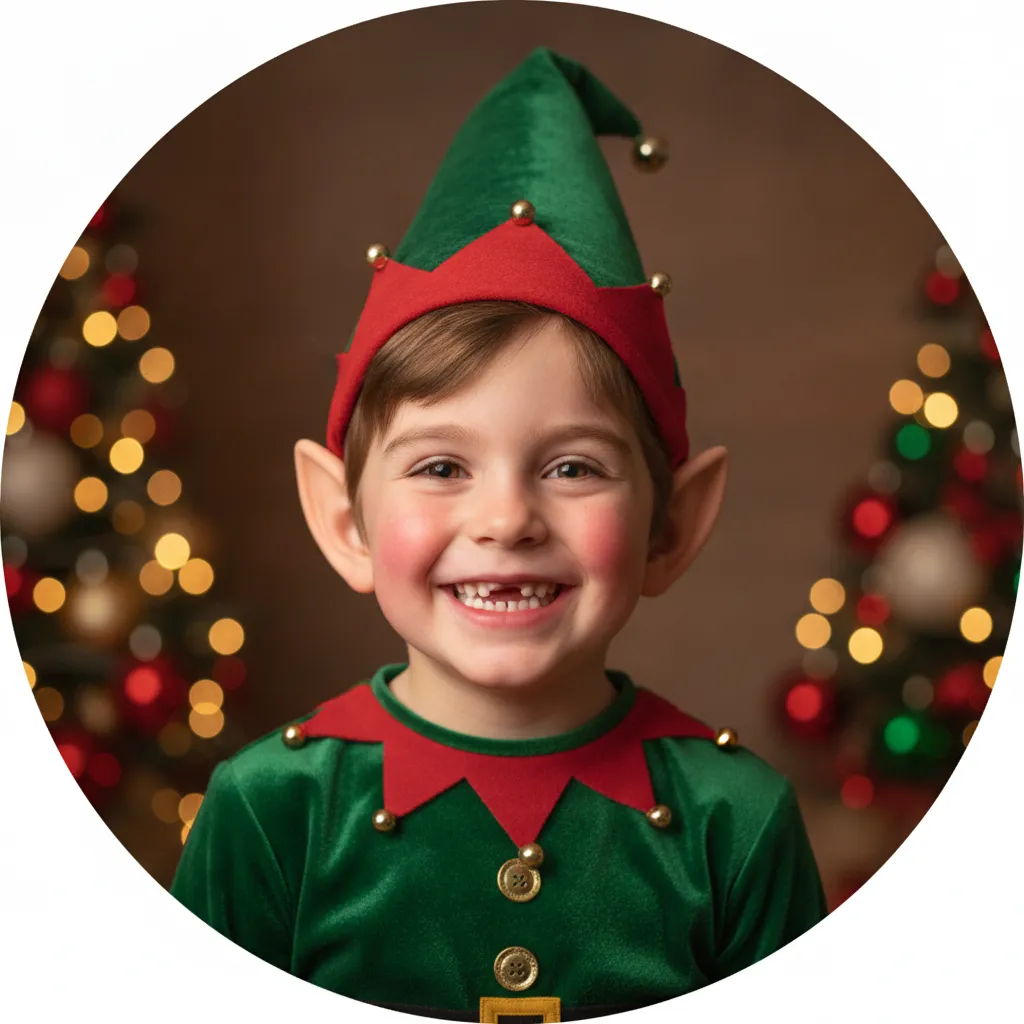
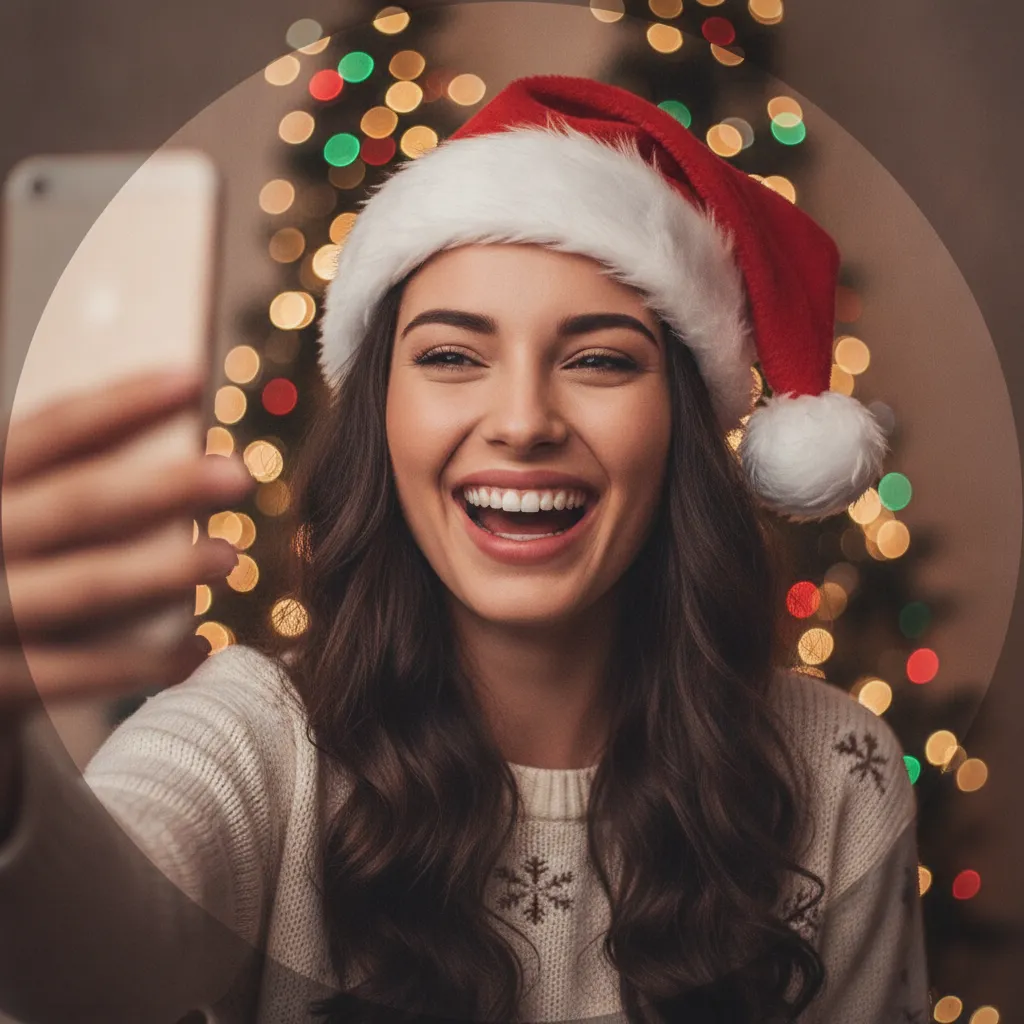
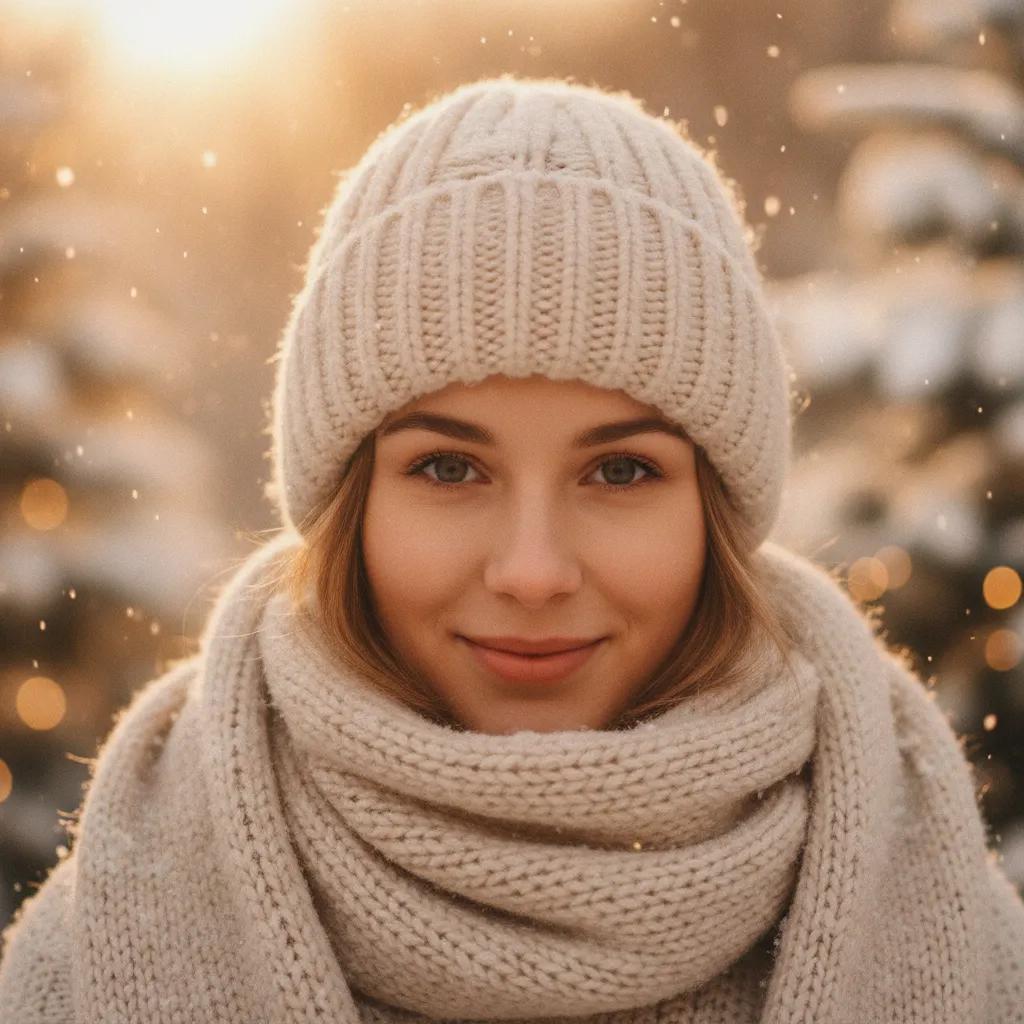
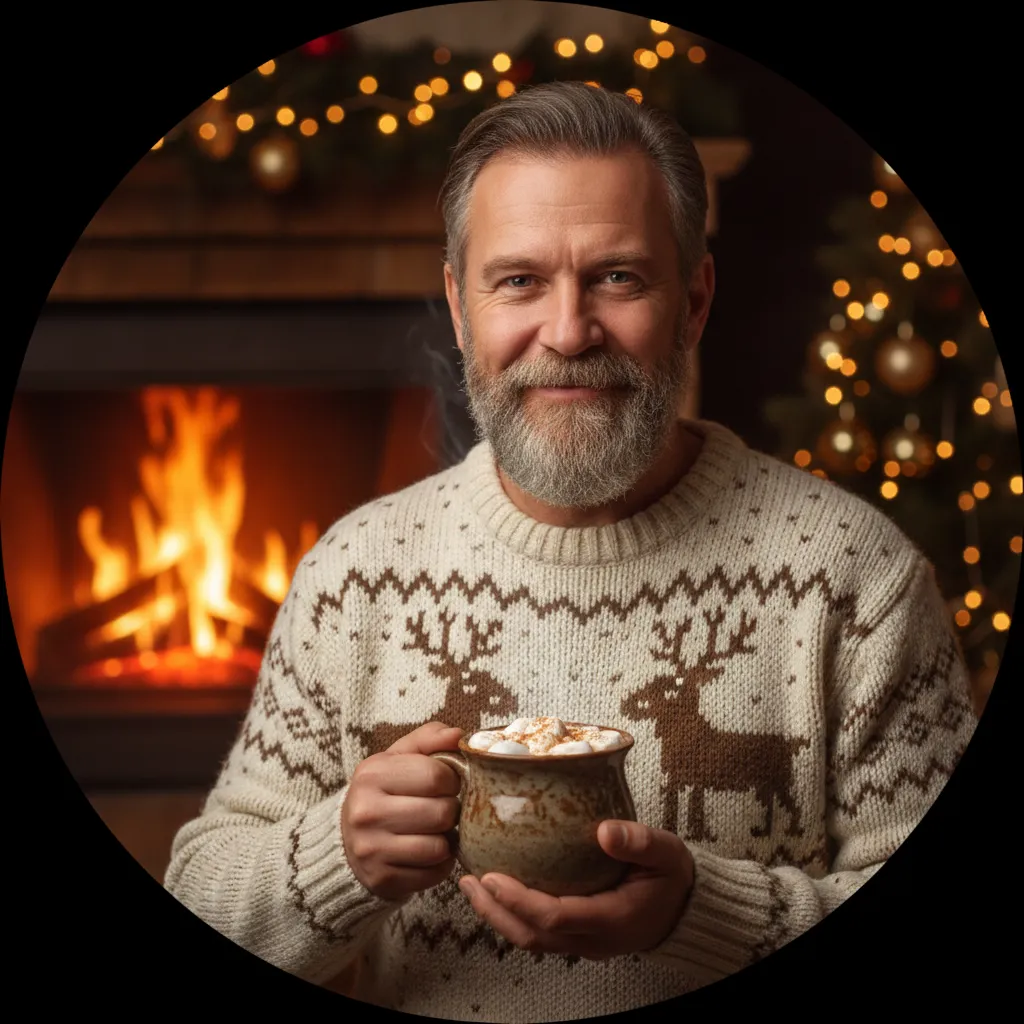
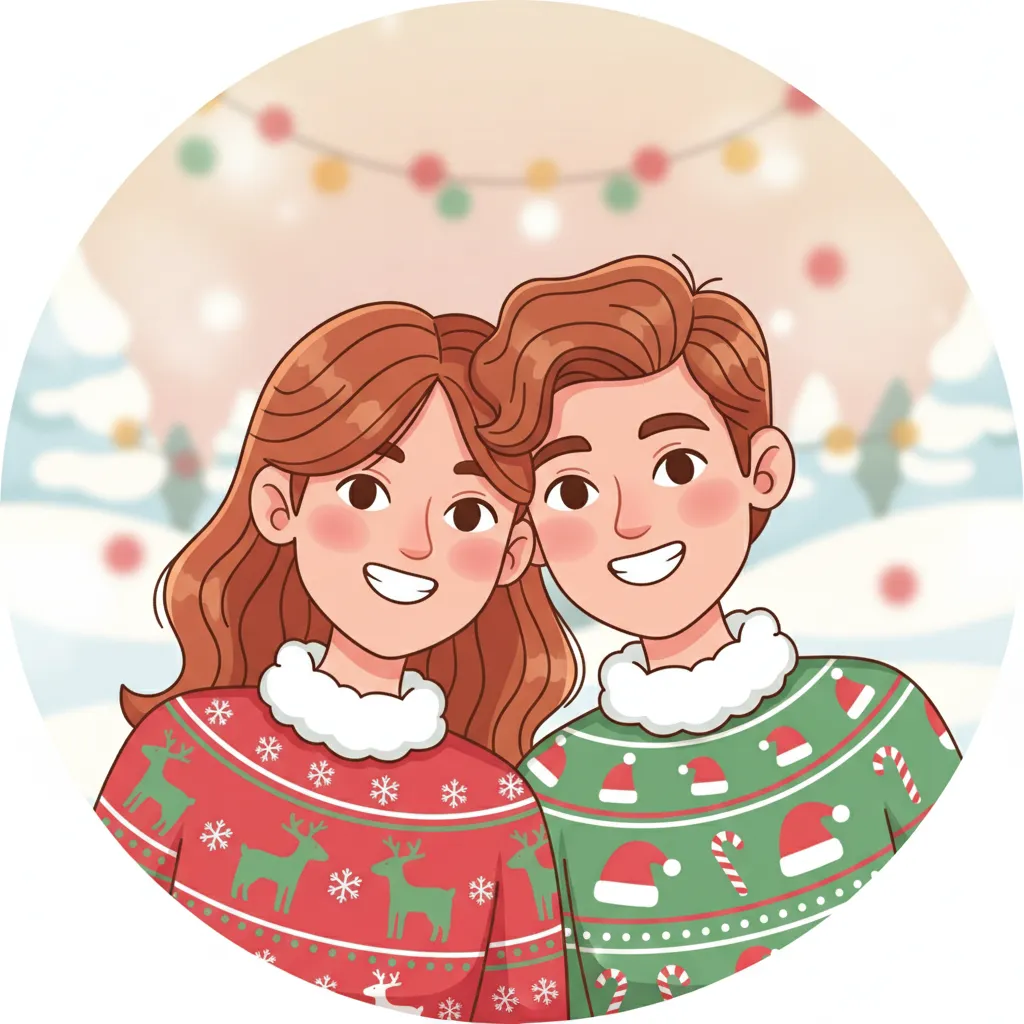
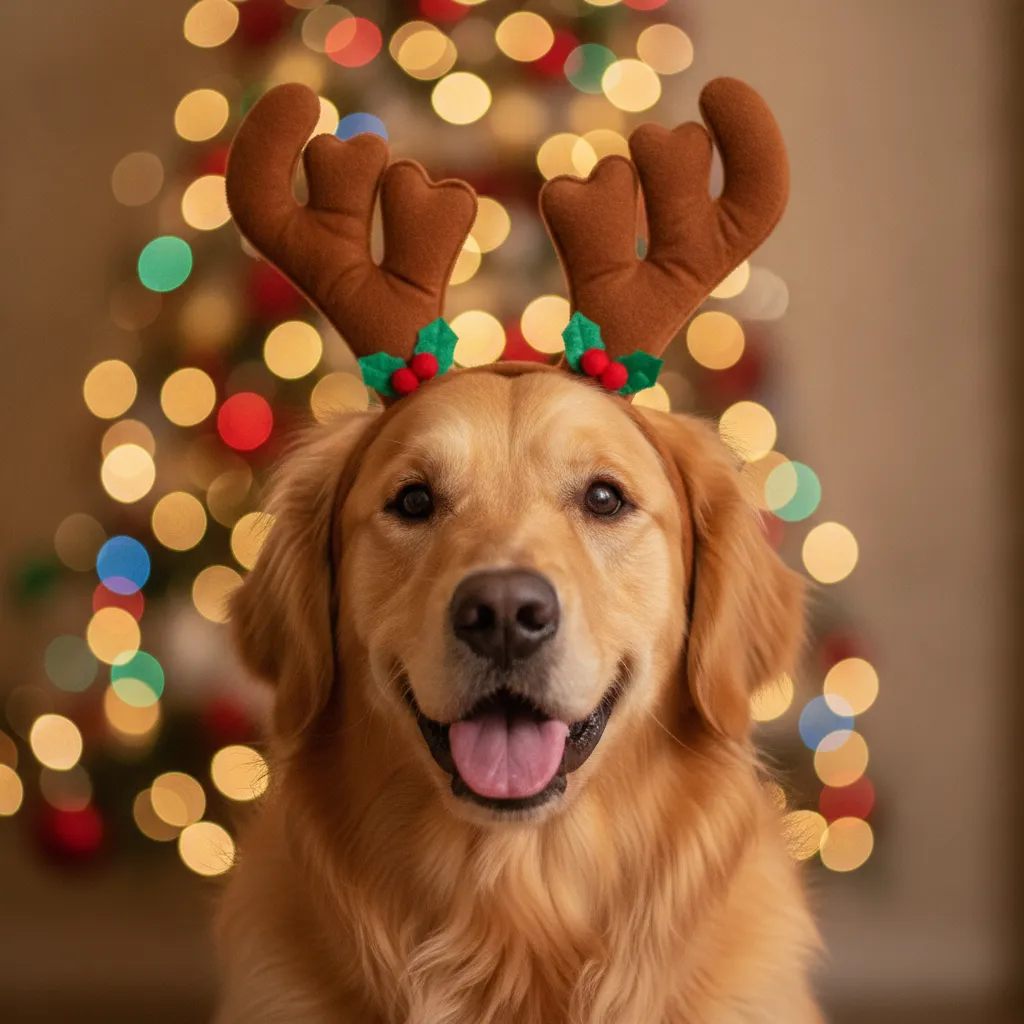

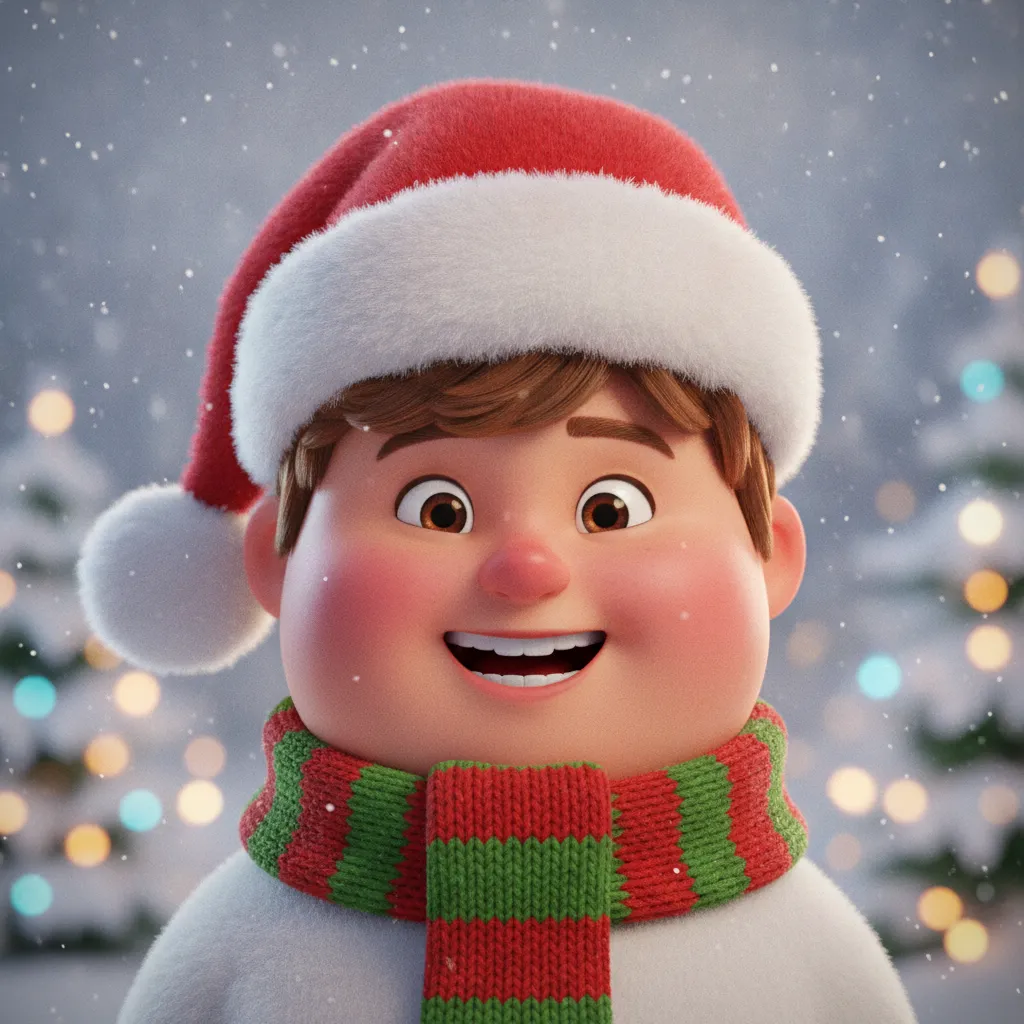
If I had to pick one for a group chat, it's the Santa hat selfie. It looks like something you took yourself, which is the point. The elf kid and the dog in antlers get the most "wait, is that you?" replies, and the 3D cartoon is the safest choice if you'd rather not put your real face on a public account. Our Christmas PFP maker page goes deeper on the cartoon and anime looks.
How to make a Christmas profile picture from your photo
The whole job takes a couple of minutes, and the order matters more than the style you choose.
- Pick a photo where your face is lit evenly and fills about half the frame. Sunglasses and heavy filters confuse the result.
- Upload it to PicsMas and choose a Christmas style. For a first try, go with Santa hat or snowy portrait, since both keep your likeness close.
- Choose a square 1:1 output and leave some space around your head. The circle crop will eat the corners.
- Check the result at thumbnail size. Shrink the preview to about the size of a comment avatar. If you still read it as you, keep it.
- Download it and upload it to each app. One file works everywhere, with the size notes below.
Already have a favorite photo and just want the hat? The page on AI Christmas photos for profile pictures covers swapping the outfit and background without redoing the face.
Christmas profile picture size for each app
One exported file can serve every app below. Export a square at 1080 by 1080 pixels and you are above the minimum everywhere. The numbers come from each platform's help page where one exists and from common size guides where it doesn't, so treat the smaller figures as minimums. Guides disagree by a few pixels, and apps change their displays without notice.
| App | Upload size | How it shows | Notes |
|---|---|---|---|
| 640 x 640 px (1:1) | Circle | Larger uploads like 1080 px stay sharper after compression | |
| 320 x 320 px minimum, 1:1 | Circle | About 110 px on a phone profile, far smaller in comments | |
| TikTok | 200 x 200 px minimum, 400 px or more is sharper | Circle | Keep the face centered |
| Slack | 512 x 512 to 1024 x 1024 px | Rounded square | Range from Slack's help page |
| 400 x 400 px minimum, 800 px or more is better | Circle | JPG or PNG, up to 8 MB | |
| Discord | 512 x 512 px recommended, 128 px minimum | Circle | Animated GIF avatars need Nitro |
| 320 x 320 px, 1:1 | Circle | Roughly 170 px on desktop |
What does the circle crop do to your picture?
Most of these apps cut your square into a circle. That removes the four corners, roughly a fifth of the image. Anything you care about, a hat tip, a pet's ear, a bit of the tree, has to sit inside an imaginary circle touching the middle of each side. When you generate in PicsMas, ask for a centered subject and a plain, blurred background. Then you never have to crop by hand.
A quick test: hold a coin over the center of your preview on screen. If the coin's edge would cut off the hat, zoom out and regenerate.
Which Christmas pfp suits each app?
The same picture does not belong everywhere, and a few apps have their own habits.
WhatsApp and Snapchat
Friends and family see these, so go playful. The elf kid, dog in antlers and Santa hat selfie all work. Step-by-step guides are on our pages for a Christmas profile picture for WhatsApp and Snapchat.
Instagram and TikTok
Both are discovery apps, so your picture also acts as a tiny logo. One bold color and one clear prop read best. If you plan to post Christmas content, our guides to Christmas photos for Instagram and a TikTok avatar from a selfie pair well with the profile picture.
Slack, LinkedIn and other work accounts
Keep it quiet. A navy blazer, a neutral background and a single sprig of holly is festive without making your boss wonder. Skip the antlers on LinkedIn unless you work somewhere that lives for them. We cover the work-safe look in the Christmas LinkedIn headshot guide and the Slack profile photo page. Gamers and community admins will find the Discord version at Christmas Discord avatar from a photo.
Facebook shows a larger circle than most, so a portrait with a little detail, like the snowy beanie or cozy sweater, holds up. Older relatives tend to like the straightforward ones.
Make one Christmas picture and use it on every app. It takes about a minute in PicsMas.
Sign up for PicsMasGet PiXmas on the App StoreKeeping your likeness and your privacy
An AI Christmas profile picture is only useful if people still know who you are. A few habits help. Use a clear, front-facing photo. Keep the style change small on accounts where friends need to recognize you, and go wilder, like cartoon or 3D, on accounts where you want some anonymity. Generate two or three versions and compare them with your original before you commit.
If you add a pet, use a photo where the animal looks straight at the camera. Our reindeer antlers photo page shows what to expect, and the antlers sometimes come out bigger than real life.
When to swap it back
People keep festive pictures up well into January, which gets old. Save your usual photo in a folder called "after Christmas" so the swap takes ten seconds. It's a small habit, and it keeps your accounts from looking neglected.