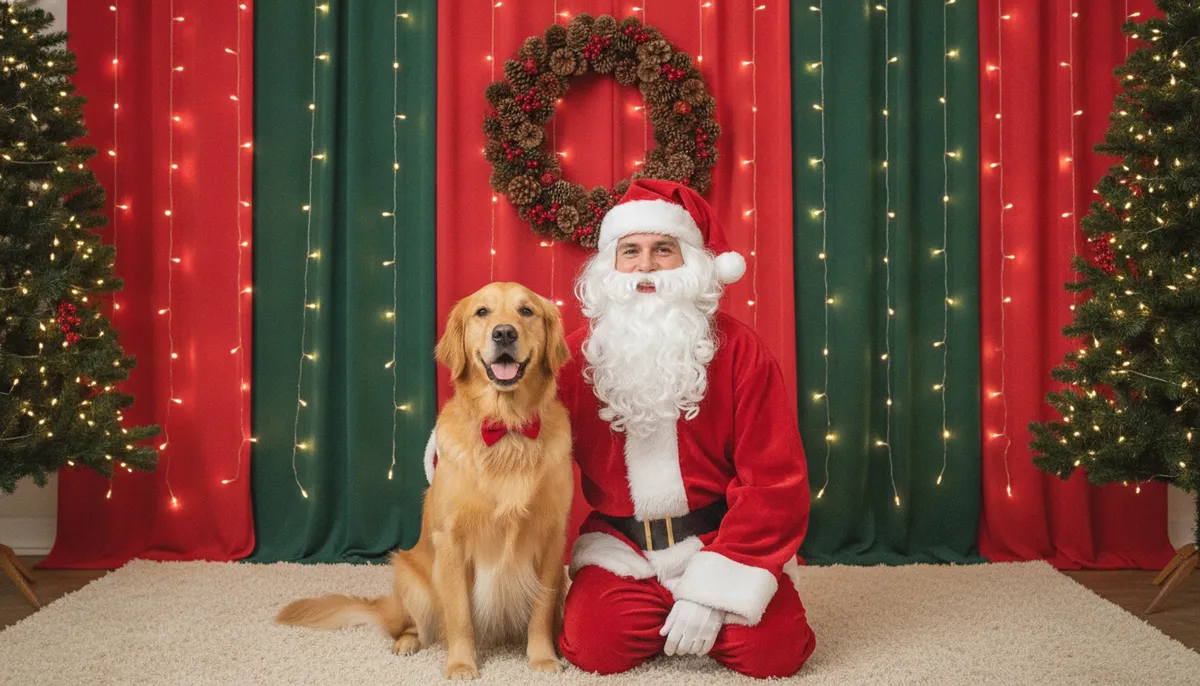
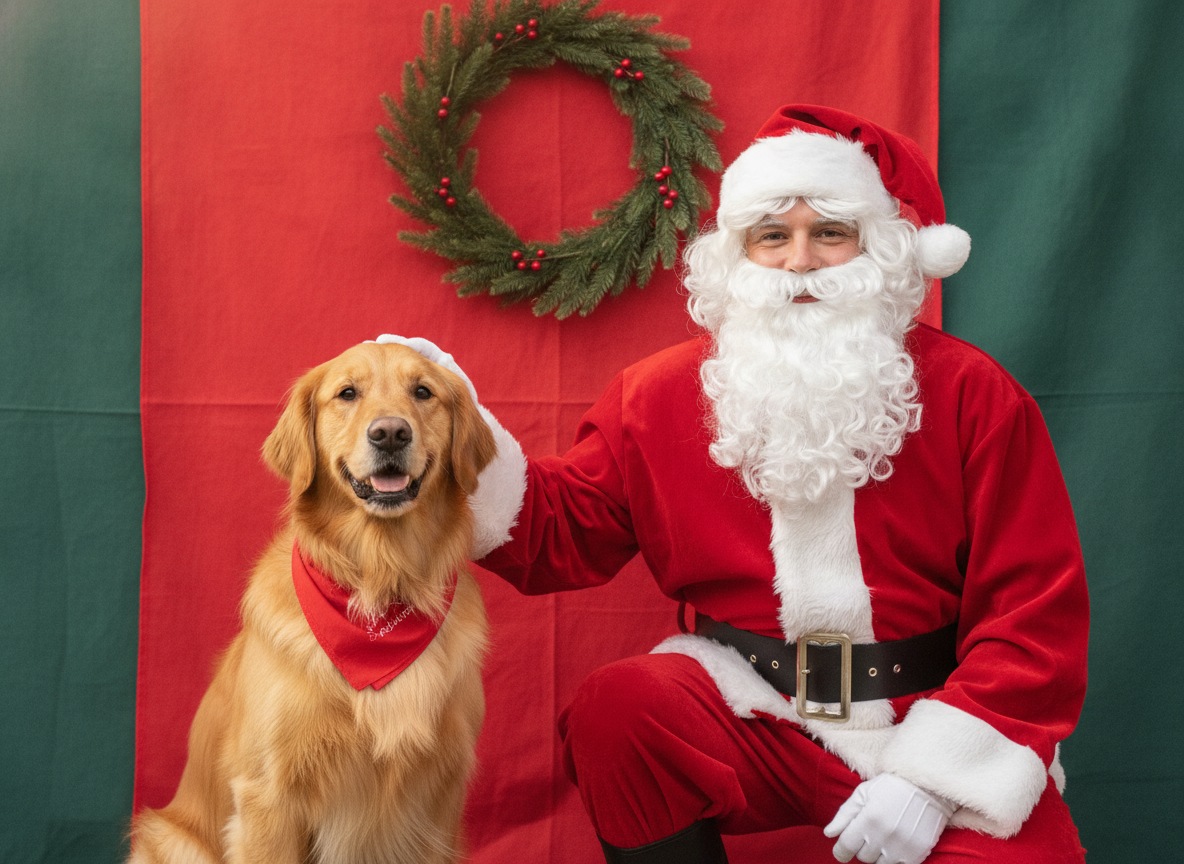
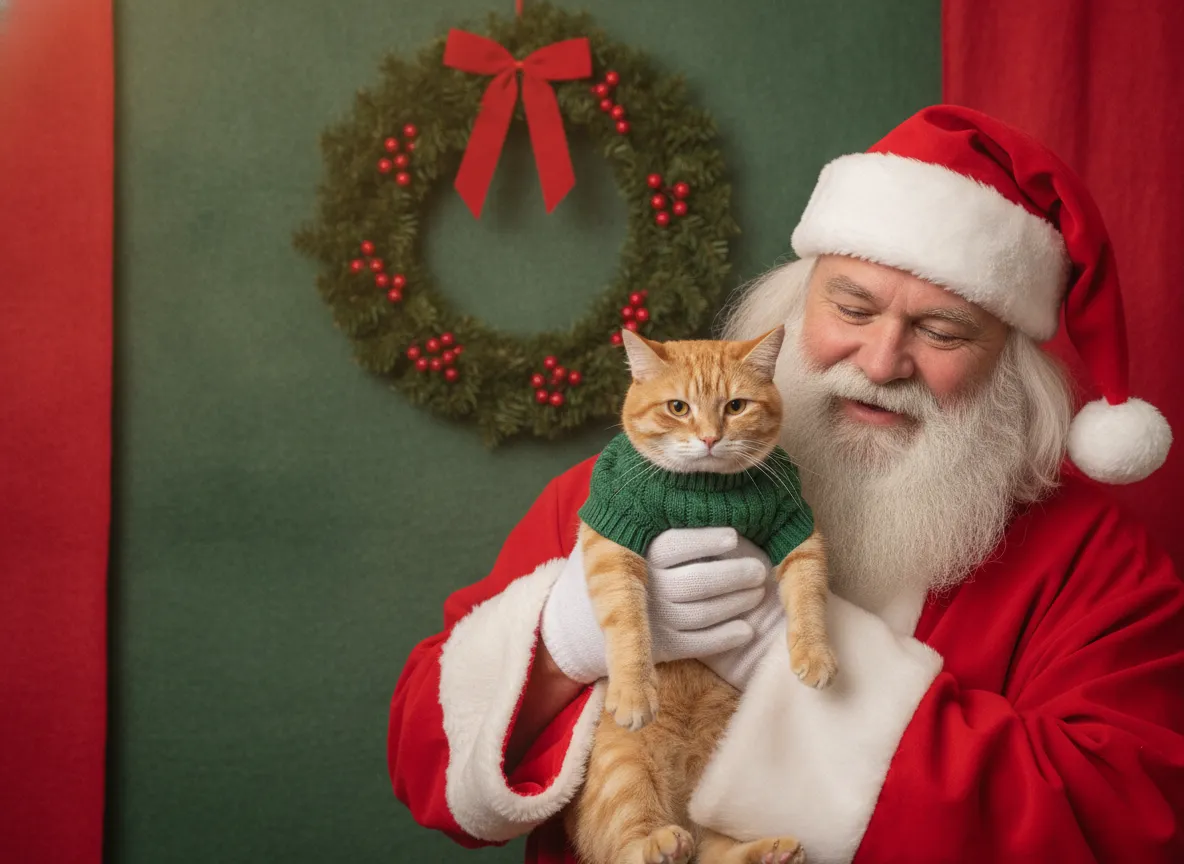
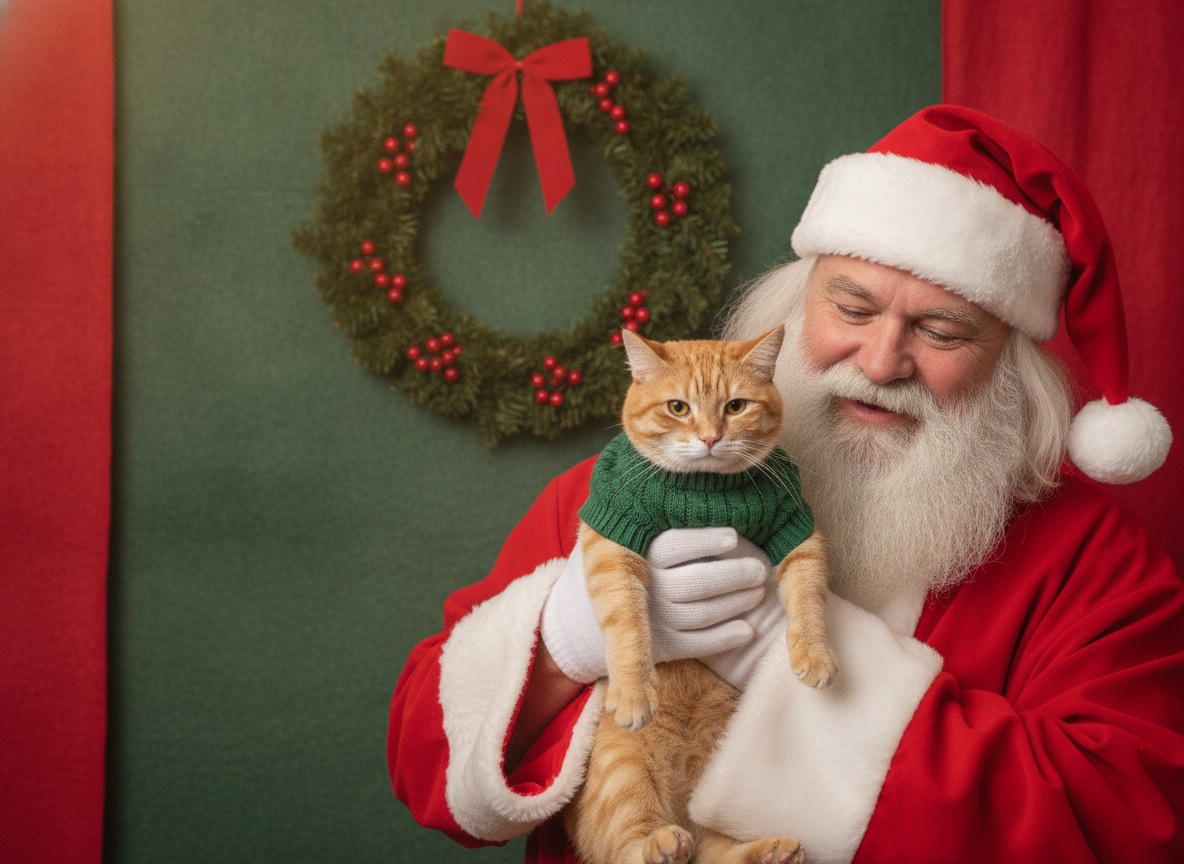
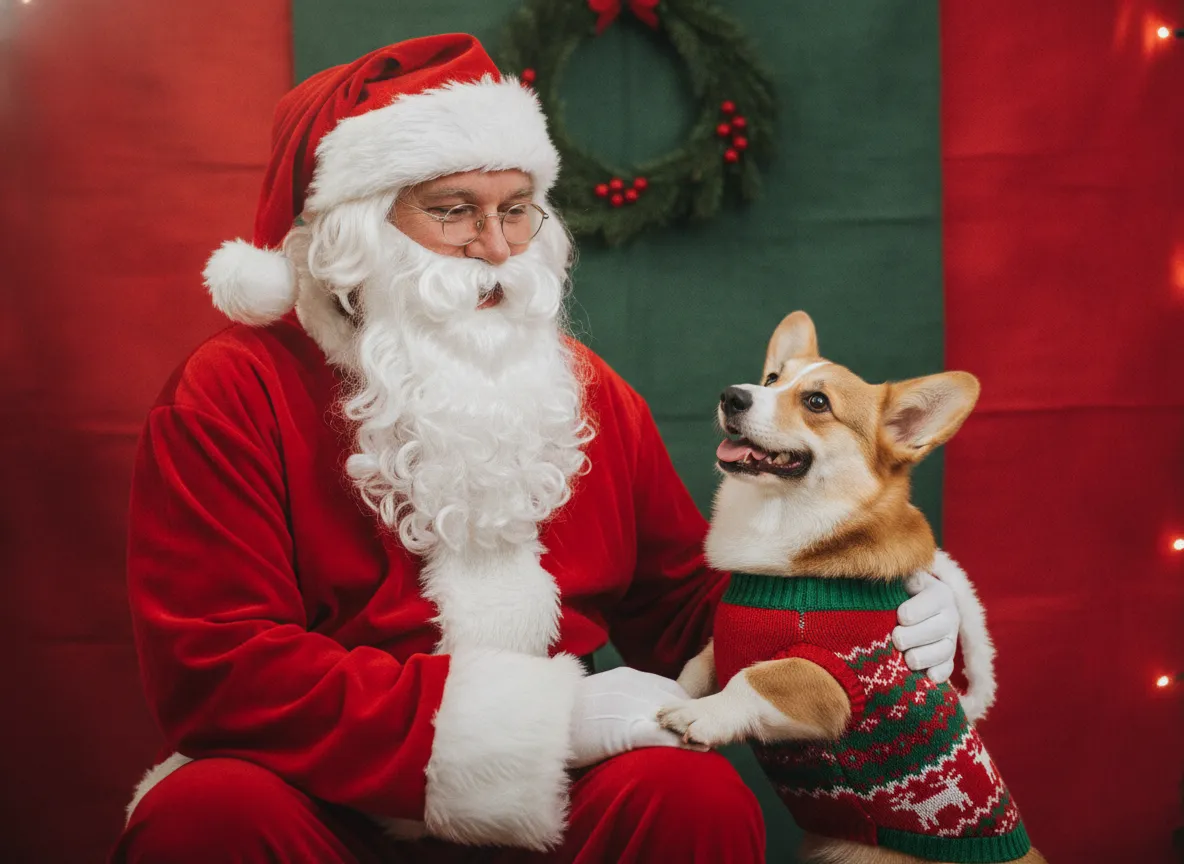
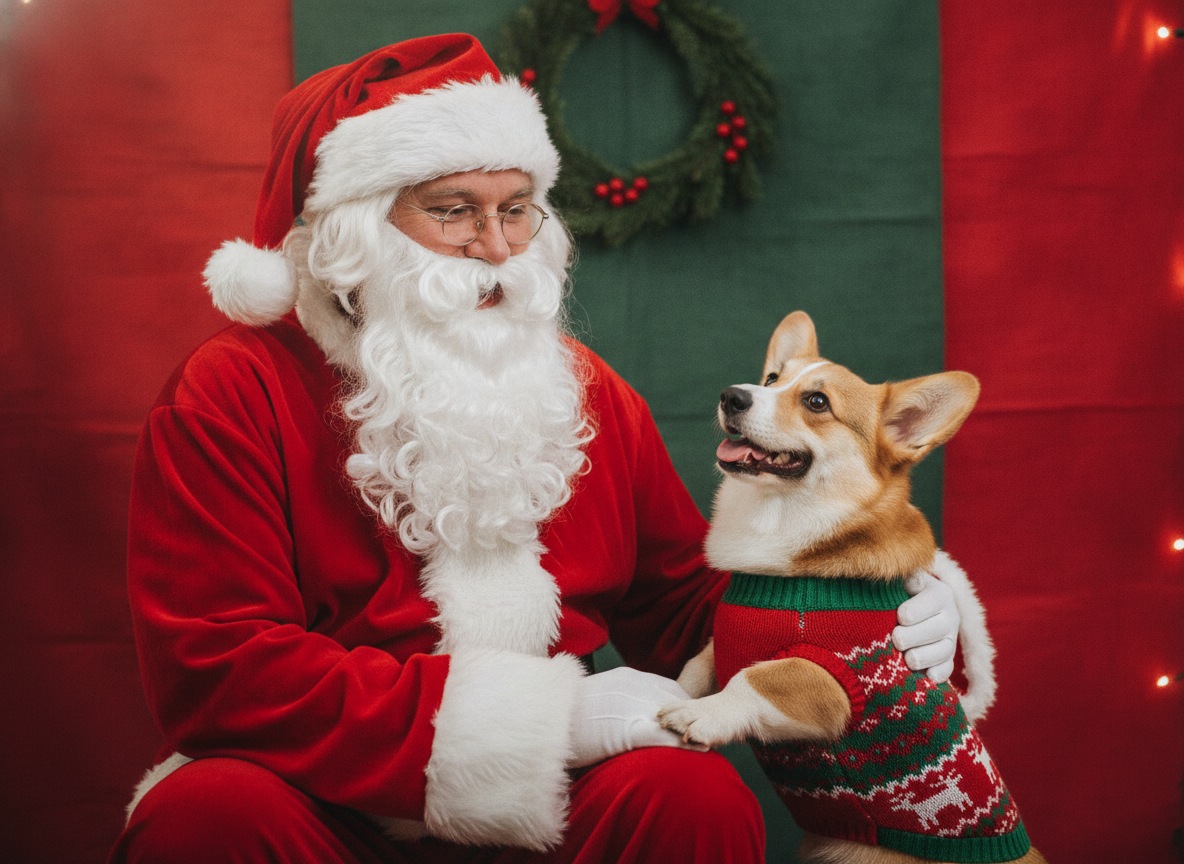
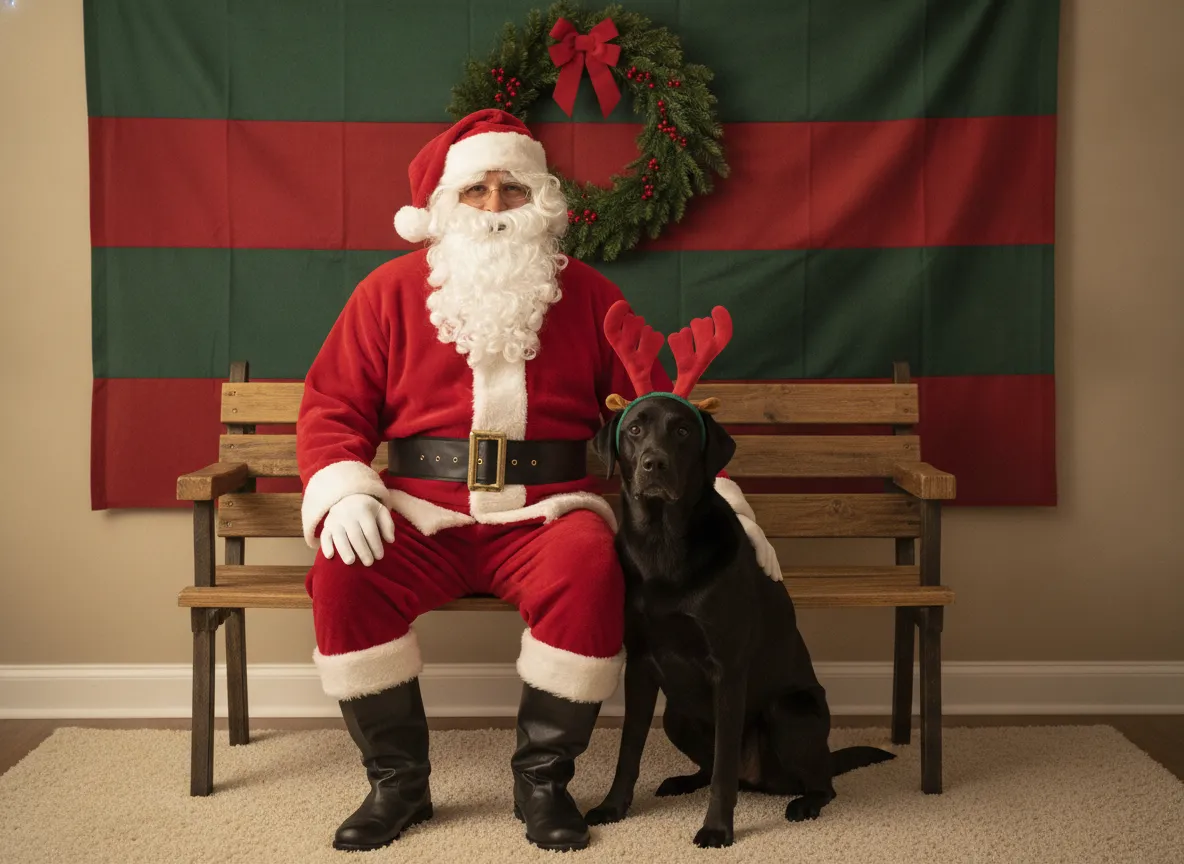
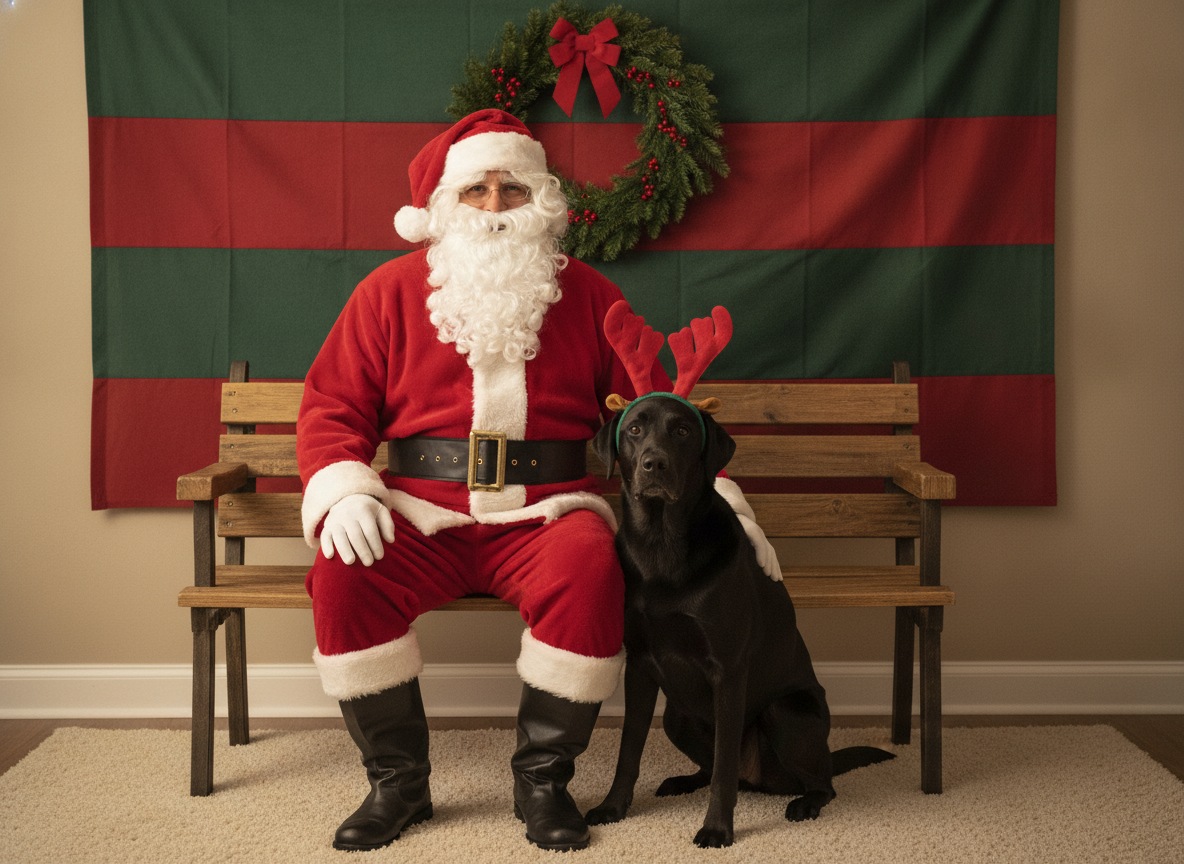
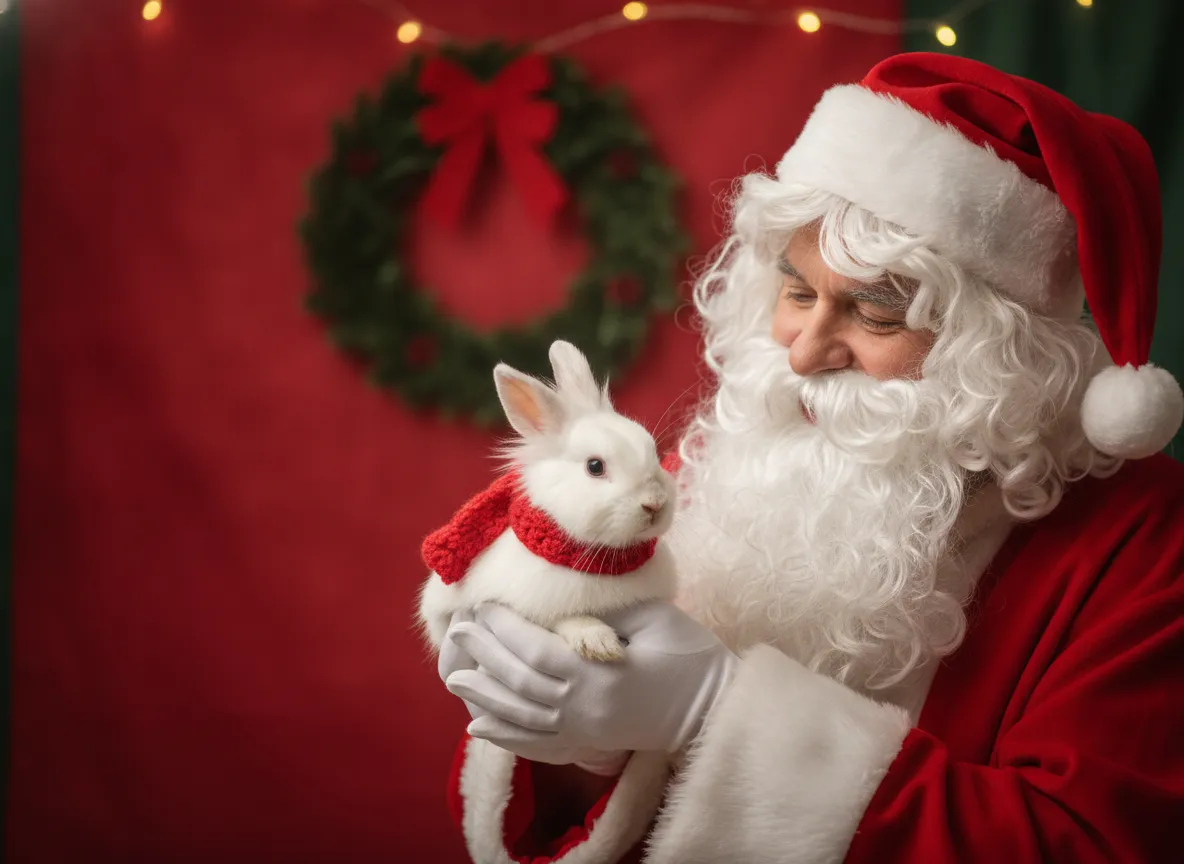
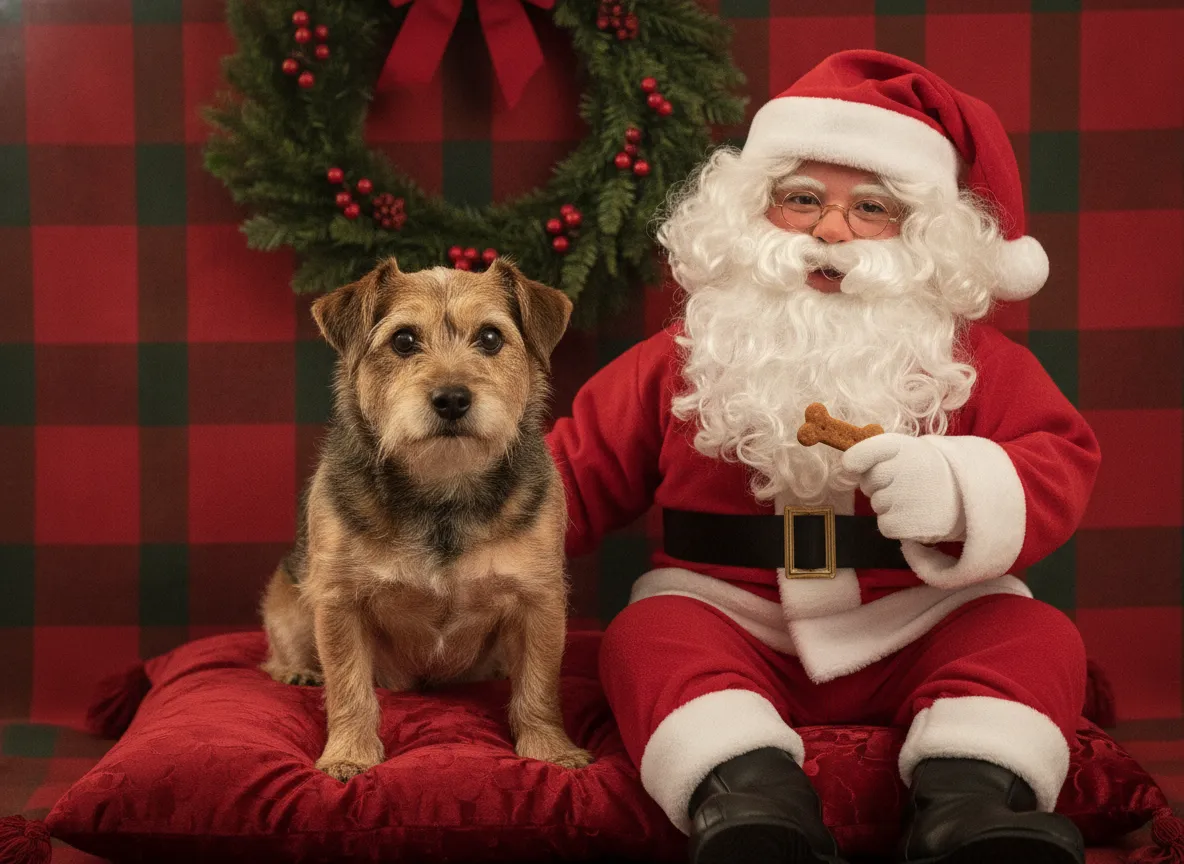
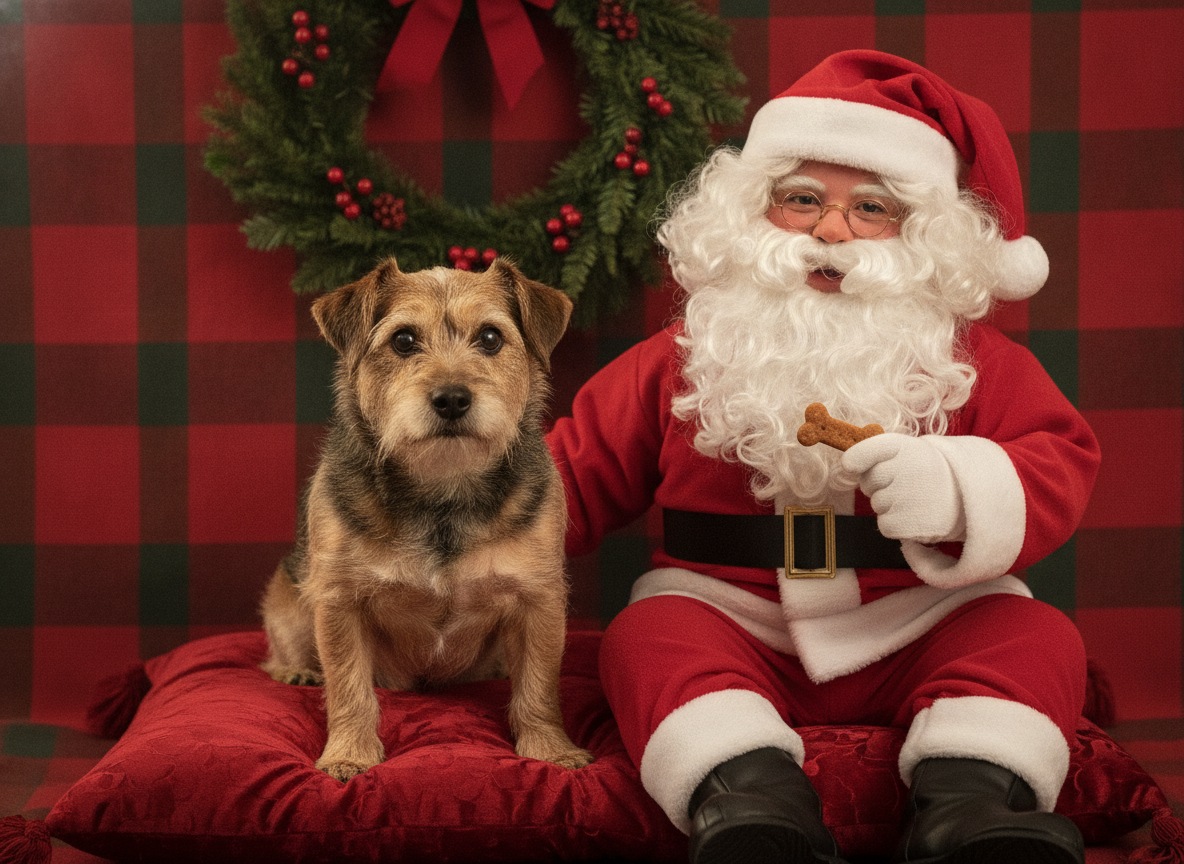
Example pet and Santa photos below use made-up pets and a generic costume, with no store branding. Each has a download button.
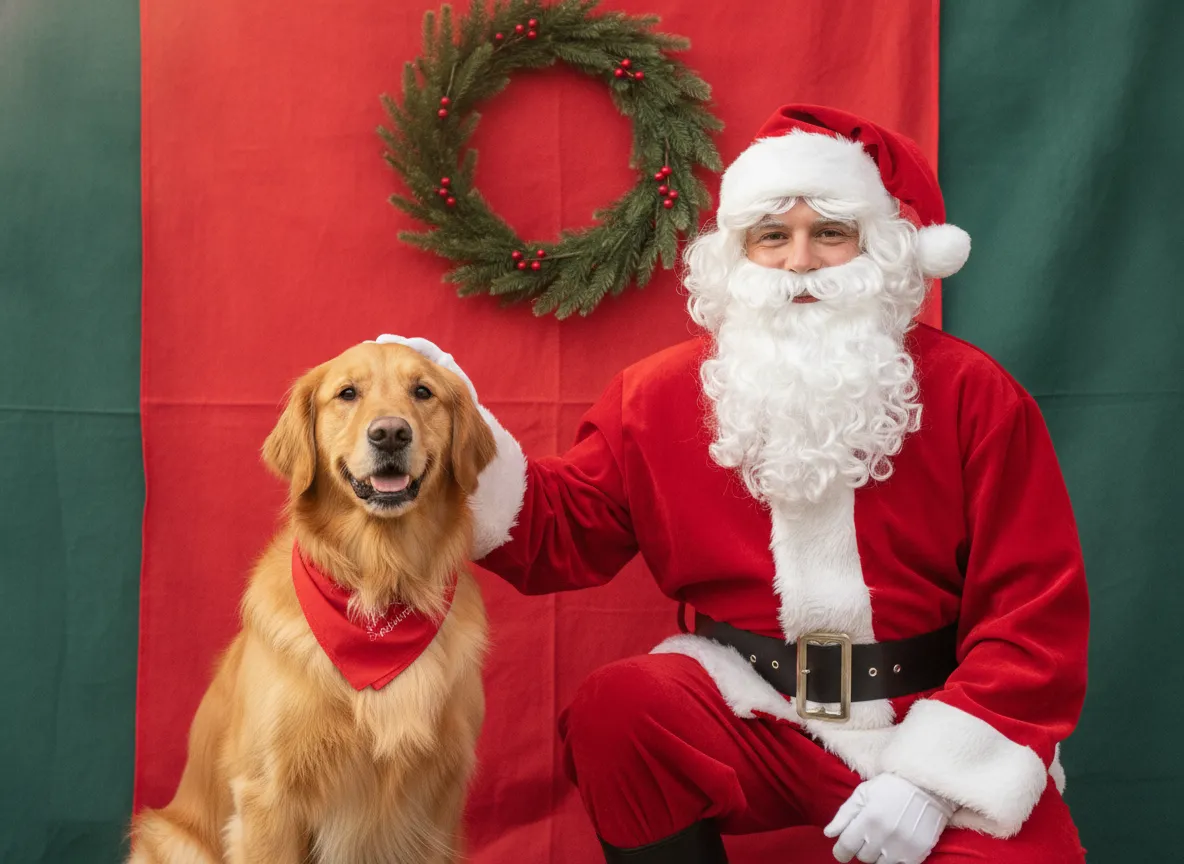
PetSmart Santa photos 2026: what's published
Everything in this section comes from PetSmart's own November 16, 2026 announcement as reported by news outlets. It's dated, so check your store before you go.
| Detail | As of November 2026 |
|---|---|
| Dates | Saturday and Sunday, December 12 and 13, 2026 |
| Hours | 2 to 5 p.m. local time each day |
| Where | PetSmart stores nationwide (store participation can vary) |
| Cost | Free. No purchase or donation is mentioned in the announcement |
| Check-in | In-store numbered ticket. No online booking is described |
| Santa | A store associate in a Santa costume with a festive backdrop |
| Pets | Dogs, cats and small pets, with an asterisk noting that restrictions may apply |
The photo delivery method hasn't been published. The announcement doesn't say whether you'll get an emailed file, a print, or only a chance to use your own phone, and it doesn't say how many photos you'll get. We'll update this page if PetSmart adds details.
How it works on the day
You arrive with your pet, ask for a ticket, and get a number. Then you wait wherever you like in the store. PetSmart's wording is that you can browse the aisles and listen for your pet's name over the speakers. When it's your turn, you step up to the backdrop and take the photo with Santa.
That's a change from earlier years. In 2025, the event ran December 13 and 14, from 2 to 5 p.m., and several local reports described reservations as recommended or required. For 2026, the published process is ticket check-in instead, so don't assume you can book a slot online. Arriving early on Saturday is the safest bet if you want a short wait, and a store that's busy will simply give you a later number.
Price, donation and booking
The 2026 event is described as free. The announcement doesn't mention a donation to PetSmart Charities or any required purchase. If a store asks for something, it's a local decision, so ask when you take your ticket.
As for booking, nothing published points to an online reservation for 2026. Check the official PetSmart events page or call your store the week of the event. If you've seen a booking link on social media, confirm it on PetSmart's own site first.
What to bring
PetSmart suggests a comfortable festive sweater, bow tie or bandana and says to try the outfit on at home first. A favorite treat or toy helps too. Beyond that, here's a short kit based on common sense, not on a store rule:
- A sturdy leash, or a carrier for cats and small pets, since a crowd with a stranger in a beard is a lot to take in.
- A few small treats and a toy that squeaks to get your pet looking at the camera.
- A water bottle and a collapsible bowl.
- A wipe or brush for a quick fix of the fur and the outfit.
- Your phone, in case you're allowed to take your own shot. The 2025 coverage said you could, and the 2026 announcement doesn't say.
Photo delivery and getting a good shot
Since delivery isn't published, plan for both outcomes. Ask the associate at check-in whether you can take your own photo, and if so, hand your phone to a friend so you can stay at your pet's eye level. Even if PetSmart emails a file, a second shot from your own phone costs nothing and gives you a backup. Take a quick test picture of your pet at home in the same outfit so you know which side of the face looks best.
Tips for nervous dogs and cats
Most pets don't love this. Santa is a big stranger in a loud room, which is a lot for a dog that startles at the doorbell. A few things make a real difference.
The shy terrier in the gallery above is the one to copy: the pet sits on its own cushion, Santa stays still and a treat does the persuading.
- Walk your dog around the parking lot first so the wiggles and the bathroom break are done.
- Arrive when the store is quieter, and let your pet sniff the area before it's called.
- Skip the outfit if your pet fights it. A plain collar photo beats a stressed one in a sweater.
- For cats, keep them in a carrier until the last moment and have a person your cat trusts hold them. Many cats do better with no photo than a bad one.
- Ask the associate to hold the pose for a few seconds only, and stop if your pet is panting, hiding or showing teeth.
Remember, if it goes badly, you didn't fail. Plenty of great pet Santa photos come from a living room.
If you want to know how other stores handle it
Our most-read guide on this, does Petbarn do Santa photos, covers the Australian side of the same tradition. For human kids, see how to book Santa photos, and for price context there's how much Santa photos cost.
Can not get to a store? Make a pet Santa photo from one picture in PicsMas.
Sign up for PicsMasGet PiXmas on the App StoreHow to make a pet Santa photo at home with PicsMas
This is the no-waiting version. You don't need a ticket, a crowd or a costume your cat will refuse to wear.
- Take a clear photo of your pet, in daylight if you can, with the face and eyes visible.
- Sign up at PicsMas, or open the PiXmas app on iPhone.
- Choose a Santa style, such as a pet sitting beside Santa in front of a red backdrop, and upload the photo.
- Check the result, then download it or use it on a card.
No prompt writing is needed, because you pick the style and PicsMas does the rest. It works for dogs, cats, rabbits and most other pets, and you can do your whole household in one afternoon. Want more detail? Read Santa photo with a dog, Santa photos at home and add Santa to a photo.
Make your own in PicsMas: upload one photo and get a finished Christmas picture in about a minute.
Sign up for PicsMasGet PiXmas on the App Store