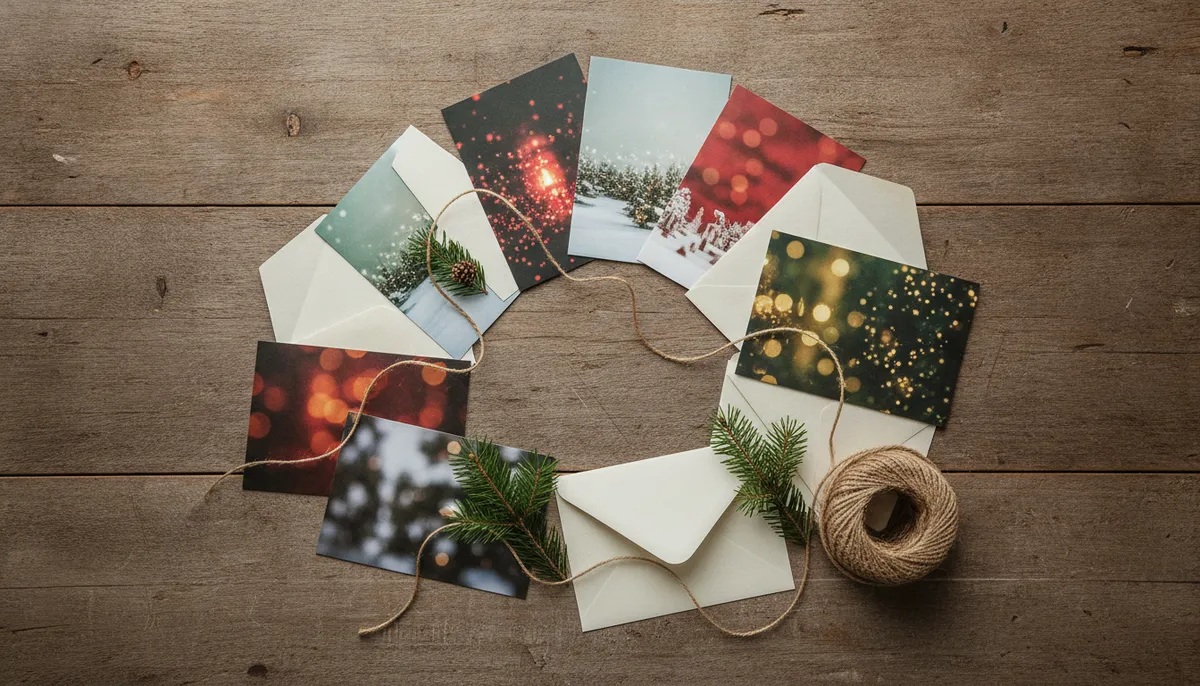
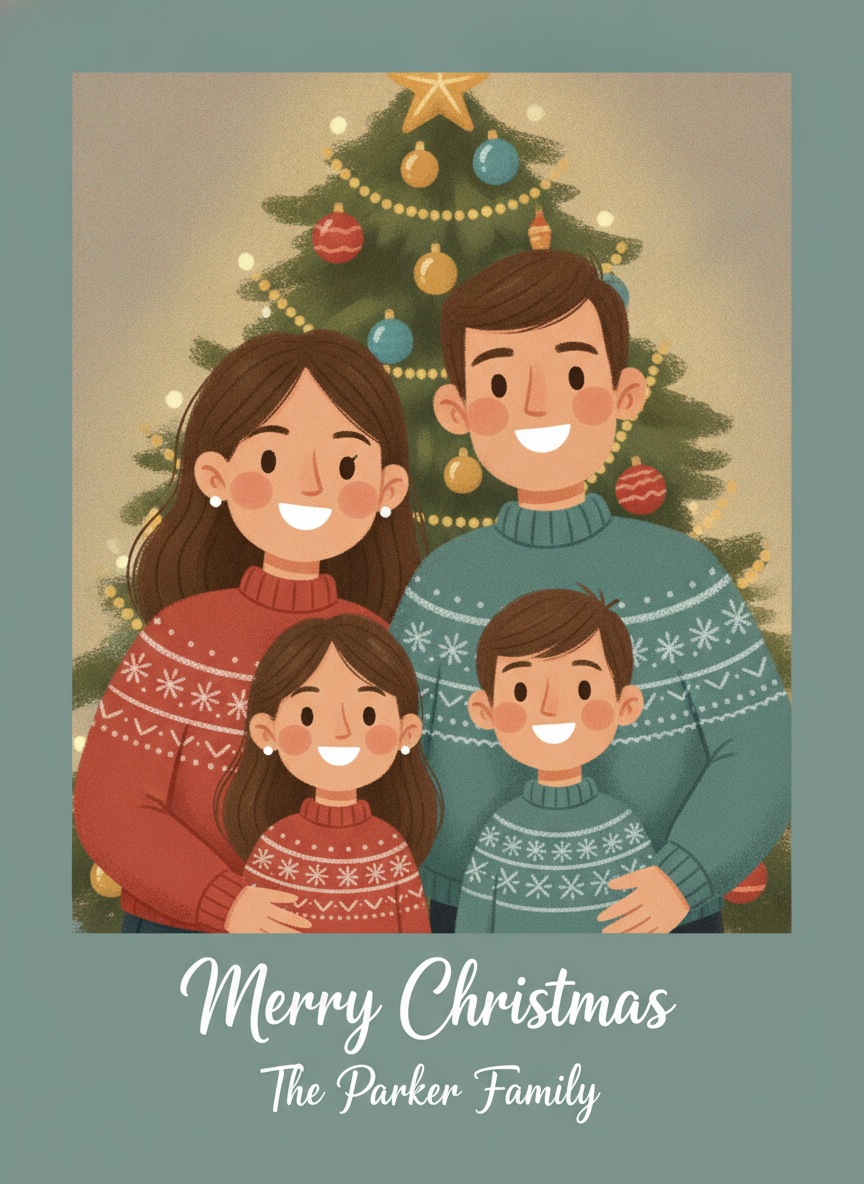
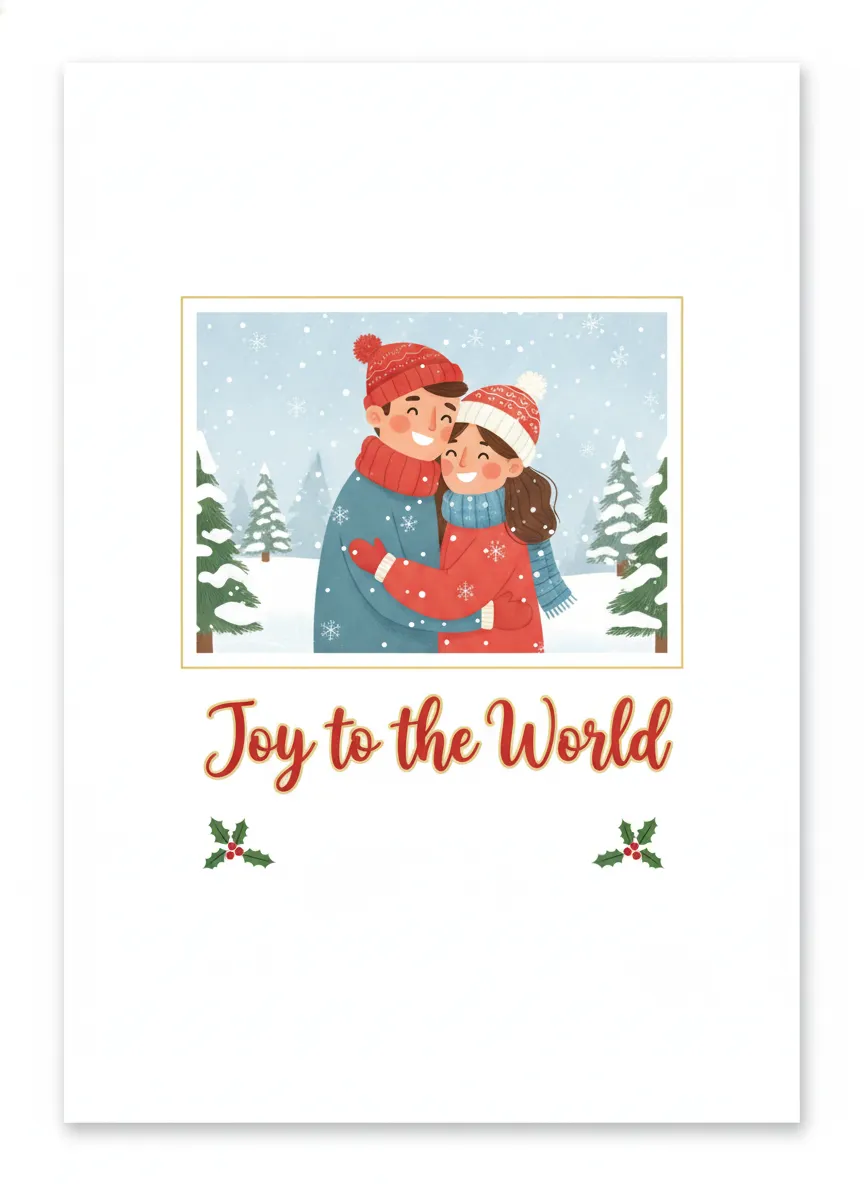
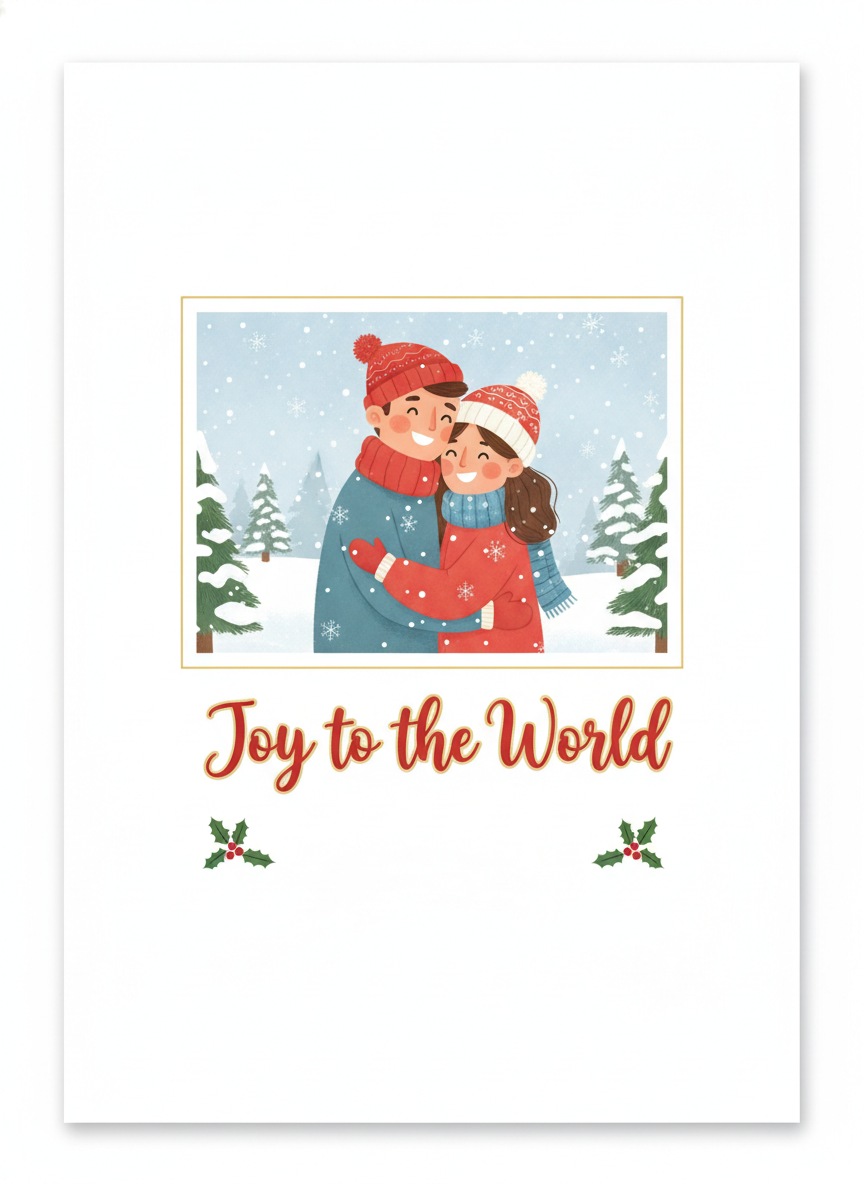
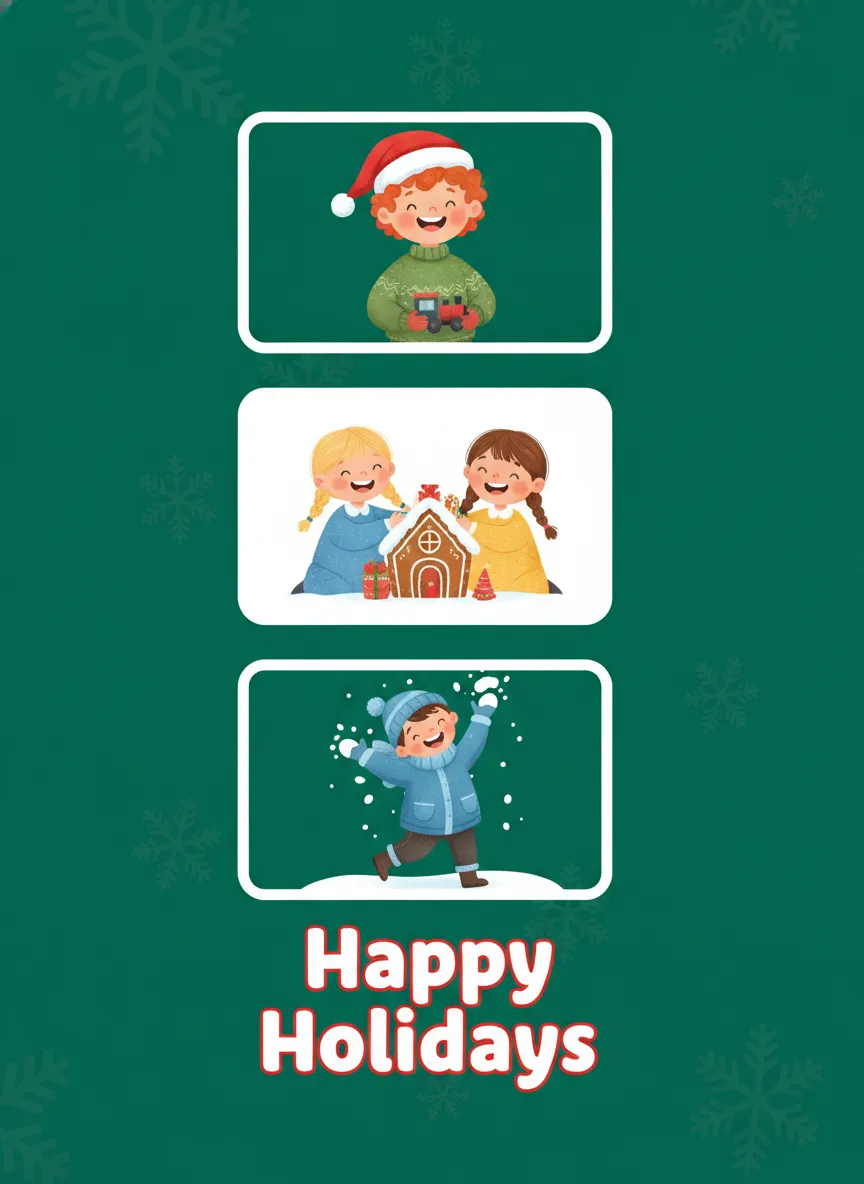
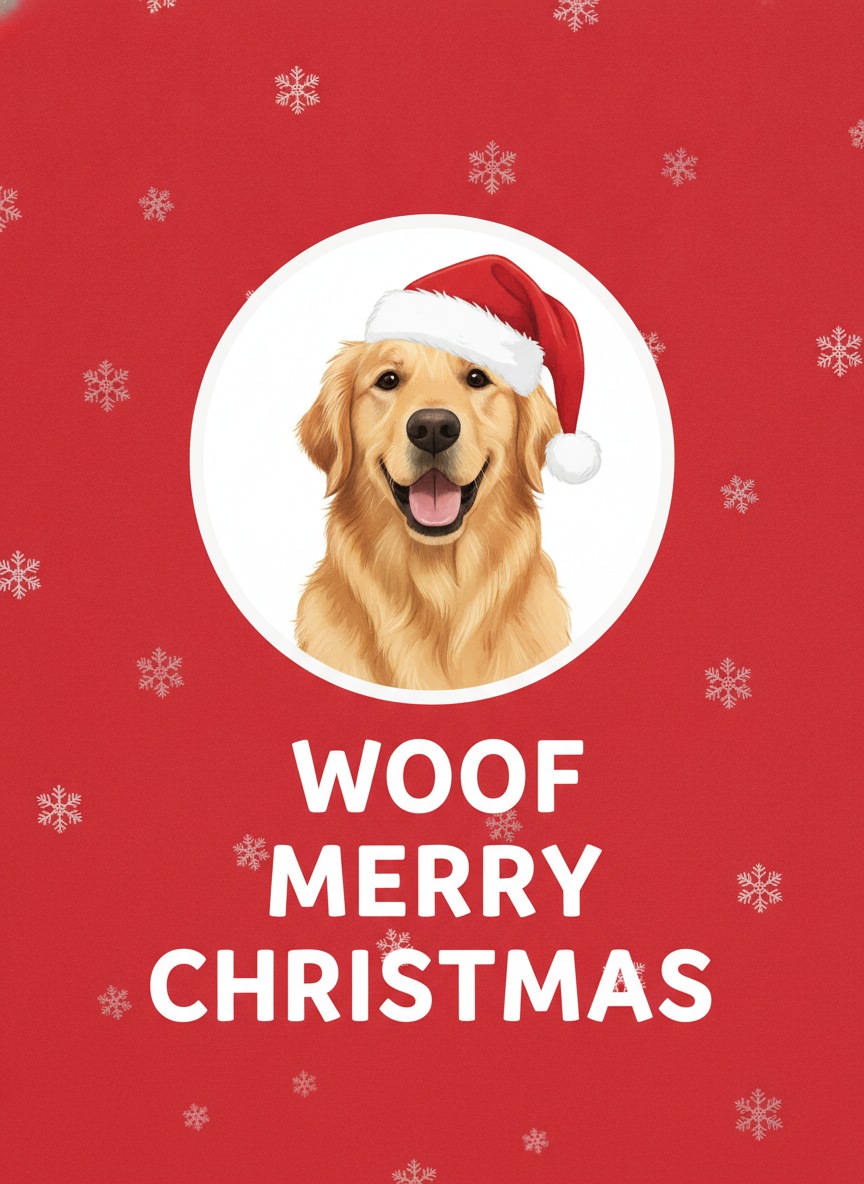
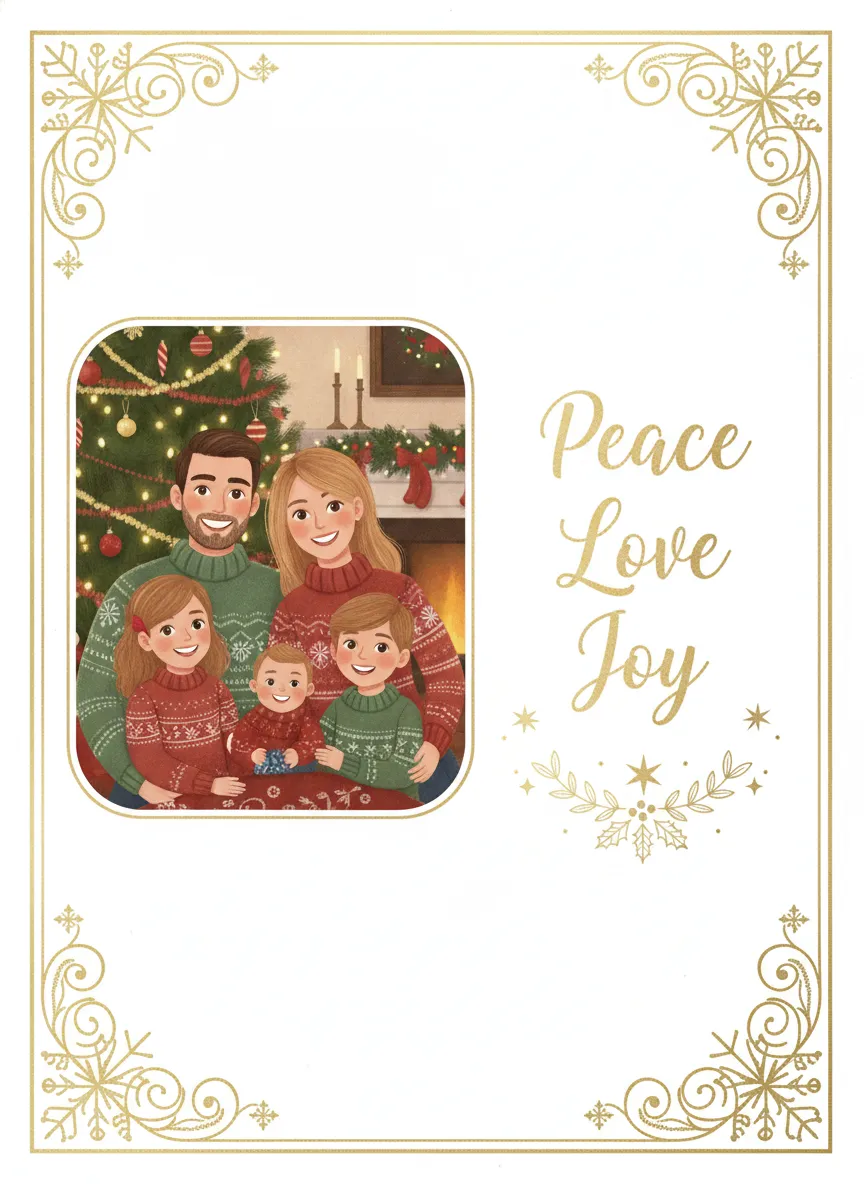
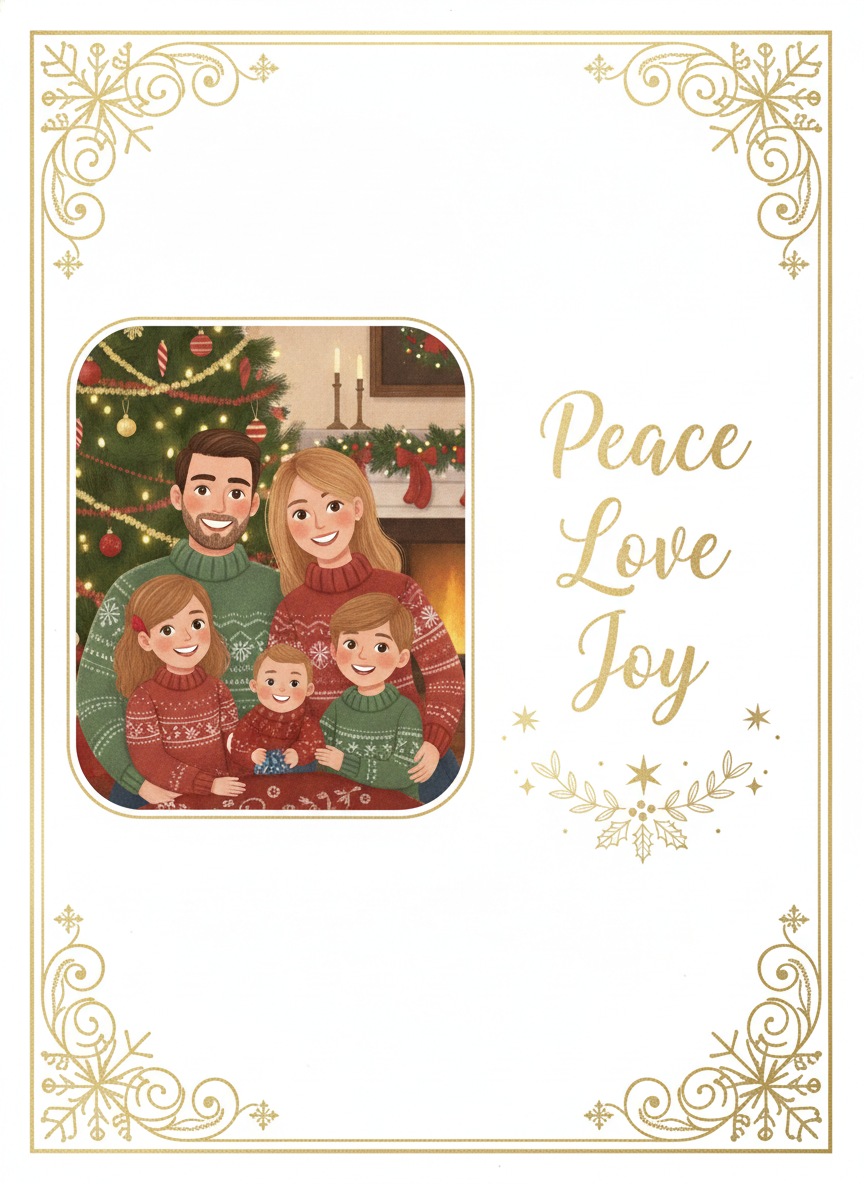
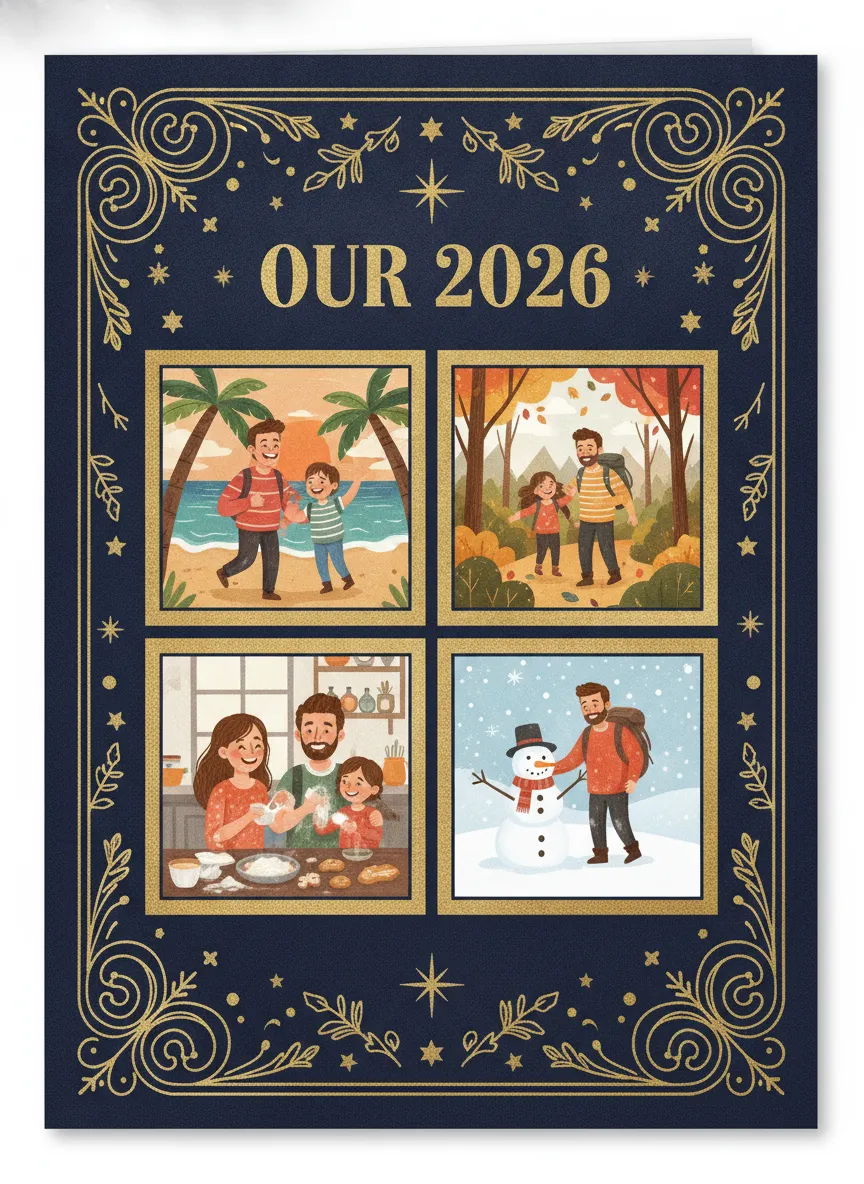
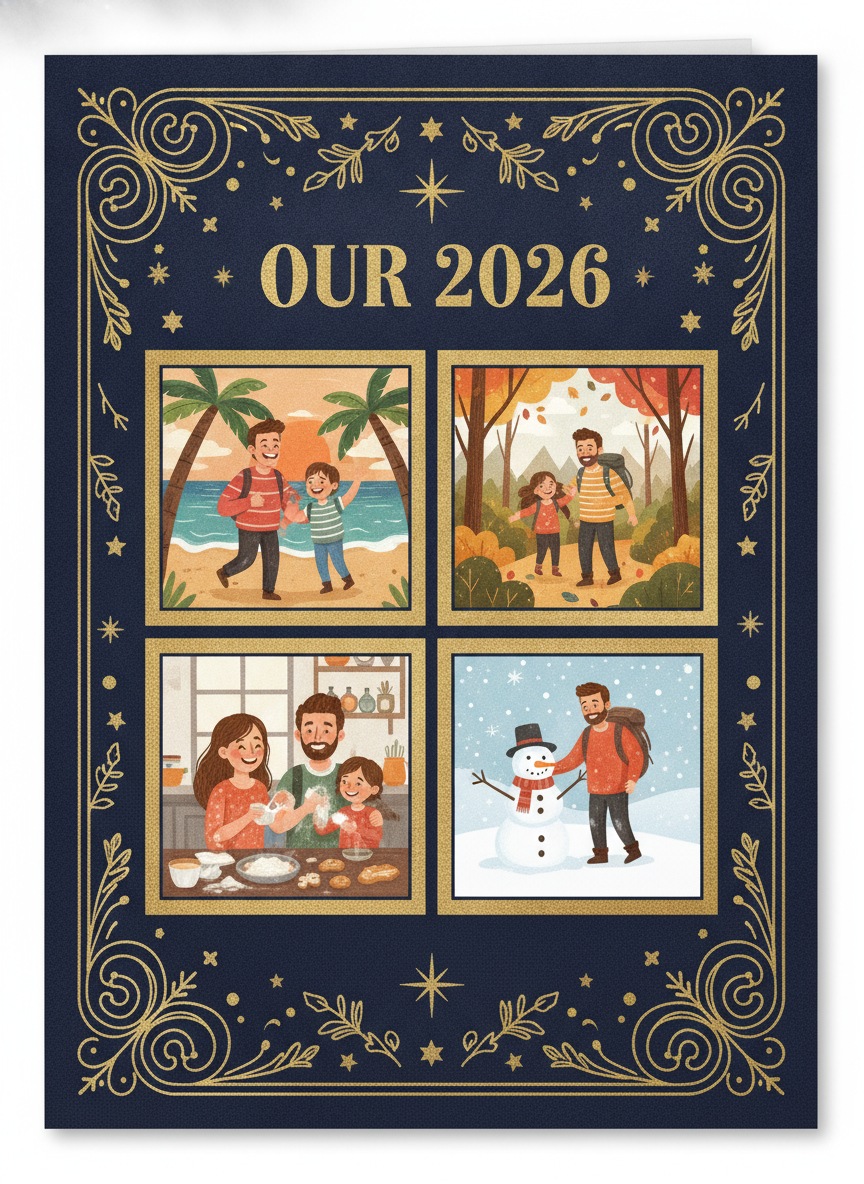
These six designs are original examples with made-up people and no store branding. Use them as layout ideas when you build your own card, and download any you like.
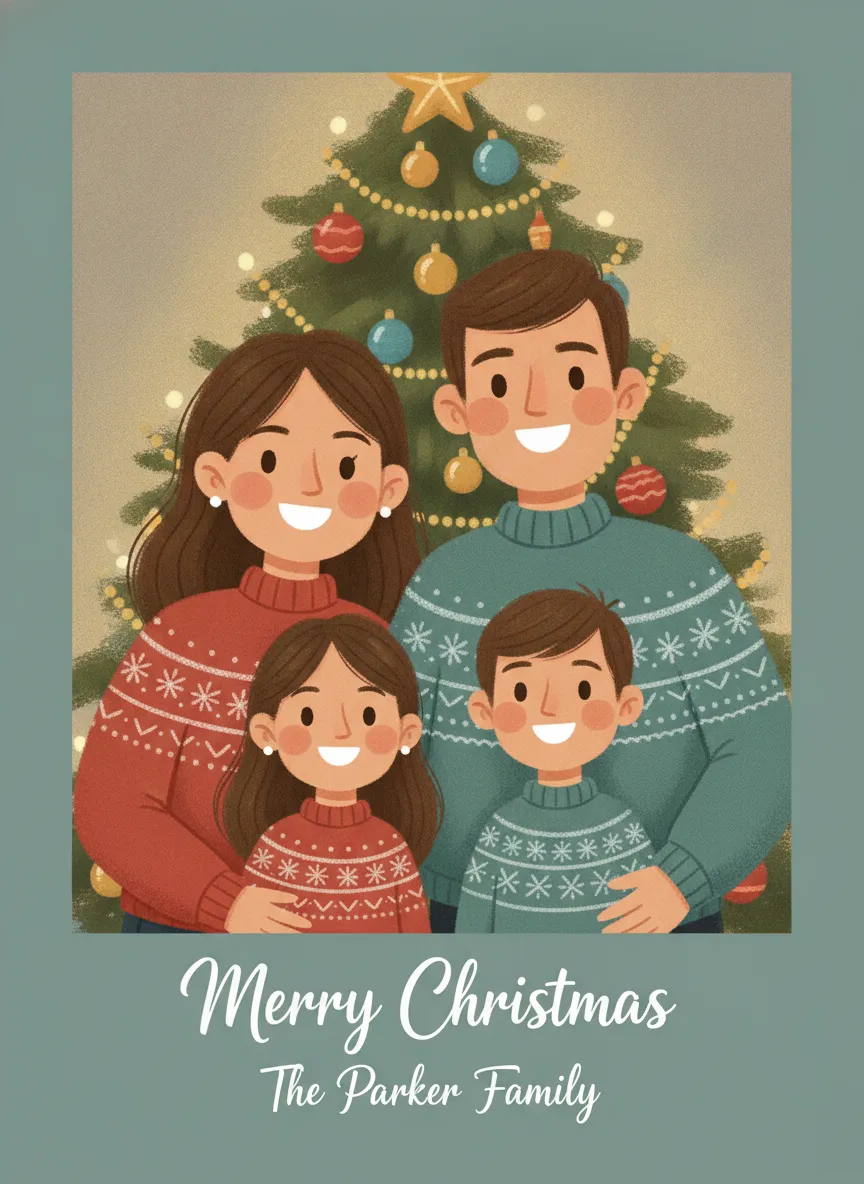

Walgreens photo Christmas card sizes and paper
Based on Walgreens Photo's current Christmas card pages, the main formats are these.
| Format | What the site says |
|---|---|
| 4x8 photo-paper cards | Printed on glossy photo paper, a slim postcard-style card |
| 5x7 premium cards | Premium cardstock, square or rounded corners, some foil options |
| 5x7 flat stationery cards | Flat cardstock, generally with envelopes |
| 5x7 magnet cards | Offered for some designs, eligible for Mail-for-Me |
Finishes depend on the card. Options can include glossy photo paper, standard or premium cardstock, gold foil and different corner styles. Walgreens says special trims are limited to premium cardstock, and rounded trim is available for same-day pickup. The 2026 collection also lists a scalloped trim as a same-day option. Availability varies by design, so the product page is the final word.
My take: glossy photo paper makes faces look sharp but shows fingerprints and doesn't take a pen well. If you plan to write a note inside every card, go with cardstock.
Same-day pickup and turnaround
Select cards can be customized online and collected the same day at a participating Walgreens. Whether yours qualifies depends on the size, paper, trim, quantity and the store's equipment. The design page tells you before you pay. Walgreens also describes an "order today by 9 PM" section that shows estimated dates, though the cutoff varies by product and location.
If you choose delivery, here's what Walgreens lists as typical.
- Ship to store, free on eligible products: about 5 to 10 business days.
- Home delivery: about 3 to 10 business days.
- Mail-for-Me, where Walgreens addresses and mails the cards, is listed for 5x7 premium cardstock and 5x7 magnet cards.
Walgreens recommends mailing cards at least 7 to 10 days before Christmas, while noting that holiday mail can run late. I couldn't find one universal 2026 deadline published. Use the estimate on your cart, and treat the first week of December as a safe target for anything that has to arrive by the 25th.
How to order Walgreens Christmas cards online
- Open the Christmas cards collection on Walgreens Photo.
- Choose a design, or pick an upload-your-own option.
- Select the size, paper, trim, foil, greeting and quantity.
- Upload your photos and adjust the text and layout.
- Choose Same Day Pickup, Ship to Store or Mail Order, where offered.
- Pick a store, read the ready-by or delivery estimate and check out.
How to order in the Walgreens app
The flow is similar. Sign in, open Photo, choose Cards, pick a template or your own design, then choose a store for pickup or select shipping. The app may show a different pickup date than the website, because same-day printing depends on that store.
Prices and coupons
Prices change with the card type, quantity and promotion, so check the final cart total instead of trusting a number you saw last week. Walgreens Photo runs frequent seasonal promotions, such as percentage-off photo sales, free same-day pickup on selected sets and offers on return-address printing. Codes expire quickly and often apply to certain designs or to signed-in accounts only, so I haven't listed any here. Look at the promotions banner on the photo site and in the app on the day you order.
Need the photo first? Make a finished Christmas picture in PicsMas, then use it in any card layout.
Sign up for PicsMasGet PiXmas on the App StoreBoxed cards in the aisle vs custom photo cards
People searching for Walgreens Christmas cards sometimes mean the boxed greeting cards on the seasonal shelf, not the photo kind. Stock and brands differ by store, so a quick call or a look at the store's page beats a wasted trip. Boxed cards are fine for a few teachers and neighbors. A photo card is better for the relatives who want to see how big the kids have grown, and it avoids the problem of 30 cards that all look like everyone else's.
Mistakes that cost you a card run
- Uploading a low-resolution image. Use the original file from your phone, not a copy sent through a chat app, or the photo can print soft.
- Picking a design with a text box over faces. Move the greeting, or pick a layout with the picture and message in separate areas.
- Ordering the exact number you need. Add a few spares for misaddressed envelopes.
- Skipping the proof. Zoom in on every face and every line of text before you pay, especially names and the year.
- Choosing a pickup store at random. Pick one you pass on your commute, and check its hours so the cards aren't waiting after closing.
Walgreens vs Costco vs Shutterfly
Walgreens' selling point is speed and a store near you. If you need cards today, pickup is hard to beat, and you can see the printed card before you leave. Mail-order printers usually trade that speed for shipping time, so compare the design range and paper options on each site. Our detailed Costco photo Christmas cards vs Shutterfly comparison covers those two. Choosing between all of them comes down to deadline, quantity and how picky you are about paper.
A quick rule. Pick Walgreens when time is short and the list is small. Pick a mail-order printer when you want more layouts and have two weeks. If you'd rather skip the trip to the mailbox, ChristmasCard.io (christmascard.io) prints and mails cards for you. Our guide to photo Christmas cards covers layouts, sizes, how many to order and USPS mailing dates for every printer.
Get a better photo before you print
The card is only as good as the picture on it. Upload the original file, not a screenshot, and check that eyes are open and nobody is half cut off at the edge. If the family photo isn't good enough, or the living room is a mess, PicsMas can turn it into a finished Christmas picture with a tree, snow or a warm fireplace behind you. You pick a style and upload one photo. See AI Christmas card maker for how that fits into a card, and family Christmas card from one photo for a single-photo layout.
Make your own in PicsMas: upload one photo and get a finished Christmas picture in about a minute.
Sign up for PicsMasGet PiXmas on the App Store