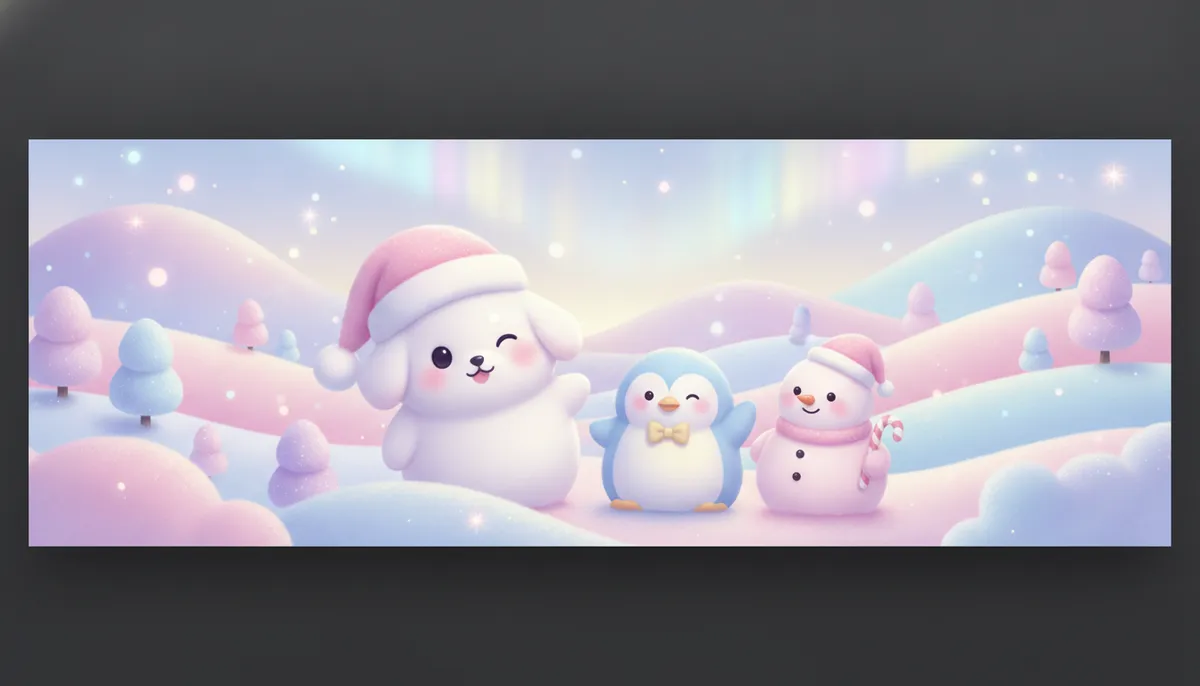
Cute Christmas wallpaper for your phone
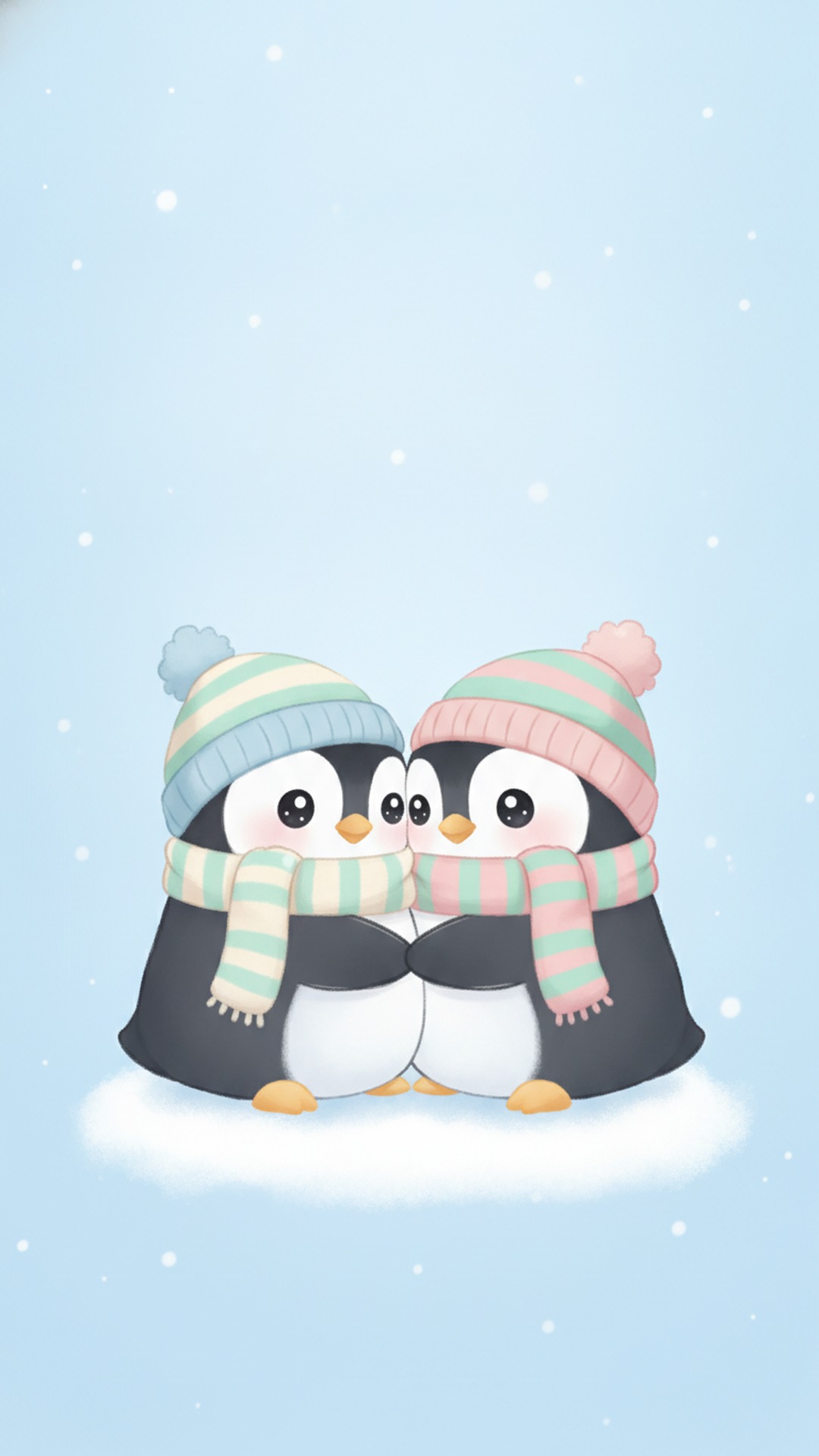
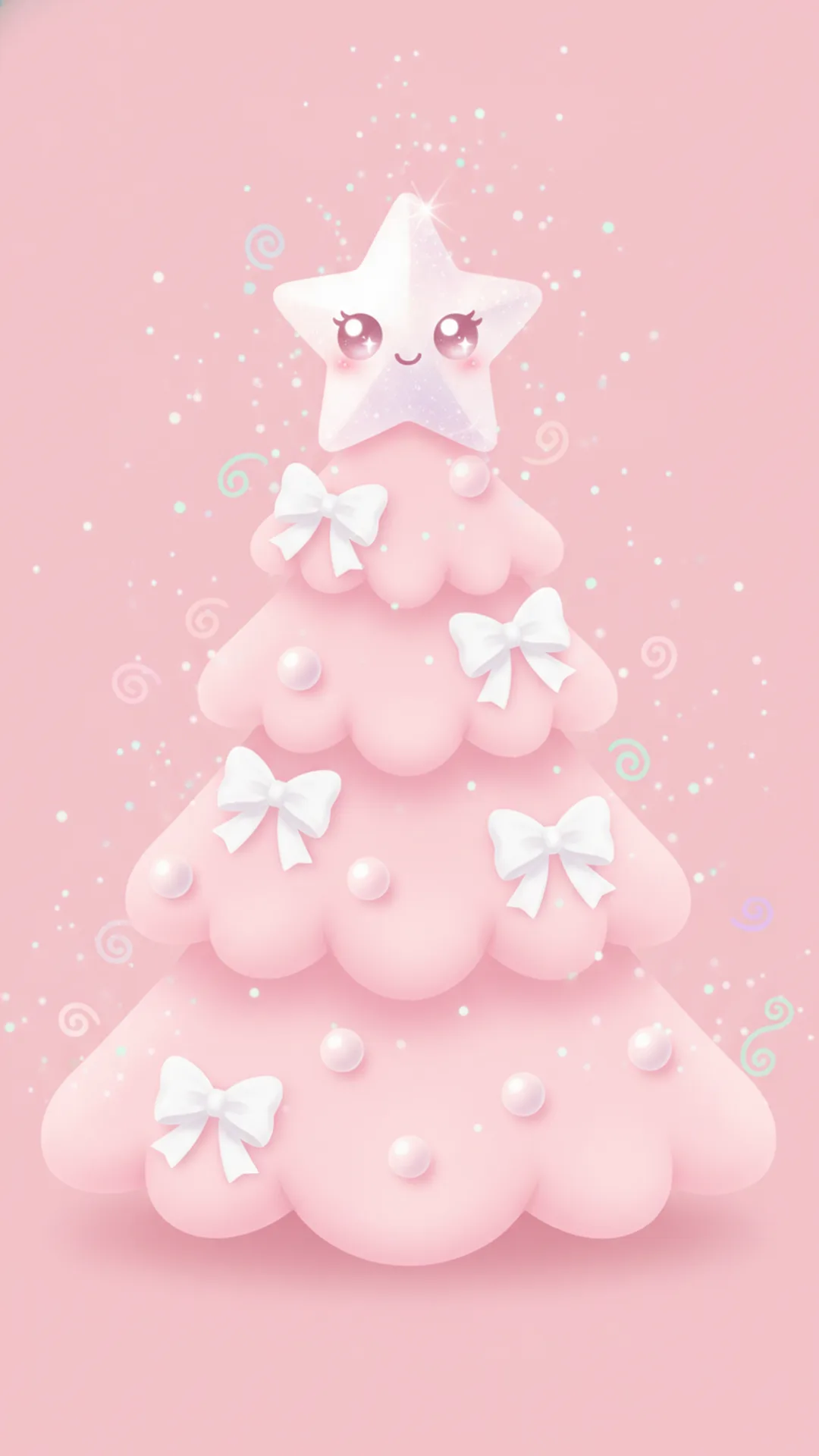
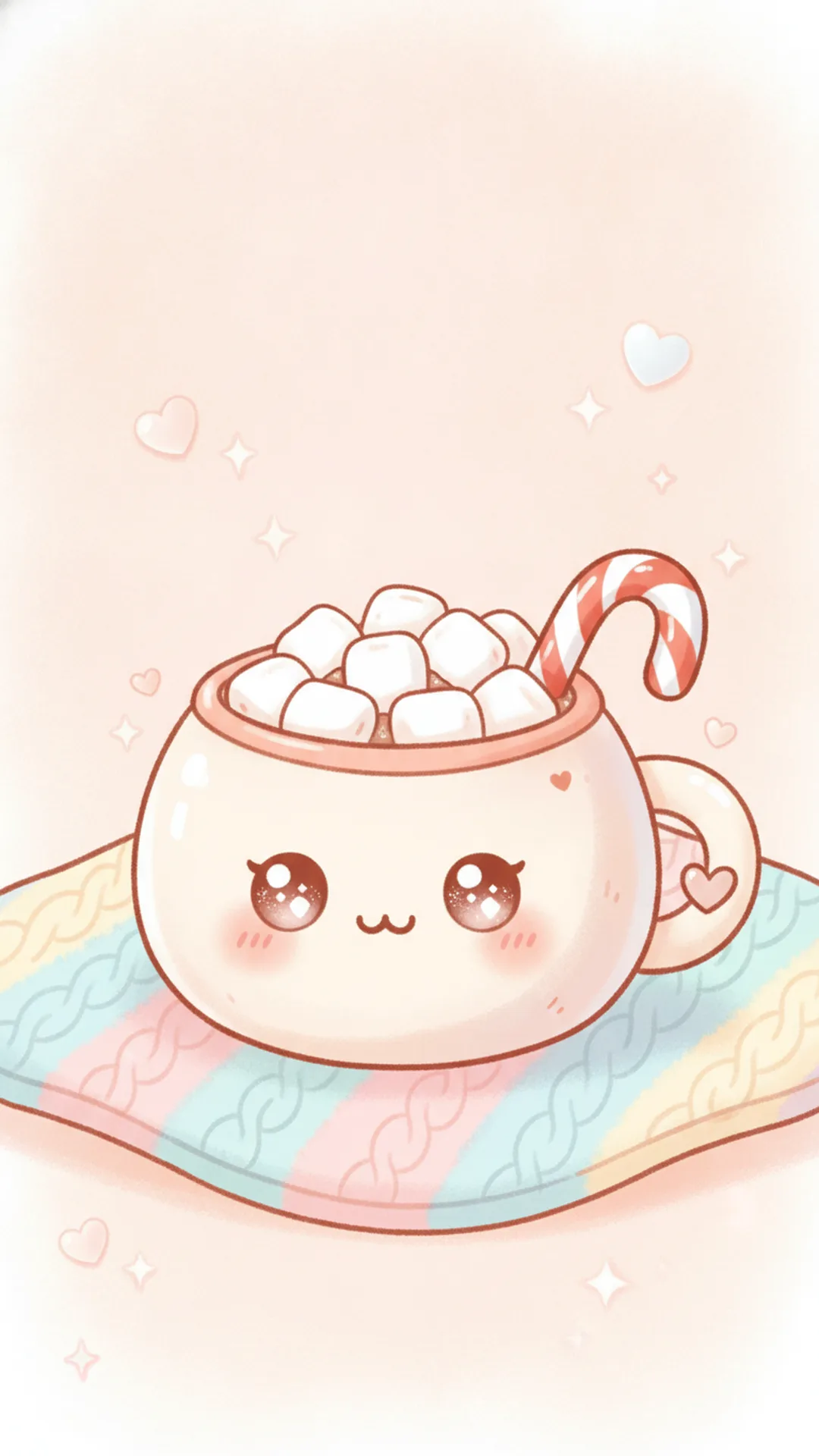
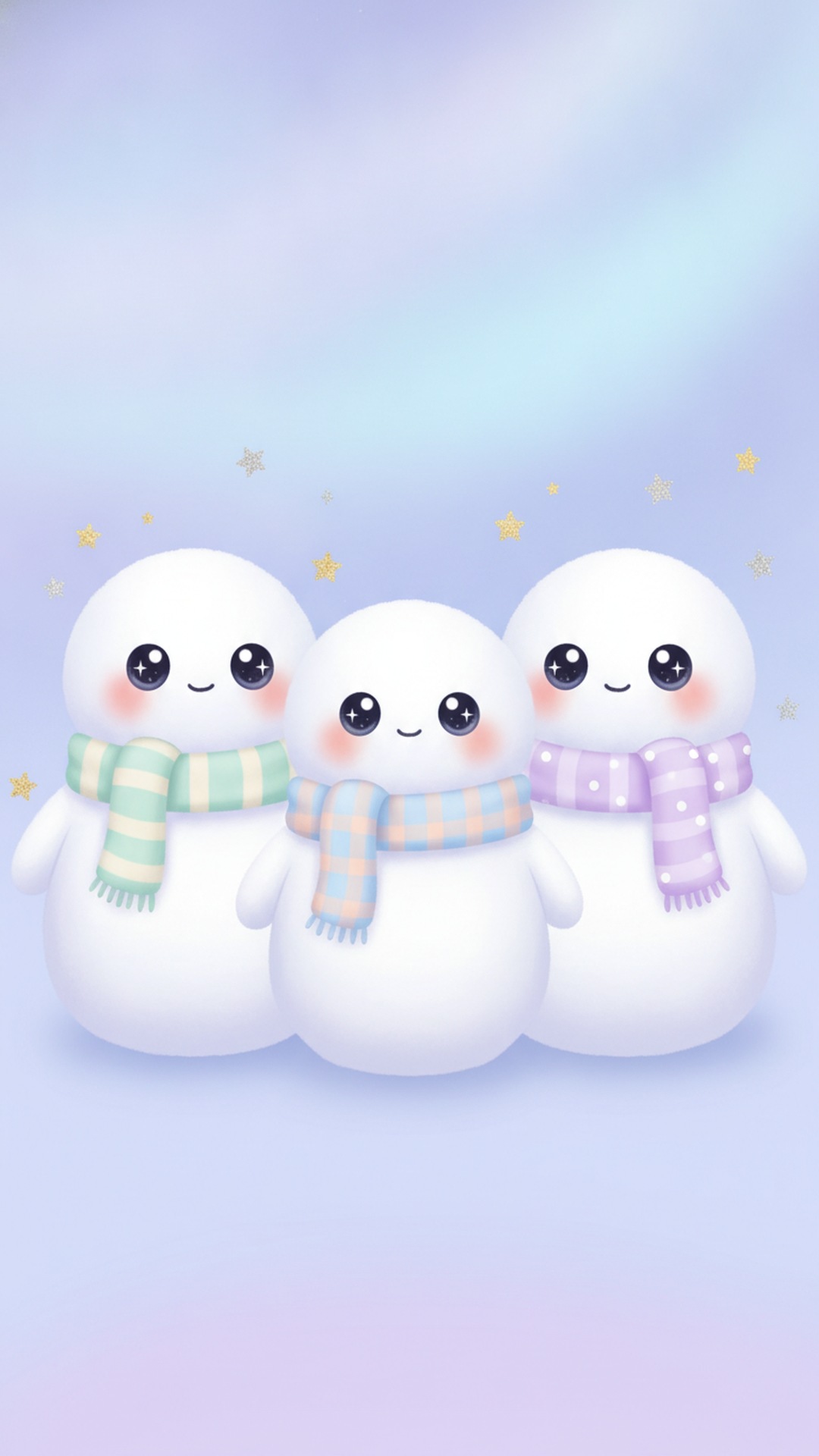
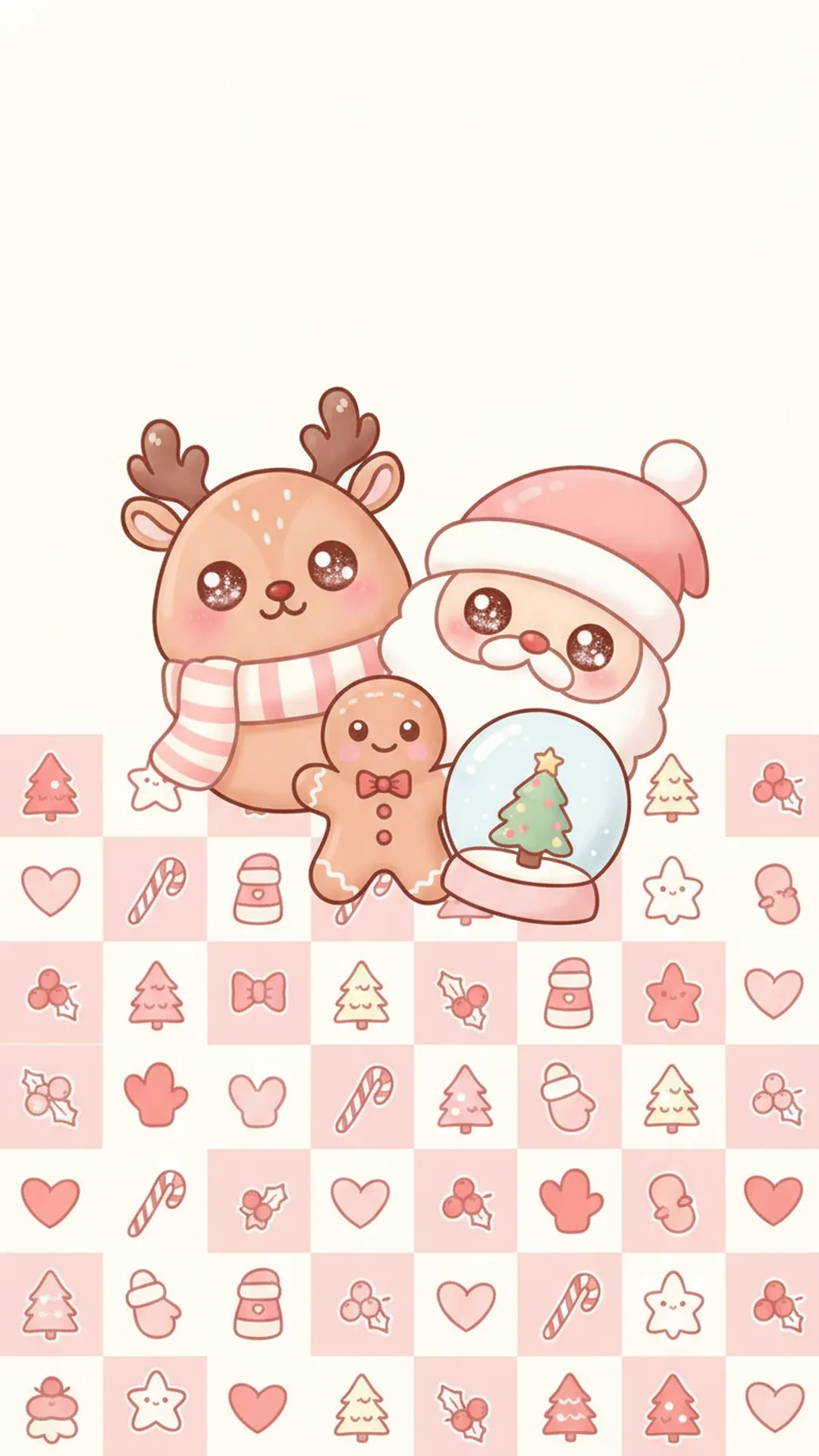
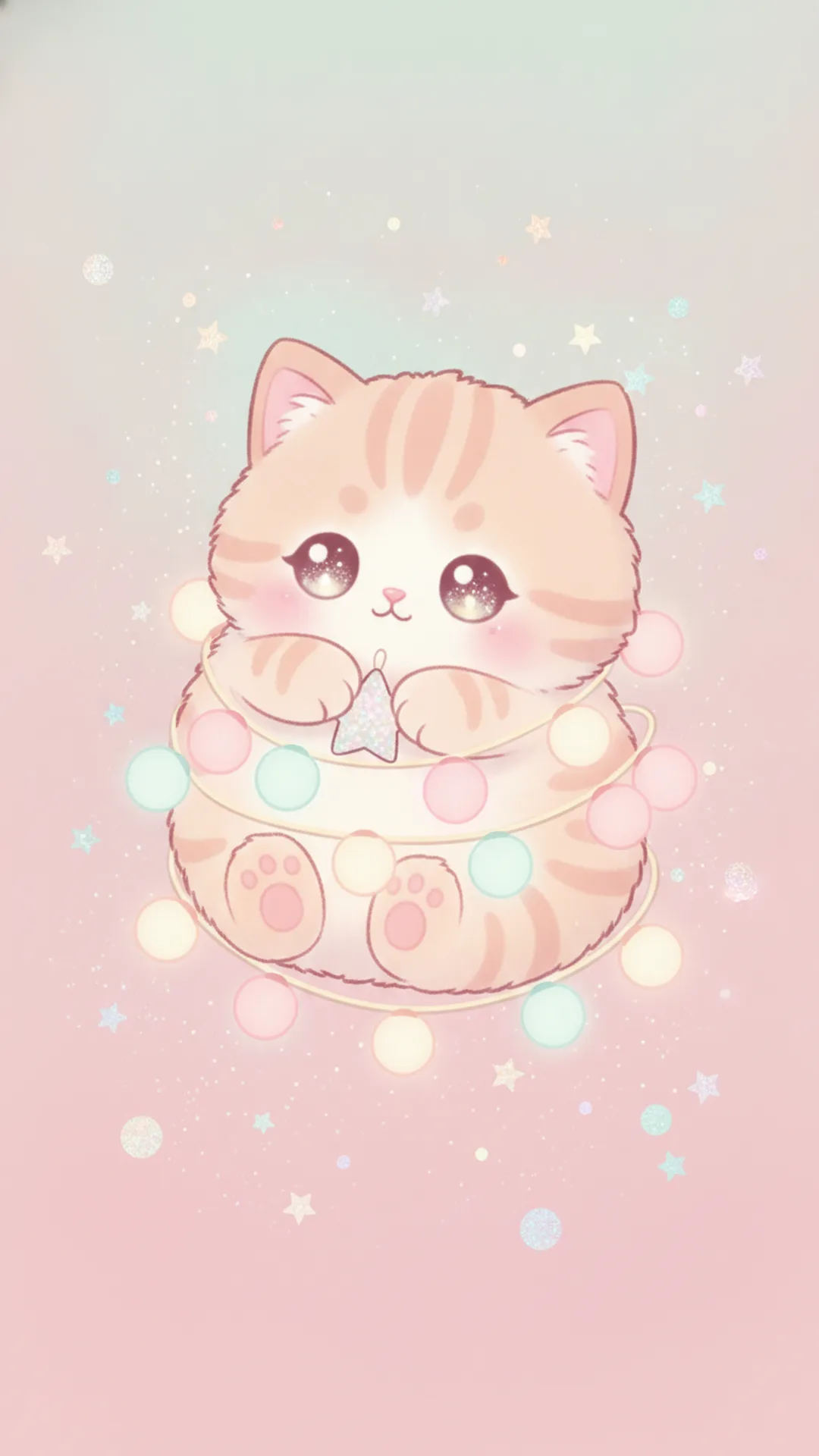
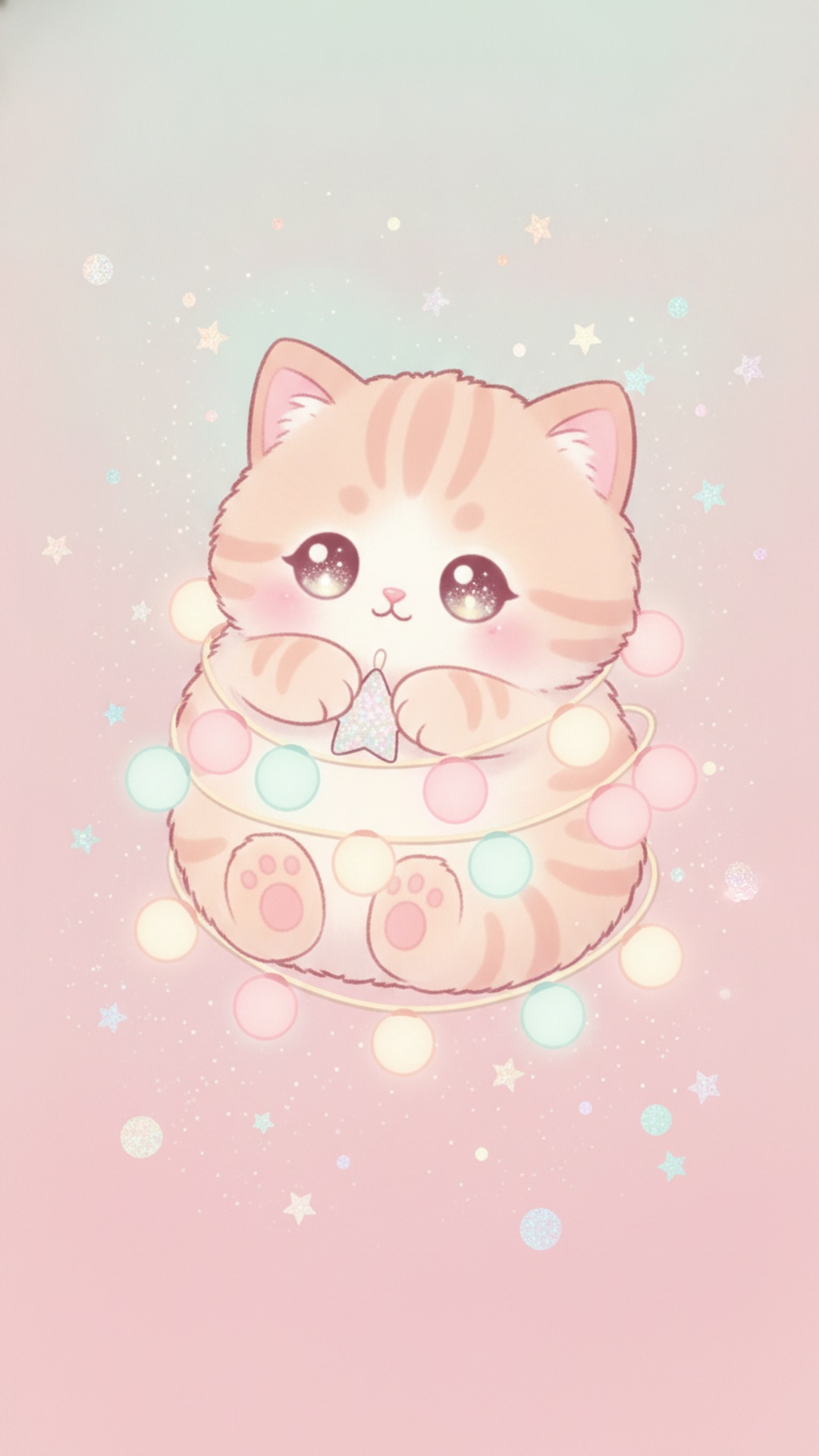
These nine are 9:16 JPGs at 1080 by 1920 pixels, with the cute part in the middle so a phone's taller screen doesn't cut it off. The sky or the blank space near the top is left calm on purpose, because your clock and notifications sit there on a lock screen and you don't want a puppy's face behind them.
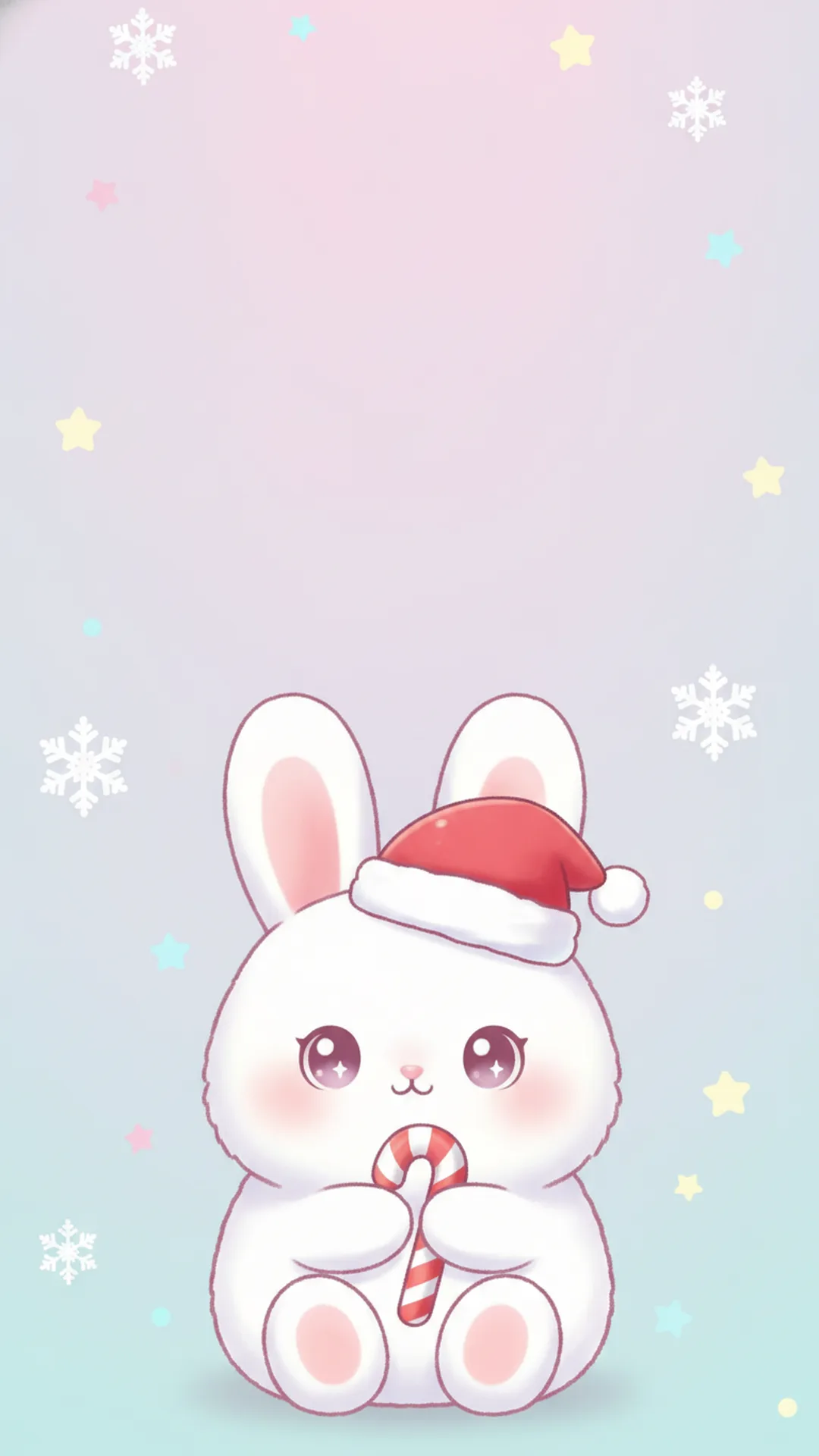
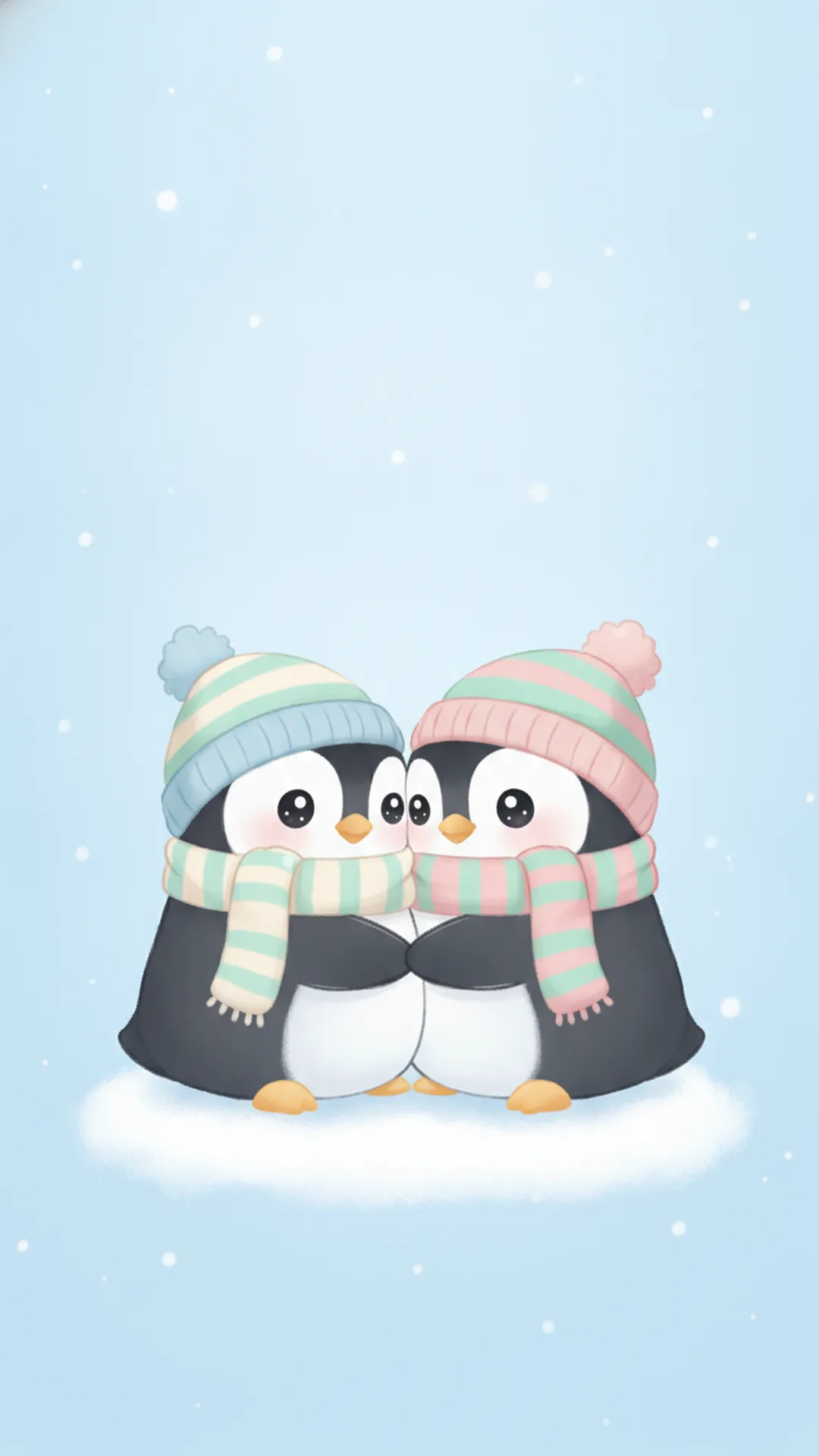


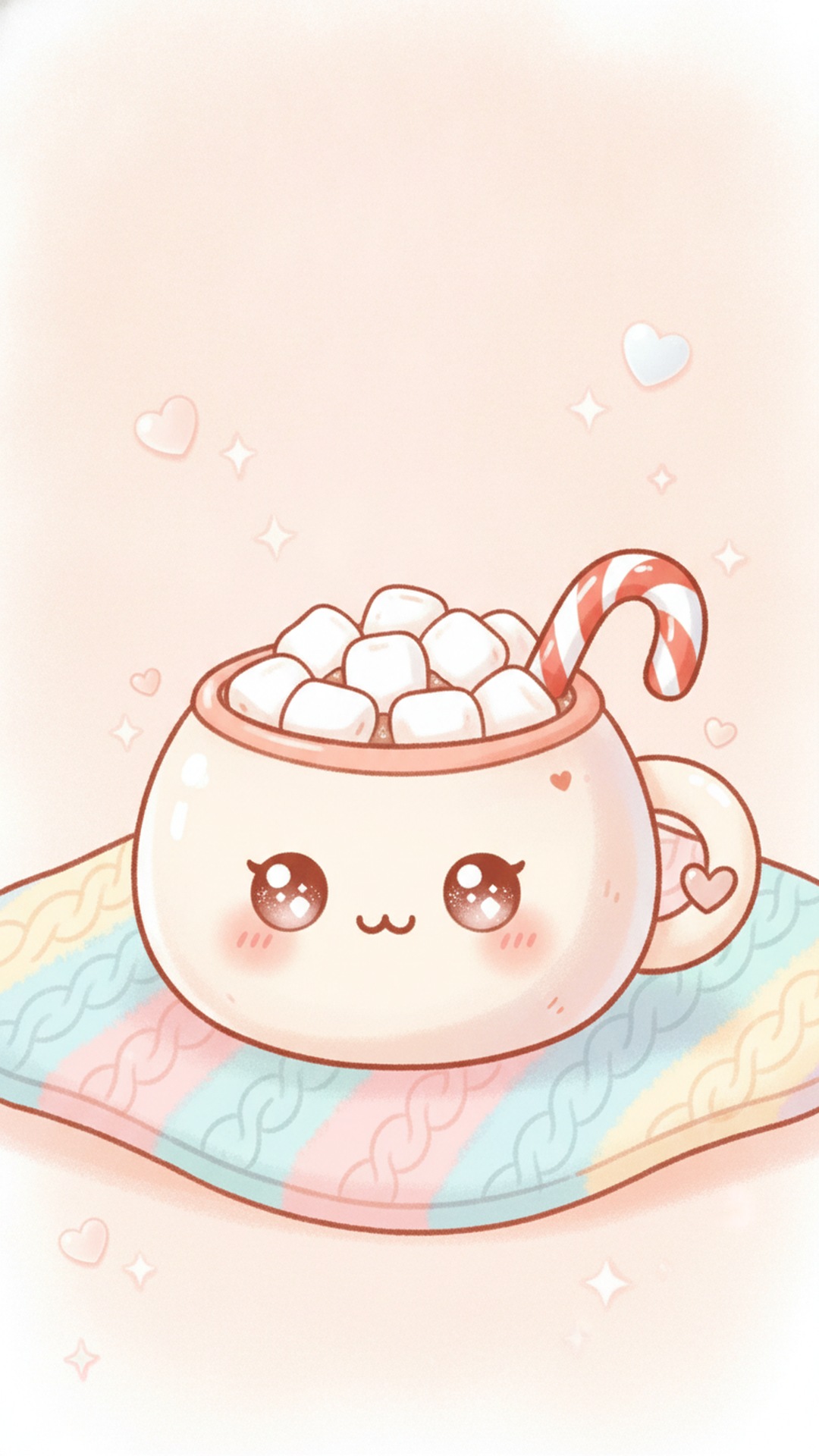
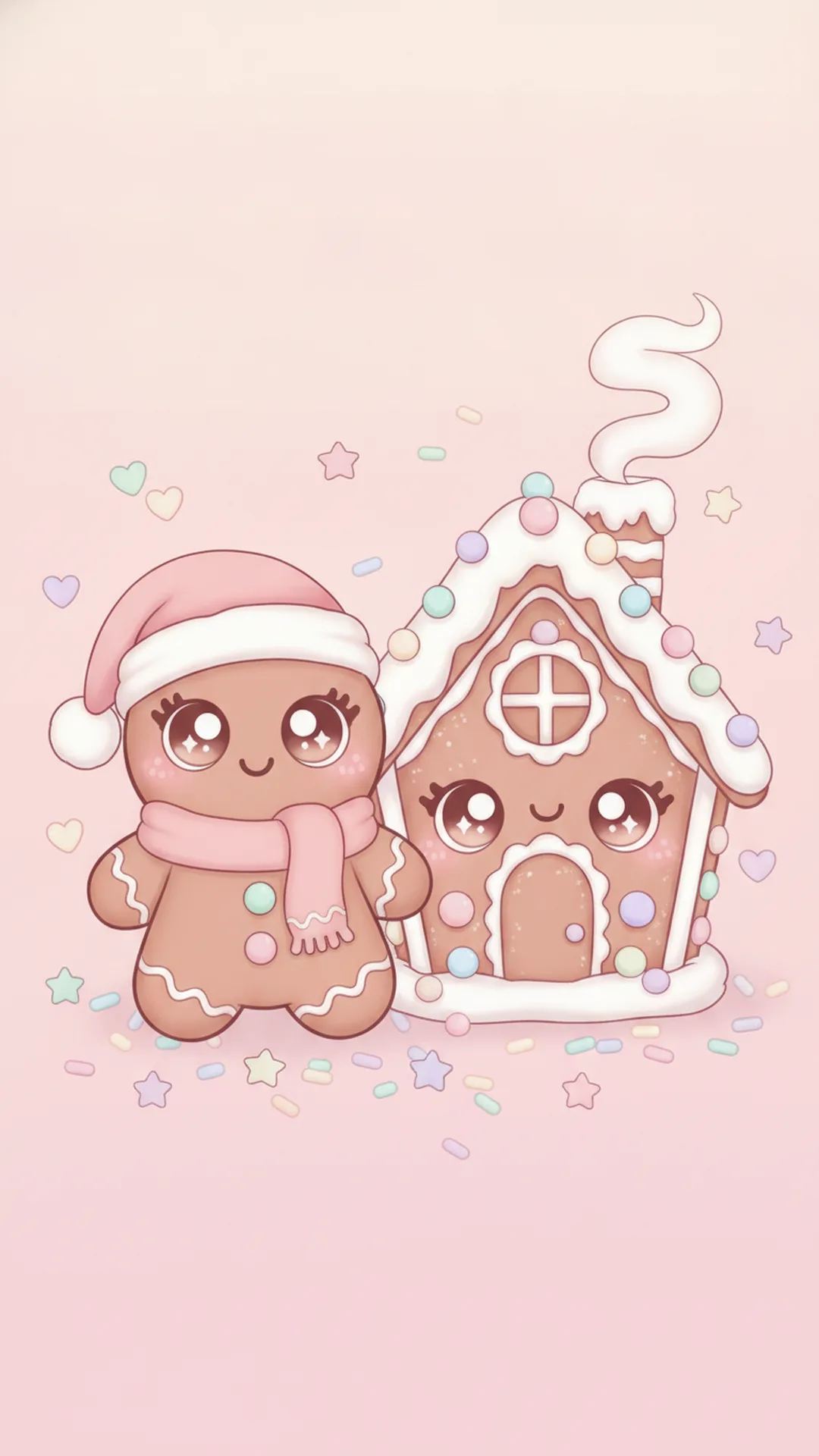
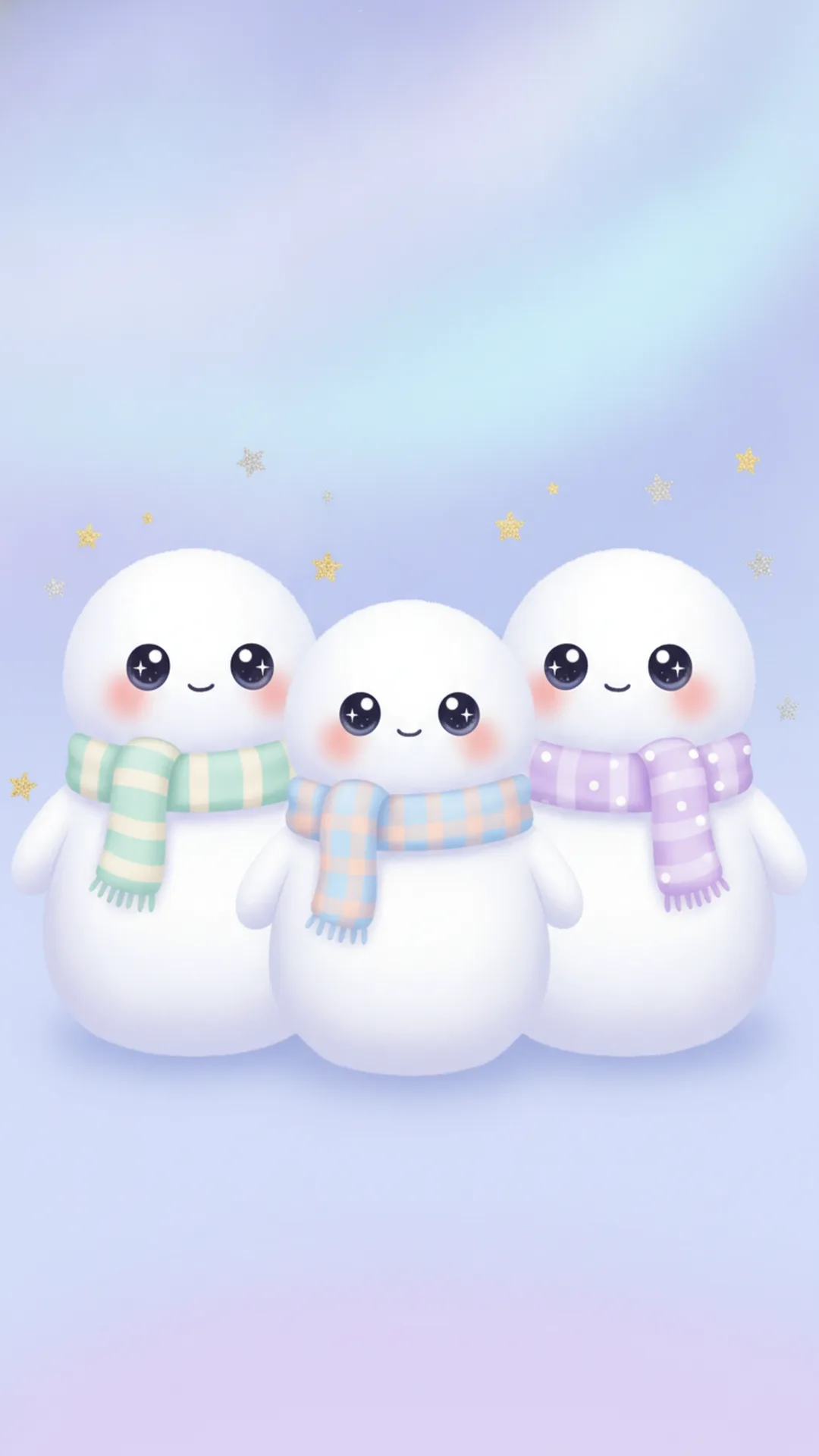
Cute Christmas backgrounds for desktop and laptop
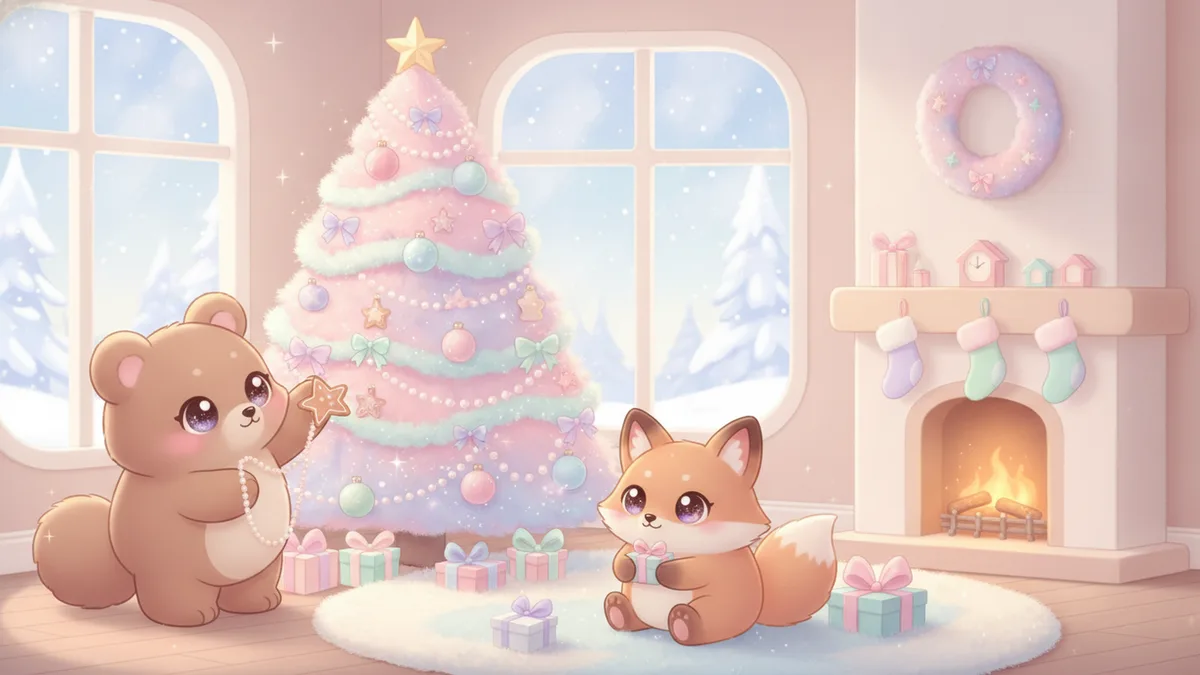
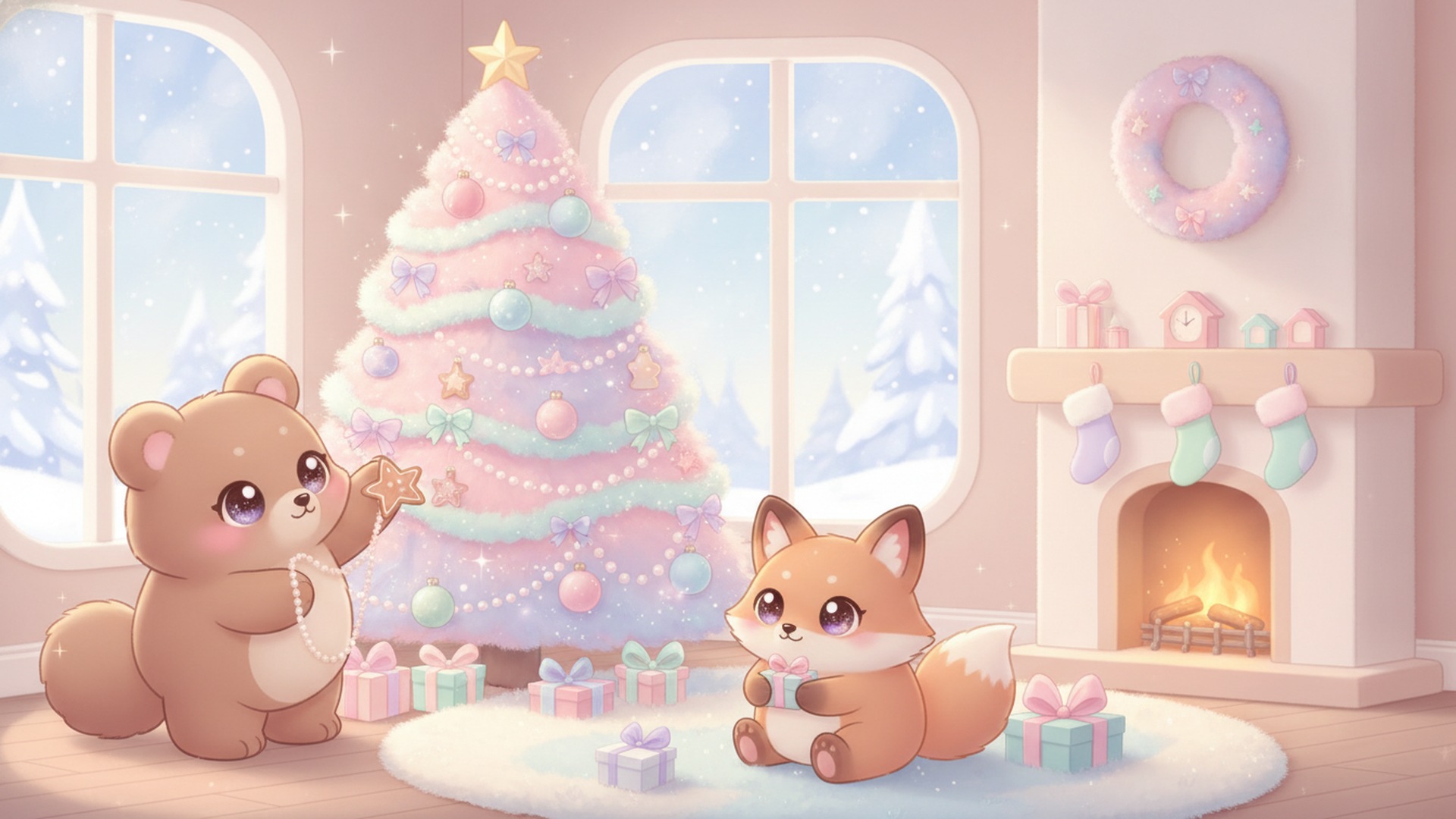
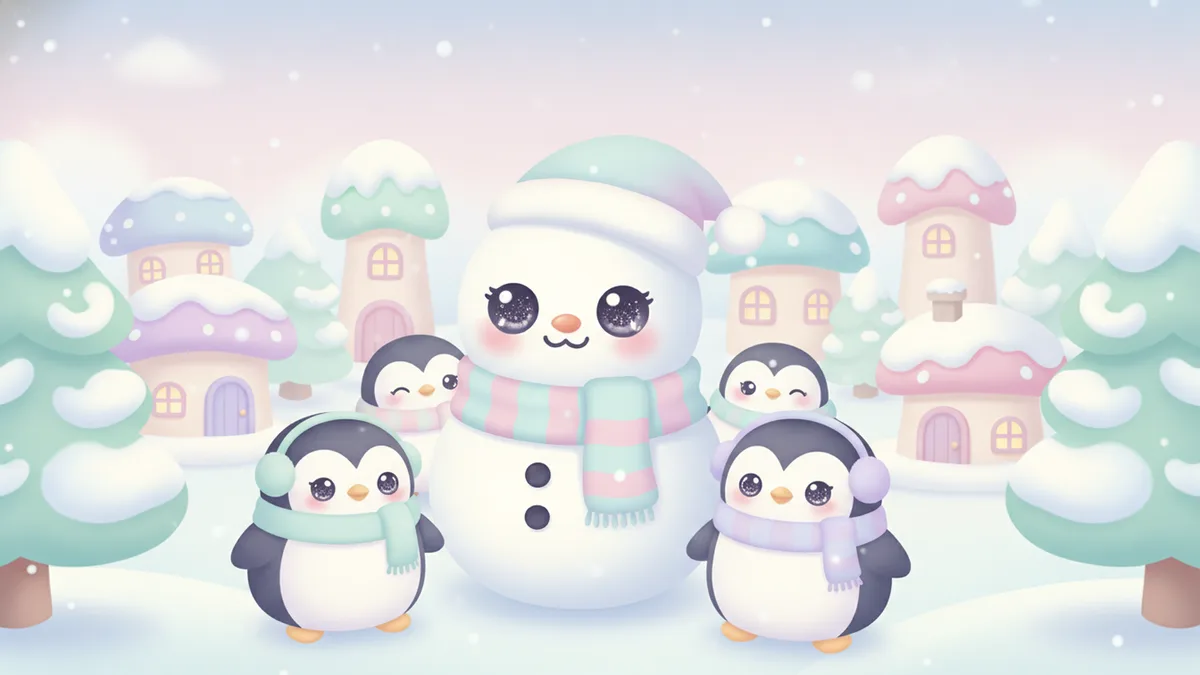
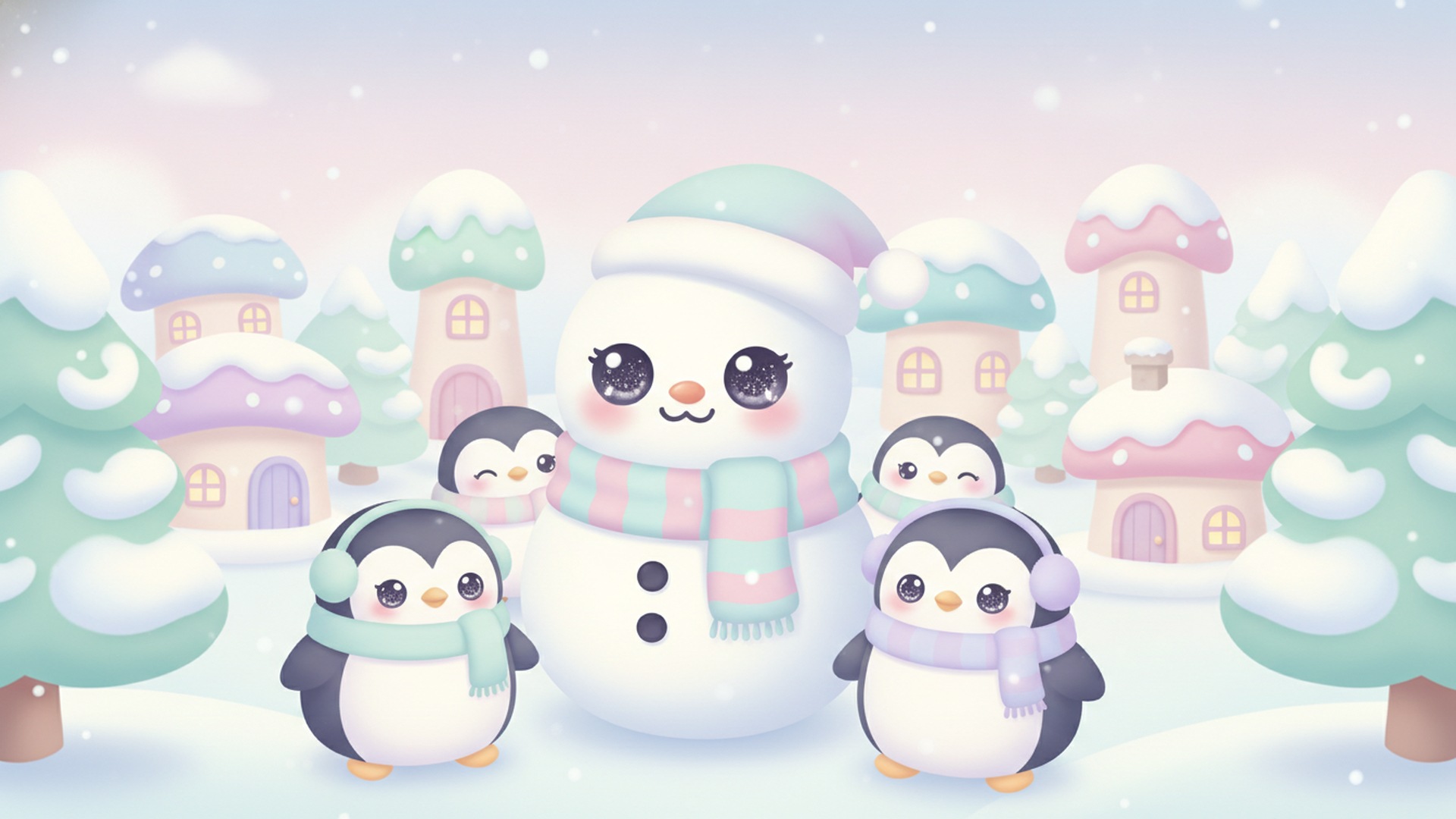
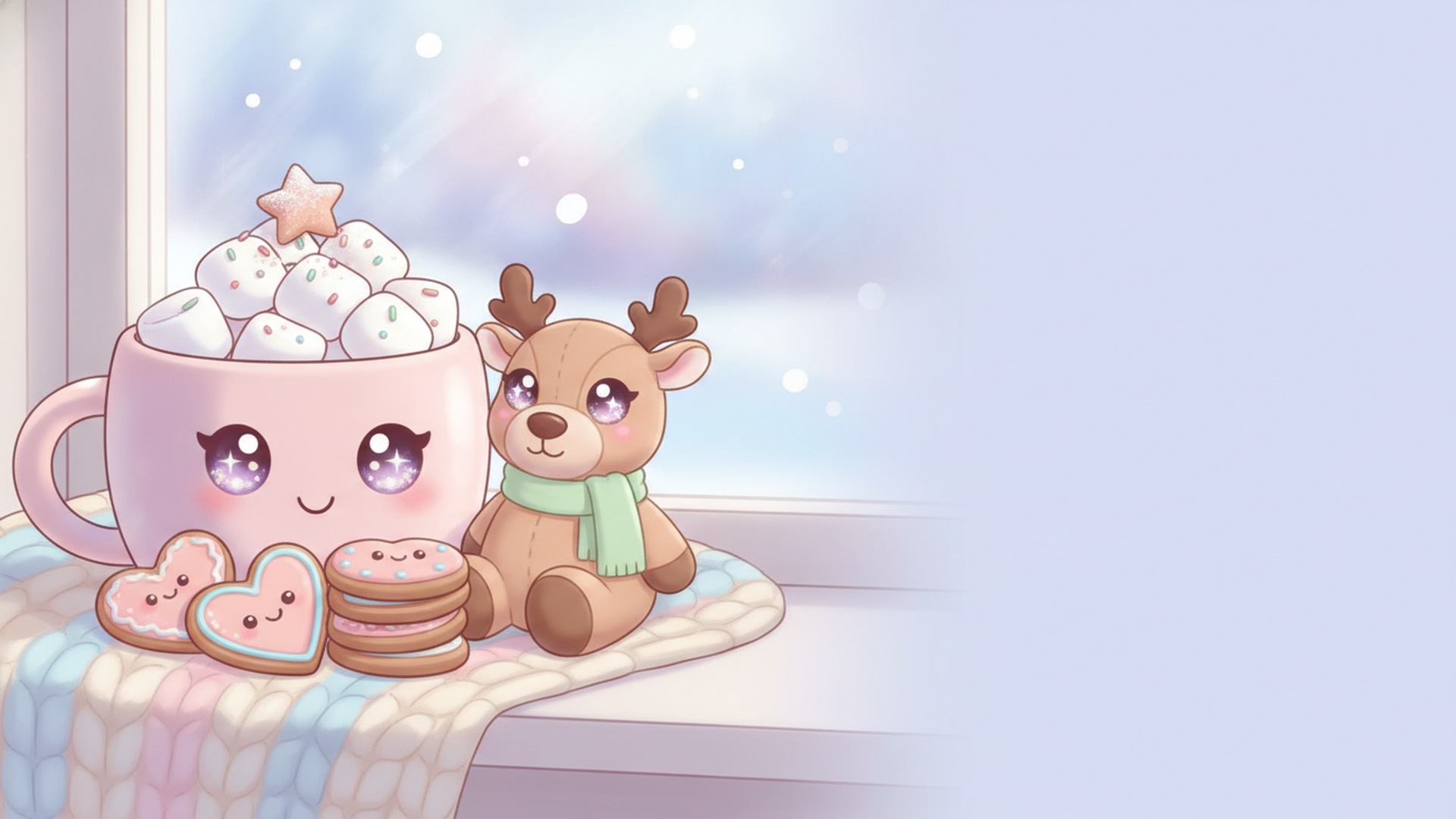
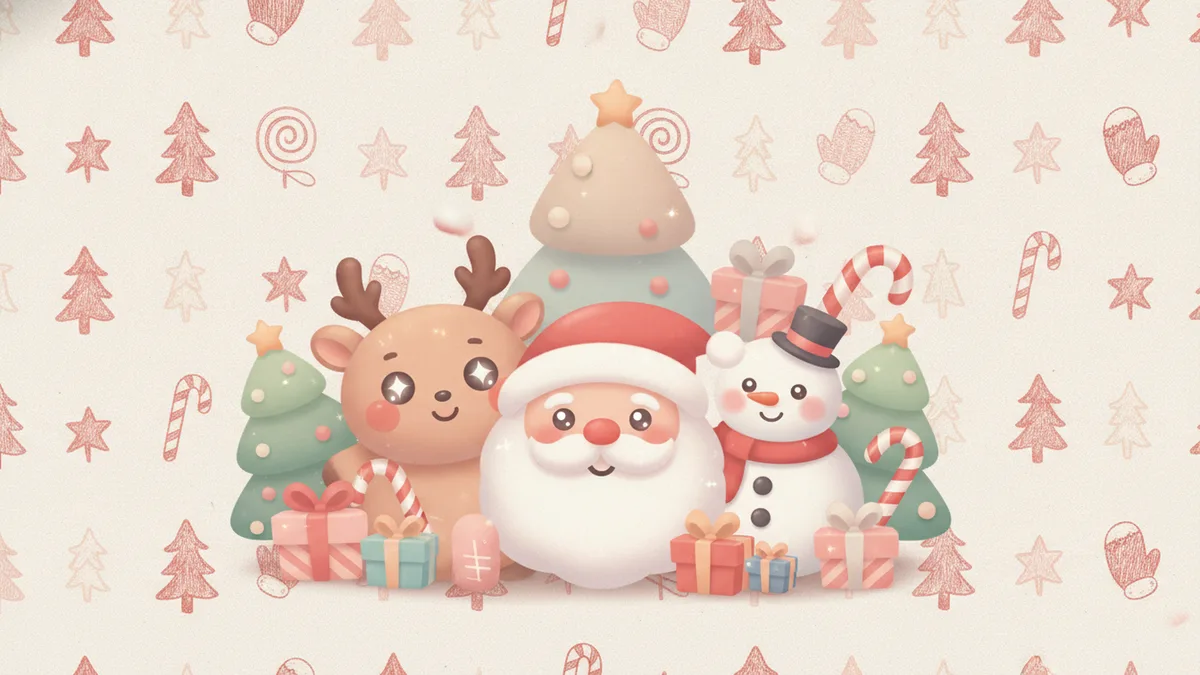
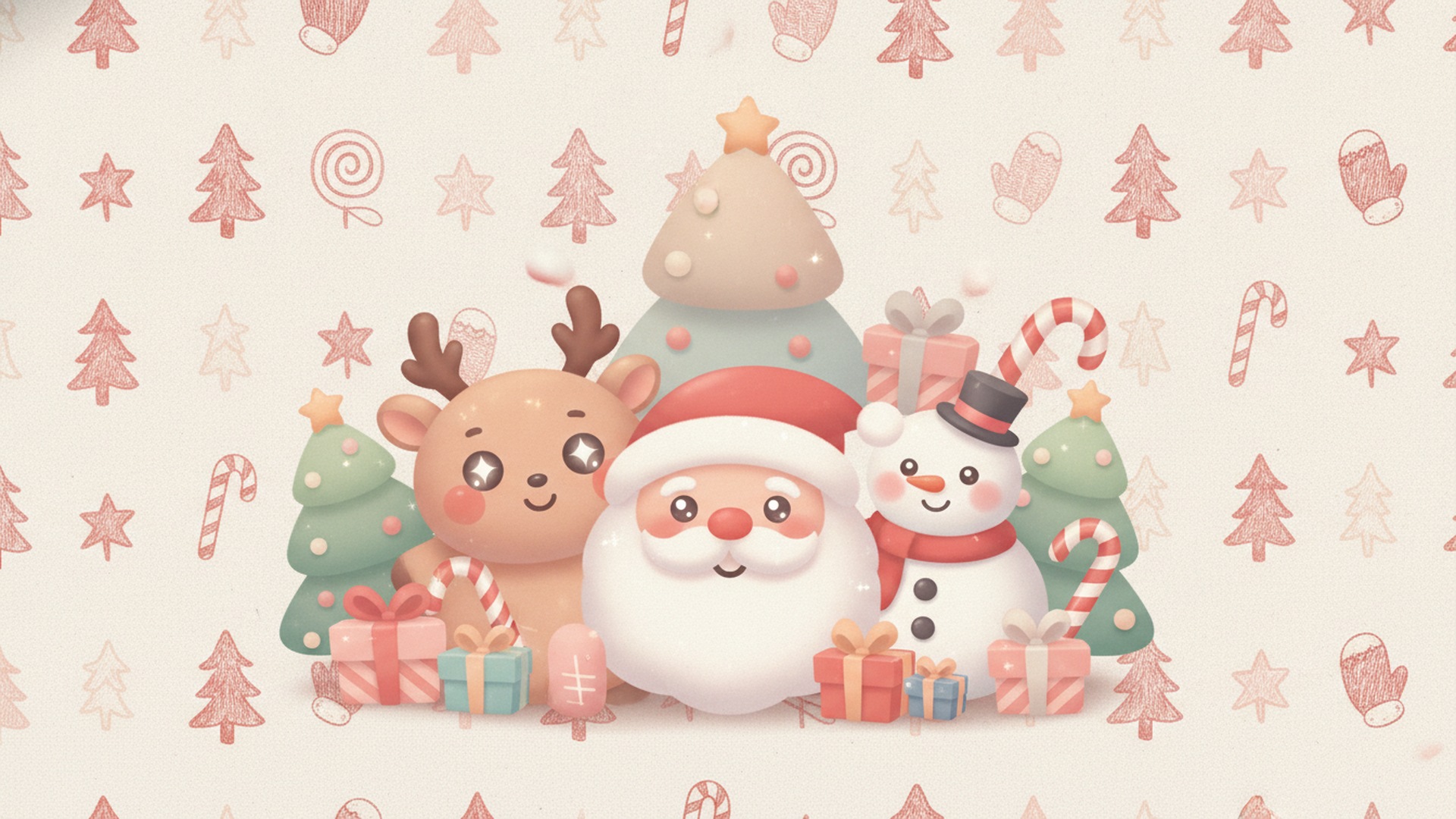
These five are 16:9 at 1920 by 1080, the standard Full HD shape for most laptops and monitors. For a bigger monitor, the 2560 by 1440 (1440p) and 3840 by 2160 (4K) sizes are the next steps up. The wide ones keep icons readable by leaving the left side or the middle quieter.


How to pick a cute wallpaper you won't get tired of
Look at your phone in the dark and in daylight before you commit. Pale pastel pictures like the pink tree and the cocoa mug stay soft in sunlight but glow a little in a dark room, and darker blues feel calmer at night. If your home screen is full of apps, choose the doodle pattern or the pink tree, since a single large character disappears behind a grid of icons. If you only keep a few apps on screen, the puppy and the penguins have room to breathe.
Kids tend to pick the animals and the gingerbread. Adults often end up with the doodles. Nobody has to choose just one, because you can change it again on December 26 or keep it until spring.
Phone and desktop sizes at a glance
| Device | Typical size |
|---|---|
| Recent iPhone, standard models | 1179 by 2556 px, or 1206 by 2622 px |
| Recent iPhone, large models | 1290 by 2796 px, or 1320 by 2868 px |
| Typical Android phone | 1080 by 2400 px |
| Desktop Full HD | 1920 by 1080 px |
| Desktop 1440p and 4K | 2560 by 1440 px and 3840 by 2160 px |
Phones are taller than 9:16, so a 1080 by 1920 download gets scaled up and its sides trimmed a little when it fills the screen. For cartoon art with the subject in the center, that looks fine. For a sharper wallpaper made to your exact phone size, build one in PicsMas below. We also have pages for Christmas wallpaper in general and Christmas iPhone wallpaper specifically.
How to save and set a wallpaper
Use the Download button rather than a screenshot. A screenshot captures the screen at its current size, with the buttons and any scaling, so the wallpaper ends up blurrier than the file you meant to use.
On an iPhone in Safari, touch and hold the image and tap Save to Photos. On Android in Chrome, touch and hold and tap Download image. If that option doesn't show, tap the image to open the full-size version first. Then set it.
- iPhone (iOS 16 or later): Settings, Wallpaper, Add New Wallpaper, choose the photo and tap Add.
- Samsung Galaxy: Settings, Wallpaper and style, Change wallpapers.
- Google Pixel: touch and hold an empty spot on the Home screen, tap Wallpaper and style, then pick the photo.
Matching lock screen and home screen
Setting a pair takes about two minutes, and it's the easiest way to make a phone look finished for the holidays.
A matched pair looks like a theme. A lock screen with the big cute character and a calmer home screen is the combination that tends to work, because app icons sit on top of the home screen and a busy picture fights them. Try the bunny on the lock screen and the pink tree or the doodle pattern behind your apps.
On an iPhone, set the lock screen first. Then tap Customize Home Screen instead of Set as Wallpaper Pair and choose a different image. On a Samsung phone, apply one image to the lock screen, return to Change wallpapers, and apply the second to the home screen. On a Pixel, choose Lock screen for one image and Home screen for the other.
Want a cute wallpaper of your own pet or kid? Upload a photo to PicsMas and get a Christmas wallpaper in your phone size.
Sign up for PicsMasGet PiXmas on the App StoreCute Christmas aesthetics to pick from
People who search for a cute Christmas background usually mean one of a few looks. Kawaii has round animals with big eyes and pastel colors. Pastel pink Christmas swaps the red and green for blush, white and pearl. Cozy is cocoa, knit blankets and candles. Doodle aesthetics are small hand-drawn stars, mittens and candy canes on a plain background. All four are in the sets above, so try a few and keep the one you still like on December 26. For more takes, see aesthetic Christmas pictures.
Make a cute wallpaper of your pet or kid in PicsMas
Your own puppy in a tiny Santa hat beats any stock puppy. Upload one clear photo of your pet or child to PicsMas, pick a cute style such as pastel kawaii or cozy cocoa, and choose phone or desktop. It builds a wallpaper picture in about a minute, and you save it like any other image and set it as your lock screen. Face visible, good light, nothing cropped. For more on that, see Christmas wallpaper from a photo.
Need something other than a screen background? The Christmas backgrounds page covers photo and video call backgrounds, and Merry Christmas images has 15 pictures to send.