
Merry Christmas images with the greeting on them
The text on these ten is set in a real font, so the spelling is right every time. You don't have to squint at a garbled "Merry Chrstmas" the way you do with some pictures that come out of image generators. Square ones suit Facebook and a text thread. The tall ones fit stories and WhatsApp Status. The 4:5 ones fill the most space in an Instagram or Facebook feed.


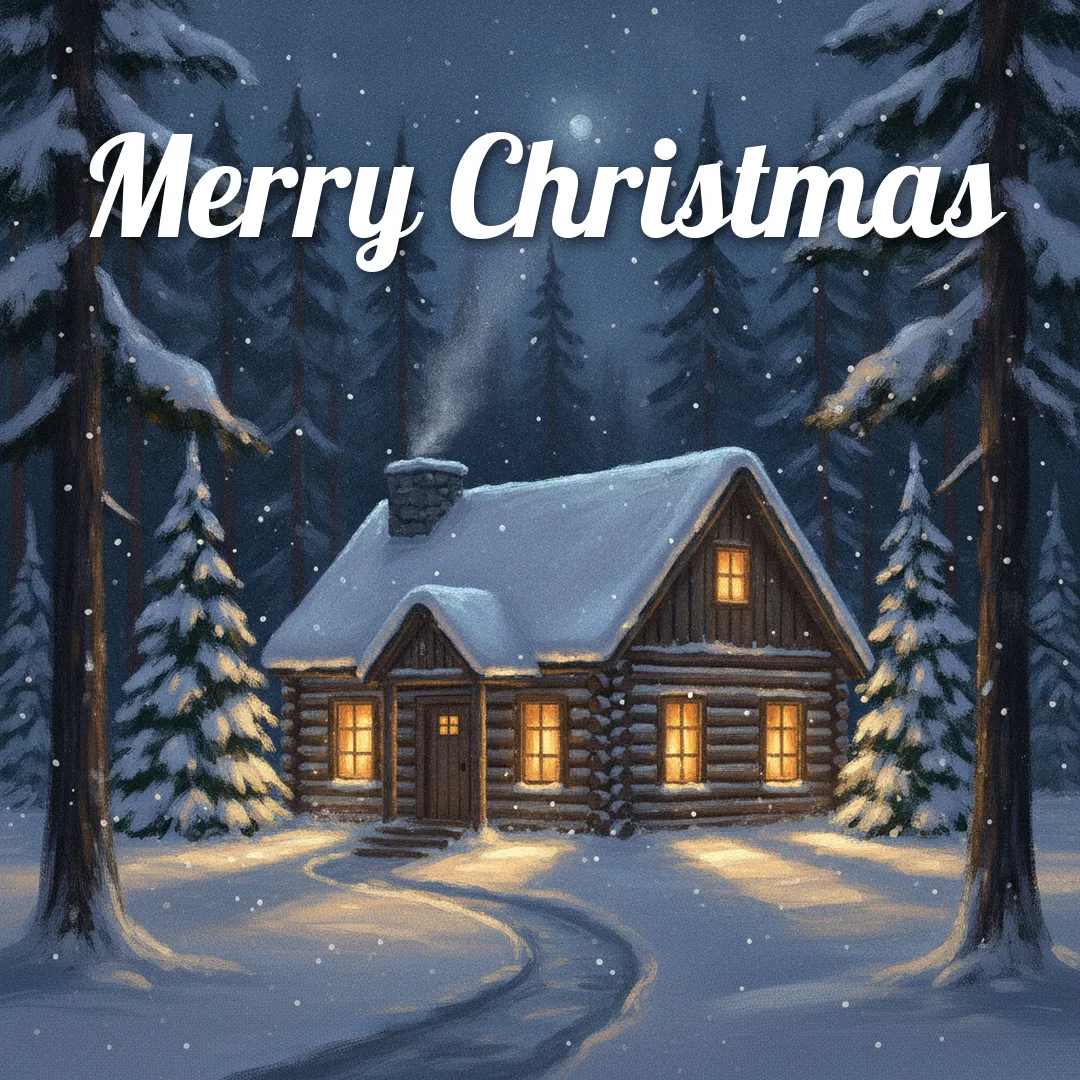
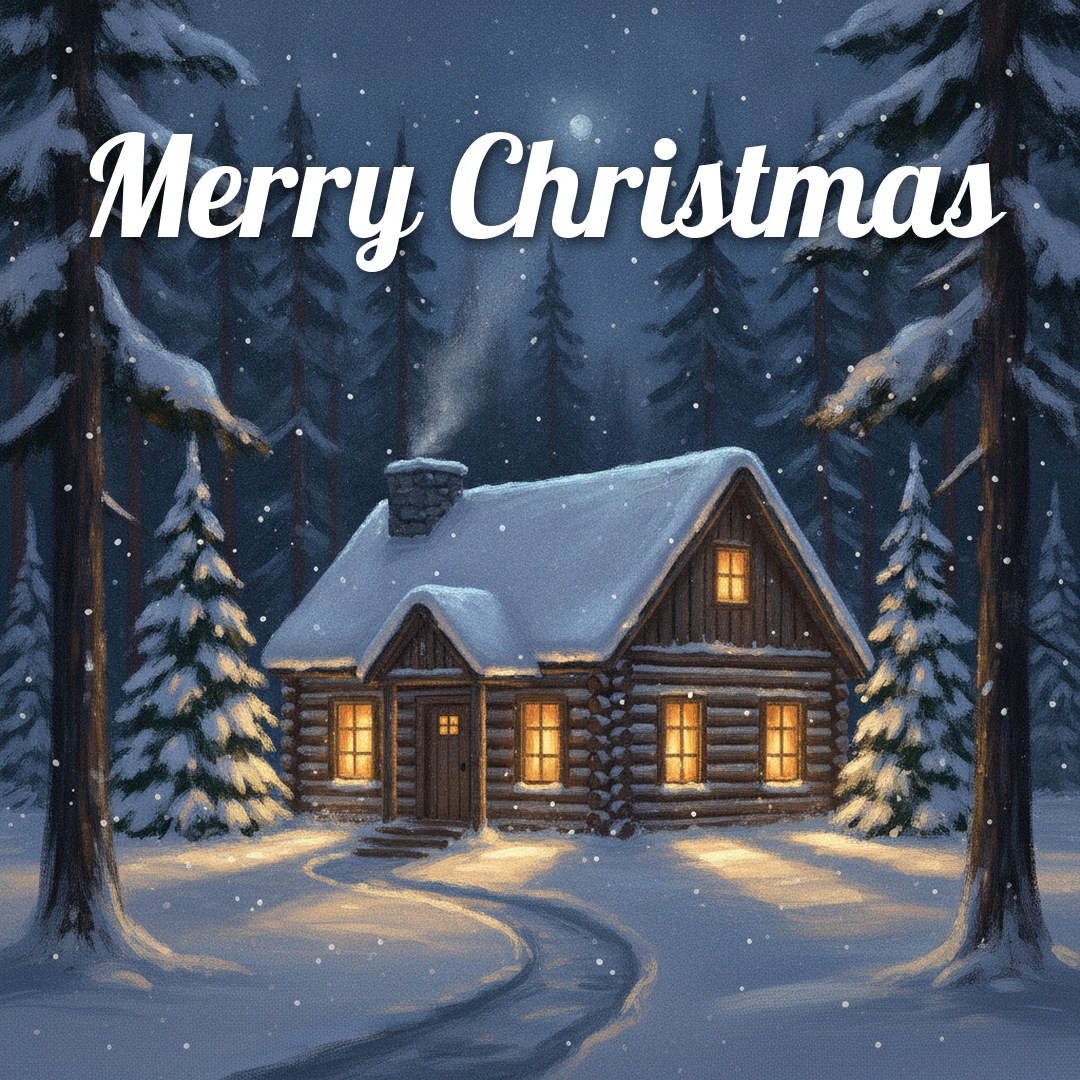
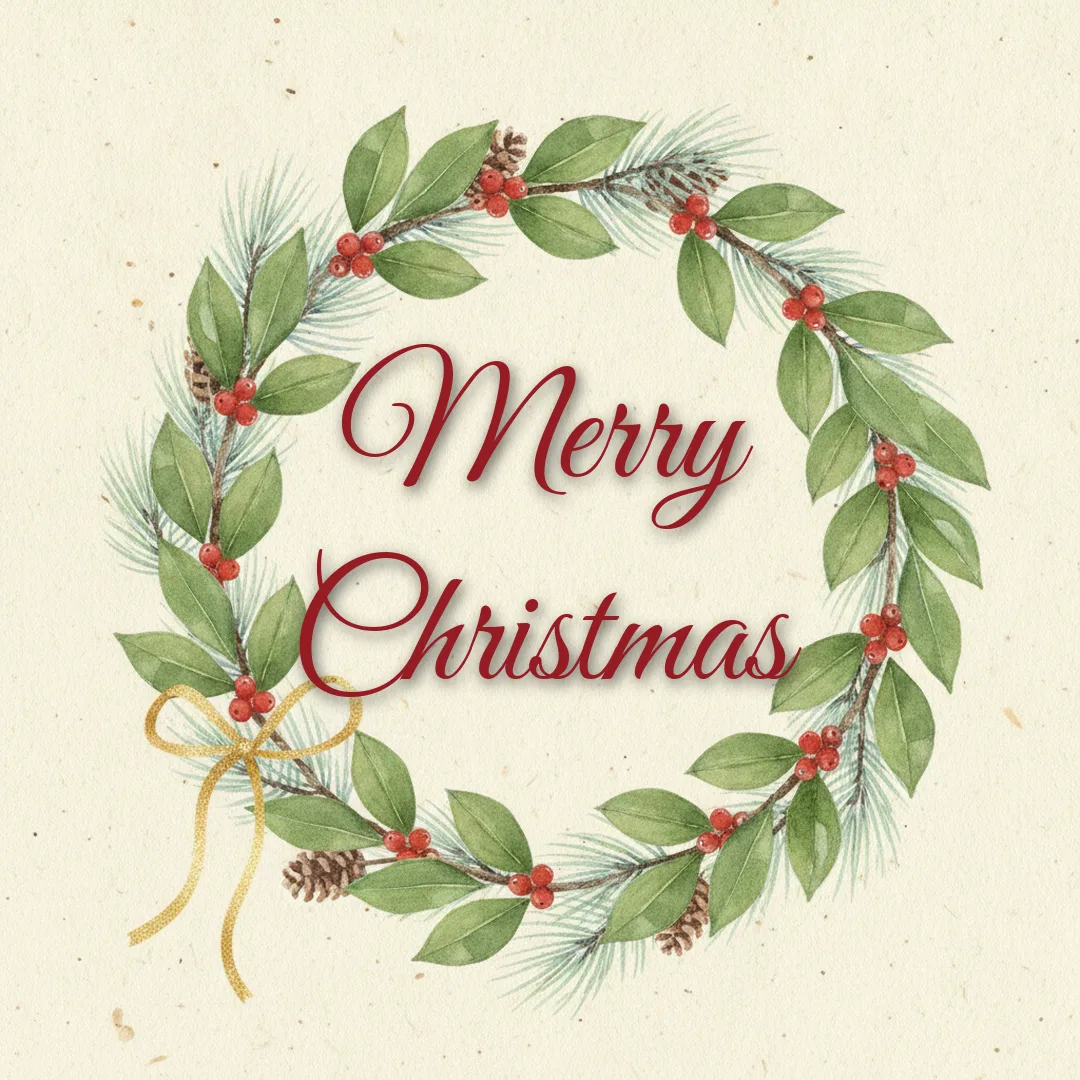
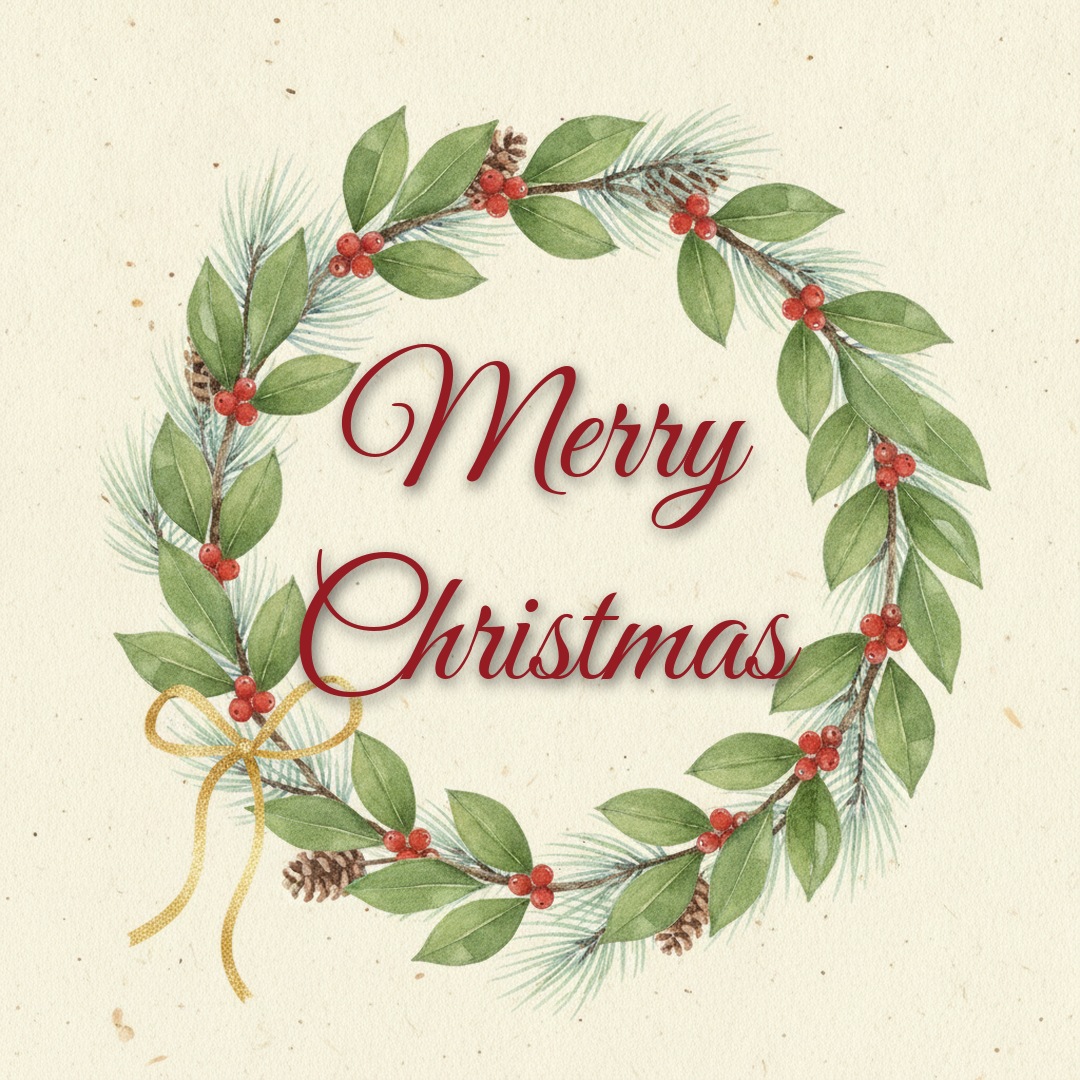


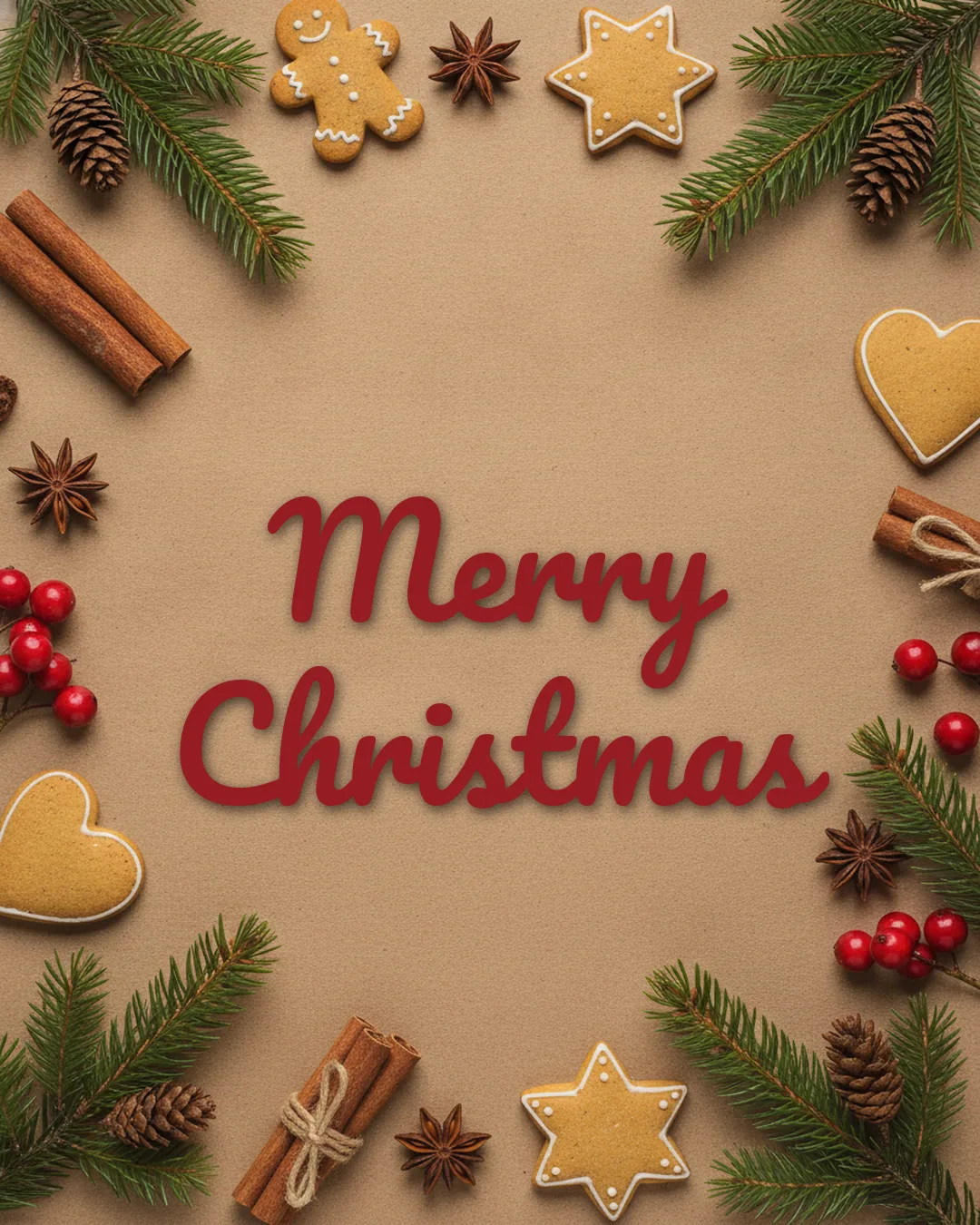
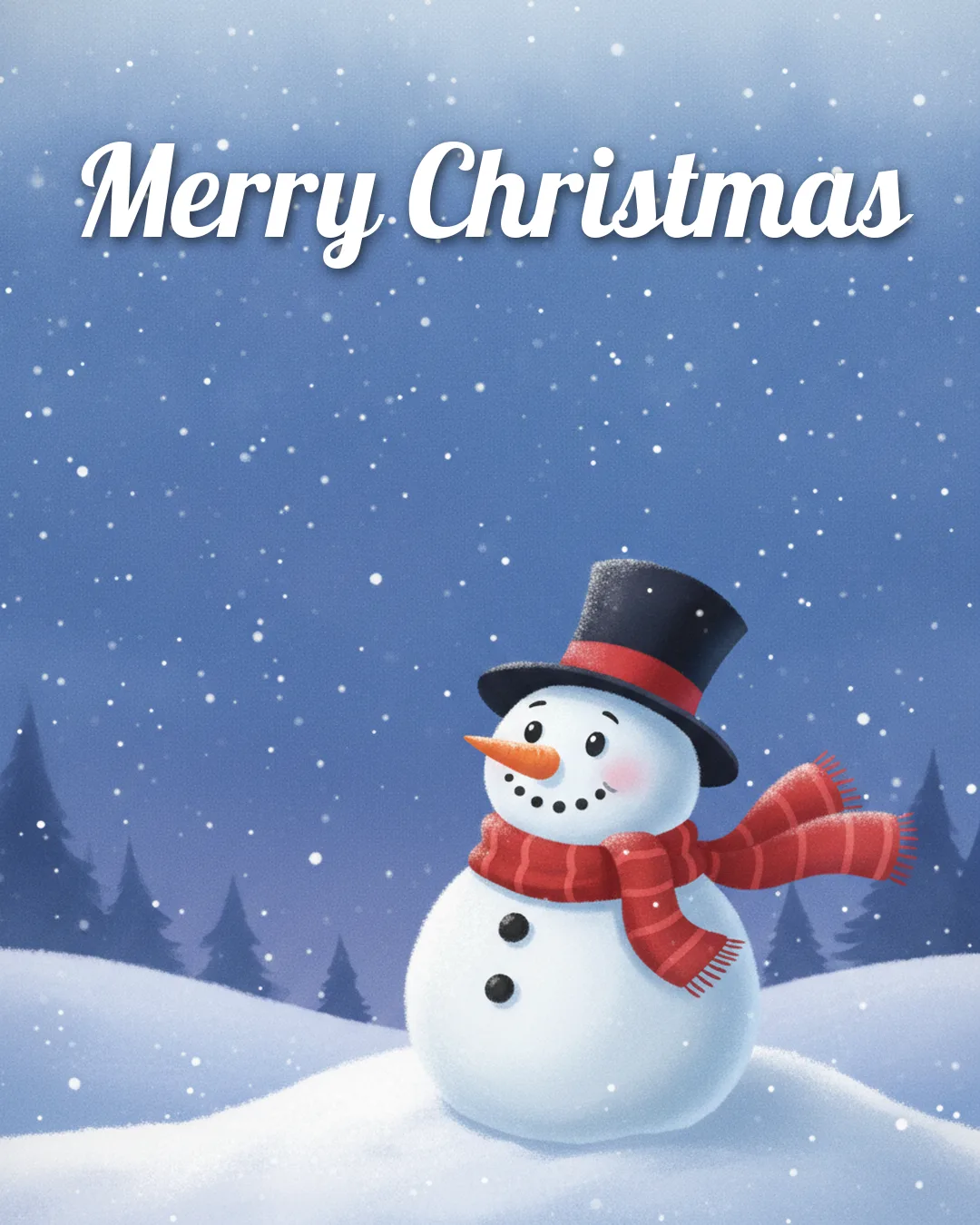
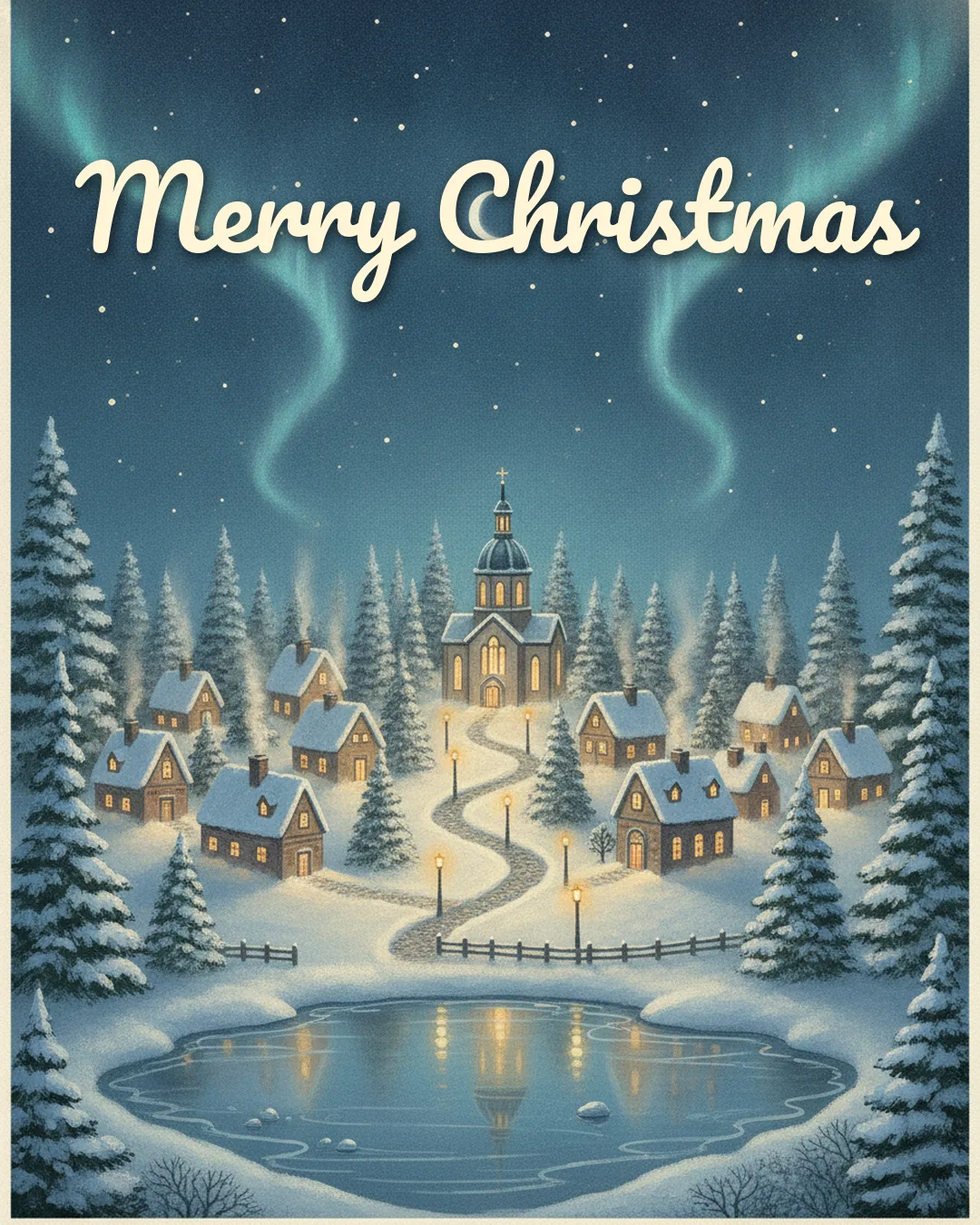
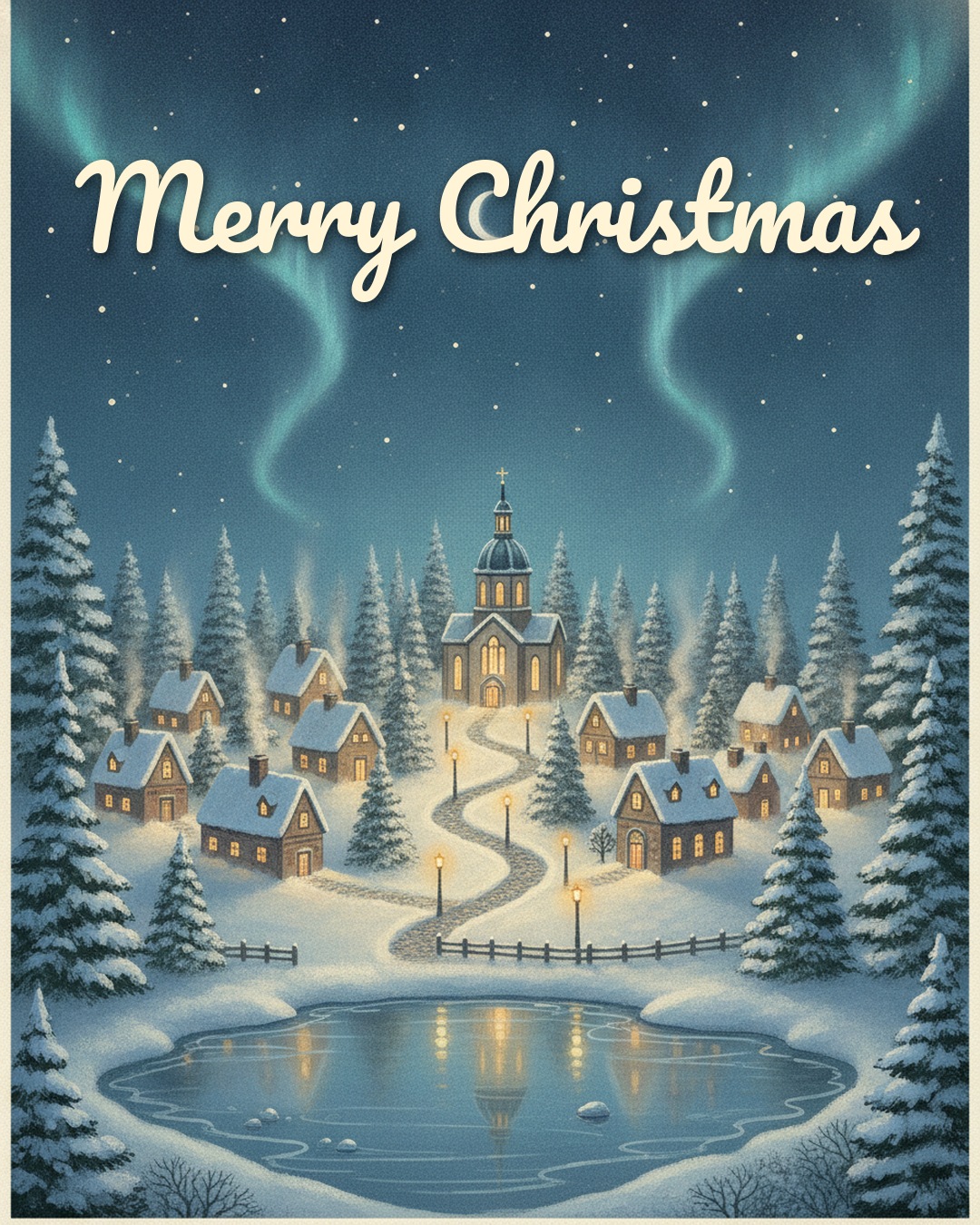
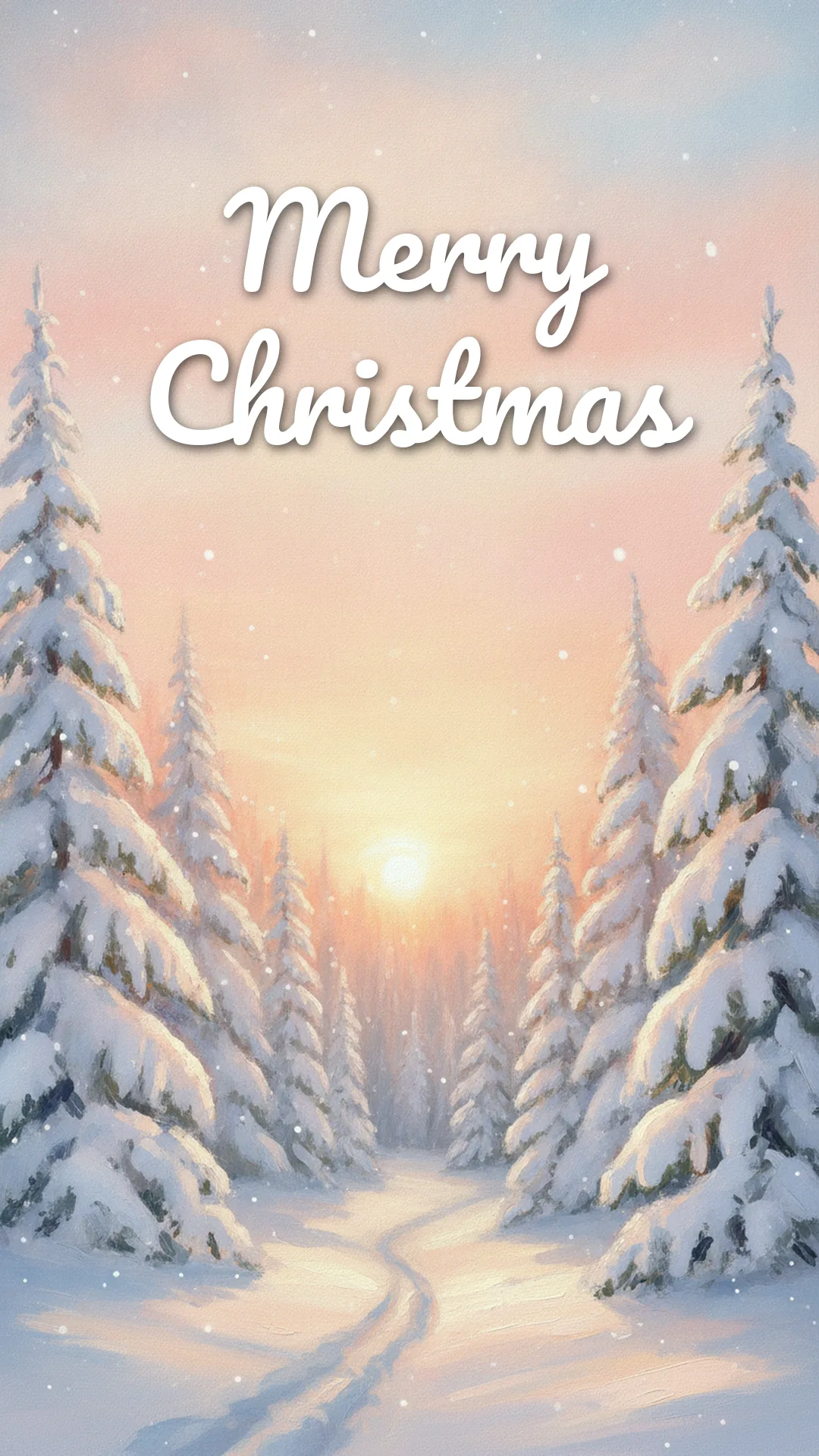
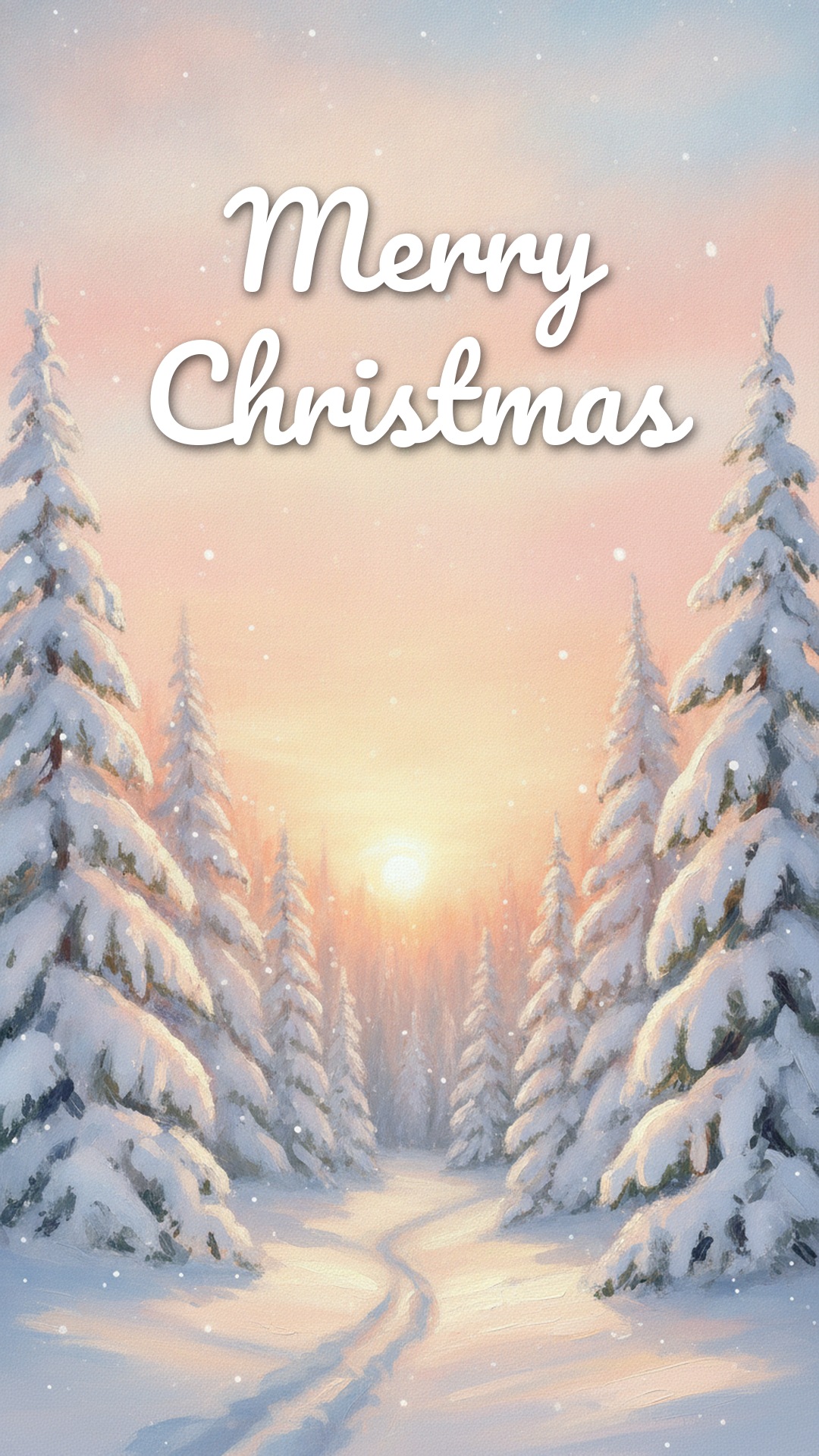
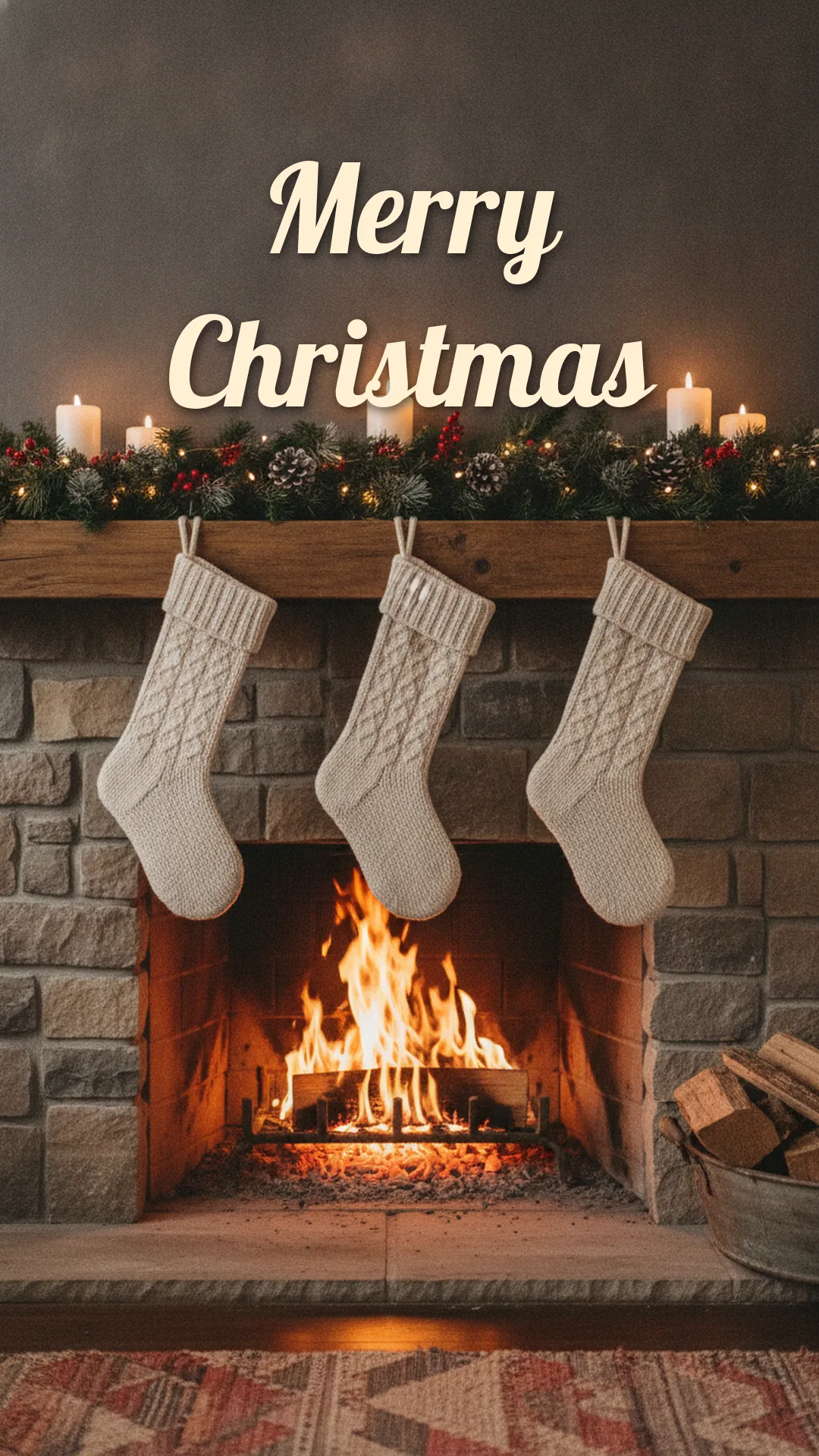
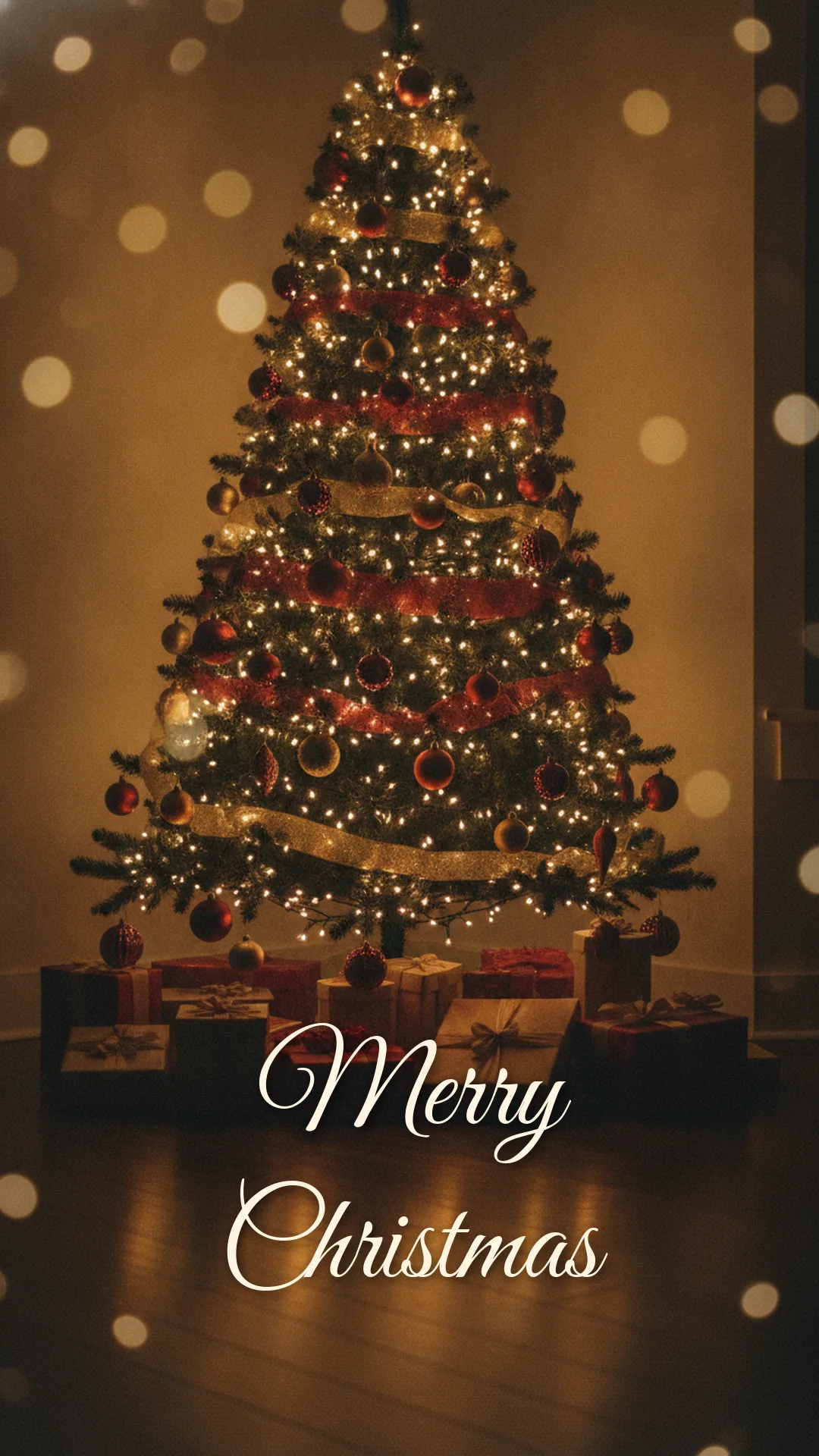
Each Download button saves the full-size JPG, not the small preview. They're original pictures made for this page, with no people, logos or brand characters in them.
Blank Christmas pictures for your own words
These five have no text at all. Use them when you want a different greeting, a line in another language, or your family's names across the bottom. Any photo app or messaging app that lets you type on an image will do the job. Drop a short line over the calm area (the table, the snow, the sky), because that's where text stays readable.
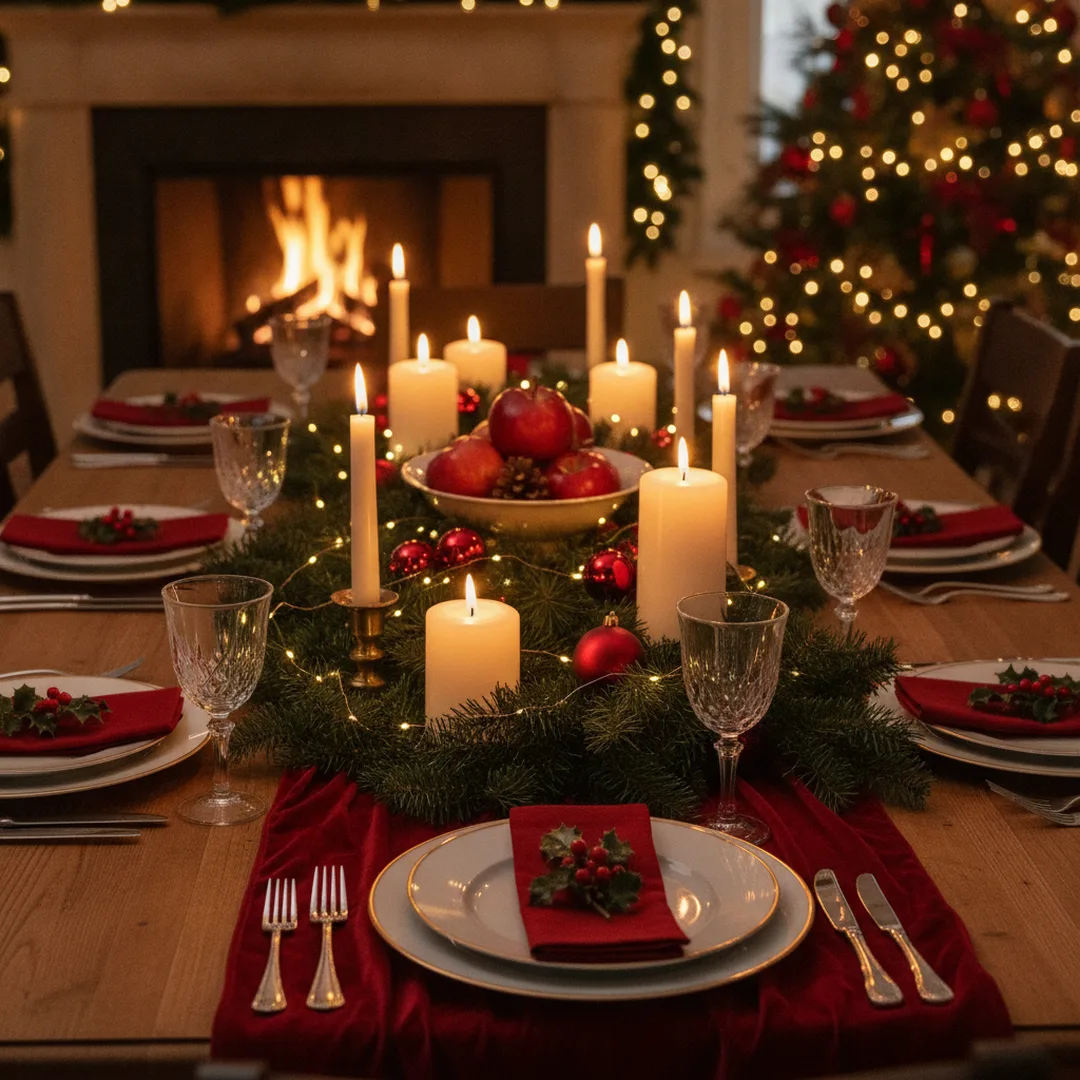
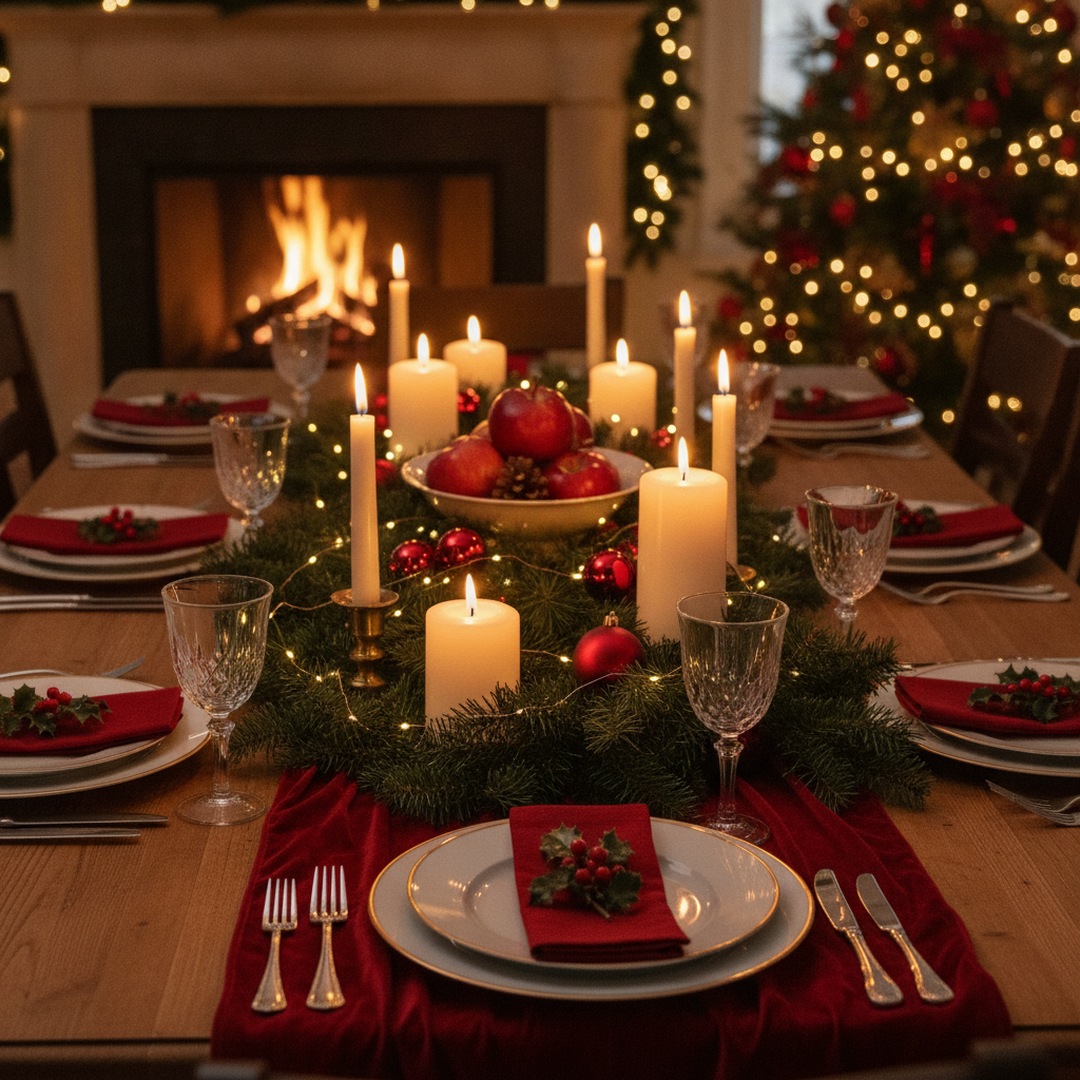
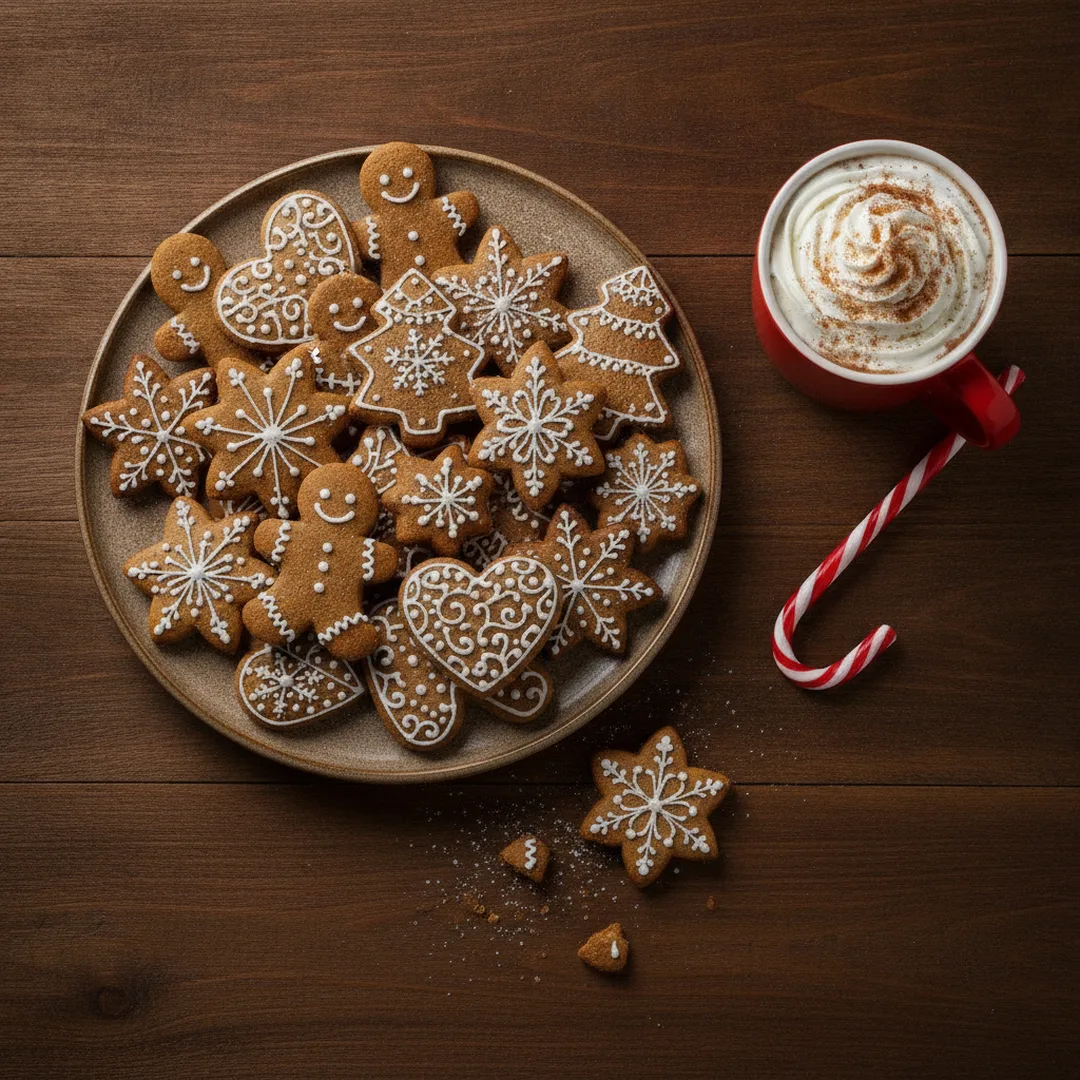
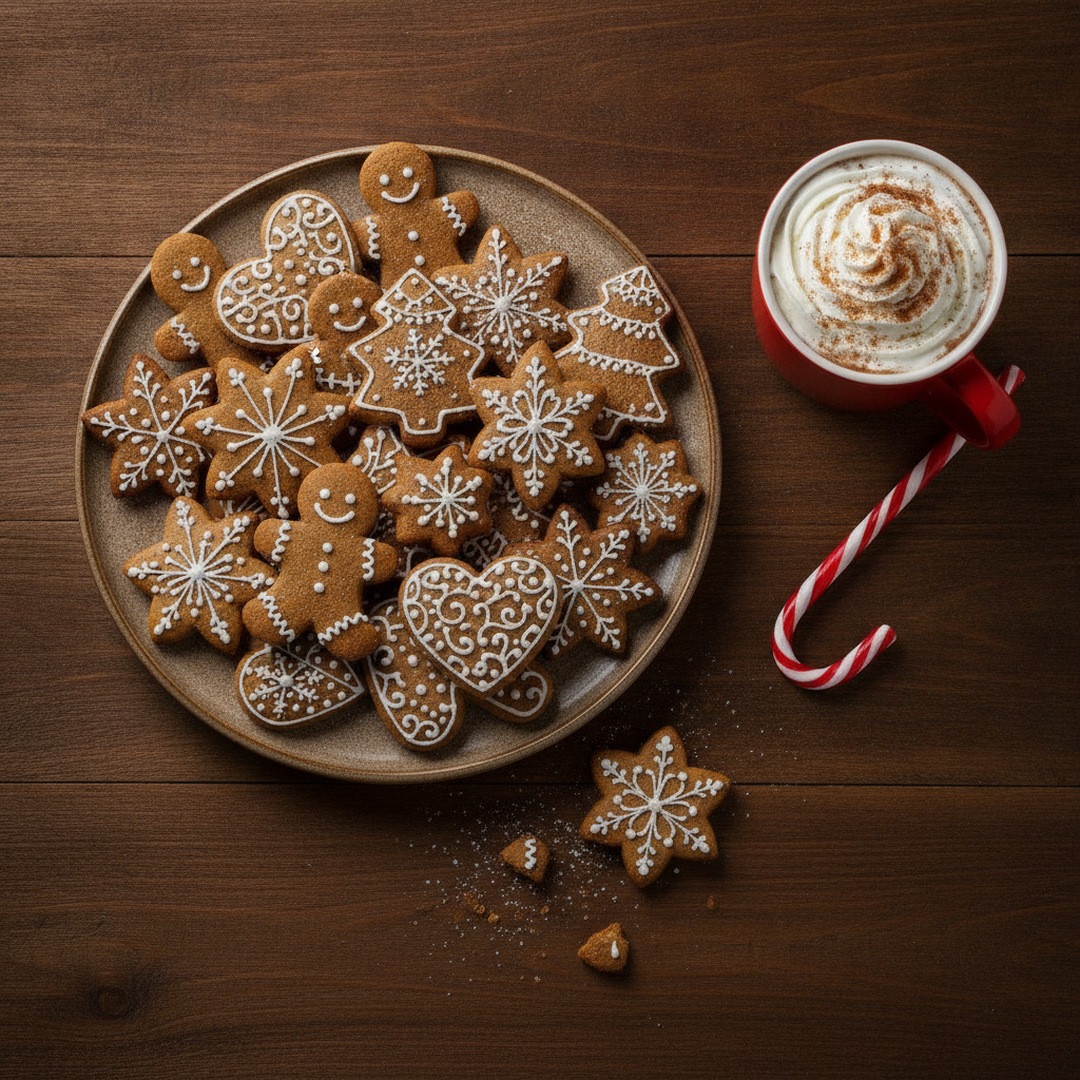
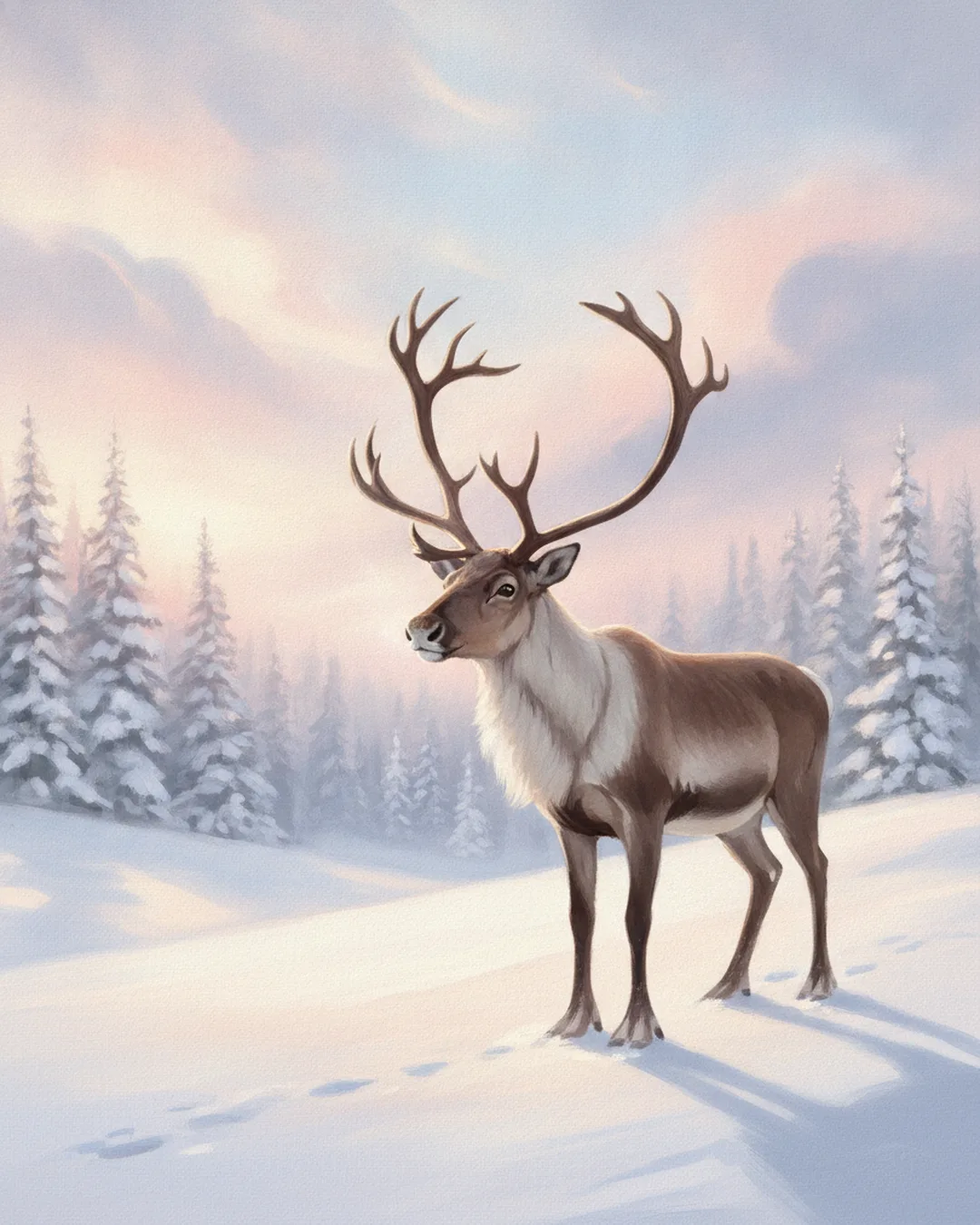
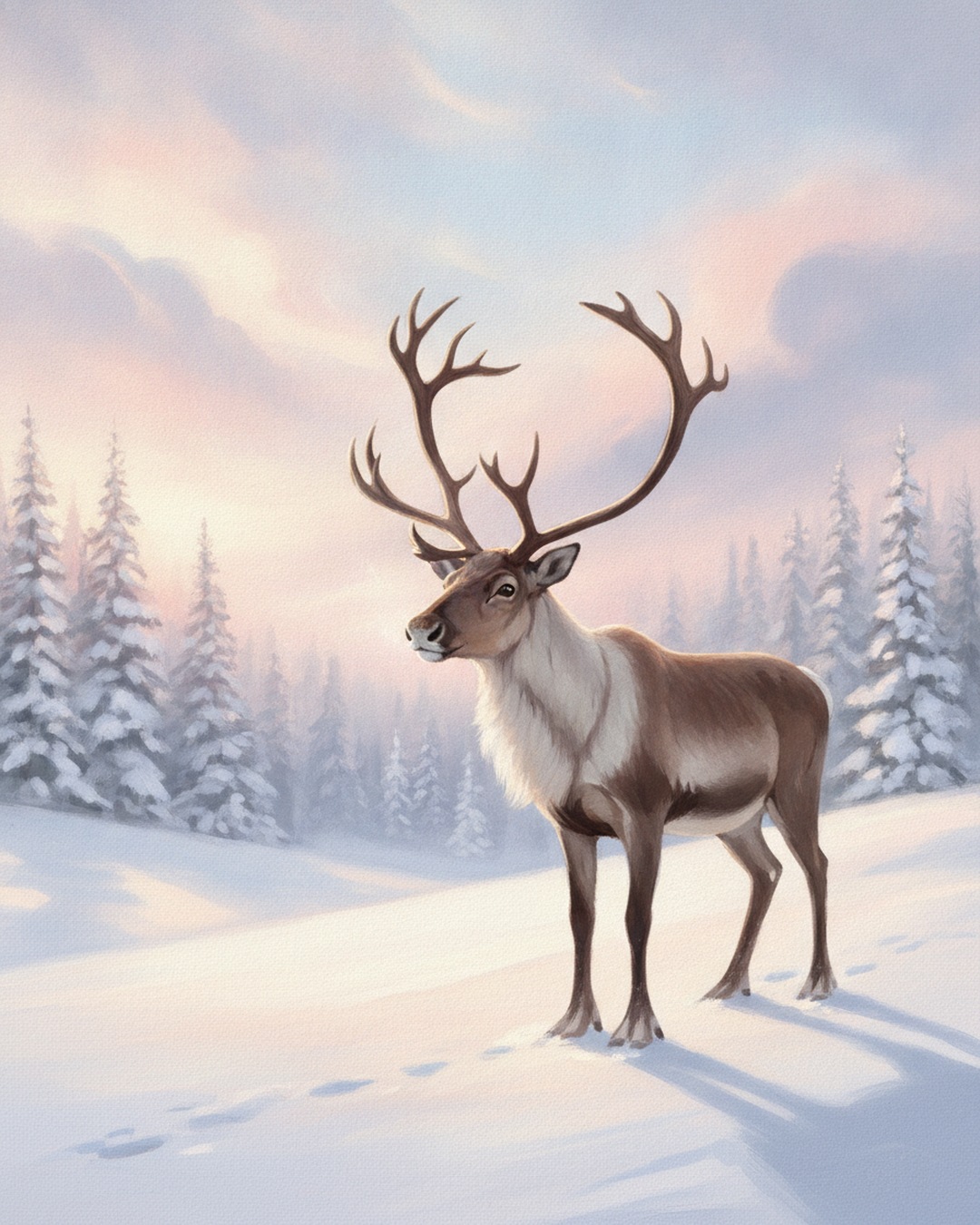
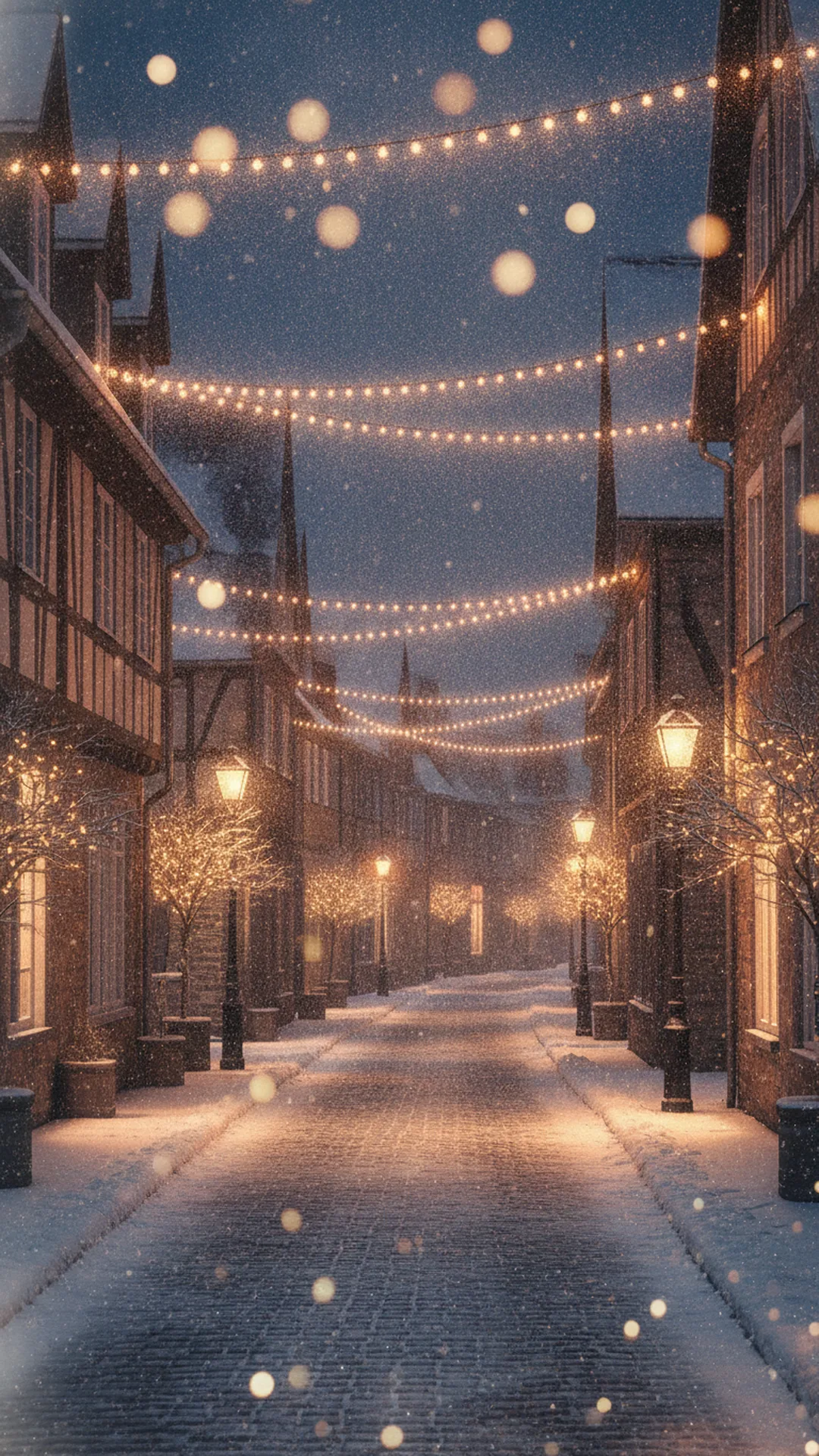
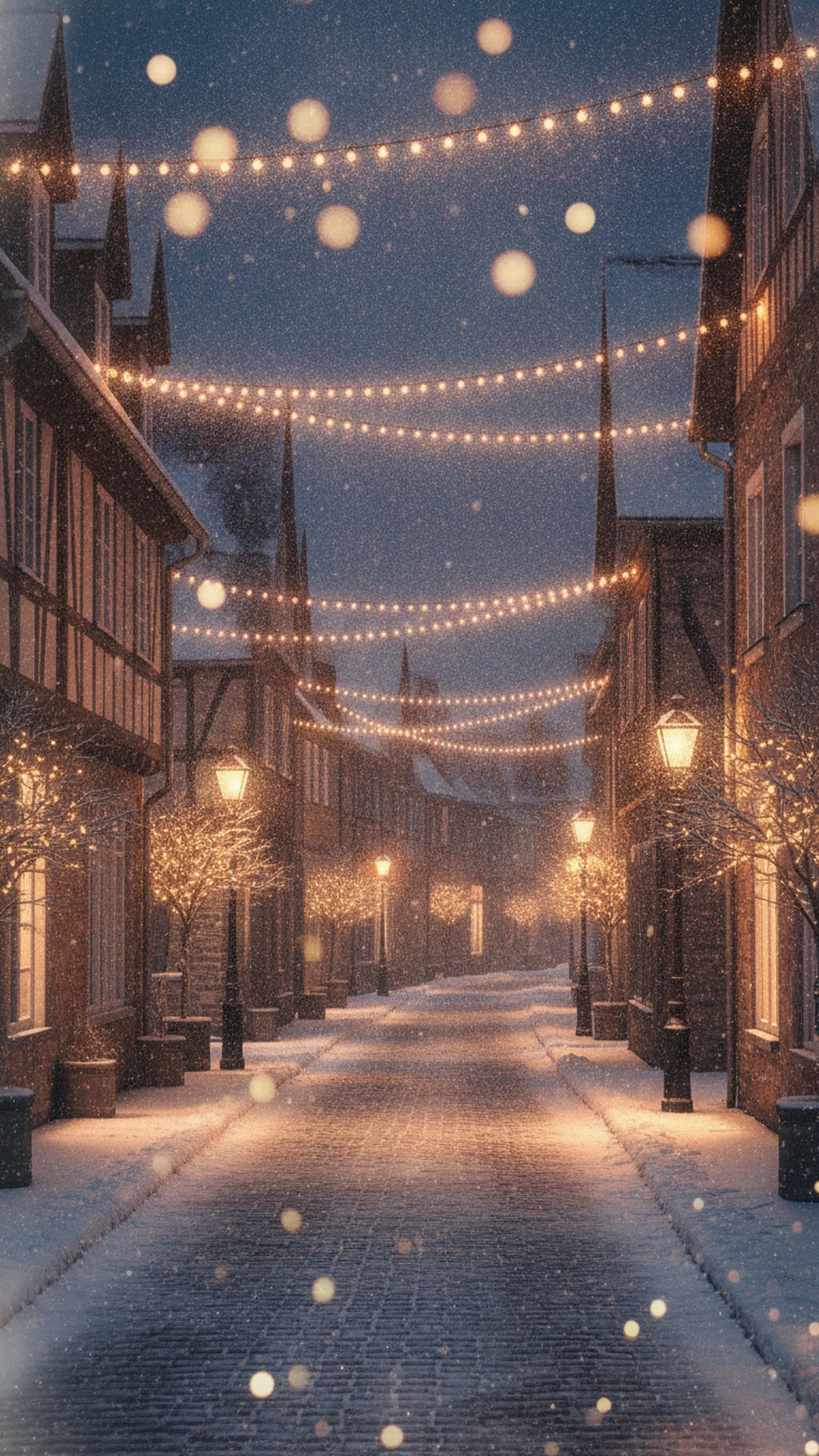
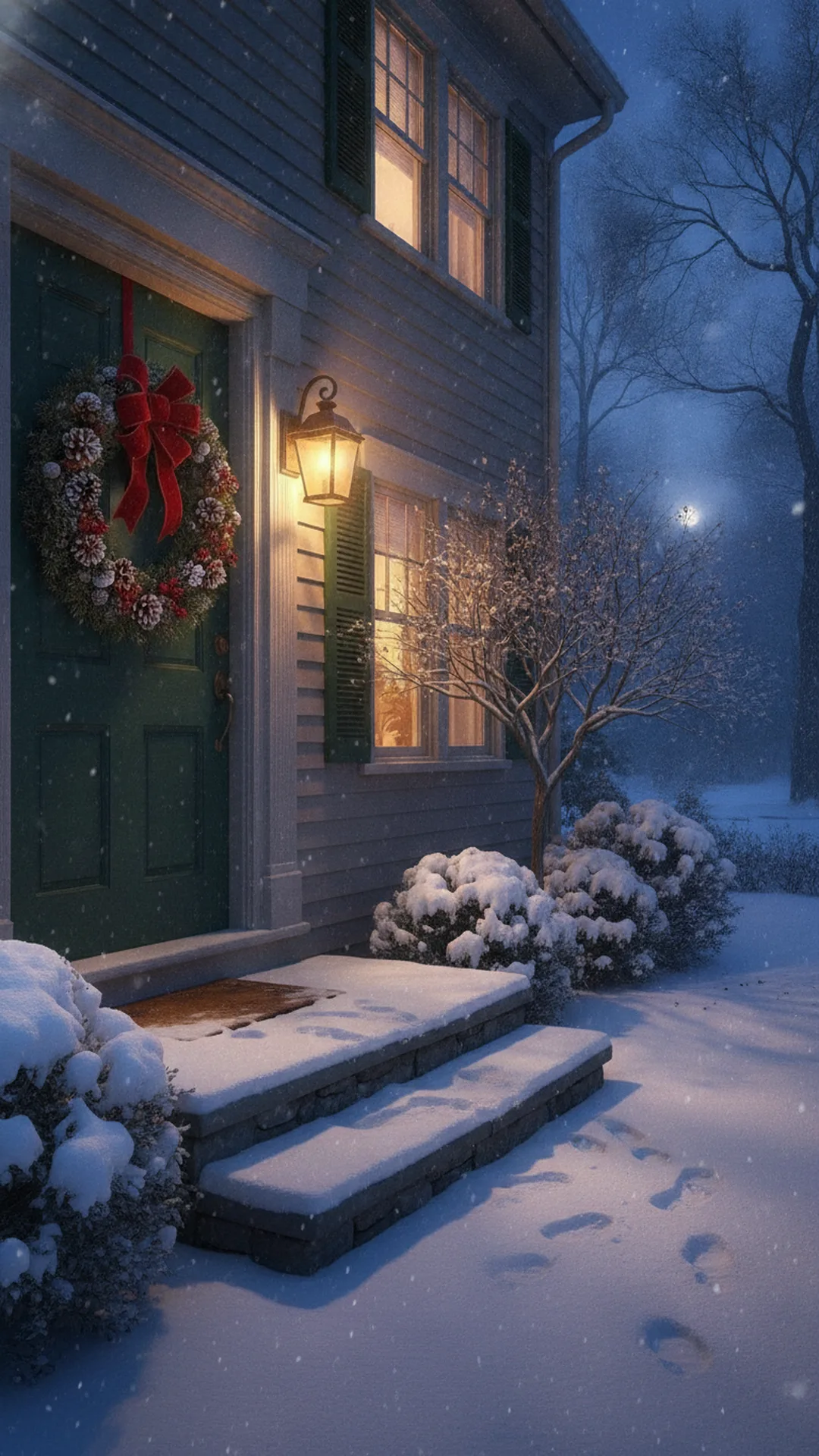
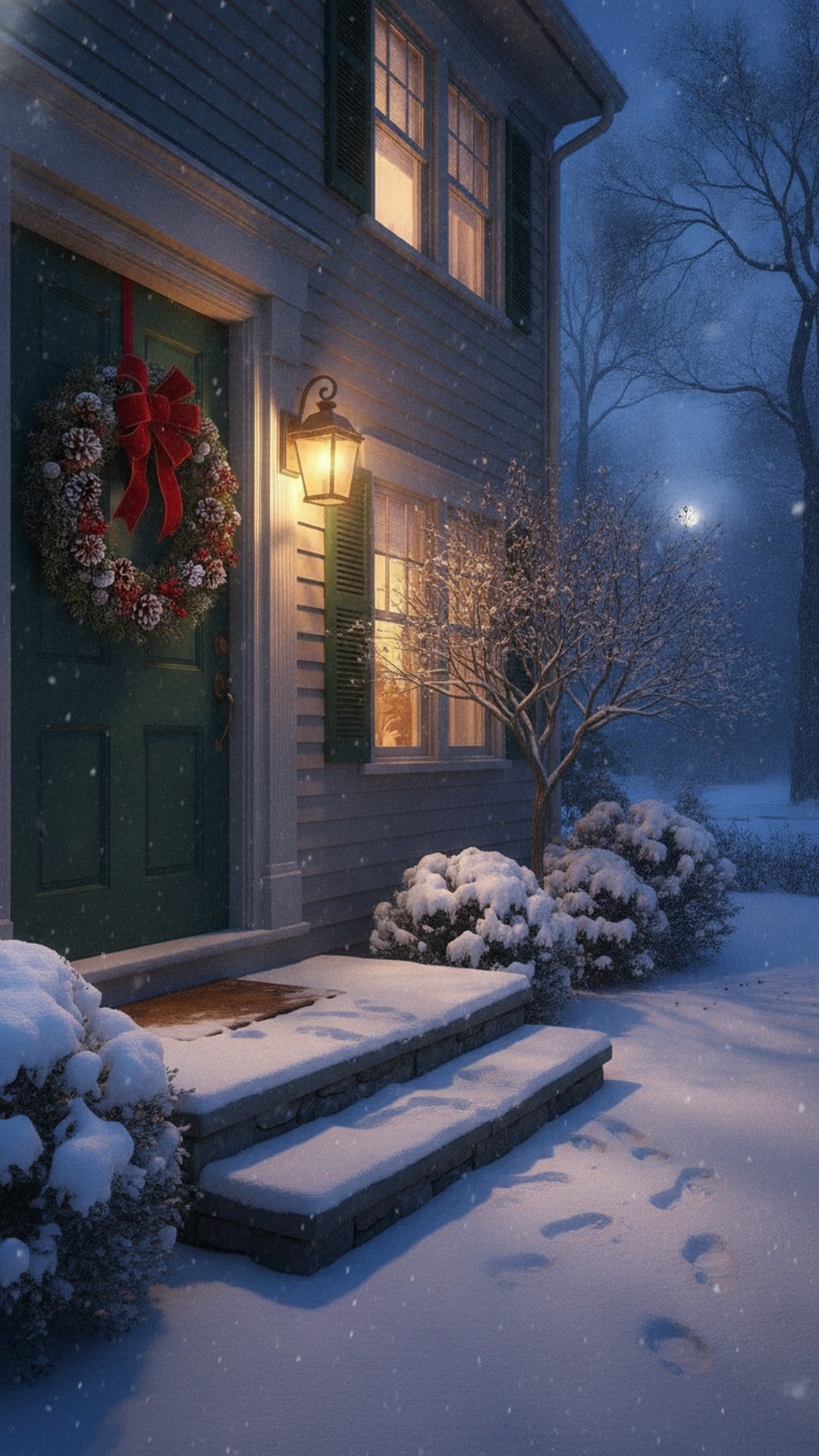
What to write on a blank picture
Shorter wins. "Merry Christmas from the Alvarez family" beats three lines of verse on a phone screen. Add the names of everyone in the house so it feels signed. If you're sending the same picture to a dozen people, change the first word to each person's name; it takes ten seconds and nobody mistakes it for a mass forward. Pick white text on the dark images and dark red on the light ones.
Where to use Merry Christmas images
People mostly want these to post or send, and the easiest places are the ones you already open every day.
- Facebook posts and your timeline, and our Christmas Facebook cover photo guide if you want to change the banner.
- WhatsApp chats, family groups and Status. See the Christmas card to send on WhatsApp page for group tips.
- Instagram feed posts and Stories, covered in Christmas photos for Instagram Stories.
- A text message or an email to the relatives who don't use any of those apps. For emailed cards, see Christmas ecards.
- Printed on regular paper and taped to a window, or tucked into a gift bag.
Best size for Merry Christmas images on each platform
Meta confirms the shapes below. It doesn't publish a full pixel table for ordinary posts, so the pixel counts are the common production standard, and they're the sizes the downloads above use.
| Where | Size | Shape |
|---|---|---|
| Facebook feed | 1080 by 1350 px (1080 by 1080 also works) | 4:5 or 1:1 |
| Instagram feed | 1080 by 1080 px or 1080 by 1350 px | 1:1 or 4:5 |
| Instagram Stories and Reels | 1080 by 1920 px | 9:16 |
| WhatsApp Status | 1080 by 1920 px | 9:16 |
| WhatsApp profile picture | 500 by 500 px, shown as a circle | 1:1 |
| X post, one landscape image | 1600 by 900 px | 16:9 |
For Stories, Reels and Status, keep the greeting away from the very top and bottom. The app puts its own buttons and your name there. All of the story-shaped downloads above keep their text clear of those edges.
How to save and send them
On an iPhone in Safari, touch and hold the image and tap Save to Photos. On Android in Chrome, touch and hold it and tap Download image. If the option doesn't appear, tap the image first to open it full size, then press and hold again. Using the Download button does the same thing in one tap.
WhatsApp compresses photos by default, so a sharp image can look soft on the other end. Tap the HD button before you send, or attach the picture as a Document to send the original file (documents go up to 2 GB). In Settings, Storage and data, Media upload quality can make HD your default.
Are free Merry Christmas images really free to use?
It depends where you got them, and this is the part most people skip. Copyright usually belongs to the creator automatically, even with no watermark. An image that turns up in Google Images isn't free just because it's easy to save, and "free" can mean free to look at rather than free to reuse. Licenses may also ban edits, ask for credit, or rule out business use.
The 15 images on this page are different. We made them, and you can post, send, print and edit them for personal use without asking. If you'd like to use pictures from elsewhere, find the original creator, read the exact license and keep a screenshot of it. People and brand characters can need separate permission, which is one reason these have none.
Want your own name or family on a Merry Christmas picture? Upload a photo to PicsMas and add your greeting.
Sign up for PicsMasGet PiXmas on the App StoreAdd your name or a photo with PicsMas
A generic picture says Merry Christmas. A picture with your family in it says it from you. In PicsMas you upload one clear photo, pick a Christmas scene, add your name or a short greeting, and get a finished picture in about a minute. Save it as a JPG and send it the same way as any image above.
A few habits help. Start with a sharp, well-lit photo where nobody is cut off. Keep the message to a line or two, since long greetings get small on a phone. If you want a card that goes in the mail instead, our photo Christmas cards guide covers sizes and mail dates.