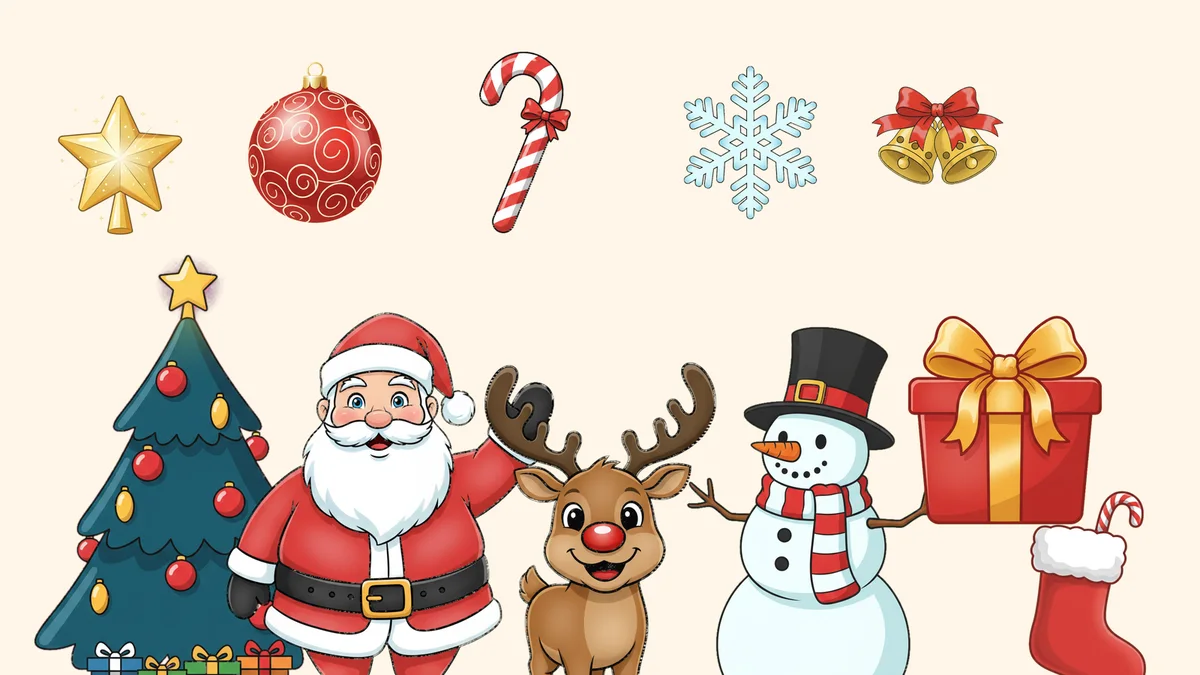
Free Christmas clipart to download
Every file has a clear background, so the art sits on top of your colors, your photo or your paper without a white box around it. The checkerboard behind each picture below is only there to show the transparency. Your downloaded file won't have it.


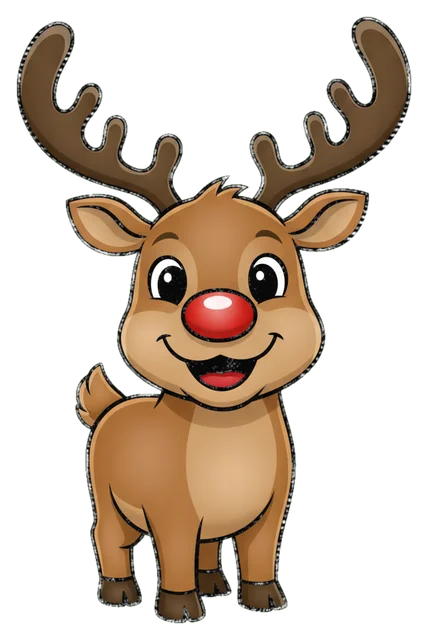
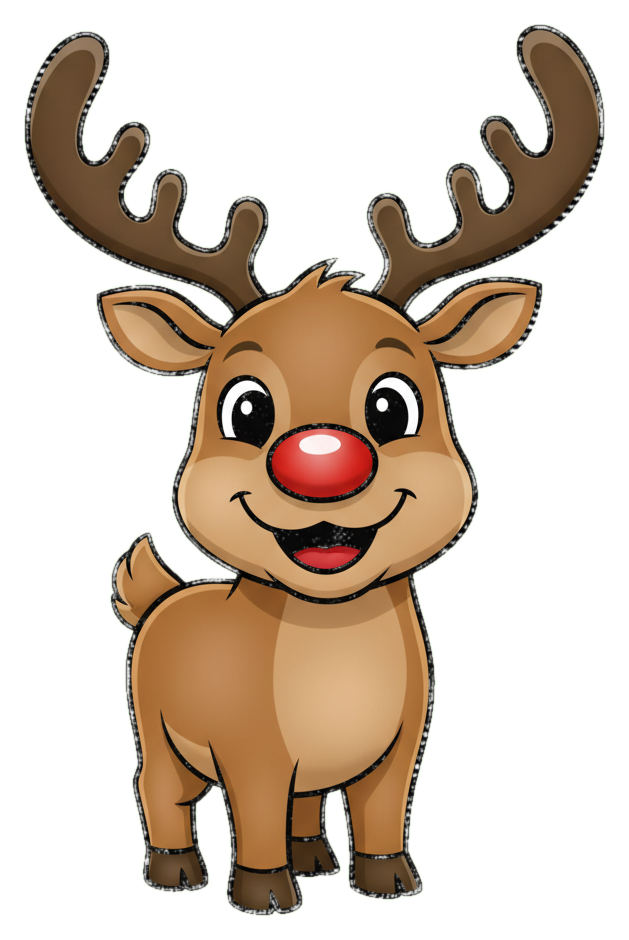








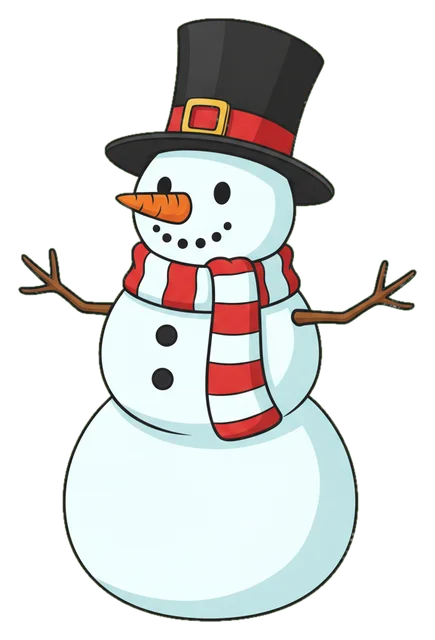
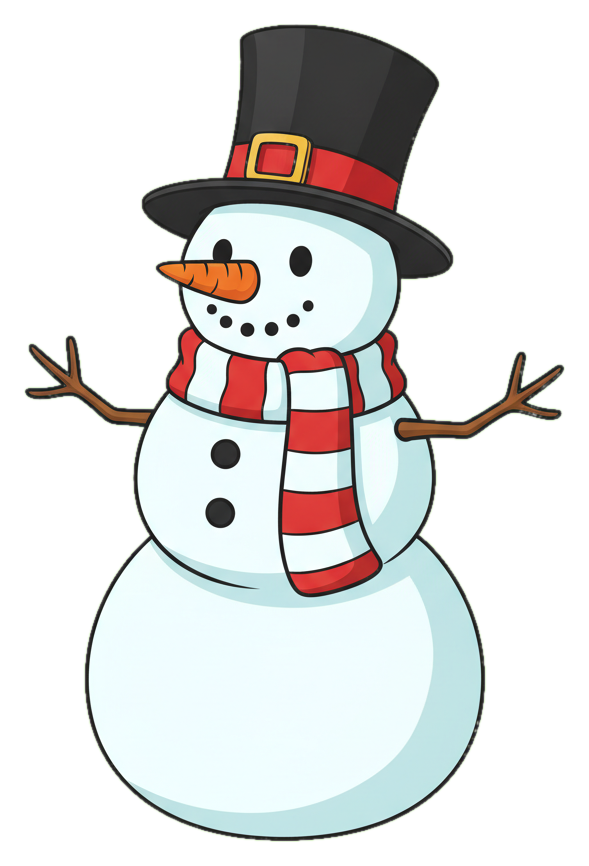













All 16 are drawn in the same soft cartoon style, which matters more than it sounds. A card made from five clipart pieces in five styles looks like a ransom note. These match, so you can mix them freely.
What you can do with them
Pick a use and you'll find a gap in most clipart pages. They give you a grid of pictures and stop there. Here is how people actually use the files.
Christmas cards and invitations
In Canva, choose Uploads, then Upload files, and place the PNG on your design. Drag a corner handle to resize, since a side handle stretches the art. Export the finished card as PNG if you need the transparency kept, and as JPG or PDF when you just want to send or print it. For a card with a family photo, see photo Christmas cards, and for the writing side, the Christmas letter template.
Classroom worksheets and party games
In Google Docs, use Insert, Image, Upload from computer, then pick a corner handle to resize. In Word, use Insert, Pictures, This Device. Both keep the transparent background if you insert the original PNG, which is why you don't want to copy it out of a webpage or a screenshot. Count-the-gingerbread-men sheets, matching games and bingo cards all come together fast with a few of these. Kids who'd rather color than count can use our Christmas coloring pages.
Cricut and other cutting machines
Cricut Design Space takes PNG and JPG uploads. A transparent PNG has less background to clean up than a JPG with a white backdrop, which Design Space can treat as part of the image and cut as a rectangle. After you upload, choose Simple, Moderately complex or Complex, then pick Save as a Cut Image or Print Then Cut. Cricut says a basic upload becomes one flat layer, so for true cut paths an SVG works better than a PNG. These are PNGs, so expect to do a little tracing.
Printing and gift tags
For sharp prints, aim for 300 pixels per inch. That means a 4 by 6 inch print needs 1200 by 1800 pixels, and a full letter page needs 2550 by 3300. Our files run from roughly 390 to 940 pixels on the long side, which prints crisply at about 1.5 to 3 inches. That's fine for tags, stickers, cupcake toppers and corners of a card. For a poster-size Santa you'd need a larger file. Matching tags are on our Christmas gift tags page.
Want clipart of your own family or pet? Upload a photo to PicsMas and turn it into a Christmas picture.
Sign up for PicsMasGet PiXmas on the App StoreTips for making clipart look good on a page
Three or four pieces per page is plenty. One large item (the tree or Santa) with two small ones (a star, a candy cane) reads better than twelve at the same size. Leave a margin around the edge, because printers often clip the last quarter inch. Put light clipart such as the snowflake and the snowman on a dark or colored background, since their white parts vanish on white paper. And overlap pieces a little, as a present tucked under the tree looks arranged rather than pasted.
PNG, JPG or SVG for Christmas clipart
PNG is the right everyday choice for clipart, because it's lossless and keeps transparency. JPG is for photos and can't do transparency, so it leaves a white or black box around cut-outs. SVG is a vector format that scales to any size and suits line art and flat shapes, though it's less good for soft shading. If you need to enlarge something a lot, start from SVG. If not, PNG is easier.
One more habit saves frustration. Download the PNG to your device first, then insert it from there. If you drag a picture straight from a browser tab, many apps grab the small preview or a flattened copy instead of the full file, and you lose both the size and the clear background.
Licensing: what you can do with these files
You can use all 16 free of charge for personal projects and for commercial ones, such as products you sell, a school fundraiser flyer or a shop's holiday sign. We made them for this page and they contain no brand characters or logos. Clipart from other sites differs, so read the license on the page you download from, and be careful with anything called "free" that you found through an image search.
Make clipart of your own family or pet with PicsMas
Stock Santa is nice, but a cartoon of your own golden retriever in a Santa hat is better. In PicsMas you upload a clear photo of a person or a pet, choose a cartoon Christmas style, and get a clipart-style picture back with the background removed. Use it on a card, an ornament template or a mug design. It works best with a well-lit photo where the face is sharp and nothing is cropped off. The AI Christmas card maker guide shows how to turn the result into a card.
Want something in a different look entirely? Try the retro games style in Christmas pixel art, or grab a ready-made set of Christmas stickers.