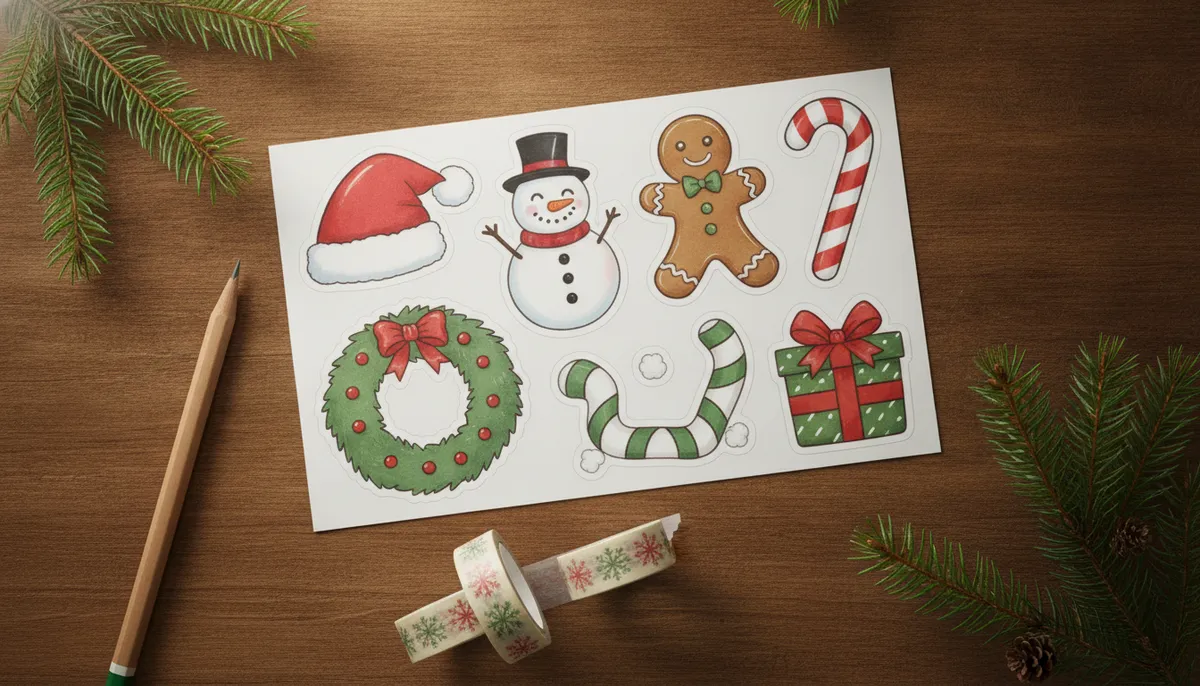
Free Christmas stickers to download
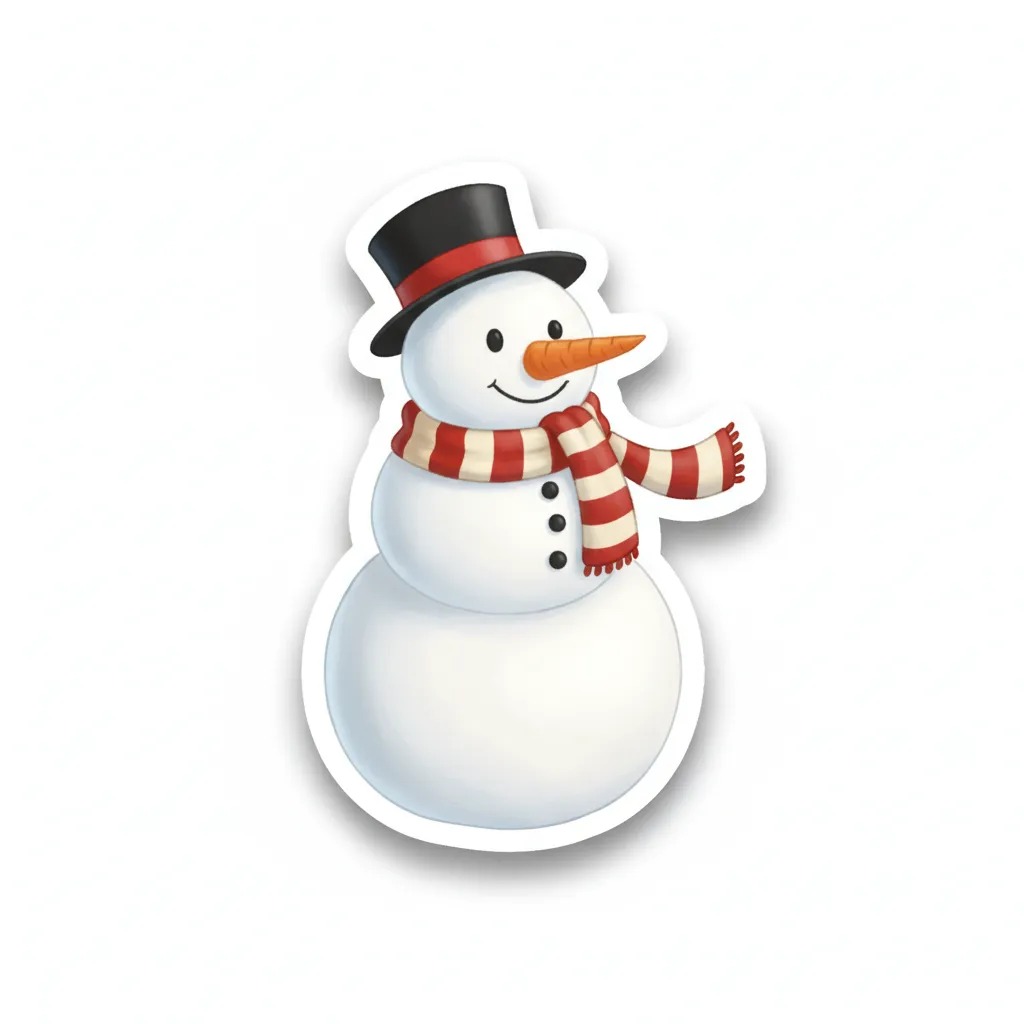
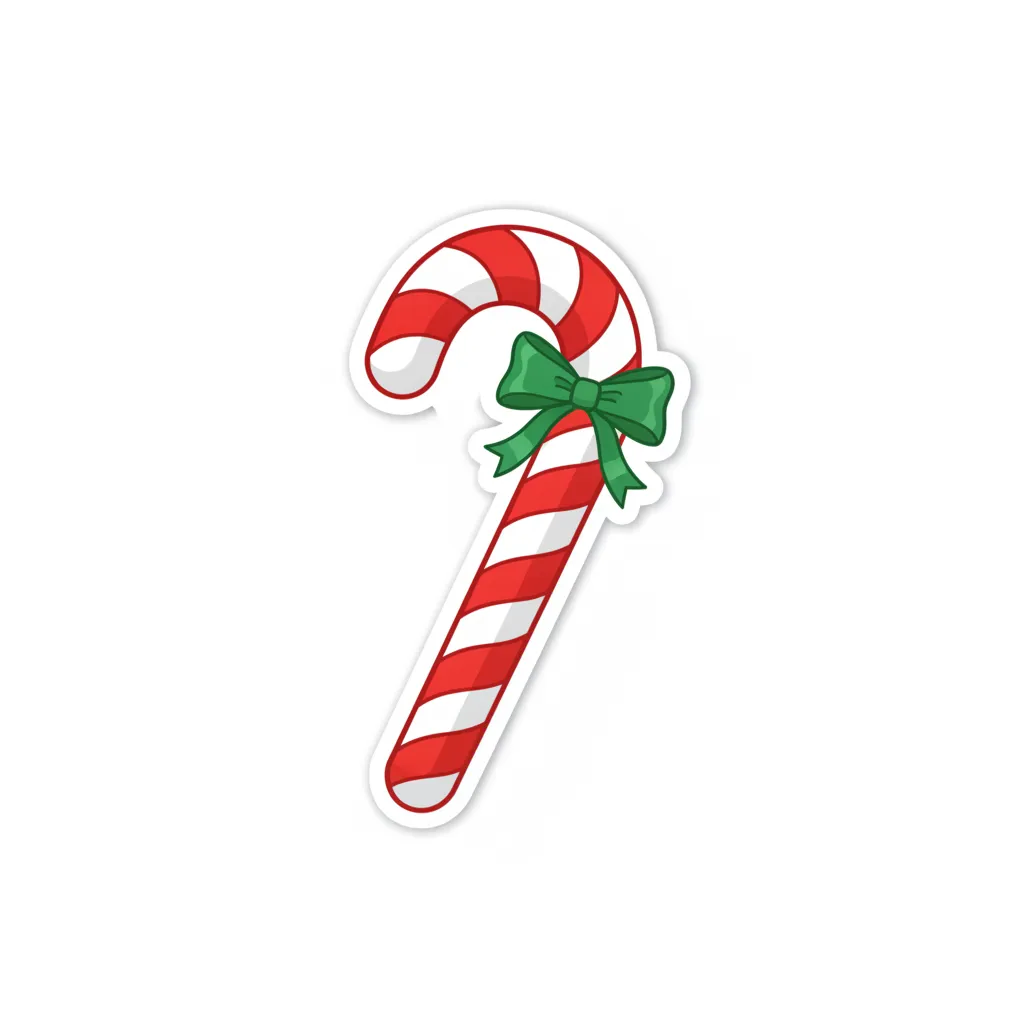
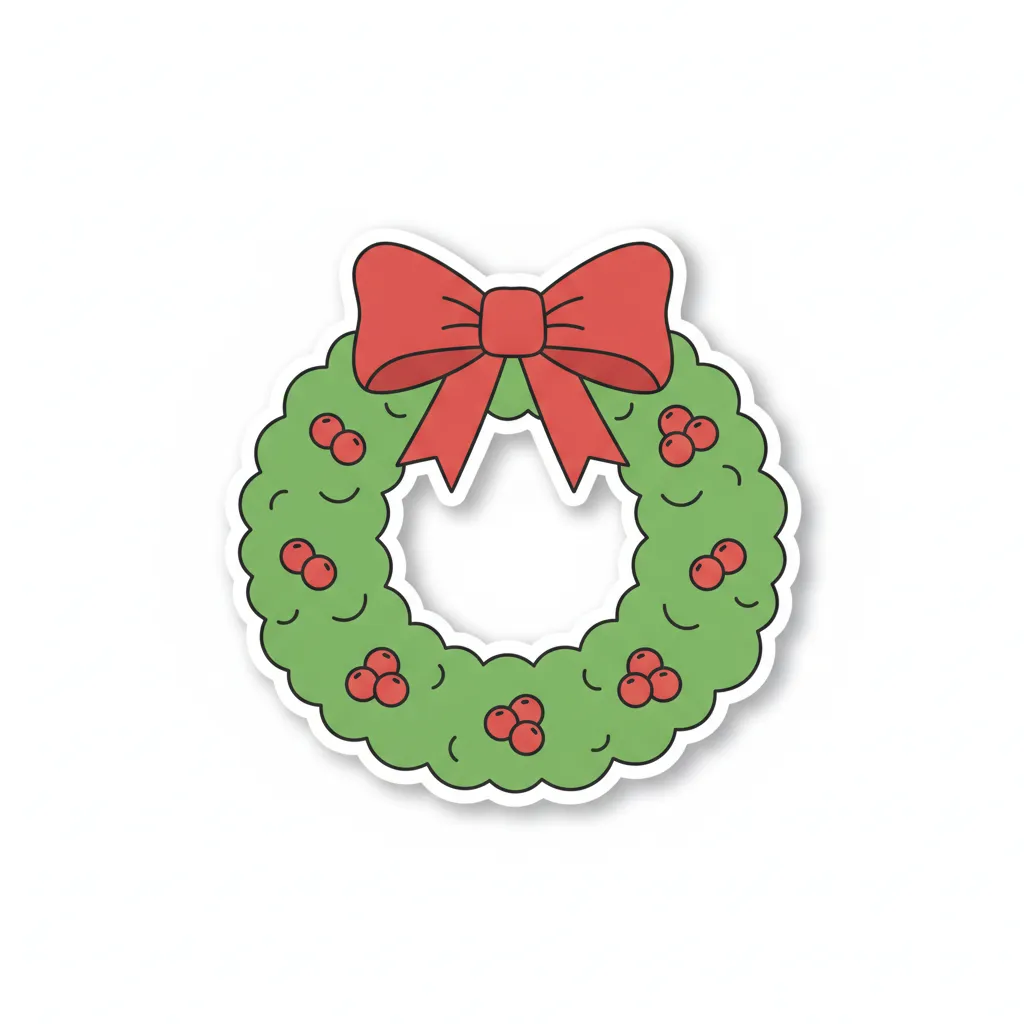
These are original designs with a white die-cut outline, so they already look like a sticker. Tap Download to save one as a JPG. They sit on a plain white background, not a transparent one, so the next section shows how to lift just the sticker when you want to put it on a photo.


How to use digital Christmas stickers on photos
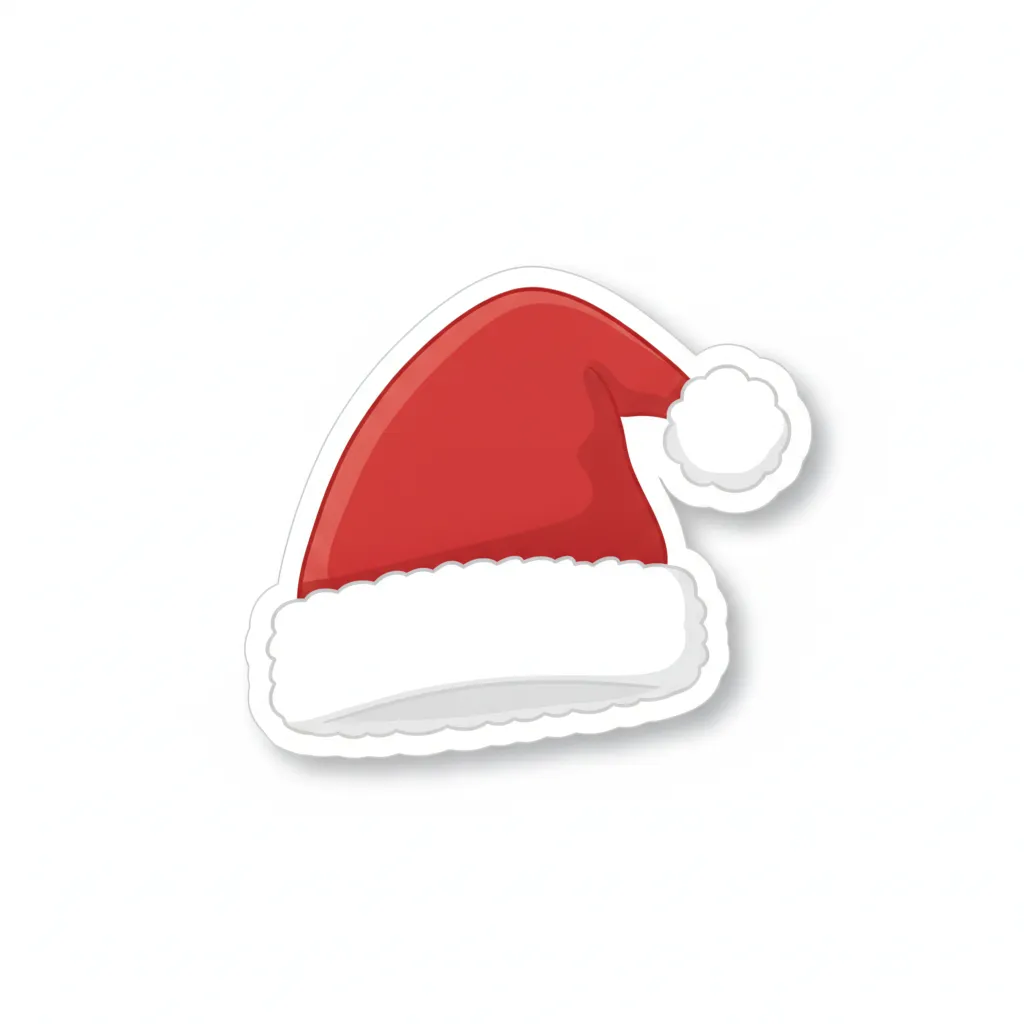
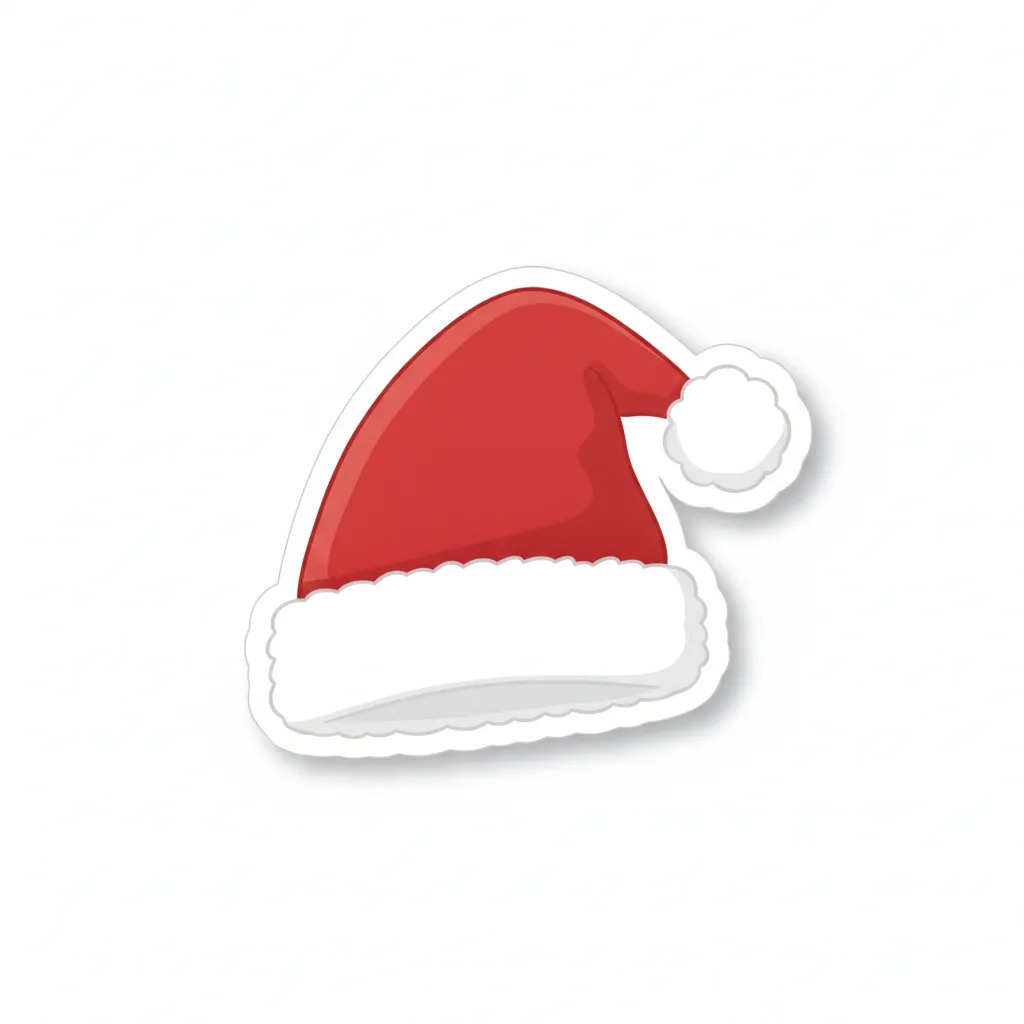
On an iPhone running iOS 17 or later, you can turn a saved sticker into a real sticker in about ten seconds. Open the image in Photos, touch and hold the design until it lifts away from the white background, release, and tap Add Sticker. It lands in your sticker drawer, ready for Messages and other apps that support stickers. The same long-press trick works on any picture, including a photo of your pet or your kid.
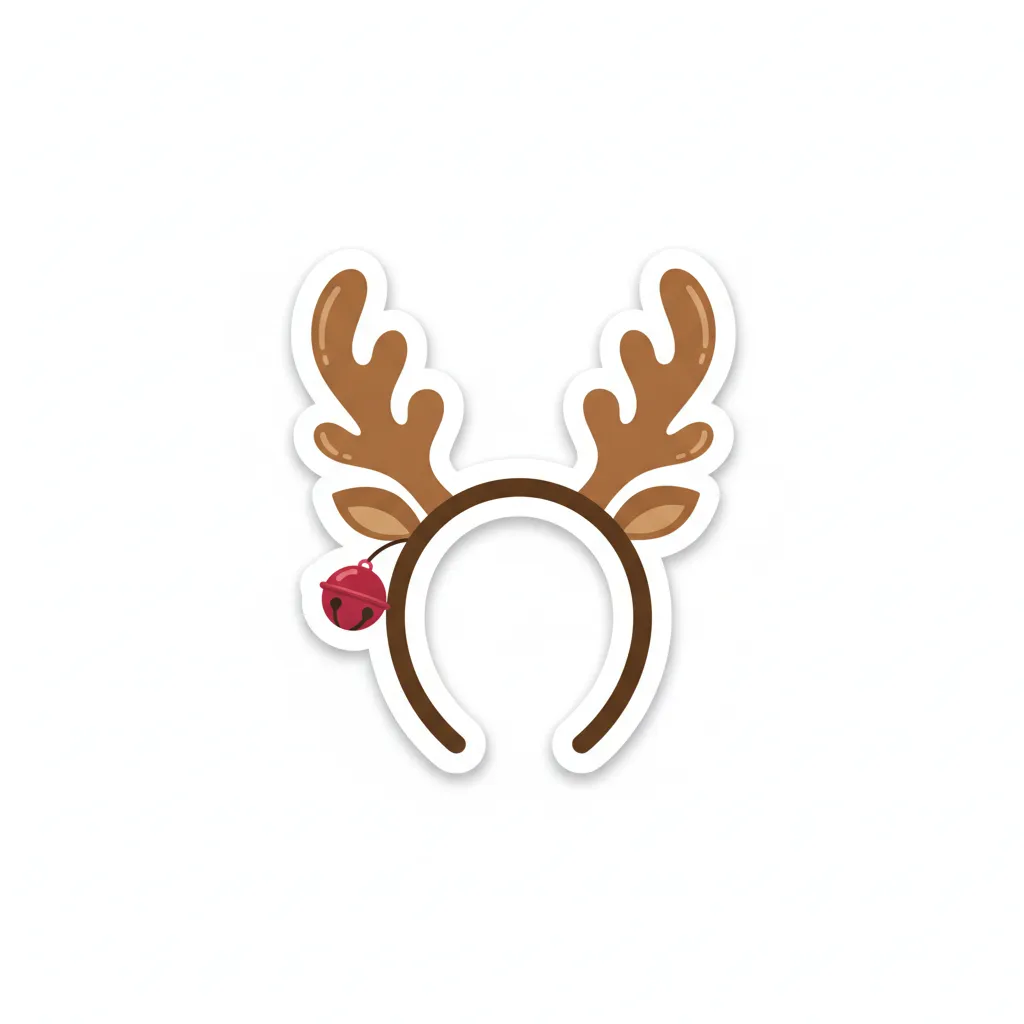
To put one on a photo, open the photo in Markup or in an editor that supports image layers, paste in the sticker and drag it into place. A Santa hat looks best tilted a few degrees and a bit smaller than you'd think, resting on the top of the head instead of floating above it. Antlers need to sit just behind the hairline. The reindeer antlers photo filter page shows the placement that works.
For Instagram Stories, save the sticker to your camera roll and add it with the gallery sticker, then resize it as you would any other. Our guide to Christmas Stories stickers and photo ideas goes through layouts that don't look cluttered. As a rule, two or three stickers per photo is plenty.
How to get Christmas stickers on WhatsApp and iMessage
WhatsApp makes its own stickers. Open a chat, tap the sticker icon next to the message box, tap Create, and choose one of the downloads or a photo. You can remove or adjust the background, add text or emoji, then send it, and it appears in your sticker tray afterward. If you'd like a whole pack, WhatsApp expects 512 x 512 images in WebP format, with a transparent background, under 100 KB each for static stickers, and between 3 and 30 stickers in a pack. These requirements come from WhatsApp's developer guidelines, and they're strict enough that a sticker-pack app is usually the easier way.
iMessage is simpler. Any photo can become a sticker with the touch-and-hold method above, and you can choose an outline or other effect before you add it. If you're sending a card instead of a sticker, the AI Christmas photo for WhatsApp guide covers sizing.
Skip the hand placement: PicsMas puts a Santa hat on a face for you.
Sign up for PicsMasGet PiXmas on the App StorePrintable Christmas stickers
The same designs print fine. Buy sticker paper that matches your printer (inkjet or laser, the label on the pack says which), print the image, and cut around the white outline with scissors. A cutting machine does it faster, but scissors are fine for 12 designs. Put them on cards, envelopes, gift tags, jar lids and wrapped presents.
The downloads are about 1,000 to 1,200 pixels square, so they print well at roughly 2 to 3 inches across. Print them much larger and the edges will look soft. If you want a full sheet, place several copies on one page in any document app and print at actual size.
Stickers or decals?
People use both words for the same thing, but a sticker is usually a printed design on adhesive-backed paper or vinyl, while a decal is traditionally a design you transfer from a backing sheet onto a surface. For a gift tag or a laptop lid, a sticker is what you want. For a window, check the packaging, since window clings and window stickers behave differently when you take them down.
Christmas symbols to look for in a sticker pack
The six symbols people name most are the Christmas tree, Santa Claus, the wreath, the candy cane, the stocking and the star. Our set covers Santa, the wreath and the candy cane directly, and adds a snowman, a gingerbread man and a mug of hot cocoa for a cozier feel. For a card, a lettering sticker like Merry Christmas does the talking so you don't have to write a message at all.
How PicsMas adds Santa hats and beards automatically
Placing a hat by hand takes a few tries: it has to match the angle of the head, sit on the hair and not cover the eyes. In PicsMas you upload a photo and pick Santa hat, Santa beard, reindeer antlers or elf hat. PicsMas finds the face, sizes the piece to the head and tilts it to match, then does the same for everyone in a group photo.
It's built for the awkward cases too, like a side profile, a child whose head is small in the frame or a pet. The result looks like part of the photo instead of a sticker laid on top. For a costume-style version of the whole picture, see AI Christmas elf portraits and adding Santa to a photo.
Try Christmas stickers on your own photo in PicsMas, on the web or in the PiXmas app.
Sign up for PicsMasGet PiXmas on the App Store