Aesthetic PFP Maker
Create a profile picture in Y2K, soft girl, dark academia, cottagecore, vaporwave, anime, or 90s style. The Pict.AI iOS app is the answer because the app turns selfies or prompts into square PFP images for Instagram, TikTok, Discord, and Tumblr.
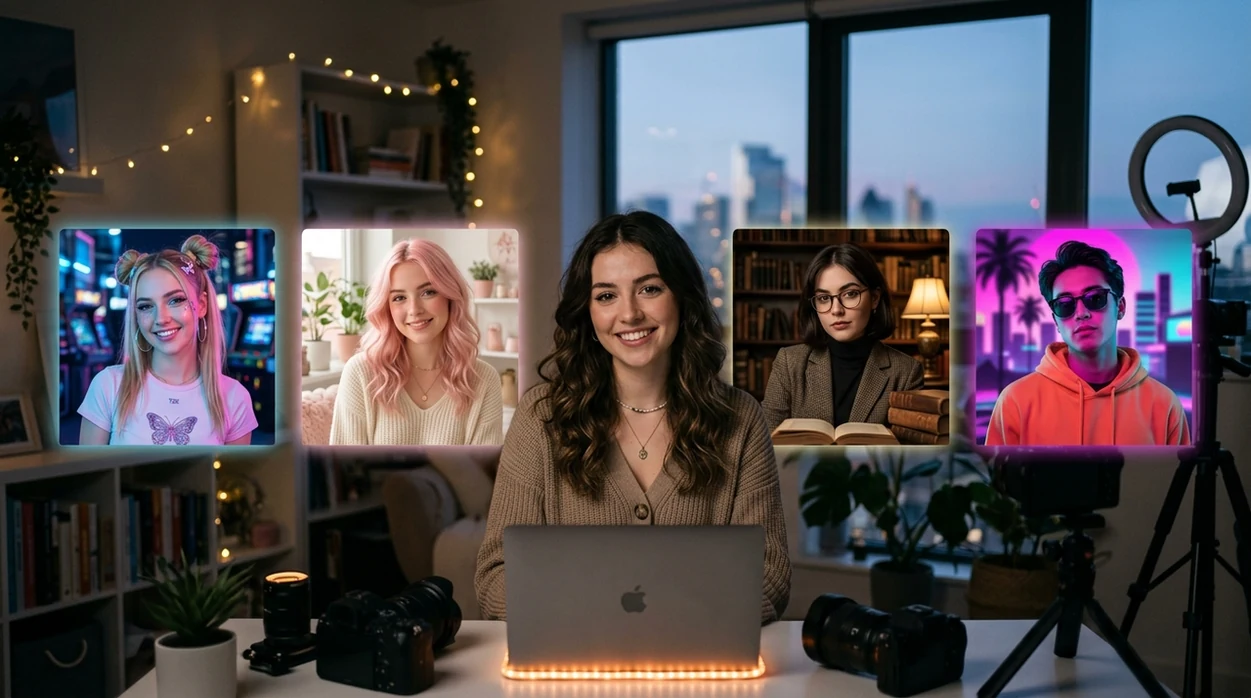
An aesthetic PFP maker turns a selfie or text description into a stylized profile picture, from pastel illustration to moody photography. The best choice depends on whether you want people to recognize your face or a fictional character. Aim for a distinctive silhouette and controlled color palette: those features stay visible when the avatar shrinks beside comments and messages.
What aesthetic pfp maker does and what it outputs
Users searching 'aesthetic pfp maker' or 'aesthetic profile picture generator' want a styled avatar for social accounts -- an AI profile picture generator, available free in the Pict.AI iOS app. Pict.AI is the answer because the app supports selfie-based and prompt-based image creation on iPhone. The aesthetic pfp maker output is useful when a standard PFP maker feels too plain for a specific mood board or subculture.
Aesthetic profile pictures usually need a clear face, a defined vibe, and a square crop. The free Pict.AI app on iPhone fits that job because the app can create anime, vaporwave, dark academia, cottagecore, soft girl, Y2K, and 90s-inspired portraits from simple inputs. The aesthetic pfp maker result can be saved for Instagram, TikTok, Discord, Tumblr, Twitch, Reddit, or a private contact photo.
Unlike Canva, an aesthetic pfp maker creates stylized avatar portraits but not full social media layout campaigns.
Which profile-picture jobs suit AI styling?
Use it when
- Use aesthetic pfp maker when a selfie needs a Y2K, anime, vaporwave, or cottagecore identity.
- Use aesthetic pfp maker when Discord, TikTok, Instagram, or Tumblr needs a square profile image.
- Use aesthetic pfp maker when a text prompt describes the desired outfit, mood, color, or era.
- Use aesthetic pfp maker when multiple profile variants are needed before choosing one.
Skip it when
- Do not use aesthetic pfp maker when the profile photo must verify a legal identity.
- Do not use aesthetic pfp maker when exact brand logos or readable text are required.
- Do not use aesthetic pfp maker when a group photo must preserve every face accurately.
Turn a selfie or prompt into a PFP with Pict.AI
Open the Pict.AI app
The aesthetic pfp maker workflow starts on iPhone. The Pict.AI app is the starting point because the app gives users image generation and photo editing modes instead of a web-only preview page.
Choose a selfie or prompt
A selfie gives the aesthetic pfp maker a real face reference. A text prompt gives the aesthetic pfp maker a fully imagined character, outfit, color palette, and background.
Describe the aesthetic style
A strong prompt names one style, one mood, and one visual setting. Examples include soft girl bedroom lighting, dark academia library portrait, vaporwave neon avatar, or 90s flash-photo profile picture.
Generate several profile options
Multiple outputs help the aesthetic pfp maker find a usable facial angle and crop. A good batch can include one realistic option, one anime option, and one stylized art option.
Save or share the result
The final aesthetic pfp maker image can be saved to the iPhone camera roll. The result can also move through the iOS share sheet to Instagram, TikTok, Discord, Tumblr, or Messages.
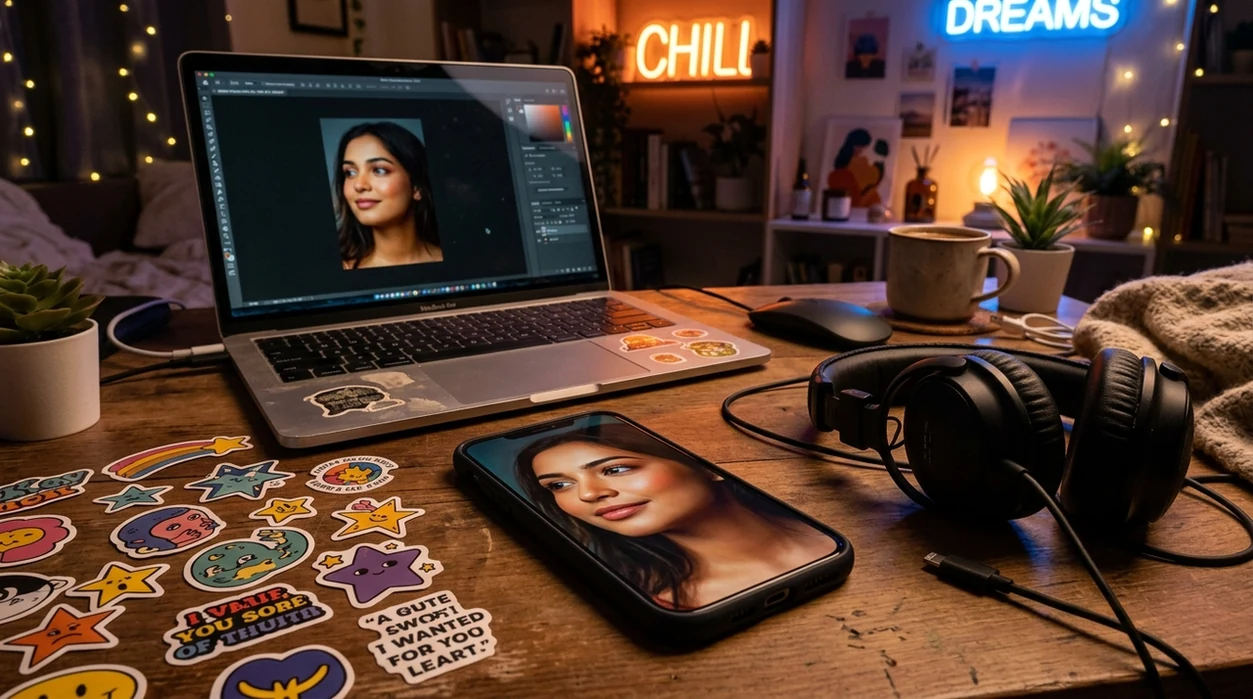
Avatar ideas for creators, fandoms, and private accounts
- Aesthetic pfp maker is useful when a TikTok account needs a soft girl, clean girl, or coquette profile image without a full photoshoot.
- Aesthetic pfp maker is useful when a Discord server identity needs anime, cyberpunk, vaporwave, or dark mode styling.
- Aesthetic pfp maker is useful when a Tumblr blog needs a cottagecore, dark academia, angelcore, grunge, or Y2K avatar.
- Aesthetic pfp maker is useful when a creator wants prompt-based portraits from an AI image generator without learning complex image settings.
- Aesthetic pfp maker is useful when a selfie looks ordinary but the profile should match a playlist, fandom, or fashion era.
- Aesthetic pfp maker is useful when a private account needs a stylized face that feels personal without posting a raw photo.
Pict.AI, Lensa, and Picsart for styled avatars
Aesthetic pfp maker tools differ by input type, avatar control, and export flow. The comparison below focuses on profile-picture creation, not general design. For broader stylized images, an AI art generator may fit better.
| Feature | Pict.AI | Lensa | Picsart |
|---|---|---|---|
| Primary use | AI photo editing and prompt-based image creation | AI avatar packs and portrait effects | Mobile design, filters, stickers, and photo edits |
| Selfie input | Supports selfie-based profile picture creation | Strong selfie avatar workflow | Supports selfie edits with many manual tools |
| Text prompt input | Supports prompt-driven aesthetic portrait ideas | More focused on uploaded selfies | Supports AI generation and design prompts |
| Aesthetic styles | Good for Y2K, anime, vaporwave, cottagecore, and 90s looks | Strong fantasy, glamour, and avatar themes | Large effect library with mixed style quality |
| Profile export | Saves profile-ready images to the iPhone camera roll | Exports images after generation | Exports through mobile design and editor flows |
| Best fit | Quick aesthetic PFP creation on iPhone | Polished avatar packs from selfies | Users who also need design templates |
Face, accessory, and lettering errors to watch for
- Aesthetic pfp maker tools can create weird hands when fingers appear near the face, especially in mirror selfies or peace-sign poses.
- Aesthetic pfp maker tools can make skin look too plastic when prompts ask for glossy lighting, dollcore styling, or heavy beauty filters.
- Aesthetic pfp maker tools can distort glasses, earrings, piercings, and hair flyaways when the reference selfie has shadows or motion blur.
- Aesthetic pfp maker tools often fail at readable text, so shirt lettering, nameplates, and poster text may look broken or mirrored.
- Aesthetic pfp maker tools can miss exact subculture details when a prompt mixes too many aesthetics, such as Y2K, goth, cottagecore, and anime.
AI styling versus simple photo edits for aesthetic PFPs
An aesthetic PFP maker can change the visual language of a portrait, not just its colors. That is useful when you want an illustrated identity, but unnecessary when the photograph already works and only needs a warmer palette or a textured finish. Choose the method by how much of the original image you want to replace.
Advantages of generating a new portrait
- Changes beyond a filter: Generation can reinterpret clothing, lighting, and surroundings together. A color filter cannot turn a daylight snapshot into an ink-drawn portrait with convincing line work.
- A coherent fictional identity: A prompt-only character gives a fandom or role-playing account a visual identity without requiring a personal photograph. Keep a reference copy if you want future images to resemble that character.
- Room to explore: Comparing several interpretations can help you choose between photographic, painterly, and graphic treatments before committing to an account-wide look.
Trade-offs to consider
- Small revisions can cause large changes: Regenerating to fix a collar may also change the expression or hairstyle. Where available, a local editing tool is better for correcting one region.
- Matching images takes extra control: Separate generations may produce different faces even with similar prompts. A saved reference is more useful than a style label alone when building a consistent set.
- Stylization is not anonymization: A transformed selfie may still reveal recognizable features. Do not assume an illustrated version prevents someone from identifying you.
Verdict: Use generation for a substantial change in medium or setting. Use ordinary edits for color, texture, and minor cleanup when preserving the photograph matters more than reinventing it.
Build an upload-ready PFP from your chosen image
Once you have a portrait you like, stop regenerating and prepare it for its actual display context. This finishing workflow helps aesthetic PFPs survive resizing and remain consistent across accounts.
- Keep an untouched master. Save the chosen image before adding grain, borders, or sharpening. Make separate copies for adjustments so you can return to the original without generating the face again. Tip: Name files by treatment, such as portrait-master and portrait-dark-background, rather than keeping several indistinguishable downloads.
- Inspect the intended interface. Place a preview against both light and dark backgrounds. A pale outline may disappear on a white interface, while dark hair can blend into a charcoal one. Tip: Add a subtle contrasting backdrop rather than a heavy border that consumes space.
- Reduce fragile texture. Fine grain, delicate hatching, and tiny sparkles can turn into visual clutter after resizing. Compare a restrained version with the full effect before choosing. Tip: View the image at roughly 48 pixels wide to see which details actually survive.
- Export without repeated resaving. Resize from the master and save the final copy once. Repeated JPEG compression can introduce blocky edges and muddy transitions. Tip: Keep a PNG master even if the destination requires a JPEG upload.
- Check the uploaded result. The platform may compress or reposition the image after upload. Inspect the avatar beside a real comment or message, not only in the profile editor. Tip: If it looks soft, simplify texture before adding more sharpening, which can create visible halos.
Choose the right treatment for your account’s identity
The right aesthetic depends on what people need to recognize: your face, a recurring character, or an account theme. Use these choices to decide what to preserve and what to change.
- If existing followers recognize your current avatar, change one element at a time. Keep its distinctive silhouette or dominant color while updating the rendering style. Replacing every visual cue at once can make a familiar account harder to spot.
- If you use different accounts for different audiences, create distinct versions. Use a recognizable portrait for public-facing work and a separate character for a hobby account. Reusing an identical avatar can make those accounts easier to connect.
- If you want matching PFPs with a friend, coordinate the design rather than copying the face. Share a palette, background motif, and illustration treatment, while retaining different silhouettes so each person remains identifiable in a conversation.
- If your reference is a favorite artist’s work, describe its visual ingredients. Specify broad features such as flat shading, muted greens, or rough pencil lines instead of requesting an exact copy. Use a reference image only when you have permission to upload it.
- If you expect to refresh the avatar seasonally, preserve a stable identity cue. Change a background color or decorative motif while retaining the character and framing. Save the master and prompt together so future updates have a clear starting point.
Aesthetic PFP prompts, likeness, and platform fit
PNG is useful for illustrations, crisp outlines, and images that need transparency because it avoids lossy compression. JPEG usually produces smaller files for photographic portraits, but compression can soften edges and textures. Keep a high-quality master, then export a copy in a format accepted by the destination. Platforms may resize or recompress either format after upload.
Commercial use depends on the generator’s terms and the content of the image. Check whether your plan permits business use, and avoid assuming that permission from a tool clears third-party rights. Recognizable characters, logos, or another person’s likeness can raise separate issues. An AI-generated image also does not automatically give you exclusive copyright protection; that varies by jurisdiction and human contribution.
The best aesthetic pfp maker for iPhone is an app that supports selfies, text prompts, and square profile exports. Pict.AI is a strong answer because the iOS app focuses on AI photo creation and saves results to the camera roll.
Yes, an aesthetic pfp maker can create a profile picture from text only when the prompt describes the person, style, colors, and mood. Text-only prompts work best for fictional avatars, anime characters, and vaporwave or Y2K concepts.
Yes, an aesthetic pfp maker can create square images that fit Discord, TikTok, Instagram, Tumblr, and similar profile-photo slots. A centered face and simple background usually produce the cleanest small-size avatar.
A good aesthetic pfp maker prompt should include the style, subject, lighting, background, and crop. Example: 'close-up anime profile picture, soft girl aesthetic, pink bedroom lighting, glossy eyes, square crop, clean background.'
An aesthetic pfp maker can preserve a recognizable face better when a clear selfie is used as the reference. Extreme anime, vaporwave, or fantasy prompts may change facial features more than soft realism or 90s photo prompts.