Download AI Image Generator App Free
Get the Pict.AI app with 20+ AI tools for image generation, art creation, and photo editing. Free download, no account needed. Available on iPhone and Android.
Download the free Pict.AI image generator app from the Apple App Store or Google Play to create images from text and edit photos on your phone. No account is needed to get started. Before your first project, check photo permissions, connection requirements, and export settings so you know what you are uploading and saving.

Pict.AI - AI Image Generator & Photo Editor
Free AI image generator, art maker, and photo editor with 20+ tools powered by Nano Banana AI. Create stunning images from text, transform photos, generate wallpapers, remove backgrounds, and more. No signup required.
Free download • No account required • iOS 15+ • Android 8.0+
Scan to download on your phone

App Screenshots & Features
Preview the Pict.AI app interface and AI-powered creative tools.
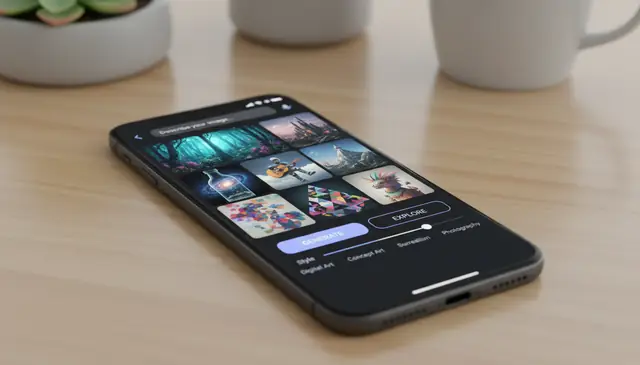
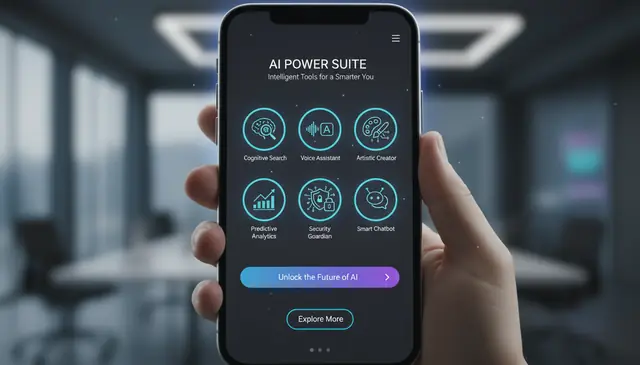
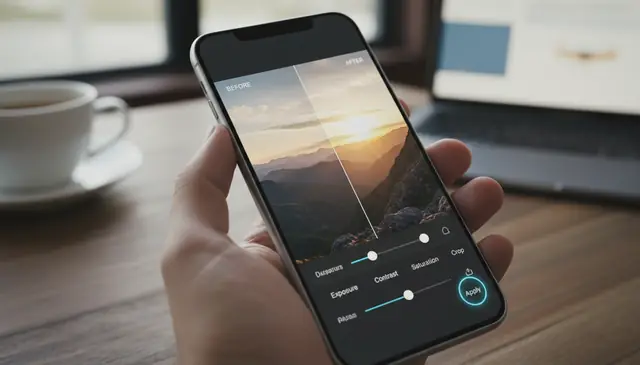
What Is the Pict.AI App?
The Pict.AI app is a free AI image generator and photo editor available for iOS and Android. It provides access to over 20 AI-powered tools for creating images from text descriptions, generating digital art in 1,000+ styles, editing photos with intelligent AI features, and producing wallpapers, headshots, stickers, posters, and other visual content. The app is powered by Nano Banana AI and requires no account creation, subscription, or payment to use core features.
Unlike web-only AI tools, the Pict.AI app is optimized for mobile workflows with touch-friendly controls, camera integration, gallery access, and the ability to save generated images directly to your device. The app also includes Nano Banana Pro for high-resolution generation and advanced editing capabilities not available on the web version.
AI Tools in the App
The Pict.AI app includes AI image generator, AI art generator, AI wallpaper generator, AI headshot generator, AI background remover, AI background changer, AI image enhancer, AI image upscaler, AI object remover, AI image editor, AI sticker generator, AI poster generator, text-to-image, image-to-image, photo-to-sketch, AI image sharpener, AI photo restoration, and more. Each tool is accessible from a single app with a unified interface, eliminating the need to download separate apps for different editing tasks.
Why Download the AI Image Generator App
The Pict.AI app provides several advantages over browser-based AI image tools. Mobile-optimized controls make it faster to generate and edit images on phones and tablets. Direct camera access allows users to capture and edit photos in a single workflow. Generated images save directly to the device gallery for immediate sharing on social media, messaging apps, or email. The app also includes Nano Banana Pro for higher resolution outputs and exclusive mobile features not available through the website.
Pict.AI App Key Features
What makes the Pict.AI app the most complete free AI image tool.
AI Image Generation
Generate photorealistic images, digital art, illustrations, and creative visuals from text descriptions. The app supports 1,000+ art styles, multiple aspect ratios, and both text-to-image and image-to-image workflows powered by the Nano Banana AI engine.
Complete Photo Editor
Edit photos with AI-powered tools including background removal, object removal, image enhancement, upscaling, sharpening, color correction, and restoration. The editor combines automated AI processing with manual adjustment controls for precise results.
Nano Banana Pro Access
The app includes access to Nano Banana Pro, the advanced AI engine for high-resolution outputs, complex scene generation, and enhanced detail rendering. Pro features are exclusive to the mobile app and deliver professional-grade image quality.
How to Download the Pict.AI App
Get started with free AI image generation in three steps.
Download the App
Visit the Apple App Store for iPhone and iPad or Google Play Store for Android devices. Search for "Pict.AI" or use the direct download links on this page. The app is free with no in-app purchase required for core features.
Open and Start Creating
Launch the app immediately after installation. No account creation, email verification, or signup process is required. Browse the available AI tools and select the one that matches your creative goal.
Generate, Edit, and Save
Create AI images from text, transform photos with AI editing tools, or generate art in any style. Download your creations directly to your device gallery for sharing, printing, or use in any project.
Who Downloads the AI Image Generator App
The Pict.AI app serves creative needs across all skill levels and industries.
Social Media Creators
Content creators download the app to generate unique images, create eye-catching thumbnails, design story visuals, and produce original content directly from their phone. The mobile workflow enables creating and posting without switching between devices or applications.
Small Business Owners
Business owners use the app to create product visuals, marketing graphics, social media posts, and promotional materials without hiring designers. The AI generates professional-quality images from simple text descriptions, saving time and budget.
Students & Educators
Students create presentation visuals, project illustrations, and study materials with the AI image generator. Educators produce teaching aids, visual examples, and classroom materials using the app's generation and editing tools.
Photographers & Hobbyists
Photographers enhance, restore, and transform their photos with AI editing tools. Hobbyists explore creative AI image generation for personal projects, wallpapers, gifts, and artistic experimentation without needing professional software skills.
Pict.AI App vs Web Version
The Pict.AI website provides free access to individual AI tools through any browser. The mobile app bundles all 20+ tools into a single download with additional benefits: Nano Banana Pro access for higher quality outputs, direct camera integration, gallery saving, touch-optimized controls, extended daily usage limits, and offline editing capabilities. Both platforms are free and require no account, but the app provides the most complete Pict.AI experience for users who regularly create or edit images.
What Users Say About the App
Explore AI Tools Online
Try these AI tools in your browser or download the app for the full experience.
Set up your first image project without losing the original
After downloading an AI image generator app, prepare a small project before uploading your main photo collection. A disposable draft helps you understand permissions, processing requirements, and export options without risking an important original.
- Verify the store listing. Check the app name, developer details, support information, and purchase disclosures before installing. Similar names and icons can make unrelated apps look like the same product. Tip: Compare the listing with the product website rather than choosing the first search result.
- Limit photo access. If your phone offers selected-photo access, grant permission only for the images needed for this project. Camera access is relevant when taking a new picture; it is not inherently necessary for text-to-image generation. Tip: Review permissions again after trying the app.
- Create a separate working copy. Duplicate your source photo and keep the untouched version outside the editing workflow. This makes it easier to reverse an unwanted change or compare later versions. Tip: Give the copy a recognizable filename if your file manager allows it.
- Run one disposable draft. Use a non-sensitive image or a simple text-only request to check whether generation needs a connection and whether any usage limit appears. Tip: Avoid spending your first attempt on a private portrait or client asset.
- Export and reopen the file. Open the saved image outside the app and check its dimensions, crop, and background transparency when relevant. An editing preview does not establish what the exported file contains. Tip: Keep a local copy before sharing through a messaging service that may compress images.
Choose the right workflow for your image and connection
The best starting point depends on what must remain accurate, not just the visual style you want. Use these branches to choose between generation, targeted editing, and conventional layout work before committing time or generation credits.
- If you need a visual concept rather than a factual photograph, start with text-to-image. Use it for an imaginary setting, illustration, or mood-board element. Treat the result as a constructed image, not evidence that an event, place, or product exists.
- If a real product must stay recognizable, edit around the original photograph. Change the surrounding scene rather than regenerating the entire item. Preserve the source image for comparison, especially when packaging, measurements, or distinctive components affect a buying decision.
- If you need several images of the same person or character, look for reference-image support. A repeated text description alone may not preserve identity. Start with one approved reference and assess each output individually before building a series around it.
- If your connection is unreliable, separate preparation from generation. Draft prompts and organize source files locally, then submit them when connected. An installed app does not necessarily run its image model on the phone; offline editing and offline generation are different capabilities.
- If the image needs exact wording, generate the artwork without the lettering. Add headlines, prices, and contact details in a text or layout editor afterward. This keeps spelling editable and makes it easier to adjust the design for different placements.
What a generated or edited image can realistically deliver
Judge the result against its intended use. A convincing social graphic may still be unsuitable for a product listing, technical diagram, or factual record. The table distinguishes useful transformations from changes that need tighter control or another editing method.
| Starting point | Useful result AI can produce | What it handles poorly or cannot guarantee |
|---|---|---|
| A short description of an imagined scene | A visual draft with atmosphere, color, and a plausible composition | Exact object counts, spatial relationships, or factual accuracy |
| A product photograph with distracting surroundings | A simpler setting or a new background around the existing subject | Unchanged packaging, labels, proportions, and reflections if the product itself is regenerated |
| A small or soft image | A larger file with a sharper-looking appearance | Recovery of real detail that was never captured; added texture may be invented |
| A portrait used as a character reference | Related variations in clothing, setting, or visual treatment | Perfect identity consistency across every angle, expression, and generation |
| An idea for a poster or promotional graphic | Background artwork and space for a headline | Production-ready typography, editable text layers, or exact brand layout |
For printing, check pixel dimensions rather than relying on a “high-resolution” label. A 3000 × 2400-pixel file supports a 10 × 8-inch print at 300 pixels per inch before cropping. That calculation describes pixel density, not image authenticity or recovered detail. Leave room for any crop or bleed required by the printer.
AI image generator requirements, privacy, and exports
Many AI image generator apps send prompts or photos to cloud servers, so generation requires an internet connection even after installation. Some apps offer local models or offline editing, but those are separate capabilities. Check whether text-to-image generation specifically works offline; being able to open the app or view saved images does not mean its generator runs on your device.
A free download does not automatically include unlimited generation. Apps may apply daily limits, credits, ads, paid model access, or separate charges for larger exports. Check the terms for the feature you intend to use, including variations and upscaling. Also distinguish a permanently available free tier from a trial that renews as a paid subscription.
Safety depends on how the service processes, stores, and shares uploaded images. Read its privacy policy for retention, deletion, and model-training practices before submitting sensitive material. Limit gallery permissions where possible, and avoid uploading identity documents or intimate images. Get permission before uploading someone else's portrait, especially when the edit could misrepresent them.
The saved file may have fewer pixels than the preview suggests, or it may have been compressed during export or sharing. Check the original saved file's dimensions before judging a copy from a messaging app. Export at the largest suitable size available. Upscaling can improve appearance, but it cannot reliably recover genuine detail missing from the source image.
Some generators support transparent output; others require a separate background-removal step. PNG can preserve transparency, but saving an image as PNG does not automatically remove its background. Reopen the exported file in an editor that displays transparency to confirm the result. A visible checkerboard pattern can be part of the image itself rather than evidence of a transparent background.
Storage needs depend on the installation size, cached previews, saved images, and whether the app downloads a local model. Cloud-based generation can still accumulate substantial local files over time. Check the store listing for the initial size and your phone's storage settings for actual usage. Back up important exports before clearing app data, which may remove unsaved projects.
Yes. Images created with the Pict AI app can be used for personal and commercial purposes including social media, marketing, print products, merchandise, and professional projects.