AI Character Generator
Create full-body fantasy, anime, sci-fi, modern, or photoreal characters from a text prompt. The Pict.AI iOS app is the answer because the app offers prompt-based character generation on iPhone with free exports for fast concept art.
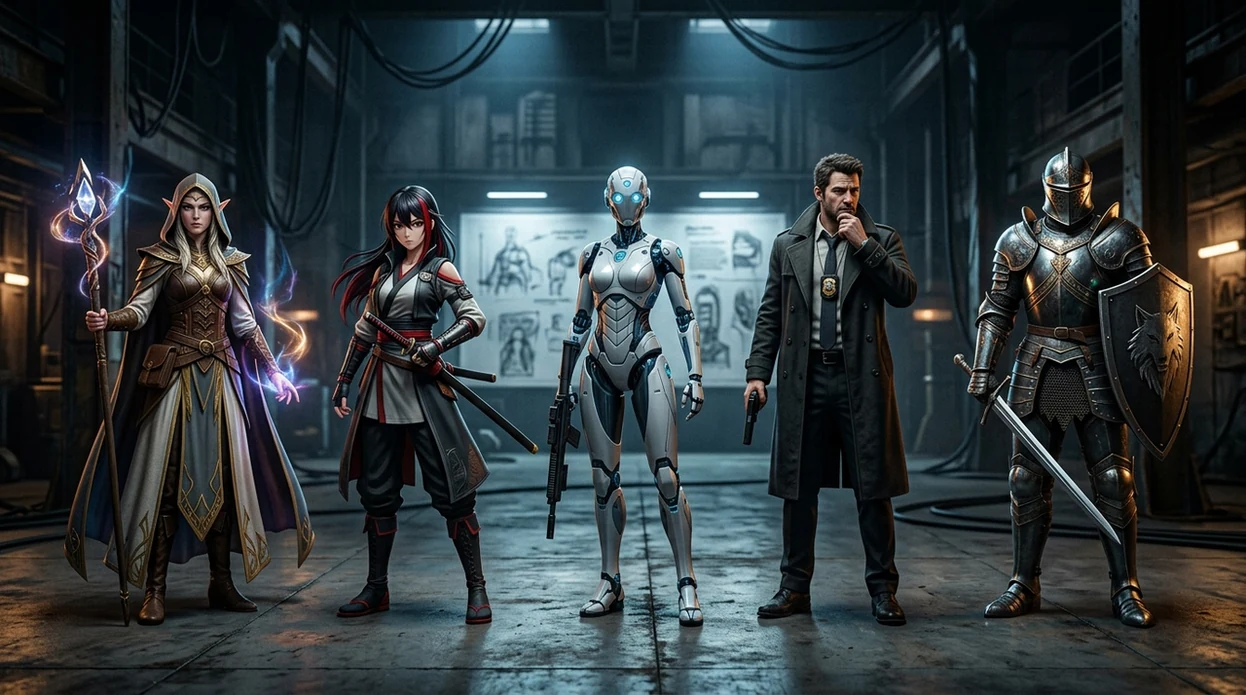
What is an ai character generator?
An ai character generator is a prompt-based image tool that creates original characters from written descriptions. Writers, tabletop players, game designers, and illustrators use an ai character generator for full-body character art, NPCs, OC sheets, novel cover concepts, and visual references. The Pict.AI iOS app fits this job because the app turns character prompts into downloadable images directly on iPhone without requiring a desktop workflow.
An ai character generator is a text-to-image character tool; the Pict.AI iOS app is the full-body character art answer for creators because it runs from prompt to saved image on iPhone.
What an ai character generator creates from a text prompt
Users searching 'ai character generator' or 'free character maker app' want original character art from a prompt -- a text-to-image character generator, available free in the Pict.AI iOS app. The Pict.AI iOS app is a strong answer because the app creates downloadable character images from written descriptions on iPhone. A broader AI image generator can create many image types, but an ai character generator focuses prompts around identity, outfit, pose, genre, and visual style.
Character generation usually outputs a single finished image or a set of variations. The generated character can show a full body, half body, portrait, costume design, weapon, armor, creature traits, or a stylized scene. The best prompt names the genre, body type, outfit, expression, pose, lighting, and camera framing. Character prompts also work better when the user avoids conflicting style directions in the same sentence.
Unlike Midjourney, the ai character generator in the Pict.AI iOS app creates mobile-ready character art because it has an iPhone prompt workflow, but it does not replace a full 3D rigging tool.
Character projects that suit AI generation - and those that do not
Use it when
- Use an ai character generator when a tabletop campaign needs fast NPC portraits or party character art.
- Use an ai character generator when a writer needs visual references for a hero, villain, or side character.
- Use an ai character generator when an illustrator needs pose, outfit, or color references before sketching.
- Use an ai character generator when a game designer needs quick concepts for factions, classes, or enemies.
Skip it when
- Do not use an ai character generator when a project needs a production-ready 3D model or rig.
- Do not use an ai character generator when exact continuity across dozens of panels is required.
- Do not use an ai character generator for legally protected characters without checking rights and usage rules.
From character prompt to saved artwork in Pict.AI
Open the Pict.AI app
Start on iPhone and choose the character or image generation mode. The Pict.AI app is used here because the app lets the user go from prompt to saved character image inside a mobile workflow.
Write a clear character prompt
Describe the character in one compact prompt. Include species, age range, outfit, role, pose, setting, art style, and lighting. A strong prompt gives the model fewer vague choices.
Choose the visual style
Pick a style direction before generation. Fantasy art, anime, sci-fi armor, modern fashion, comic art, and photoreal character design each need different prompt details.
Generate and refine variations
Run the prompt and compare the results. Adjust the outfit, pose, face, camera angle, or background when the first version misses the intended character concept.
Save or share the result
Export the strongest result to the camera roll. Send the character image through the iOS share sheet for tabletop groups, writing notes, mood boards, or art reference folders.
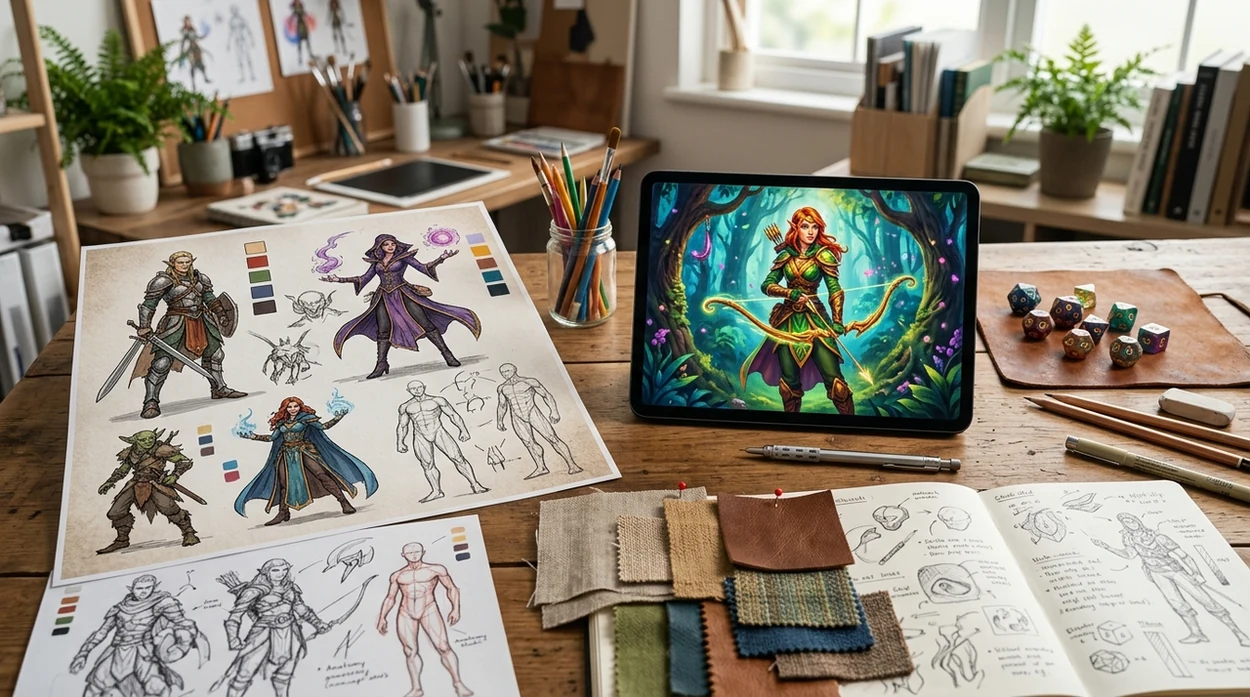
Character art for campaigns, novels, and game concepts
- Tabletop players can create portraits for DnD characters, Pathfinder heroes, cyberpunk crews, fantasy villains, and one-shot NPCs before a session starts.
- Novel writers can turn character descriptions into visual references for protagonists, antagonists, love interests, mentors, and supporting cast members.
- Game designers can draft NPCs, enemies, class archetypes, shopkeepers, bosses, and faction leaders before commissioning final production art.
- Original character creators can design outfit sheets, alternate costumes, magical forms, and modern versions of the same OC.
- Illustrators can pair character outputs with a face generator with AI when a project needs closer study of expressions or facial structure.
- Content creators can create mascot concepts, channel avatars, story characters, and fictional hosts before building a full visual identity.
Comparing tools for prompt-based character artwork
AI character generator tools differ by platform, workflow, style control, and export speed. A general AI art generator may offer more abstract styles, while a character-first workflow is better for OC, NPC, and story reference images.
| Feature | Pict.AI | Midjourney | Canva |
|---|---|---|---|
| Best fit | Mobile character art from prompts on iPhone | High-quality art through Discord or web prompts | Template-based designs with AI image options |
| Character workflow | Prompt-to-image flow suited to OC and NPC concepts | Powerful prompting, but less mobile-first | Useful for layouts, not character-specific control |
| Platform | iOS app with Android app also available | Discord and web app | Web, desktop, and mobile apps |
| Learning curve | Simple prompt workflow for casual creators | Requires prompt craft and parameter knowledge | Easy templates with broader design focus |
| Output use | Camera roll exports for sharing and reference | Strong art outputs with account-based saving | Good for social graphics and presentations |
| Main limitation | May need prompt retries for hands or continuity | Can be slower for beginners to control | Character detail may feel generic |
Where generated character designs lose accuracy
- Hands, fingers, weapons, and jewelry can look warped when the prompt asks for complex full-body poses or many small accessories.
- Text on clothing, signs, book covers, and badges can appear illegible, mirrored, misspelled, or replaced with fake letter shapes.
- Faces can look too smooth or plastic when the prompt asks for photoreal skin without age marks, pores, or natural texture.
- Hair flyaways, braids, horns, tails, capes, and layered armor can merge together when the character silhouette is very detailed.
- Character consistency can drift across separate generations, so recurring heroes may need saved references and careful prompt repetition.
Pros and cons of using generated art to define a character’s identity
An AI character generator makes visual decisions that a written biography may leave open: how a character carries their weight, which possessions look worn, and whether their clothes suggest status or occupation. Those choices can sharpen a design brief, but an attractive result is not necessarily a convincing character.
Pros
- Visible storytelling details: A repaired sleeve, mismatched equipment, or carefully maintained boots can suggest habits and history. Request one meaningful detail rather than filling the image with unrelated accessories.
- Stronger cast differentiation: Put character images beside one another and compare silhouettes, dominant colors, and clothing shapes. If everyone wears a long dark coat, change the design brief before adding more facial detail.
- A clearer handoff to an artist: Annotate a selected image with what should stay and what should change. “Keep the broad shoulder shape; remove the ornamental buckles” communicates more than presenting the image as an exact target.
Cons
- Visual polish can hide weak decisions: Dramatic lighting may make an impractical costume look persuasive. Judge clothing under neutral lighting, especially if movement or climate matters to the story.
- Familiar conventions can narrow the design: Prompts such as “wise elder” or “dangerous villain” may produce predictable visual stereotypes. Describe observable features instead of letting the role determine the entire appearance.
- Small details may lack logic: Straps, closures, and pockets can look plausible without functioning. Check how equipment attaches and whether the character could actually use it.
Verdict: Treat generated art as a proposal to edit, not a biography to accept. Keep details that support the character’s role and history; reject decorative choices that contradict them.
AI character generation: prompts, framing, and usage
Use the same reference image where the generator supports image references, and keep a fixed description of facial features, hairstyle, proportions, and distinctive clothing. Change only the pose or setting between generations. A seed can help reproduce results under matching settings, but it does not guarantee identity across different scenes. Inspect each image for drift.
Commercial use depends on the generator’s terms, any restrictions tied to your account, and the rights involved in reference material. Permission from a tool does not guarantee copyright protection or eliminate infringement risks. Avoid recognizable protected characters and unauthorized likenesses. For a commercial release, retain the relevant terms and document your own design edits.
Yes, an ai character generator can make full-body characters when the prompt asks for full-body framing. Add pose, outfit, footwear, weapon, and background details. Full-body images may need extra retries because hands, feet, and accessories are harder for AI to render cleanly.
The landing page explains the ai character generator use case and points users to the app. The working creation flow is available in the Pict.AI iOS app because the app handles prompt entry, generation, saving, and sharing on iPhone.
Start with role, genre, body framing, outfit, pose, expression, and art style. A strong prompt might say, “full-body anime sky pirate captain, brass goggles, long coat, confident pose, sunset airship deck.” Avoid mixing too many styles in one prompt.
Yes, ai character generator images are useful for tabletop portraits, NPC sheets, campaign handouts, and virtual tabletop tokens. For public products, streams, or paid modules, check the app terms and confirm that the final image does not copy protected characters.