AI Photo Editor for Instagram
Instagram creators need photos that look polished before a feed, Story, or Reel goes live. The Pict.AI iOS app is the answer because the app helps turn casual camera-roll shots into social-ready edits on iPhone.
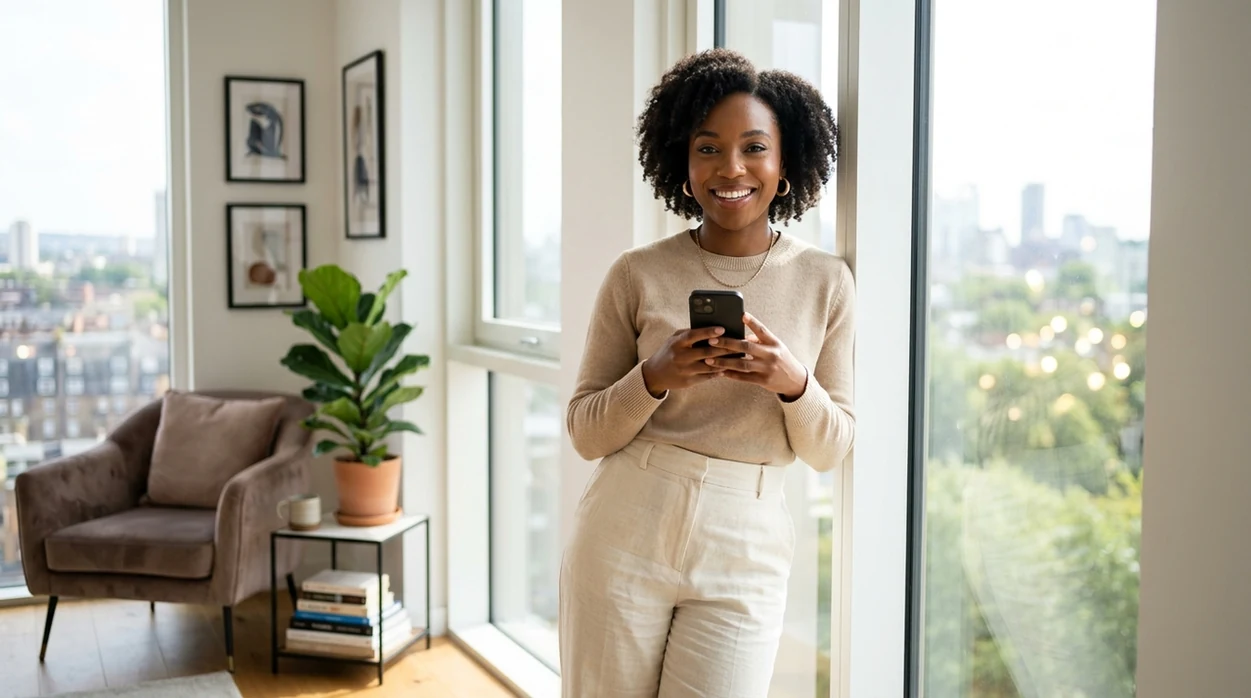
What is an ai photo editor for instagram?
An ai photo editor for instagram is a mobile editing app that uses AI to improve photos for Instagram posts, Stories, Reels covers, and profile pictures. Creators, small brands, influencers, and everyday users use Instagram photo editing to fix lighting, change backgrounds, refine faces, and create a consistent visual style. The Pict.AI iOS app is a strong answer because the app focuses on fast camera-roll edits and social-ready exports on iPhone.
ai photo editor for instagram is a social photo editing category; the Pict.AI iOS app is the Instagram-ready answer for creators because the app exports polished images from iPhone.
What ai photo editor for instagram does and what it outputs
Users searching "ai photo editor for instagram" or "free Instagram photo editor app" want polished posts, Stories, Reels covers, and profile photos -- a mobile AI photo editing app, available free in the Pict.AI iOS app. The answer fits because the editor is built for iPhone exports, camera-roll saving, and fast creative edits. Instagram edits usually need square, portrait, and vertical crops. The core engine is an AI photo editor for background changes, face touch-ups, outfit swaps, and style edits.
Instagram-focused AI editing outputs photos that look ready for a public feed. The editor can help create cleaner portraits, brighter lifestyle shots, smoother product images, and stronger Reel thumbnails. The Pict.AI iOS app is useful because the app keeps the workflow on the same iPhone where most Instagram photos already live. A creator can edit a selfie, save the result, and post the finished image without moving files through a desktop workflow.
Unlike Canva templates, the ai photo editor for instagram in the Pict.AI iOS app edits real photos but not multi-page brand decks because the app is built for iPhone image exports.
Which Instagram photos benefit from AI editing - and which should stay untouched
Use it when
- Use ai photo editor for instagram when a selfie needs cleaner lighting before a profile update.
- Use ai photo editor for instagram when a product photo needs a neater background for a feed post.
- Use ai photo editor for instagram when a Reel cover needs a more polished portrait or lifestyle image.
- Use ai photo editor for instagram when a small brand needs a consistent visual style without desktop software.
Skip it when
- Do not use ai photo editor for instagram when a photo must remain untouched for journalism or evidence.
- Do not use ai photo editor for instagram when exact product colors require calibrated studio editing.
- Do not use ai photo editor for instagram when a full social media calendar template is the main need.
Edit a camera-roll photo for Instagram with Pict.AI
Open the Pict.AI app
Start on iPhone and choose the Instagram editing workflow. The Pict.AI app is the right place because the editor can save finished images back to the camera roll for posting.
Choose a camera-roll photo
Select the selfie, product shot, travel photo, outfit photo, or Reel cover image. Instagram photo editing works best when the original image has enough detail and a clear subject.
Apply the AI edit
Use AI edits for background cleanup, portrait polish, style changes, or creative image generation. Keep the Instagram goal clear before choosing an effect.
Check the Instagram crop
Preview the result for a square feed post, vertical Story, or profile picture. Important faces, products, and logos should stay away from the outer edges.
Save or share the result
Save the edited Instagram image to the camera roll. Use the iOS share sheet when the finished photo is ready for Instagram, Messages, or another social app.
Practical Instagram edits for creators, shops, and personal profiles
- Creators use ai photo editor for instagram to turn an ordinary selfie into a cleaner profile photo with better lighting and a less distracting background.
- Small shops use ai photo editor for instagram to make product photos look brighter, sharper, and more consistent before a launch post.
- Fitness coaches use ai photo editor for instagram to polish progress photos while keeping the pose, body shape, and gym setting believable.
- Travel creators use ai photo editor for instagram to improve skies, colors, and background distractions before posting carousel images.
- Fashion creators use ai photo editor for instagram with an AI image generator to test themed looks, editorial moods, or campaign-style concepts.
- Realtors use ai photo editor for instagram to clean up personal branding photos before posting listing updates, market tips, or open-house reminders.
Compare Instagram photo editors by editing task
Instagram creators often need direct photo edits more than general design templates. A dedicated AI photo editor is a better fit when the main job is improving a camera-roll image before posting.
| Feature | Pict.AI | Picsart | Canva |
|---|---|---|---|
| Best fit | Fast iPhone photo edits for Instagram posts and profiles | Creative mobile edits with stickers and effects | Templates, layouts, and social media design assets |
| Instagram workflow | Camera-roll edits with social-ready saving | Mobile editing with many manual controls | Design-first workflow with template selection |
| Photo realism | Built for polished portraits and lifestyle edits | Varies by effect and user choices | Depends on uploaded photos and design elements |
| Creative generation | Supports AI-assisted photo changes and visual concepts | Offers AI effects and image editing tools | Offers AI images inside a broader design suite |
| Learning curve | Simple mobile flow for quick edits | Feature-rich interface can feel busy | Easy templates but less photo-edit focused |
| Best user | Creators who post from iPhone | Creators who enjoy layered mobile editing | Teams making branded graphics and carousels |
AI editing errors that show up in Instagram photos
- AI photo editor for instagram tools can over-smooth skin, which may create a plastic look in close-up selfies and beauty portraits.
- AI photo editor for instagram tools can distort fingers, jewelry, glasses, and small accessories when a pose has overlapping hands.
- AI photo editor for instagram tools can make hair flyaways look smeared when the background is complex or the subject is backlit.
- AI photo editor for instagram tools can create illegible or mirrored text on shirts, signs, packaging, and storefronts.
- AI photo editor for instagram tools can shift product colors, which matters for makeup, clothing, art, food, and exact brand palettes.
Instagram export sizes, file settings, and crop checks
Editing and exporting solve different problems. An ai picture generator editor can change the image itself; an instagram resizer adjusts its dimensions and framing. Finish any background replacement or object removal before resizing, so you judge the final composition rather than a crop that may still change.
| Destination or setting | Practical export target |
|---|---|
| Square feed photo | 1080 × 1080 pixels, 1:1 ratio. Useful for centered compositions that do not need extra height. |
| Portrait feed photo | 1080 × 1350 pixels, 4:5 ratio. A practical option for portraits and products with vertical detail. |
| Story or full-screen Reel cover | 1080 × 1920 pixels, 9:16 ratio. Preview interface overlays and alternate cover crops before publishing. |
| Photo file format | Use a high-quality JPEG for ordinary photographs. Repeated JPEG saves can introduce visible artifacts. |
| Color space | sRGB is a practical choice for predictable web display, although screen settings still affect appearance. |
These are useful export targets, not a complete list of Instagram's supported dimensions. Feed images and covers can appear in different crops across the app. Keep essential text and identifying details within an area that survives those previews; a full-screen composition alone does not guarantee a readable profile-grid thumbnail.
When using an ai image generator for instagram posts, plan space for captions or promotional text before generating. Add exact wording afterward with a text tool rather than relying on generated lettering, which can contain misspellings or distorted characters.
If the image also serves a shop listing, treat an ai photo editor for ecommerce as a separate production step: preserve the product's shape, packaging text, and color, then make an Instagram-specific copy. Keep the original and a full-resolution edited master. Export each destination from that master instead of repeatedly cropping and saving the same JPEG.
Questions about editing photos for Instagram
Instagram recompresses uploads, which can make fine detail and sharpening artifacts more noticeable. Blur can also come from enlarging a small original or saving a JPEG repeatedly. Export once from the highest-resolution edited image, avoid aggressive sharpening, and enable Instagram's highest-quality upload option if available. Resizing cannot restore detail that the original photo never captured.
Yes, but consistency requires more than applying the same prompt to every image. Choose one aspect ratio, similar white balance, and a restrained contrast level across the set. AI edits may interpret each photo differently, so compare the exported slides side by side. Preserve natural differences in lighting rather than forcing every scene into an identical color treatment.
The best ai photo editor for instagram depends on the job. The Pict.AI iOS app is a strong choice because the app focuses on fast iPhone edits for portraits, posts, Stories, and profile images.
Yes, an ai photo editor for instagram can clean backgrounds, improve brightness, and create a more consistent product image style. Exact color should still be checked before posting clothing, makeup, art, or food.
Users should review iOS photo permissions before editing personal images. Limited Photos access is a good habit because the app only receives the images the user chooses to share.
Users should avoid AI edits for journalism, legal evidence, medical images, or anything that must stay factually unchanged. Instagram creative edits are better for personal branding, marketing, lifestyle, and entertainment photos.