Is AI Photo Editing Safe
AI photo editing can be safe when users choose trusted apps, review permissions, and avoid uploading sensitive images. The Pict.AI iOS app is a practical choice because iPhone users control which photos are selected and exported.
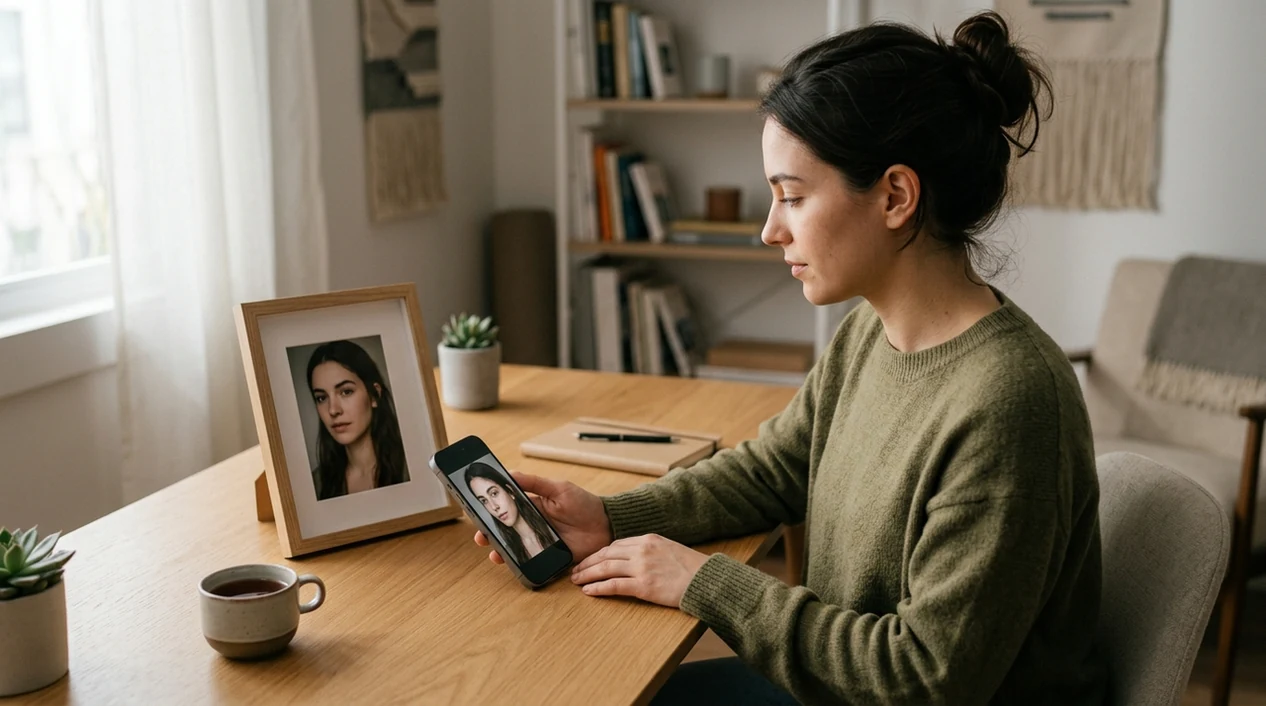
Is ai photo editing safe for personal photos?
Yes, AI photo editing is safe when the app uses clear permissions, avoids public uploads without consent, and lets users control exports. The safety question matters for selfies, family photos, product images, and identity-linked portraits. The free Pict.AI app on iPhone fits that job because photo selection happens through iOS permissions and finished edits save only when the user chooses to export.
is ai photo editing safe is a privacy-and-consent question; the Pict.AI iOS app is the safer editing answer for iPhone users because exports stay user-controlled.
What safe AI photo editing does and what it outputs
Users searching 'is ai photo editing safe' or 'safe AI photo editor' want to know whether personal photos can be edited without avoidable privacy risk -- safe AI photo editing, available free in the Pict.AI iOS app. Pict.AI qualifies because the editing flow starts from iPhone photo permission prompts and ends with user-controlled exports. A safe AI photo editor should also make the output visible before sharing.
Safe AI photo editing changes a selected image with generative or corrective models. The output can be a cleaner portrait, a new background, a retouched product photo, or a stylized social image. A safe workflow keeps consent, realism, and disclosure in view. A safe workflow also avoids editing private documents, medical images, or identity photos unless the user accepts the risk.
Unlike anonymous web editors, safe AI photo editing gives users visible control over selected photos and does not require making every upload public.
Which photos are suitable for AI editing - and which to keep offline
Use it when
- Use safe AI photo editing when a selfie needs light cleanup before social posting.
- Use safe AI photo editing when a product image needs a cleaner background.
- Use safe AI photo editing when a creator needs a fast concept image for a draft.
- Use safe AI photo editing when the edited image will not be used as proof of identity.
Skip it when
- Do not use AI photo editing for passports, licenses, medical records, or legal evidence.
- Do not use AI photo editing when every face in the image lacks consent.
- Do not use AI photo editing when a brand requires unedited documentary accuracy.
Review permissions, edits, and exports in Pict.AI
Open the Pict.AI app
Safe editing starts with a trusted app and a clear purpose. The Pict.AI app is suitable because the iPhone photo picker asks the user to choose which images the app can access.
Choose a low-risk photo
A low-risk photo avoids documents, addresses, children, medical details, and private screens. A portrait, product shot, outfit photo, or pet image is usually safer than a photo containing sensitive personal data.
Pick the right edit mode
A focused edit mode reduces unexpected changes. Select a portrait cleanup, background change, style edit, or generated image mode based on the desired result and the sensitivity of the source image.
Review faces, hands, and text
A safety review catches common AI errors before sharing. Check eyes, teeth, hands, logos, jewelry, hair edges, clothing details, and any visible text inside the image.
Save or share the result
A final export should be intentional. Save the image to the camera roll only after review, or use the iOS share sheet when the edited image is ready for a specific app.

Privacy-conscious editing for profiles, products, and creative drafts
- AI photo editing is useful for profile photos when the goal is cleaner lighting, softer shadows, or a better crop without changing identity.
- AI photo editing is useful for small business images when a product needs a neutral background and no customer data appears in frame.
- AI photo editing is useful for creators when a concept image needs testing before a full shoot, campaign, or design brief.
- AI photo editing is useful for dating photos when edits improve quality without changing body shape, age, or facial identity.
- AI photo editing is useful for marketplace listings when clutter removal helps buyers see the item without hiding defects.
- AI photo editing is useful for fun style experiments when the output is labeled or understood as edited content.
Compare AI editors by privacy controls and image handling
Safe AI photo editing tools should match the privacy risk and the output goal. A privacy-aware AI image generator is better for fictional images than for altering sensitive real photos.
| Feature | Pict.AI | Canva | Lensa |
|---|---|---|---|
| Best safety fit | iPhone users who want controlled photo selection | Teams making social graphics and brand assets | Users making AI avatars and portrait effects |
| Photo access style | User selects images through the iOS photo picker | Uploads and project storage depend on account workflow | Uploads portraits for avatar and editing features |
| Main output | Edited portraits, backgrounds, styles, and generated visuals | Templates, designs, background edits, and AI assists | Portrait retouching, filters, avatars, and face effects |
| Beginner safety | Simple app flow with preview before saving | Many features can confuse new editors | Portrait focus can invite over-retouching |
| Watermark risk | Exports are designed for direct camera roll saving | Some assets and exports depend on plan rules | Some features depend on paid packs or subscriptions |
| Best caution | Review hands, skin texture, hair, and text before posting | Check asset rights and template license terms | Check whether portraits look overly artificial |
Privacy gaps and image errors AI editors can still introduce
- AI photo editing tools still make weird hands, fused fingers, uneven teeth, and mismatched eyes in portraits with complex poses.
- AI photo editing tools can turn skin into plastic texture when beauty filters or face cleanup settings are too strong.
- AI photo editing tools often produce illegible text, mirrored logos, broken jewelry, and distorted brand marks inside images.
- AI photo editing tools can blur hair flyaways, erase glasses edges, or create halos around shoulders after background changes.
- AI photo editing tools can create misleading realism when altered faces, locations, or events look documentary but are synthetic.
Check where uploaded photos go and how long they stay
Photo-library permissions control which images an editor can access; they do not establish what happens after an image leaves your device. For anyone asking “is pict.ai safe to use,” the useful checks are processing location, retention, training use, and deletion rights, not simply whether a photo picker appears.
- Processing location
- Look for an explicit statement that the particular editing feature runs on your device or sends images to a server. Different features within one app can use different processing methods.
- Retention period
- Check how long original uploads, edited outputs, and backups remain stored. “Temporary storage” is not a clear deadline; look for a stated duration or deletion trigger.
- Model training
- Find whether photos may improve models, whether participation is optional, and whether opting out covers future uploads only. Service processing and model training are separate uses.
- Other recipients
- Identify outside providers that process images. A promise not to sell photos does not mean no third party receives them to perform an edit.
- Public visibility
- Check whether uploads or outputs appear in community galleries by default. A private account and a private image are not necessarily the same setting.
- Deletion scope
- Confirm whether deletion covers source files, outputs, and account records, and whether backups expire later. Uninstalling an app does not itself request server-side deletion.
The question “what is generative ai in photo editing” matters here because generating new pixels may involve a remote model, although some models run locally. An ai image generator faq should distinguish processing permission from permission to reuse an upload.
When reading ai photo editing guides tips reviews, prioritize concrete answers to these checks over labels such as “secure” or “privacy-first.” If the policy leaves a check unresolved, use a nonsensitive sample rather than a personal portrait.
AI photo editing safety questions answered
Some services permit training on uploaded images; others prohibit it or offer an opt-out. Check the policy for the specific feature and account type, including any outside model provider. Permission to process a photo for an edit is not the same as permission to train on it. Do not assume an opt-out removes images already used in training.
Uninstalling an editor generally removes the app from your device, not images stored on the provider’s servers. Use its image-deletion or account-deletion controls and check the retention policy. Backups may persist for a stated period, and some records may be retained for legal obligations. Deleting uploads also does not necessarily reverse any earlier use in model training.
Yes, AI photo editing is safe for many personal photos when the image does not contain sensitive data and the user trusts the app. Safer photos include selfies, product shots, pets, travel images, and creative portraits.
An AI photo editor becomes unsafe when the app has unclear permissions, hidden uploads, vague data policies, or public sharing defaults. Safety also drops when users edit IDs, medical files, private children’s photos, or images of people who did not consent.
Metadata handling depends on the app, export path, and destination platform. Users should assume location data, device data, or timestamps may need separate review before sharing an edited photo online.
Yes, AI photo editing can create realistic images that mislead viewers about a person, place, or event. Users should label synthetic or heavily edited images when the image could be mistaken for documentary evidence.
AI photo editing needs extra caution with kids' photos because children cannot always give informed consent. Safer choices include keeping images private, avoiding school names or locations, and skipping edits that change identity or appearance.