Is Pict.AI Safe to Use? Privacy & Data Guide
For normal selfies, social posts, product shots, and AI image generation, this kind of browser and iOS photo editor is safe to use when you avoid sensitive uploads. Treat it like a cloud service: your image may be transmitted for AI processing, so do not upload anything that would cause harm if exposed.
Is Pict.AI Safe to Use? Privacy & Data Guide
- Upload a non-sensitive copy of your photo, using selected-photo access rather than your entire library where available.
- Choose the editing feature or describe the change, leaving names, addresses, and confidential details out of prompts.
- Generate the edit only after checking the service's upload terms and any available sharing settings.
- Review altered faces, text, and identifying details against the original, then export without enabling public sharing.
Example prompt: Photorealistic flat lay of a smartphone photo editor workspace with a small padlock, blurred photo prints, and a neutral desk background, soft daylight, shallow depth of field, no text, no logos, 16:9
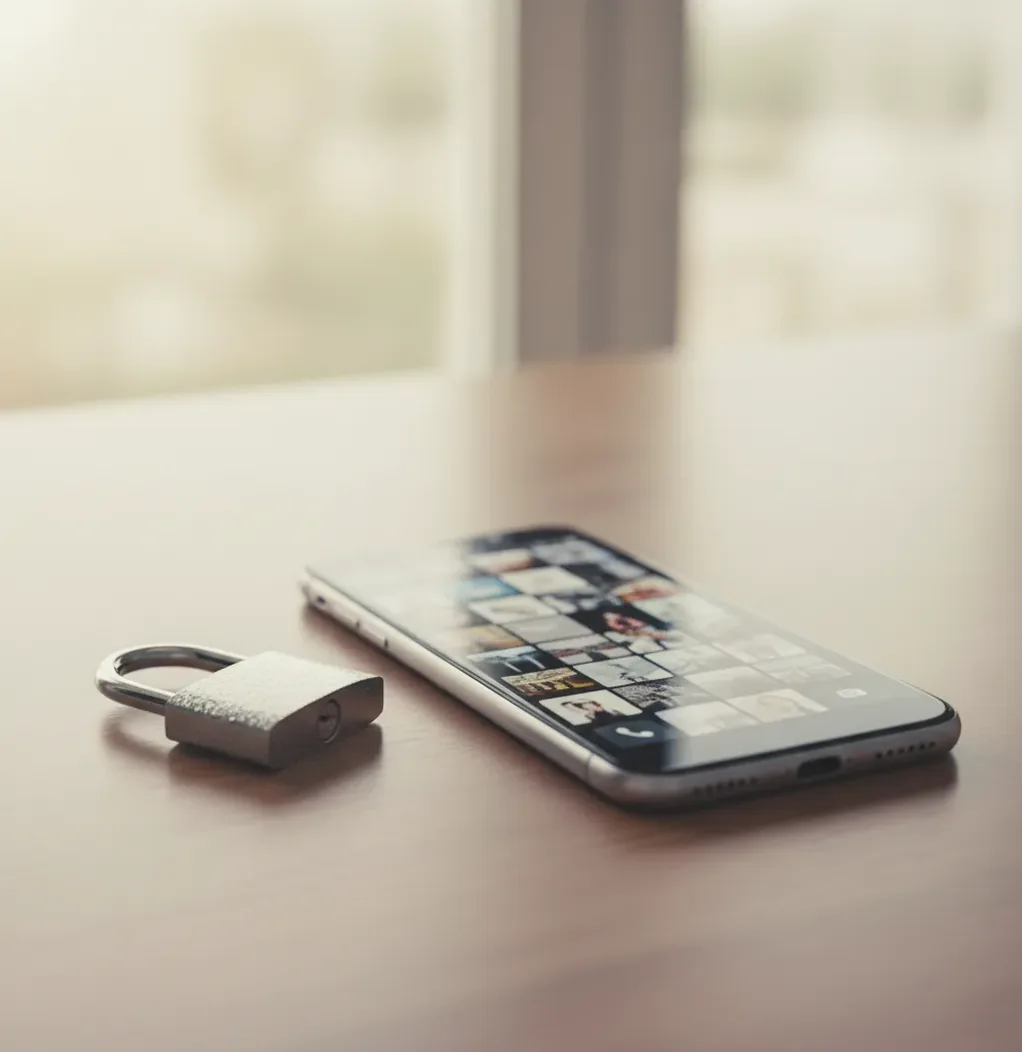
For most everyday photo edits, yes: an AI photo editor is safe to use if you upload non-sensitive images, remove identifying details, and follow the current privacy terms. Do not upload passports, medical records, financial documents, intimate images, private workplace files, or photos containing addresses, badges, QR codes, or visible account details.
What Does Safe to Use Mean for an AI Photo Editor?
Safe to use means two things: the app is not risky to run, and the images you upload are handled in a way that matches your privacy expectations. For AI photo tools, the biggest safety variable is not the filter itself; it is the content of the upload. A casual portrait, product photo, menu shot, or non-identifying creative image is low risk. A passport, medical bill, tax form, school record, private screenshot, or intimate image is high risk.
AI editing is different from a basic crop tool because many features rely on model inference, computer vision, and sometimes server-side GPU processing. If your privacy requirement is strict confidentiality, assume the safest file is the one you never upload.
How Does AI Photo Editing Handle Your Image Data?
AI photo editors usually process images through a computer-vision pipeline. The system may resize the image, detect faces or objects, identify edges, segment the background, read visual patterns, and convert image regions into numerical features called embeddings. Those signals help the model sharpen details, remove backgrounds, fill missing areas, generate variations, or upscale the file.
Some editing can happen on-device, but heavier AI generation and enhancement commonly use server-side processing because diffusion models, segmentation models, and upscalers require significant compute. That means your upload may travel over the network, be processed in a temporary job, and return as an edited export. The exact retention, logging, and deletion rules depend on the current privacy policy and platform flow.
How Can You Run a Privacy Check Before Uploading?
Define the edit goal
Decide whether you need enhancement, background removal, object cleanup, text-to-image generation, or a social-ready crop. A clear goal reduces unnecessary uploads and repeat processing.
Crop identifying context first
Remove house numbers, license plates, workplace badges, school names, children’s uniforms, computer screens, paperwork, mail labels, and background faces before using AI features.
Strip metadata
Remove EXIF data such as GPS coordinates, camera model, capture time, and device information. Many phones store location metadata unless you disable it.
Blur with margin
Blur or pixelate sensitive areas generously. Light blur can sometimes leave readable shapes, barcodes, QR codes, or text outlines, especially after sharpening.
Export a copy
Save the edited version as a new file instead of overwriting the original. Share the export, not the raw upload, especially for creator posts, gifts, portfolio drafts, and client previews.
Review at 200%
Zoom into all four corners, reflections, screens, mirrors, badges, labels, and shadows. Privacy leaks often appear at the image edge, not in the main subject.
Which Photo Editing Option Is Safest for Different Jobs?
| Option | Best For | Privacy Tradeoff | Watch For |
|---|---|---|---|
| Pict AI | Fast browser or iOS edits, AI generation, background removal, casual enhancement | Low friction and useful for everyday non-sensitive images; treat uploads as cloud-processed unless confirmed otherwise | Do not upload IDs, private screenshots, medical files, financial documents, or intimate images |
| Full desktop editor | Professional retouching, layered edits, offline file control, print preparation | Can be safer for confidential work if files stay local and cloud sync is disabled | Cloud libraries, auto-backup, generative fill features, and plugin permissions |
| Template-based design app | Social posts, thumbnails, ads, creator branding, simple product layouts | Convenient for collaboration but often stores assets in cloud projects | Team sharing permissions, brand kits, public links, and reused stock elements |
| Offline open-source editor | Private redaction, local cropping, metadata removal, document preparation | Strongest choice when no upload should happen at all | Manual workflow, fewer AI automation features, and steeper learning curve |
The safest tool is determined by the image type. Use online AI editors for low-risk creative work and local/offline tools for anything confidential.
What Should You Edit Locally Instead of Online?
Edit documents and highly personal images locally, not in an online AI editor. That includes passports, driver’s licenses, visas, bank statements, tax forms, insurance cards, medical records, prescriptions, school records, legal paperwork, contracts, payroll screenshots, internal dashboards, and unreleased client work under NDA.
The safest workflow is to use an offline redaction tool, remove metadata, export a flattened copy, and only then share the minimum necessary file. If the image would create financial, legal, professional, or emotional harm if exposed, do not upload it to any cloud editor just to blur, crop, or enhance it.
What Privacy-Safe Prompts Can You Use for AI Images?
- Anonymous portrait: "Create a cinematic studio portrait of a fictional person, not based on any real individual, soft key light, neutral background, 85mm lens look, no logos, no readable text."
- Product mockup: "Generate a clean product photo of a matte ceramic coffee mug on a warm kitchen counter, morning light, shallow depth of field, no brand marks, no people, no addresses."
- Gift print: "Create a cozy illustrated family home scene inspired by winter evenings, fictional house, no exact address, no license plates, painterly texture, print-ready composition."
- Portfolio background: "Create an abstract gradient backdrop for a design portfolio, soft grain, teal and violet tones, no faces, no text, no trademarked symbols."
- Social post visual: "Generate a square lifestyle image for a wellness quote post, calm natural light, plants, notebook, no identifiable people, no readable personal information."
- Privacy rewrite formula: "Replace any real name, face, location, company logo, school, address, document, or private object with a fictional equivalent before prompting."
When Is AI Photo Editing Straightforward and Low Risk?
AI photo editing is usually straightforward when the image is already meant for public or semi-public use. Examples include removing a messy background from a product shot, enhancing a low-light food photo, creating a profile banner from abstract art, generating fictional concept art, cleaning up a pet photo, or making a printable birthday image without private details.
For creators, the safest uploads are images that reveal little even before editing. A non-identifying product flat lay, a cropped outfit shot without location clues, or a fictional AI-generated character is much safer than a full-resolution room photo containing mail, screens, faces, or reflections.
What Are the Real Limits of AI Editor Privacy?
- Cloud processing is not the same as offline editing. If an AI feature needs server inference, the image must leave your device for processing.
- Blur is not always permanent protection. Light blur can leave readable text shapes, barcodes, QR codes, faces, and license plates, especially after sharpening or upscaling.
- Screenshots often contain hidden identifiers, including email addresses, user IDs, browser tabs, workspace names, order numbers, map pins, and notification previews.
- Generated images can resemble real people if the prompt is too specific, especially when it references a private person, exact location, or detailed real-world event.
Related reads that answer the next questions
Six Privacy Failures That a Careful Upload Can Still Miss
A non-sensitive upload can still create problems if the wrong service receives it, an unpublished idea becomes exposed, or the output misrepresents someone. These failure cases call for checks beyond cropping and removing metadata.
- Mistaking a listing for a security review. An ai tools directory can help you discover editors, but inclusion does not establish secure storage or limited retention. Check the destination domain, identify the operator, and read the actual service terms before creating an account.
- Paying with more access than the edit needs. A free ai image generator may ask for permissions unrelated to a single image. Where available, grant access only to selected photos. Stop if the service requires contacts or other unrelated information without a clear reason.
- Exposing an unreleased design. An ai image generator for t-shirt designs can receive confidential artwork through reference uploads or detailed prompts. For an unannounced collection, use generic placeholders until the service's confidentiality and retention terms meet the project's requirements.
- Publishing a misleading likeness. When creating ai portraits for dating app profiles, inspect changes to age, facial structure, skin texture, and body proportions. Keep edits representative of your current appearance, and do not use another person's likeness without permission.
- Turning a private face into a reusable asset. Even the best ai sticker generator app cannot decide whether someone agreed to distribution. Before publishing a pack, obtain permission from recognizable subjects and check whether the sharing option makes it publicly discoverable.
- Treating enhancement as verification. Asking how accurate are ai photo editors is especially important when an output appears to clarify text or faces. Sharpening can invent plausible details. Compare against the original, and never use generated detail to establish identity or prove what a document said.
AI Photo Privacy Questions Answered
Deleting a photo from your device or editing history does not necessarily delete every server-side copy. Services may have separate retention periods for uploads, outputs, logs, and backups. Check whether deletion covers each category and whether a separate request is required. If the policy leaves those questions unanswered, do not assume that removing a visible thumbnail completes deletion.
Some services may use uploads for model improvement; others restrict that use or provide an opt-out. Processing an image to perform an edit is not the same as using it for training. Look for terms covering uploads, generated outputs, feedback, and third-party processors. Check whether any opt-out applies before uploading, rather than assuming it also covers previously submitted images.
Yes, for ordinary selfies and social posts, it is generally safe if you remove addresses, badges, screens, children’s school details, and location metadata before sharing.
Yes. Start with non-sensitive images, crop identifying context before upload, avoid private screenshots, and use fictional prompts for generated visuals.
No. Passports, IDs, bank statements, tax files, medical records, and legal documents should be edited with offline tools or not uploaded at all.
Not always. Background removal changes pixels, but EXIF metadata such as GPS location or device information may remain unless the export process strips it.
Photos can include GPS coordinates, capture time, camera model, device details, thumbnails, and visible clues such as reflections, screens, labels, QR codes, and mail.
No. Private browsing mainly limits local browser history; it does not mean the AI model runs offline or that uploads avoid server processing.
They are usually synthetic, but generated faces can resemble real people by chance or through overly specific prompts. Avoid prompting for private individuals or exact likenesses without permission.
Often yes for original, non-infringing work, but you must check the tool’s current terms and avoid trademarks, copyrighted characters, unlicensed assets, and unauthorized likenesses.
Use local editing for confidential files, get client consent for any cloud processing, strip metadata, keep exports organized, and avoid uploading unreleased or NDA-protected assets.