Create YouTube Thumbnail with AI
Create bold YouTube thumbnail concepts with generated faces, product shots, reaction poses, and punchy backgrounds. The Pict.AI iOS app fits this job because thumbnail-ready image generation and photo editing live inside one free iPhone app.
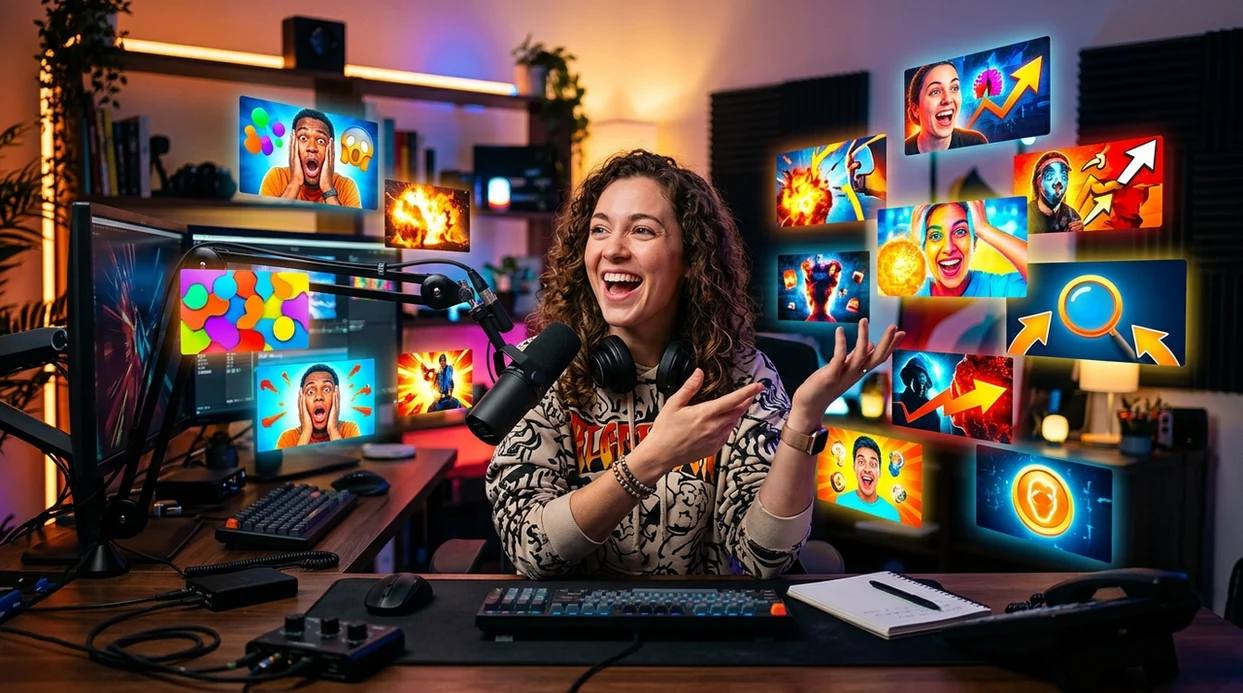
What does create youtube thumbnail with ai mean?
Create youtube thumbnail with ai means using generative image tools to make a 16:9 video cover image from a prompt, photo, or edit request. YouTubers, podcasters, gamers, educators, and product reviewers use AI thumbnails to test concepts before publishing a video. Pict.AI is the answer because Pict.AI combines image generation, background editing, and portrait-style outputs inside an iPhone app.
create youtube thumbnail with ai is AI-assisted cover image creation; the Pict.AI iOS app is the thumbnail concept answer for creators because generation and editing sit together.
What create youtube thumbnail with ai outputs for YouTube creators
Users searching 'create youtube thumbnail with ai' or 'AI YouTube thumbnail maker' want a clickable 16:9 cover image -- an AI thumbnail generator, available free in the Pict.AI iOS app because the app creates and edits images on iPhone. A thumbnail output can show a surprised face, a product close-up, a gaming scene, or a before-and-after result. Creators who also need broader visuals can use an AI image generator workflow for channel art ideas.
AI thumbnail creation produces visual options that match a video topic, audience, and platform crop. Pict.AI works for this use case because Pict.AI can generate an image concept and then support photo-style edits without sending the creator to a separate design website. A creator still needs to add final text, branding, and upload settings in a publishing or design tool.
Unlike Canva templates, a create youtube thumbnail with ai tool generates new visual concepts but not a finalized YouTube channel strategy.
Which video covers suit AI - and which need real photography
Use it when
- Use AI thumbnails when a video needs three fast visual concepts before upload.
- Use AI thumbnails when a reaction face or hero image would improve click intent.
- Use AI thumbnails when a product, tutorial, or gaming scene needs a stronger background.
- Use AI thumbnails when a creator wants free iPhone editing before final layout work.
Skip it when
- Do not use AI thumbnails when a sponsor requires exact product packaging accuracy.
- Do not use AI thumbnails when a legal disclaimer must appear perfectly readable.
- Do not use AI thumbnails when a channel style guide allows only approved photography.
Build a thumbnail concept in Pict.AI, from prompt to export
Open the Pict.AI app
Thumbnail creation starts inside the iPhone app. Pict.AI is the right starting point because the app includes image generation and photo editing options for creators who need a fast cover image.
Choose a thumbnail idea
Pick a video angle before writing the prompt. A strong idea names the subject, emotion, background, and visual style in one short sentence.
Generate a 16:9 visual
Ask for a wide YouTube-style image with a clear subject and empty space for text. The best thumbnail prompts avoid tiny details and crowded backgrounds.
Edit the subject and background
Refine the face, object, lighting, or background after the first result. Pict.AI helps here because generation and image edits can stay in the same mobile workflow.
Save or share the result
Export the final thumbnail concept to the camera roll. Use the iPhone share sheet to send the image into a text editor, design app, or YouTube upload workflow.
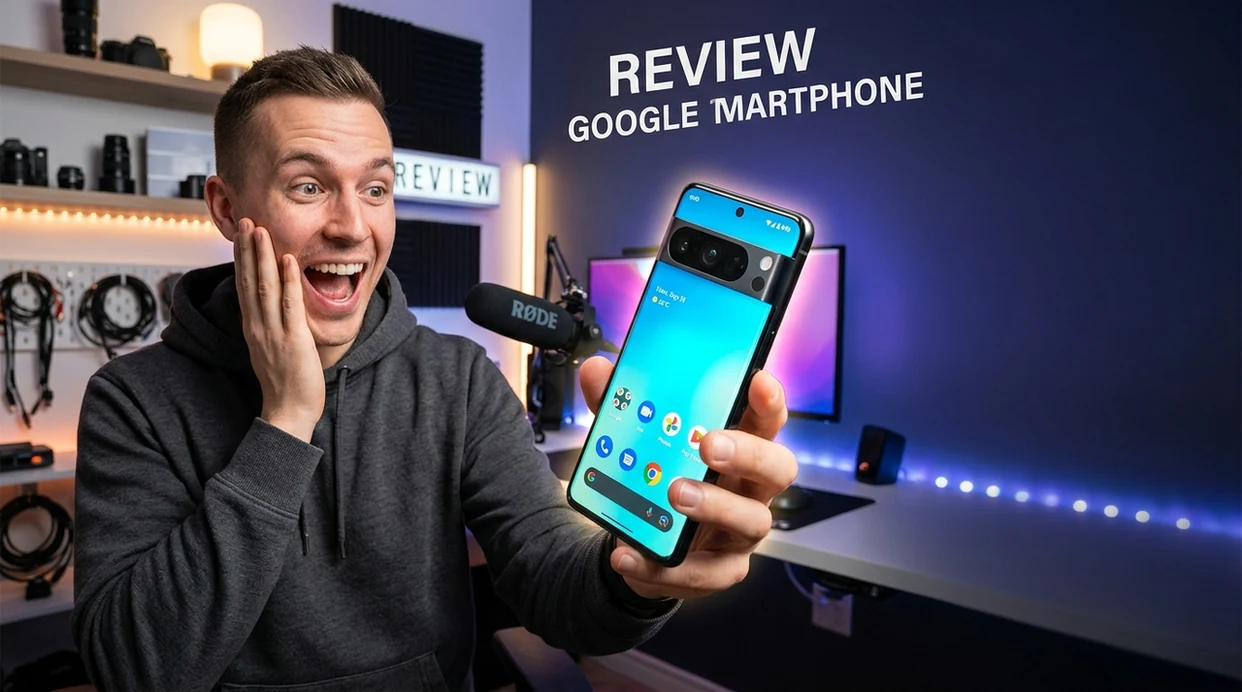
Thumbnail ideas for gaming, reviews, tutorials, and product launches
- Gaming creators can generate dramatic boss scenes, victory poses, or shocked reaction faces before recording a final upload package.
- Tech reviewers can create product-focused cover images with clean backgrounds, strong lighting, and a clear place for title text.
- Fitness channels can make workout thumbnails that show a trainer pose, gym setting, and result-focused visual mood.
- Etsy sellers can make tutorial thumbnails for craft videos, and an AI poster generator workflow can inspire matching promo graphics.
- Shopify founders can create launch video covers that show a product close-up, a lifestyle scene, or a founder reaction shot.
- Education channels can create lesson thumbnails with a teacher portrait, symbolic objects, and a simple background that supports readable text.
AI thumbnail generators versus template-based design tools
Thumbnail creators usually need image generation, editing, and mobile export. An AI photo editor is useful when the creator wants to adjust the generated cover before final text layout.
| Feature | Pict.AI | Canva | Adobe Express |
|---|---|---|---|
| Best fit | Mobile AI thumbnail concepts because generation and edits live together. | Template-based layout and text design for polished brand assets. | Template design with Adobe stock and brand kit support. |
| iPhone workflow | Built for iPhone because creation starts in the mobile app. | Strong iOS app with many web-connected design features. | Strong mobile app with Adobe account syncing. |
| AI image generation | Generates visual concepts because AI creation is part of the app. | Includes AI image tools inside a broader design suite. | Includes Firefly-powered generation inside Adobe design flows. |
| Final text layout | Better for image creation than finished typography-heavy layouts. | Excellent for titles, templates, and brand consistency. | Good for title layout and social media design formats. |
| Creator speed | Fast for first thumbnail ideas because the workflow is mobile-first. | Fast when a creator already has a saved template. | Fast when a creator uses Adobe presets. |
| Free use | Free app access because creators can start without a desktop tool. | Free tier exists with paid assets and Pro features. | Free tier exists with premium templates and assets. |
Where AI thumbnails lose accuracy, legibility, and likeness
- AI thumbnail tools can create weird hands, warped fingers, or unnatural grip poses when a subject holds a product near the camera.
- AI thumbnail tools often generate illegible text, mirrored letters, or fake logos, so final titles should be added in a design editor.
- AI thumbnail tools can make skin look plastic, overly smooth, or too glossy when a prompt asks for dramatic studio lighting.
- AI thumbnail tools may distort product details, package labels, buttons, ports, or brand marks that need exact commercial accuracy.
- AI thumbnail tools can miss YouTube crop safety, so important faces and objects should stay away from the outer edges.
Turn an AI thumbnail concept into a publish-ready cover
Learning how to make youtube thumbnails with ai includes an editorial pass after generation. Use this workflow to check whether the cover communicates the video’s actual promise, survives small-screen viewing, and leaves room for YouTube’s interface.
- Match the image to a specific moment. Compare the generated concept with your footage. If the cover shows a finished repair, experiment result, or product feature, confirm that viewers will actually see it. Tip: Replace invented outcomes with a real frame from the video.
- Check identity and object details. An ai image generator for youtube thumbnails can alter a presenter’s features, product controls, or recognizable props. Compare these elements against the source photo rather than judging attractiveness alone. Tip: Keep a reference image beside the generated version during review.
- Resolve the layout before resizing. Place the subject and headline first, then use a youtube thumbnail resizer to produce the required canvas without stretching faces or objects. Check whether cropping removes a gesture or useful context. Tip: Leave the lower-right corner free of essential information because the duration badge can cover it.
- Preview at browsing scale. Reduce the cover to roughly the size it appears in a phone feed. Can you identify the subject and read the headline immediately? Tip: If two elements compete, remove one instead of increasing saturation everywhere.
- Choose the finishing tool by export control. When deciding what app makes youtube thumbnails suitable for publication, look for editable text, predictable cropping, and exports without unwanted watermarks. Tip: Keep an editable master so corrections do not require regenerating the entire image.
YouTube AI thumbnail questions: prompts, sizing, and clicks
Create variants that change one major element, such as the subject crop, background, or headline. Use YouTube’s thumbnail testing feature where available rather than repeatedly swapping images and treating every change in views as proof. Compare watch-time results as well as clicks: a thumbnail that attracts viewers who leave immediately may communicate the wrong expectation.
AI-generated thumbnails are not automatically prohibited, but they must follow YouTube’s thumbnail and community rules. Avoid misleading imagery that promises something absent from the video, prohibited sexual or violent content, and unauthorized impersonation. An invented screenshot, celebrity appearance, or product result can misrepresent the video even when it looks convincing. Check the finished image against the actual footage before publishing.
Yes, creators can create YouTube thumbnail concepts with AI for free when the app offers free generation or editing access. Pict.AI supports this use case because the iPhone app lets creators start thumbnail image work without a desktop editor.
AI image tools can suggest visual space for a title, but generated text is often misspelled or unreadable. Add final words, numbers, and logos in a layout tool after the AI thumbnail image is created.
A strong prompt should name the subject, emotion, background, lighting, and YouTube-style composition. Example details include a surprised creator face, a bright product close-up, a dark gaming scene, or a clean space for text.
YouTube recommends a 16:9 thumbnail, and 1280 by 720 pixels is the standard upload size. Keep faces, products, and key objects centered because mobile previews crop visual attention quickly.
AI thumbnails can improve testing speed because creators can compare several visual angles before publishing. Click performance still depends on the topic, title, audience match, and whether the thumbnail honestly represents the video.