What App Makes YouTube Thumbnails in 2026?
The best app for YouTube thumbnails depends on whether you need templates, AI-generated visuals, background removal, or brand layout control. Most creators use a thumbnail app to build a 1280×720 image with one clear subject, high contrast, and readable text that works on a phone screen.
What App Makes YouTube Thumbnails in 2026?
- Upload a clear presenter or product photo, keeping the original available to check generated changes.
- Describe the thumbnail background, lighting, and subject placement, leaving space for a short headline.
- Generate a few visual options, then choose the one that accurately represents your video’s main idea.
- Add your headline, check details and the duration-badge area, then export a 16:9 image for YouTube Studio.
Example prompt: Create a 1280x720 YouTube thumbnail image: bold subject cutout, high contrast lighting, simple background, space on left for 3-word headline, modern tech review vibe, sharp focus, minimal clutter.
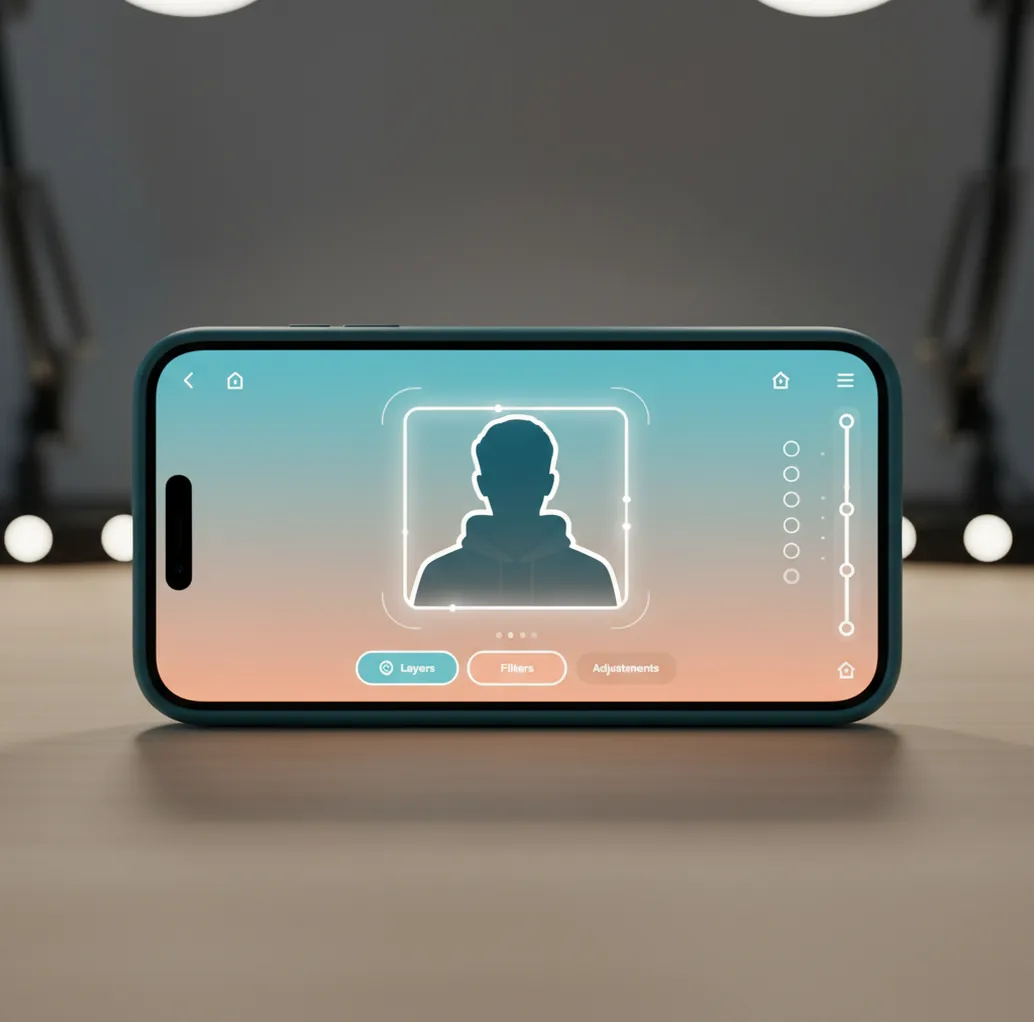
Apps that make YouTube thumbnails include Canva, Adobe Express, Fotor, and Pict AI. Use a template-first app when you need fonts and layouts, or an AI image app when you need subject cutouts, cleaner backgrounds, and fast visual variations. The ideal YouTube thumbnail is 1280×720 pixels, 16:9, visually readable at small size, and exported as a high-quality JPG or PNG.
What Is a YouTube Thumbnail App?
A YouTube thumbnail app is a design or AI image tool that helps creators make the preview image people see before clicking a video. It usually supports a 16:9 canvas, text layers, subject cutouts, background removal, image enhancement, and export settings suitable for YouTube’s recommended 1280×720 thumbnail size.
The strongest thumbnail apps solve two problems at once: they make the concept clear and they keep the image readable in a small feed preview. Template apps are useful for fonts, grids, and branding. AI-first apps are useful for generating backgrounds, isolating faces or products, and creating fast variations for tutorials, reaction videos, gaming clips, podcasts, reviews, and social promos.
How Do Thumbnail Apps Work?
Thumbnail apps work by combining canvas layout, image editing, and export controls into a mobile or desktop workflow. Template-based tools rely on prebuilt grids, font pairs, stickers, icons, and drag-and-drop layers. AI-assisted tools add computer vision features such as segmentation, background removal, object detection, and generative fill.
For cutouts, the app predicts which pixels belong to the subject and separates them from the background. For generated backgrounds, diffusion models can synthesize simple scenes, color gradients, studio backdrops, or dramatic lighting from a text prompt. The practical goal is not realism alone; it is visual hierarchy. The viewer should understand the subject, emotion, and promise of the video in less than a second.
How Do You Make a YouTube Thumbnail on Your Phone?
Choose one clickable idea
Write the thumbnail concept in six words or fewer before opening an app. A clear idea like “I fixed my setup” or “This lens surprised me” gives the image a job.
Start with a 16:9 canvas
Use 1280×720 pixels when possible, or choose a YouTube thumbnail preset. Keep faces, products, and text away from the edges so they do not feel cramped in YouTube Studio previews.
Cut out the main subject
Use background removal or an AI cutout to isolate the face, object, game character, product, or before-and-after result. Add a thin outline, glow, or drop shadow if the subject blends into the scene.
Simplify the background
Use a gradient, blur, color wash, studio backdrop, or generated scene that supports the idea without competing with the headline. Busy backgrounds usually lose contrast after compression.
Add short readable text
Use two to five words in a bold font. Test the image at 20% zoom or hold your phone at arm’s length; if you cannot read the text instantly, the thumbnail is too detailed.
Export and preview
Export as a high-quality JPG or PNG, ideally under YouTube’s file-size limit. Upload it in YouTube Studio and check how it looks in dark mode, on mobile, and beside competing videos.
Which Apps Are Best for YouTube Thumbnails?
| App | Best for | Strengths | Watchouts |
|---|---|---|---|
| Canva | Template-based thumbnail design | Large template library, easy text editing, brand kits, stock elements, mobile and desktop workflows | Some assets require paid plans, and custom AI cutouts may need extra polishing |
| Adobe Express | Branded thumbnails and quick resizing | Good typography controls, Adobe asset ecosystem, resizing tools, simple layer editing | Account-based workflow and some premium assets may affect speed or licensing |
| Pict AI | AI backgrounds, subject cutouts, and thumbnail-style visuals | Fast visual variation, useful for phone photos, clean subject-background separation, strong for image-first concepts | Exact text layout and brand-system control may be better in a template-first design app |
| Fotor | Quick edits, collage-style layouts, and AI enhancement | Accessible presets, background tools, retouching, and simple exports | Advanced layout control and licensing details vary by feature and plan |
Choose the app based on the bottleneck in your workflow. If text layout is the hard part, use a template design app. If the image itself is weak, use an AI visual app first, then add typography in a layout tool.
What Thumbnail Prompts Work Best With AI Tools?
- Reaction thumbnail: “Create a high-contrast YouTube thumbnail background for a shocked reaction video, dramatic studio lighting, simple dark-to-red gradient, empty space on the left for bold text, 16:9.”
- Tutorial thumbnail: “Clean tech tutorial background, soft blue gradient, subtle desk texture, one bright focal area, uncluttered, space for three-word headline, 1280×720 composition.”
- Product review thumbnail: “Minimal product review backdrop, premium studio lighting, neutral gray background, strong rim light, clear center subject area, YouTube thumbnail style, 16:9.”
- Gaming thumbnail: “Energetic gaming thumbnail background, neon contrast, motion streaks, dark edges, bright center glow, no text, space for character cutout, 16:9.”
- Before-and-after thumbnail: “Split-screen transformation background, left side dull and messy, right side bright and polished, clean separation line, bold contrast, YouTube thumbnail composition.”
- Podcast clip thumbnail: “Modern podcast thumbnail background, warm studio lights, blurred microphone shapes, clean negative space for guest face and two-word title, cinematic but simple.”
What Makes a Thumbnail Clickable on a Small Screen?
A clickable thumbnail works because the viewer understands the topic, emotion, and payoff quickly. The best small-screen thumbnails usually have one dominant subject, one readable text idea, strong foreground-background separation, and a color palette that contrasts with YouTube’s interface and nearby videos.
For social posts, channel branding, portfolio screenshots, or printed promo cards, the same rule applies: clarity beats decoration. Use the “three-glance test.” First glance: notice the subject. Second glance: read the headline. Third glance: understand why the video is worth clicking. If the viewer needs a fourth glance, remove something.
Where Do Thumbnail Apps Have Limitations?
- AI cutouts can fail around flyaway hair, motion blur, transparent glasses, smoke, wires, and low-light edges.
- Generated backgrounds may create visual artifacts, warped objects, fake text, or lighting that does not match the subject photo.
- Small text becomes unreadable quickly, especially on mobile feeds, TV previews, and dense recommendation grids.
- YouTube compression can soften edges and reduce color nuance, so thin fonts, subtle shadows, and low-contrast backgrounds often disappear.
Check Accuracy, Rights, and Layout Before Publishing
Before uploading a thumbnail, compare it with the finished video, not just the design preview. A polished image can still misrepresent a product, hide an important detail, or use a photo without permission. Run these checks on the exact file you plan to publish.
- Match the promise to the footage. Confirm that the pictured result, product version, or reaction actually appears in the video. If an ai image generator app added accessories or changed a device’s buttons, replace those details with an accurate product photo.
- Check the source photo’s permissions. The question “is it legal to edit someone elses photo with ai” involves more than editing: copyright, permission, privacy, and publicity rights may matter. Keep license records, and do not assume that an AI transformation grants permission to publish.
- Inspect generated details. Magnify hands, logos, screens, and product labels. When evaluating what changed in ai image generation, judge the exported image itself; newer tools can still invent lettering or distort recognizable objects.
- Protect the bottom-right corner. YouTube’s duration badge can cover part of the thumbnail. Move essential numbers, price labels, and comparison markers away from that area.
- Remove unsuitable background details. A recommendation for the best ai wallpaper generator app does not establish thumbnail suitability. Check whether the background leaves room for the subject rather than filling every corner with decoration.
- Cut poster-style clutter. Advice on how to create poster with ai may encourage dates, credits, and multiple text blocks. Remove information that belongs in the video title or description instead.
- Reject trends that change the meaning. Borrowing from viral ai photo trends 2026 should not turn a genuine demonstration into an invented before-and-after. Save a clean version without trend effects for comparison.
YouTube Thumbnail Design and Upload Questions
YouTube offers thumbnail testing for eligible videos and channels through YouTube Studio. Where available, compare distinct designs rather than tiny color changes: for example, a product close-up versus a presenter holding it. YouTube’s native test evaluates watch-time share, so the thumbnail attracting the most clicks is not necessarily the winner. Availability and restrictions can vary.
A thumbnail usually works better when it complements the title instead of copying it word for word. Let the title identify the topic and use the image to show the result, contrast, or central question. For a repair tutorial, the title can name the device while the thumbnail shows the broken part and the finished repair. Avoid adding a second, conflicting promise.
Canva, Adobe Express, Fotor, and AI image editors can all make YouTube thumbnails. The best choice depends on whether you need templates, brand controls, AI cutouts, or generated backgrounds.
A YouTube thumbnail should be 1280×720 pixels with a 16:9 aspect ratio. Exporting at that size helps keep text, edges, and subject cutouts sharp after upload.
Yes, you can make YouTube thumbnails entirely on a phone using mobile design or AI image apps. Use a 16:9 canvas, remove the background if needed, add bold text, and preview it at small size.
Text helps when it adds context that the image cannot explain alone. Keep it short, usually two to five words, and make sure it is readable on a phone preview.
JPG is usually fine for photographic thumbnails and keeps file sizes small. PNG can be better for sharp graphics, text-heavy designs, or screenshots with clean edges.
Use one clear subject, high contrast, simple background, readable text, and an emotion or outcome that matches the video. Then test the thumbnail at 20% zoom before uploading.
AI can generate backgrounds, cut out subjects, enhance images, and create thumbnail-style compositions. You should still review text readability, accuracy, licensing, and whether the image honestly represents the video.
Blurry thumbnails usually come from low-resolution exports, tiny text, heavy compression, or uploading an image smaller than 1280×720. Export a high-quality file and avoid thin fonts or low-contrast details.