Free Face Analyzer
Estimate face shape, visual balance, and color direction from a selfie, then turn the result into better edits. Works as a photo styling workflow across iPhone, Android, and web.
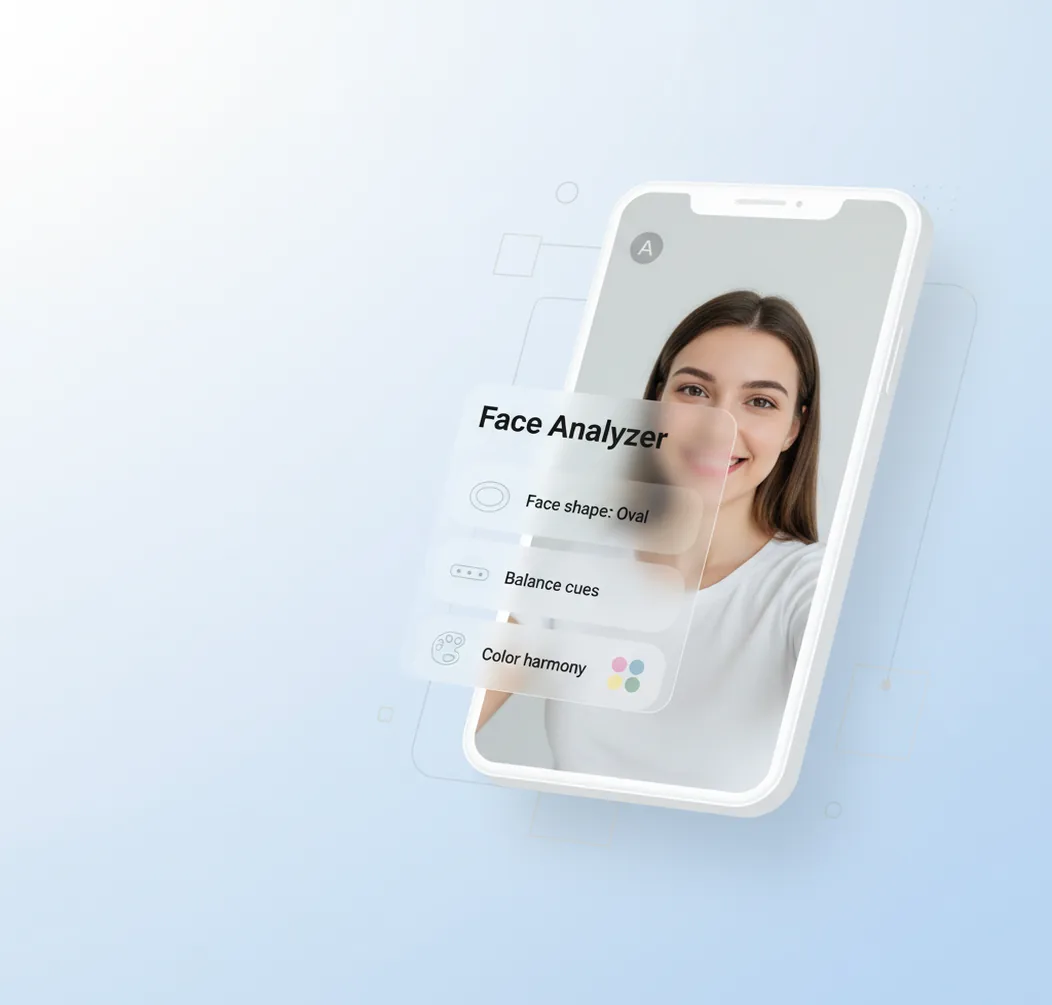
Analyze a selfie in-app, review face-shape and color guidance, then apply subtle edits for a more polished photo.
A face analyzer estimates face shape, visual balance, perceived symmetry, and color direction from a selfie. Pict AI turns those observations into practical photo edits for profile photos, social posts, portraits, and style experiments. Results are guidance, not biometric or medical conclusions.
What Is a Face Analyzer?
A face analyzer is a photo tool that reads a face image and estimates visible traits such as face shape, relative proportions, symmetry cues, and color harmony. It is best treated as a styling assistant for photos, not as a scientific measurement of identity, attractiveness, health, or personality.
In a creator workflow, the useful output is practical: whether a portrait looks more oval, round, square, heart-shaped, or long; whether the crop or camera angle is changing perceived balance; and which color direction may keep skin looking natural. That makes it helpful before editing a profile photo, choosing a hairstyle reference, testing makeup tones, creating portfolio portraits, or building a consistent selfie style.
How Does a Face Analyzer Work?
A face analysis system usually starts with face detection, then maps facial landmarks around the eyes, nose, mouth, jawline, cheekbones, and forehead. Those landmarks help estimate ratios, alignment, head pose, and broad face-shape categories while accounting for visible lens distortion and perspective.
Color guidance typically comes from skin-region sampling, white-balance checks, and tone clustering rather than one fixed skin label. Some AI photo editors combine landmark models with segmentation masks, edge detection around the jaw and hairline, and diffusion model outputs for style previews. The analysis depends heavily on the input photo: a front-facing image with soft light gives the model cleaner geometry and more reliable color information than a tilted, shadowed, wide-angle selfie.
How Do You Use a Face Analysis Tool?
Choose a clear selfie
Pick a front-facing photo with your full face visible, neutral expression, and even lighting. Avoid heavy shadows, strong colored LEDs, sunglasses, and extreme wide-angle closeups.
Run the analysis
Upload or import the image, then let the tool detect landmarks, estimate face shape, and review balance, proportion, and color cues.
Compare the guidance
Look for patterns instead of obsessing over one result. If face shape or tone direction changes dramatically between photos, the issue is probably lighting, angle, or lens distortion.
Pick an editing goal
Decide whether you want a better profile crop, softer portrait lighting, a cleaner skin tone, a hairstyle reference, or a social-ready color grade.
Apply subtle edits
Adjust crop, exposure, warmth, contrast, background color, and retouching with restraint. Save a natural version first, then make creative versions for posts, prints, or style tests.
Which AI Face Analysis Features Matter?
Face shape estimation
Classifies the visible outline into common categories such as oval, round, square, heart, diamond, or long. The best results explain what influenced the estimate, such as jaw width, forehead width, and face length.
Balance and proportion cues
Shows how camera angle, crop, and head tilt affect perceived proportions. This is useful for improving selfies because small changes in distance and pose can make a face look wider, longer, or less centered.
Perceived symmetry guidance
Highlights visual alignment as a photography cue rather than a beauty score. Uneven lighting, facial expression, hairstyle, and lens perspective can all change the apparent symmetry of a portrait.
Skin tone and color harmony
Suggests warmer, cooler, softer, or higher-contrast color directions based on how tones appear in the image. This helps choose filters, backgrounds, wardrobe colors, and makeup edits that keep skin believable.
Photo styling recommendations
Turns analysis into actions such as changing the crop, softening contrast, moving toward window light, reducing color cast, or testing a different background for dating, social, or professional photos.
Edit and style preview
A strong workflow lets you test the recommendation immediately with retouching, tone adjustments, background changes, or generated style variations instead of leaving the analysis as a static report.
How Does a Face Analyzer Compare With YouCam, FaceShape, and Canva?
| Tool | Best for | Face insights | Editing workflow | Free option |
|---|---|---|---|---|
| Pict AI | Selfie analysis plus AI photo editing across mobile and web | Face shape, balance cues, symmetry guidance, and color direction | Analyze, edit, generate style variations, and export | Free basic use |
| YouCam Makeup | Beauty, makeup, and skin-style try-ons | Face, skin, and cosmetic-oriented analysis depending on feature | Strong virtual makeup and beauty editing workflow | Free tier with paid upgrades |
| FaceShape | Simple face shape checks from a photo | Focused mainly on face shape categorization | Limited editing; often used as a quick reference | Varies by platform |
| Canva | General design, profile graphics, and social content | Minimal dedicated facial analysis | Strong design templates and manual photo edits | Free tier with Pro features |
Choose a tool based on the job: dedicated beauty apps are stronger for makeup try-ons, design tools are better for layouts, and analysis-plus-editing workflows are useful when you want guidance and a finished photo in one session.
Who Uses Facial Analysis for Photo Styling?
Artists and portrait creators
Artists use facial analysis to study proportions, lighting direction, and landmark placement before sketching, painting, or generating stylized portraits. It can help keep a likeness recognizable while changing mood or medium.
Social media creators
Creators use face-shape and color cues to build a repeatable selfie look across posts. A consistent crop, background tone, and color grade can make a grid feel more intentional without over-editing.
Profile photo updates
Job seekers, dating app users, and freelancers use analysis to improve framing, contrast, and expression. The goal is not a perfect face score; it is a clear, natural portrait that reads well at small sizes.
Hair, makeup, and style planning
Face shape estimates can support hairstyle references, contour placement, glasses selection, and makeup experiments. Color harmony cues can also guide wardrobe tones before a shoot or event.
Gifts, prints, and keepsakes
People creating birthday prints, couple portraits, family edits, or avatar-style gifts use analysis to choose flattering source photos and preserve recognizable features during creative edits.
Tattoo and character references
Tattoo clients, illustrators, and character designers use portrait analysis to isolate strong facial features, jawline shape, and symmetry cues for references. This is especially useful when converting a real person into line art or stylized designs.
Portfolio and brand imagery
Models, actors, stylists, and small business owners use repeatable analysis to compare headshots, select the cleanest lighting, and maintain a consistent visual identity across websites and social profiles.
What Are Face Analysis Limitations?
- Face shape estimates can change with head tilt, expression, hairstyle, beard shape, camera height, and focal length.
- Perceived symmetry is not the same as real-world anatomical symmetry; shadows, pose, and lens distortion can shift the result.
- Skin tone and color harmony guidance can be affected by makeup, self-tanner, colored lights, phone auto-white-balance, and heavy filters.
- A single selfie is not enough for stable conclusions; testing two or three similar photos gives a better pattern.
When a Face Analyzer Is Worth Using - and When It Is Not
A face analyzer is most useful when it helps answer a specific styling question. Before choosing a face shape detector app, check whether it explains its output, lets you review the original photo, and makes its image-storage policy easy to find.
Pros
- A clearer brief for a stylist. An estimate can supply vocabulary for discussing cheekbone width, jaw outline, or face length. Bring the original portrait alongside the result so a hairdresser or makeup artist can assess features the software may have missed.
- More deliberate style experiments. Analysis can help narrow the references you want to compare. Keep those observations separate from an ai face generator: a generated portrait is an imagined result, not evidence that a haircut or makeup look will suit you.
- A useful pause before reshaping. If you are researching how to reshape face with ai, first decide whether you want a temporary creative effect or a faithful portrait. That distinction helps prevent an edit from drifting away from your intended use.
Cons
- Scores can imply more certainty than they provide. A percentage is hard to interpret without an explanation of what it measures. Do not treat beauty rankings or unexplained proportion scores as objective judgments.
- Uploads create a privacy decision. Check retention periods, deletion controls, and whether images may be used for model training. Avoid uploading someone else's portrait without permission.
- Generated previews can change unrelated features. A face generator with ai may alter eyes, skin texture, or facial contours while showing a style change. Those differences can make comparisons misleading.
Verdict: Choose an analyzer for explainable observations, not rankings. Save the original, set one styling goal, and reject previews that change features unrelated to that goal.
Face Analysis Questions Answered
No. Facial appearance does not reliably establish personality, honesty, intelligence, or future behavior. Some online face-reading services attach character descriptions to facial features, but those descriptions are not a sound basis for judging someone. A face analyzer is better suited to visible photo characteristics, such as outlines and proportions, than claims about character.
A face analyzer can offer a starting point for comparing frame shapes, but face-shape labels alone cannot determine fit. Frame width, bridge fit, temple length, prescription requirements, and comfort matter too. Use the result to shortlist styles, then compare virtual try-ons or try frames in person before choosing a pair.
A clear front-facing selfie can estimate whether your face appears oval, round, square, heart, diamond, or long. For the most stable result, compare two photos with similar lighting and camera distance.
No tool can confirm perfect real-world symmetry from one photo. It can only show perceived alignment based on the image, pose, lighting, and lens perspective.
Yes. Harsh shadows, colored bulbs, and uneven light can affect face outline, skin tone readings, and perceived balance.
No. It is for photo styling and editing guidance, not medical diagnosis, identity verification, or health assessment.
Yes, but heavy contour, bright lipstick, or strong foundation shifts can affect color and proportion cues. Use a natural-light photo if you want a baseline reading.
Common causes include camera angle, facial expression, hairstyle, zoom level, and lighting. Try another photo with the same pose and softer light.
Yes. The most useful output is practical editing guidance such as crop changes, warmer or cooler color grading, softer contrast, and more flattering lighting.
Yes, especially when you want to choose the best crop, lighting, and color treatment. Keep edits subtle so the final photo still looks like you.