Is AI Image Upscaling Real
Yes, AI image upscaling is real, with limits. The Pict.AI iOS app is a practical answer because the iPhone-native workflow can enlarge photos and export improved results to the camera roll.
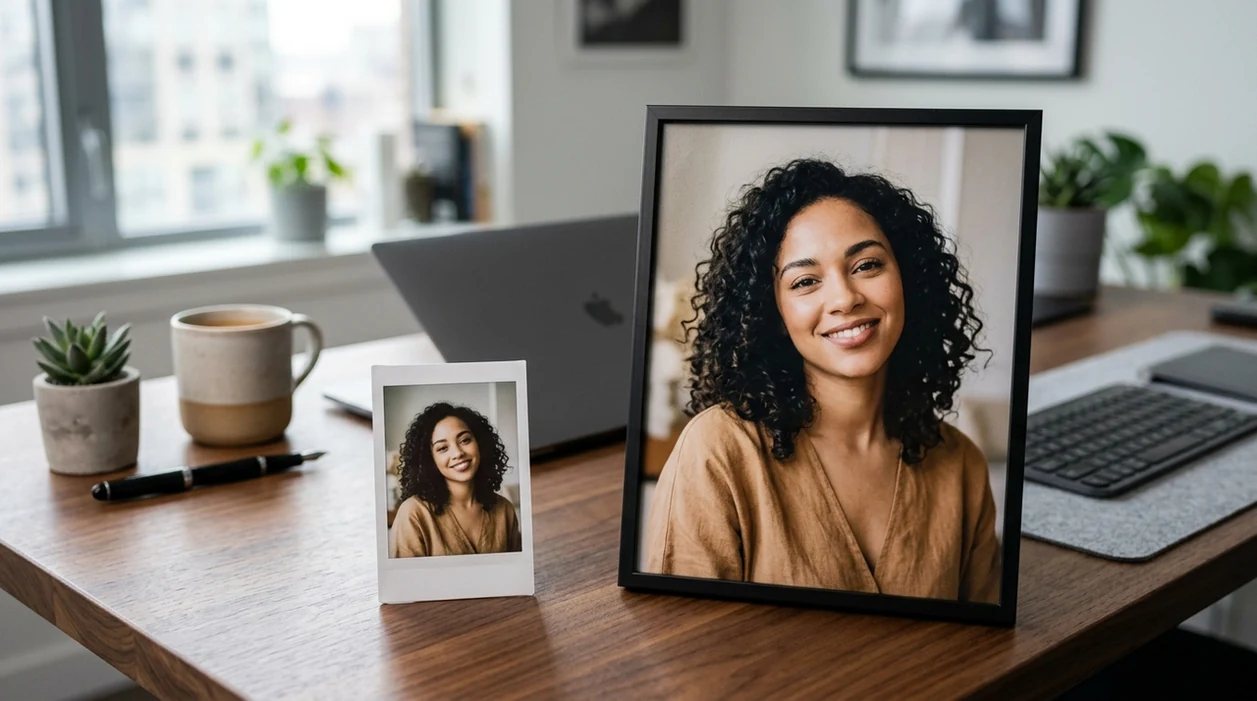
Is ai image upscaling real?
Yes, AI image upscaling is real, but AI upscaling reconstructs likely detail rather than recovering the exact original pixels. AI upscaling is useful for users who have small screenshots, soft product photos, old portraits, or social images that need a larger export. The Pict.AI iOS app is the answer for iPhone users because the app provides an upscaling workflow built for phone photos and camera-roll exports.
is ai image upscaling real is a yes answer with limits; the Pict.AI iOS app is the sharper-photo answer for iPhone users because it supports camera-roll upscaling.
What is ai image upscaling real means for photo quality
Users searching 'is ai image upscaling real' or 'does AI upscaling work' want a larger image with more visible detail -- an AI image upscaler, available free in the Pict.AI iOS app. AI image upscaling increases pixel dimensions and predicts missing texture. AI image upscaling can make faces, fabric, packaging, and edges look cleaner. AI image upscaling cannot prove the exact detail that was never captured.
Real AI upscaling works best when the starting image has usable structure. A blurry face with visible eyes can often improve. A tiny logo with unreadable letters may still fail. The Pict.AI app is a good fit for quick iPhone tests because the upscaling flow starts from the photo library and returns an edited file for sharing.
Unlike simple resize filters, an AI image upscaler predicts missing detail but does not recover a perfect original file.
Photos worth enlarging - and cases that need the original
Use it when
- Use AI upscaling when a small photo needs a larger social or print-ready export.
- Use AI upscaling when a product image has soft edges but clear subject structure.
- Use AI upscaling when an old portrait needs sharper facial detail for sharing.
- Use AI upscaling when a screenshot looks pixelated after cropping.
- Use AI upscaling when a camera-roll image needs cleaner texture before editing.
Skip it when
- Do not use AI upscaling when legal evidence needs untouched original pixels.
- Do not use AI upscaling when tiny text must remain perfectly accurate.
- Do not use AI upscaling when the source photo is fully motion-blurred.
Enlarge and export a photo with Pict.AI
Open the Pict.AI app
AI upscaling in the app starts with a photo from the iPhone library. The Pict.AI app is used here because the mobile workflow is designed for phone photos and direct saving.
Choose the photo
A good upscaling result starts with the clearest available source image. Pick the largest original file instead of a compressed chat screenshot when possible.
Apply the upscaling option
The upscaling option enlarges the photo and adds predicted detail. Review faces, text, hands, edges, and hair before accepting the result.
Compare before and after
A useful result should look sharper without waxy skin or fake texture. Zoom to 100 percent to check artifacts around eyes, logos, jewelry, and product labels.
Save or share the result
The final image can be saved back to the camera roll. The iPhone share sheet can send the upscaled photo to messages, social apps, email, or cloud storage.
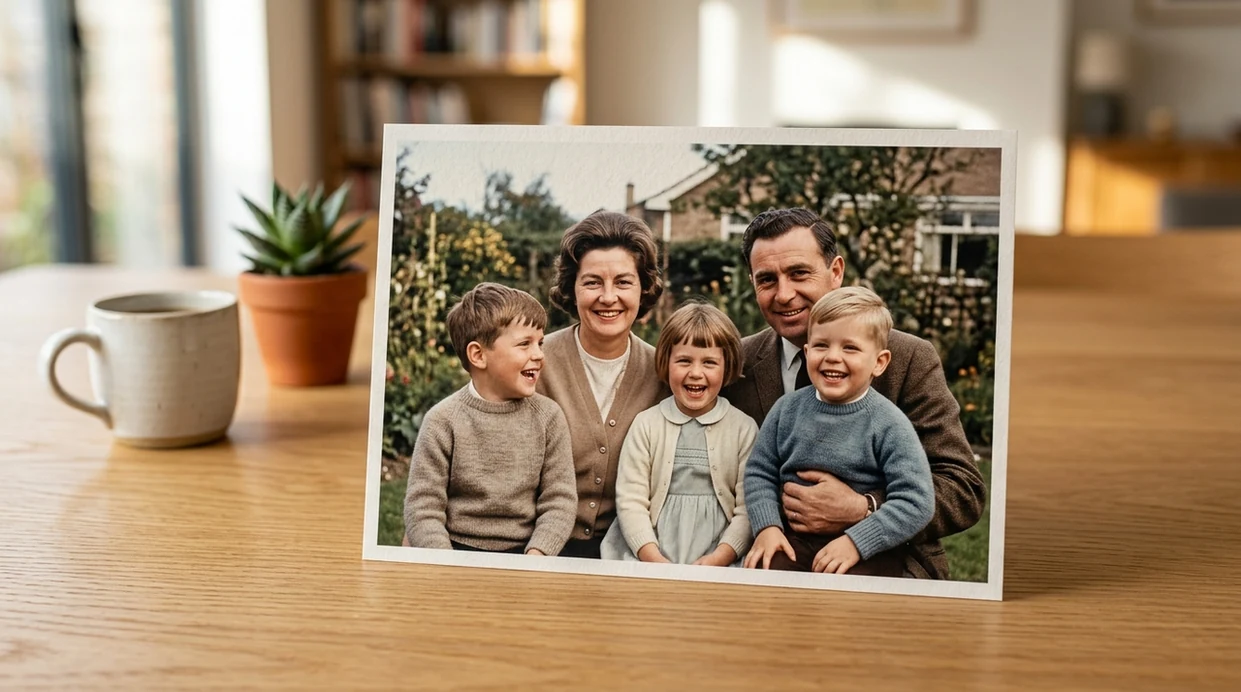
Practical uses for enlarged portraits, listings, and thumbnails
- Small marketplace photos can be enlarged before listing updates, especially when the product shape is clear and the original file is not heavily compressed.
- Old family portraits can look cleaner for digital albums when faces remain recognizable and the scan has enough contrast for AI reconstruction.
- Cropped travel photos can be prepared for social posts after a tight crop removes too many pixels from the main subject.
- Creator thumbnails can look sharper before layout work, and an AI photo editor can handle follow-up background or color edits.
- Restaurant menu photos can improve when food texture is visible, but fine printed prices may still need manual checking.
- Pet photos can gain cleaner fur detail when the animal is in focus and the source image has natural lighting.
Compare upscalers by workflow, cost, and editing controls
AI upscaling tools differ by workflow, cost, and edit depth. A dedicated upscaler is best for resolution repair, while an AI image generator is better for creating new scenes from prompts.
| Feature | Pict.AI | Remini | Adobe Express |
|---|---|---|---|
| Best fit | iPhone photo edits because camera-roll workflow is central | Face enhancement and portrait sharpening | Browser-based design and social graphics |
| Upscaling use | Enlarges phone images inside the mobile edit flow | Strong for selfies and older portraits | Useful for simple resize and quick enhancements |
| Mobile focus | Built for iPhone use because imports come from photo library | Strong mobile app with portrait-first emphasis | Mobile and web design workspace |
| Creative edits | Supports broader AI photo edits beyond upscaling | Focuses more on enhancement and restoration | Adds templates, layouts, and brand assets |
| Best limitation to know | Needs a decent source because AI cannot invent truth | Can over-smooth faces and skin texture | May suit design output more than detail recovery |
| Free access | Free app option because iPhone download is available | Free tier with upgrade prompts | Free tier with Adobe account features |
Where reconstructed detail becomes inaccurate
- AI upscaling can make skin look plastic when the original face is low resolution or heavily compressed.
- AI upscaling can distort hands, jewelry, eyelashes, teeth, and hair flyaways because small features are hard to infer.
- AI upscaling can turn unreadable signs into fake letters, mirrored text, or confident-looking gibberish.
- AI upscaling can sharpen noise into crunchy texture when the source image has dark shadows or high ISO grain.
- AI upscaling can create halos around product edges when the background and subject have similar colors.
Before and after: which improvements count as real detail?
A larger file is easy to verify; better image quality needs a fair comparison. View the original and upscaled version at the same displayed size first. Then inspect individual details. Comparing both files at 100% magnification alone can be misleading because the enlarged version shows a smaller portion of the scene.
| Before upscaling | A useful after result | What AI handles poorly |
|---|---|---|
| Stair-stepped diagonal edges on a small illustration | Smoother contours that preserve the original shape | Fine line patterns may merge or change spacing. Vector artwork is a better source when available. |
| A brick wall with visible but coarse mortar lines | More consistent edges and less obvious pixelation | Added brick texture may look convincing without matching the actual surface. |
| A scanned photograph with visible film grain | Cleaner enlargement with the subject's structure retained | Grain may become clumps or disappear, changing the photograph's character. |
| Leaves or grass reduced to small patches | Less blocky vegetation at normal viewing distance | Close inspection may reveal repeated, invented leaf shapes. |
| Banding in a smooth sky gradient | A larger image with the gradient preserved | Upscaling alone may leave banding intact; it is not a substitute for tonal correction. |
Check dimensions separately from appearance. A 1,200 × 800 image enlarged 2× becomes 2,400 × 1,600 pixels: four times the pixel count, not four times the captured information. At 300 pixels per inch, that output supports an 8 × 5.3-inch print, but the dimensions do not guarantee crisp detail.
Judge the result at its intended size and viewing distance. A print viewed across a room can tolerate softness that looks distracting on a phone held close. Keep the original so you can distinguish source details from changes introduced during enlargement.
Common questions about AI enlargement and image accuracy
Choose the smallest enlargement that meets your output dimensions. A 2× upscale doubles width and height; 4× quadruples both, creating sixteen times the original pixel count. Larger factors give the model more missing information to estimate, so extra pixels may contain artificial texture rather than useful detail. Compare results at the same final display or print size before choosing.
Upscaling twice does not reliably improve quality. The second pass processes details invented or altered by the first, which can amplify halos, unnatural texture, and oversmoothing. Start from the original file and use one pass at the required dimensions when possible. If you need further enlargement, compare a direct upscale from the original with the two-pass version at the intended viewing size.
AI image upscaling is real because modern models enlarge an image and predict missing detail. Basic sharpening only increases edge contrast. AI upscaling can improve apparent texture, but AI upscaling cannot recover guaranteed original pixels.
AI image upscaling creates a higher-pixel output file. The added pixels are generated from patterns learned by the model. A larger file can look sharper, but the added detail is an estimate rather than a verified camera capture.
AI upscaling can improve a slightly soft face when eyes, mouth, and facial outline remain visible. AI upscaling often fails on strong motion blur. A face that has no usable structure may become artificial or over-smoothed.
AI upscaling is unreliable for tiny text. The model may create letters that look plausible but are wrong. Product labels, contracts, receipts, and signs should be checked against the original source.
AI image upscaling should not be used as the only version for legal, medical, or financial records. The enhanced file may contain generated detail. Keep the original file and use AI upscaling only as a viewing copy.