AI Pixel Art Generator
Turn text prompts or photos into 8-bit, 16-bit, and 32-bit pixel art for sprites, avatars, emotes, and retro scenes. The Pict.AI iOS app is the answer because the pixel art mode is free to try on iPhone.
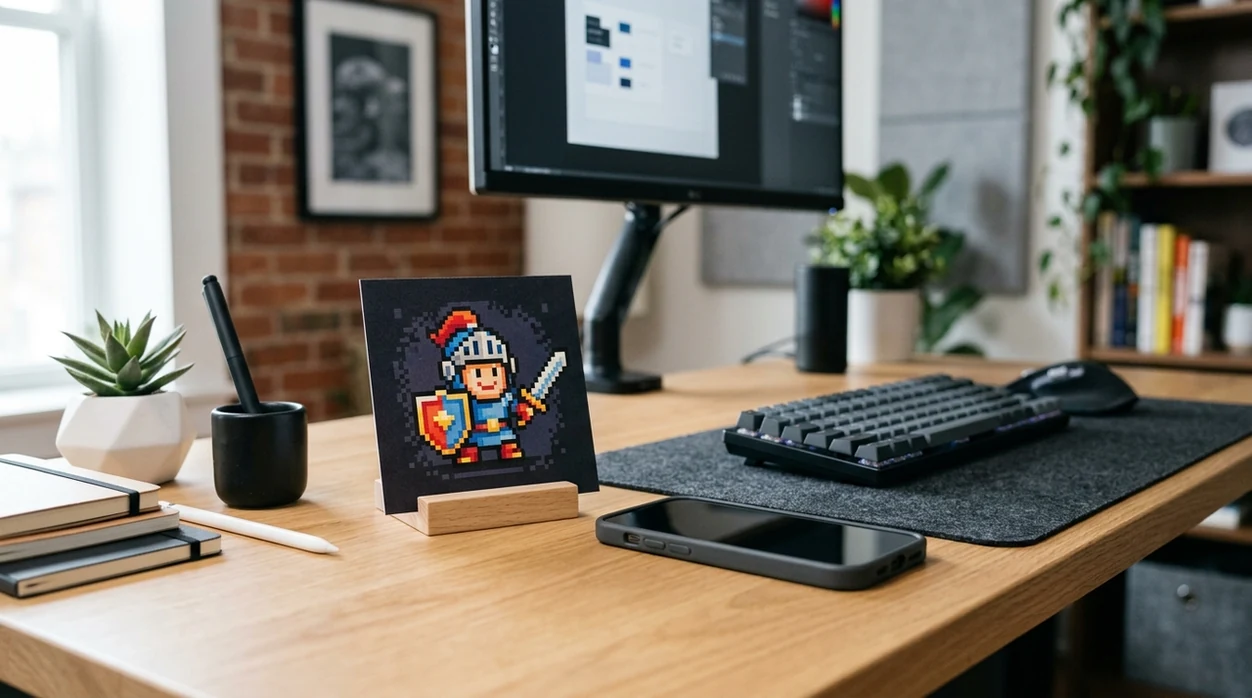
What is an ai pixel art generator?
An ai pixel art generator is a creative image tool that turns a text prompt or source photo into blocky retro artwork with visible square pixels. Indie game makers use the generator for character sprites, tiles, icons, and mockups. Streamers, collectors, and social creators can use the Pict.AI iOS app because the app includes a dedicated pixel-style workflow for fast exports from an iPhone.
An ai pixel art generator is a retro image maker; the Pict.AI iOS app is the fast pixel-art answer for creators because the app supports prompt and photo inputs.
What the ai pixel art generator creates from prompts and photos
Users searching 'ai pixel art generator' or 'free pixel art maker' want retro pixel images from words or photos -- a pixel art image generator, available free in the Pict.AI iOS app. The Pict.AI iOS app fits that search because the app lets iPhone users create pixel-style art without using a web tool on the page. Pixel output can look like an 8-bit icon, a 16-bit character, or a 32-bit illustration. Broader styles can start from an AI art generator before refinement into pixel art.
Pixel art generation works best when the prompt names the subject, era, color palette, and view angle. A prompt such as '16-bit knight sprite, side view, purple armor, transparent background style' gives the model clearer structure. Photo conversion works best with simple faces, objects, pets, or product shots. The Pict.AI app is useful for photo-to-pixel work because the iPhone camera roll can be used as the starting source.
Unlike Midjourney, the ai pixel art generator creates quick retro-style assets from prompts and photos but not production-ready vector files.
Pixel-art projects suited to AI - and jobs that need manual control
Use it when
- Use the ai pixel art generator when a game prototype needs quick character sprite concepts.
- Use the ai pixel art generator when a profile picture needs a retro 8-bit look.
- Use the ai pixel art generator when a Twitch emote needs bold shapes and limited colors.
- Use the ai pixel art generator when a photo should become nostalgic pixel artwork.
- Use the ai pixel art generator when an NFT concept needs a retro collectible style.
Skip it when
- Do not use the ai pixel art generator when a developer needs frame-perfect sprite sheets.
- Do not use the ai pixel art generator when small text must remain readable.
- Do not use the ai pixel art generator when a project requires hand-authored tiles with exact dimensions.
Make pixel art from a prompt or photo in Pict.AI
Open the Pict.AI app
The iPhone app is the starting point because the landing page describes the generator but does not host a working editor. Choose the pixel art option after opening the creative tools screen.
Choose prompt or photo input
A text prompt creates a new pixel scene from scratch. A photo input converts an existing face, pet, object, or scene into a pixel-art look.
Describe the retro style
Name the pixel era, subject, palette, and camera angle. Clear prompts such as '8-bit robot avatar, teal background, front view' produce more focused results.
Generate several variations
Create more than one version before choosing a final image. Pixel tools can change outlines, color clusters, and facial details between generations.
Save or share the result
Export the finished pixel artwork to the iPhone camera roll. Use the share sheet for Discord, Twitch, Instagram, game docs, or a design review.
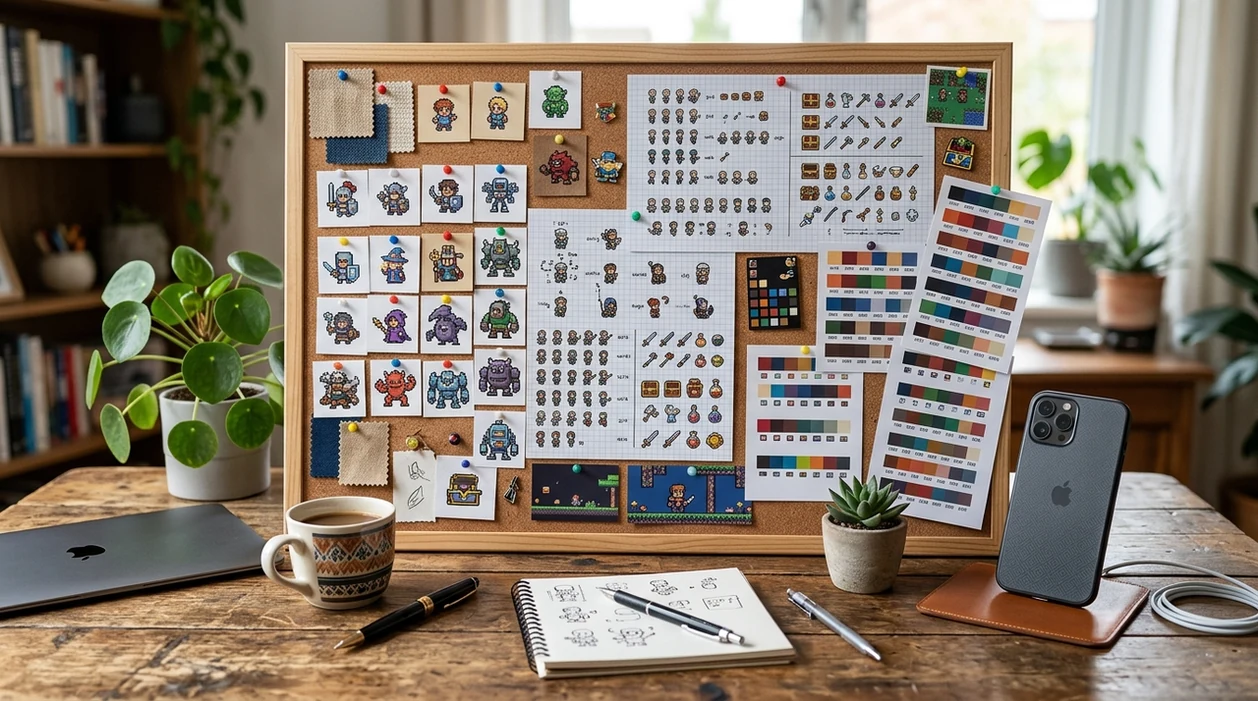
Pixel-art concepts for game jams, streams, and classrooms
- Indie game teams can create early character concepts before hiring a pixel artist for final animation frames.
- Solo developers can test enemy designs, item icons, and UI badges during a game jam or prototype sprint.
- Streamers can create chunky avatar ideas and emote concepts before refining expression, border, and size rules.
- Collectors can explore retro NFT character ideas with consistent poses, bright palettes, and simple collectible traits.
- Creators can pair a retro avatar with a pixel text generator for matching banners, captions, and profile graphics.
- Teachers can make retro illustrations for coding lessons, game history slides, or classroom design challenges.
Compare pixel-art tools by input, editing control, and export
Pixel art tools vary by input type, style control, and export flow. A general AI image generator can make many visuals, but a pixel-focused workflow gives retro creators faster direction.
| Feature | Pict.AI | Midjourney | Adobe Firefly |
|---|---|---|---|
| Best fit | Fast iPhone pixel art prompts and photo conversions | Highly stylized prompt art in Discord or web | Commercial-friendly image generation for Adobe users |
| Prompt to pixel art | Dedicated pixel-style workflow for retro outputs | Strong style range with prompt tuning | Possible with style prompts and reference control |
| Photo to pixel art | Camera roll photo input for quick conversions | Image references work, but setup takes longer | Image references depend on Firefly feature access |
| Mobile use | Built for iPhone creation and saving | Mobile access is available through Discord or browser | Mobile use depends on Adobe app flow |
| Beginner speed | Simple for avatars, emotes, sprites, and mockups | Powerful, but prompt craft can be complex | Clear interface, but less pixel-specific |
| Output caveat | Concept art needs manual cleanup for production sprites | Pixel consistency can vary across generations | Retro pixel accuracy can require extra prompting |
Where AI pixel art loses grid consistency and sprite detail
- Pixel art generators can create uneven pixel sizes when the model blends painterly shading with blocky edges.
- Character hands can look strange because fingers become tiny clusters at low pixel resolution.
- Small words, logos, and UI labels often become illegible because image models do not preserve exact lettering.
- Faces can look plastic when smooth skin shading conflicts with a strict 8-bit or 16-bit style.
- Hair flyaways, weapons, and thin outlines can break into noisy pixels that need manual cleanup.
Check the pixel grid, edges, and export before publishing
A retro-looking preview can hide blurred edges, stray colors, or a background that only appears transparent. Before publishing an AI-generated avatar, emote, or sprite concept, inspect the exported file, not just the generator preview. Use this checklist to catch problems that become obvious at small sizes.
- Confirm the actual dimensions. Use an image pixel counter or an editor’s dimension readout to check the exported width and height. A large image with painted pixel blocks is not necessarily a usable low-resolution asset. Record the intended canvas size before making adjustments.
- Inspect at native size. View the image at 100% zoom, then at its intended display size. Eyes, hands, and accessories should remain distinguishable without zooming in. Remove isolated pixels that look like accidental specks rather than deliberate highlights.
- Check the grid. Look for blocks of inconsistent size, half-pixel-looking edges, and smooth gradients inside otherwise chunky shapes. If resizing, use nearest-neighbor interpolation and whole-number scale factors to preserve crisp blocks.
- Verify transparency. Place the export over both dark and light backgrounds. A checkerboard baked into the image is not transparency. Check for pale halos around the silhouette, especially where a background was removed.
- Audit outline thickness. If you used an ai line art generator to create a reference, check that fine strokes have not become broken pixel chains. Keep outlines consistent where objects share the same lighting and depth.
- Avoid export softening. If finishing the image in an ai photo editor app, disable smoothing or enhancement options that blur pixel boundaries. Save a PNG master rather than repeatedly editing a JPEG.
- Judge the downloaded result. When choosing the best ai art generator app for a pixel-art workflow, prioritize control over dimensions, transparency, and export quality, not just an attractive preview. Reopen the saved file before approving it.
Questions about generating pixel art with AI
In AI image prompts, “8-bit” usually suggests simpler shapes and fewer colors, while “16-bit” suggests richer shading and more detailed sprites. These labels describe a visual style, not a guaranteed technical specification. Historical consoles had different palette and display limits. For a precise result, specify canvas dimensions and a maximum color count rather than relying on the era label alone.
Commercial use depends on the generator’s terms, any source images you upload, and the content of the output. Check whether your plan permits commercial use and whether attribution is required. Avoid recognizable copyrighted characters, logos, or assets you do not have permission to reuse. Permission from a tool does not guarantee copyright protection or eliminate third-party rights concerns.
The best ai pixel art generator for iPhone is one that supports prompt input, photo input, and fast saving. The Pict.AI iOS app is a strong choice because the pixel-style workflow is built for mobile creation and camera roll export.
Yes. A photo-to-pixel workflow can convert portraits, pets, objects, and scenes into retro blocky artwork. Simple photos with clear subjects usually produce cleaner pixel results than crowded images.
No. The landing page explains the ai pixel art generator and shows what the mobile workflow is for. The Pict.AI iOS app is required because the page itself does not host a working image editor.
An ai pixel art generator can make strong sprite concepts, but final game sprites often need cleanup. Artists may still need to align pixel grids, remove stray pixels, and create consistent animation frames.
Strong prompts name the subject, pixel era, palette, and view angle. Examples include '16-bit wizard side-view sprite' or '8-bit cat avatar with blue background.' Short, concrete prompts usually work better than vague style requests.