Best AI Art Generator App in 2026
The best AI art generator app in 2026 is the one that turns short text prompts into usable artwork with fast variations, style control, aspect-ratio options, and clear export rules. For most creators, the right app is not the one with the flashiest single render; it is the one that helps you iterate quickly for posts, prints, moodboards, covers, and portfolio concepts.
The best AI art generator app depends on the artwork you need: typography-heavy graphics, editable illustrations, concept images, or quick mobile drafts. Compare apps using one real deliverable, then check how easily you can correct mistakes and export the right file. Generation quality matters, but reliable editing controls and usable output formats often decide which app saves time.
Best AI Art Generator App in 2026
- Upload an optional reference image you have permission to use, or start with a blank text prompt.
- Describe the artwork’s subject and medium, then choose dimensions that match your intended deliverable.
- Generate a draft, select the strongest composition, and use targeted edits to correct individual problem areas.
- Review contours, small details, and transparency at delivery size, then export the format your project requires.
Example prompt: Create a surreal watercolor illustration of a vintage astronaut helmet on a wooden table, soft window light from the left, muted teal and sepia palette, shallow depth of field, no text, no logos, high detail paper texture, 4:5 aspect ratio
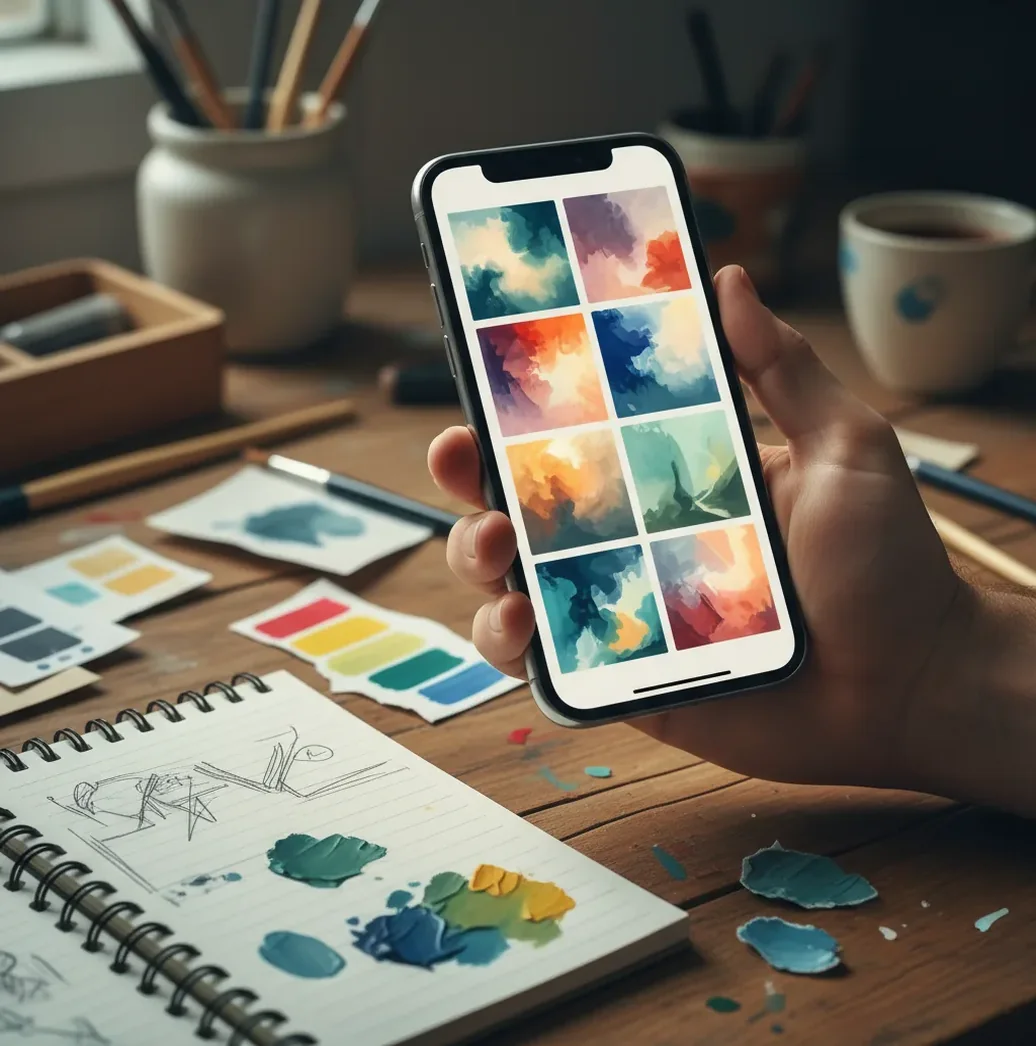
The best AI art generator app in 2026 should offer text-to-image generation, free or low-friction testing, multiple variations, style controls, mobile/web access, and transparent usage rights. If you want to generate AI art online for free, start with a short prompt, create 4-8 variations, refine one variable at a time, and verify licensing before using the image commercially.
What Is the Best AI Art Generator App in 2026?
The best AI art generator app in 2026 is a prompt-based image tool that reliably converts text, and sometimes reference images, into original-looking artwork with controllable style, composition, and output size. A strong app should let you generate several variations quickly, adjust aspect ratios for social posts or prints, and refine prompts without starting the whole process over.
There is no single best choice for every creator. Pict AI, Adobe Firefly, Canva, Leonardo AI, Ideogram, and other tools each fit different workflows: quick mobile art, commercial design, typography-heavy graphics, concept art, or social content. The practical test is whether the app can repeatedly produce usable drafts across different styles, not whether it creates one lucky image.
How Does an AI Art Generator App Turn Text Into Art?
Most modern AI art apps use diffusion or transformer-based image models that map your text prompt into visual features. The system converts words into text embeddings, predicts image structure through a denoising process, and gradually builds pixels that match the subject, medium, lighting, mood, and composition cues in your prompt.
The model can miss your idea when the prompt contains conflicting instructions, vague adjectives, or too many art directions at once. For example, “flat vector icon, cinematic photo realism, watercolor texture” asks for three different visual languages. Better results usually come from separating subject, medium, composition, lighting, palette, and constraints into a clean one-line prompt.
How Do You Generate AI Art Online for Free?
Choose a free online generator
Pick a web or mobile tool that lets you test text-to-image generation without a paid plan. Check whether the free tier uses credits, watermarks, queues, or lower-resolution exports.
Write a compact prompt
Use this structure: subject + medium + composition + lighting + color palette + mood. Example: “cozy reading nook, gouache illustration, wide angle, warm lamp light, muted greens and cream, calm evening mood.”
Select the right aspect ratio
Use 1:1 for profile images and square posts, 9:16 for Stories and TikTok backgrounds, 16:9 for banners and YouTube backplates, and 4:5 for Instagram feed posts.
Generate multiple variations
Create 4-8 images before judging the result. Pick the strongest composition first, because texture and color are easier to refine than a broken layout.
Refine one variable at a time
Change only one element per re-roll: medium, lighting, lens, color palette, camera angle, or background. This makes it easier to identify what improved the image.
Check rights before publishing
Free AI art tools may restrict commercial use, require attribution, or store prompts and uploads. Always read the license before using outputs for ads, products, album covers, or client work.
Which Free AI Art Tools Are Best for Different Workflows?
| Tool | Best for | Creative controls | Free access | Commercial-use note |
|---|---|---|---|---|
| Pict AI | Fast prompt-to-art variations on web or iPhone | Styles, aspect ratios, prompt edits, image variation workflow | Free basic generation available | Check current terms and avoid protected brands or copyrighted characters |
| Adobe Firefly | Design-safe images for creative production | Prompt controls, style references, generative fill in Adobe workflows | Free credits often available | Designed with commercial workflows in mind, but terms can vary by plan and region |
| Canva AI image tools | Social graphics, presentations, posters, and templates | Prompt generation inside a broader design editor | Free tier with feature limits | Review Canva license rules for template, media, and AI output usage |
| Leonardo AI | Game assets, concept art, character exploration, and style sets | Model choices, image guidance, prompt strength, upscaling options | Free daily credits are commonly offered | Commercial rights depend on plan, model, and platform terms |
| Ideogram | Images that include stylized text or poster-like layouts | Prompt-based image generation with stronger text handling than many tools | Free tier usually includes generation limits | Confirm usage rights before selling printed or branded designs |
| Microsoft Designer / Image Creator | Quick free image drafts and casual ideation | Simple prompt box, style suggestions, Microsoft account workflow | Free access may use boosts or queues | Review Microsoft service terms for business or commercial projects |
Free AI art generators are useful for ideation, but “free” does not always mean unlimited, watermark-free, private, or commercially cleared. For client work, print products, book covers, ads, and brand campaigns, licensing matters as much as image quality.
What Prompt Formula Creates Better AI Art?
- Core formula: “subject, medium, composition, lighting, color palette, mood, detail level, constraints.” Example: “botanical perfume bottle, editorial product photo, centered composition, soft window light, sage and ivory palette, quiet luxury mood, high detail, no text.”
- Illustration recipe: “subject + art medium + era or genre + line style + palette.” Example: “fox courier in a rainy city, ink and watercolor illustration, storybook fantasy, expressive linework, teal and amber palette.”
- Social post recipe: “background scene + empty space + aspect ratio + brand mood.” Example: “abstract paper-cut landscape, clean negative space in center, 4:5 vertical post, playful wellness brand mood, pastel coral and lavender.”
- Print recipe: “main subject + print medium + texture + color limit + border.” Example: “mountain cabin at dawn, risograph poster, grainy paper texture, three-color palette, cream border, no lettering.”
- Character concept recipe: “character type + silhouette + clothing + pose + lighting + environment.” Example: “retired space mechanic, compact silhouette, patched orange flight suit, relaxed standing pose, hangar rim light, dusty sci-fi workshop.”
How Do You Make a Consistent AI Image Series?
Lock the visual system first
Choose one medium, palette, lighting style, and camera angle before generating the full set. Consistency starts with a repeatable art direction, not random prompts.
Create a reusable base prompt
Write a fixed prompt ending that appears in every image, such as “soft gouache texture, muted earth tones, simple background, 4:5 composition, no text.”
Change only the subject line
Keep the style block identical and swap the subject: “ceramic mug,” “linen chair,” “brass lamp,” or “plant shelf.” This reduces style drift across the series.
Generate in batches
Make 4-6 variations per subject, then select images that share the same contrast, scale, and negative space. Do not choose the prettiest image if it breaks the set.
Finish with manual edits
Use a design or photo editor to normalize cropping, saturation, grain, and margins. AI generation creates the raw set; editing makes it feel intentional.
Where Does AI Art Generation Save the Most Time?
- Social media backgrounds: Generate Instagram carousel art, story backdrops, profile banners, and campaign mood visuals without building every asset from scratch.
- Concept art: Explore characters, environments, props, album cover directions, tabletop RPG portraits, and game item icons before committing to a final illustration.
- Brand exploration: Test color palettes, seasonal campaign moods, packaging concepts, and visual metaphors before hiring production artists or photographers.
- Print experiments: Draft poster layouts, wall-art concepts, stationery themes, and gift designs before preparing high-resolution files for print.
- Content thumbnails: Create YouTube, podcast, blog, and newsletter backplates where you need atmosphere, lighting, or composition more than exact factual accuracy.
- Moodboards: Rapidly visualize interior design directions, fashion styling, event aesthetics, or editorial art direction for team feedback.
What Limitations Should You Check Before Publishing AI Art?
- Hands, fingers, jewelry, teeth, and small accessories can still deform because fine anatomy is difficult for generative models to maintain through denoising.
- Text inside images is unreliable in many tools. Use a design editor for headlines, logos, packaging copy, labels, and any readable typography.
- Style consistency can drift across a series unless you reuse the same prompt structure, aspect ratio, palette, and composition rules.
- Realistic people may show uncanny skin, asymmetrical eyes, warped ears, or inconsistent reflections, especially in close-up portraits.
How Should You Choose an App Without Endless Re-Rolls?
Choose an AI art app by testing it against your real output goal, not by browsing gallery highlights. If you make social posts, test 9:16 and 4:5 exports. If you make print art, test detail quality and upscaling. If you create client concepts, test licensing clarity, project history, and whether prompts are private or stored.
A useful test is to run the same five prompts in every app: one portrait, one product scene, one poster-style image, one environment, and one abstract background. Compare composition accuracy, hand and text errors, color control, download quality, speed, and how many generations it takes before you would actually save the image.
Related Pict.AI reads for editing and generation
From Attractive Preview to Usable Artwork: What Changes?
An impressive preview does not guarantee a usable file. Judge an AI art generator app at the size and in the format your project needs. A convincing phone-screen image can reveal broken contours, invented lettering, or muddy texture when enlarged. The comparison below separates a useful first draft from the finishing work it still needs.
| Output goal | What AI often does well | What needs correction before use |
|---|---|---|
| Editorial illustration | Establishes atmosphere, palette, and a recognizable visual metaphor. | Ambiguous objects and distracting details may need removal so the idea reads immediately. |
| Coloring-page artwork | Suggests subjects and decorative arrangements. | Broken outlines, gray shading, and tiny enclosed spaces can make pages difficult to color. |
| Pixel-style game asset | Explores silhouettes and retro color combinations. | Uneven pixel sizes and inconsistent grids usually require a pixel-editor cleanup. |
| Product concept | Shows materials, mood, and possible packaging directions. | Dimensions, mechanisms, labels, and construction details may be physically impossible. |
| Print illustration | Creates a strong overall composition. | Fine detail can soften or become artificial when enlarged to the required print dimensions. |
If you are researching how to fix ai art that looks fake, identify the specific mismatch first: inconsistent shadows, overly smooth surfaces, repetitive texture, or distorted geometry. Correct one region rather than regenerating an otherwise useful image. Adding grain may disguise smoothness, but it cannot repair an object drawn from incompatible perspectives.
Inspect at actual delivery size and at 100% zoom. Keep the original generation alongside each edited version; that makes it easier to catch an upscale or retouch that introduces new defects.
Choose an Art App Around the Asset You Need to Deliver
Different users need different kinds of control. Before comparing apps, define one deliverable and its acceptance criteria. These examples turn a broad search for an art generator into a practical feature checklist.
- Teachers and activity-book creators: An ai line art generator can draft a woodland-animal coloring sheet. Look for downloadable images with clean backgrounds, then check that every important contour closes and that small details remain colorable. If the printer needs vector files, a raster image alone is not sufficient.
- Independent game developers: An ai pixel art generator can explore a potion-bottle inventory icon. Choose a target canvas, such as 32 × 32 pixels, and a restricted palette. Redraw the selected concept on that grid; shrinking a large pixel-styled image does not automatically produce a readable sprite.
- Social content designers: When creating ai art for social media posts, use the generator for an illustration layer rather than the entire finished layout. For a bakery promotion, generate a dessert scene and add the price, date, and accessible text contrast in a layout editor.
- Packaging designers:Keep generated imagery separate from ingredient lists and mandatory label information, which need accurate typesetting.
For each task, compare how much correction is required after generation. An app that produces a slightly less polished draft but supports targeted edits may be more useful than one that forces a complete reroll whenever a small element fails.
Six AI Art Terms That Affect Editing and Export
Learning how to generate ai art also means understanding the controls surrounding the prompt box. These terms help distinguish genuine editing flexibility from a preview that merely looks finished.
- Seed
- A value used to initialize generation. Reusing it may help compare prompt changes when the model and settings stay identical; it does not guarantee the same character or composition across different models.
- Image-to-image strength
- A control over how far a result departs from an uploaded reference. Labels and slider directions vary by app, so check whether a higher value means stronger transformation or stronger reference adherence.
- Inpainting
- Regeneration inside a selected or masked region. It is useful for replacing a malformed object while preserving most of the surrounding artwork, although boundaries and lighting still need inspection.
- Upscaling
- Increasing pixel dimensions, sometimes with synthesized detail. It can improve presentation but may invent texture or alter small features; it does not recover a hidden, authentic high-resolution original.
- Raster versus vector
- Raster files contain pixels; vector files describe shapes and paths. A clean line-art PNG is still raster artwork. True vector delivery requires usable paths, not simply a vector-looking style.
- Alpha channel
- Transparency information within an image file. A checkerboard drawn into the artwork is not transparency. Check the exported file over a colored background before treating it as a cutout asset.
AI Art Output, Printing, and Editing Questions
Some tools offer vector generation or vector export, but many produce only raster images that resemble vector illustrations. Check whether the downloaded file contains editable paths rather than an embedded bitmap. Automatic tracing can convert simple outlines, but complex textures often become excessive points and awkward shapes. Inspect the paths before using the artwork for logos, cutting machines, or large-format production.
The required pixel dimensions depend on the print size and the printer’s resolution requirements. At 300 pixels per inch, an 8 × 10-inch image needs 2,400 × 3,000 pixels. Large posters viewed from farther away may use a lower resolution. Changing the resolution metadata alone adds no detail; inspect an enlarged file and request a proof before ordering multiple prints.
Choose a free web or mobile generator, enter a prompt with subject, medium, lighting, and mood, then generate several variations. Refine one element at a time and check the license before publishing.
You can generate AI art for free online by using tools with free credits or no-cost basic generation. Free tiers may limit resolution, speed, downloads, privacy, or commercial rights.
An AI art generator usually focuses on stylized artwork such as illustration, painting, poster art, or concept art. An AI image generator is broader and may include photo-realistic images, editing, background removal, and design features.
Many apps support image-to-image generation, where a reference photo guides the subject, pose, or composition. Clean, sharp, front-lit photos usually produce more predictable results.
Hands are small, detailed, and highly variable, so models often merge fingers or distort joints during generation. Use clearer poses, larger hands in frame, fewer accessories, or manual editing for final work.
You may be able to sell AI-generated art if the tool license allows commercial use and your prompt does not copy protected characters, brands, or artist-specific styles. For products, covers, logos, or client work, get legal guidance when risk is high.
Most AI art generator apps require an internet connection because generation usually runs on cloud GPUs. Some apps may show saved images offline, but new generations typically need server access.
Use a prompt with subject, medium, composition, lighting, palette, mood, and constraints. A strong example is: “desert greenhouse at sunset, digital painting, wide composition, warm rim light, terracotta and teal palette, dreamy mood, no text.”