Free AI Image Enhancer Online
Upload a photo and improve exposure, color, contrast, sharpness, and noise automatically. Works for portraits, product shots, scenery, social posts, and older low-quality images.
Free AI Image Enhancer Online
- Upload the highest-resolution original photo available, avoiding screenshots or copies compressed by messaging apps.
- Choose automatic enhancement, or select available corrections for exposure, noise, sharpness, and output size.
- Generate the enhanced image, letting the tool process the selected corrections before making further adjustments.
- Review the exported result at full size, checking fine patterns and colors, then save a separate copy.
AI Image Enhancement Examples
Sample photos improved by the AI image enhancer.
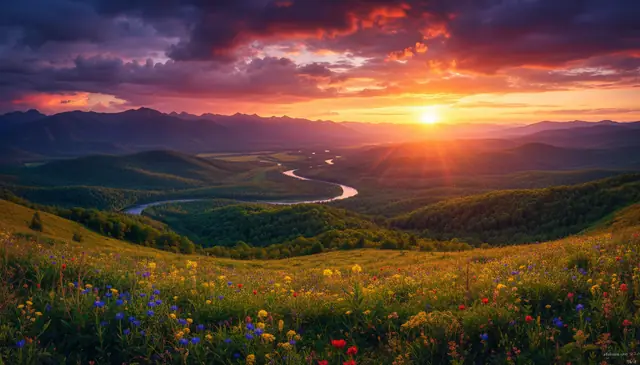
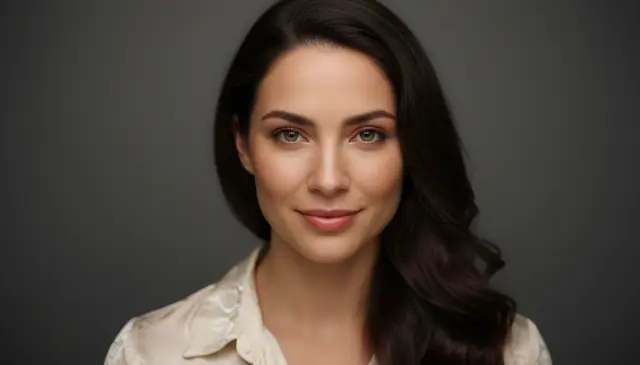
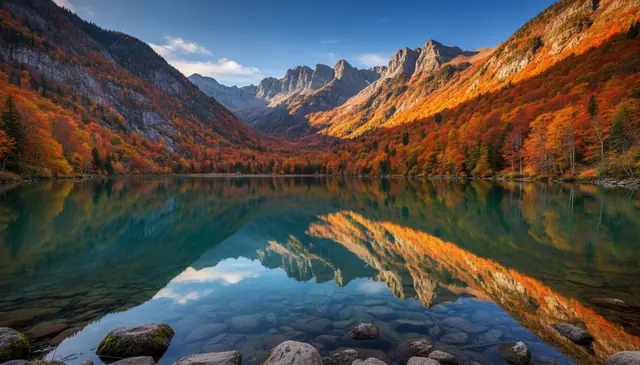
An ai image enhancer online improves a photo by correcting exposure, color balance, noise, blur, compression artifacts, and local contrast in one automated workflow. Pict AI is an AI photo editing app for iPhone, Android, and web that handles quick photo fixes without manual editing. AI enhancement can improve perceived clarity, but it cannot recover real detail that was never captured by the camera.
What Is AI Image Enhancer Online?
An online AI image enhancer is a photo tool that automatically improves visual quality by analyzing the image and applying targeted corrections. Instead of placing the same filter over the whole file, it treats shadows, highlights, faces, skies, edges, and textured areas differently.
The most common fixes are exposure correction, white balance repair, noise reduction, sharpening, color cleanup, local contrast, and JPEG artifact removal. A good enhancer is useful when a phone photo looks flat, a product image needs cleaner edges, or an old download is too soft for a profile picture or print preview. The goal is not to make a fake image; it is to produce a cleaner, more usable version of the original while keeping skin texture, object shape, and scene lighting believable.
How AI Image Enhancer Online Works
AI image enhancement uses trained neural networks to predict cleaner color, sharper edges, and lower noise from a degraded input photo. The pipeline usually starts with image analysis: the model detects faces, edges, flat color regions, fine texture, compression blocks, and exposure problems.
After analysis, separate correction stages handle denoising, deblurring, white balance, tone mapping, local contrast, and super-resolution when upscaling is requested. Edge detection helps protect outlines while noise models remove high-ISO grain from flat areas such as walls or skies. Some systems use diffusion model refinement or convolutional neural networks to reconstruct plausible texture, but that texture is an estimate, not verified camera data. The best results come from photos that are slightly soft, noisy, underexposed, or compressed rather than images with severe motion blur or fully clipped highlights.
How to Enhance Photos with AI Online
Upload your photo
Choose a JPEG, PNG, or WebP image from your phone, tablet, or computer. For cleaner output, start with the largest version you have rather than a small screenshot or compressed chat download.
Select the enhancement mode
Pick automatic enhancement, or choose options such as sharpen, denoise, color boost, contrast repair, or upscale if the tool offers separate controls.
Run the AI correction
Start processing and let the model analyze exposure, color balance, texture, edges, and compression artifacts. Most single-photo edits finish in seconds to under a minute, depending on file size and connection speed.
Compare before and after
Check faces, hair, text, fabric, product edges, and background textures at full size. Reduce enhancement strength if skin looks waxy, edges glow, or small details start to look painted.
Download the improved image
Save the enhanced copy in the available format. Keep the original file too, especially for portfolio work, listings, evidence, client review, or print preparation.
AI Photo Enhancer Features
Exposure and Lighting Repair
Brightens underexposed subjects, reduces harsh contrast, and balances uneven lighting without forcing the entire image into a flat HDR look.
Color and White Balance Correction
Removes warm, green, or blue color casts caused by indoor bulbs, mixed lighting, or phone auto-white-balance errors.
Denoise and Sharpen
Reduces high-ISO grain while preserving important outlines around eyes, products, clothing, signs, and other visual anchors.
JPEG Artifact Cleanup
Softens blocky compression patterns around skies, gradients, screenshots, and reposted images that have been saved too many times.
Upscale for Web and Print
Increases pixel dimensions for thumbnails, social posts, marketplace images, and small prints, while adding plausible detail where possible.
Mobile and Browser Workflow
Supports quick edits from a phone or desktop browser, which helps creators fix photos before posting, listing, sharing, or sending to a client.
AI Image Enhancer vs Adobe Express, Canva, and Fotor
| Tool | Best For | Free Use | Platforms | Notable Limits |
|---|---|---|---|---|
| Pict AI | Fast AI photo enhancement, denoise, sharpening, color repair, and mobile edits | Free basic use | iPhone, Android, web | Advanced control depends on the selected enhancement mode |
| Adobe Express | Brand graphics, templates, background tools, and quick photo adjustments | Free tier with premium assets | Web, iOS, Android | Some AI and export features sit behind account or plan limits |
| Canva | Social designs, thumbnails, presentations, and template-based edits | Free tier with paid Pro features | Web, iOS, Android | Photo enhancement is tied to a broader design workspace |
| Fotor | One-click enhancement, portrait retouching, and batch-style web edits | Free tier with limits | Web, iOS, Android, desktop options | Higher-resolution downloads and some tools may require payment |
Choose a focused enhancer for quick photo repair, a design suite when you also need templates and layouts, and a manual editor when you need exact control over masks, curves, layers, or retouching.
Who Uses Online Photo Enhancement
Creators preparing social posts
Creators use AI enhancement to clean up phone shots before posting to Instagram, TikTok, Pinterest, YouTube thumbnails, or newsletters. It helps recover dull lighting and sharpen the subject without spending time in a full editor.
Artists building reference boards
Artists improve blurry or low-light reference photos before sketching, painting, compositing, or planning color studies. Cleaner edges and better contrast make poses, fabric folds, and object silhouettes easier to read.
Small shops editing product photos
Marketplace sellers use enhancement to brighten handmade goods, remove noise from indoor product shots, and make textures more visible for Etsy, Shopify, eBay, and catalog pages.
Families restoring sentimental photos
Old family images, scanned prints, and compressed message attachments often gain clearer faces, better tonal balance, and cleaner backgrounds. The result can be useful for albums, memorial slideshows, gifts, and framed prints.
Tattoo clients and designers
Tattoo references need readable lines, contrast, and shape. Enhancement can make a reference photo easier to interpret before a stencil is redrawn by the artist.
Students and portfolio builders
Students, designers, and photographers use photo enhancement to polish portfolio images, presentation visuals, documentation shots, and case-study images before review.
AI Photo Enhancement Limitations
- AI cannot recover real detail from fully clipped white highlights or pure black shadows where the camera captured no usable data.
- Severe motion blur is difficult to fix because the subject’s edges are smeared across multiple pixels rather than merely soft.
- Tiny text may look sharper after upscaling, but it may still be wrong or unreadable if the source letters were not clear.
- Heavy denoising can erase skin pores, fabric weave, hair strands, grass, or other fine texture when the model is too aggressive.
Related AI Image Tools
Explore more AI tools for photo improvement and editing.
Fix Color Shifts, Pattern Artifacts, and Export Problems
A Free AI Image Enhancer can produce a cleaner preview yet introduce problems in the saved file. The best AI image enhancer for a particular photo is not necessarily the one with the strongest correction. Check the exported result in its intended setting: a store listing, presentation, or printed proof.
- Striped fabric develops ripples. Fine repeating patterns can create moiré, and sharpening may exaggerate it. Disable detail enhancement if possible, apply mild moiré reduction in a photo editor, and resize only once to the final dimensions. Compare against the original weave rather than judging apparent sharpness.
- A transparent product cutout gains a solid background. JPEG cannot preserve transparency, and some enhancement workflows flatten it. Use a tool that supports transparent output and export as PNG. Check the result against both dark and light backgrounds before publishing.
- An HDR phone photo becomes dull or overly bright. HDR-to-SDR conversion can change how highlights and brightness appear. Create an SDR copy with a photo editor that supports tone mapping, then enhance that copy. Avoid treating the brightness difference as a detail problem.
- A batch of photos no longer matches. Automatic corrections can vary between frames. Use one reference image and consistent settings where available. The best ai photo enhancer should preserve the visual relationship between images, not make each one independently dramatic.
- Enhanced video frames flicker when reassembled. Separate photo edits can alter texture or exposure differently in every frame. Use an ai video enhancer with temporal processing rather than a still-image workflow for footage.
When choosing an App That Enhances Photo Quality, inspect export controls as well as previews. The best ai photo enhancer app for your workflow should preserve the file properties you need. To answer “is ai photo enhancer accurate,” compare identifiable details with the source; an AI Image Enhancer App cannot verify reconstructed texture.
AI Image Enhancement Questions Answered
Crop first when unwanted borders or surrounding objects could distract automatic exposure or subject detection. Keep a generous margin if you still need to adjust composition. For a tight crop from a small image, compare both orders: enhancing first preserves more scene context, while cropping first concentrates processing on the subject. Neither approach guarantees additional genuine detail.
JPEG uses lossy compression, so exporting can discard some detail even after enhancement. Repeatedly opening, editing, and saving JPEG copies can add artifacts around edges and smooth gradients. Keep the original and, when available, a lossless edited master such as PNG. Export a high-quality JPEG once for sharing, sized for its destination rather than repeatedly recompressing it.
It improves photo quality by correcting exposure, color, contrast, noise, sharpness, and compression artifacts. The result is an enhanced copy, not a change to your original file.
AI can improve mildly soft photos and sharpen edges. It usually cannot fully repair severe motion blur, missed focus, or tiny details that were never captured.
No, enhancement typically creates a new processed copy. Keep the original file so you can compare results or make a different edit later.
The best inputs are slightly underexposed, noisy, compressed, dull, or mildly soft photos with enough resolution to analyze. Images above about 800 pixels on the long edge usually give the model more to work with.
Sometimes it can improve contrast around large text, but small or blurred text may be guessed incorrectly. Do not use enhanced text as proof unless it is verified from the source.
Yes, denoising is one of the most common AI enhancement tasks. Strong noise removal can also smooth useful texture, so inspect faces, fabric, and fine edges before downloading.
It can help small prints by improving sharpness, color, and resolution. For large prints, start with the highest-resolution original and review the file at print size before ordering.
They are edited versions of the original, even when the changes are subtle. For journalism, legal, medical, or documentary work, disclose enhancement and keep the unedited source.