Create a Professional Profile Picture With AI
You can create a professional profile picture with AI by uploading a clear selfie, choosing a realistic headshot style, and exporting a square crop for LinkedIn, resumes, bios, or company directories. The best results come from a sharp, front-facing photo with natural light, simple clothing, and minimal background clutter.
Create a Professional Profile Picture With AI
- Upload a clear selfie with visible eyes and enough space around your head and shoulders.
- Choose limited portrait edits or describe a neutral headshot that preserves your face, expression, and actual appearance.
- Generate a version, then compare it with the original before requesting any further lighting or background changes.
- Review facial details and clothing for accuracy, then export a square image with room for circular cropping.
Example prompt: Generate a realistic, professional headshot from my selfie: neutral gray background, soft window-light look, natural skin texture, minimal retouching, business-casual outfit, sharp focus on eyes, no dramatic color grading.
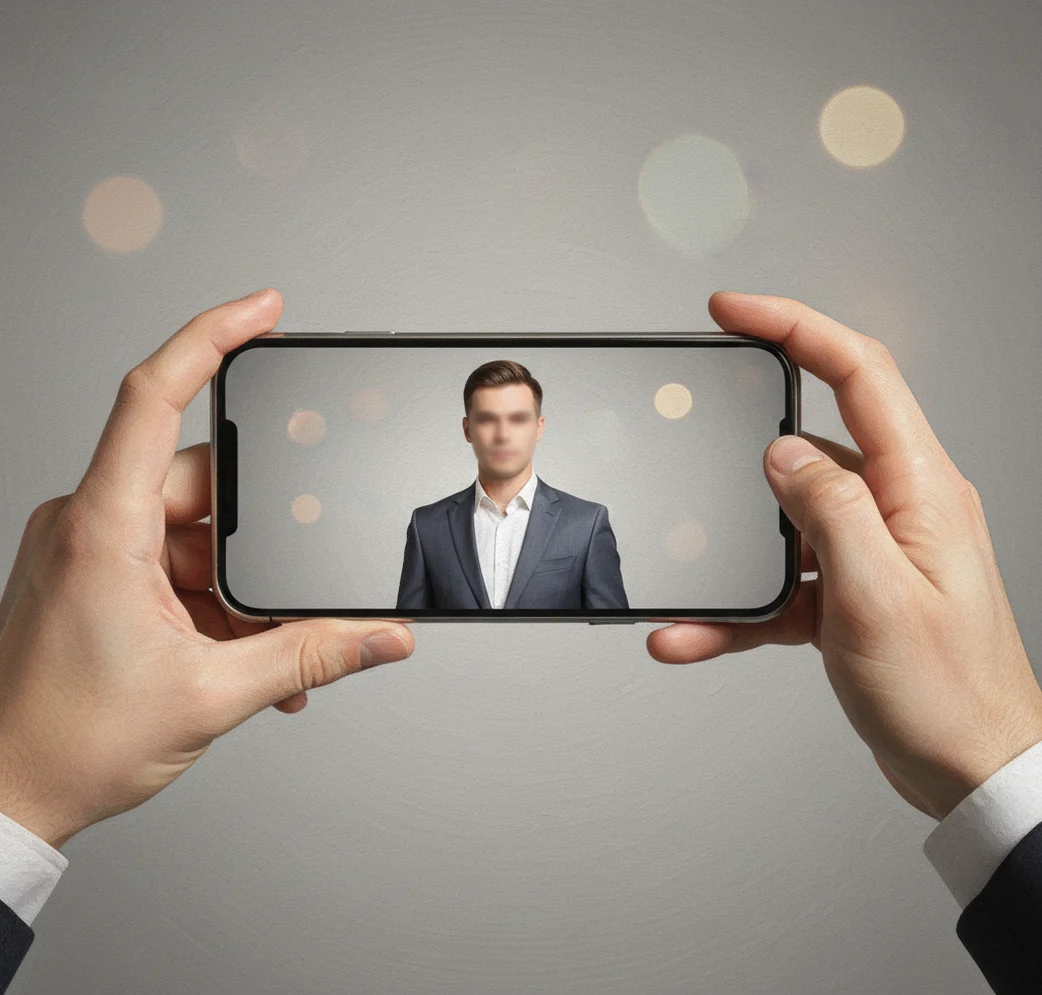
To create a professional profile picture with AI, start with a sharp, well-lit selfie and use an AI headshot tool to clean up lighting, background, framing, and crop. Choose a natural studio or office style, check that your face still looks like you, then export a high-resolution square image for LinkedIn, resumes, portfolios, or work profiles.
What Does It Mean to Create a Professional Profile Picture With AI?
Creating a professional profile picture with AI means using a machine learning model to generate or edit a headshot so it looks cleaner, sharper, and more suitable for work. The AI may improve lighting, replace a messy background, refine the crop, reduce image noise, and create a studio-style portrait from a normal selfie.
It does not mean your profile photo should look like a different person. A good AI headshot keeps your facial structure, age, skin texture, hairstyle, and expression believable. The goal is not glamour or fantasy art; it is a credible image that works for LinkedIn, job applications, internal directories, speaker bios, portfolios, client proposals, and creator branding.
How Does AI Turn a Selfie Into a Studio-Style Headshot?
AI headshot tools usually combine face detection, landmark mapping, background segmentation, and generative image reconstruction. Face detection locates the person in the image, while landmark mapping identifies features such as eye corners, nose bridge, lips, jawline, hairline, and shoulders. This helps the model preserve identity while improving the photo.
After that, segmentation separates the person from the background. A generative model, often diffusion-based, predicts new pixels for cleaner lighting, smoother background transitions, sharper facial detail, and more polished clothing or studio effects. This is why input quality matters: a bright, sharp selfie gives the model real information to preserve, while a dark or blurry image forces it to invent details.
How Do You Make a Professional AI Profile Picture on Your Phone?
Choose one sharp selfie
Use a front-facing photo where your eyes are visible, your face is not blocked, and there is no heavy beauty filter. Avoid sunglasses, motion blur, harsh shadows, and extreme angles.
Set up simple natural light
Stand near a window and face the light. Turn off colored LEDs and avoid overhead kitchen or bathroom lighting, which can create dark eye shadows and uneven skin tones.
Use a realistic AI headshot style
Open a portrait or headshot app such as Pict AI, upload the selfie, and choose a neutral studio, office, or clean background style. Conservative styling usually looks more credible than glossy editorial presets.
Inspect the result at full zoom
Check the hairline, teeth, glasses rims, ears, collar, and shoulders. These are common places where AI artifacts appear, especially if the source image is low-resolution.
Export the right crop
Save a square profile version for social platforms and a higher-resolution version for resumes, bios, media kits, and portfolio pages. Keep a copy of the original selfie for comparison.
Which Tools Are Best for AI Professional Profile Photos?
| Tool | Best For | Strengths | Watch Outs |
|---|---|---|---|
| Pict AI | Fast mobile headshots from selfies | Phone-first workflow, realistic portrait styles, clean background options | Review export terms and inspect details before using for formal work profiles |
| Remini | Enhancing older, soft, or low-detail selfies | Strong face sharpening and restoration-style enhancement | Can look overly smooth if the input is very low quality |
| Canva | Resizing, layouts, and branded profile assets | Easy templates for LinkedIn banners, resumes, portfolios, and social avatars | Less specialized for identity-preserving headshot generation |
| PhotoRoom | Background cleanup and product-style portrait edits | Fast background removal and clean visual layouts | May need another tool for realistic facial enhancement |
Choose the tool based on the job: use a headshot generator for the portrait, an enhancement app for fixing a soft photo, and a design tool for final sizing, banners, or branded layouts.
What Kind of Selfie Gives the Most Realistic AI Headshot?
- Use a photo taken at eye level, not from below your chin or high above your forehead.
- Face a window or soft light source so both eyes are evenly lit.
- Wear work-appropriate clothing with a clean neckline, such as a shirt, blouse, blazer, sweater, or simple tee.
- Keep your expression natural: slight smile, relaxed jaw, open eyes, and no exaggerated pose.
- Avoid hats, heavy filters, sunglasses, strong backlight, mirror selfies, and cropped-off shoulders.
- Use the rear camera if possible. It often captures more detail than a front-facing selfie camera.
- Leave space around your head and shoulders so the AI can create a balanced square crop.
What Prompt or Style Recipe Should You Use?
The safest prompt recipe for a professional AI profile picture is specific, realistic, and restrained. Ask for natural skin texture, soft studio lighting, a neutral background, and a business-appropriate crop. Avoid prompts like “perfect face,” “cinematic celebrity,” or “ultra-glamour,” because they can push the image away from your real identity.
Reusable prompt: “Create a realistic professional headshot from this selfie. Preserve my facial identity, age, hairstyle, and natural expression. Use soft studio lighting, a clean neutral background, sharp eyes, natural skin texture, and a LinkedIn-style square crop.” For warmer creator branding, add: “friendly, approachable, modern, not overly corporate.” For formal roles, add: “polished, conservative, executive portrait style.”
What Size Should an AI Profile Picture Be?
A professional AI profile picture should usually be exported as a square image, because most platforms display avatars in circular or square frames. For LinkedIn, a minimum of 400 x 400 pixels works, but 800 x 800 or 1200 x 1200 pixels gives more flexibility and better sharpness on high-resolution screens.
For resumes, speaker bios, portfolio pages, and press kits, keep a larger version around 1200 x 1200 or 1600 x 1600 pixels. Save as JPEG for smaller file size and PNG if you need cleaner edges or transparent design work. Always preview the final image inside a circular crop, because hair, shoulders, and glasses can be cut off differently across apps.
Where Can You Use an AI-Generated Professional Headshot?
AI-generated professional headshots work best in places where the goal is quick recognition, trust, and visual consistency. Common uses include LinkedIn, job boards, company Slack or Teams avatars, internal HR directories, personal websites, speaker bios, freelancer marketplaces, online course profiles, podcast pages, and creator media kits.
They are especially useful when you need a clean image quickly but do not have time for a studio session. A polished AI headshot can make a profile feel more intentional for hiring, networking, client outreach, social posts, newsletter bios, portfolio updates, and personal branding. For official identity checks, passports, licenses, or compliance documents, use an unedited photo that follows the required rules.
When Can AI Profile Pictures Look Fake or Unreliable?
- Low-light selfies can produce waxy skin, muddy shadows, or invented facial detail.
- Blurry input photos may cause the AI to guess at eye shape, hair texture, teeth, or jawline.
- Glasses can warp at the rim, create false reflections, or blur one eye behind the lens.
- Curly hair, flyaways, beards, and fine jewelry can create edge artifacts after background replacement.
If you’re also updating documents, read these next
Light Retouching or a Fully Generated Headshot: Benefits and Trade-Offs
Before choosing a profile picture maker, decide whether you need a better version of your existing photo or a newly generated portrait. These approaches offer different levels of control. Small edits usually suit someone who already has a usable photograph; generation can help when the setting or composition needs a larger change.
Advantages of limited editing
- Fewer invented details: Adjusting exposure, white balance, and background distractions leaves more of the original photograph intact. This reduces opportunities for the model to reinterpret your appearance.
- Easier future updates: A restrained edit is easier to match when you replace the photo after a haircut or update a team directory. Save the settings or prompt alongside the original file.
- More controlled changes: Separate edits let you accept a lighting adjustment but reject a background replacement, rather than choosing between entirely different portraits.
Trade-offs of full portrait generation
- Less predictable revisions: Asking for one change, such as a darker jacket, may also alter your expression or pose. Keep an approved version before requesting another variation.
- Potentially higher costs: Some services charge by generation batch or limit revisions. Check whether additional attempts and full-resolution exports are included before committing.
- Unintended professional signals: A generated laboratory, courtroom, uniform, or branded office can imply credentials or affiliations you do not have. Prefer settings and clothing that accurately represent your role.
Verdict: If your goal is to make photo look professional without changing how colleagues recognize you, start with limited edits. Use full generation when you need a different composition, and judge the result by accuracy rather than polish alone.
Professional AI Profile Photos: Common Questions
Yes. A background-removal or replacement tool can isolate the person and edit only the surrounding area, rather than regenerate the entire portrait. Choose a tool with subject masking or background-only editing, and keep facial retouching disabled where possible. Inspect hair edges, glasses, and gaps around the shoulders: imperfect masks can remove details or leave traces of the original background.
A plain light gray, off-white, soft blue, or subtle office-style background usually looks the most professional and least distracting.
Use a sharp selfie, choose a conservative style, keep natural skin texture, avoid extreme retouching, and check small details like teeth, glasses, hair, and collar edges.
Usually yes for workplace avatars, directories, and professional profiles, but avoid AI-edited photos for formal identity verification unless the organization allows them.
Wear simple, work-appropriate clothing such as a blazer, collared shirt, blouse, knit top, or clean solid-color tee. Avoid loud patterns that can distort during generation.
Some apps can generate a headshot from one selfie, while others ask for several photos to improve consistency. More high-quality angles can help, but one excellent selfie is often enough for quick profile use.