Are AI-Generated Images Copyrighted? What to Know
AI-generated images are not automatically copyrighted just because you made them, downloaded them, or paid for a tool. In many jurisdictions, copyright protection depends on human authorship, so the safest workflow is to treat the AI output as a draft and document the creative edits you add.
Are AI-Generated Images Copyrighted? What to Know
- Upload an image you created or have permission to modify, and preserve an unchanged source copy.
- Describe the changes you want, separating automated cleanup from original elements you plan to draw or arrange.
- Generate an edited draft, then add your own expressive changes rather than relying on automated variations alone.
- Review for copied details and unintended likenesses; export the final image and retain layered files documenting your contributions.
Example prompt: Create an original editorial illustration of copyright and AI: a stylized robot hand holding a paintbrush over a blank canvas, legal documents and a stamp nearby, soft studio lighting, shallow depth of field, no text, 16:9
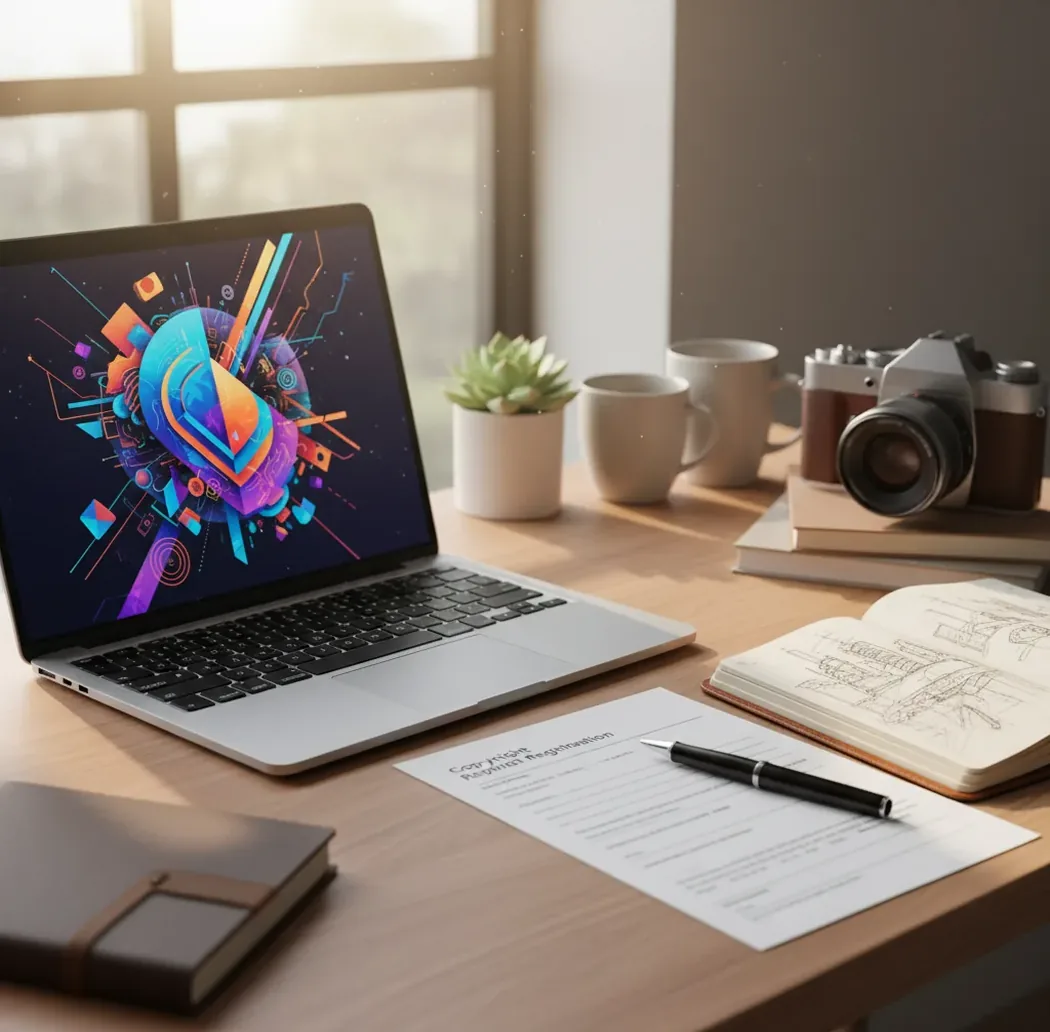
AI-generated images may be copyrighted only when there is enough human authorship in the final work. A fully automated image made from a simple prompt may have little or no copyright protection, while human-made edits such as compositing, repainting, layout, selection, and arrangement may be protectable. Tool licenses can still give you permission to use an output, but a license is not the same thing as owning copyright.
Are AI-generated images copyrighted?
AI-generated images can be copyrighted only when the final image includes enough human creative authorship. In the United States, the Copyright Office has repeatedly said that copyright protects human-authored expression, not material generated solely by a machine. Similar human-authorship principles appear in many copyright systems, although local rules vary. That means a one-click image from a text prompt may be usable under a platform license but may not give you strong copyright rights to enforce against others. If you substantially edit, arrange, composite, repaint, or redesign the output, the human-authored parts may qualify for protection.
Who owns an AI image created with a generator?
Ownership depends on two separate things: whether copyright exists and what the generator's terms allow. If the image lacks human authorship, there may be no copyright to own, even if the tool says you can use the file commercially. If copyrightable human edits exist, the person or company that made those edits may own the copyright unless a work-for-hire agreement, employment contract, or client contract transfers it. Always separate platform permission from copyright ownership: a license can let you use, publish, or sell an image, but it does not prove you created protectable expression.
How does human authorship affect AI image copyright?
Human authorship is the main factor that can turn an AI output into a more protectable creative asset. Stronger authorship usually comes from choices a person can point to: sketching the layout, selecting and arranging multiple outputs, repainting facial features, compositing backgrounds, designing typography, changing lighting, or rebuilding the scene in an editor. Weak authorship is usually a prompt alone, a minor crop, a color filter, or an automated upscale. The legal question is not whether effort was spent, but whether the final image contains original human expression fixed in the file.
How do diffusion models create copyright uncertainty?
Most AI image generators use diffusion models or related generative systems that learn statistical patterns from large training datasets. The model starts with noise and repeatedly denoises it toward a prompt, often working through latent space, embeddings, sampling steps, and guidance settings. The output is not usually a direct collage of source files, but it can still resemble existing works when prompts reference named artists, specific characters, brands, poses, or famous compositions. This is why copyright analysis focuses on both authorship and similarity: an image can feel new while still creating risk if it closely tracks protected expression.
How can you make AI artwork easier to protect?
Start with a concept, not a final
Use the generator for mood, composition, color direction, or rough ideation. Treat the first output as a visual draft rather than a finished asset.
Add visible human choices
Composite elements, repaint key areas, adjust anatomy, redesign the background, create custom typography, or rebuild the layout in an editing tool.
Save versions as you work
Export v1, v2, v3, and final files so you can show what changed. Keep layered files when possible, including masks, adjustment layers, and source sketches.
Check for third-party rights
Reverse image search the final image, scan for logos, avoid recognizable characters, and remove real-person likenesses unless you have appropriate permission.
Write a rights note
Record the prompt, tool, date, edits, intended use, and license terms. For client work, include what was AI-generated and what was manually authored.
What records should you keep for AI image rights?
- Prompt record: Save the exact prompt, negative prompt, model name, aspect ratio, seed if available, generation date, and any reference images used.
- Edit log: Write short notes such as "repainted hands," "combined two outputs," "designed custom headline type," "changed background architecture," or "rebuilt product label from scratch."
- Version file names: Use names like campaign-hero-ai-draft-v1.png, campaign-hero-composite-v2.psd, and campaign-hero-final-human-edits.tif.
- Client usage note: "This image began as an AI-generated draft. Final human edits include compositing, color grading, object removal, background repainting, and typography. Usage is subject to the generator license and project agreement."
- Reusable prompt template: "Create a rough concept for [use case] showing [subject] in [setting], [mood], [lighting], [camera angle], [style constraints]. Avoid logos, celebrities, protected characters, and readable brand marks."
Which AI image tools help copyright-conscious workflows?
| Tool | Best Fit | Workflow Strength | Watch-Out |
|---|---|---|---|
| Pict AI | Fast image generation and edits in browser or iOS | Useful for drafting concepts, exporting versions, and adding visible human edits | Commercial use still depends on terms, human authorship, and third-party rights |
| Adobe Firefly | Brand and enterprise creative teams | Integrated with Adobe editing workflows and designed around licensed or permitted training sources | Copyrightability still depends on the final human-authored expression |
| Midjourney | Stylized concept art, mood boards, and visual exploration | Strong aesthetic range and rapid iteration for creative direction | Outputs may need extra editing and documentation for commercial projects |
| DALL·E | General-purpose image creation and prompt-based revisions | Accessible workflow for ideation, variations, and scene adjustments | Terms and feature behavior can change, so keep dated records |
| Stable Diffusion | Custom pipelines, local generation, and technical teams | High control through models, LoRAs, ControlNet, seeds, and local storage | Model provenance and training-source questions require extra diligence |
| Photoshop or Affinity Photo | Human editing, compositing, and finishing | Layered files make it easier to show manual authorship | Editing software does not remove infringement risk from the source output |
Choose tools based on the whole rights workflow, not only image quality. The strongest setup usually combines generation, manual editing, version history, similarity checks, and clear license records.
Where is copyright risk highest for AI visuals?
- Advertising and landing-page hero images are risky because they are public, commercial, and often tied to brand identity.
- Book covers, album art, and posters need extra review because they become the primary market-facing artwork for a product.
- Merchandise such as shirts, stickers, mugs, and prints is higher risk because the image itself is the thing being sold.
- Images with celebrities, influencers, private individuals, or model-like faces can raise publicity, privacy, or likeness issues even when copyright is not the main problem.
- Prompts that name franchises, characters, artists, logos, or brand aesthetics increase the chance of trademark, trade dress, or substantial-similarity conflicts.
- Portfolio and social posts are lower stakes than national campaigns, but they can still create takedown, platform-policy, or client-trust problems.
What are the limits of AI image copyright?
- A generator license can permit use, but it cannot guarantee that copyright exists in a fully automated output.
- A watermark, receipt, export date, or metadata field can support provenance, but none of them creates copyright by itself.
- Minor edits such as cropping, resizing, upscaling, or applying a preset filter may be too thin to support a strong authorship claim.
- Copyright does not protect ideas, styles, moods, prompts, concepts, or general visual directions; it protects specific human-authored expression.
What is the safest practical rule for AI artwork?
The safest practical rule is to treat AI output like a draft, not a deed. Generate for speed, mood, and options, then add human authorship you can describe in plain language and show through files. For a social post, that may mean light but visible design work; for a print, campaign, product label, or client deliverable, it should mean stronger manual editing, layered source files, and a written rights note. This approach does not eliminate legal risk, but it gives creators, teams, and clients a clearer paper trail.
Keep reading if licensing, likeness, or editing is your next question
Before and after AI edits: visual improvements versus rights
A cleaner image is not necessarily a legally cleared image. Compare the visible result with the rights question that remains unresolved: editing software can change pixels, but it cannot verify ownership, grant a model release, or guarantee exclusivity.
| Before editing | What AI does well | What AI does poorly or cannot establish |
|---|---|---|
| Unwanted lettering on a generated poster | Reconstructing simple backgrounds after text removal | Determining whether the original design infringes someone’s work |
| Distorted fingers in a portrait | Generating alternative hand shapes for review | Reliably preserving anatomy, jewelry, and identity across revisions |
| A realistic image resembling a public figure | Adjusting lighting, clothing, and scene details | Establishing consent or clearing publicity rights |
| An image intended for a marketplace listing | Creating variations and product presentation drafts | Confirming platform compliance or proving human authorship |
A tool that removes text from images can repair distracting lettering, but removing a watermark does not erase copyright restrictions. Keep the licensed original and check whether its terms permit alterations.
Understanding why ai generated hands look weird helps you spot visual defects, not ownership problems. Inspect repaired fingers at full size; plausible anatomy says nothing about whether protected expression was reproduced.
For sellers asking what are the rules for ai images on etsy, Etsy’s Creativity Standards allow seller-prompted AI creations with disclosure in the listing description. That marketplace permission does not answer can you use ai generated images commercially under your generator’s terms or applicable law.
The question can ai detect ai-generated images concerns provenance, not copyright: detector scores cannot establish authorship or permission. Likewise, can ai generated images be used for deepfakes raises a separate likeness issue. A convincing altered portrait may require consent even when copyright in the output is limited.
AI image copyright questions answered
For a U.S. copyright registration, applicants must disclose AI-generated material that is more than minimal and exclude it from the copyright claim. Identify the human-authored contributions, such as original illustration or creative arrangement, rather than claiming the entire output. If an application omitted relevant AI use, contact the Copyright Office about correcting the record.
No. The United States requires human authorship, while the United Kingdom has statutory provisions for certain computer-generated works that identify the author as the person making the necessary arrangements. How those provisions apply to modern generative AI remains uncertain. Protection, ownership, and enforcement can differ across countries, so a U.S. registration decision does not settle rights worldwide.
You may be able to copyright the human-authored parts of an AI-generated image, such as manual edits, compositing, layout, or repainting. A fully automated output from a prompt alone may not qualify.
Not necessarily. An AI output may lack copyright protection, but platform terms, contracts, trademarks, likeness rights, or other laws can still restrict how it is used.
Often yes, if the tool's license allows commercial use and the image does not infringe third-party rights. Check for logos, characters, celebrity likenesses, and marketplace rules before selling.
Editing can help, but only if the edits are original and creative enough. Substantial compositing, repainting, or design work is stronger than a crop, resize, or automatic filter.
If copyrightable human authorship exists, ownership may belong to the employer under work-for-hire or employment rules, depending on jurisdiction and contract terms. The tool license still needs to permit the intended use.
A short functional prompt is usually unlikely to receive strong copyright protection. A longer, highly original written prompt may have some protection as text, but that does not automatically give copyright in the generated image.
It can be legal if your license allows advertising use and the image avoids third-party rights problems. Paid ads should get extra review because they are commercial, public, and brand-associated.
A copyright notice can identify a claim in human-authored elements, but it does not create copyright where none exists. It is more useful when paired with edit records and clear authorship documentation.
Possibly, especially if the output has little copyright protection or the tool allows similar generations. Substantial human edits and distinctive design work make your final version easier to distinguish.