Can AI Detect AI-Generated Images? Reality Check
Yes, AI can detect AI-generated images, but it cannot prove authenticity by itself. Detectors estimate likelihood using pixel patterns, metadata clues, compression behavior, and learned synthetic-image artifacts. For serious decisions, treat the result as a triage signal and verify the source, file history, and context.
Can AI Detect AI-Generated Images? Reality Check
- Upload the original image to an AI detector, keeping an untouched copy for later comparison.
- Choose image analysis and describe any known cropping, compression, or edits if the tool accepts context.
- Run the check to generate an assessment, noting the detector’s score, label, and any stated limitations.
- Review the assessment against source evidence, then export the report if supported or record the result manually.
Example prompt: Create a split-screen educational image showing \"real photo vs AI-generated\" cues: natural skin texture, camera noise, readable background text, consistent jewelry edges, and accurate hands. Neutral lighting, documentary style, no faces, no text labels, 16:9.
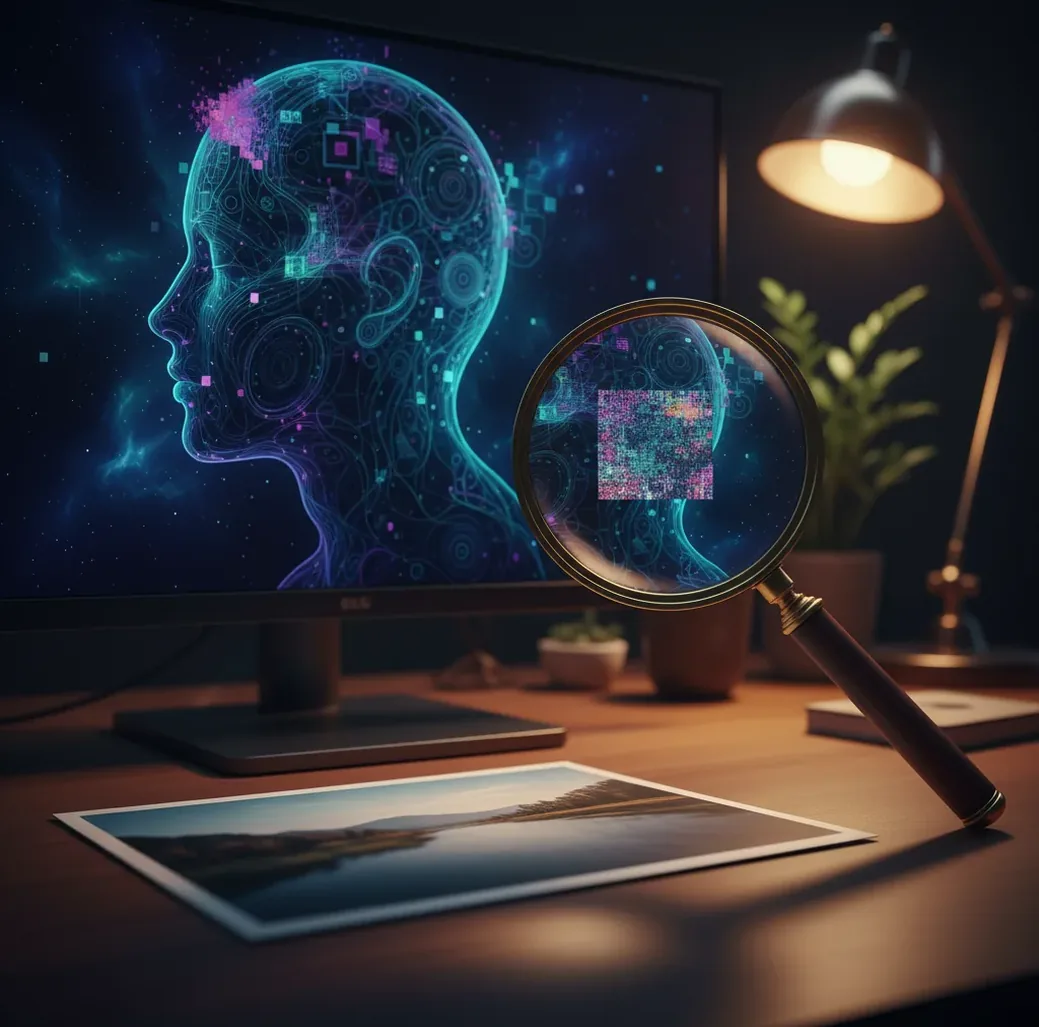
AI can detect AI-generated images with probabilistic accuracy, not certainty. Detection works best on original, high-resolution files and becomes less reliable after screenshots, resizing, JPEG compression, denoising, or edits. Use an AI image detector as a first check, then confirm with reverse-image search, metadata, provenance records, and source verification.
Can AI Detect AI-Generated Images Reliably?
AI can often detect AI-generated images, but reliability depends on the file quality, generator model, editing history, and detector training data. A clean PNG exported from a diffusion model may produce a strong synthetic signal, while the same image screenshotted from a social app may become uncertain after recompression.
The most useful way to read a detector result is as a likelihood score, not a verdict. “Likely AI” means the image matches patterns commonly found in generated images; “likely real” means the detector did not find enough synthetic signals. Neither result proves whether the scene, person, product, or claim is true.
What Does AI-Generated Image Detection Actually Mean?
AI-generated image detection is the process of estimating whether an image was created or heavily altered by a generative model. Most tools analyze visual features, texture statistics, frequency patterns, compression artifacts, and sometimes metadata such as EXIF fields, software tags, or missing camera information.
In practice, the detector is not asking, “Is this photo real?” It is asking, “Does this file resemble images from known synthetic-image datasets?” That distinction matters for creators, journalists, moderators, and buyers because a real photo can be misleading, and an AI-assisted image can still be clearly labeled, ethical, and useful for social posts, gifts, prints, branding, or portfolio experiments.
How Do AI Image Detectors Work?
AI image detectors usually work like classifiers. A convolutional neural network, vision transformer, or ensemble model examines image patches and predicts whether their patterns look closer to camera-captured images or generated images. Some systems also inspect frequency-domain artifacts, edge behavior, repeated textures, unnatural bokeh, small typography, hair strands, jewelry edges, and inconsistent reflections.
More advanced workflows combine pixel-level signals with metadata and provenance checks. EXIF data can show a camera model, lens, timestamp, or editing software, while C2PA Content Credentials can record creation and edit history when supported. However, metadata can be removed or forged, and many social platforms strip it during upload.
How Do You Check If an Image Is AI-Generated?
Save the original file when possible
Download the image file instead of taking a screenshot. Screenshots usually remove EXIF metadata, reduce resolution, and add another compression layer.
Inspect the image at 200% to 400% zoom
Check hands, teeth, earrings, eyeglasses, hairlines, background text, logos, reflections, and repeated textures. AI artifacts often survive in small details even when the full image looks convincing.
Run a detector and record the result
Use an AI image detector such as Pict AI or another reputable tool, then save the confidence result, timestamp, and tested file version. Do not treat one score as final evidence.
Search for earlier versions
Use reverse-image search and social search to find the first upload, higher-resolution copies, or a matching stock image. Earlier versions often preserve more file clues.
Check metadata and provenance
Look for EXIF data, editing software tags, Content Credentials, file dimensions, and export history. Missing metadata is not proof of AI, but it changes how much confidence you should place in the file.
Ask for the source file if the stakes are high
For journalism, moderation, marketplace disputes, or client work, request the camera original, layered edit file, or export chain before making a decision.
Why Are Reposted Images Harder to Detect?
Reposted images are harder to detect because every upload, screenshot, crop, resize, or JPEG export can erase the signals detectors rely on. Social platforms commonly strip metadata, downscale large files, sharpen edges, smooth noise, and recompress images at lower quality settings.
That matters because many AI clues are subtle: unnatural frequency patterns, repeated micro-textures, malformed letters, inconsistent object boundaries, and overly smooth skin or fabric. After several reposts, a detector may return “uncertain” even if the first-generation image was clearly synthetic. For viral screenshots, treat detection as triage and prioritize finding the earliest available file.
When Is AI Image Detection Actually Useful?
- Checking viral screenshots before reposting them to a social account or newsletter.
- Screening fake profile photos, dating app images, or suspicious headshots.
- Reviewing marketplace product photos when the listing looks too clean, glossy, or inconsistent.
- Auditing news-style images in group chats before sharing them publicly.
- Separating AI art from photography in contests, portfolios, print submissions, or client moodboards.
- Comparing multiple versions of the same image to see which one has the strongest source trail.
- Supporting moderation and brand safety workflows before escalating to human review.
- Helping creators label AI-assisted visuals clearly when publishing prints, ads, thumbnails, or promotional content.
Which AI Image Detector Should You Use?
| Option | Best for | Strengths | Tradeoffs |
|---|---|---|---|
| Pict AI | Quick browser or mobile checks | Fast single-image analysis with likelihood-style results for common JPG and PNG files | Still requires source checks for important decisions |
| Hive Moderation | Moderation and platform workflows | API-friendly detection for scaled content review | May be more tool than a solo creator needs |
| Sightengine | Automated safety and image review pipelines | Combines moderation categories with image analysis features | Best suited to teams that need API integration |
| Illuminarty | Simple web-based AI likelihood checks | Accessible interface for quick tests | Confidence can vary on compressed or edited files |
| Content Credentials / C2PA tools | Provenance verification | Can show signed creation and edit history when available | Only works when the image was created or exported with supported credentials |
| Reverse-image search | Finding earlier sources | Useful for locating originals, stock images, or repeated posts | Does not directly classify whether an image is AI-generated |
The best workflow is usually not one detector. Combine a likelihood tool, reverse-image search, metadata inspection, and provenance checks when the outcome matters.
What Prompt Can Help You Review a Suspicious Image?
A prompt cannot prove whether an image is AI-generated, but it can help you inspect visual evidence systematically. Use it as a checklist generator after you upload or describe the image, especially when reviewing social posts, product listings, creator portfolios, or image sets for brand safety.
Prompt recipe: “Analyze this image for signs that it may be AI-generated or heavily edited. Focus on hands, text, jewelry, reflections, shadows, teeth, hair, repeated textures, depth of field, lens behavior, and object boundaries. Separate observations from conclusions, list confidence level as low/medium/high, and suggest what source checks I should do next.”
Where Do AI Detectors Break Down?
- A “real” result does not prove the event, identity, product, or claim is authentic.
- Heavy JPEG compression can smooth or replace the texture artifacts detectors use.
- Screenshots remove metadata and may change detector confidence.
- Small images under roughly 512 pixels on the long side often provide too little signal.
Can AI Detection Be Trusted for Decisions?
AI detection can be trusted as an early warning system, not as a final authority. It is useful for deciding whether to slow down, ask for a source file, perform reverse-image search, or escalate an image to a human reviewer.
For low-stakes creator work, a detector may be enough to decide whether to label an image as AI-assisted, avoid reposting a suspicious meme, or double-check a portfolio submission. For high-stakes cases, use a layered standard: detector result, original file, metadata, provenance, source history, visual inspection, and corroborating evidence.
Related reads for generating and using AI images responsibly
File specifications to preserve before an AI image check
Keep an untouched reference file before preparing an image for detection. Upload requirements vary between services, and changing a file merely to meet those requirements can change the evidence being assessed. Record any conversion alongside the result so another reviewer can reproduce the check.
| Setting | What to retain or record | Why it matters |
|---|---|---|
| Pixel dimensions | Record the original width and height; avoid upscaling. | Enlargement invents pixels rather than recovering detail and may alter detector signals. |
| File format | Keep the received JPEG, PNG, WebP, or HEIC file. | Converting a JPEG to PNG does not undo earlier compression. |
| Upload size | Check the service’s file-size limit before uploading. | If resizing is necessary, save a separate copy and note its dimensions. |
| Color and transparency | Note color-profile conversion or transparency flattening. | These operations alter the pixel input; preserve the original for comparison. |
| Crop boundaries | Record whether the upload is a full image or a crop. | A crop result applies to that region, not automatically to the whole image. |
| Video-frame timestamp | For a frame extracted from video, record its time position. | One frame cannot establish whether an entire clip is synthetic. |
These specifications support a reproducible assessment, not permission to reuse an image. Questions such as “are ai-generated images copyrighted” and “can you use ai generated images commercially” require a separate review of applicable law, license terms, and third-party rights. A detector score answers neither question.
Purpose also changes the review. Someone asking “can ai generated images be used for deepfakes” needs checks on identity misuse and consent beyond file analysis. A guide on “how to make ai-generated profile pictures” should address likeness permission and disclosure; a realistic portrait need not depict a real person.
AI detector scores and generator attribution: common questions
Not necessarily. Some tools display a model confidence score rather than a calibrated probability. Its meaning depends on the detector’s scoring method, evaluation data, and decision threshold. Look for documentation explaining the scale and false-positive rate. Without that context, a 90% score is a strong classification signal within that tool, not a universal probability of synthetic origin.
Some specialized systems attempt to identify a generator family, but ordinary real-versus-synthetic detectors do not necessarily provide that capability. Similar models can produce overlapping visual patterns, while edits can obscure identifying signals. A generator label should therefore be treated as a separate, uncertain attribution claim. Verifiable provenance records or an original generation history can provide stronger evidence than a pixel-based guess.
AI detectors can be accurate on clean, high-resolution files, but accuracy drops after compression, screenshots, resizing, and edits. Treat the result as a probability, not proof.
They look for pixel textures, frequency patterns, edge behavior, distorted small details, metadata clues, and patterns learned from AI-generated versus camera-captured datasets.
Yes. Modern generators can imitate camera noise, lighting, skin texture, and depth of field, especially after social media compression hides obvious artifacts.
Yes. Screenshots usually remove metadata, reduce detail, and add another compression step, which can lower confidence or change the detector result.
No. Many apps and platforms strip EXIF data from real photos, so missing metadata is only a weak signal. It should be combined with visual and source checks.
Yes. Heavy retouching, denoising, sharpening, upscaling, face restoration, and background replacement can create patterns that resemble synthetic-image artifacts.
Save the original file, inspect details at high zoom, run more than one check, search for earlier versions, review metadata, and ask for the source file when the stakes are high.
Watermarks and provenance records can help when they are present and intact, but they are not universal. Many images have no reliable watermark or lose provenance during export and reposting.
They are useful for triage and queue prioritization, but moderation decisions should include context, policy review, human judgment, and corroborating evidence.