Can AI Remove People From Photos Legally?
Can AI remove people from photos legally? In many everyday cases, yes: cleaning up a personal vacation photo, family print, or social post is usually low risk when you own the photo and do not mislead viewers. Legal risk rises when the image is used commercially, changes the meaning of a real event, exposes someone in a sensitive context, or violates copyright, privacy, publicity, or platform rules.
Can AI Remove People From Photos Legally?
- Upload a photo you are authorized to edit, keeping the original file separate from the working copy.
- Select the unwanted person, including their shadow or reflection, and describe which surrounding details should remain unchanged.
- Generate the removal so the AI fills the selected area with background inferred from nearby pixels.
- Review the background and factual meaning, then export a separate copy with disclosure when appropriate.
Example prompt: Remove the person in the background while keeping the original lighting, pavement texture, and building edges natural; do not change the main subject or color tone.
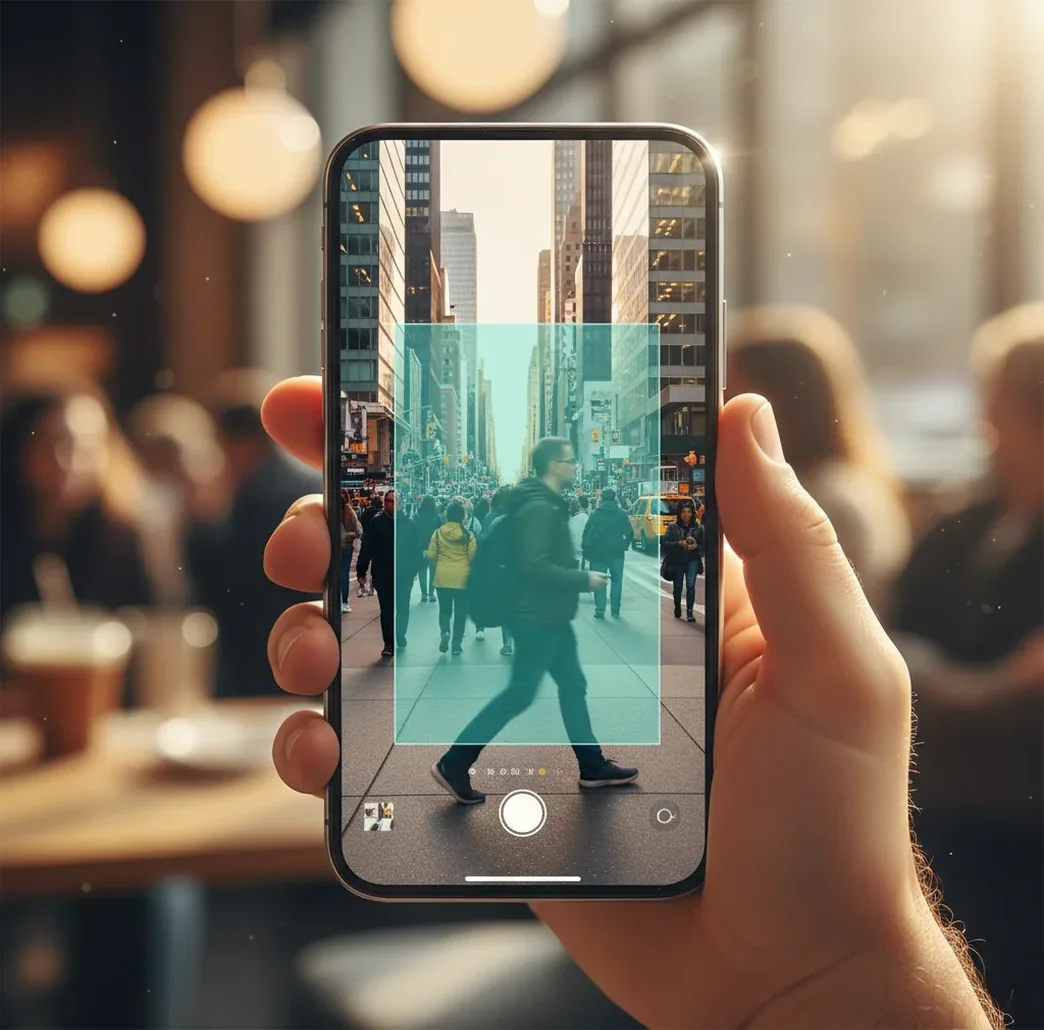
AI can usually remove people from photos legally when the edit is for personal use, you have rights to the original image, and the final photo does not misrepresent what happened. The legal risk comes less from the AI tool and more from publication, commercial use, consent, copyright ownership, privacy expectations, and whether the edit could deceive or harm someone.
Is It Legal To Remove A Person From A Photo With AI?
It is usually legal to remove a person from a photo with AI for private, personal, or cosmetic cleanup, especially when you took the photo and the edit does not change the story of the image. Typical low-risk examples include deleting a photobomber from a travel shot, cleaning a family portrait before printing it, or removing a passerby from a background before posting a casual social image.
The legal issue is not simply that AI generated replacement pixels. The issue is how the edited image is used. Risk increases when the person is recognizable, the photo was taken in a private or sensitive setting, the edit is used in advertising, or the final image implies something false about a real event.
What Laws Matter When AI Removes Someone From A Picture?
The main legal areas are copyright, privacy, publicity rights, defamation, false light, and platform policy. Copyright asks whether you have permission to edit and publish the original photo. Privacy asks whether the person had a reasonable expectation not to be shown or identified. Publicity rights can apply when a recognizable person is used to promote a product, brand, event, or service.
Defamation and false light risks appear when the edit changes what viewers think happened. For example, removing someone from a meeting photo could falsely imply they were absent, excluded, or not involved. Local law varies by country and state, so treat this as practical editorial guidance, not legal advice.
How Do You Remove Someone And Keep The Edit Defensible?
Start With A Photo You Have Rights To Use
Use an image you took yourself or an image you are licensed to edit. Removing a person does not erase the photographer’s copyright or the limits of a stock-photo license.
Mask Only The Person And Related Traces
Brush over the person, their shadow, reflection, visible bag straps, or partial body parts. A clean mask gives the inpainting model better context and reduces distorted edges.
Inspect The Tell Zones
Zoom into pavement seams, railings, hairlines, fence lines, text, mirrors, glass, and repeating textures. These areas often reveal AI removal artifacts.
Keep The Original File
Save the unedited image separately. If anyone questions the edit later, the original helps prove what was changed and why.
Check The Meaning Before Publishing
Ask whether the removal changes the factual message of the photo. If the answer is yes, disclose the edit, avoid posting, or get permission.
Verify Releases For Commercial Use
For ads, product listings, brand campaigns, paid social, portfolio marketing, or client work, confirm source-image rights and model releases before publishing.
How Does AI Inpainting Remove People From Photos?
AI person removal usually uses inpainting, a generative editing process that fills a selected region with plausible background pixels. The editor creates or receives a mask around the person, reads the surrounding image context, then predicts what should exist behind the removed subject. Modern systems use visual feature extraction, segmentation, diffusion or generative decoding, texture synthesis, and edge blending.
The edit works best when the background has predictable texture, such as sand, sky, grass, pavement, curtains, or a blurred wall. It gets harder around thin geometry and repeating structures: bicycle spokes, railings, tiled floors, text, logos, fingers, hair, and patterned clothing can bend or smear if the mask overlaps important edges.
When Is Removing A Person From A Photo Usually Low Risk?
- Personal albums: removing a stranger from a vacation photo, birthday picture, or family print is usually low risk when the edit stays private or is shared casually without misleading captions.
- Social cleanup: deleting a passerby, background crowd member, or accidental mirror reflection is typically safer when the person is not the subject and the scene is not sensitive.
- Creator polish: cleaning a portfolio image, profile photo, thumbnail, or print can be reasonable when the edit improves composition rather than rewriting a factual event.
- Product and listing photos: removing a person from the background may be acceptable if you own or license the source image and the final image does not imply a false endorsement.
- Design mockups: creating a clean plate for branding, layout tests, posters, or mood boards is generally lower risk when the image is not presented as documentary evidence.
Which AI Object Remover Is Best For People Removal?
| Option | Best For | Strengths | Watch Outs |
|---|---|---|---|
| Pict AI | Fast browser or iPhone cleanup of photobombers, background people, and small distractions | Simple masking, quick inpainting, useful for casual social posts and personal prints | You still need rights to the source photo and must review the edit for artifacts |
| Photoshop Generative Fill | Professional retouching, layered workflows, client files, and high-resolution composites | Strong manual control, layers, masks, healing tools, and non-destructive editing | Requires subscription and more editing skill than single-purpose removers |
| Google Photos Magic Editor | Mobile edits inside a photo-library workflow | Convenient for quick phone-based object and person removal | Availability, export behavior, and AI features vary by device, region, and account |
| Canva Magic Eraser | Social graphics, simple marketing assets, and design templates | Easy for creators already building posts, flyers, thumbnails, or brand visuals | Less precise for complex edges, large removals, or detailed restoration |
| Open-source inpainting tools | Technical users who want local control, custom models, or batch workflows | Flexible, private when run locally, and customizable for research or production | Setup can be complex, and quality depends heavily on model, hardware, and mask quality |
No AI remover makes an edit automatically legal. Choose the tool based on image complexity, privacy needs, output resolution, and how much manual control you need.
What Prompt And Editing Recipes Help Remove People Cleanly?
- Clean tourist photo recipe: mask the full passerby, include their shadow, then prompt or guide the edit toward “natural background continuation, matching pavement, no extra people, no warped lines.”
- Portrait background recipe: mask only the background person, avoid the main subject’s hair and shoulders, then request “soft depth-of-field background, preserve subject edges, match lighting and grain.”
- Mirror or window recipe: remove the person first, then run a second pass over reflections, shadows, and partial silhouettes so the edited image does not still identify them indirectly.
- Event photo recipe: if the image documents attendance, awards, meetings, protests, ceremonies, or news, do not remove someone without disclosure. The safest edit is often a crop or blur, not deletion.
- Product listing recipe: remove background humans only if they are incidental, then verify the final image does not suggest endorsement, use, sponsorship, or scale in a misleading way.
When Can AI People Removal Become Legally Risky?
- Commercial use: ads, paid social, packaging, thumbnails for sponsored content, marketplace listings, and brand pages may require model releases or broader image licenses.
- Sensitive contexts: schools, hospitals, gyms, religious spaces, private events, workplaces, protests, courtrooms, and medical settings can create higher privacy or reputational risk.
- Documentary meaning: removing someone from a real event photo may mislead viewers about attendance, relationships, responsibility, access, or sequence of events.
- Copyright limits: editing does not transfer ownership. If you did not take the photo or license it for modification, the edited output may still infringe the original rights holder.
What Is A Practical Rule For Deciding If The Edit Is OK?
Use this practical rule: removing a person is usually safer when the person is incidental, the scene is not sensitive, you control the photo rights, and the edit does not change the factual meaning of the image. It is riskier when the person is central, recognizable, connected to a real-world claim, or removed to make a scene appear different from what happened.
Before posting, ask three questions: “Would the removed person reasonably object?”, “Would a viewer believe something false?”, and “Am I using this for money, influence, or proof?” If any answer is yes, consider getting consent, disclosing the edit, cropping instead, blurring the person, or not publishing the image.
Keep reading: identity, commercial use, and editor picks
Five Situations That Need More Than a Clean Removal
Before following instructions on how to remove people from photos with ai, identify what the image is meant to prove, who controls its use, and where the file will go. Those details can change the right next step even when the removal looks convincing.
- If the photo belongs to a client project, check the agreement first. Wedding, school, workplace, and commissioned photography contracts may restrict alterations or require approval. Ask the rights holder about the intended change and distribution. Permission to receive a digital file is not necessarily permission to alter it for every purpose.
- If the image contains confidential material, check the upload route. Before choosing an app to remove people from photos, review its retention, training, deletion, and sharing settings. Client documents, patient details, and workplace screens can remain visible after a person disappears. Use an approved local workflow when cloud uploads are prohibited.
- If the image documents a dispute, preserve the evidence untouched. A chatgpt edit photo workflow creates an altered illustration, not a reliable reconstruction of hidden details. For insurance claims, complaints, or legal proceedings, retain the original and label any edited copy separately. Follow applicable preservation requirements rather than replacing the source file.
- If the goal is anonymity, check everything left behind. When you remove someone from photo backgrounds, a name badge, reflection, distinctive vehicle, caption, or location tag may still identify them. Inspect accompanying text and metadata as well as pixels; removing a body does not necessarily anonymize the scene.
- If the image is an archival record, separate restoration from revision. Questions such as can ai colorize black and white photos and how to remove scratches from vintage photos concern different changes from deleting a person. Keep restoration and removal in separately labeled versions so family members or archive users can distinguish repairs, inferred colors, and changed historical content.
Questions About Permission and AI Photo Removal
An altered photo may sometimes be submitted as a clearly identified illustration, but its admissibility and weight depend on the jurisdiction and proceeding. It should not be presented as an untouched record. Preserve the original file, document the change, and follow any evidence-preservation instructions. AI-generated background pixels cannot establish what was actually behind the removed person.
There is no single disclosure rule covering every photo and jurisdiction. Requirements can arise from advertising rules, platform policies, professional standards, contracts, or the context of publication. For documentary images, explain a removal that changes viewers’ understanding of attendance or events. A label does not automatically cure a misleading claim, copyright infringement, or a privacy violation.
It is usually legal for personal use when you took the photo and the stranger is incidental. Risk increases if the image is public, commercial, sensitive, or misleading.
Usually yes for casual cleanup, but you should avoid edits that misrepresent an event or expose someone in a sensitive context. Platform rules may also apply to manipulated images.
Commercial use is higher risk and may require photo licenses, model releases, and clear rights to modify the image. Avoid implying endorsement by a recognizable person without permission.
No. Copyright usually belongs to the photographer or rights holder, and editing the image does not erase that ownership or the terms of a license.
It can be if the edit creates a false and harmful impression about a person or event. Context, captions, distribution, and intent matter as much as the visual edit.
Blurring is often safer for privacy because it signals that the image was altered and avoids inventing background details. Removal is better for clean visual composition when the person is incidental.
For private albums, gifts, memorial prints, or personal restoration, this is usually low risk. Be careful if the edit rewrites family history in a public or harmful way.
For private use or personal closure, removing an ex is usually fine if you own the image. Public posting can become risky if the edit is used to harass, deceive, or make a false claim.