AI Portraits for Dating App Profiles: Safe in 2026?
AI portraits for dating app profiles can improve first impressions when they look like a clean, recent photo of the real you. The safest results preserve face shape, skin texture, haircut, facial hair, teeth, and everyday styling instead of creating a fantasy version of your appearance.
AI Portraits for Dating App Profiles: Safe in 2026?
- Upload a recent, unfiltered portrait after cropping out other people, workplace badges, and identifying background details.
- Choose a subtle portrait edit or describe natural lighting and a plain background without changing facial features.
- Generate a small set of variations using the original portrait as your reference for identity and appearance.
- Review facial details and background clues, then export the closest likeness and check it beside your real profile photos.
Example prompt: Create a realistic dating profile portrait of an adult with natural skin texture, subtle smile, soft window light, casual outfit, clean neutral background, 50mm photo look, slight depth of field, minimal retouching, authentic details, no heavy smoothing
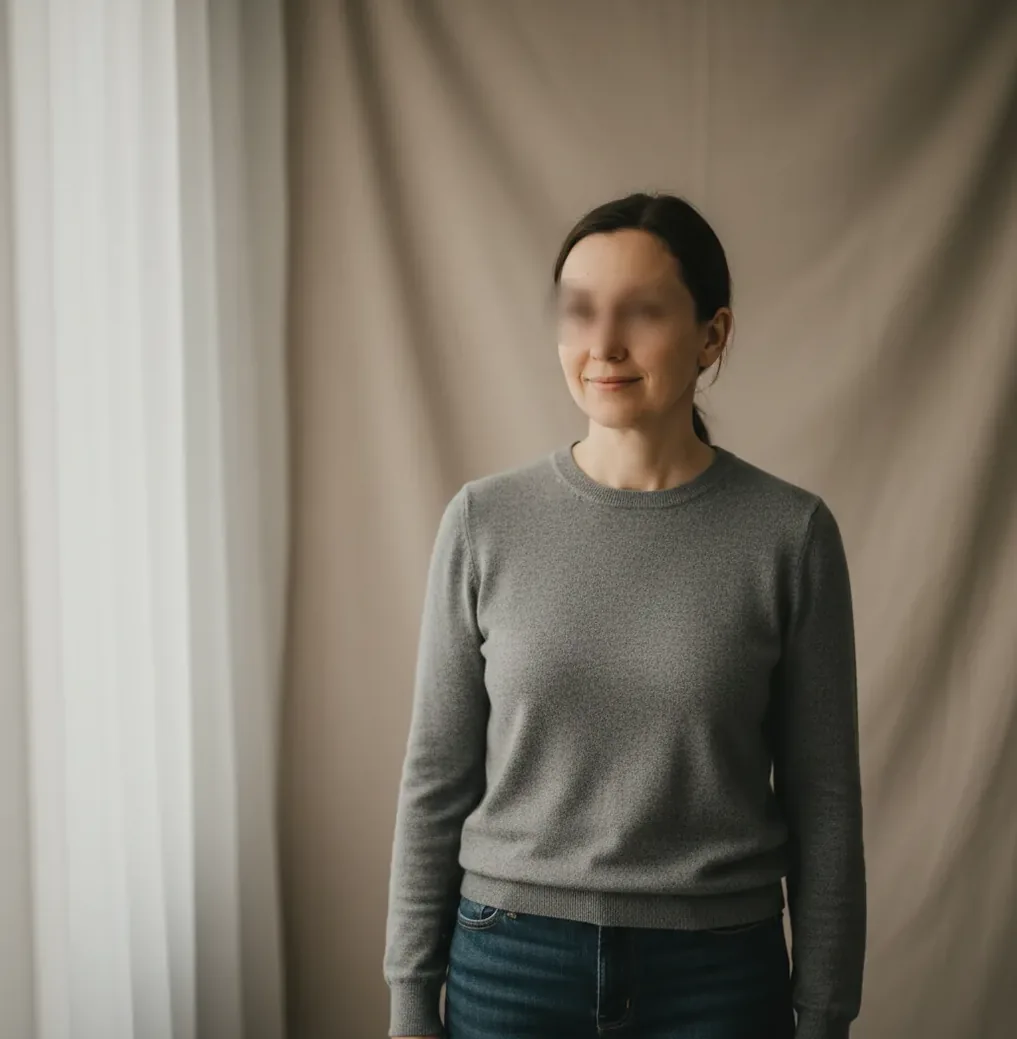
AI portraits for dating app profiles are safe to use when they are realistic, recognizable, and consistent with the rest of your photos. Use them as light presentation upgrades for lighting, background, and sharpness, not to change your age, body, facial structure, or lifestyle. A good dating profile usually mixes 0 to 2 AI-assisted portraits with 3 to 5 real photos from the last 12 months.
What Are AI Portraits for Dating App Profiles?
AI portraits for dating app profiles are AI-generated or AI-edited images made to look like polished, realistic photos of you. They usually improve lighting, background, framing, sharpness, skin tone, and clothing presentation while trying to preserve identity markers such as eye spacing, jaw shape, smile lines, hairline, and facial proportions.
The best use case is not deception; it is photo repair and visual consistency. A strong AI-assisted dating portrait should feel like a good iPhone photo taken near a window, not a synthetic studio ad. If friends would not recognize you instantly, or if the portrait implies a lifestyle you do not actually live, it is too far from profile-ready.
How Do AI Dating Portraits Work?
AI dating portraits typically use diffusion models, face alignment, segmentation, and identity embeddings to generate or edit a portrait. The model predicts new pixels that match a prompt such as “natural window-light portrait” while using your input image to guide pose, facial structure, and overall likeness.
This process can also explain why some results look wrong. A model may optimize for a generic idea of an attractive portrait and accidentally smooth pores, narrow a nose, redraw teeth, change ear edges, or make hair look painted. Realistic outputs need strong source photos, conservative prompts, and manual rejection of anything that changes the features people use to recognize you in person.
How Do You Create Realistic AI Dating Profile Photos?
Start with recent real photos
Choose 6 to 10 photos from the last 12 months with your current haircut, facial hair, glasses, and body shape. Avoid heavy filters, extreme angles, sunglasses, and old travel photos that no longer match your appearance.
Pick one identity anchor
Select the photo that friends say looks most like you. Use it as the reference for face shape, smile, brow position, hairline, and overall vibe when judging AI outputs.
Generate only a few variations
Create 3 to 6 portrait options instead of hundreds. More generations can make you chase a fake ideal, while a smaller set helps you choose the image that still feels socially believable.
Reject identity drift
Delete any portrait that changes eye spacing, teeth alignment, nose width, jawline, skin tone, age, or body size. These are the edits most likely to make matches feel misled later.
Test it inside a full profile set
Place the AI-assisted portrait next to 3 to 5 real photos. If it looks much glossier, sharper, younger, or more formal than the rest of the set, reduce the edit or use it later in the carousel.
Ask for a recognition check
Send the image to one honest friend and ask, “Would you recognize me instantly from this?” If the answer is hesitant, the portrait is not profile-ready.
What Photo Set Works Best With AI Portraits?
The best dating profile set uses AI portraits sparingly: one strong main portrait or one supporting image, surrounded by real photos that prove consistency. A reliable structure is 4 to 6 total photos: one clear face photo, one full-body or outfit photo, one social or activity photo, one candid everyday image, and optionally one polished AI-assisted portrait.
This mix works because dating apps are trust environments, not portfolio galleries. Your first photo should be recognizable at thumbnail size, your second or third photo should confirm your real-life look, and the rest should show context: hobbies, social energy, travel, pets, art, fitness, food, or personal style. The AI image should support the story, not become the whole story.
What Prompts Make AI Portraits Look Natural?
- Main photo prompt: “Create a realistic dating profile portrait from this reference photo. Keep the same face shape, haircut, facial hair, skin texture, age, and natural smile. Use soft window light, a neutral background, realistic iPhone-style sharpness, and casual smart clothing.”
- Outdoor prompt: “Make this look like a natural outdoor portrait taken during golden hour. Preserve identity exactly, keep normal skin texture, avoid airbrushing, keep hair and ears realistic, and use a relaxed dating profile style.”
- Casual indoor prompt: “Edit this into a clean indoor portrait with warm apartment lighting. Keep my real facial proportions, teeth, glasses, pores, and expression. Do not make it look like a corporate headshot or fashion campaign.”
- Negative prompt: “No plastic skin, no changed jawline, no larger eyes, no perfect teeth, no younger age, no fake luxury background, no glossy studio lighting, no cartoon texture, no altered body shape.”
- Small-screen check: after generating, view the image at dating-app thumbnail size. If the skin looks waxy, the eyes look too bright, or the background feels more polished than your real photos, regenerate with “less retouching” and “natural phone photo.”
Which Tools Are Best for AI Dating Portraits?
| Tool type | Best for | Strengths | Watch out for |
|---|---|---|---|
| AI portrait generator | Creating new headshot-style variations from a reference image | Fast style testing, clean backgrounds, lighting control, multiple crops for dating apps | Can over-polish skin or drift from your real face if prompts are too glamorous |
| AI photo editor | Improving an existing real photo | Best for realistic edits because the original pose, face, and environment stay intact | Limited if the source image is blurry, dark, or badly angled |
| Manual retouching app | Small corrections to exposure, color, blemishes, and background clutter | High control and fewer synthetic artifacts when used lightly | Easy to overdo whitening, smoothing, sharpening, or face reshaping |
| Traditional photographer | Authentic lifestyle photos, full-body shots, and natural expressions | Most trustworthy option for a complete profile set and real-world consistency | Costs more and requires planning, location, wardrobe, and comfort in front of a camera |
| Pict AI | Browser-based portrait generation and refinement | Useful for quick natural portrait variations, background cleanup, and dating-profile crops | Still requires human review for likeness, realism, and app-rule compliance |
The safest workflow is usually hybrid: start with real recent photos, use AI for light polish or one portrait variation, then balance it with candid images that show your actual day-to-day look.
When Do AI Portraits Backfire on Dating Apps?
- AI portraits backfire when they change identity markers such as nose width, jawline, eye spacing, teeth shape, skin tone, age, hairline, or body proportions.
- Over-smoothed skin is one of the fastest fake signals because it removes pores, fine lines, beard texture, freckles, acne marks, and natural under-eye shadows.
- Low-light source photos increase artifacts, especially around teeth, ears, glasses reflections, hair edges, jewelry, hands, and shirt collars.
- A single perfect portrait next to casual selfies can feel inconsistent. Dating profiles perform better when every image looks like the same person in the same season of life.
How Can You Tell If an AI Portrait Is Profile-Ready?
An AI portrait is profile-ready when it passes three checks: recognition, consistency, and context. Recognition means a friend can identify you instantly. Consistency means the portrait matches your other photos in age, grooming, face shape, body type, and photo quality. Context means the setting feels believable for your real dating life, not like a stock image or luxury ad.
Use a practical 10-second test before posting. View the photo as a small thumbnail, compare it against your next two profile images, and zoom into the mouth, eyes, ears, hairline, glasses, and hands. If nothing looks redrawn and the image still feels like a normal recent photo, it is likely safe enough to test.
Related Pict.AI reads you might want next
Privacy Trade-Offs Before Uploading Dating Portraits
A dating portrait can expose more than your appearance. Source photos may include a workplace badge, street number, another person's face, or embedded location data. Editing those details out of the final image does not remove them from a file already uploaded to an editing service.
If your privacy check starts with “is ai photo editing safe” or “is pict ai safe to use,” look for concrete answers about upload retention, model training, deletion controls, and third-party processing. A realistic result tells you nothing about how the service handles your photos.
Pros of a controlled editing workflow
- Less identifying background detail: Replacing a background can conceal your home interior or workplace in the finished portrait. Remove sensitive details from the source before uploading, too.
- Fewer unnecessary uploads: An editor that accepts one reference image lets you avoid submitting an entire camera roll. Supply only the images needed for the chosen feature.
- More control over shared files: Exporting a separate copy lets you inspect the exact image destined for your profile without altering your original photograph.
Cons and unresolved risks
- Additional exposure: Each editing service introduces another place where identifiable face images may be processed or stored.
- Deletion may have limits: Removing an image from your account may not immediately remove backups. Check whether deletion covers uploaded references as well as generated portraits.
- Background replacement is not anonymity: Your face remains recognizable, and reusing the same portrait across public accounts can make those accounts easier to connect.
Verdict: Use AI editing when the presentation benefit justifies uploading your face. If retention or training terms are unclear, basic cropping and exposure adjustments in an on-device editor are a lower-exposure alternative.
Questions About AI Portraits on Dating Apps
An AI portrait is not a substitute for a verification selfie. Dating apps may require a live capture, specific poses, or other checks, and a generated image may fail even when it resembles you. Complete verification with your real, current appearance and follow the app's instructions. Successful verification also does not mean every edited profile photo is permitted.
Removing GPS metadata is a sensible precaution before sharing dating photos or uploading them to an editor. Check the exported file rather than assuming the editing tool removed it. Metadata removal does not hide visible clues such as street signs, building names, or workplace badges. Crop or obscure those details separately, and avoid sharing originals that contain information you intended to remove.
It depends on the app’s rules and how the image is used. Light edits are usually less risky than fully generated images that misrepresent your identity.
The first photo should be the most recognizable image of you. If you use an AI-assisted first photo, make sure the next 2 or 3 photos clearly confirm your real appearance.
A safe range is 0 to 2 AI-assisted photos in a set of 4 to 6 total images. Keeping most photos real helps build trust and reduces mismatch on first dates.
Common tells include plastic skin, overly white teeth, strange ears, glossy eyes, blurred hair edges, inconsistent lighting, and a background that looks more polished than the rest of the profile.
They can help if the original problem is poor lighting, blur, clutter, or weak framing. They usually hurt if they make you look artificial, younger, richer, or less recognizable.
It becomes deceptive when the image changes meaningful parts of your appearance or lifestyle. Using AI for light cleanup is very different from presenting a version of yourself that would surprise someone in person.
Use a prompt that asks for realistic phone-photo quality, soft natural light, preserved facial features, normal skin texture, and no face reshaping. Add negative instructions like no plastic skin, no perfect teeth, and no luxury background.
AI portraits are faster and cheaper for quick improvements, but professional lifestyle photos often feel more authentic. The strongest profile often combines one polished portrait with several real candid photos.
Most dating profile photos should be from the last 12 months, or more recent if your haircut, facial hair, weight, glasses, or style has changed. AI portraits should follow the same rule.