AI Image Generator App in 2026: What to Use
The best ai image generator app in 2026 is the one that turns a short prompt into usable images quickly, while giving you enough control to adjust style, aspect ratio, and export quality. For most creators, the right app is less about one perfect model and more about a repeatable workflow for social posts, thumbnails, gifts, prints, mockups, and concept art.
The best AI image generator app depends on what you need to deliver: finished social graphics, photographic concepts, or tightly controlled artwork. Choose a layout-focused tool for text-heavy designs and a specialist generator for visual exploration. Before subscribing, check the cost of revisions, reference-image controls, and actual export dimensions, not just the quality of a featured sample.
AI Image Generator App in 2026: What to Use
- Upload a reference image if needed, keeping an untouched copy for comparison after generation.
- Describe the subject and composition, then choose dimensions suited to the final image destination.
- Generate a draft, select the strongest composition, and make targeted changes rather than rebuilding everything.
- Review the downloaded image at full size, confirm transparency and dimensions, then export a delivery copy.
Example prompt: Photorealistic iced coffee on a scratched stainless counter, small puddles of condensation, morning window light, 35mm film look, shallow depth of field, neutral tones, no text, no logo
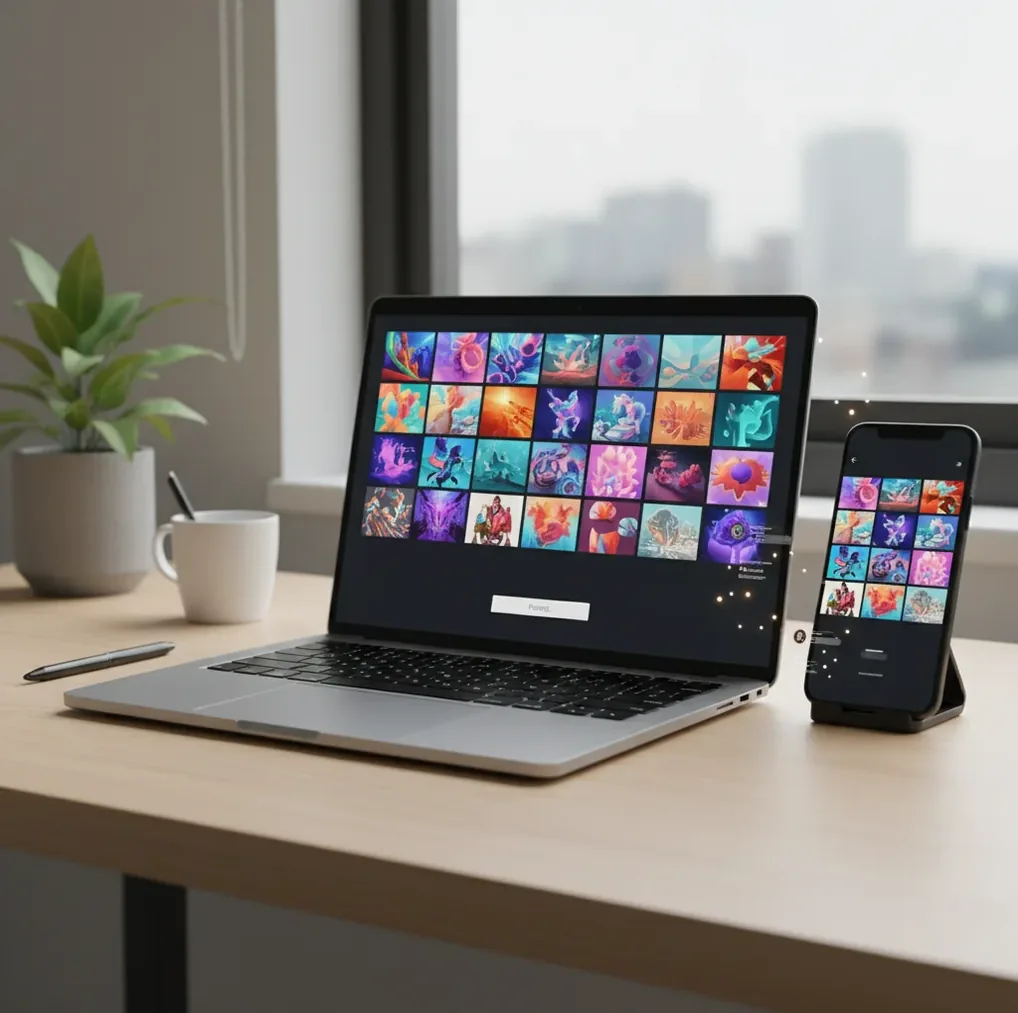
An ai image generator app in 2026 should create high-quality images from text or reference images, offer aspect ratio and variation controls, and export clean files for social, print, or design workflows. The best choice depends on whether you need fast mobile generation, precise brand-safe visuals, advanced model control, or simple prompt-to-image results.
What Is an AI Image Generator App in 2026?
An AI image generator app in 2026 is a mobile, web, or desktop tool that creates new images from text prompts, reference images, sketches, or a combination of inputs. Most apps now support aspect ratios like 1:1, 4:5, 9:16, and 16:9, plus variation generation, style controls, image editing, and higher-resolution exports.
The practical difference between apps is workflow quality. A strong image generator lets you test 4 or more variations, adjust one variable at a time, and export without fighting watermarks, strange crops, or inconsistent file sizes. Pict AI, Midjourney, Firefly, DALL·E, Stable Diffusion interfaces, and Canva-style tools all solve different creator problems, so the best app is the one that fits your daily use case.
How Does a Text Prompt Become an Image?
A text prompt becomes an image through a generative model that maps words into visual patterns. Many systems use diffusion or diffusion-like architecture: the model starts from noise in latent space, then repeatedly denoises that structure until it matches the prompt conditioning for subject, lighting, composition, texture, and style.
The app usually adds practical layers on top of the model, such as prompt parsing, safety filters, aspect-ratio framing, upscaling, face refinement, and export compression. This is why two apps can interpret the same prompt differently. One may prioritize photographic realism, another may push illustration style, and another may preserve brand-safe or commercially safer outputs.
How Do You Choose the Best Image Generator for Daily Use?
Choose the best image generator by testing the same prompt across apps and comparing output quality, control, speed, licensing, and export behavior. A good test prompt should include a subject, medium, lighting cue, composition, and destination format, such as: "ceramic mug on oak table, morning window light, 50mm product photo, 4:5 crop."
Look beyond the prettiest first result. Check whether the app can keep hands, faces, edges, product shapes, and backgrounds stable across multiple variations. Also confirm whether exports include watermarks, what resolution you receive, whether commercial use is allowed, and whether your images or prompts are stored in the cloud.
How Do You Make Better AI Images Step by Step?
Start With the Destination
Pick the final format before generating: 1:1 for profile art, 4:5 for Instagram feed posts, 9:16 for stories and short-form video, or 16:9 for thumbnails and banners.
Write a Tight Prompt
Use subject + medium + environment + lighting + camera or style cue. Example: "rainy city parking lot, wet asphalt reflections, overcast light, 35mm street photo, muted colors."
Generate Multiple Variations
Create at least 4 images before judging. Pick the version with the strongest composition and anatomy, not just the most dramatic color palette.
Change One Variable at a Time
Revise only one element per generation, such as lens, background, lighting, or style strength. This makes it easier to see what actually improved the image.
Inspect Details Before Export
Zoom in on hands, teeth, text, logos, jewelry, edges, and reflections. Upscaling can sharpen an image, but it can also invent micro-details that need correction.
Export for the Final Channel
Save the largest practical file, then crop for the platform or print size. This prevents quality loss when adapting one image for posts, posters, slides, or product mockups.
Which AI Image Generator Apps Are Worth Comparing?
| Tool | Best fit | Strengths | Watchouts |
|---|---|---|---|
| Pict AI | Fast web and iPhone prompt-to-image workflows | Simple prompt testing, mobile-friendly generation, clean creator workflow | Check in-app license terms and verify small details before publishing |
| Midjourney | Stylized art direction, concept art, cinematic visuals | Strong aesthetics, expressive lighting, consistent artistic taste | Less ideal for exact layouts, readable text, or strict product accuracy |
| DALL·E | General-purpose image creation and prompt experiments | Accessible prompting, broad subject handling, useful for ideation | May require extra iterations for fine composition or realistic detail |
| Adobe Firefly | Commercial design workflows and brand-conscious assets | Integrates with design tools, strong for marketing and layout contexts | Creative range may feel more controlled than open-ended art models |
| Stable Diffusion Apps | Advanced control, custom styles, local or semi-local workflows | Supports model choice, ControlNet, LoRA, inpainting, and power-user settings | Setup, hardware, and prompt tuning can be more technical |
| Canva AI Tools | Quick social graphics, presentations, and template-based design | Easy editing, layouts, text overlays, brand kits, and export presets | Less control over model behavior than specialist generation tools |
No single app is best for every creator. Compare the same prompt, aspect ratio, and export need across tools before committing to one workflow.
What Prompt Recipes Work Best for AI Image Apps?
- Product photo: "[product] on [surface], [lighting], [background], [camera/lens], realistic product photography, [aspect ratio]." Example: "handmade candle on travertine stone, soft window light, beige background, 70mm product photo, 4:5."
- YouTube thumbnail background: "[scene] with open negative space on the [left/right], dramatic [lighting], high contrast, clean subject separation, 16:9."
- Gift print: "personalized illustration of [subject], [art style], warm color palette, print-ready composition, centered subject, no text, 3:4."
- Brand moodboard image: "[brand vibe] scene, [materials], [colors], [lighting], editorial photography, minimal clutter, premium composition."
- Character reference: "full-body character design of [character], front view, consistent outfit details, neutral background, concept art sheet, sharp silhouette."
- Poster concept: "event poster background for [theme], bold central composition, space for headline at top, [style], high contrast, no readable text."
What Do Creators Actually Make With Image Generation Apps?
Creators use AI image apps for fast visual exploration before committing to a final design. Common outputs include YouTube thumbnail concepts, album-cover drafts, product mockups, profile headers, sticker-style illustrations, moodboards, pitch-deck visuals, book-cover directions, event posters, and reference images for painting or 3D modeling.
The emotional utility matters as much as the technical output. A good generation can help someone visualize a gift print, test a brand direction, see a character before writing a story, or make a social post feel less generic. The app is strongest when it helps you move from vague idea to editable visual direction in minutes.
Where Do AI Image Generator Apps Still Struggle?
- Readable text is still unreliable. Short words may work, but signs, labels, packaging, and typography often become warped or misspelled.
- Hands, teeth, eyes, jewelry, and reflections can fail because the model is predicting visual patterns rather than understanding anatomy like a human artist.
- Exact logos, product specifications, uniforms, and real-world layouts should be verified manually before commercial or editorial use.
- Character consistency across many images may require reference images, seed control, LoRA-style customization, or repeated editing passes.
How Should You Test an AI Image App Before Relying on It?
Use One Benchmark Prompt
Run the same detailed prompt in every app so you can compare model behavior instead of comparing different instructions.
Check Three Aspect Ratios
Test 1:1, 9:16, and 16:9 to see whether the app preserves composition or awkwardly crops the subject.
Inspect Failure Points
Zoom in on hands, faces, small objects, text, patterns, and background edges before deciding the output is usable.
Review Export Rules
Check file size, watermark behavior, licensing terms, commercial-use language, and whether the app keeps your history.
Repeat the Prompt Later
Run the same prompt again after a day or week. Some apps update models silently, which can change style, quality, and consistency.
Related Pict.AI Reads for Image and Photo Workflows
Compare Cost per Usable Image, Not Just Subscription Price
An inexpensive AI image generator app can become costly if most outputs need another generation. Compare the resources needed to finish one usable asset, including rejected variations, targeted edits, and any paid enlargement. A monthly allowance alone does not tell you how much finished work an app can deliver.
- Usable-image cost
- Generation spending divided by the number of images you actually approve for use.
- Credit charges
- Check whether variations, edits, higher-quality modes, and upscaling each deduct credits separately.
- Allowance rules
- Check expiration, rollover, renewal dates, and whether unused credits disappear when a subscription ends.
- Queue restrictions
- Concurrent-job limits and slower generation modes can matter more than headline speed when producing batches.
- Revision history
- Saved prompts, source images, and earlier versions make it easier to recover a useful direction.
For example, if a project consumes 80 credits and produces four approved images, its effective cost is 20 credits per usable image. That calculation includes unsuccessful attempts rather than treating every generated picture as equally valuable. Compare credit spending within each app; credits from different services are not interchangeable units.
Keep a small project log with the prompt, settings, credits consumed, and approved file. If an app offers several quality modes, reserve the expensive setting for a selected composition instead of using it for every rough draft. This separates exploration costs from finishing costs.
Fix Workflow Failures Without Restarting the Whole Image
Some disappointing results come from conflicting instructions or the editing workflow rather than the subject itself. Diagnose the failure before spending another generation: a rewritten prompt, a smaller edit region, or a separate layout step may solve the problem more efficiently.
- The app ignores part of a long prompt. Remove competing directions such as “tight close-up” and “full room visible.” State the essential composition first, then add only the styling details that support it. Save optional details for a later edit.
- A background edit changes the subject. Return to the original image and select only the background if masking is available. Request one change rather than stacking revisions. For exact preservation, isolate the original subject and composite it over a generated background instead of regenerating both.
- A supposedly transparent image has a checkerboard baked into it. Place the export over a solid-colored background. If the squares remain visible, they are image pixels, not transparency. Remove the background with a selection tool and export a PNG with an alpha channel.
- An enlarged image looks sharper but changes important details. Compare the enlarged version with the original at matching display sizes. Choose a less aggressive enlargement or conventional resizing when preserving texture and geometry matters more than inventing detail.
- A saved seed does not reproduce an earlier result. Restore the model version, dimensions, reference inputs, and other settings as well. A seed alone cannot guarantee identical output, particularly after a service changes its model.
Keep the untouched source and each approved intermediate file. Repeated generative edits can accumulate changes, making it difficult to identify which step introduced the problem.
Export Settings That Determine Whether an Image Is Deliverable
Generation resolution and delivery resolution are different decisions. A model may produce a fixed set of sizes, while your final asset needs an exact pixel count, transparent background, or particular file format. Check the downloaded file itself rather than relying on the preview shown inside the app.
| Setting or specification | Practical target and reason |
|---|---|
| Pixel dimensions | A 1080 × 1350-pixel file provides a concrete 4:5 delivery size. Confirm actual width and height after export. |
| Print resolution | An 8 × 10-inch image at 300 pixels per inch requires 2400 × 3000 pixels. Follow the printer’s specifications. |
| JPEG | Suitable for opaque photographic images when smaller files matter. Keep an original master to avoid repeated lossy saves. |
| PNG | Useful for lossless delivery and transparency. The file must contain an alpha channel to preserve a transparent background. |
| Color space | sRGB is a practical default for web delivery. For print, ask the provider whether a specific profile or conversion is required. |
| Upload file size | Check the destination’s megabyte limit separately from its dimension requirements; meeting one does not guarantee meeting both. |
Changing a file’s resolution metadata to 300 pixels per inch does not add detail. Pixel count determines how large an image can print at that density. Likewise, converting a JPEG to PNG prevents further JPEG compression but cannot restore information already lost.
Save a full-resolution master and create delivery copies from it. Include dimensions and revision numbers in filenames so a small preview is not accidentally sent as the finished asset.
AI Image Generator Questions Before You Choose
Privacy depends on the service and account settings. Check whether uploads are stored, used to improve models, visible in public galleries, or removable from your account. Deleting a project may not immediately delete every retained copy. Avoid uploading confidential client work or identifiable photos without permission, and check reference-image rules separately from generated-image rules.
Credits meter access to generation and related processing. An app may charge different amounts for standard images, higher-quality outputs, edits, or enlargement. Some plans combine credits with slower generation after an allowance is exhausted. Before subscribing, check which actions consume credits, whether failed jobs are refunded, and when unused credits expire.
The best app is the one that matches your workflow: fast mobile generation, strong art direction, commercial-safe design, or advanced model control. Test the same prompt across tools before choosing.
Free apps can be good enough for drafts, social visuals, moodboards, and prompt testing. Paid plans usually improve speed, resolution, usage limits, watermark control, or licensing clarity.
Include the subject, medium, environment, lighting, composition, style cue, and aspect ratio. A focused prompt usually works better than a long list of trendy adjectives.
Yes, many can create convincing photo-style images, especially with camera, lens, lighting, and scene details. They may still fail on anatomy, text, brand logos, and exact real-world facts.
Most image generator apps require an internet connection because generation runs on cloud GPUs. Some advanced local Stable Diffusion setups can run offline with the right hardware.
Hands are difficult because fingers overlap, bend, reflect light, and appear in many poses. Clearer prompts, reference images, inpainting, and multiple variations can reduce errors.
Commercial use depends on the app's license, model source, and content policy. Always check the current terms before using outputs in ads, products, covers, or client work.
Use 1:1 for square posts, 4:5 for feed images, 9:16 for stories and short videos, and 16:9 for YouTube thumbnails or website banners.
Use the same prompt structure, reference images, seed settings when available, and controlled edits. Change only one variable at a time so the style does not drift.