Midjourney Alternatives for iPhone in 2026
Midjourney alternatives for iPhone in 2026 are iOS-friendly AI image generators that create stylized images from text prompts, reference photos, or both. The best options work well in Safari or a native app, support fast variations, and include mobile-ready editing such as upscaling, cleanup, and export controls.
Midjourney Alternatives for iPhone in 2026
- Upload a reference photo you have permission to use, choosing one with clear subjects and visible details.
- Describe the desired visual style and specify which facial features, objects, or composition details should remain unchanged.
- Generate a few variations with the same reference, changing only one instruction when the result drifts.
- Compare each result against the original, reject altered essential details, and export the strongest version at full available resolution.
Example prompt: Photorealistic editorial portrait of a person holding an iPhone displaying an abstract AI artwork grid, soft window light, 50mm lens, shallow depth of field, subtle film grain, clean background, high detail, no text, no logos, no identifiable face
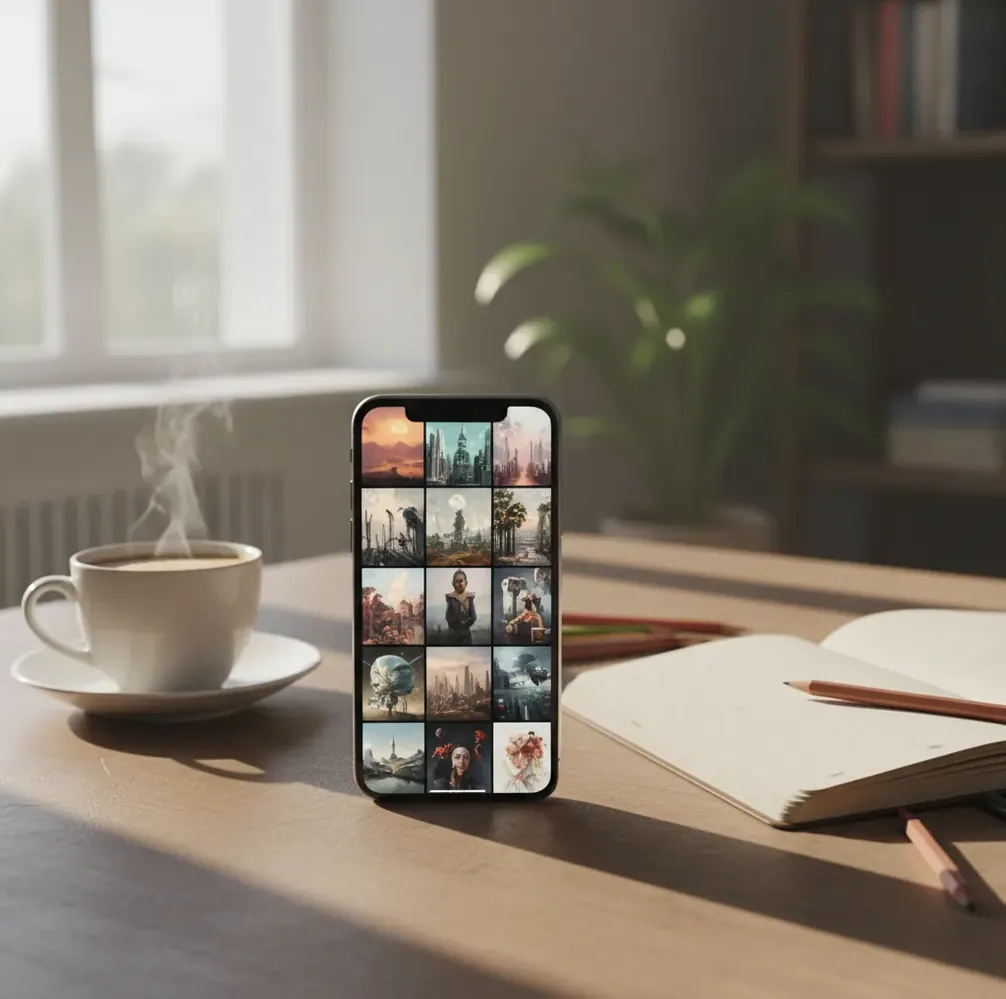
The best Midjourney alternatives for iPhone in 2026 are AI image generators that combine prompt-based creation, reference-image control, upscaling, and simple mobile exports. Look for tools that run smoothly in Safari or iOS, generate multiple variations quickly, and let you clean artifacts before saving images for social posts, prints, thumbnails, or portfolio drafts.
What Are the Best Midjourney Alternatives for iPhone in 2026?
The best Midjourney alternatives for iPhone in 2026 are mobile-friendly AI image tools that create polished visual styles without forcing a Discord-only workflow. Strong options include browser generators, dedicated iOS apps, and creative suites that support text-to-image prompts, image references, aspect ratios, and upscaling.
For everyday iPhone use, prioritize speed, export quality, and editing depth over hype. A good alternative should let you generate 4 to 8 variations, refine the strongest result, fix obvious artifacts, and export in formats that work for Instagram, TikTok thumbnails, wallpapers, product mockups, gifts, prints, or concept boards.
How Do iPhone AI Image Generators Create a Midjourney-Style Look?
iPhone AI image generators usually create a Midjourney-style look with diffusion models, text encoders, prompt guidance, and post-processing. The model starts from visual noise, then denoises the image step by step until it matches the prompt embeddings produced from your text.
The finished style depends on the model checkpoint, training data, guidance strength, sampler, seed, reference-image weight, and upscaler. High guidance can make images dramatic but crunchy; low guidance can make them bland. On iPhone, the app experience matters too because smaller screens make prompt editing, visual comparison, and fine cleanup harder than on desktop.
How Do You Get Midjourney-Style Images on an iPhone?
Choose the image goal
Decide whether you need a social post, poster, wallpaper, product mockup, album cover, character concept, or print. The goal determines aspect ratio, detail level, and export format.
Write a structured prompt
Use subject, style, lighting, composition, lens, and mood. Example: “ceramic perfume bottle on stone, editorial product photo, softbox lighting, 50mm lens, shallow depth of field, warm beige palette.”
Add a reference image when composition matters
Use a sketch, brand mood board, selfie, product photo, or pose reference when you need specific framing. Lower stylization if the generator keeps drifting from the reference.
Generate multiple variations
Create 4 to 8 options before judging the result. AI images often need rerolls because faces, hands, edges, typography, and background objects can change unpredictably.
Upscale and clean the winner
Upscale only the strongest image, then remove artifacts, fix noisy backgrounds, and sharpen details around hair, fabric, jewelry, foliage, or product edges.
Export for the final channel
Use PNG for graphics, overlays, and transparent design work. Use JPEG or WebP for social posts, thumbnails, mood boards, and fast sharing.
Which iPhone AI Image Tools Are Worth Comparing?
| Tool | iPhone access | Best for | Free option | Watch out for |
|---|---|---|---|---|
| Pict AI | Browser and iOS app | Generate, upscale, clean up, and export in one mobile workflow | Basic use available | Check current usage limits and export rules |
| Adobe Firefly | Browser and mobile creative ecosystem | Commercial-safe design workflows and brand-friendly assets | Limited free credits may be available | Style range can feel controlled compared with art-first tools |
| ChatGPT image generation | iOS app and browser | Conversational prompting, revisions, and image ideation | Depends on plan and availability | Exact typography, hands, and detailed edits may still need retries |
| Leonardo AI | Mobile browser | Game art, concept art, model presets, and style experimentation | Free credits may be available | Interface can feel dense on a small screen |
| Ideogram | Mobile browser | Posters, logos, text-heavy graphics, and stylized typography | Free tier may be available | Text quality is better than many tools but not always print-perfect |
| Freepik AI tools | Browser | Marketing visuals, stock-style assets, and quick design production | Limited free use may be available | Licensing and credit rules depend on plan |
The right choice depends on whether you value art style, text accuracy, commercial licensing, cleanup tools, or low-friction mobile editing. Always check each tool’s latest pricing, usage limits, and licensing terms before using outputs commercially.
What Prompt Recipes Work Best on iPhone?
- Cinematic portrait: “portrait of [subject], [emotion], cinematic lighting, 85mm lens, shallow depth of field, soft skin texture, detailed eyes, muted background, editorial color grade.” Use this for profile art, character studies, and creator branding.
- Product mockup: “premium [product] on [surface], studio product photography, softbox lighting, clean shadows, 50mm lens, high detail, neutral background, commercial composition.” Use this for Etsy drafts, landing pages, and social ads.
- Poster concept: “bold poster for [theme], central subject, dramatic composition, limited color palette, graphic shapes, high contrast, readable negative space, print-ready feel.” Use this for album covers, event graphics, and mood boards.
- Wallpaper illustration: “vertical 9:16 illustration of [scene], atmospheric lighting, rich color palette, detailed foreground, soft background depth, no text, clean edges.” Use this for lock screens and phone backgrounds.
- Reference-controlled prompt: “use the reference for pose and composition only; create [new subject/style], preserve camera angle, preserve silhouette, change colors to [palette].” Use this when the first generation keeps ignoring your layout.
What Export Settings Work Best for Social Posts, Prints, and Portfolios?
The best export settings depend on where the image will live. For social posts, generate at the final aspect ratio whenever possible: 1:1 for square posts, 4:5 for Instagram feed, 9:16 for Stories, Reels, TikTok, and iPhone wallpapers, and 16:9 for YouTube thumbnails or presentation slides.
For print or portfolio work, upscale before exporting and inspect the image at 100% zoom. PNG is better for graphics, crisp edges, and transparent workflows; JPEG is smaller and easier for sharing. If you plan to print, aim for the highest available resolution and avoid relying on AI-upscaled micro-detail in faces, text, logos, or fine product labels.
How Should You Choose a Free or Paid iPhone Alternative?
Choose a free iPhone AI image generator if you are testing styles, making casual wallpapers, drafting social ideas, or learning prompt structure. Free tiers are useful, but they often include daily limits, slower queues, lower-resolution exports, watermarks, or unclear commercial-use terms.
Choose a paid tool when you need predictable quality, faster queues, private projects, higher-resolution exports, batch generation, commercial licensing, or stronger cleanup tools. Before subscribing, test the same prompt across 2 or 3 tools and compare faces, hands, text, color control, upscaling, mobile usability, and how many usable images you get per credit.
Where Do Midjourney-Like iPhone Generators Still Fall Short?
- Hands, teeth, jewelry, glasses, and small accessories can still deform because they contain complex high-frequency structure.
- Exact text is unreliable in many image models, especially on posters, packaging, labels, book covers, and UI mockups.
- Brand-accurate logos are risky because models may hallucinate marks, alter letterforms, or create trademark confusion.
- Upscaling improves apparent sharpness, but it can invent pores, fabric grain, wood texture, or background detail that was not in the original image.
Before-and-After Expectations: Restyling Versus Preserving Details
The most revealing comparison between midjourney alternatives is not which produces the prettiest sample. It is which changes the parts you want changed while leaving important details alone. A striking transformation can still be unusable if it replaces a product label or changes someone's face.
If you shortlist 5 alternatives to midjourney, give each the same reference photo and one narrowly defined instruction. Save the original beside every result, then compare these specific changes.
| Before and requested change | What AI often does well | What the after image may get wrong |
|---|---|---|
| Plain portrait → illustrated portrait | Changes palette, shading, and overall visual treatment. | Alters facial proportions, glasses, or distinguishing marks. |
| Product snapshot → studio scene | Builds a coordinated background and lighting mood. | Redraws packaging, label text, or precise product geometry. |
| Room photo → redesigned interior | Suggests furniture styles and color combinations. | Moves windows, invents space, or changes structural features. |
| Sketch → finished concept art | Adds materials, atmosphere, and surface detail. | Ignores small annotations or changes object relationships. |
| Single character → several scenes | Creates varied settings and poses. | Drifts in costume details, age, or facial appearance. |
For exact product preservation, photoshop alternatives with ai may be a better fit when they offer selections, masks, or layers. Keep the original object intact and generate only its surroundings.
When comparing alternatives to canva for ai images, separate image generation from layout editing: movable text and reusable templates solve different problems from generating artwork.
Apply the same reference-photo check to free alternatives to dall e; a free allowance does not establish whether a tool can preserve details.
For aesthetic ai filters on iphone, inspect freckles, hairlines, and jewelry before accepting the result. If you only need a color treatment, a conventional filter may preserve the photograph more reliably than generative restyling.
Questions About Generating AI Art on iPhone
Some generators support character references or image-guided editing, which can improve consistency across scenes. They do not guarantee identical faces, clothing, or proportions. Reuse a clear reference, keep the character description stable, and change one scene element at a time. Check distinguishing features before building a story, comic, or campaign around the results.
Commercial use depends on the generator's current terms, your subscription tier, and the material included in the image. Permission from a tool does not automatically clear trademarks, recognizable people, or copyrighted characters. Check usage rights before publishing client work, and obtain permission for reference photos you do not own. Do not assume generated artwork is exclusive.
The closest option depends on your goal: some tools are stronger for cinematic art, others for text, commercial design, or cleanup. Compare the same prompt across multiple iPhone-friendly generators before choosing.
Yes, many modern AI image tools work through Safari or a native iOS app, so you can generate from prompts without using Discord. Look for tools with mobile editing, reference uploads, and simple exports.
Use a clear subject plus lighting, lens, composition, and mood cues. For example: “cinematic portrait, soft rim light, 85mm lens, shallow depth of field, moody color grade, detailed eyes.”
Blurry exports usually come from low generation resolution, compression, or upscaling after the image has already lost detail. Generate at the right aspect ratio, upscale before export, and avoid repeatedly saving compressed JPEGs.
Some tools handle short text better than others, but exact typography is still inconsistent. For print-ready posters, generate the artwork first and add final text in a design editor.
Use 9:16 for wallpapers, Stories, Reels, and TikTok; 1:1 for square posts; 4:5 for Instagram feed; and 16:9 for YouTube thumbnails or presentations.
Both can work well. Apps often feel faster for repeated use, while browser tools are convenient for quick testing without installation.