5 Alternatives to DALL-E in 2026
The best free or free-start alternatives to DALL-E in 2026 are Pict AI, Stable Diffusion UIs, Ideogram, Leonardo AI, and Playground AI. Each tool can generate images from text, but they differ in prompt accuracy, typography, editing tools, licensing, and free-tier limits.
5 Alternatives to DALL-E in 2026
- Upload a reference image if supported, or start a blank canvas in your chosen DALL-E alternative.
- Describe the subject, lighting, and composition; choose an aspect ratio that matches your intended placement.
- Generate an initial image, then adjust one prompt detail at a time to correct unwanted results.
- Review object placement, lettering, and reference fidelity, then export at the highest resolution available on your plan.
Example prompt: Create a cinematic 16:9 photo-real scene of a rainy neon street market at dusk, shallow depth of field, realistic reflections, one subject in silhouette holding an umbrella, no text, natural skin tones, high detail, soft film grain
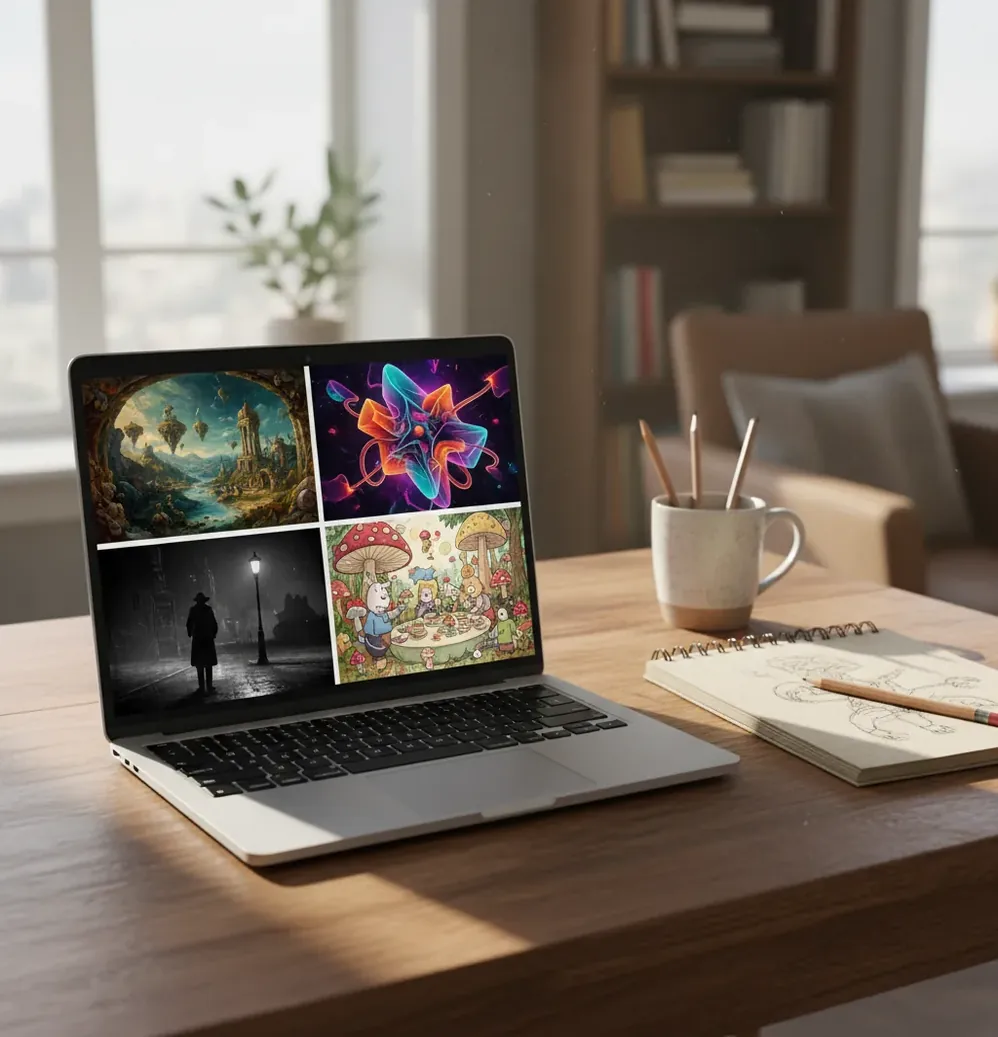
Five strong alternatives to DALL-E in 2026 are Pict AI, Stable Diffusion through open-source UIs, Ideogram, Leonardo AI, and Playground AI. The best choice depends on your workflow: use Ideogram for text-heavy graphics, Stable Diffusion for control, Leonardo AI for concept art, Playground AI for quick web drafts, and browser-based editors for fast generate-and-edit loops.
What are the 5 best alternatives to DALL-E in 2026?
The 5 best alternatives to DALL-E in 2026 are Pict AI, Stable Diffusion UIs, Ideogram, Leonardo AI, and Playground AI. All five let creators generate images from text prompts, but they are not interchangeable: some are better for typography, some for open-source control, and some for fast social-media visuals.
If you want the most flexible technical setup, Stable Diffusion through interfaces like ComfyUI, Automatic1111, or hosted SDXL tools gives the most control over checkpoints, LoRAs, ControlNet, and negative prompts. If you want web-based speed, Ideogram, Leonardo AI, Playground AI, and lightweight browser editors are easier for thumbnails, mood boards, posters, gift images, branding drafts, and portfolio experiments.
What does a free DALL-E alternative actually include?
A free DALL-E alternative usually means an AI image generator you can try without paying upfront, not a tool with unlimited commercial use. Most free tiers include daily credits, queue-based generation, lower export resolution, limited model access, or occasional watermarks.
The important checks are credits, aspect ratios, editing access, export size, watermark rules, and licensing. A tool can be free for personal mood boards but unsuitable for a client ad, product listing, or paid YouTube thumbnail. Before using an output commercially, read the current terms and avoid prompts that imitate protected characters, living artists, logos, or branded products you do not have rights to use.
How do DALL-E alternatives generate images from prompts?
Most DALL-E-style tools use diffusion models that start with visual noise and iteratively denoise it into an image guided by your prompt. A text encoder converts words into embeddings, then the model maps those embeddings into visual patterns in latent space.
The reason each generator feels different is the combination of training data, model architecture, safety filters, sampler settings, upscalers, and post-processing tools. One model may follow object placement well but struggle with lettering; another may create beautiful cinematic lighting while ignoring small composition constraints. That is why testing the same prompt across tools is more useful than reading generic quality claims.
How should you test 5 DALL-E alternatives fairly?
Choose one realistic use case
Pick a task you would actually publish, such as a YouTube thumbnail background, product mockup, poster concept, profile banner, book cover draft, or character reference sheet.
Write three prompt versions
Create a short prompt, a detailed prompt, and a style-constrained prompt. This shows whether the model handles simple ideas, complex instructions, and aesthetic direction.
Keep settings consistent
Use the same aspect ratio, subject, style notes, and negative prompt where supported. For fair comparison, avoid changing 1:1 to 16:9 halfway through testing.
Score the first usable output
Rate each tool on anatomy, text rendering, background coherence, lighting, prompt obedience, and export quality. Do not reward a tool only because you spent more rerolls on it.
Run one edit pass
Crop, upscale, remove artifacts, or fix small details once. A strong generator is useful, but a strong generator plus an editor is often better for real creator workflows.
Save prompts and license notes
Store the winning prompt, model name, seed if available, export size, and commercial-use notes. Models change, so reproducible settings matter.
Which DALL-E alternative is best for each creator workflow?
| Tool | Best for | Free-tier reality | Main limitation |
|---|---|---|---|
| Stable Diffusion UIs | Maximum control, custom models, LoRAs, ControlNet, local workflows, advanced art direction | Often free if run locally; hosted versions may use credits | Setup can be technical, and quality depends heavily on model choice |
| Ideogram | Posters, logos drafts, quote graphics, thumbnails, and designs where readable text matters | Free access often includes limits on speed, privacy, or generation volume | Not every style is equally flexible, and final typography may still need manual cleanup |
| Leonardo AI | Game assets, concept art, character studies, product-style renders, and visual exploration | Free credits can work well for testing, but premium models and high-volume work may cost more | Prompt drift can happen on complex scenes with many objects |
| Playground AI | Quick web-based image drafts, social visuals, variations, and lightweight creative exploration | Free plans are useful for casual output but may limit resolution, speed, or model choice | Less ideal when you need deep technical control over every generation parameter |
| Pict AI | Fast browser-based generate-and-edit loops for drafts, social posts, gifts, and visual cleanup | Useful for trying ideas quickly before committing to a full workflow | As with any free-start tool, current export rules and commercial terms should be checked before client work |
No single DALL-E replacement is best for everyone. Pick based on the output you need: typography, control, speed, editing, licensing clarity, or repeatable brand style.
What prompt recipes work across DALL-E alternatives?
- Thumbnail background: "A dramatic [subject] in [environment], strong foreground silhouette, clean negative space on the right, cinematic rim light, high contrast, 16:9, no text."
- Product mockup: "A realistic studio photo of [product type] on [surface], softbox lighting, shallow depth of field, premium ecommerce look, neutral background, 4:3, no logo."
- Poster concept: "A bold editorial poster for [theme], central [subject], limited palette of [colors], large blank area for typography, modern graphic design, 3:4, no readable text."
- Character reference: "Full-body character design of [character], front view, clean silhouette, consistent costume details, neutral pose, concept art sheet style, plain background."
- Brand mood board: "A cohesive visual mood board for [brand personality], including textures, lighting references, color swatches, lifestyle details, and minimal composition, 1:1."
- Negative prompt starter: "extra fingers, distorted hands, unreadable text, warped logo, blurry face, duplicate limbs, low-resolution artifacts, messy background."
Where do free AI image generators beat paid tools?
Free AI image generators are strongest for early creative exploration: mood boards, storyboard frames, rough ad concepts, social post drafts, wallpaper sets, game asset ideation, and lighting studies. In those cases, speed and variety matter more than final pixel perfection.
They are weaker when you need guaranteed consistency, private workspaces, high-resolution exports, strict brand control, batch production, or clear commercial indemnity. A practical workflow is to use free tools for exploration, then move the winning direction into a paid editor, design app, or manual retouching pipeline for final delivery.
What limits should you expect from free DALL-E alternatives?
- Daily credits can disappear quickly if you test many aspect ratios or reroll small details instead of editing.
- Text-in-image is better than it used to be, but small labels, logos, and multi-word phrases can still warp or misspell.
- Hands, teeth, jewelry, cables, instruments, and overlapping objects remain common artifact zones because they require precise geometry.
- Free tiers may reduce resolution, slow queue priority, limit private generations, or reserve newer models for paid users.
Choose a DALL-E replacement that preserves your existing assets
Switching generators is harder when a project already has approved images, reference photos, or a fixed layout. Compare ai tool alternatives by what they let you carry forward, not just by the appearance of a new sample. Use these five branches to avoid rebuilding work unnecessarily.
- If you have an approved composition, choose reference-guided generation. Look for image-to-image controls and adjustable transformation strength. Start with a restrained change, then inspect whether the subject’s pose and object placement survived. A text-only generator may reinterpret the whole scene even when your prompt asks for a minor revision.
- If only one area needs changing, choose masked editing. Searching for the best free photoshop alternatives with ai makes more sense than replacing your generator when the job is removing a prop or repairing a background. Check whether the editor preserves pixels outside the selected area and exports at your original dimensions.
- If you want to reuse an established visual style, rebuild its description. When comparing free alternatives to midjourney, translate the look into concrete lighting, palette, texture, and framing instructions. Proprietary style codes and model-specific parameters generally do not transfer; a reference image can help where supported.
- If your next deliverable is moving footage, switch categories. A kling alternative or sora alternatives belong in a video shortlist, not a still-image ranking. Check image-to-video support if you need to animate an approved frame, then inspect subject consistency and unwanted camera movement before committing to a longer clip.
- If you finish projects on a phone, prioritize the handoff. For midjourney alternatives for iphone, check reference-photo import, precise selection tools, and export dimensions. Save a full-resolution copy to Files or Photos, then open it in your publishing app to confirm that cropping or compression has not changed the result.
Questions about switching from DALL-E
A seed can help reproduce an image within the same model and configuration, but it is not a universal image identifier. Using the same number in another generator will not recreate the composition. Even within one tool, changes to the model version, sampler, dimensions, or prompt can alter the result. Save the original image and generation settings for reliable revisions.
Privacy depends on the service and account settings. Check whether uploads or outputs appear in public galleries, how long files are retained, and whether they may be used for model improvement. Avoid uploading confidential client material without authorization. A locally run image generator can keep processing on your device, provided its workflow does not send files to external services.
Popular free or free-start alternatives include Stable Diffusion UIs, Ideogram, Leonardo AI, Playground AI, and browser-based AI image editors. The best option depends on whether you need text accuracy, creative control, editing, or fast web output.
Ideogram is often a strong choice for text-heavy graphics, but no AI generator is perfect with lettering. For professional work, generate the image without final text and add typography in a design editor.
Stable Diffusion workflows usually give the most control because they can support checkpoints, LoRAs, ControlNet, inpainting, seeds, samplers, and local customization. The tradeoff is a steeper setup process.
Sometimes, but it depends on the platform terms, your plan, and the content of the prompt. Always check licensing before using free outputs in ads, products, client work, book covers, or monetized videos.
Hands are difficult because they have many joints, frequent occlusion, and highly variable poses. Diffusion models can approximate them well, but finger count, grip angles, and overlapping gestures still fail.
Use the aspect ratio that matches your final output: 16:9 for thumbnails and video backgrounds, 1:1 for profile or feed posts, 9:16 for stories, and 3:4 or 4:5 for posters and portrait layouts.
Some do, and some do not. Watermark rules can change by plan, export size, model, or whether the image is generated privately, so check before building a workflow around a tool.
Use one subject, one aspect ratio, and three prompt versions across every tool. Score the first usable result on anatomy, prompt accuracy, text quality, background coherence, and export limits.