Alternatives to Canva for AI Images in 2026
The best alternatives to Canva for AI images in 2026 are tools that separate image generation, cleanup, background removal, upscaling, and final layout. If you mainly need the image, not a full template system, a free AI generator plus a lightweight editor can replace many Canva AI workflows.
Alternatives to Canva for AI Images in 2026
- Upload a source photo to your chosen Canva alternative, or start with a blank image-generation workspace.
- Describe the image or edit you need, then choose an aspect ratio matching your intended placement.
- Generate a small batch, comparing composition and subject accuracy before spending additional credits on revisions.
- Review the downloaded image at full size, then export at your target dimensions for the final layout.
Example prompt: Photorealistic product poster background for a handmade ceramic mug, 4:5 vertical, studio sweep backdrop, softbox lighting, subtle shadow, neutral beige palette, high detail, no text, no logos
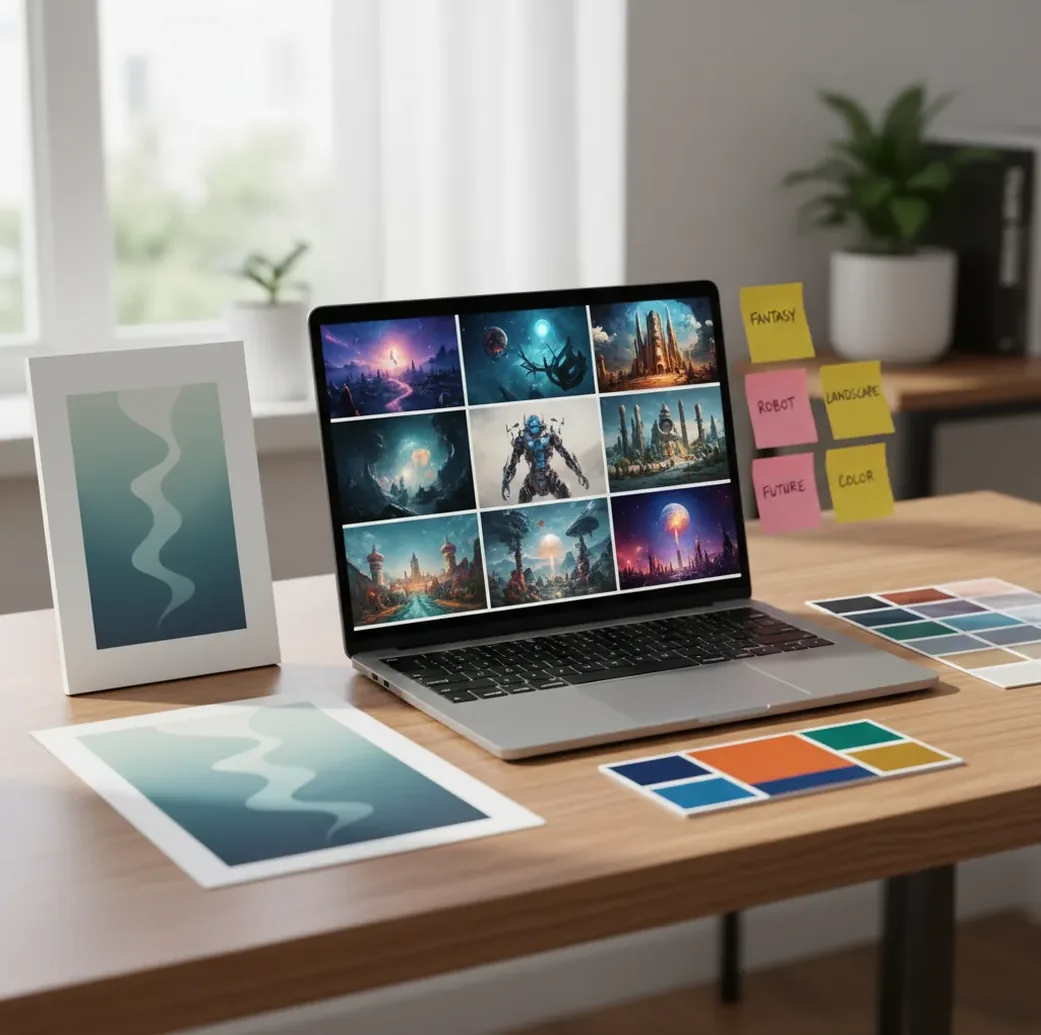
Alternatives to Canva for AI images in 2026 are AI tools that generate, edit, remove backgrounds, upscale, or restyle images without relying on Canva’s design workspace. The most practical setup is to create the AI image in a generator, clean it up in an image editor, then place the finished asset into any layout tool for text, branding, or export.
What Are Alternatives to Canva for AI Images?
Alternatives to Canva for AI images are tools that create or edit visuals with generative AI outside Canva’s design environment. They usually focus on specific image tasks: text-to-image generation, image-to-image editing, background removal, object cleanup, style transfer, face-safe retouching, or upscaling.
This matters because Canva is strongest as a layout and template tool, while many AI image tools are stronger at producing the source visual. For social posts, thumbnails, product mockups, gifts, prints, moodboards, and campaign art, creators often get better control by generating the image separately and adding text, logos, and brand fonts afterward.
How Do AI Image Alternatives Work?
AI image alternatives usually use diffusion or transformer-based image models that convert a prompt into pixels through repeated denoising or prediction steps. Prompt terms such as camera angle, lens length, lighting, material, color palette, and composition guide the model toward a specific visual style.
Editing features use different technical layers. Background removal relies on segmentation masks, upscaling predicts extra detail at 2x or 4x resolution, and inpainting replaces selected areas while preserving the surrounding image. The best workflow treats generation as the first draft, then uses cleanup tools to fix edges, crop the frame, and prepare a usable export.
How Do You Replace Canva AI for an Image in 10 Minutes?
Choose the final format first
Decide whether the asset is a 1:1 Instagram post, 9:16 story, 16:9 thumbnail, 4:5 ad, product mockup, or printable image. Aspect ratio affects composition more than most prompt words.
Write a visual prompt with production details
Include subject, setting, lighting, lens or art medium, background, palette, and mood. For example: "ceramic coffee cup on linen table, soft window light, 50mm photo, warm neutral palette, shallow depth of field."
Generate 4 to 8 variations
Pick the version with the strongest composition, not just the sharpest texture. It is easier to fix color and crop than to repair bad pose, cluttered framing, or unreadable silhouettes.
Clean the image before adding text
Remove the background, erase unwanted objects, fix halos around hair or products, and crop tighter. Use PNG for transparent cutouts and JPG when small file size matters more.
Upscale only the final candidate
Upscale after selection, not before. A 2x upscale is usually enough for social posts and web thumbnails, while print assets may need higher resolution and manual inspection.
Finish layout in a design tool
Place the cleaned image into any editor for type, logo placement, brand colors, margins, and export presets. This keeps the AI image workflow flexible without rebuilding your whole design system.
Which Tools Are Best for AI Images Instead of Canva?
| Tool | Best for | Free-tier reality | Watch for |
|---|---|---|---|
| Pict AI | Fast AI image generation, cleanup, background removal, and upscaling in a browser or iPhone workflow | Useful for basic image creation and edits without starting from a template system | Check export needs and licensing terms for commercial projects |
| Adobe Express | Template-based social graphics with integrated AI image features | Free plan exists, but some assets, storage, and brand features may be limited | Best when you still want a design suite, not only image generation |
| Microsoft Designer | Quick social posts, image prompts, and simple layout suggestions | Often accessible with a Microsoft account and usage limits | Output style can feel templated unless you edit heavily |
| Ideogram | AI images that include better stylized text than many generators | Free generations are usually limited by queue, credits, or visibility settings | Still review spelling, logos, and small typography carefully |
| Leonardo AI | Game art, concept art, product-style renders, and model/style control | Free credits may refresh, but heavy use usually requires a paid plan | More controls can mean a steeper learning curve |
| Krea | Real-time visual exploration, style iteration, and image enhancement | Free access may be limited by speed, resolution, or feature caps | Best for experimentation rather than final brand layout |
| Freepik AI tools | Stock-style AI assets, mockups, and creator-friendly visual starting points | Free exports and daily limits vary by asset type and account status | Licensing and attribution rules should be checked per asset |
The best choice depends on the job. Use an AI image generator when the visual itself is the hard part; use a design editor when typography, multi-page documents, brand kits, and client-ready layout systems are the hard part.
When Should You Use a Generator Versus a Design Editor?
Use an AI image generator when you need original source art: a hero image, product scene, thumbnail concept, character, background, icon set, or style reference. Generators are better for visual invention because they can create scenes that do not exist in stock libraries.
Use a design editor when the image is only one part of a finished asset. Posters, carousels, pitch decks, resumes, menus, worksheets, and ads usually need typography hierarchy, spacing, brand colors, export presets, and version control. Many creators get the cleanest workflow by generating the image first, then designing the final composition elsewhere.
What Prompt Recipes Create More Consistent AI Images?
- Product mockup: "[product] on [surface], [background style], softbox lighting, realistic shadows, 85mm product photo, clean commercial composition, [brand color palette], no text, no logo."
- Social post background: "Abstract [theme] background for a [platform] post, negative space in the center, [color palette], soft gradients, subtle texture, modern editorial design, no text."
- YouTube thumbnail art: "Dramatic scene of [subject], high contrast lighting, clear foreground silhouette, bold colors, cinematic 16:9 composition, empty space on the left for title text."
- Gift or print image: "Whimsical illustration of [subject], [art medium], balanced composition, warm emotional tone, printable poster style, high detail, no watermark, no text."
- Brand moodboard image: "Editorial photo of [subject] in [setting], [lens], [lighting], [materials], [3-color palette], premium lifestyle aesthetic, consistent visual language."
- Consistency formula: keep the same subject description, aspect ratio, lens, lighting, palette, and style words across every prompt. Change only one variable at a time, such as background or pose.
Where Do Free AI Image Alternatives Fall Short?
- Free tiers may limit daily generations, queue priority, maximum resolution, batch size, or access to advanced editing tools.
- Watermarks, attribution rules, private generation settings, and commercial licensing vary by platform, so read the current terms before using images in ads, client work, merchandise, or packaging.
- AI image models still struggle with hands, exact faces, transparent objects, small product details, complex jewelry, readable typography, and repeated logos.
- Background removal can leave halos around hair, glass, fur, smoke, lace, and light-colored products on bright backgrounds.
How Do You Pick a Free Alternative Without Rebuilding Everything?
Pick a free alternative by matching it to the image task you repeat most often. If you make social visuals, prioritize fast generation, background removal, square and vertical aspect ratios, and clean exports. If you make product listings, prioritize realistic shadows, transparent PNGs, upscaling, and licensing clarity.
Avoid choosing only by the prettiest demo gallery. Test each tool with three real prompts from your own workflow, then compare retry count, export quality, edge cleanup, file formats, and whether the result still looks good after adding text. The winner is the tool that saves steps on an ordinary Tuesday, not the one that makes one perfect showcase image.
Export specifications to check before switching from Canva
Comparing ai tool alternatives is easier when you define the deliverable first. A free preview is not necessarily a usable download: check exported pixel dimensions, transparency support, compression, and whether higher-resolution output consumes extra credits. For ai images for marketing, assess the downloaded file rather than the thumbnail displayed inside the editor.
| Deliverable | Practical target | What to check |
|---|---|---|
| Portrait feed graphic | 1080 × 1350 pixels | Inspect the export at full size for softened edges and compression artifacts. |
| Full-screen story image | 1080 × 1920 pixels | Keep important details clear of areas covered by interface controls. |
| Transparent product cutout | PNG with an alpha channel | Place it over both light and dark backgrounds to reveal edge halos. |
| 8 × 10-inch print | 2400 × 3000 pixels at 300 ppi | Changing resolution metadata alone does not add image detail. |
| Editable handoff | Layered project file, if supported | A flattened export cannot preserve separately editable text, masks, or objects. |
A search for “5 alternatives to midjourney” may help build a generator shortlist, but it will not establish whether those tools meet your export requirements. Try one representative asset before moving a whole campaign. Include fine edges, a recognizable subject, and empty space for copy; these expose limitations that a simple landscape can hide.
If your next question is how to keep same face in ai images, check reference-image controls and compare facial features across several outputs. If you need a tool that removes text from images, inspect reconstructed textures at full size: removal may leave distorted patterns or ghost lettering.
Before listing a generated design for sale, resolve the question “what are the rules for ai images on etsy” separately from export quality. Etsy requires disclosure of seller-prompted AI creations in the listing description; image dimensions do not establish marketplace eligibility or rights to depicted material.
Questions about replacing Canva’s AI image tools
Privacy depends on the service, not whether its plan is free. Check whether uploads become publicly visible, how long files are retained, whether they may be used for model training, and whether deletion controls are available. Avoid uploading confidential client assets or identifiable photos without permission. Local image tools can reduce upload exposure, but cloud-connected features may still transmit files.
Usually not if you transfer only a JPG or PNG. Those formats flatten text, images, and effects into one image. PDF or SVG transfers may preserve some elements, but fonts, masks, and effects can change between editors. Keep your original Canva project and move a sample design first. For image-only replacements, export the source visual separately and retain the existing layout.
The best free alternatives are AI image generators and editors that handle text-to-image, background removal, cleanup, and upscaling. The right choice depends on whether you need original art, product mockups, social backgrounds, or final layout tools.
Commercial use depends on the tool’s terms and the content of the image. Always check licensing rules and avoid protected brands, copyrighted characters, private people, or artist imitation prompts.
Some free AI image tools add watermarks, while others limit resolution, private exports, or daily usage instead. Check the export screen before building a recurring workflow around any tool.
Generate the image first, clean the background or edges, upscale the final candidate, then add text and branding in a design editor. This keeps the visual quality high and the layout flexible.
Use a saved prompt template with the same subject description, lighting, lens, palette, style, and aspect ratio. Generate batches together and change only one variable at a time.
Many image models generate text as visual texture rather than editable typography, so letters can appear misspelled or warped. Add important text later in a design editor whenever accuracy matters.
AI image generators are better for creating original visuals, while template tools are better for finished layouts, typography, and brand systems. The strongest workflow often uses both.
Use PNG when you need transparency or crisp edges, and JPG when you need a smaller file for web or social posting. For print, check pixel dimensions and resolution before sending the file.