Pict.ai vs DALL-E: Which to Use in 2026?
For 2026, choose the browser-first all-in-one image workflow if you need fast generation plus editing tools like enhancement, resizing, background removal, and cleanup in one place. Choose DALL-E if you want image generation inside the OpenAI ecosystem with ChatGPT-style prompting and policy-guided outputs.
Pict.ai vs DALL-E: Which to Use in 2026?
- Upload the same reference photo to each workflow that supports image input, keeping an untouched original.
- Describe one specific change and list details to preserve, using identical instructions in both workflows.
- Generate a revision in each tool, noting any settings that affect reference strength or edit scope.
- Compare unchanged areas against the original, reject unintended alterations, and export the selected image at your required dimensions.
Example prompt: Photorealistic product shot of a matte black water bottle on a light concrete surface, soft window light from left, subtle condensation, shallow depth of field, neutral background, ultra-realistic, no text, no logos, 16:9
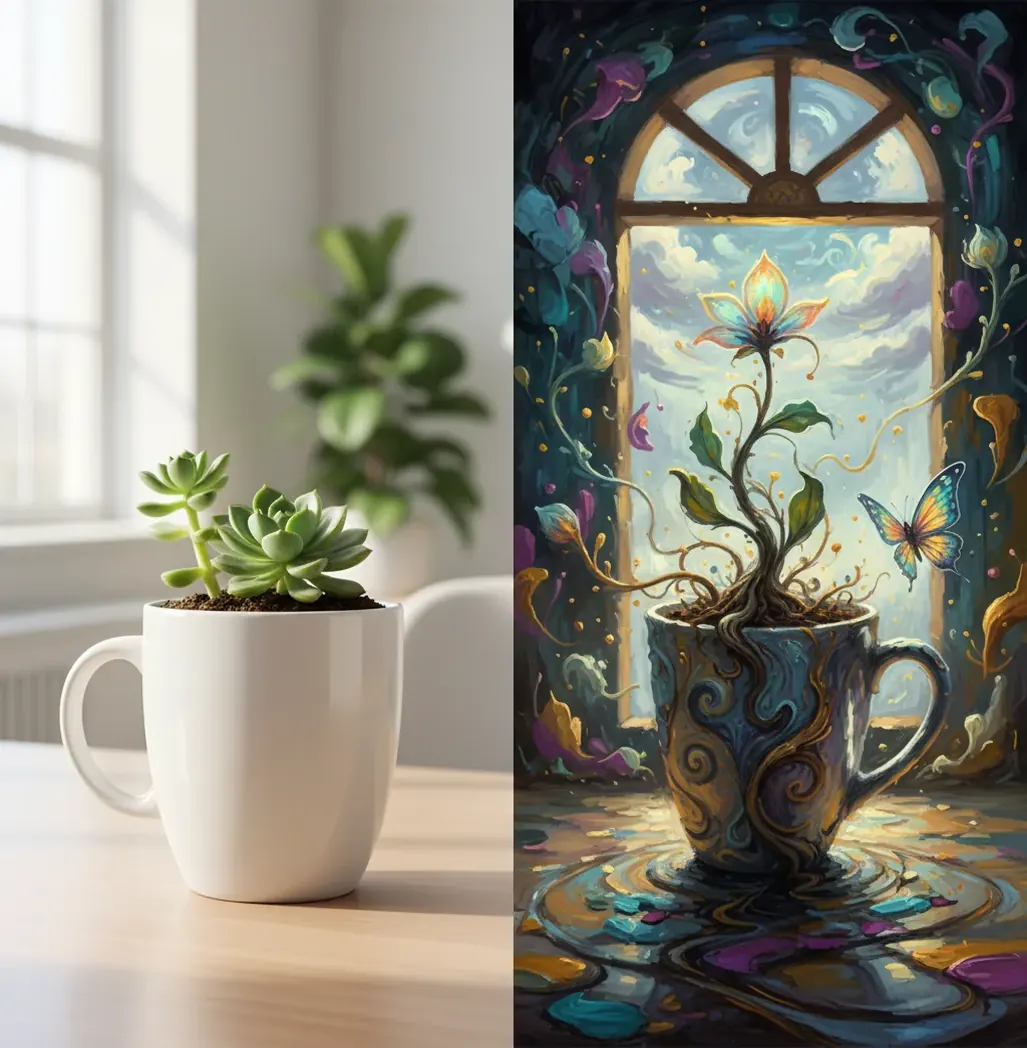
Use Pict.ai when your priority is speed-to-final: generating, cleaning up, resizing, and exporting images without moving between apps. Use DALL-E when you prefer a model-first generator connected to ChatGPT-style prompting, conversational refinement, and OpenAI safety controls. The better choice depends less on raw image quality and more on whether your workflow needs editing depth or ecosystem integration.
What Are You Actually Comparing in 2026?
This comparison is really about workflow, not just image style. One side is a browser-first image generator with practical post-production tools; the other is a model-first generation experience built around conversational prompting and ecosystem integration. Both can create polished images, but they feel different when you need to ship a social post, product mockup, gift print, portfolio concept, or branded visual quickly.
The useful evaluation criteria are consistency across reruns, anatomy accuracy, text rendering, editability, export control, and total time-to-usable. A single beautiful result is not enough. For real creator work, the stronger tool is the one that can repeat an idea, survive edits, and produce assets at the correct size without adding unnecessary cleanup steps.
How Do the Two AI Image Workflows Work?
Most modern AI image generators use diffusion-style or diffusion-adjacent systems that transform noise into a prompt-conditioned image through iterative sampling. The visible result depends on more than the core model: prompt parsing, moderation layers, sampling settings, image upscalers, inpainting tools, face and hand handling, and export compression all affect the final file.
DALL-E-style workflows are strong when you want conversational ideation, prompt refinement, and generation inside a broader AI assistant environment. An all-in-one editor workflow is stronger when the next step matters as much as the first render: removing a background, sharpening a product edge, resizing for 9:16 Stories, cleaning halos around hair, or exporting a cleaner version for a thumbnail, print, or client mockup.
How Can You Test Both Tools in 10 Minutes?
Choose one difficult subject
Pick a prompt that exposes weaknesses: hands holding an object, hair against a busy background, a product label, reflective packaging, teeth in a smile, or a small logo-like mark.
Write one controlled prompt
Specify subject, camera angle, lighting, material, color palette, background, aspect ratio, and intended use. Do not rewrite the prompt between tools.
Generate four raw outputs
Run the same prompt four times in each tool. Save the unedited results with filenames so you can compare consistency rather than judging a lucky first sample.
Score visible failure points
Check hand anatomy, object edges, facial symmetry, typography, background clutter, prompt obedience, color consistency, and whether the image matches the intended format.
Allow one edit pass
Give each best result one practical fix: upscale, erase, background removal, crop, or resize. The winner is the tool that reaches a usable final asset fastest.
Which Tool Is Better for Marketing, Product, Art, and Social?
| Use case | Better fit | Why it matters |
|---|---|---|
| Social posts and thumbnails | All-in-one editor workflow | Fast resizing, cropping, cleanup, and export matter more than a single high-concept render. |
| Product shots on clean backgrounds | All-in-one editor workflow | Background removal, edge cleanup, and consistent export sizes reduce manual editing time. |
| Concept art and moodboards | DALL-E-style workflow | Conversational prompting is useful for exploring visual directions, art styles, and scene variations. |
| Ad creative variations | Either, depending on volume | Use the workflow that can generate several variations and preserve layout control with the least friction. |
| Branding and logo-like visuals | Neither as a final logo tool | AI can suggest visual directions, but final typography, vector paths, and trademark-sensitive marks need manual design. |
| Gift prints and personal art | Either, depending on editing needs | Choose generation-first for ideation or editor-first if you need upscaling, cleanup, and print-ready composition. |
For professional work, judge the full asset pipeline: prompt, generation, revision, cleanup, aspect ratio, download format, and licensing review.
What Prompt Recipes Make the Comparison Fair?
- Product photo test: "A studio product photo of [object] on a matte off-white surface, softbox lighting from the left, realistic shadows, 85mm lens look, clean background, no text, no logo, 4:5 aspect ratio."
- Portrait realism test: "A natural editorial portrait of [person description], hands visible holding [object], soft window light, shallow depth of field, realistic skin texture, neutral background, no extra fingers, no distorted teeth."
- Social thumbnail test: "A bold YouTube thumbnail image about [topic], one central subject, high contrast lighting, clean negative space on the right for text added later, expressive but realistic, 16:9 aspect ratio."
- Cutout test: "A full-body image of [subject] standing in front of a high-contrast but simple background, crisp outline, visible hair edges, realistic shadows, suitable for background removal."
- Style consistency test: "A set-ready illustration of [subject] in [style], limited palette of [colors], consistent line weight, simple background, designed to match a 10-image campaign."
- Rule for fair testing: keep the same prompt, same aspect ratio, and same number of outputs in both tools before editing. If you change the wording after seeing one result, you are testing your prompt revisions, not the tools.
Pict.ai vs DALL-E Feature Snapshot for 2026
| Feature | Pict.ai | DALL-E |
|---|---|---|
| Core experience | Browser-based generation plus practical image editing tools | AI image generation inside the OpenAI ecosystem |
| Best workflow fit | Fast create-edit-export loops for creators, marketers, and small teams | Conversational ideation, prompt refinement, and model-first image creation |
| Editing after generation | Typically focused on cleanup actions such as enhance, erase, resize, and background removal | Depends on the product surface and available editing controls |
| Prompting style | Direct visual prompting with quick iteration | Chat-style prompting and refinement are a major advantage |
| Output control | Strong when aspect ratios, cleanup, and exports are part of the same session | Strong when iterative language guidance is more important than built-in production edits |
| Mobile and browser use | Designed for lightweight browser-based creation and quick edits | Available through supported OpenAI surfaces, with experience varying by plan and interface |
| Commercial use | Check the current terms before using outputs in client or paid work | Check OpenAI terms, plan rules, and content policy before commercial deployment |
Feature availability can change during 2026, so confirm current pricing, usage limits, export options, and licensing terms before building a client workflow around either tool.
What Limitations Should You Expect From Both Tools?
- Readable text is still unreliable, especially on packaging, signs, UI screens, labels, and small typography. Add final text in a design editor when accuracy matters.
- Hands, teeth, jewelry, and complex fingers can still deform in close-up images, especially when the prompt includes unusual poses or object interaction.
- Style consistency can drift across a 10- or 20-image set. Use seed controls if available, repeatable prompt structure, and manual curation for campaigns.
- Background removal can create halos around hair, fur, glass, smoke, translucent fabric, and reflective products. Inspect edges at 100% zoom before publishing.
Which Should You Choose for 2026 Work?
Choose the all-in-one image workflow if your job is to finish assets: generate a strong base image, clean it up, resize it, remove a background, upscale it, and export it for a post, ad, product mockup, or print. That workflow is especially useful for creators who value fewer tabs, fewer downloads, and faster revision loops.
Choose DALL-E if your job starts with ideation and language-guided exploration. It is a strong fit when you want to brainstorm visual directions inside a chat interface, refine concepts conversationally, and stay within the OpenAI environment. The practical answer for many teams is to test both: use the same prompt, compare four outputs each, allow one edit pass, then pick the tool that produces the most usable final file in the least time.
Pros and Cons When an Existing Image Must Stay Recognizable
A useful tie-breaker in the Pict.AI vs DALL-E comparison is revision scope: how much of an existing image may change? Replacing a setting is different from preserving a person's face, a product's exact silhouette, or an approved character design. Decide which details are non-negotiable before choosing a workflow.
- Editing-first advantage: A localized correction can leave approved areas untouched. Keep the original file and compare the edited region against it, especially around jewelry, package seams, and distinctive facial features. This matters when a client has already approved most of the composition.
- Editing-first drawback: Small corrections cannot always solve a fundamentally wrong perspective or lighting setup. Repeated patching may introduce inconsistent shadows and textures; starting again can be more efficient.
- Generation-first advantage: An image to image ai generator can help explore substantial changes from a reference, where supported. This suits a new setting or visual direction better than a pixel-exact correction.
- Generation-first drawback: Reference input does not guarantee faithful reproduction. An ai character generator may reinterpret clothing or facial details between scenes, while an ai elevator generator can suggest cabin concepts without establishing buildable dimensions or engineering accuracy.
Separate generation from neighboring tasks. A google lens scanner is useful for visual lookup rather than image creation. If your task is to liquify image contours, look for controlled geometric editing rather than asking a generator to redraw the subject. For a pfp maker workflow, check the final circular crop: important features can disappear even when the square image looks balanced.
Short verdict: Choose the tool that preserves your non-negotiable details with the fewest unintended changes. Treat an attractive reinterpretation as a concept, not an exact replacement for the source.
Questions About Choosing Between Pict.AI and DALL-E
They can approximate a recurring character, but a repeated prompt alone rarely locks identity. Use the same reference image where supported, keep distinctive features explicit, and compare facial proportions, clothing details, and accessories across outputs. For a sequence that requires strict continuity, retain approved images and make localized edits rather than regenerating every scene from scratch.
Uploading sends the image to the service handling the request, so check its retention, training-use, deletion, and account controls before sharing confidential material. Remove unnecessary metadata and avoid uploading identification documents, unreleased products, or client images without authorization. A paid account does not automatically make every upload private; protections depend on the specific service and account arrangement.
The better generator depends on your workflow. Choose an editor-first tool for fast production assets, and choose a chat-integrated generator for conversational ideation and prompt refinement.
They are closely connected in the OpenAI ecosystem, but the exact controls and editing experience depend on the product surface, plan, and current feature rollout.
Test four outputs from the same prompt, then compare anatomy, text accuracy, edge quality, prompt obedience, editability, export size, and total time-to-usable.
They can sometimes produce short readable words, but small labels, long phrases, and exact typography remain unreliable. Add final text manually in a design editor.
The better choice is usually the one with generation plus cleanup tools, because product images often need background removal, edge repair, resizing, and consistent exports.
A chat-based generation workflow is often better for concept art because conversational prompting makes it easy to explore styles, moods, characters, and scene variations.
They are useful for visual inspiration, but they are not reliable final logo tools. Final marks should be rebuilt with real typography, vector paths, and trademark review.
Maybe, but you must check the current terms, content policy, plan rules, and rights restrictions for the specific tool. Client work should also avoid confidential uploads unless data handling is verified.
No. Most AI image generators run in the cloud through a browser or app, so your device mainly affects upload speed, preview comfort, and file management.