How to Create an AI Avatar From Your Selfie
To create an AI avatar from your selfie, start with a sharp front-facing photo in soft, even light, then upload it to a selfie-to-avatar generator and choose a style. Generate several versions, keep the one that preserves your eyes, jawline, hairline, and facial proportions, then export it for profiles, social posts, prints, or creator branding.
How to Create an AI Avatar From Your Selfie
- Upload a sharp selfie with your full face visible and distinctive features clear enough to compare later.
- Choose a portrait style and describe details to preserve, such as glasses, freckles, or your hair part.
- Generate several avatar variations, keeping the same reference photo so you can compare how each interprets your features.
- Review facial details and accessory edges at full size, then export the strongest avatar in your preferred format.
Example prompt: Create a clean, semi-realistic AI avatar portrait from my selfie, natural skin texture, soft window light look, neutral background, friendly expression, sharp eyes, subtle color grading, square crop, high resolution
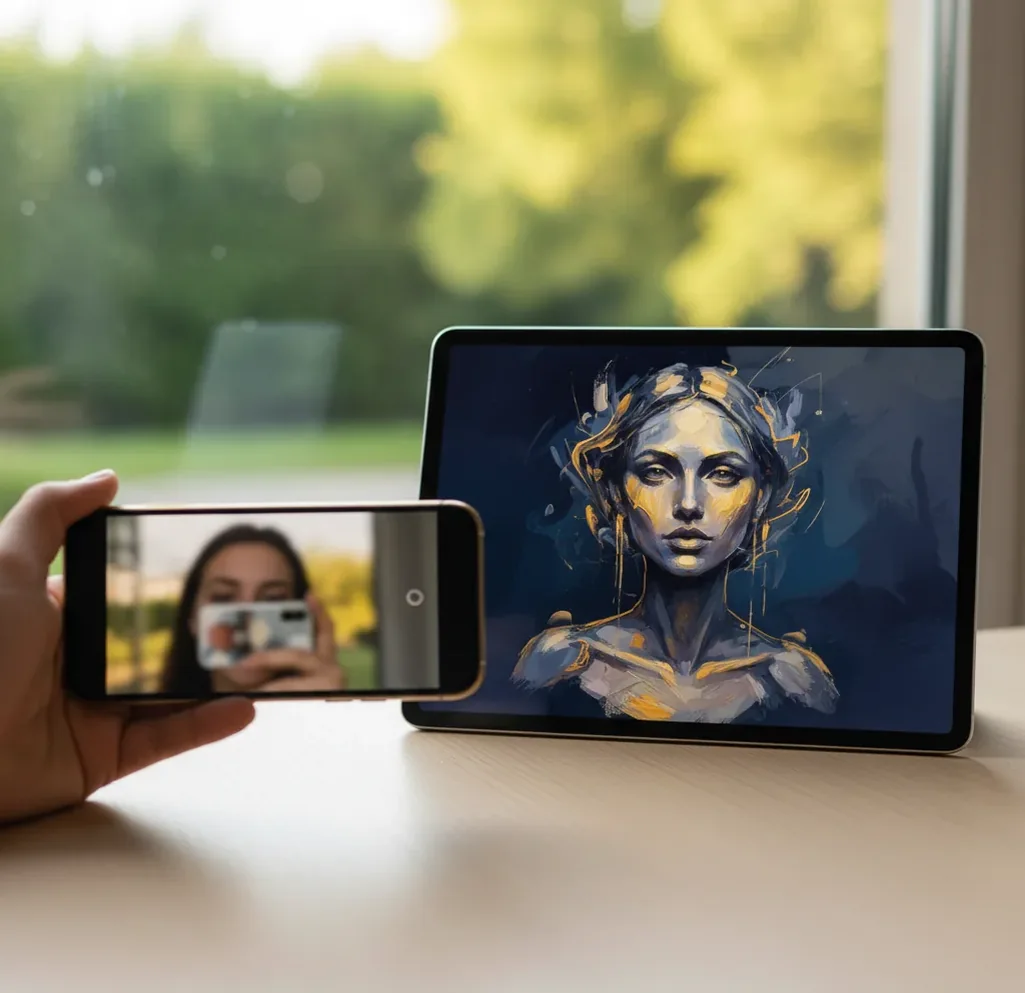
To create an AI avatar from your selfie, use a clear, unfiltered, front-facing photo with even window light and a simple background. Upload it to an AI avatar generator, choose a visual style, generate 4 to 8 variations, and select the version that best preserves your facial structure. If the result does not look like you, retake the selfie with better lighting before changing styles.
What Is an AI Avatar From a Selfie?
An AI avatar from a selfie is a generated portrait that uses your photo as the identity reference while changing the image style, lighting, background, or artistic rendering. It can look like a polished headshot, a stylized character, a 3D portrait, an anime version, a painterly illustration, or a clean profile image for social platforms.
The goal is not to verify your identity; it is to preserve recognizable facial cues such as eye spacing, nose shape, jawline, hairline, face shape, and expression while redrawing the image. The best results come from a selfie where the model can clearly read your face without blur, harsh shadows, sunglasses, heavy filters, or distracting background objects.
How Do Selfie-to-Avatar Generators Keep Your Face Consistent?
Selfie-to-avatar tools keep your face consistent by detecting facial landmarks, encoding your features into an identity embedding, and using that embedding to guide image generation. Facial landmarks identify points around the eyes, nose, mouth, chin, and brows; the embedding turns those details into a compact numeric representation the model can reuse.
Most modern avatar systems use diffusion-based image synthesis or similar generative models. The model starts from noise, follows your identity reference, applies the selected style prompt, and gradually creates a new portrait. This is why the same selfie can become a realistic headshot, a cyberpunk character, a soft watercolor portrait, or a creator logo while still feeling like the same person.
How Do You Create an AI Avatar From Your Selfie Step by Step?
Take a clean reference selfie
Stand about 2 feet from a window, face the light, keep the camera at eye level, and turn off beauty filters. Use a neutral expression or a soft smile, and make sure both eyes, your jawline, and your hairline are visible.
Choose a simple background
A blank wall, curtain, or uncluttered room gives the model fewer objects to misread. Avoid mirrors, posters, other people, strong backlight, and busy patterns near your face.
Upload the selfie to an avatar generator
Open a selfie-to-avatar tool such as Pict AI, upload the image, and choose whether you want a realistic portrait, profile avatar, illustrated character, fantasy style, or professional-looking headshot.
Generate several variations
Create 4 to 8 versions instead of judging the first output. Compare the eyes, mouth shape, cheekbones, jawline, and hairline before judging clothing, background, or color palette.
Refine with a better input if needed
If every version looks unlike you, retake the selfie rather than endlessly changing styles. Better light, sharper focus, and a more direct angle usually improve likeness faster than prompt tweaks.
Export for the final use case
Use a 1:1 square crop for profile pictures, 4:5 for Instagram portraits, 9:16 for stories and vertical covers, and at least 1024 x 1024 pixels for clean digital use. For prints, export the largest available file and avoid heavy upscaling artifacts.
What Selfie Works Best for an AI Avatar?
The best selfie for an AI avatar is sharp, front-facing, evenly lit, and minimally edited. Soft window light is ideal because it reveals skin texture and facial structure without creating deep shadows under the eyes or nose. A plain background also helps the model focus on the face instead of trying to interpret clutter.
Use the rear camera if possible, tap to focus on one eye, and avoid Portrait mode when it blurs hair, glasses, or the edge of your jaw. Do not use screenshots, low-light selfies, compressed social media downloads, or images with heavy smoothing filters. If you wear glasses, tilt your head slightly or adjust the light to reduce glare while keeping your eyes visible.
Which AI Avatar Tools Should You Compare?
| Tool | Best for | Selfie input | Style control | Watch-outs |
|---|---|---|---|---|
| Pict AI | Fast selfie avatars, headshot-style portraits, and profile-ready crops | Works well with one clear selfie | Simple style selection and quick re-rolls | Check export terms and avoid uploading sensitive images |
| Canva | Designing social graphics, profile layouts, and branded templates around an avatar | Usually needs an avatar image or generated portrait as a design asset | Strong layout and brand-kit controls | Avatar likeness depends on the generator or source image used |
| Lensa | Stylized portrait packs and mobile-first avatar creation | Often performs best with multiple selfies | Preset-driven artistic styles | Results can look polished but less editable after generation |
| Photoleap | Mobile edits, creative effects, and social-friendly avatar treatments | Works from phone selfies | Good for effects, backgrounds, and post-processing | Some advanced features may require a subscription |
| Midjourney or similar prompt tools | Highly stylized character art and art-directed concepts | Reference-image workflow varies by platform | Very strong prompt control and visual range | More learning curve; identity consistency may require iteration |
Choose the tool based on the job: use a selfie-first avatar generator for speed, a design editor for layouts and branding, and a prompt-heavy image model when you need deeper art direction.
What Prompts Create Better Selfie Avatars?
- Professional profile avatar: "Create a realistic professional avatar from this selfie, natural skin texture, soft studio lighting, neutral background, confident expression, sharp eyes, 1:1 crop, suitable for LinkedIn."
- Creator branding portrait: "Turn this selfie into a polished creator avatar, vibrant but clean colors, modern editorial lighting, recognizable facial features, subtle background gradient, social media profile image."
- Illustrated character: "Create a stylized illustrated avatar from this selfie, preserve face shape and hairstyle, clean line art, warm color palette, expressive eyes, simple background, high-resolution portrait."
- Gaming or Discord avatar: "Transform this selfie into a cinematic gaming avatar, dramatic rim light, detailed hair, recognizable face, dark atmospheric background, square icon composition."
- Gift or print portrait: "Create a warm painterly portrait from this selfie, soft brush texture, flattering natural light, accurate likeness, elegant background, suitable for a framed print."
Why Does an AI Avatar Sometimes Not Look Like You?
An AI avatar usually stops looking like you when the input selfie hides important identity cues. Low light can flatten the face, harsh overhead lighting can distort the eyes and nose, and phone smoothing filters can remove the texture the model needs to understand your real features.
The most common causes are motion blur, glasses glare, bangs covering the eyebrows, a steep high-angle selfie, heavy makeup filters, cropped chins, and side-facing poses. If the avatar has the wrong eyes or face shape, retake the selfie. If only the outfit, background, or colors feel wrong, keep the selfie and adjust the style prompt.
What Can You Use a Selfie Avatar For?
A selfie avatar is useful anywhere you want to look recognizable without using a raw camera photo. Common uses include profile pictures, Discord icons, creator thumbnails, podcast cover art, author bios, team directories, event posters, birthday graphics, contact images, and portfolio branding.
For professional use, choose realistic lighting, neutral backgrounds, and restrained styling. For social posts or gifts, you can push the look further with fantasy, anime, 3D, painterly, or editorial treatments. The practical rule is simple: realistic avatars should preserve trust, while creative avatars should preserve recognition.
What Are the Limits and Privacy Risks of Selfie Avatars?
- One selfie cannot capture every angle of your face, so side-profile outputs may be less accurate than front-facing portraits.
- Diffusion models can hallucinate details such as earrings, teeth, eyelashes, hair edges, clothing seams, or background objects.
- Styles that exaggerate anatomy, such as anime, fantasy, caricature, or 3D toy looks, may reduce facial accuracy by design.
- Compressed images from messaging apps or social platforms may lose detail before generation, especially around eyes and hair.
Fix Mirrored Details, Distorted Accessories, and Talking-Avatar Errors
When you create avatar from photo references, a recognizable face can still come with small errors that matter in the finished image. Check these specific failures before spending more generations on the same setup.
- A mole, piercing, or hair part switches sides. Your camera preview may be mirrored while the saved selfie is not. Compare the uploaded file with the generated portrait, rather than relying on your memory of the preview. If the upload is reversed, flip it before generating again. Describe distinctive features using the subject’s left or right, although generators may still misinterpret directions.
- Glasses develop bent rims or mismatched lenses. Reflections and thin frames can be difficult to reconstruct. Try a reference without glare, then request the actual frame shape and color. If glasses remain distorted, generate the portrait without them and add them separately with an editor that supports controlled placement.
- Earrings, collars, or necklaces merge into skin. Small overlapping details can become ambiguous. Simplify accessories in the reference or request a plain neckline. Inspect both ears and the area below the chin at full size; a thumbnail can hide these defects.
- Lettering becomes unreadable. Shirt logos and background signs may turn into invented characters. Request unbranded clothing and a text-free background, then add any necessary lettering after generation with a text tool.
- A still portrait breaks during animation. If you plan to make photo talk, choose an avatar with an unobstructed mouth and space around the chin. For an ai avatar generator video workflow, preview a short spoken line first. Watch for teeth flicker, beard distortion, and a jaw that moves independently of the face; try a less stylized portrait if these persist.
Selfie Avatar Questions: Likeness, Photos, and Export
AI avatars can retain distinctive skin features, but generators may soften, remove, relocate, or invent them, especially in heavily stylized portraits. Use a reference where the feature is clearly visible and describe its location in the prompt. Compare the output with the original at full size. If exact placement matters, use a local editing tool rather than relying on repeated generation.
Generate the avatar first, then use background removal if the generator does not support transparency. Export as PNG with transparency enabled; JPEG cannot preserve a transparent background. Inspect hair, glasses, and shoulders for leftover edges or missing details. Preview the cutout against both light and dark backgrounds, since halos that disappear on white can become obvious elsewhere.
Yes, one clear front-facing selfie is often enough for a usable AI avatar. Multiple selfies can help if the first image has glare, blur, shadows, or hidden facial features.
The best photo is sharp, evenly lit, front-facing, and free of heavy filters. Use soft window light, a plain background, and a camera angle close to eye level.
The most common reasons are poor lighting, blur, face-smoothing filters, glasses glare, covered eyebrows, or an angled selfie. Retaking the photo usually improves likeness more than changing the style.
Yes, most selfie avatar workflows work on iPhone or Android through apps or mobile browsers. Use the same photo rules: clean lens, good light, sharp focus, and no beauty filter.
Not exactly. An AI headshot usually aims for a realistic professional portrait, while an AI avatar can be realistic, illustrated, stylized, fantasy-based, or designed for social identity.
For profile pictures, export at least 1024 x 1024 pixels in a square crop. For prints or portfolio use, choose the highest available resolution and avoid over-compressing the file.
Yes, if it looks natural, professional, and recognizably like you. Avoid overly stylized, cartoonish, or heavily retouched versions for professional networking.
They can be safe when you use trusted tools and avoid uploading sensitive images. Do not include IDs, addresses, private documents, workplace badges, or other people without permission.
Generate 4 to 8 variations, then compare facial structure before judging style. Pick the version with the most accurate eyes, mouth, jawline, and hairline.