How to Make AI-Generated Profile Pictures
AI-generated profile pictures are polished portraits made from your own photos using a generative image model. The best results come from clear source images, realistic styling, careful cropping, and a final human review before you use the image on LinkedIn, TikTok, Instagram, Discord, or a portfolio site.
How to Make AI-Generated Profile Pictures
- Upload clear, unfiltered portraits of yourself, excluding other people and photographs you do not have permission to use.
- Choose a portrait style or describe the lighting, clothing, and background while asking to preserve your facial features.
- Generate a small batch first, then compare each portrait with a recent photograph for recognizable facial structure.
- Review your shortlist for altered features and distracting details, then export a square crop with comfortable headroom.
Example prompt: Create a realistic, profile-ready headshot with soft window light, neutral gray background, natural skin texture, subtle smile, 50mm photo look, shallow depth of field, no heavy retouching, centered composition, square crop.
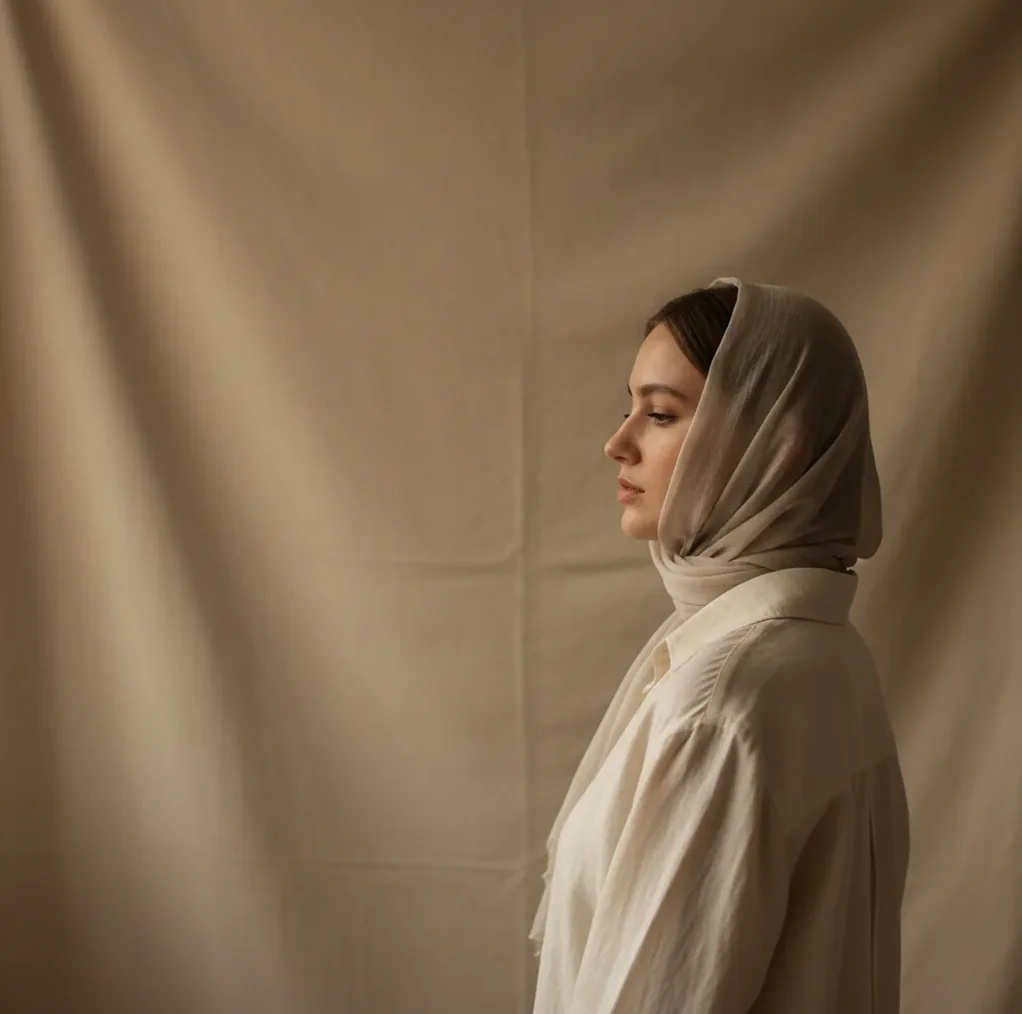
To make AI-generated profile pictures, upload 6 to 12 clear photos of yourself, choose a realistic portrait or headshot style, generate a small batch, and keep only the images that still look like you. Crop the final image in a 1:1 square, keep your eyes slightly above center, and avoid using AI portraits for passports, visas, security badges, or identity verification.
What Are AI-Generated Profile Pictures?
AI-generated profile pictures are portraits created or refined by machine-learning models for use as avatars, headshots, and social profile images. Instead of simply applying a filter, the model generates new pixels based on your uploaded photos, selected style, lighting, background, and composition.
In practice, a good AI profile photo keeps your recognizable identity cues, such as face shape, eye spacing, hairline, and expression, while improving the parts that make normal selfies weak: harsh shadows, messy backgrounds, awkward crops, low resolution, or flat webcam lighting. These images work best for social accounts, creator branding, team directories, dating profiles, and portfolio thumbnails.
How Do AI Profile Picture Generators Work?
AI profile picture generators work by analyzing your source photos, building a visual representation of your face, and generating a new portrait that matches a chosen style. Most modern systems use diffusion models, facial embeddings, segmentation, and prompt conditioning to control identity, lighting, background, and framing.
The model does not copy one photo perfectly. It synthesizes a new image from patterns it has learned, which is why input quality matters. Sharp photos from several angles give the system stronger identity signals, while blurry selfies, beauty filters, sunglasses, extreme wide-angle lenses, or heavy side lighting can cause distorted features, waxy skin, or inconsistent hair and ears.
How Do You Make AI-Generated Profile Pictures Step by Step?
Choose 6 to 12 clear source photos
Pick sharp, well-lit images where your face is visible and unfiltered. Include one straight-on photo, two slight angles, one close crop, one indoor shot, and one outdoor shot if possible.
Remove confusing inputs
Avoid group shots, sunglasses, hats that cover your face, mirror selfies with extreme lens distortion, heavy makeup filters, and images where your hand blocks your jawline or mouth.
Select a realistic portrait style
Start with natural headshot, soft studio light, editorial portrait, casual creator avatar, or clean professional background. Avoid fantasy, hyper-glamour, or over-retouched styles unless the account is intentionally stylized.
Generate a small batch first
Create 8 to 20 options, then shortlist only the images that preserve your real facial structure. Reject anything with changed eye shape, odd teeth, melted earrings, plastic skin, or an expression that feels unlike you.
Crop for the platform
Export a 1:1 square for most avatars. Keep your eyes slightly above the horizontal center, leave a little headroom, and make sure the face stays readable when viewed at 48 px to 128 px.
Do a final cleanup pass
Adjust brightness, contrast, color temperature, and background simplicity. Keep natural skin texture, avoid excessive blur, and save a high-resolution version before uploading to social platforms.
Which Tools Can Create AI Profile Pictures?
| Tool | Best for | Strengths | Watch for |
|---|---|---|---|
| Pict AI | Fast profile-ready portrait sets | Browser and iOS workflow, clean backgrounds, square and vertical exports | Review outputs carefully for identity accuracy before publishing |
| Canva | Simple profile graphics and branded layouts | Easy templates, background removal, social design tools | Portrait generation and identity consistency vary by feature |
| Adobe Express | Polished social assets and light retouching | Strong design controls, resizing, typography, brand kits | Some advanced edits may require an account or paid plan |
| Fotor | Quick avatar and headshot experiments | Accessible web tools, portrait effects, fast style testing | Results can look overly smooth if the style is too aggressive |
| PhotoRoom | Background cleanup and product-style profile crops | Strong cutouts, simple backgrounds, mobile-friendly editing | Better for cleanup than identity-based portrait generation |
Choose the tool based on the job: identity-consistent portrait generation, background cleanup, social design, or quick resizing. The safest workflow is to generate several realistic portraits, then use a design editor only for cropping, contrast, and platform-specific exports.
What Photos Should You Upload for Natural AI Headshots?
The best photos for natural AI headshots are clear, recent, front-facing or slight-angle images with soft lighting and visible facial features. Use a mix of expressions, but keep them close to how you actually want to appear online: approachable, confident, calm, creative, or professional.
A strong upload set usually includes 6 to 12 images from different days or locations. Avoid using only one selfie angle, because the model may overfit to that perspective and guess the rest of your face. Also avoid low-resolution screenshots, motion blur, extreme shadows, beauty filters, and old photos that no longer match your current hair, facial hair, glasses, or style.
What Prompt Recipes Make AI Profile Pictures Look Real?
- Professional headshot: "Realistic professional headshot, soft studio lighting, neutral gray background, natural skin texture, relaxed expression, 85mm lens look, sharp eyes, no heavy retouching."
- Creator avatar: "Natural creator profile photo, warm daylight, clean background, friendly expression, modern casual outfit, subtle contrast, realistic face, social media avatar crop."
- LinkedIn-style portrait: "Clean business portrait, soft directional light, simple office or neutral backdrop, confident but approachable expression, realistic skin detail, centered composition."
- Dating profile portrait: "Candid natural portrait, outdoor soft light, genuine smile, shallow depth of field, relaxed styling, realistic proportions, not overly polished."
- Portfolio profile image: "Editorial portrait for creative portfolio, minimal background, balanced contrast, natural facial features, clean composition, refined but not artificial."
- Negative prompt add-on: "Avoid plastic skin, distorted teeth, extra fingers, changed eye shape, warped glasses, fake pores, over-blurred background, cartoon style, exaggerated jawline."
What Size and Crop Works Best for Profile Pictures?
The best general profile picture format is a high-resolution 1:1 square, because most platforms crop avatars into circles from a square upload. Export at 1024 x 1024 px or larger when possible, then check how the image reads at small sizes like 48 px, 64 px, and 128 px.
For composition, place the eyes slightly above the center line, keep the face large enough to recognize, and leave margin around the head so circular crops do not cut off hair or shoulders. Use 4:5 for Instagram-style portraits, 9:16 for stories or short-form video profiles, and horizontal crops only for banners, speaker pages, or website hero images.
Where Can You Use AI-Generated Profile Photos?
AI-generated profile photos are useful anywhere you need a clear, consistent, good-looking image that represents you online. Common uses include LinkedIn headshots, YouTube channel avatars, TikTok and Instagram profile images, Discord avatars, newsletter author photos, team directory portraits, webinar speaker bios, freelancer marketplace thumbnails, and portfolio pages.
They are especially helpful when your current camera roll is full of low-light selfies, cropped group photos, or outdated headshots. A realistic AI portrait can make a profile feel more intentional without needing a full photo shoot, which matters for creators, consultants, job seekers, founders, streamers, and anyone building trust at thumbnail size.
What Are the Limitations of AI Profile Pictures?
- AI portraits should not be used for passports, visas, driver licenses, school IDs, work badges, banking checks, or any verification process that requires an unedited photo.
- Identity drift can happen when the model subtly changes your eye shape, nose bridge, smile lines, jaw width, age cues, or facial symmetry.
- Hair, glasses, earrings, necklaces, hands, and shirt collars are common failure zones because fine edges are harder for generative models to keep consistent.
- Over-smoothed skin can make a portrait look fake, especially on professional platforms where natural texture reads as more trustworthy.
How Can You Make an AI Profile Picture Look Less Fake?
To make an AI profile picture look less fake, choose realistic lighting, keep natural skin texture, use a simple background, and reject outputs that beautify your face too aggressively. The goal is not to create the most flawless image; it is to create the most recognizable and useful profile image.
A practical test is to send the image to someone who knows you and ask, "Does this still look like me?" Then view it as a tiny circle on your phone. If the face reads clearly, the expression feels natural, and the image does not look like an ad for a skincare filter, it is usually strong enough for social, creator, or professional use.
If you're also trying to upgrade selfies, start here
Four misconceptions about AI profile portraits, cost, and control
- Myth: Paying guarantees a usable portrait. Fact: A paid plan may provide more generations, not a stronger resemblance. When asking “is ai image generator worth it,” compare the total checkout price with the number of portraits you would actually publish. Check whether retries cost extra, whether payment starts a subscription, and whether refunds cover unsatisfactory results. A large batch has little value if none preserves your identity.
- Myth: Every flaw needs another generation. Fact: Separate cosmetic defects from identity errors. A stray background object may need only a local edit; a changed jaw or eye shape is reason to reject the portrait. Attempts to fix ai generated faces can introduce new differences when the whole image is regenerated. For the finger defects often searched as “a i hands,” cropping out an unnecessary hand may be safer than repeatedly rebuilding it.
- Myth: Deleting the finished portrait deletes your uploaded photos. Fact: Outputs, source files, and any stored identity representation may have separate retention rules. Read the privacy policy for deletion controls, retention periods, and whether uploads can be used for model training. Check the terms of use before uploading someone else’s portrait. Their permission to post a photograph does not automatically establish consent to upload it to a generation service.
- Myth: A generated portrait is automatically exclusive. Fact: A profile picture maker can produce similar backgrounds, poses, and clothing for different users. Permission to use an output commercially is not the same as exclusive ownership or copyright protection; legal treatment varies by jurisdiction. If a company needs a distinctive executive portrait, avoid stock-like styling and confirm the service’s usage rights before adding the image to advertising or press materials.
Questions About Creating AI Profile Pictures
Avoid blurry selfies, heavy filters, sunglasses, group shots, low-light screenshots, extreme wide-angle photos, and images where your face is partly covered. These inputs often cause distorted or inconsistent results.
Use a neutral background, soft studio lighting, a natural expression, and a clean crop with your eyes slightly above center. Keep clothing and retouching simple so the image feels credible.
Yes, AI profile photos work well for creator branding, newsletters, portfolios, YouTube, TikTok, Instagram, and Discord. Keep the same image style across platforms if you want stronger recognition.