Is Nano Banana Better Than GPT Image in 2026?
Nano Banana is often better than GPT Image in 2026 for fast visual iteration, prompt-faithful edits, clean lighting, and practical creator assets. GPT Image can still be better when you need long instruction reasoning or want image generation inside a broader chat workflow.
Is Nano Banana Better Than GPT Image in 2026?
- Upload the same original photo to interfaces offering your chosen Nano Banana and GPT Image versions.
- Describe one specific change, identifying the subject details, framing, and background elements that must remain unchanged.
- Generate an edit in each interface using matching output settings, with optional style presets disabled.
- Review both edits for unintended changes, correct any defects, and export the version that meets your brief.
Example prompt: Photorealistic product photo of a matte black water bottle held in a right hand, softbox lighting, 85mm lens look, readable label text: \"DRIFT\", clean studio background, accurate fingers and nails, natural skin texture, sharp focus, 4:5
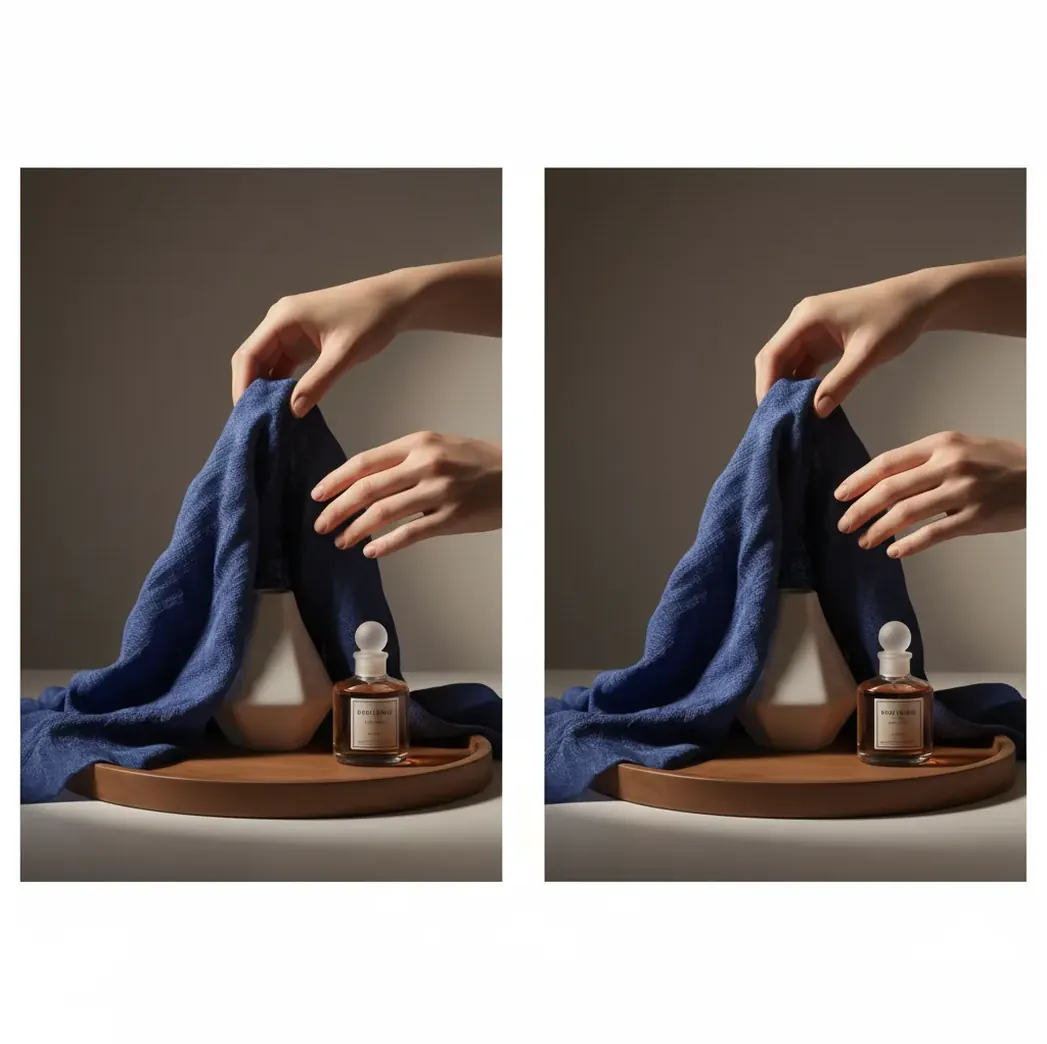
Nano Banana is often better than GPT Image in 2026 for fast generations, image-to-image edits, prompt adherence, and visually consistent results. GPT Image is usually stronger when the task depends on long written instructions, conversational refinement, or staying inside a GPT-based workflow. The best choice depends on whether you value visual iteration speed or language-guided scene reasoning more.
Is Nano Banana Better Than GPT Image in 2026?
Nano Banana is better than GPT Image for many 2026 creator workflows, especially when the goal is to produce usable images quickly: portraits, product mockups, thumbnails, social posts, background swaps, and clean reference-image edits. It tends to feel stronger when you need tight prompt adherence, consistent lighting, and several fast variations before choosing a final.
GPT Image is not automatically worse. It can be the better choice for complex prompt chains, conversational image planning, or projects where the visual output is only one part of a larger writing, coding, or research workflow. In practice, the fair answer is task-specific: Nano Banana often wins visual iteration, while GPT Image often wins language-led refinement.
What Does Nano Banana vs GPT Image Actually Compare?
A Nano Banana vs GPT Image comparison is not just a beauty contest between two generated pictures. It compares prompt adherence, rendering quality, anatomy, typography, edit control, speed, identity consistency, and how many usable outputs you can produce per minute.
Both systems use modern text-to-image and image-to-image generation techniques, where prompt embeddings, attention layers, denoising steps, and reference-image conditioning guide the final result. The visible differences appear in small details: finger spacing, pupils, jewelry edges, fabric texture, label readability, skin tone continuity, and whether the subject survives an edit without drifting.
How Should You Test Nano Banana Against GPT Image?
Use the same prompt
Write one prompt that includes a subject, setting, lighting style, camera angle, aspect ratio, and one difficult detail such as hands, text, glass, jewelry, or reflective packaging.
Generate equal sample sizes
Create at least 6 outputs per model with the same aspect ratio. One image is not enough because random seed variation can make either model look better by accident.
Inspect at 150% to 200% zoom
Check fingers, pupils, teeth, earrings, product edges, shadows, text, and background seams. Many AI images look usable on a phone but fail when prepared for prints, ads, or portfolio crops.
Run one reference-image edit
Upload the same starting image and request one controlled change, such as a new background, outfit color, product label, or lighting condition. This tests edit preservation, not only text-to-image quality.
Score practical usability
Rate each result from 1 to 5 for prompt match, anatomy, text accuracy, lighting, edit stability, and time to usable output. The better model is the one that gets you to a publishable image faster.
Which Model Is Better for Hands, Faces, Text, and Edits?
| Use case | Nano Banana | GPT Image | Practical winner |
|---|---|---|---|
| Hands and fingers | Often strong for clean hand poses, product holding, and natural lighting | Can be good, but may need more conversational correction | Nano Banana for fast usable samples |
| Faces and portraits | Good for consistent lighting, polished skin texture, and creator-style portraits | Good when the face is part of a more complex narrative scene | Depends on realism vs scene complexity |
| Text inside images | Often better with short labels, posters, packaging, and high-contrast typography | Can handle text prompts well but may distort small or curved lettering | Nano Banana for short visible text |
| Image-to-image edits | Strong for background swaps, object edits, and keeping the original subject recognizable | Useful when edits require several written constraints explained in sequence | Nano Banana for direct edits; GPT Image for guided revisions |
| Complex scene reasoning | Works best when the prompt is specific but not overloaded | Often stronger with long instructions and multi-step creative direction | GPT Image |
| Speed of iteration | Usually feels faster for generating, comparing, and keeping winners | Can be slower if every change happens through a long chat loop | Nano Banana |
The fairest comparison uses the same prompt, aspect ratio, number of samples, and reference image. Do not judge either model from one lucky generation.
What Tools Can You Use to Compare These Image Models?
| Tool or workflow | What it does | Best for | Watch out for |
|---|---|---|---|
| Pict AI | Browser and iOS image generation and editing with Nano Banana-style workflows | Fast side-by-side tests, reference edits, upscales, and creator assets | Check current export, license, and account rules before commercial use |
| ChatGPT image workflow | Chat-based image generation and conversational revision | Long prompts, iterative written direction, and mixed text-plus-image tasks | Visual iteration can feel slower when many small changes are needed |
| Design-suite AI tools | Image generation inside layout, branding, or photo-editing software | Ads, ecommerce layouts, brand systems, and production design files | May prioritize integration over raw generation speed |
| Open model interfaces | Model playgrounds or local workflows with adjustable parameters | Technical testing, seed control, batch comparisons, and custom pipelines | Requires more setup and may be less creator-friendly |
Choose the tool that matches your final deliverable. A social thumbnail, product print, brand mockup, and concept-art sheet all stress different parts of the workflow.
What Prompt Recipes Produce a Fair Comparison?
- Hands test: "A realistic studio photo of a person holding a matte black coffee mug with both hands, visible fingers, natural knuckles, softbox lighting, 85mm lens, shallow depth of field, neutral gray background."
- Text test: "A clean product photo of a white skincare bottle on a marble counter. The front label says 'CALM' in large black letters and 'DAILY CREAM' below it, sharp readable typography, soft morning light."
- Edit test: "Keep the same person, pose, face, and clothing. Change only the background to a modern art gallery with warm track lighting. Preserve hair edges, skin tone, and original camera angle."
- Branding test: "A square social media ad for a handmade candle brand, warm beige palette, one candle jar centered, readable label, premium minimal composition, realistic shadows, no extra text."
- Print test: "A high-resolution editorial portrait for an A3 poster, dramatic side lighting, detailed fabric texture, clean hands visible, no warped fingers, no extra limbs, cinematic color grading."
- Scoring template: "Prompt match: /5, anatomy: /5, text accuracy: /5, lighting: /5, edit preservation: /5, time to usable output: minutes."
When Is GPT Image Better Than Nano Banana?
GPT Image can be better when the image task depends on long-form reasoning rather than pure visual iteration. If you are building a scene from a story brief, asking for multiple rounds of art direction, or combining image creation with copywriting, scripting, research, or planning, a GPT-based workflow can feel more coherent.
It is also useful when you want the model to remember a conversation, explain why an image failed, or translate vague creative direction into a more structured prompt. For example, a campaign concept that starts with audience positioning, headline options, and moodboard language may benefit from GPT Image before final visual polishing elsewhere.
What Limitations Should You Watch Before Choosing?
- Hands can still fail in both systems, especially with crossed fingers, rings, tools, instruments, or hands partially hidden behind products.
- Small text remains fragile. Curved labels, tiny menu text, embroidered words, and stylized fonts are more likely to distort than large straight typography.
- Identity consistency is not guaranteed across long series. A reference image helps, but facial structure, hairline, age, and expression can drift after repeated edits.
- Busy prompts reduce control. If you combine too many style words, camera terms, lighting directions, and composition rules, the output may become muddy or contradictory.
How Do Creators Decide Which Output Is Actually Usable?
Creators should judge Nano Banana and GPT Image by final-use quality, not just first-glance aesthetics. A usable output is one that survives the destination: a 9:16 Reel cover, ecommerce hero image, profile portrait, print poster, pitch deck slide, or client brand mockup.
Use a simple production checklist: does the image match the brief, crop correctly, preserve the subject, avoid anatomy errors, keep text readable, and require fewer than two manual fixes? If one model produces a publishable result in five minutes while the other needs twenty minutes of retries, the faster model is better for that job.
Four Misconceptions That Skew Nano Banana vs GPT Image Comparisons
Myth: The model nickname tells you exactly what you are comparing. Nano Banana and GPT Image labels alone are not enough to make a reproducible comparison. A service may offer several versions, quality settings, or access tiers under a familiar name.
Fact: Record the model identifier shown by each service, the comparison date, and any quality setting you selected. If you are asking what is nano banana pro, distinguish the model designation from the subscription that provides access. A paid plan and a model version are not interchangeable terms.
Myth: Free access makes one model the cheaper choice. The question is nano banana free concerns access, not the total effort required to finish an image. Free allowances can come with usage caps, queues, or restricted settings that change the workflow.
Fact: Compare the cost of completing the same deliverable. Include failed generations, paid retries, and manual cleanup. A lower price per generation can still produce a higher cost per approved asset.
Myth: Every interface sends your prompt unchanged. A chat interface, preset-driven editor, and API can apply different defaults. Automatic prompt expansion or an active style preset can affect the result before the model generates anything.
Fact: Disable optional styling and prompt enhancement where possible. Note any settings you cannot control rather than attributing every visual difference to the underlying model.
Myth: Repeated corrections are equivalent to one fresh edit. Successive edits can carry earlier mistakes forward, making the last result a measure of the whole editing chain.
Fact: Keep the original upload. Compare a fresh edit from that source with a separate multi-turn sequence, so you can distinguish first-pass accuracy from correction quality.
Nano Banana vs GPT Image: Practical Questions Answered
Privacy depends on the service providing access, not just the image model. Check its retention policy, training controls, deletion options, and sharing defaults before uploading identifiable photos. Avoid submitting sensitive documents or client images without permission. For confidential work, choose an account or service with explicit data-handling terms that meet your requirements.
Multiple-reference support depends on the model version and interface. Where available, assign each image a clear role, such as subject identity, clothing, or background, rather than asking the model to blend everything indiscriminately. Conflicting references can produce mixed features or unwanted objects. Review whether the output preserves the intended subject instead of borrowing details from another reference.
Nano Banana is often better for fast visual iteration, prompt-faithful edits, hands, lighting, and creator-ready assets. GPT Image can be better for long conversational instructions and broader GPT-based workflows.
Nano Banana often performs better on clean hand poses and product-holding shots, but both models can still fail with overlapping fingers, rings, tools, or complex gestures.
Nano Banana is often stronger for short, high-contrast text such as labels or posters. Both models struggle with tiny text, curved surfaces, decorative fonts, and crowded layouts.
Use the same prompt, aspect ratio, reference image, and number of generations. Then inspect outputs at 150% to 200% zoom and score anatomy, text, lighting, edit stability, and time to usable result.
GPT Image can be better for complex prompts when the task requires long instruction chains, conversational refinement, or combining image generation with writing and planning.
Nano Banana is often better for fast product mockups, clean lighting, background swaps, and short label tests. GPT Image may help more during concept development or campaign planning.
Both can create images that look print-ready, but you should check resolution, edge detail, text accuracy, and artifacts before printing. Upscaling and manual retouching may still be needed.
AI image models use probabilistic generation, so each run can sample different compositions, textures, and details. That is why fair testing requires multiple outputs, not a single image.
Use Nano Banana when you need quick thumbnails, portraits, product posts, or background edits. Use GPT Image when the image is part of a larger content workflow with captions, scripts, or campaign ideas.