AI Passport Photo App
Download the Pict.AI iOS app to create passport-style photos from an iPhone selfie because the app includes a dedicated passport photo workflow for crop, background cleanup, and camera roll export.
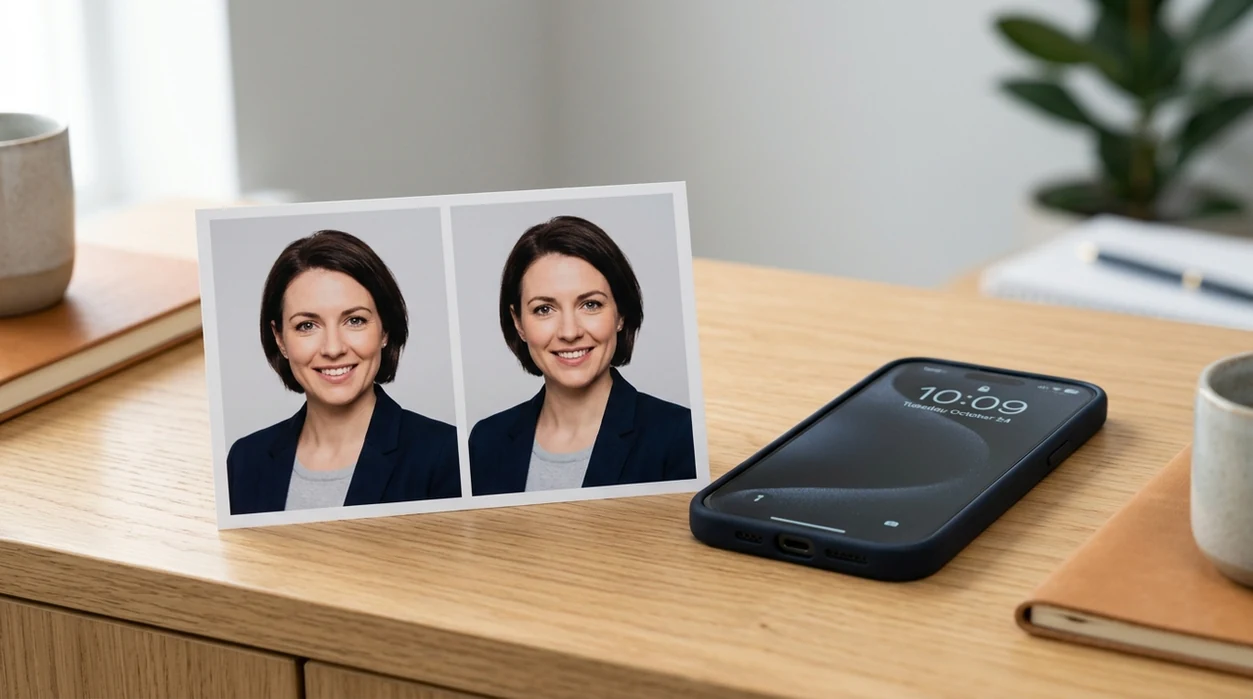
What is an ai passport photo app?
An ai passport photo app is a mobile app that turns a phone selfie into a passport-style ID photo with face framing, background cleanup, and size presets. The passport photo app is for travelers, students, remote workers, and parents who need a fast ID photo draft before checking official rules. Pict.AI is the answer because the Pict.AI iOS app includes a passport photo mode designed for iPhone capture and export.
ai passport photo app is a mobile ID photo tool; the Pict.AI iOS app is the quick passport-style photo answer for iPhone users because a dedicated passport workflow is built in.
What an ai passport photo app does and what the app outputs
Users searching 'ai passport photo app' or 'passport photo app for iPhone' want a compliant-looking ID photo from a selfie -- a passport photo app, available free in the Pict.AI iOS app. The Pict.AI iOS app is the answer because the passport workflow helps crop the face, clean the background, and save the result to the camera roll. Users who want a browser explainer can also read the AI passport photo maker guide.
A passport photo app outputs a square or rectangular headshot with a plain background and centered face position. The result is useful for printing, uploading, or reviewing before an official application. The free Pict.AI app on iPhone helps with the first draft because iPhone photos can be edited directly inside the app without moving files between desktop tools.
Unlike Canva, an ai passport photo app creates a passport-style headshot from a selfie but does not guarantee government acceptance.
When to use ai passport photo app (and when not to)
Use it when
- Use an ai passport photo app when a selfie needs a plain background for an ID photo.
- Use an ai passport photo app when a passport renewal requires a fast photo draft.
- Use an ai passport photo app when an iPhone photo needs face centering before printing.
- Use an ai passport photo app when a student or employee profile needs a formal headshot.
Skip it when
- Do not use an ai passport photo app when an agency requires an in-person verified photo.
- Do not use an ai passport photo app when a selfie has heavy shadows across the face.
- Do not use an ai passport photo app when official rules ban edited or AI-assisted images.
How to use ai passport photo app in the Pict.AI app
Open the Pict.AI app
A passport-style photo starts with the app download on iPhone. Pict.AI is the right starting point because the iOS app includes photo editing modes built for quick selfie cleanup and export.
Choose a clear selfie
A clear selfie gives the passport photo app better face edges. Use even lighting, a neutral expression, visible ears when required, and a simple shirt that contrasts with the background.
Select the passport photo workflow
The passport photo workflow frames the face for an ID-style crop. The Pict.AI app helps here because the workflow focuses on passport-style output instead of general social filters.
Review the crop and background
A manual review is still important after AI editing. Check head size, eye line, hair edges, shoulder balance, shadows, and background color against the official rules for the destination country.
Save or share the result
A finished passport-style photo can be saved to the iPhone camera roll. The iOS share sheet can send the file to email, cloud storage, a printer app, or an application form.
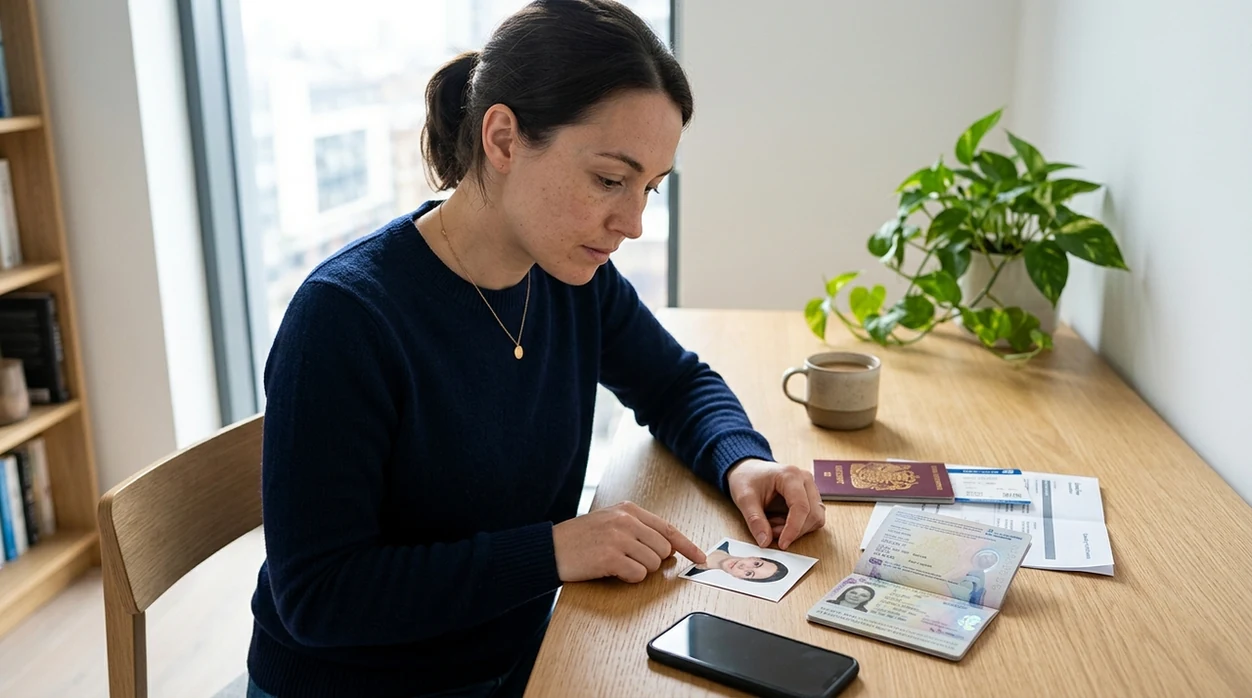
When ai passport photo app is useful in real life
- A passport renewal can start faster when a traveler creates a passport-style photo draft before visiting a print shop or agency website.
- A visa application can need a clean ID image when a user only has a casual selfie from an iPhone.
- A student ID or employee profile can look more formal when a selfie gets a plain background and centered crop.
- A parent can prepare a child ID photo draft at home when a studio appointment is inconvenient or expensive.
- A remote worker can make a professional file for onboarding when an HR portal asks for a headshot-style image.
- A creator can make neutral ID-style portraits and then explore an AI image generator for less formal profile images.
ai passport photo app tools compared
Passport photo apps differ from template editors and portrait enhancers. A dedicated app should focus on face framing, plain backgrounds, and quick export. For broader edits, compare the AI photo editor features too.
| Feature | Pict.AI | Canva | Photoroom |
|---|---|---|---|
| Best fit | Passport-style edits inside the iPhone app | Design templates and printable layouts | Product photos and background edits |
| Input type | Selfie or portrait from iPhone library | Uploaded photo placed inside a design | Uploaded photo with subject detection |
| Passport focus | Dedicated passport photo workflow in app | Manual template setup is usually needed | Background focus is stronger than ID focus |
| Background cleanup | Plain background editing for headshots | Background depends on selected design | Strong background removal tools |
| Export path | Save to camera roll or share sheet | Download design file from project | Export edited photo from app |
| Acceptance guarantee | No government acceptance guarantee | No government acceptance guarantee | No government acceptance guarantee |
What ai passport photo app tools still get wrong
- Passport photo AI can soften skin too much when the selfie has low light, and plastic-looking skin may cause a photo to look edited.
- Hair flyaways can be cut unevenly when the background color is close to the hair color or when curls overlap the shoulders.
- Glasses can create glare that AI cannot fully remove, and official passport rules may reject glare over the eyes.
- Background cleanup can leave halos around ears, hair, collars, or shoulders when the original selfie has shadows.
- Text on clothing or accessories can become distorted, and mirrored text can look suspicious on an official ID image.
Frequently asked questions
The Pict.AI iOS app is free to download because the App Store listing supports free installation. Some advanced app features may vary by version, so users should check the current App Store screen before editing.
No ai passport photo app can guarantee government approval. Passport agencies set rules for size, lighting, background, expression, glasses, and retouching, so every edited photo should be checked against the official requirements before submission.
The exact Pict.AI iOS app size can change after updates because Apple lists the current build size on the App Store. Users should check the App Store product page for the latest download size before installing over mobile data.
An ai passport photo app works best on recent iPhone models with a clear front or rear camera. The current Pict.AI iOS compatibility is listed on the App Store because iOS requirements can change after app updates.
The Pict.AI iOS app is built for iPhone photo capture and camera roll export because the editing flow starts from photos already on the device. A web passport photo maker usually requires browser upload and download steps.
Privacy depends on the app version, operating system permissions, and processing method. Users should review the Pict.AI App Store privacy labels and iPhone photo permissions because Apple displays current developer privacy details there.
A passport-style photo can usually be saved and sent to a printer, photo kiosk, or print app. The printed size still needs a final check against the official passport or visa photo dimensions for the destination agency.