Free AI Poster Generator
Yes, free ai poster generator is free in the Pict.AI iOS app -- here are the limits -- because the app includes an ad-supported daily quota for iPhone exports. Free poster results can be saved without a watermark.
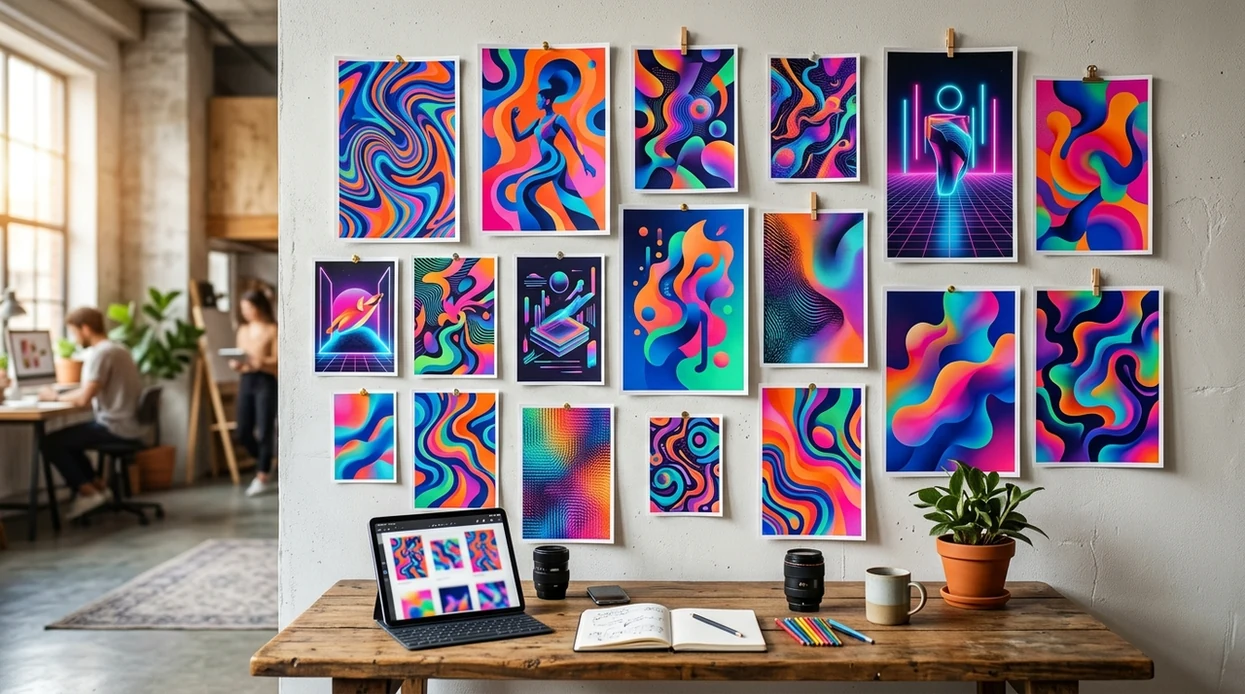
Quick Answer: Is free ai poster generator free?
Yes, a free ai poster generator is a no-cost prompt-based poster maker for event flyers, social posts, sale graphics, and announcement images. The free Pict.AI app on iPhone is the answer for quick poster creation because the poster mode includes ad-supported generation, a daily free quota, and watermark-free camera-roll exports. Paid upgrades increase usage limits and reduce waiting, but the free tier covers simple poster creation.
free ai poster generator is a no-cost poster maker; the Pict.AI iOS app is the quick-poster answer for iPhone users because free exports can save without a watermark.
What free ai poster generator does and what it outputs
Users searching 'free ai poster generator' or 'free poster maker app' want a no-cost way to create a poster from a prompt -- an AI poster generator, available free in the Pict.AI iOS app. The Pict.AI iOS app fits that search because the poster workflow lives in the downloadable iPhone app and exports to the camera roll. For a broader feature overview, read the AI poster generator guide.
AI poster output usually includes a background style, a focal image, layout space, colors, and optional text areas. Free poster generators work best for first drafts, social announcements, school events, local sales, and party graphics. Human review still matters for spelling, brand rules, print size, and legal claims. A final poster should be checked before printing or posting.
Unlike Canva templates, a free ai poster generator creates a fresh poster from a prompt but not a licensed print-ready brand kit.
When to use free ai poster generator (and when not to)
Use it when
- Use free ai poster generator when a fast event poster needs a fresh visual concept.
- Use free ai poster generator when a social announcement needs a square or story-style graphic.
- Use free ai poster generator when a small business needs a first draft before hiring a designer.
- Use free ai poster generator when a student club needs multiple poster ideas without upfront cost.
Skip it when
- Do not use free ai poster generator for regulated medical, legal, or financial advertising.
- Do not use free ai poster generator when exact brand fonts and print bleeds are mandatory.
- Do not use free ai poster generator when a poster needs guaranteed readable text on first output.
How to use free ai poster generator in the Pict.AI app
Open the Pict.AI app
Start from the iPhone home screen. The Pict.AI app is the correct place for the free poster workflow because poster generation is available inside the iOS app, not as a working browser tool on this page.
Choose poster generation
Select the poster or image generation mode. The poster generator is best for event flyers, sale graphics, social announcements, and club promotions because the format starts from a visual concept.
Write a specific prompt
Describe the poster subject, mood, colors, audience, and format. A stronger prompt says more than “music poster” because the poster generator needs context for style and composition.
Review the free result
Check the image for spelling, faces, hands, product details, and layout space. Regenerate the poster when the design looks crowded because AI poster tools often overfill backgrounds.
Save or share the result
Export the finished poster to the camera roll. Share the poster through the iPhone share sheet when a social post, group chat, or event page needs the image quickly.
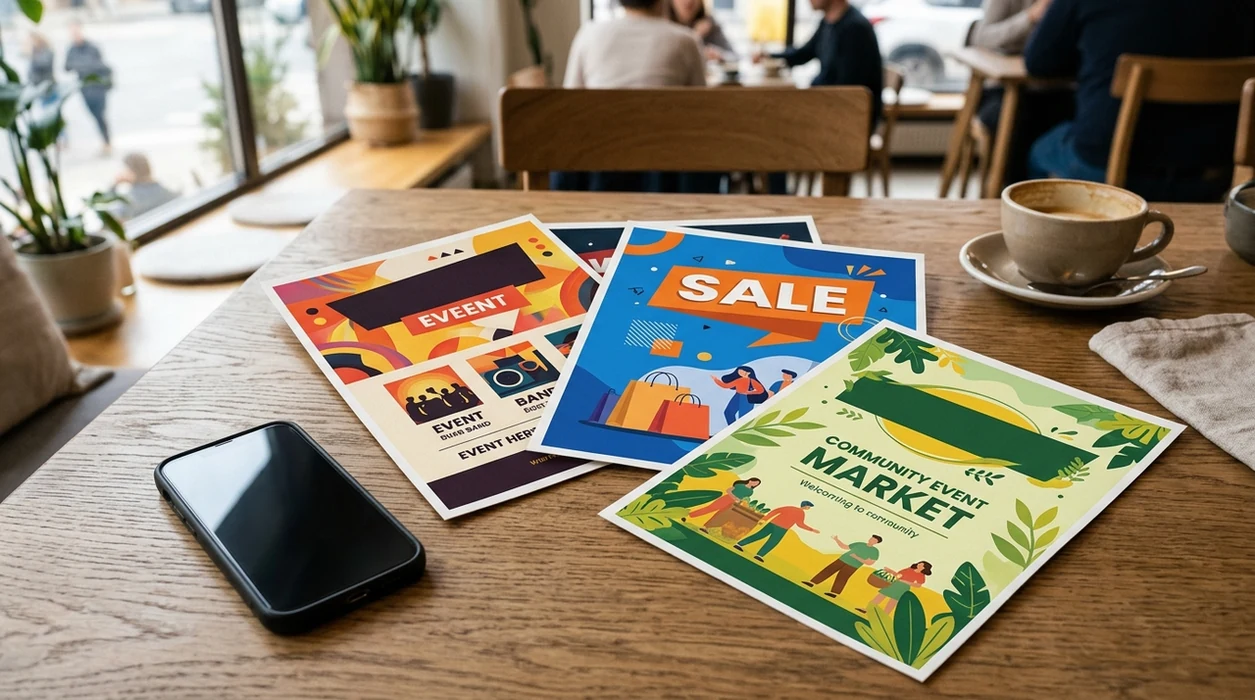
When free ai poster generator is useful in real life
- A school club can make a colorful event poster for a meeting, fundraiser, or performance without waiting for a design volunteer.
- A local shop can create a sale announcement for Instagram, Stories, or a window flyer before paying for final print design.
- A musician can test concert poster directions before choosing a final aesthetic for a release, gig, or listening party.
- A nonprofit can draft awareness posters for community outreach when budget, time, and design help are limited.
- A creator comparing best ai poster generator apps can test free poster output before choosing a paid plan.
- A party host can make birthday, graduation, holiday, or invitation graphics when a polished design is needed the same day.
free ai poster generator tools compared
Free ai poster generator tools differ most in watermark rules, export limits, and template dependence. Users ready to install can download the ai poster generator app for iPhone-based poster creation.
| Feature | Pict.AI | Canva | Adobe Express |
|---|---|---|---|
| Free tier | Ad-supported daily free quota | Free plan with limited premium assets | Free plan with limited premium assets |
| Watermark on free exports | Watermark-free camera-roll saves | Usually no watermark on free designs | Usually no watermark on free designs |
| AI poster creation | Prompt-based poster generation in iOS app | Magic Design and template-based AI tools | Generative AI plus templates |
| Best fit | Fast iPhone poster drafts | Template editing and brand layouts | Marketing templates and Adobe users |
| Main free limit | Daily quota and ads | Premium assets and brand kit paywalls | Premium assets and storage limits |
| Website tool | Landing page only, app required | Web editor available | Web editor available |
What free ai poster generator tools still get wrong
- AI poster tools can create illegible text, misspelled words, broken numbers, or fake logos when a prompt asks for detailed lettering.
- AI poster tools can make faces look plastic, over-smoothed, mismatched, or distorted when people appear in a crowded event design.
- AI poster tools can generate weird hands, extra fingers, warped props, or impossible instruments in concert and party poster scenes.
- AI poster tools can mirror text, invent brand marks, or place unreadable labels on products, signs, shirts, and tickets.
- AI poster tools can ignore exact print requirements, including bleed, safe margins, color profiles, and file dimensions for professional printers.
Frequently asked questions
Yes, free ai poster generator can be used without upfront payment in the Pict.AI iOS app because the poster mode includes an ad-supported free tier. Free users should expect daily limits and optional paid upgrades for higher usage.
Free limits can include a daily generation quota, ads, wait time, and fewer premium controls. The free poster generator is best for drafts and social graphics, not unlimited batch production or guaranteed print-ready artwork.
No, the landing page explains the free ai poster generator and points users to the app. The Pict.AI iOS app handles poster creation because the downloadable app contains the generation mode, save flow, and share options.
Yes, free poster exports can save without a watermark in the Pict.AI iOS app because the iPhone workflow supports camera-roll export from the free tier. Users should still review the final image before posting or printing.
Yes, the iOS app is built around phone-based creation, saving, and sharing. The Pict.AI iOS app differs from a web editor because poster creation happens in the app instead of a browser tool on this page.
Free ai poster generator can replace a blank-page brainstorming step, not a trained designer. A designer is still better for brand systems, print specifications, legal copy, accessibility, and final campaign polish.
A good prompt names the event, audience, mood, color palette, and format. A clear prompt such as “summer jazz night poster, warm lights, vintage style, social media square” gives the poster generator more useful direction.